For most home and small-office NAS units, a Seagate IronWolf is the right drive: it is built for NAS and RAID use, runs 24x7 and is rated for up to 180 TB of data a year with a 3-year Seagate warranty. Choose a Seagate Exos X24 enterprise drive when the NAS works hard all day: Seagate rates it for up to 550 TB a year, 2.5 million hours MTBF, a 512 MB cache and a 5-year warranty.
Quick pick: family backups and photos → IronWolf 4 TB (ST4000VN006); Plex and home studios → IronWolf 8 or 10 TB (ST8000VN004, ST10000VN000); busy office file server or video team → Exos X24 12 TB (ST12000NM002H). ARC IP Networks is a trusted ASUSTOR supplier in Australia and sells genuine ASUSTOR NAS bundled with these Seagate drives, with competitive prices and Australia-wide delivery.
Seagate IronWolf vs Exos at a glance
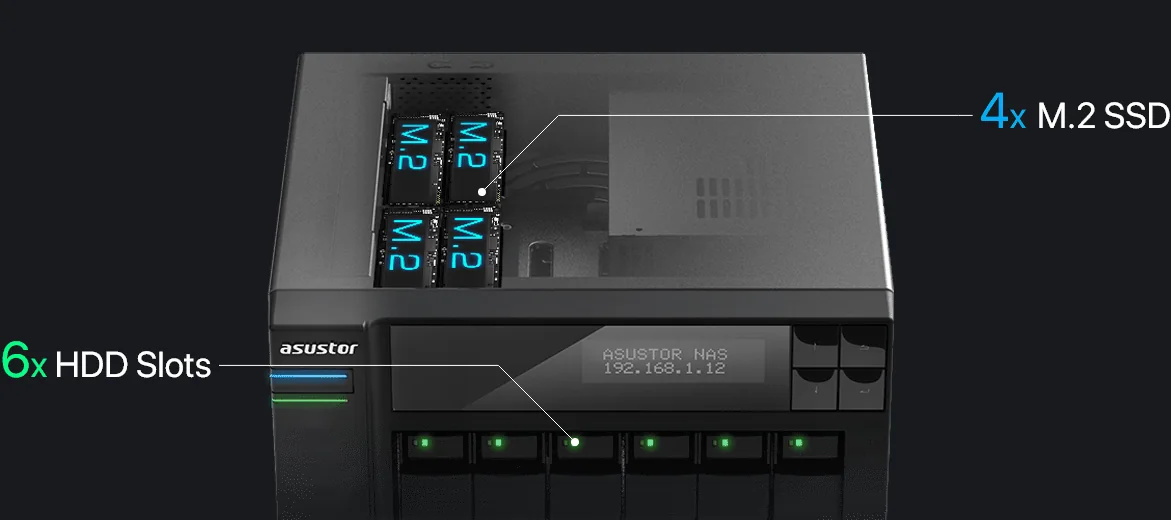
ARC IP Networks bundles four Seagate drives with ASUSTOR NAS units. Three are IronWolf NAS drives and one is an Exos X24 enterprise drive. All four are 3.5-inch SATA 6Gb/s drives, so they fit every ASUSTOR Drivestor, AS54 and Lockerstor hard-drive bay.
| Drive | In one line | Best for |
|---|---|---|
| IronWolf 4 TB (ST4000VN006) | NAS drive, 5400 RPM class, 256 MB cache, lightest of the four | Home backups, photo libraries, first NAS |
| IronWolf 8 TB (ST8000VN004) | NAS drive, 7200 RPM, 256 MB cache | Plex libraries, home studios, small offices |
| IronWolf 10 TB (ST10000VN000) | NAS drive, 7200 RPM, 256 MB cache | Larger media and project archives |
| Exos X24 12 TB (ST12000NM002H) | Enterprise drive, 7200 RPM, 512 MB cache, 550 TB/year | Business file servers, video teams, heavy workloads |
Summarised from Seagate product manuals for each model.
Seagate IronWolf vs Exos specifications compared
Every figure below comes from Seagate's product manual for that exact model number. MTBF and annualised failure rate are Seagate's population statistics at 8,760 power-on hours a year, not a promise for any single drive.
Swipe the table sideways to compare all models →
| Spec | ST4000VN006 | ST8000VN004 | ST10000VN000 | ST12000NM002H |
|---|---|---|---|---|
| Family | IronWolf (NAS) | IronWolf (NAS) | IronWolf (NAS) | Exos X24 (enterprise) |
| Capacity | 4 TB | 8 TB | 10 TB | 12 TB |
| Spindle speed | 5400 RPM class | 7200 RPM | 7200 RPM | 7200 RPM |
| Cache | 256 MB | 256 MB | 256 MB | 512 MB |
| Max sustained transfer (OD) | 202 MB/s | 210 MB/s | 210 MB/s | 249 MB/s |
| Average latency | 6.0 ms | 4.16 ms | 4.16 ms | 4.16 ms |
| Rated workload | <180 TB/year | <180 TB/year | <180 TB/year | <550 TB/year |
| MTBF | 1,000,000 hours | 1,000,000 hours | 1,000,000 hours | 2,500,000 hours |
| Annualised failure rate | 0.87% | 0.87% | 0.87% | 0.35% |
| Non-recoverable read errors | 1 per 1014 bits | 1 sector per 1015 bits | 1 sector per 1015 bits | 1 sector per 1015 bits |
| Load/unload cycles | 600,000 | 600,000 | 600,000 | 600,000 |
| Weight (max) | 490 g | 716 g | 720 g | 655 g |
| Interface | SATA 6Gb/s | SATA 6Gb/s | SATA 6Gb/s | SATA 6Gb/s |
| Seagate warranty | 3 years | 3 years | 3 years | 5 years |
Sources: Seagate IronWolf product manuals 100807039 Rev. M, 100844482 Rev. B and 200332900 Rev. B; Seagate Exos X24 SATA product manual 205194300. Warranty periods and the IronWolf 4 TB "5400 RPM class" rating are from Seagate's product listings. Seagate counts 1 TB as one trillion bytes, so ADM shows a little less.
Spindle speed and cache: what changes in a NAS
The IronWolf 8 TB, IronWolf 10 TB and Exos X24 12 TB all spin at 7200 RPM with a 4.16 ms average latency. The IronWolf 4 TB is a 5400 RPM class drive with a 6.0 ms average latency. In a home NAS on a 1GbE or 2.5GbE network, the network is usually the limit, so the 4 TB drive's 202 MB/s sustained rate is plenty for backups, photos and streaming. It is also the lightest of the four at 490 g.
The faster spindle matters more when several people open files at once, when Plex scans a large library, or when a Lockerstor with 5GbE or 10GbE moves big video files. The Exos X24 adds a 512 MB cache, double the IronWolf's 256 MB, and the highest sustained rate here at 249 MB/s.
Workload rating: the number most buyers miss
Seagate rates each drive for a maximum amount of data transferred per year, counting both reads and writes. The formula in the manuals is: workload rate = TB transferred × (8,760 ÷ recorded power-on hours). Seagate warns that workloads above the rating may lower MTBF and reliability.
- IronWolf (4, 8 and 10 TB): under 180 TB a year, about 0.5 TB a day on average. That covers family backups, a media library and a small office file share.
- Exos X24 12 TB: under 550 TB a year, about 1.5 TB a day. That suits a NAS that serves a team all day, takes nightly backups of many PCs, records surveillance cameras or holds active video projects.
If you are unsure, add up how much your team saves and opens each day. A busy office or editing suite can pass 0.5 TB a day sooner than you think.
NAS drive vs enterprise drive: IronWolf or Exos?
Both families are made for multi-drive systems that run around the clock. Seagate's IronWolf 4 TB manual lists 24x7 capability, "performance-tuned for RAID applications" and balance technology to support multiple drives in one system. The IronWolf 8 TB and 10 TB manuals list a 7200 RPM spindle, PowerChoice power savings, tarnish-resistant components and a rotational vibration rating of 12.5 rad/s².
The Exos X24 manual adds a Tri Stage Actuator and a top-cover-attached motor "for excellent vibration tolerance", with the same 12.5 rad/s² rotary vibration rating. Its reliability figures are a step higher: 2.5 million hours MTBF and a 0.35% annualised failure rate, against 1 million hours and 0.87% for IronWolf. The model ARC IP Networks bundles, ST12000NM002H, is the Instant Secure Erase (ISE) version listed on the manual cover.
CMR vs SMR: why recording method matters for RAID
Conventional magnetic recording (CMR) writes tracks side by side. Shingled magnetic recording (SMR) overlaps tracks to fit more data, which can slow sustained writes and stretch out RAID rebuilds, so CMR drives are the usual choice for RAID. All four Seagate manuals list perpendicular recording and none describes shingled recording, and Seagate publishes the Exos X24 manual as its CMR edition.
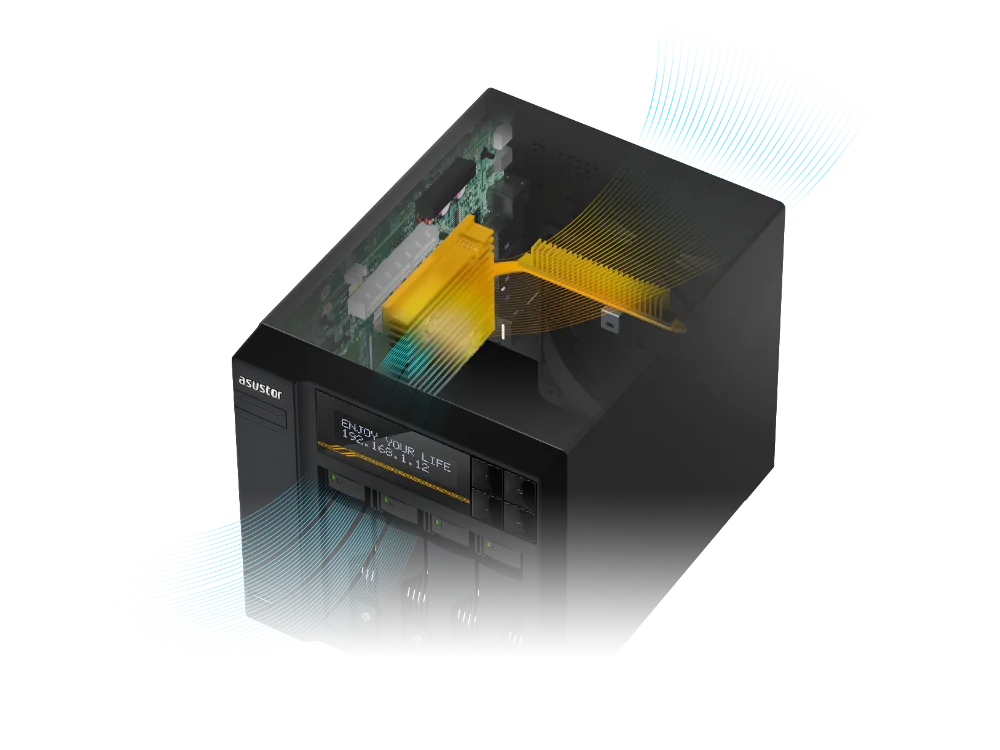
Seagate's manuals for all four drives give 60°C as the maximum recommended or allowable drive temperature. In Australian summers, keep the NAS in a ventilated spot away from the garage or a hot comms cupboard without airflow, and keep the dust filter and fan clear.
How to choose capacity for RAID
RAID spreads data across several drives so the NAS keeps working when a drive fails. The catch is that some capacity goes to protection, and every array is sized to its smallest drive, so buy matching drives of the same model and capacity. These are the standard RAID formulas, worked through with the drives above.
Swipe the table sideways to compare all models →
| Drives in the NAS | RAID 1 | RAID 5 | RAID 6 | RAID 10 |
|---|---|---|---|---|
| 2 × IronWolf 4 TB (2-bay) | 4 TB | - | - | - |
| 2 × Exos X24 12 TB (2-bay) | 12 TB | - | - | - |
| 4 × IronWolf 4 TB | - | 12 TB | 8 TB | 8 TB |
| 4 × IronWolf 8 TB | - | 24 TB | 16 TB | 16 TB |
| 4 × IronWolf 10 TB | - | 30 TB | 20 TB | 20 TB |
| 4 × Exos X24 12 TB | - | 36 TB | 24 TB | 24 TB |
| 6 × IronWolf 10 TB (AS6706T v2) | - | 50 TB | 40 TB | 30 TB |
Usable capacity before formatting. RAID 1 = one drive's capacity; RAID 5 = drives minus one; RAID 6 = drives minus two; RAID 10 = half the drives.
A simple rule: work out what you store today, double it for growth over the warranty period, then pick the drive size that gets you there in RAID 5 (four bays) or RAID 1 (two bays). For business data on four or more bays, consider RAID 6, which survives two drive failures. Our RAID 5 vs RAID 6 and 3-2-1 backup guide explains the trade-off, and why RAID is not a backup.
Start with one drive, grow later
Each ASUSTOR bundle includes one Seagate drive. ASUSTOR's specification pages list RAID migration from Single to RAID 1 on every hard-drive model, and from Single or RAID 1 to RAID 5, RAID 6 or RAID 10 on the 4 and 6-bay models, plus RAID 5 to RAID 6. So you can start with the bundled drive, add matching drives and convert the volume without starting again. Back up first, as with any change to storage.
Which ASUSTOR bundles include each Seagate drive
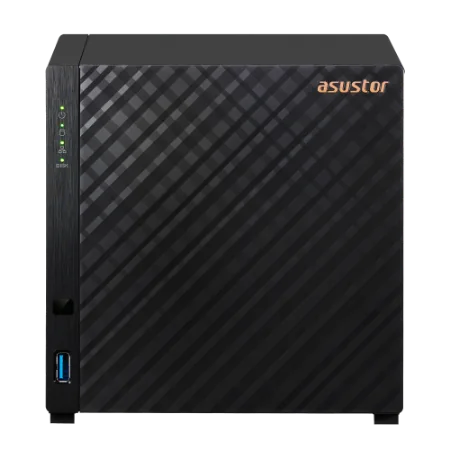
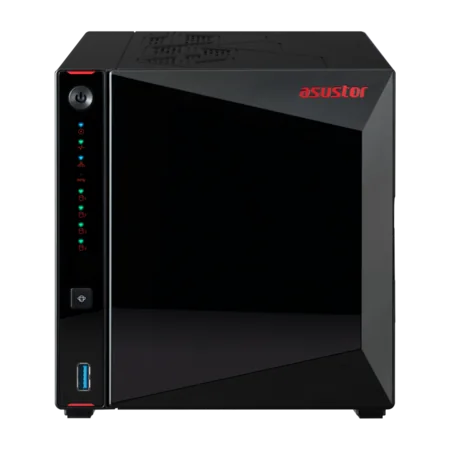
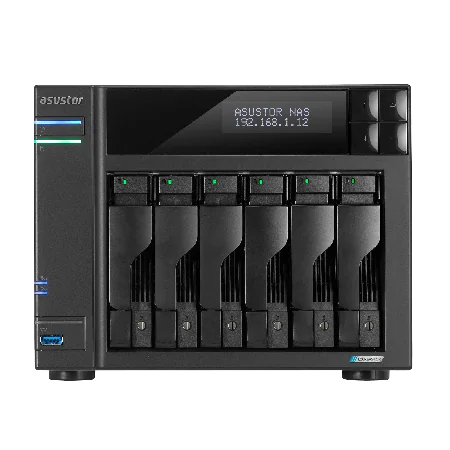
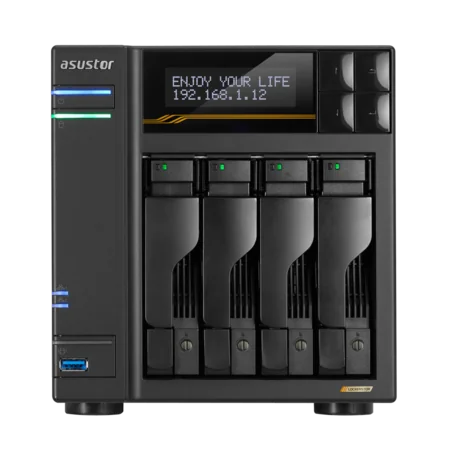
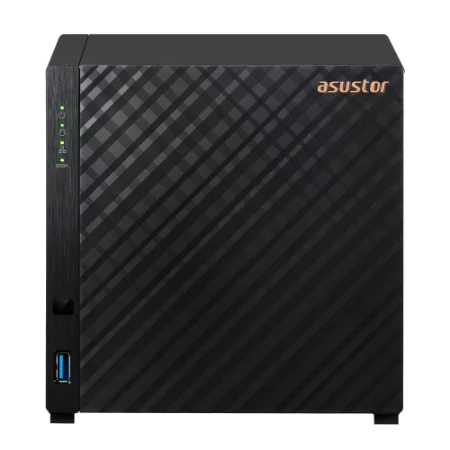
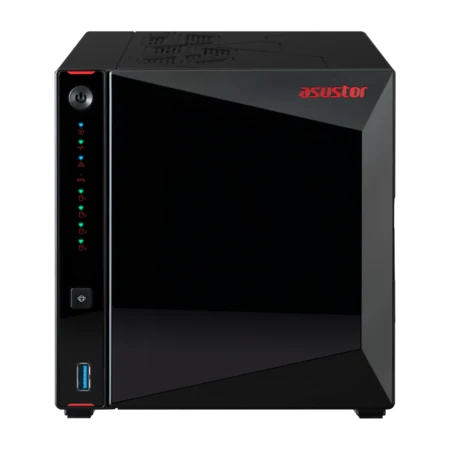
Every bundle pairs a genuine ASUSTOR NAS with one Seagate drive, so the NAS works on day one. The bundle code tells you the drive: -4TB is IronWolf ST4000VN006, -8TB is IronWolf ST8000VN004, -10TB is IronWolf ST10000VN000 and -12TB is Exos X24 ST12000NM002H.
| Seagate drive | ASUSTOR bundles (product code) |
|---|---|
| IronWolf 4 TB ST4000VN006 | AS1202T-4TB, AS1204T-4TB, AS3302T-V2-4TB, AS3304T-V2-4TB, AS5402T-4TB, AS5404T-4TB, AS6702T-V2-4TB, AS6704T-V2-4TB, AS6706T-V2-4TB, AS6804T-4TB |
| IronWolf 8 TB ST8000VN004 | AS5404T-8TB |
| IronWolf 10 TB ST10000VN000 | AS1202T-10TB, AS1204T-10TB, AS3302T-V2-10TB, AS3304T-V2-10TB, AS5402T-10TB, AS5404T-10TB, AS6702T-V2-10TB, AS6704T-V2-10TB, AS6706T-V2-10TB, AS6804T-10TB |
| Exos X24 12 TB ST12000NM002H | AS1202T-12TB, AS1204T-12TB, AS3302T-V2-12TB, AS3304T-V2-12TB, AS5402T-12TB, AS5404T-12TB, AS6702T-V2-12TB, AS6704T-V2-12TB, AS6706T-V2-12TB, AS6804T-12TB |
Bundle drive models from ARC IP Networks product listings. The NAS carries ASUSTOR's 3-year warranty; the drive carries Seagate's own warranty.
Matching the drive to the NAS
ARC IP Networks suggestions, based on the Seagate and ASUSTOR specifications above.
| Buyer | Suggested bundle | Why |
|---|---|---|
| Family on the NBN backing up phones and PCs | AS1204T-4TB | IronWolf 4 TB is ample for photos and backups; add drives later |
| Student or single user, two bays | AS1202T-4TB | Add a second 4 TB drive for RAID 1 mirroring |
| Plex household or home studio | AS5404T-8TB | 7200 RPM IronWolf with M.2 slots for SSD cache |
| Trades or real estate office | AS6704T-V2-4TB or -10TB | Dual 5GbE Lockerstor; RAID 5 or 6 as drives are added |
| Accounting or law practice | AS6706T-V2-10TB | Six bays: 40 TB usable in RAID 6 with six 10 TB drives |
| Video team or busy file server | AS6804T-12TB | Exos X24: 550 TB/year rating, 512 MB cache, 5-year Seagate warranty |
Looking after NAS drives
All four manuals list S.M.A.R.T. monitoring, and ADM can run scheduled S.M.A.R.T. and bad-block scans, according to ASUSTOR's specification pages. Most ASUSTOR models in this guide list hot-swappable drives; hot-swap is not listed for the Drivestor Gen2 (AS1202T and AS1204T), so power it down before changing a drive. Protect the drives from blackouts and surges with a UPS, which lets ADM shut down cleanly: see our best UPS for a NAS guide.
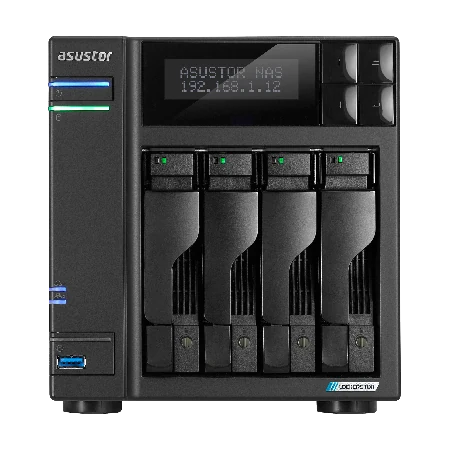
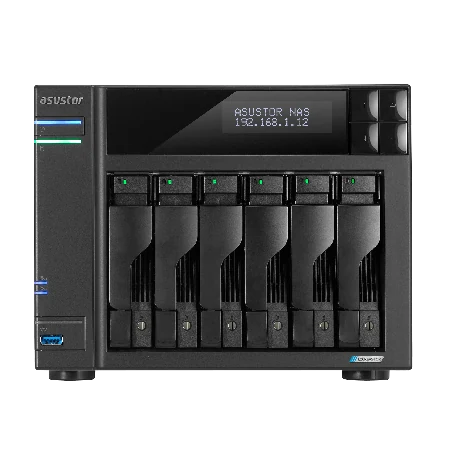
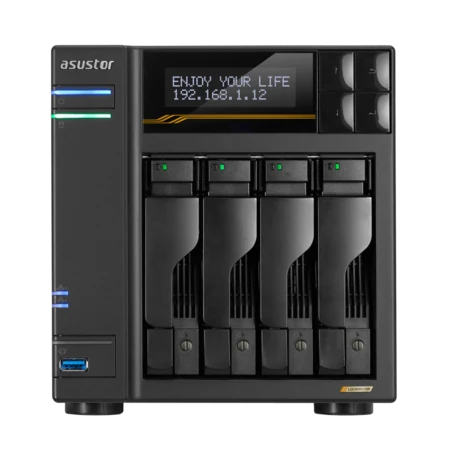
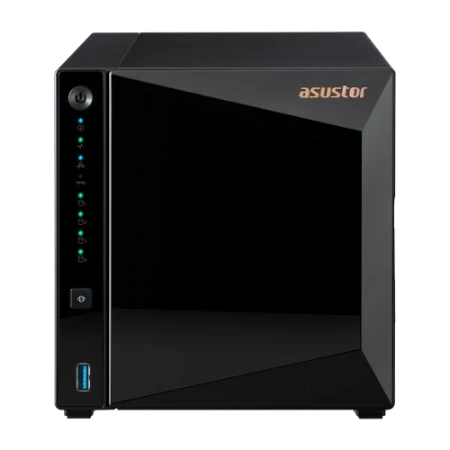
Shop ASUSTOR NAS + Seagate drive bundles
Live Australian pricing (inc. GST) is on each product page.
Common questions
Straight answers from the ARC IP Networks team. Last reviewed October 2026.
For most home and small-office NAS units, a Seagate IronWolf NAS drive: rated for 24x7 use in multi-drive systems, up to 180 TB of data a year, 1 million hours MTBF and a 3-year Seagate warranty. For heavy business workloads, the Seagate Exos X24 is rated for 550 TB a year with a 5-year warranty.
IronWolf is Seagate's NAS drive family and Exos is its enterprise family. In the drives ARC IP Networks bundles, the Exos X24 12 TB has a 512 MB cache (IronWolf 256 MB), a 550 TB/year workload rating (IronWolf 180 TB/year), 2.5 million hours MTBF (IronWolf 1 million) and a 5-year warranty (IronWolf 3 years).
Yes. Seagate designs IronWolf for NAS. The IronWolf 4 TB manual lists 24x7 capability, performance tuning for RAID and balance technology for multi-drive systems, and the 8 TB and 10 TB models spin at 7200 RPM with a 256 MB cache.
Yes. The Exos X24 is a standard 3.5-inch SATA 6Gb/s drive that fits ASUSTOR hard-drive bays. It is built for heavier workloads than most homes need, so it suits large libraries or people who want the 5-year Seagate warranty.
Seagate lists the IronWolf 4 TB (ST4000VN006) as a 5400 RPM class drive with a 256 MB cache and 202 MB/s maximum sustained transfer rate. The IronWolf 8 TB and 10 TB spin at 7200 RPM.
Seagate publishes the Exos X24 manual as its CMR edition. The IronWolf manuals for ST4000VN006, ST8000VN004 and ST10000VN000 list perpendicular recording and do not describe shingled (SMR) recording.
RAID 5 gives you the total of all drives minus one. Four 8 TB IronWolf drives give about 24 TB usable, and four 12 TB Exos X24 drives give about 36 TB, before formatting. RAID 6 gives all drives minus two.
Each ASUSTOR bundle at ARC IP Networks includes one Seagate drive. ASUSTOR lists migration from a single drive to RAID 1, and on 4 and 6-bay models to RAID 5, RAID 6 or RAID 10, so you can add matching drives later.
The IronWolf 4, 8 and 10 TB drives in ASUSTOR bundles carry a 3-year Seagate limited warranty, and the Exos X24 12 TB carries a 5-year Seagate limited warranty. The ASUSTOR NAS itself has a 3-year ASUSTOR warranty.
ARC IP Networks is a trusted ASUSTOR supplier in Australia, selling genuine ASUSTOR NAS bundled with Seagate IronWolf and Exos drives, with competitive prices and Australia-wide delivery. Order at arcip.com.au or call 1300 100 440.
Not sure which drive or capacity?
Tell us how much data you have and how many people use it. ARC IP Networks will size the NAS, Seagate drives, RAID level and UPS, with trade and project pricing.