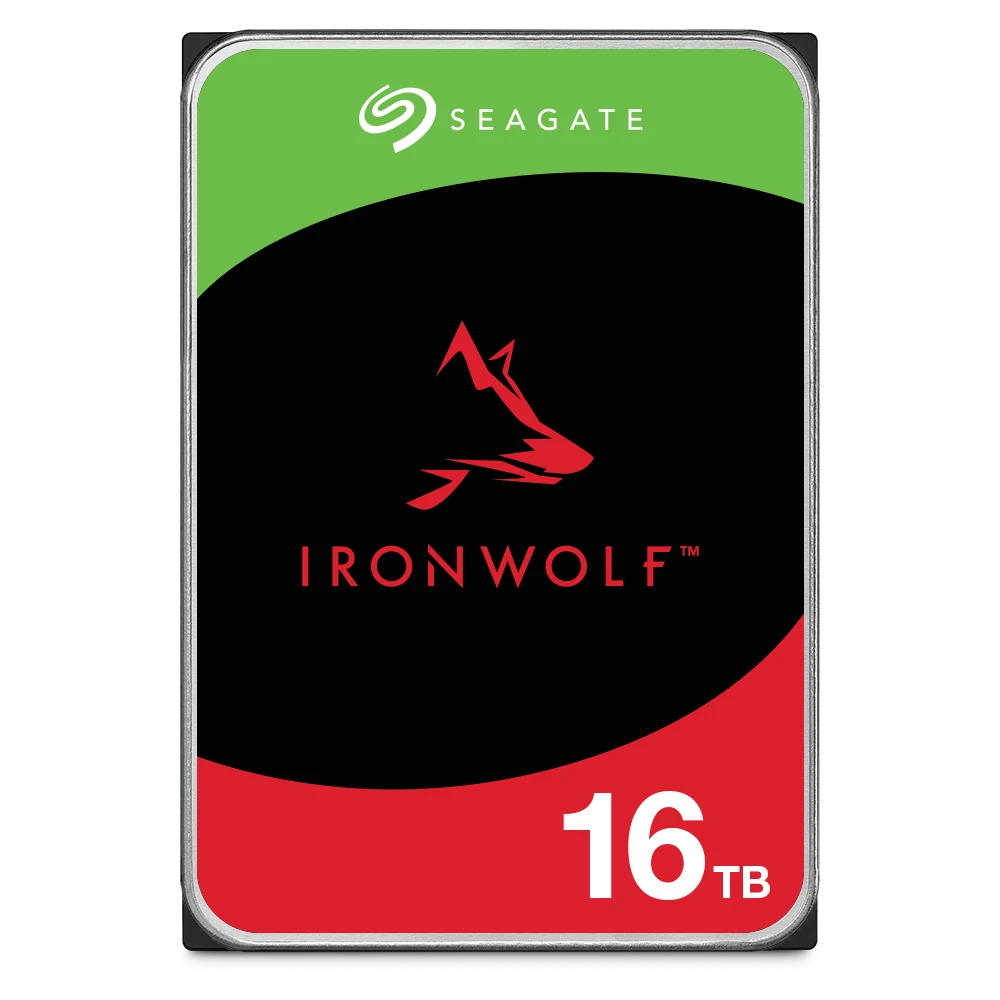
Seagate BarraCuda is a desktop hard drive for PCs, home servers and external storage. Seagate rates it for 2,400 power-on hours a year, up to 120TB/year of workload (55TB/year on the 8TB) and a 2-year warranty. Seagate IronWolf is a NAS hard drive built to run 24x7 (8,760 hours a year) in NAS units with 1 to 8 bays, with RV sensors, CMR recording, a 180TB/year workload rate, a 3-year warranty and 3 years of Rescue Data Recovery. Put a BarraCuda in a PC; put an IronWolf in a NAS or anything that never switches off.
Quick pick: gaming or office PC storage → BarraCuda 12TB to 24TB (CMR, 7,200 RPM); laptop upgrade → BarraCuda 2.5-inch 2TB; home NAS or always-on Plex box → IronWolf 4TB to 16TB. Note that the BarraCuda 8TB (ST8000DM004) and BarraCuda 2.5-inch 2TB (ST2000LM015) are SMR drives. ARC IP Networks is an authorised Seagate reseller in Australia, with competitive prices and Australia-wide delivery.
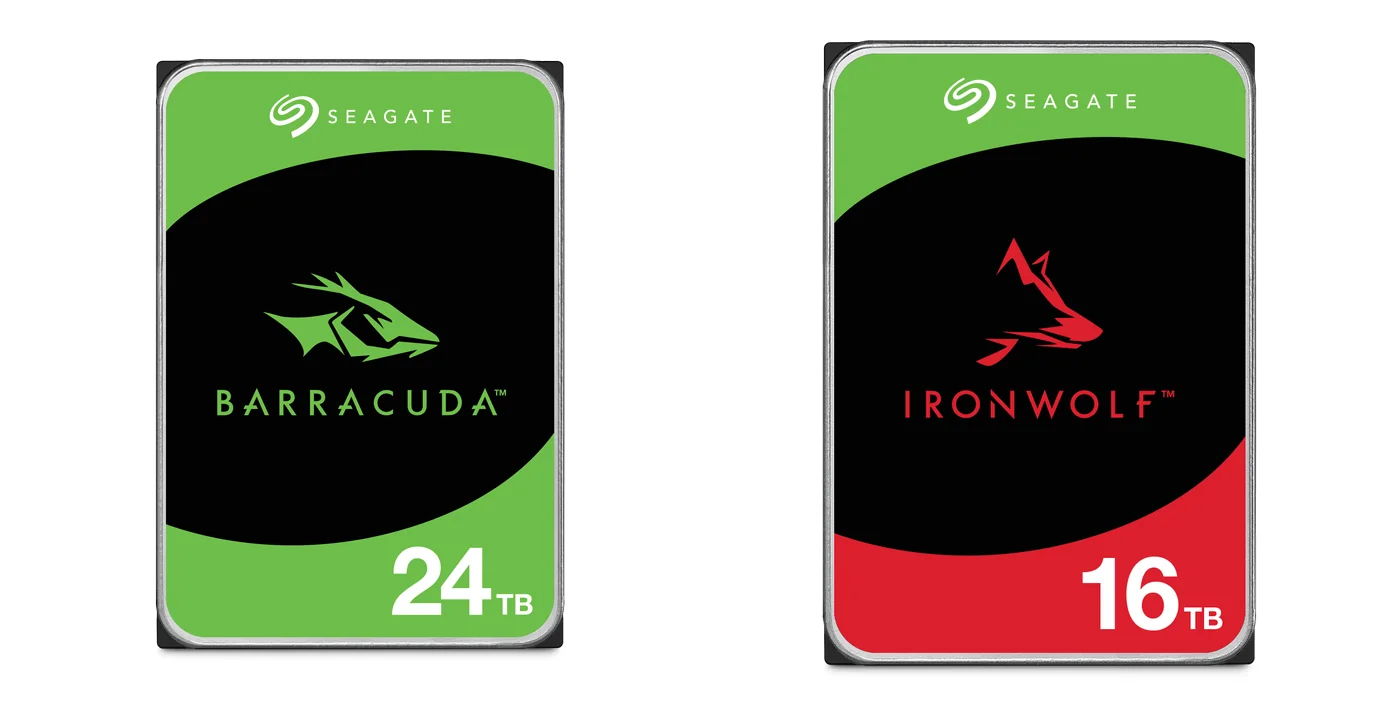
BarraCuda vs IronWolf at a glance
Both are Seagate internal hard drives with a SATA 6Gb/s connection, and the 3.5-inch models are the same size, so either will physically fit a desktop PC or a NAS bay. What differs is the job Seagate designs and rates each one for.
| Drive | Capacities we list | In one line | Best for |
|---|---|---|---|
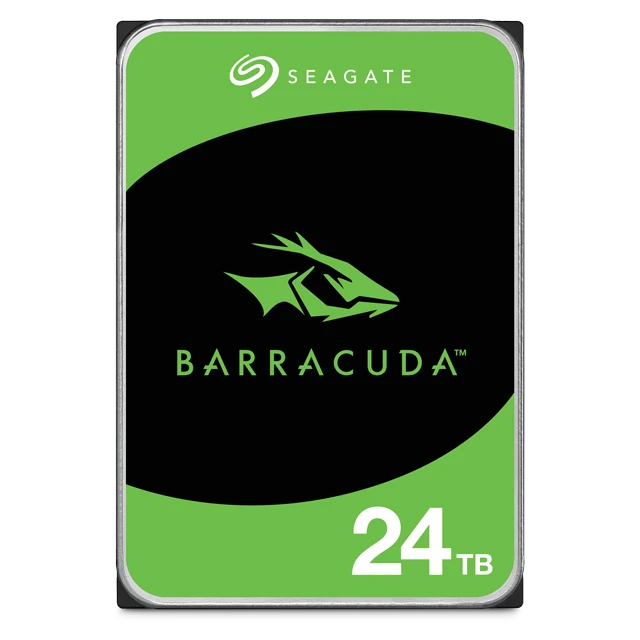
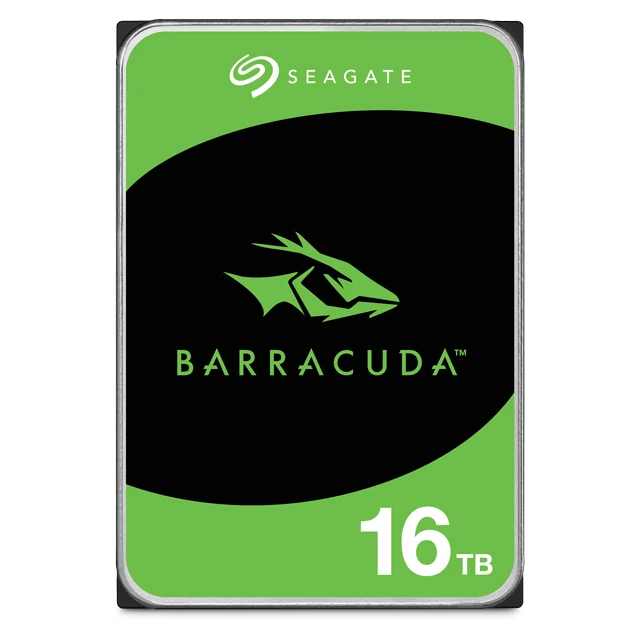
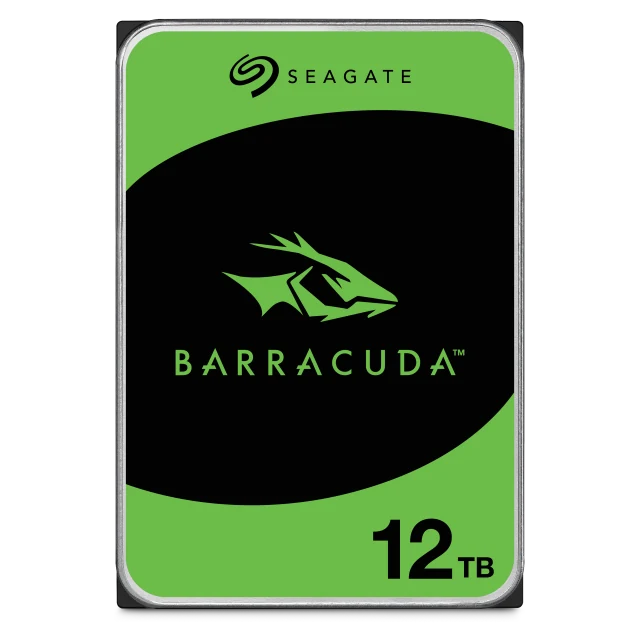
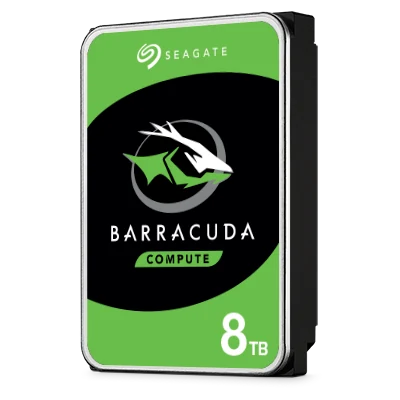
| Seagate BarraCuda 3.5-inch | 8, 12, 16, 20, 24TB | Desktop drive, 2,400 hours a year, 2-year warranty | Desktop and all-in-one PCs, home servers, external enclosures |
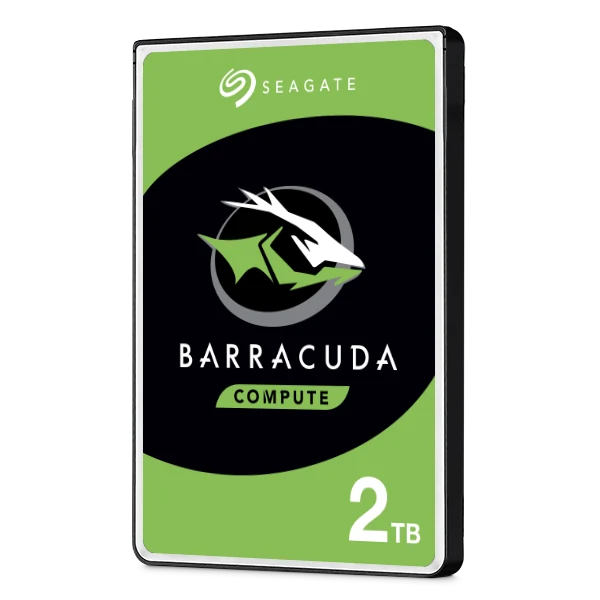
| Seagate BarraCuda 2.5-inch | 2TB (7mm) | Thin laptop drive, 5,400 RPM, SMR | Laptops, small form factor PCs, portable storage |
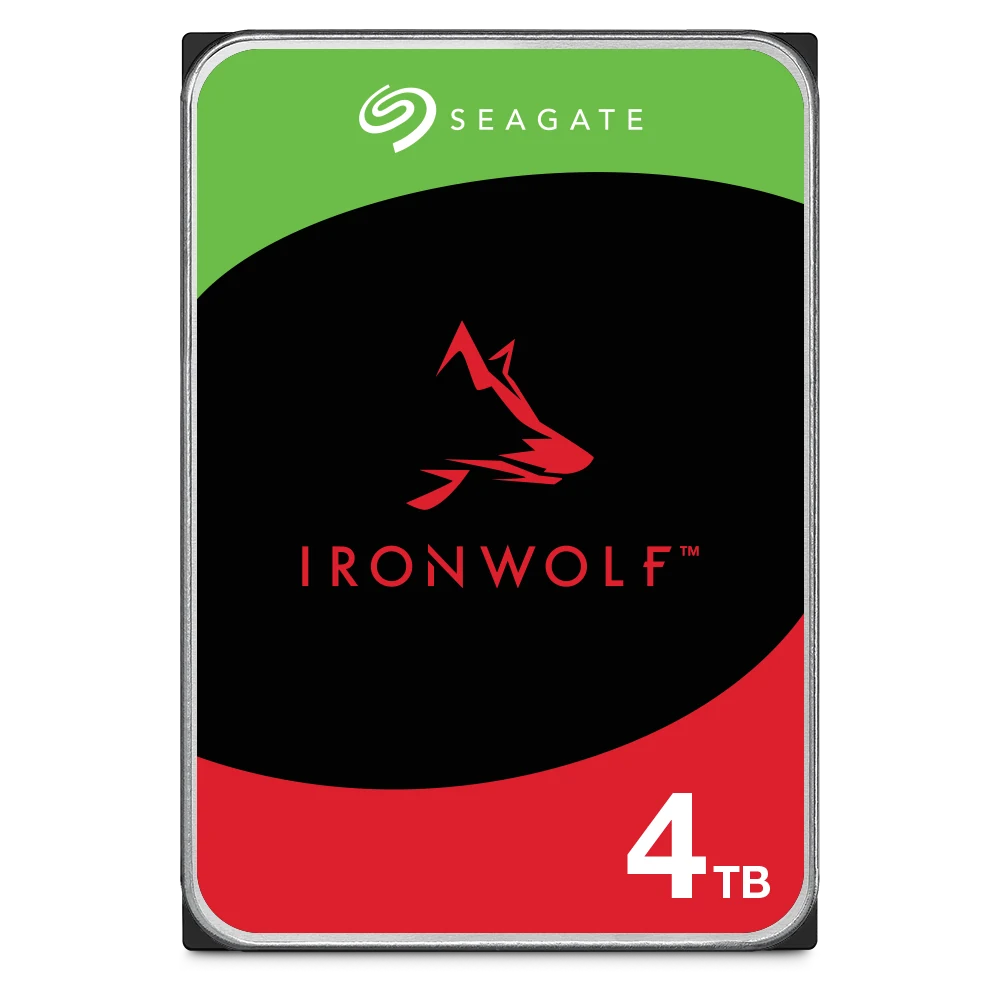
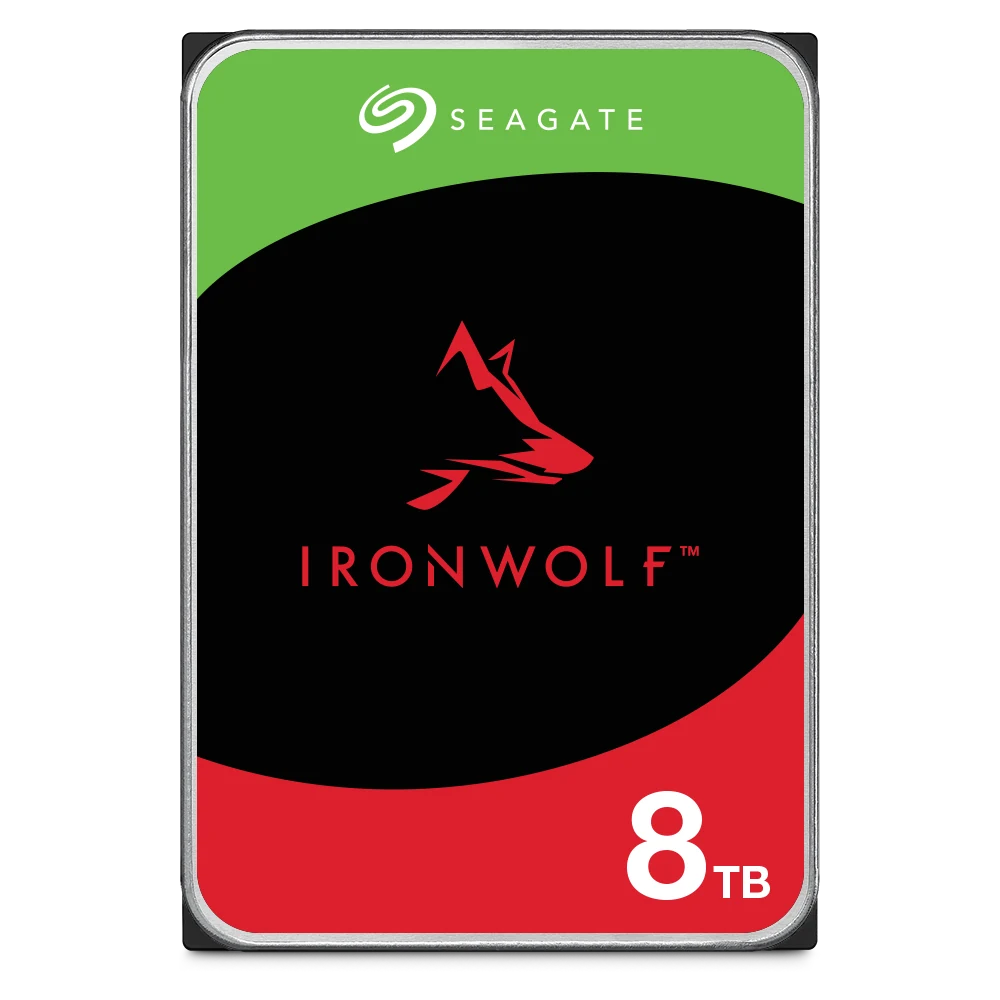
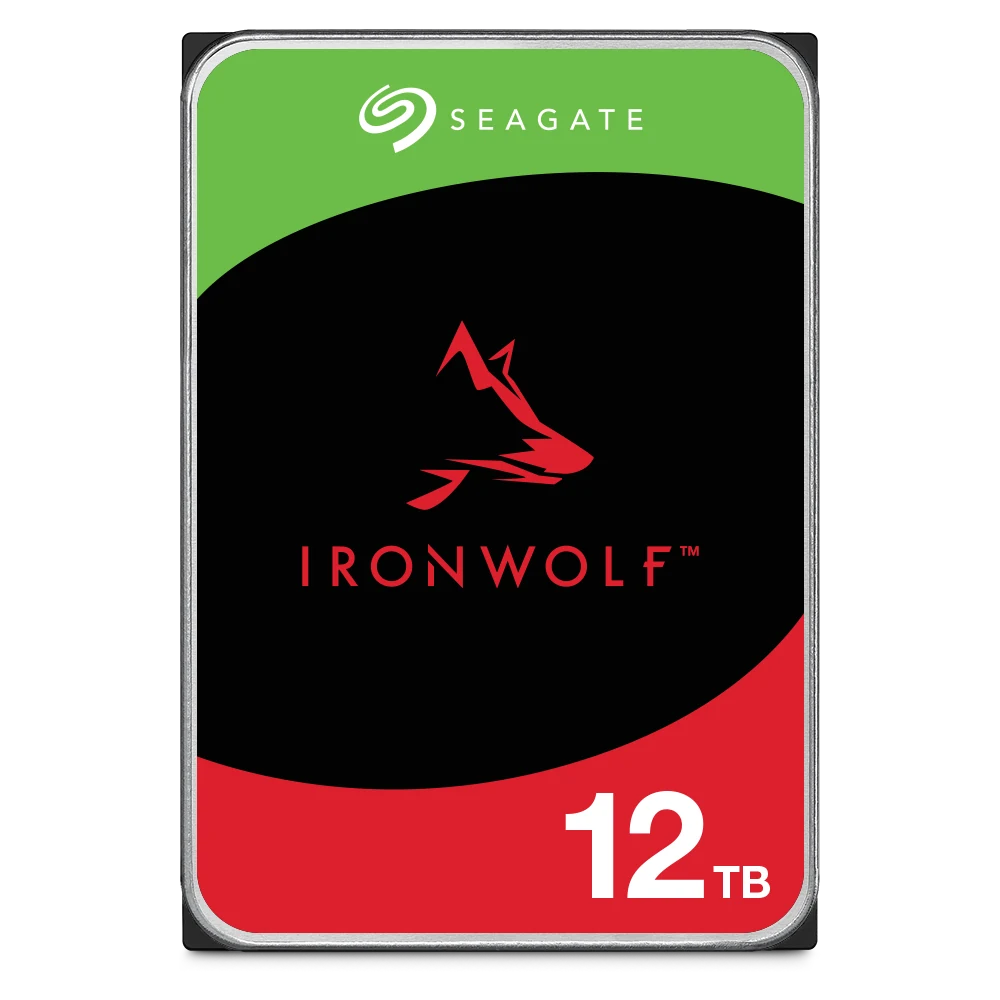
| Seagate IronWolf | 4, 8, 10, 12, 16TB | NAS drive, 24x7, 1 to 8 bays, 3-year warranty | Home and small-office NAS, Plex servers, home labs |
Summarised from Seagate's BarraCuda 3.5-inch, BarraCuda 2.5-inch and IronWolf datasheets.
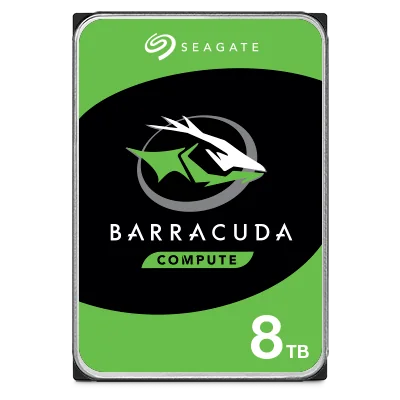
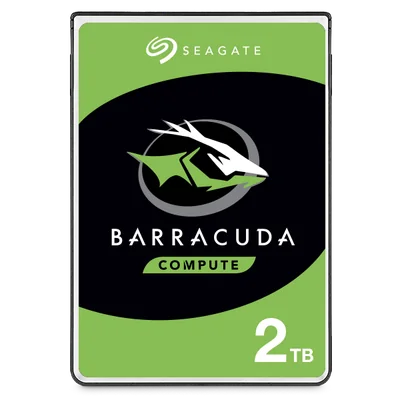
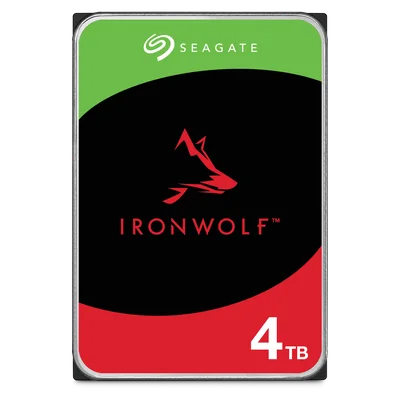
Seagate BarraCuda vs IronWolf specifications
The BarraCuda range splits into two groups that behave very differently, so they get their own columns.
Swipe the table sideways to compare all models →
| Spec | BarraCuda 8TB ST8000DM004 | BarraCuda 12 to 24TB | BarraCuda 2.5" 2TB ST2000LM015 | IronWolf 4 to 16TB |
|---|---|---|---|---|
| Seagate's best-fit use | Desktop PCs, home servers, entry-level DAS | Desktop PCs, home servers, entry-level DAS | Laptops, mobile and external storage, slim PCs | Consumer and business NAS |
| Power-on hours a year | 2,400 | 2,400 | Not stated | 8,760 (24x7) |
| Workload rate limit | 55TB/year | 120TB/year | Not stated | 180TB/year |
| Recording technology | SMR | CMR | SMR | CMR (all IronWolf) |
| Drive bays supported | Not stated | Not stated | Not stated | 1 to 8 bays |
| RV sensors | Not listed | Not listed | Not listed | Yes |
| Spindle speed | 5,400 RPM | 7,200 RPM | 5,400 RPM | 5,400 RPM (4TB, 8TB ST8000VN002) 7,200 RPM (others) |
| Cache | 256MB | 512MB | 128MB | 256MB |
| Max sustained transfer | 190MB/s | 190MB/s | 140MB/s | 202 to 240MB/s |
| Non-recoverable read errors | 1 per 1014 bits | 1 sector per 1014 bits | 1 per 1014 bits | 1 per 1014 to 1015 bits |
| IronWolf Health Management | Not listed | Not listed | Not listed | Yes |
| Rescue Data Recovery | Not listed | Not listed | Not listed | 3 years |
| Seagate limited warranty | 2 years | 2 years | 2 years | 3 years |
Sources: Seagate BarraCuda 3.5-inch datasheet DS17-2, BarraCuda 2.5-inch datasheet DS1907-4, BarraCuda SATA product manual 210203200 Rev B, IronWolf datasheet DS1904-21 and product manual 202717100a (16TB). "Not stated" and "Not listed" mean Seagate's BarraCuda documents do not give the figure.
Workload and 24x7 duty: the biggest difference
Seagate rates BarraCuda 3.5-inch drives for 2,400 power-on hours a year, which averages out to about 6.5 hours a day: a PC that is switched on for the working day or an evening of gaming. IronWolf is rated for 8,760 hours a year, every hour of every day, which is how a NAS runs.
The workload rate is the amount of data read from and written to the drive each year. BarraCuda 12TB to 24TB is rated for 120TB/year and the BarraCuda 8TB for 55TB/year, against 180TB/year for every IronWolf. Seagate's BarraCuda manual warns that workloads above the rating "may degrade and impact reliability". A NAS that backs up several PCs every night, indexes photos and streams to the TV can use far more of that budget, and for far more hours, than a desktop drive is built for.
Multi-bay use and RV sensors
A NAS packs several drives side by side, and each one feels the rotational vibration (RV) of the others. Seagate builds RV sensors into IronWolf "for vibration tolerance and consistent performance in multi-bay systems", rates it for NAS with 1 to 8 bays, and adds AgileArray firmware with dual-plane balancing and time-limited error recovery for RAID. Seagate's BarraCuda datasheets list no RV sensors and no supported bay count. (The BarraCuda manual does give a 12.5 rad/s² rotary vibration rating for the 12TB to 24TB models, the same figure in IronWolf's manuals, but no RV sensors.)
In a desktop PC with one or two drives, that is fine. In a 4-bay NAS running RAID, choose IronWolf. For more than 8 bays, step up to IronWolf Pro: our best hard drives for a NAS guide compares IronWolf, IronWolf Pro and Exos.
CMR vs SMR: check the model number
Conventional magnetic recording (CMR) writes tracks side by side. Shingled magnetic recording (SMR) overlaps them like roof tiles to fit more data per platter, but rewriting a shingled zone takes longer, so SMR drives can slow down during long, sustained writes. That matters most when a RAID array rebuilds a failed drive or a backup job writes for hours.
- SMR, per Seagate's datasheets: the BarraCuda 8TB (ST8000DM004) and the BarraCuda 2.5-inch 2TB (ST2000LM015).
- CMR, per Seagate's datasheets: the BarraCuda 12TB, 16TB, 20TB and 24TB (ST12000DM003, ST16000DM001, ST20000DM001, ST24000DM001), and every IronWolf drive.
For a PC, an SMR drive is a sensible way to store games, media and backups. For RAID in a NAS, avoid SMR and buy a CMR NAS drive.
Warranty and data recovery
Every BarraCuda in this guide carries a 2-year Seagate limited warranty. IronWolf carries a 3-year Seagate limited warranty and includes 3 years of Rescue Data Recovery Services, Seagate's in-house recovery for accidental data corruption or drive damage (Seagate notes Rescue is not available in every country). Rescue is not listed for BarraCuda. Whichever drive you choose, keep a backup: see our 3-2-1 backup guide.
Speed, size and power
The BarraCuda 12TB to 24TB spin at 7,200 RPM with a 512MB cache and up to 190MB/s sustained, a good fit for a game library or video archive in a desktop PC. The BarraCuda 8TB spins at 5,400 RPM, also up to 190MB/s, and draws 5.3W in operation against 8.9W for the larger models. IronWolf ranges from 202MB/s (5,400 RPM 4TB) to 240MB/s (16TB). The BarraCuda 2.5-inch 2TB is 7mm thin and weighs 90g, so it fits slim laptops, and sustains up to 140MB/s. For your operating system and apps, an SSD is faster than any hard drive; these drives are for capacity.
Which to buy: PC, home NAS or Plex box?
ARC IP Networks suggestions, based on the Seagate ratings above.
| You are building | Choose | Why |
|---|---|---|
| Gaming or office PC: extra storage for games, media, projects | BarraCuda 12TB to 24TB | CMR, 7,200 RPM, 512MB cache; rated for desktop hours |
| Budget PC backup or archive drive | BarraCuda 8TB | Low power; SMR is fine for occasional large writes in a PC |
| Laptop or small form factor PC upgrade | BarraCuda 2.5" 2TB | 7mm thin, 90g, 2TB |
| Home NAS on the NBN (2 to 4 bays) | IronWolf 4TB or IronWolf 8TB | 24x7, CMR, RV sensors, RAID-ready, 3-year warranty |
| Always-on Plex box or home server | IronWolf 12TB or 16TB | Runs 8,760 hours a year; 2,400 hours is only about 6.5 hours a day |
| Plex on a gaming PC you switch off at night | BarraCuda 16TB | Fine within desktop hours |
| Business NAS, 8 bays or more | IronWolf Pro or Exos | Unlimited bays, 550TB/year, 5-year warranty |
Starting a NAS from scratch?
If you are moving files off a PC for the first time, read what is a NAS?, then size it with how much NAS storage you need and pick a RAID level with our RAID 1, 5, 6 and 10 guide. For a NAS that works on day one, see our NAS bundles with drives included and the Seagate drives + free ASUSTOR NAS bundles, which pair Seagate IronWolf Pro or Exos drives with a genuine ASUSTOR NAS while promotional stock lasts.
Shop Seagate BarraCuda and IronWolf
Live Australian pricing (inc. GST) is on each product page. See every model in the Seagate category.
Common questions
Straight answers from the ARC IP Networks team. Last reviewed October 2026.
BarraCuda is a desktop drive rated for 2,400 power-on hours a year, up to 120TB/year (55TB on the 8TB) and a 2-year warranty. IronWolf is a NAS drive rated for 24x7 use (8,760 hours a year) in 1 to 8-bay NAS, with RV sensors, CMR, 180TB/year, a 3-year warranty and 3 years of Rescue Data Recovery.
It will physically fit, but it is not what Seagate rates it for. BarraCuda is rated for desktop PCs, home servers and entry-level DAS at 2,400 hours a year, and its datasheet lists no RV sensors or bay count. The 8TB model is SMR, which is a poor fit for RAID rebuilds. For a NAS, choose IronWolf.
Yes. Seagate's BarraCuda 3.5-inch datasheet lists the 8TB ST8000DM004 as SMR, at 5,400 RPM with a 256MB cache. The BarraCuda 12TB, 16TB, 20TB and 24TB are CMR. The BarraCuda 2.5-inch 2TB ST2000LM015 is also SMR.
Yes. Seagate lists desktop PCs and workstations among IronWolf's applications, and it carries a 3-year warranty, so it suits a PC that runs around the clock. For a PC that is switched off each night, BarraCuda is designed for that job.
If the Plex server runs all day and night, choose a NAS drive such as Seagate IronWolf, which is rated for 8,760 hours a year. If Plex runs on a desktop PC that is switched off when not in use, a BarraCuda 12TB to 24TB is fine.
BarraCuda drives carry a 2-year Seagate limited warranty. IronWolf drives carry a 3-year Seagate limited warranty plus 3 years of Rescue Data Recovery Services, which Seagate notes is not available in every country.
ARC IP Networks is an authorised Seagate reseller in Australia, with BarraCuda, IronWolf, IronWolf Pro and Exos drives at competitive prices and Australia-wide delivery. Order at arcip.com.au or call 1300 100 440.
Building a PC, NAS or Plex server?
Tell us what you are building and how much you store. ARC IP Networks will pick the right Seagate drives and quote them with trade pricing for installers and IT providers. Call 1300 100 440 or email info@arcip.com.au.
Related guides
- Best Hard Drives for a NAS: Seagate IronWolf vs Exos (Australia)
- What Is a NAS? Network Attached Storage Explained (Australia)
- How Much NAS Storage Do You Need? TB Explained (Australia)
- NAS RAID Explained: RAID 1, 5, 6 and 10 for ASUSTOR (Australia)
- NAS With Drives Included: Are NAS Bundles Worth It? (Australia)
- Shop all Seagate hard drives
More Seagate guides
- Best Hard Drives for a NAS: Seagate IronWolf vs IronWolf Pro vs Exos
- How to Check Your Seagate Warranty in Australia
- How Long Do Hard Drives Last? Workload, MTBF and Warranty Explained
- PS5 External Hard Drive Guide (Australia): Seagate Game Drive for PS5
- 30TB and 32TB Hard Drives: Seagate Exos M, IronWolf Pro and SkyHawk AI
- CMR vs SMR Hard Drives Explained: What It Means for NAS and CCTV (Australia)
- Best Hard Drive for CCTV and NVRs in Australia: WD Purple vs Seagate SkyHawk