A NAS (network attached storage) is a small computer full of hard drives or SSDs that plugs into your router or switch, so every PC, Mac, phone and TV on the network can store, share and back up files in one place. Unlike a USB drive it is always on and shared by everyone, and unlike cloud storage your files stay in your home or office, with no monthly fee per terabyte.
In short: a NAS = private cloud + automatic backups + media server. For a first home NAS, a 2 or 4-bay unit such as the ASUSTOR Drivestor 4 Gen2 is the usual starting point. ARC IP Networks is a trusted ASUSTOR supplier in Australia, with genuine stock and Australia-wide delivery.
What does a NAS actually do?
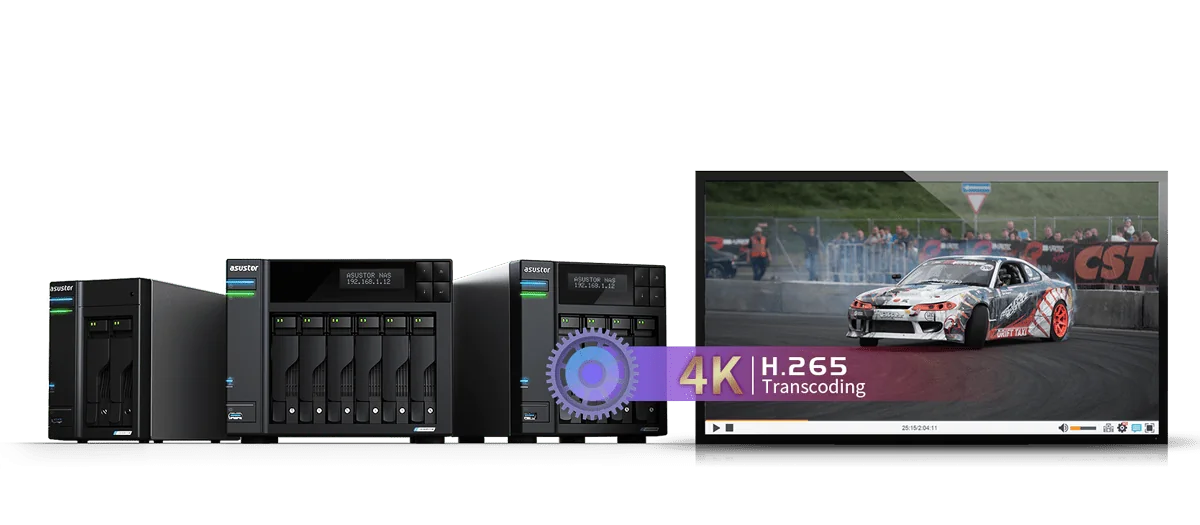
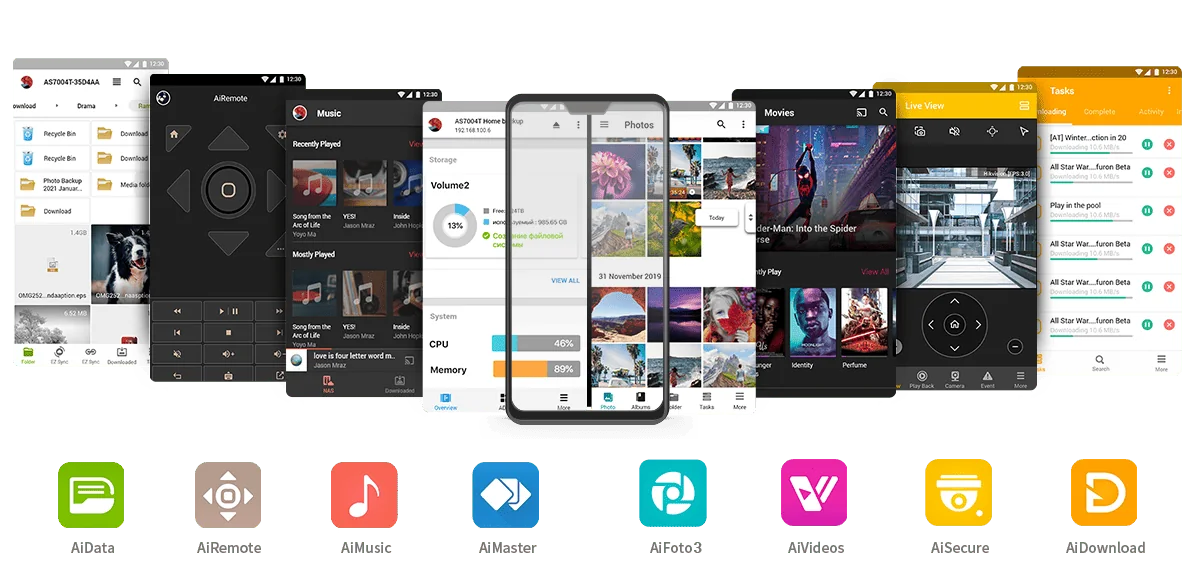
Think of a NAS as a shared hard drive that lives on your network instead of inside one computer. It runs its own operating system (on ASUSTOR units this is ADM), so it keeps working when your PC is off, and it can run apps of its own: backup jobs, a photo library, a Plex media server or security camera recording.
NAS vs USB drive vs cloud storage
| NAS | USB external drive | Cloud storage | |
|---|---|---|---|
| Who can use it | Everyone on the network, plus remote access | One computer at a time | Anyone with the login |
| Ongoing cost | None after the hardware and drives | None | Monthly or yearly fee, rising with capacity |
| Where data lives | Your home or office | On the drive | A provider's data centre |
| Speed on the local network | Limited by your network (Gigabit to 10GbE) | Limited by the USB port | Limited by your NBN plan |
| Protection from drive failure | Yes, with RAID across two or more drives | No | Handled by the provider |
| Automatic backups of every device | Yes | Manual | Yes, per device |
Comparison of storage types. A NAS can also back itself up to the cloud for an offsite copy.
How a NAS connects to your network
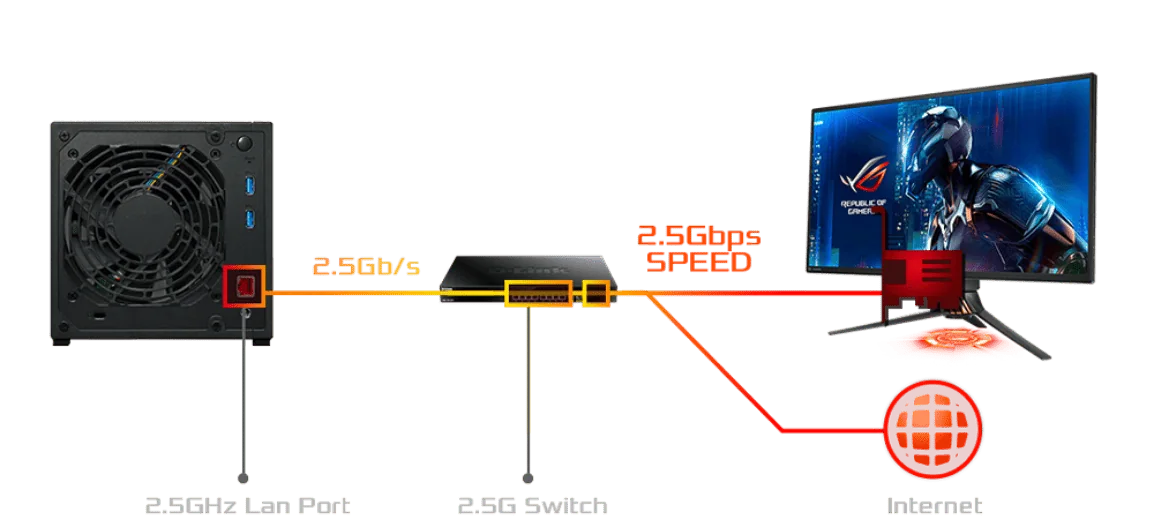
A NAS plugs into your router or network switch with an Ethernet cable. Every device on the same network then sees it as shared folders. Faster ports move big files sooner: the figures below are the theoretical maximum of each Ethernet speed (1 Gbps = 125 MB/s); real transfers are a little lower.
| Network port | Theoretical maximum | Where you find it on ASUSTOR NAS |
|---|---|---|
| 1GbE (Gigabit) | 125 MB/s | Older and entry-level NAS units, most home routers |
| 2.5GbE | 312 MB/s | Drivestor Gen2, Drivestor Pro Gen2, AS5402T/AS5404T (dual) |
| 5GbE | 625 MB/s | Lockerstor Gen2+ (dual), Lockerstor Gen3 |
| 10GbE | 1,250 MB/s | Lockerstor Gen3, Flashstor, or an AS-T10G3 card in Lockerstor 4/6 Gen2+ |
Theoretical figures from the Ethernet standards; ASUSTOR port details from ASUSTOR.
Bays, drives and RAID explained
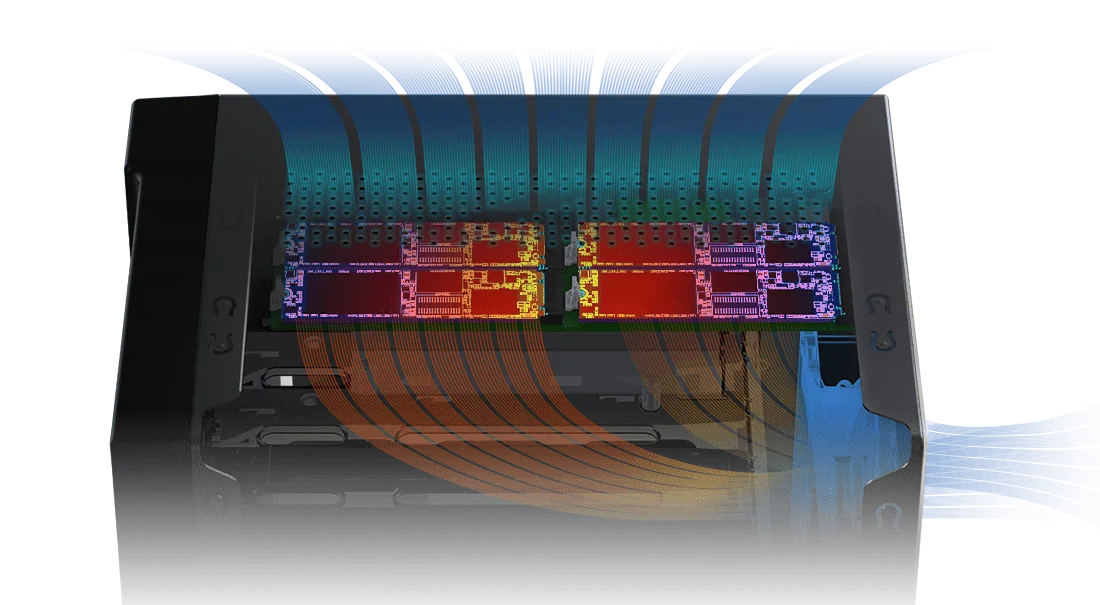
A NAS has bays for 3.5-inch hard drives (some also take 2.5-inch drives or SSDs), and many newer models add M.2 NVMe slots for SSDs. Drives can be combined with RAID so the NAS survives a drive failure. RAID protects against a failed drive, not against deletion, ransomware or fire, so you still need backups.
| RAID level | Minimum drives | Survives a drive failure? | Usable space |
|---|---|---|---|
| Single | 1 | No | All of the drive |
| RAID 1 (mirror) | 2 | Yes, one drive | Half the total |
| RAID 5 | 3 | Yes, one drive | Total minus one drive |
| RAID 6 | 4 | Yes, two drives | Total minus two drives |
| RAID 10 | 4 | Yes, one per mirrored pair | Half the total |
Standard RAID behaviour. ASUSTOR lists Single, JBOD, RAID 0, 1, 5, 6 and 10 support on its 4-bay and larger models.
What Australians use a NAS for
- Backing up every device: PCs, Macs and phones back up automatically overnight.
- A private family photo library instead of paying for more cloud storage.
- A Plex or media server that streams movies and music to TVs and phones.
- Shared files for a small office, with user permissions and remote access.
- Recording security cameras with ASUSTOR Surveillance Center.
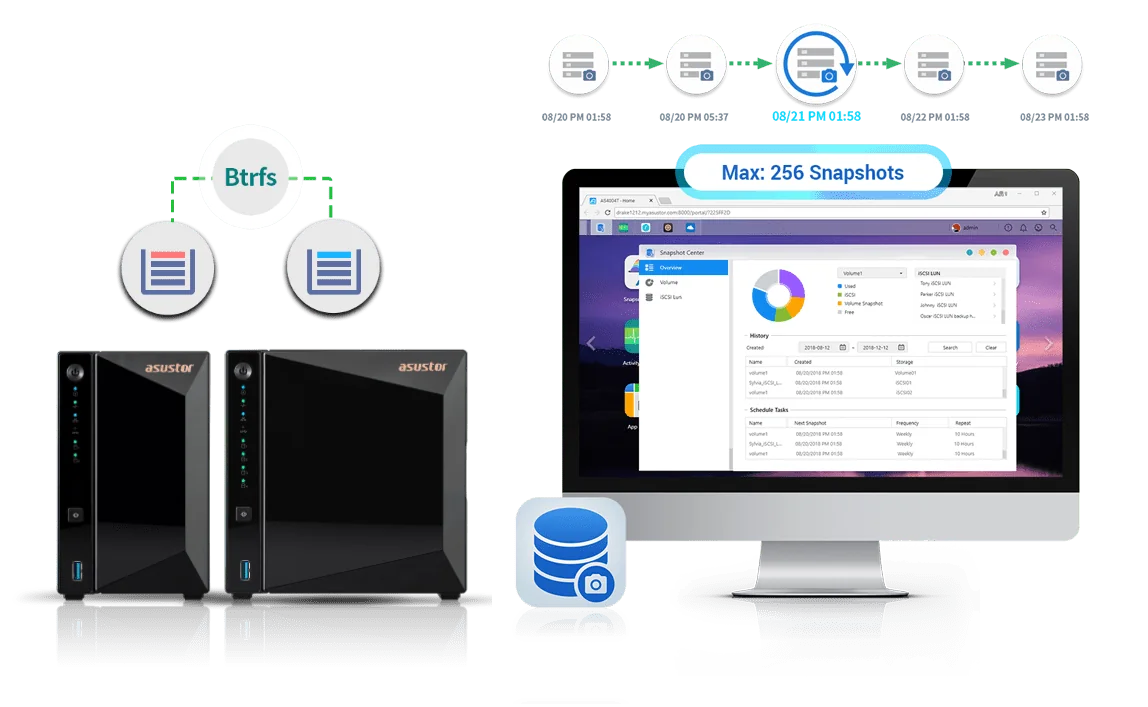
- Protecting against ransomware with snapshots that can roll files back to an earlier time.
- Syncing with cloud services such as Google Drive, Dropbox and OneDrive, or backing up to Amazon S3 and Backblaze B2 for an offsite copy.
Running a NAS in Australia: NBN, power and remote access
On your home or office network the NAS runs at full local speed, whatever your NBN plan. Remote access from outside (a phone on 4G, a laptop at a client site) is limited by your NBN upload speed, so large remote transfers are slower than local ones. ASUSTOR's EZ-Connect and VPN options let you reach the NAS remotely without opening ports.
Blackouts and brownouts are the other Australian reality. A sudden power cut while the NAS is writing can corrupt data, so pair it with a UPS that tells the NAS to shut down safely. See our guide to the best UPS for a NAS in Australia.
How to choose your first NAS
| If you need | Look for | ASUSTOR example |
|---|---|---|
| Backups and photos for one person | 2 bays, mirrored (RAID 1) | Drivestor 2 Gen2 (AS1202T) |
| A family NAS with room to grow | 4 bays, 2.5GbE | Drivestor 4 Gen2 (AS1204T) |
| Plex, apps and SSD speed | 4 bays + M.2 NVMe slots, more RAM | AS5404T |
| A small office file server | Dual 5GbE, snapshots, M.2 cache | Lockerstor 4 Gen2+ (AS6704T v2) |
| Silent all-SSD storage | All-flash, 10GbE | Flashstor 12 Pro (FS6712X) |
| A NAS ready to go | A bundle with a drive included | AS1204T with Seagate IronWolf 4 TB |
ARC IP Networks suggestions. For a full comparison see our ASUSTOR NAS buying guide.
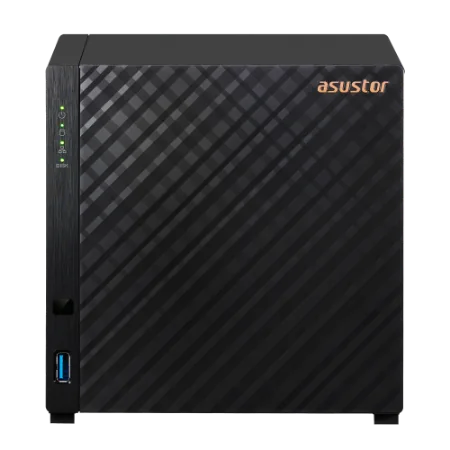
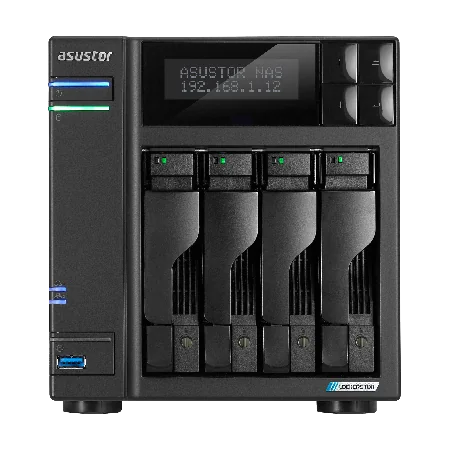
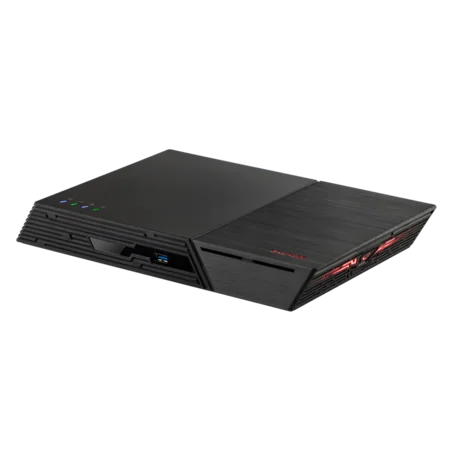
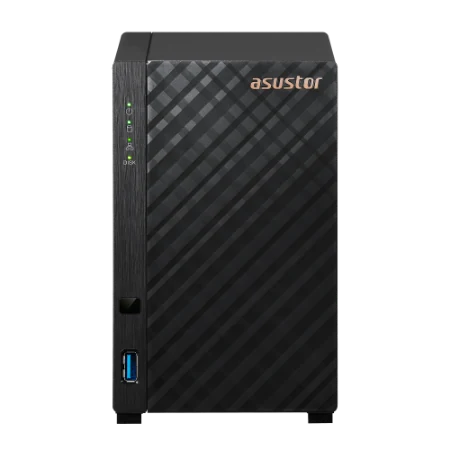
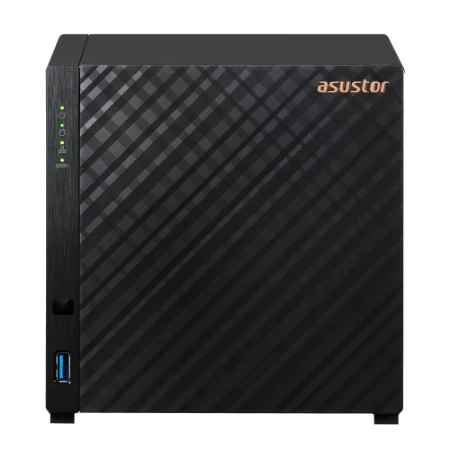
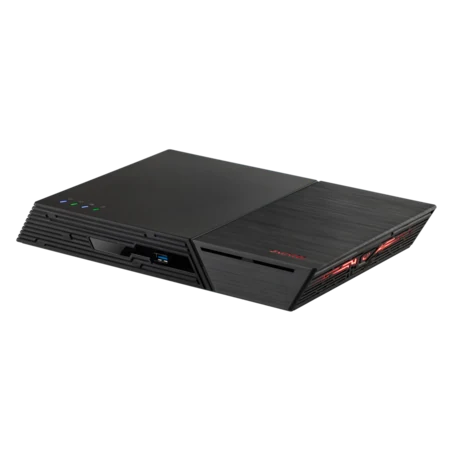
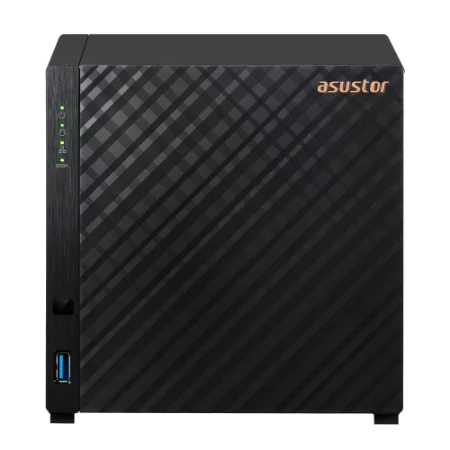
Popular ASUSTOR NAS in Australia
Live Australian pricing (inc. GST) and stock levels are on each product page.


Common questions
Straight answers from the ARC IP Networks team. Last reviewed October 2026.
A NAS (network attached storage) is a storage device with its own operating system and one or more drives that connects to your network, so every device can store, share and back up files in one place.
An external hard drive connects to one computer by USB. A NAS connects to the network, is shared by every device at once, stays on 24/7, runs backup and media apps, and can protect data across several drives with RAID.
A NAS has no ongoing per-terabyte fees and keeps files local and fast. Cloud storage keeps a copy offsite. The best practice is both: a NAS for daily storage that also backs up to a cloud service.
RAID lets the NAS keep working if a drive fails, so it is recommended with two or more drives. RAID is not a backup: you still need a second copy of important files.
Two bays suit one person with mirrored drives. Four bays suit most families and small offices, because you can start with two drives and add more later. Six or more bays suit businesses with large or fast-growing data.
Yes. ASUSTOR NAS units offer remote access through EZ-Connect, VPN and mobile apps. Remote speed depends on your NBN upload speed.
It is strongly recommended in Australia. A UPS keeps the NAS running through short outages and tells it to shut down safely in a longer blackout, protecting data from corruption.
The ASUSTOR Drivestor 2 Gen2 (AS1202T) and Drivestor 4 Gen2 (AS1204T) are simple starting points, with a 1.7 GHz quad-core processor, 2.5GbE and 4K media playback.
ARC IP Networks is a trusted ASUSTOR supplier in Australia, with genuine ASUSTOR NAS, NAS + drive bundles and the full manufacturer warranty, delivered Australia-wide. Order at arcip.com.au or call 1300 100 440.
Not sure which NAS you need?
Tell us what you want to store and how many people will use it. ARC IP Networks will recommend the NAS, drives and UPS, with trade pricing for businesses.
More ASUSTOR guides
- NAS vs Cloud Storage: What is Right for Australians?
- NAS RAID Explained: RAID 1, 5, 6 and 10 for ASUSTOR (Australia)
- Access Your NAS Remotely: Cloud ID, DDNS and EZ-Connect (Australia)
- Back Up Windows, Mac and Linux to an ASUSTOR NAS (with Snapshots)
- ASUSTOR ADM Explained: The NAS Operating System and Its Apps
- How Much NAS Storage Do You Need? TB Explained (Australia)