Most Australian households need 4 to 16 TB of usable NAS storage; small offices 8 to 30 TB; video-heavy users more. Add up what you store today, multiply by your yearly growth for two to three years, then allow for RAID and free space. As a guide from ASUSTOR's knowledge base, 1 TB holds about 666 standard 1080p movies at 1.5 GB each, about 250 at 4 GB, or about 100 long 4K videos at 10 GB, while documents and photos alone can take years to fill 1 TB.
A drive sold as 4 TB shows as about 3.64 TB in most operating systems, because drive makers count in decimal. ARC IP Networks is a trusted ASUSTOR supplier in Australia: genuine ASUSTOR NAS and accessories at competitive prices, with the full ASUSTOR manufacturer warranty, Australia-wide delivery and trade pricing.
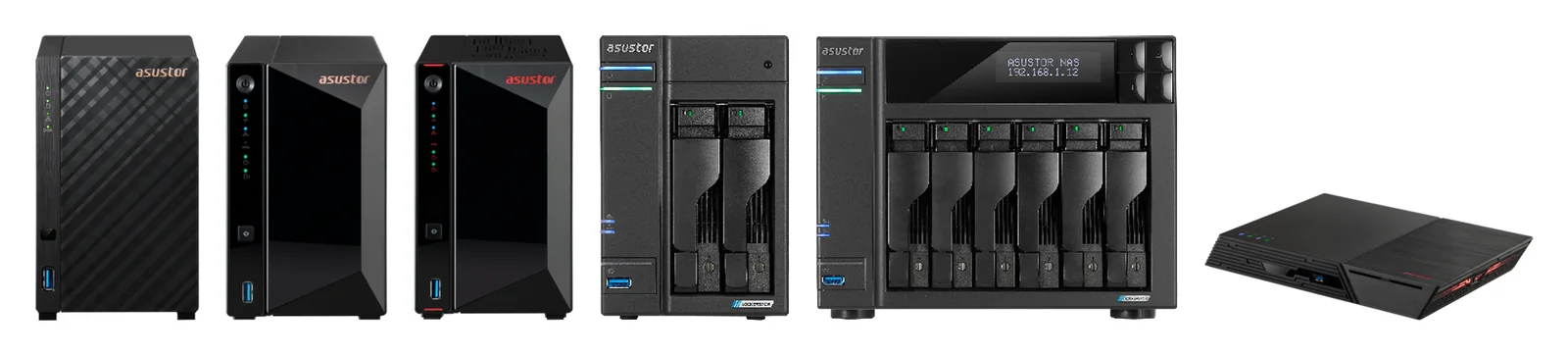
What fits in 1 TB?
| What you store | Roughly per 1 TB | Source |
|---|---|---|
| Standard 1080p movies (about 1.5 GB each) | About 666 | ASUSTOR knowledge base |
| High-quality 1080p or short 4K clips (about 4 GB each) | About 250 | ASUSTOR knowledge base |
| Long, high-quality 4K videos (about 10 GB each) | About 100 | ASUSTOR knowledge base |
| Documents, emails and photos | Can last several years | ASUSTOR knowledge base |
| Music | Thousands of songs, depending on quality and format | ASUSTOR knowledge base |
| Modern games (tens of GB to over 100 GB each) | Dozens of games | ASUSTOR knowledge base |
ASUSTOR's estimates are for reference only: real sizes depend on resolution, length, quality and compression.
How long does 1 TB last?
ASUSTOR's answer is honest: it depends on what you store. A family that mostly keeps documents and phone photos can run for years on 1 TB. Someone saving 4K video from a drone, phone or camera can fill it in weeks. Files also tend to grow over time as cameras improve, and backups, snapshots and app data take space too.
The way to get a real number is to measure. Check how much space your photos, videos and documents use today on each computer and phone, add any external drives you want to retire, and look at how much that total grew over the last year.
How much capacity is enough? A simple planner
ASUSTOR's checklist for choosing capacity is: how much data you need to store, how much you expect to need in future, your budget, and whether you will need to expand later. If you mainly keep documents and photos, ASUSTOR notes a two-bay NAS may be enough; for lots of HD video, music or large CAD files you will want more than two bays.
Four steps to your number
- Today: add up your current data across every device and drive.
- Growth: estimate how much you add each year, then plan for two to three years.
- Protection: add the space RAID uses (see below) and room for snapshots.
- Headroom: keep the volume well below full. ASUSTOR notes that performance and stability can drop as volume usage approaches 100%.
| Who | Typical data today | Plan for (3 years) | Where to start |
|---|---|---|---|
| Couple or small family: photos, documents, phone backups | 1 to 2 TB | 4 to 8 TB usable | Drivestor 2 Gen2 |
| Family with a 1080p or 4K movie library | 4 to 8 TB | 12 to 24 TB usable | Drivestor 4 Gen2 or AS5404T |
| Home office plus family media | 3 to 6 TB | 8 to 16 TB usable | Drivestor 4 Pro Gen2 |
| Small office, 5 to 20 users | 4 to 10 TB | 12 to 30 TB usable | Lockerstor 4 Gen2+ |
| Photographers and video creators | 8 TB and up | 24 TB usable or more | Lockerstor 6 Gen2+ or Lockerstor 4 Gen3 |
ARC IP Networks rule-of-thumb ranges. Your own measurements beat any table.
Raw vs usable: how RAID changes your number
The capacity printed on the drives is raw capacity. RAID uses some of it for protection. ASUSTOR's formulas: RAID 1 gives the smallest drive, RAID 5 the smallest drive times (drives minus one), RAID 6 times (drives minus two), and RAID 10 half the total.
| Layout | With 4 TB drives | With 8 TB drives | With 12 TB drives |
|---|---|---|---|
| 2 bays, RAID 1 | 4 TB | 8 TB | 12 TB |
| 4 bays, RAID 5 | 12 TB | 24 TB | 36 TB |
| 4 bays, RAID 6 | 8 TB | 16 TB | 24 TB |
| 4 bays, RAID 10 | 8 TB | 16 TB | 24 TB |
| 6 bays, RAID 5 | 20 TB | 40 TB | 60 TB |
| 6 bays, RAID 6 | 16 TB | 32 TB | 48 TB |
Usable space before formatting, in decimal TB as drives are sold. ADM shows roughly 9% less in binary units.
Not sure which RAID level to pick? See NAS RAID explained. Choosing between two, four and six bays is covered in how many bays do you need.
Why does my drive show less capacity than the label?
ASUSTOR's knowledge base points to the drive makers' explanation, and it comes down to units. Drive makers sell in decimal terabytes: 1 TB = 1,000,000,000,000 bytes. Most operating systems count in binary units, where 1 TiB = 1,099,511,627,776 bytes, and often still label that "TB". The drive is not missing anything; the same bytes are just counted differently.
| Drive label | Shown in binary units (approx.) |
|---|---|
| 4 TB | 3.64 TB |
| 8 TB | 7.28 TB |
| 10 TB | 9.09 TB |
| 12 TB | 10.91 TB |
| 18 TB | 16.37 TB |
Arithmetic: decimal bytes divided by 1,099,511,627,776. Formatting and system partitions use a little more.
Maximum capacity of each ASUSTOR NAS
Swipe the table sideways to compare all models →
| Model | Bays | Max internal raw capacity (ASUSTOR) | Max drive bays with expansion units |
|---|---|---|---|
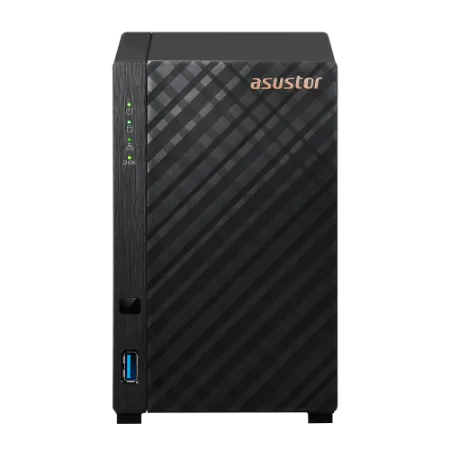
| Drivestor 2 Gen2 (AS1202T) | 2 | 36 TB (18 TB HDD X 2) | 14 |
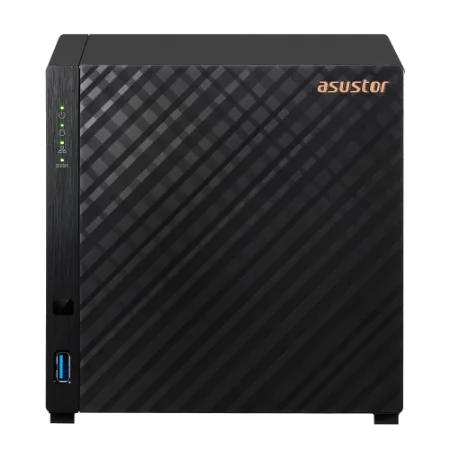
| Drivestor 4 Gen2 (AS1204T) | 4 | 72 TB (18 TB HDD X 4) | 16 |
| Drivestor 4 Pro Gen2 (AS3304T v2) | 4 | 72 TB (18 TB HDD X 4) | 16 |
| Nimbustor 4 Gen2 (AS5404T) | 4 | 72 TB (18 TB HDD X 4) | 16 |
| Lockerstor 4 Gen2+ (AS6704T v2) | 4 | 72 TB (18 TB HDD X 4) | 12 |
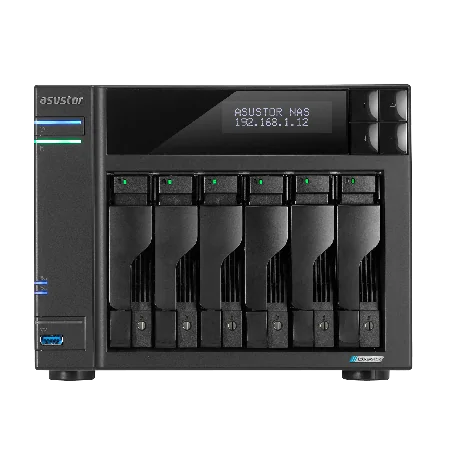
| Lockerstor 6 Gen2+ (AS6706T v2) | 6 | 108 TB (18 TB HDD X 6) | 14 |
| Lockerstor 4 Gen3 (AS6804T) | 4 | 72 TB (18 TB HDD X 4) | 16 |
Source: ASUSTOR specification pages. Capacity varies by RAID type.
ASUSTOR expansion units add bays over USB, but drives in an expansion unit cannot join the same RAID array as the drives inside the NAS, so size the main array around the NAS itself.
What to do when your NAS is full
ASUSTOR's suggestions, in order:
- Empty the Network Recycle Bin of files you no longer need.
- Clear old snapshots you do not need, carefully, in Snapshot Center.
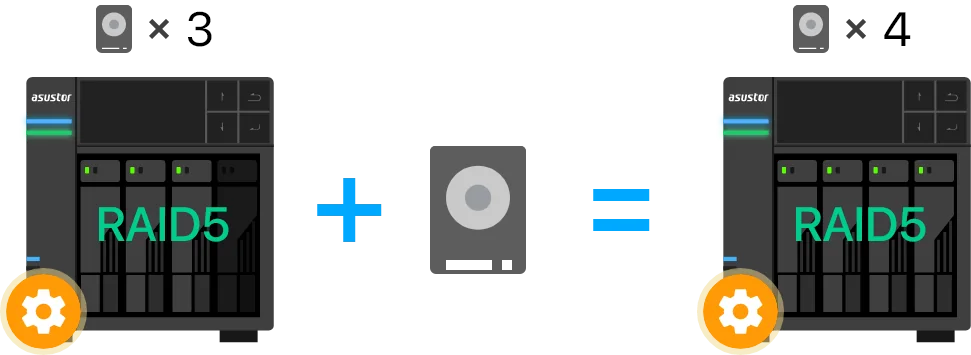
- Replace drives with larger ones and run an online capacity expansion, one drive at a time.
On RAID 5, 6 and 10 you can also add a drive to an empty bay without rebuilding the volume, as long as it is at least as large as the smallest drive. If you have created a second volume, point a new or existing shared folder at it to use that space. ADM 5.1 can also scan for duplicate files.
ARC IP Networks tip: buying a four-bay NAS and filling only two or three bays leaves the cheapest upgrade path open.
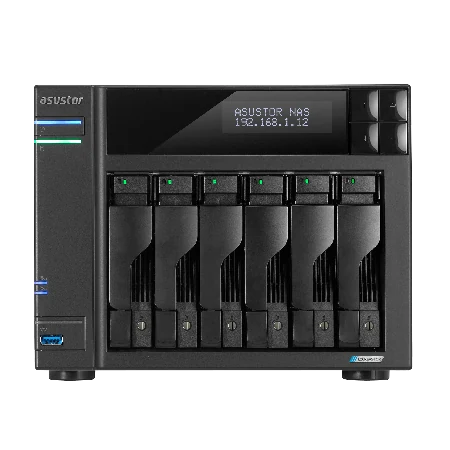
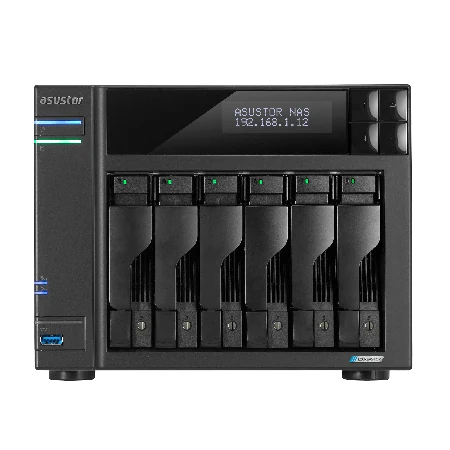
Genuine ASUSTOR NAS by capacity
Genuine ASUSTOR with the 3-year ASUSTOR warranty. Current pricing is on each product page.
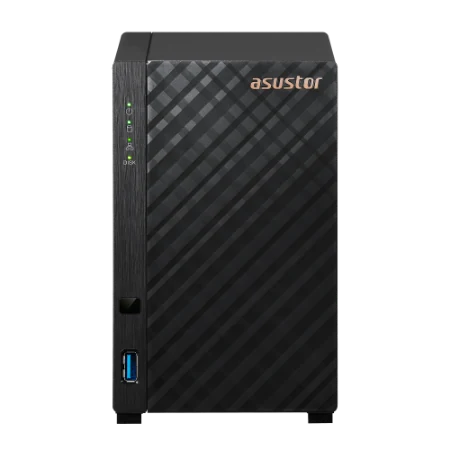
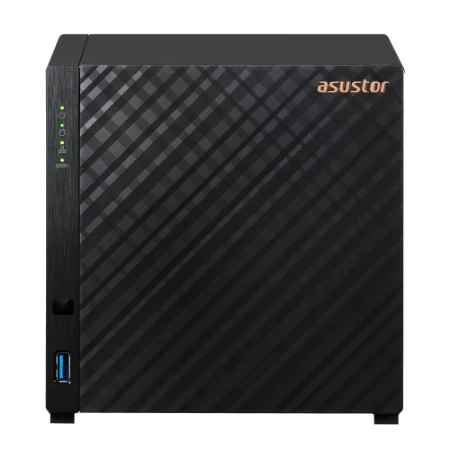
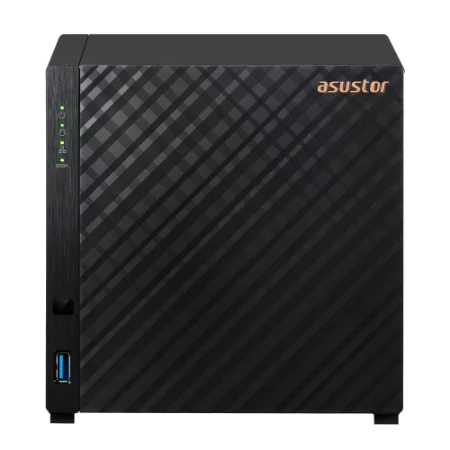

Build it with ARC IP Networks
We supply genuine ASUSTOR NAS and NAS drive bundles at competitive prices, with the full manufacturer warranty and Australia-wide delivery.
- We size usable capacity with you, including RAID, snapshots and three years of growth
- NAS and Seagate IronWolf or Exos bundles, or diskless units with matched drives
- Expansion plans: spare bays, larger drives or expansion units later
- Backup capacity for a second NAS, USB or MyArchive drives
- Trade and project pricing for installers and multi-site rollouts
Common questions
Straight answers from the ARC IP Networks team. Last reviewed October 2026.
Add up your current data, estimate yearly growth for two to three years, then allow for RAID and free space. Many households land between 4 and 16 TB usable, small offices between 8 and 30 TB, and video creators more.
ASUSTOR estimates about 666 standard 1080p movies at 1.5 GB each, about 250 high-quality 1080p or short 4K videos at 4 GB, or about 100 long, high-quality 4K videos at 10 GB. Real sizes depend on resolution, length and compression.
It depends on what you store. ASUSTOR notes that documents and photos may take several years to fill 1 TB, while HD and 4K video, games and backups fill it much faster.
Drive makers count 1 TB as 1,000,000,000,000 bytes, while most operating systems count in binary units of 1,099,511,627,776 bytes. A 4 TB drive therefore shows as about 3.64 TB. Nothing is missing.
About 24 TB in RAID 5, 16 TB in RAID 6 and 16 TB in RAID 10, before formatting and in decimal units. RAID 5 uses one drive for parity, RAID 6 uses two, and RAID 10 mirrors half the drives.
For documents, photos and phone backups, often yes. ASUSTOR suggests a larger NAS than two bays if you store lots of HD video, music or large CAD files, or expect your data to keep growing.
Yes. ADM supports replacing drives with larger ones one at a time, adding drives to RAID 5, 6 and 10 volumes, and ASUSTOR expansion units. Drives in an expansion unit form their own array.
ARC IP Networks is a trusted ASUSTOR supplier in Australia, with genuine ASUSTOR NAS, NAS and Seagate drive bundles, the full manufacturer warranty, Australia-wide delivery and competitive prices. Call 1300 100 440.
Get your capacity right first time
Tell us what you store and how fast it grows. We will size the NAS, drives and RAID, with trade and project pricing.