WD Red Plus is Western Digital's NAS drive for home and small-business NAS units with up to 8 bays: 5400 to 5640 RPM, a 180 TB/year workload rating, 1 million hours MTBF and a 3-year limited warranty. WD Red Pro is the step up for busy multi-user NAS systems with any number of bays: 7200 RPM, a 550 TB/year workload rating, 2 to 2.5 million hours MTBF and a 5-year limited warranty. Both are CMR drives with WD's NASware firmware.
Quick pick: a 2- or 4-bay NAS at home or in a small office suits Red Plus (2TB, 4TB or 8TB). An 8-bay or larger NAS, a creative studio editing video off the NAS, or any team hitting the NAS all day suits Red Pro (8TB, 12TB, 18TB or 22TB).
ARC IP Networks is an authorised Western Digital reseller in Australia: genuine WD drives at competitive prices, with the full manufacturer's warranty, Australia-wide delivery and trade pricing.

WD Red Plus vs WD Red Pro at a glance
Both ranges are 3.5-inch SATA 6Gb/s hard drives built for a NAS that runs 24/7. The difference is how hard, and in how big a box, WD expects them to work. These are the seven drives in our range:
| Model | Range and capacity | Best for |
|---|---|---|
| WD20EFPX | WD Red Plus 2TB | A first 2-bay NAS for family photos and PC backups |
| WD40EFZZ | WD Red Plus 4TB | The popular 4TB NAS hard drive for 2- and 4-bay home and home-office units |
| WD80EFPX | WD Red Plus 8TB | More space per bay in a 4- to 8-bay home or small-office NAS |
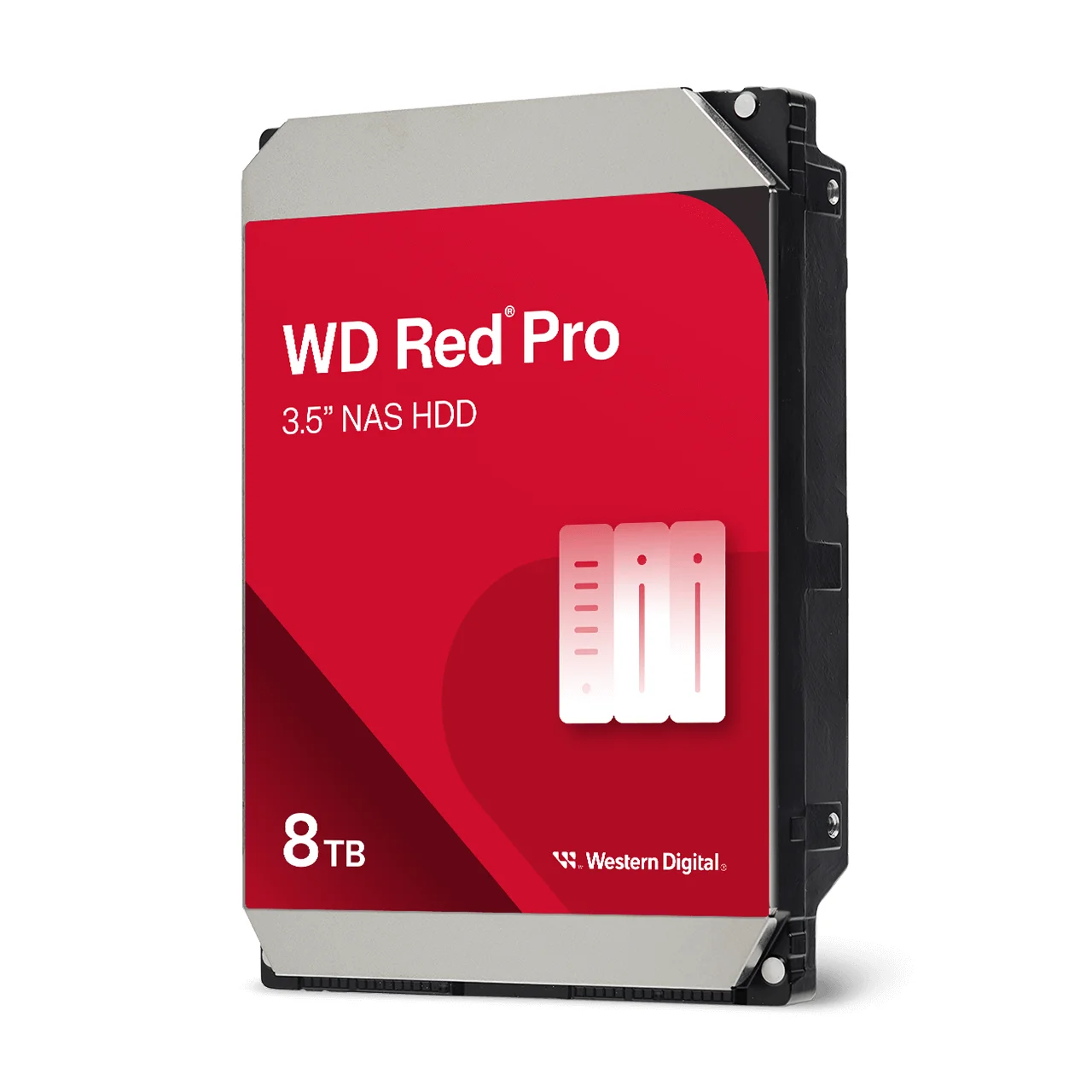
| WD8005FFBX | WD Red Pro 8TB | 8TB at 7200 RPM for busy small teams and creative studios |
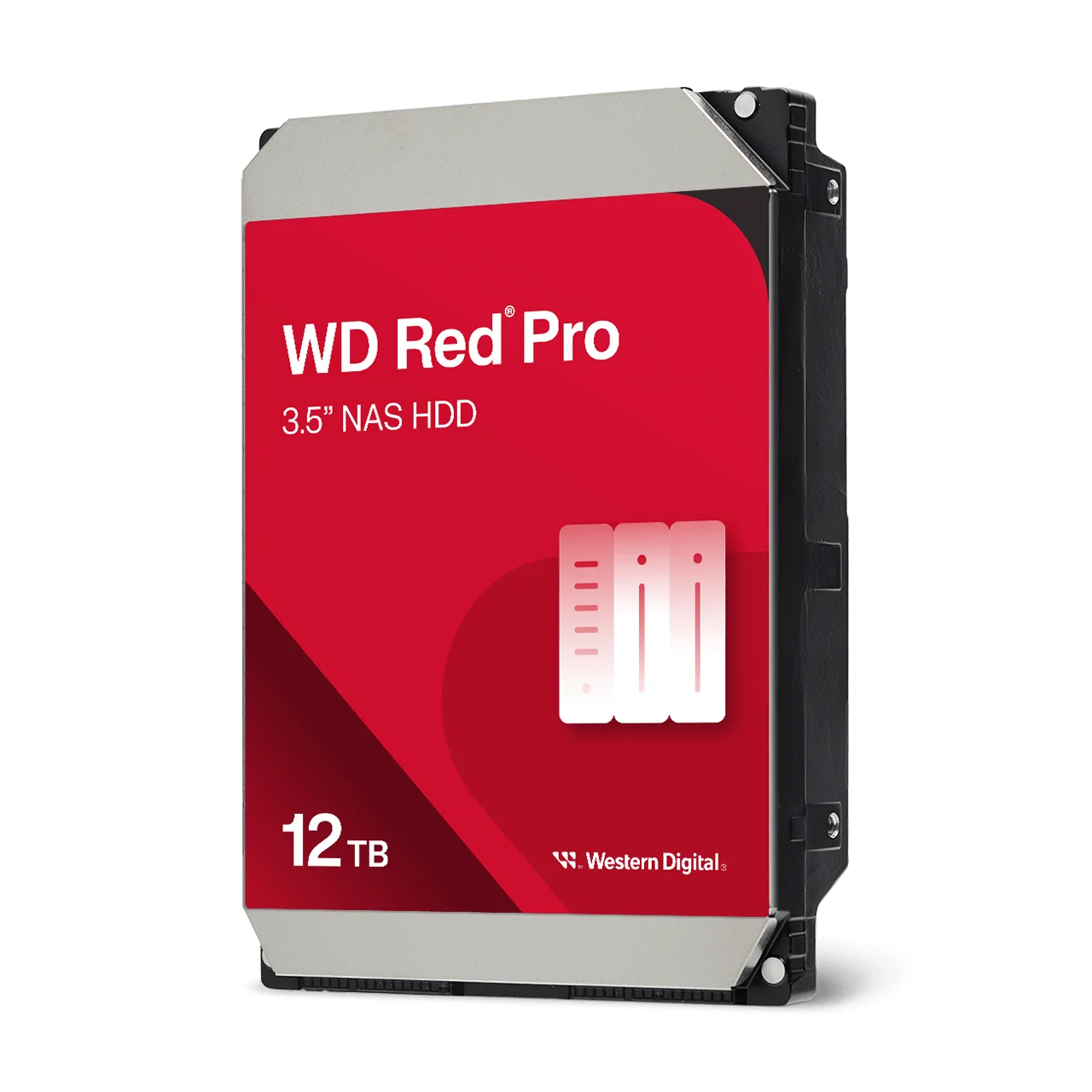
| WD122KFBX | WD Red Pro 12TB | Multi-user business NAS and video work |
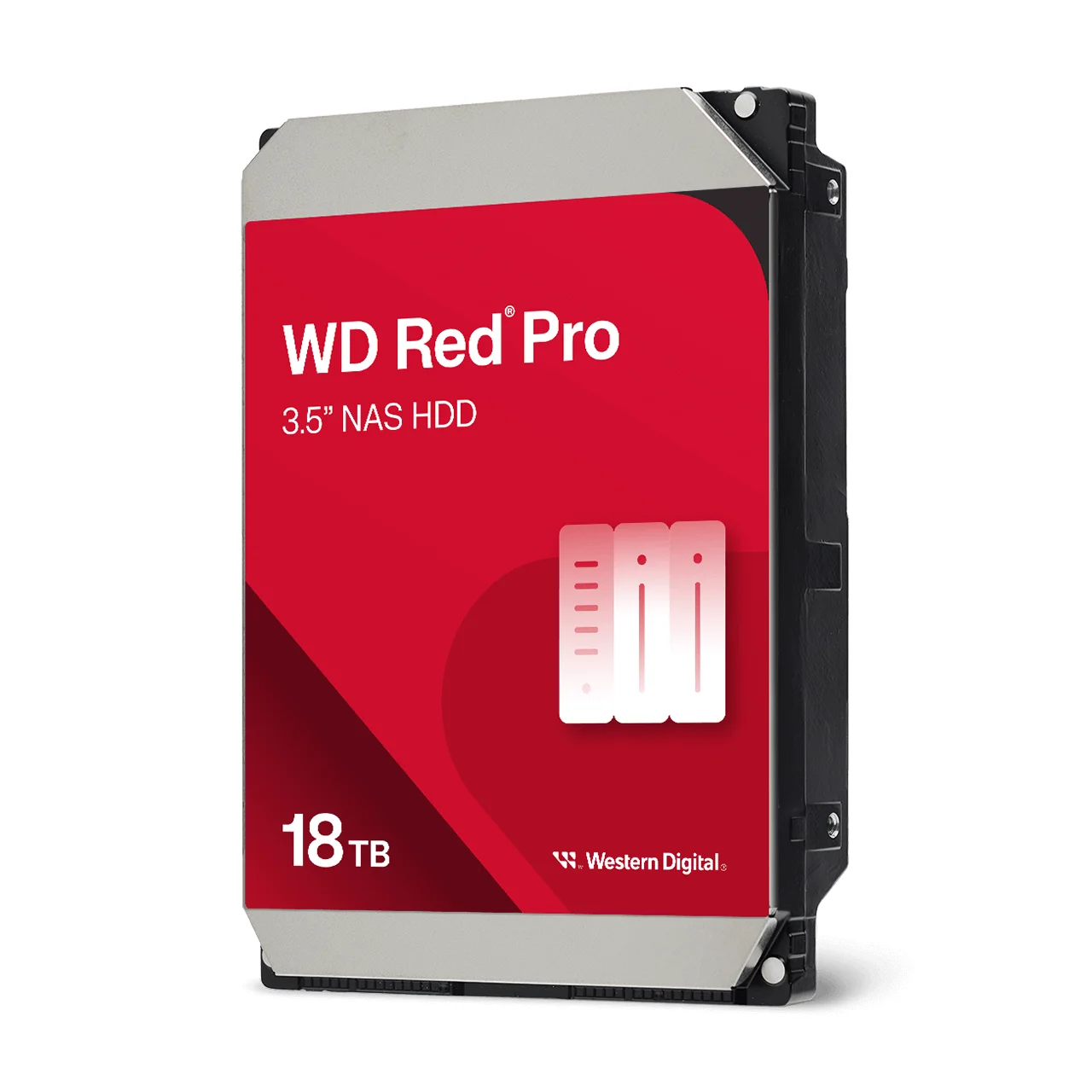
| WD181KFGX | WD Red Pro 18TB | Large 8-bay and rack-mount NAS, helium-filled |
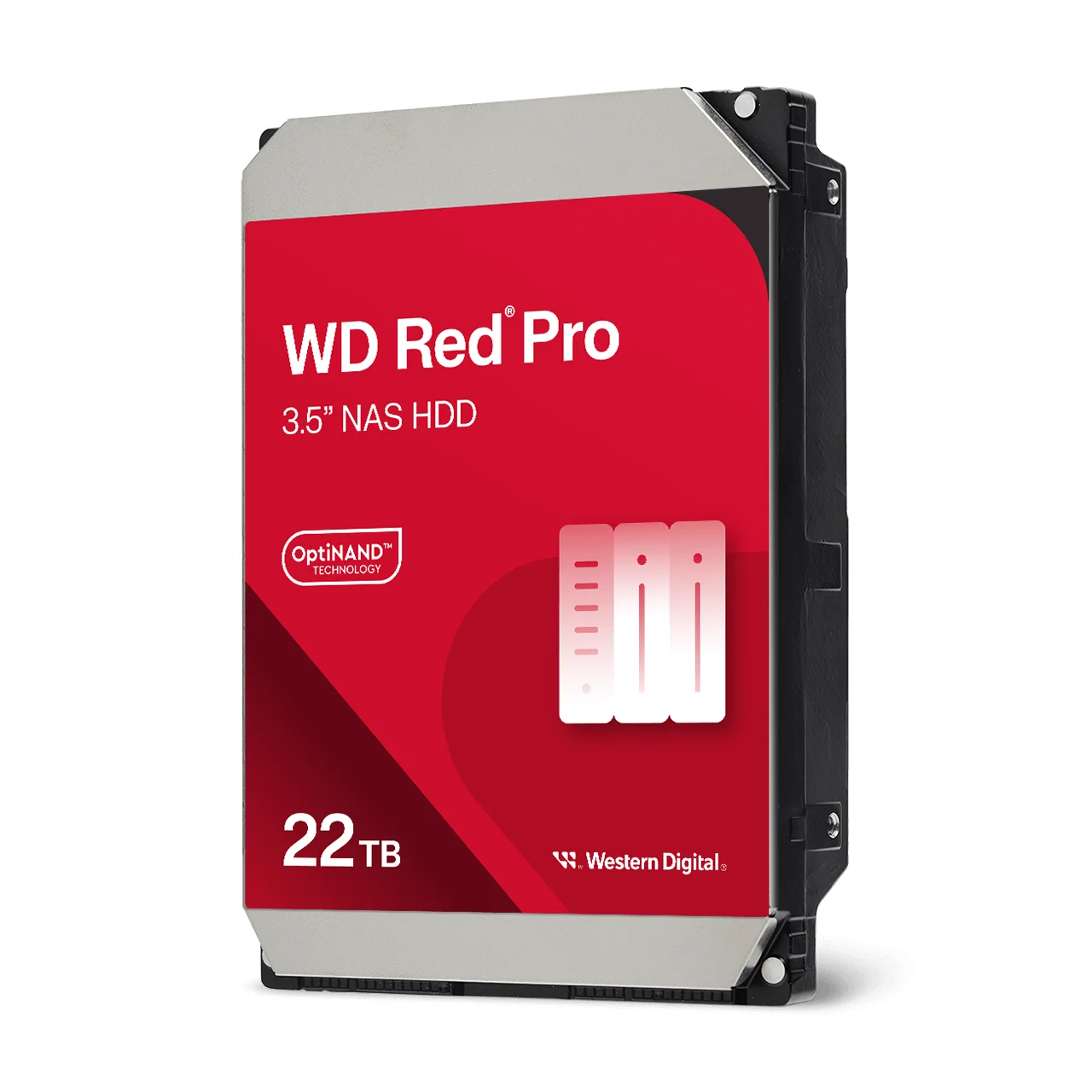
| WD221KFGX | WD Red Pro 22TB | Maximum capacity per bay, helium-filled with OptiNAND |
Model positioning from Western Digital's Australian product pages and datasheets.
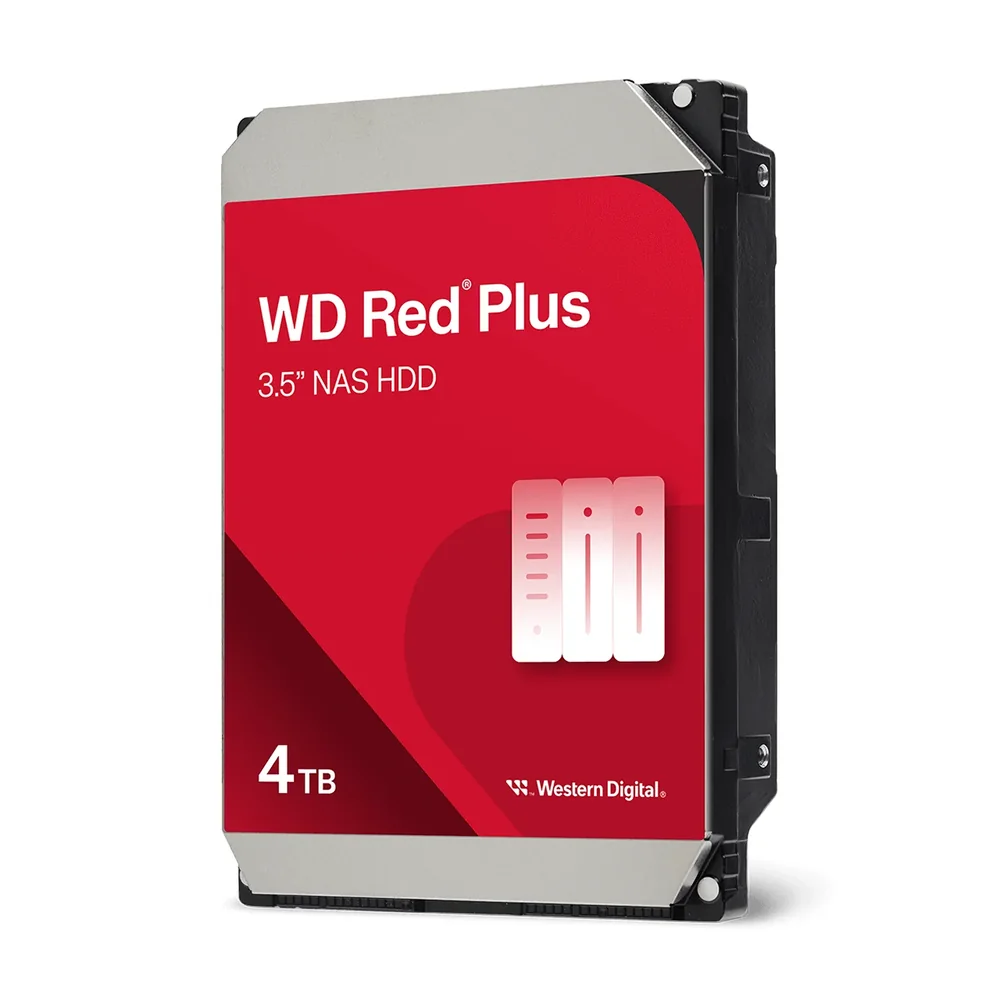
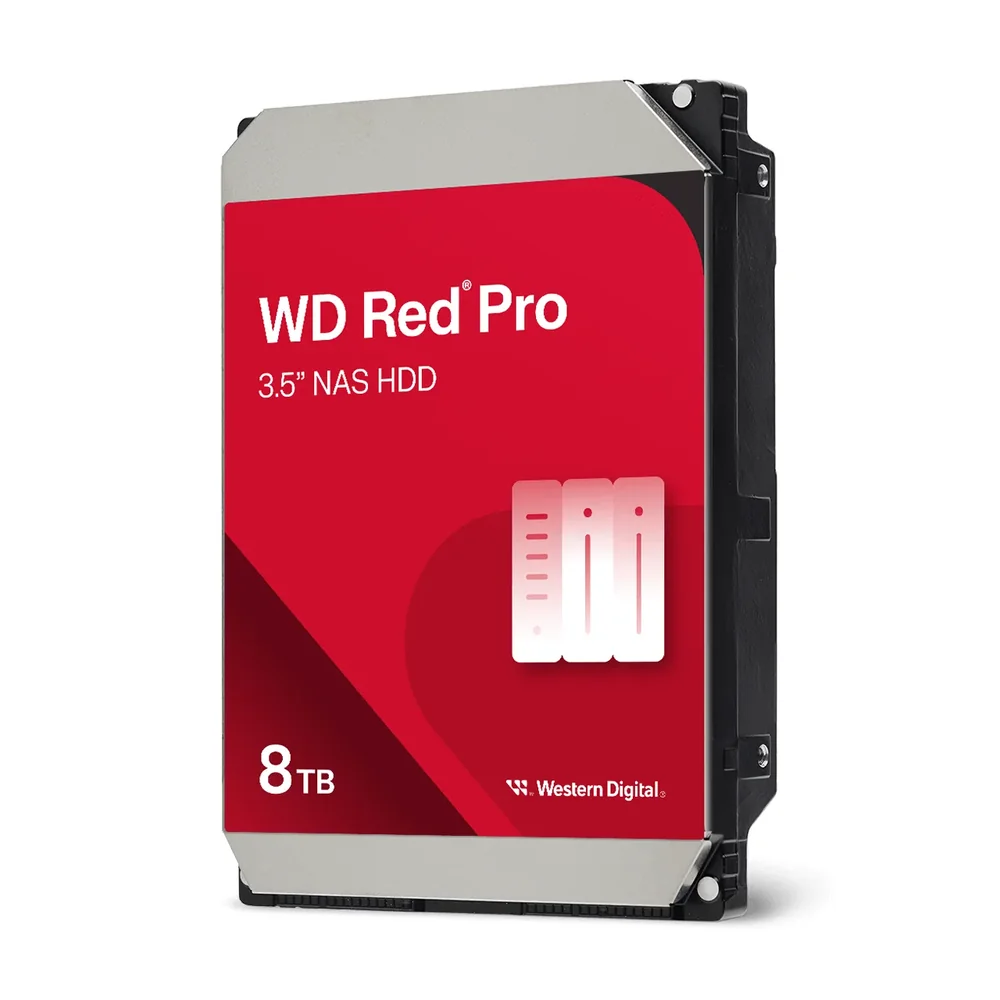
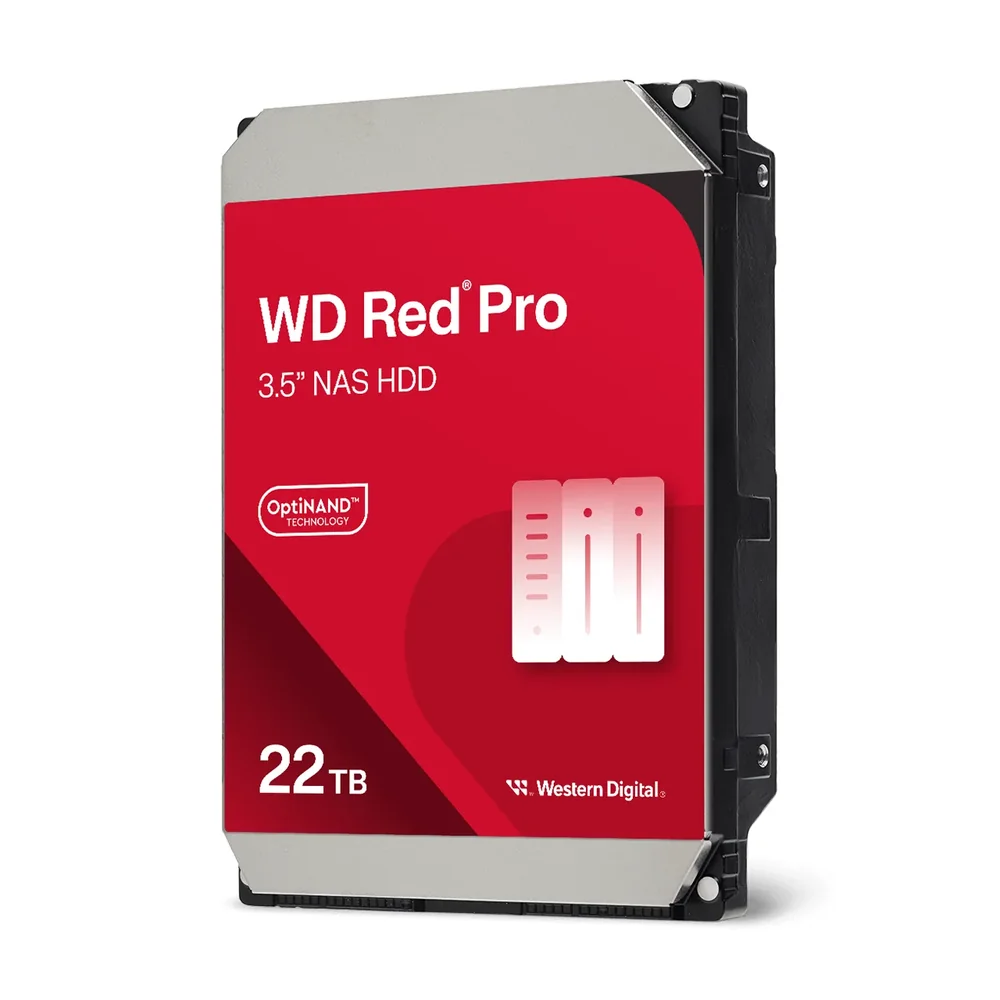
WD Red Plus vs Red Pro: the key differences
| Feature | WD Red Plus | WD Red Pro |
|---|---|---|
| Designed for | Home offices, power users, small to medium businesses | Creative professionals, medium to large businesses, commercial NAS |
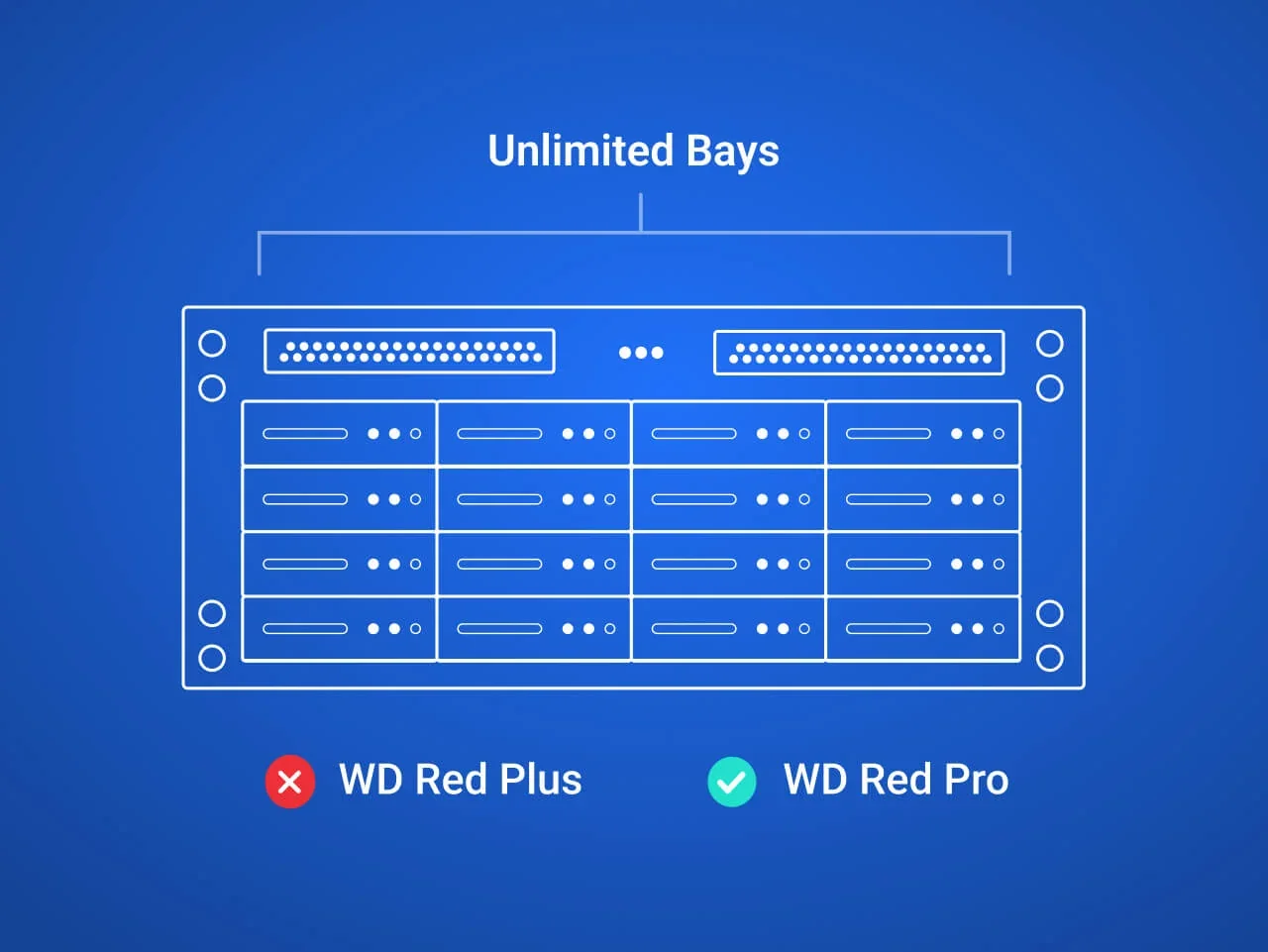
| NAS size (WD rating) | Up to 8 bays | Unlimited number of bays, tower or rack-mount |
| Spindle speed | 5400 RPM (2TB, 4TB), 5640 RPM (8TB) | 7200 RPM |
| Internal transfer rate (up to) | 180 to 215 MB/s | 265 to 272 MB/s |
| Cache | 64MB to 256MB | 256MB to 512MB |
| Workload rating | 180 TB/year | 550 TB/year |
| MTBF | 1,000,000 hours | 2,000,000 hours (8TB, 12TB), 2,500,000 hours (18TB, 22TB) |
| Non-recoverable read errors | <1 in 1014 bits read | <1 in 1015 bits read |
| Recording technology | CMR | CMR |
| Warranty | 3-year limited | 5-year limited |
| WD capacities (whole range) | 2TB to 12TB | 2TB to 26TB |
Western Digital WD Red Plus datasheet (September 2025) and WD Red Pro datasheet (January 2025), for the models in this guide unless marked as the whole range.
Every model compared: full specifications
Swipe the table sideways to compare all seven drives →
| Spec | Red Plus 2TB | Red Plus 4TB | Red Plus 8TB | Red Pro 8TB | Red Pro 12TB | Red Pro 18TB | Red Pro 22TB |
|---|---|---|---|---|---|---|---|
| Model | WD20EFPX | WD40EFZZ | WD80EFPX | WD8005FFBX | WD122KFBX | WD181KFGX | WD221KFGX |
| Spindle speed | 5400 RPM | 5400 RPM | 5640 RPM | 7200 RPM | 7200 RPM | 7200 RPM | 7200 RPM |
| Transfer rate (up to) | 180 MB/s | 180 MB/s | 215 MB/s | 267 MB/s | 267 MB/s | 272 MB/s | 265 MB/s |
| Cache | 64MB | 128MB | 256MB | 256MB | 512MB | 512MB | 512MB |
| Fill | Air | Air | Air | Air | Air | Helium | Helium |
| OptiNAND | No | No | No | No | No | No | Yes |
| Workload rating | 180 TB/yr | 180 TB/yr | 180 TB/yr | 550 TB/yr | 550 TB/yr | 550 TB/yr | 550 TB/yr |
| MTBF (hours) | 1M | 1M | 1M | 2M | 2M | 2.5M | 2.5M |
| Avg power, read/write | 4.0 W | 4.5 W | 5.2 W | 6.9 W | 8.8 W | 6.1 W | 6.8 W |
| Avg power, idle | 2.4 W | 2.9 W | 3.4 W | 4.9 W | 6.1 W | 3.6 W | 3.4 W |
| Acoustics, idle / seek | 21 / 26 dBA | 24 / 27 dBA | 24 / 28 dBA | 29 / 36 dBA | 34 / 39 dBA | 20 / 36 dBA | 20 / 32 dBA |
| Operating temperature | 0 to 65 °C | 0 to 65 °C | 0 to 65 °C | 0 to 65 °C | 0 to 65 °C | 0 to 65 °C | 0 to 65 °C |
| Warranty | 3 years | 3 years | 3 years | 5 years | 5 years | 5 years | 5 years |
Figures from Western Digital's WD Red Plus and WD Red Pro datasheets. OptiNAND "No" is the datasheet value: WD's Australian product page lists OptiNAND for every Red Pro capacity, but the datasheet shows it only on 20TB and larger models. MTBF is a population statistic, not a prediction for an individual drive.
Bay count: up to 8 bays vs unlimited
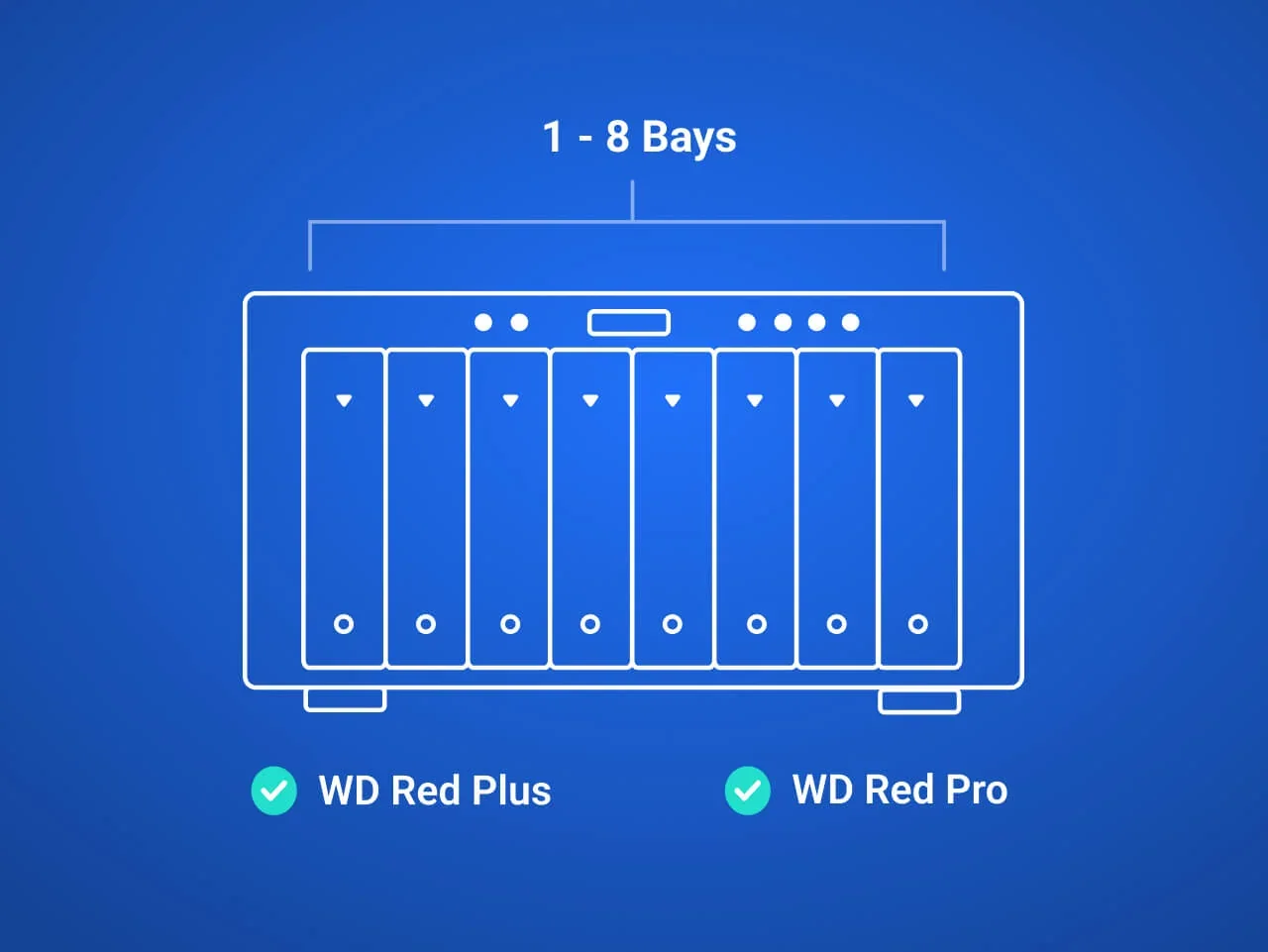
This is the line Western Digital draws itself. WD Red Plus is rated for NAS systems with up to 8 bays. WD Red Pro is rated for NAS systems with an unlimited number of bays, in tower and rack-mount enclosures.
Bay count matters because drives in a busy chassis shake each other. Every spinning platter adds vibration, and in a big box that vibration can slow reads and writes. WD's datasheet lists RV (rotational vibration) sensors on every Red Pro model, alongside a multi-axis shock sensor and dynamic fly-height adjustment that WD says protect the drives in larger NAS enclosures. Red Plus uses WD's dual-plane balance control to keep its own vibration and noise down, which is plenty in a 2- or 4-bay desktop unit.
Not sure how many bays you need yet? Our guide to 2-bay vs 4-bay vs 6-bay NAS walks through it.
Speed: 5400 RPM vs 7200 RPM
Red Plus spins at 5400 RPM (2TB and 4TB) or 5640 RPM (8TB), with internal transfer rates of up to 180 to 215 MB/s. Red Pro spins at 7200 RPM across the range, with up to 265 to 272 MB/s.
For most Australian homes this gap is invisible. A NAS on a 1 Gigabit network tops out well below what either drive can deliver, and NBN upload speeds are lower again when you reach the NAS from outside. The faster spindle starts to pay off when several people work off the NAS at once, when you edit video directly from it on a 2.5GbE or 10GbE network, or during a RAID rebuild, where every drive is read end to end.
Cache follows the same pattern: 64MB on the Red Plus 2TB, 128MB on the 4TB and 256MB on the 8TB, against 256MB on the Red Pro 8TB and 512MB from 12TB up.
Workload rating: 180 TB/year vs 550 TB/year
The workload rating is how much data Western Digital expects the drive to read and write each year. WD defines it as the terabytes transferred, annualised to a full year of power-on hours. Red Plus is rated for 180 TB/year; Red Pro for 550 TB/year, roughly three times as much.
To put 180 TB/year in context: that is about 490GB of reads and writes a day, every day. A family NAS backing up a few laptops and serving photos and movies comes nowhere near it. A creative studio moving 4K footage on and off the NAS, a practice with a dozen staff saving to shared folders all day, or a NAS that also records CCTV can get there quickly. If your NAS is a working tool rather than a storage cupboard, Red Pro's headroom is what you pay for.
Reliability and warranty: 3 years vs 5 years
WD rates Red Plus at 1,000,000 hours MTBF and Red Pro at 2,000,000 hours (8TB and 12TB) or 2,500,000 hours (18TB and 22TB). The test conditions differ: Red Plus is measured at a 90 TB/year workload and Red Pro at 220 TB/year, both at a 40 °C drive temperature. MTBF describes a large population of drives, not how long your drive will last.
Two differences matter more day to day. Red Pro's non-recoverable read error rating is less than 1 in 1015 bits read, ten times better than Red Plus's 1 in 1014, which counts most during a RAID rebuild on large drives. And the warranty: 3-year limited on Red Plus, 5-year limited on Red Pro. For a business planning a five-year refresh cycle, the Red Pro warranty lines up with the life of the NAS.
Why CMR matters on a NAS drive
Both WD Red Plus and WD Red Pro use CMR (conventional magnetic recording), where each data track sits side by side without overlapping. The alternative, SMR, overlaps tracks to squeeze in more capacity, but that can make long, sustained writes slow down sharply. On a NAS, the longest sustained write is a RAID rebuild after a drive fails, which is exactly when you want the array back to full health quickly. Western Digital describes CMR as giving consistent write performance and better handling of RAID rebuilds.
If you are comparing an older or second-hand drive labelled simply "WD Red", check its model number against WD's datasheet for the recording technology before adding it to an array.
NASware, error recovery and OptiNAND
Every drive in this guide runs Western Digital's NASware firmware, which tunes the drive for always-on NAS and RAID workloads and improves compatibility with NAS enclosures. Part of that is time-limited error recovery (TLER on Red Pro): when a drive hits a sector it struggles to read, it reports back to the RAID controller rather than going quiet for minutes, so the NAS does not mark a healthy drive as failed. Most desktop drives are not set up this way, which is the main reason not to use them in a RAID array.
WD names NASware 3.0 on the Red Pro 8TB (WD8005FFBX). For the other models WD's datasheets say "NASware" without a version number.
OptiNAND is a Western Digital drive technology used on its highest-capacity models. Of the drives in this guide, only the Red Pro 22TB (WD221KFGX) has it, according to WD's datasheet, which lists OptiNAND on Red Pro models from 20TB up. The 18TB and 22TB Red Pro drives are also helium-filled and idle at lower power (3.6 W and 3.4 W) than the air-filled 12TB (6.1 W).
Noise and power: why Red Plus suits the lounge room
A NAS in a home study, a lounge room or a small office reception sits within earshot. Red Plus is the quieter drive: 21 to 24 dBA at idle and 26 to 28 dBA when seeking. The air-filled Red Pro 8TB and 12TB idle at 29 and 34 dBA and seek at 36 and 39 dBA, so head movement is more noticeable in a quiet room. The helium Red Pro 18TB and 22TB idle at just 20 dBA but still seek at 36 and 32 dBA.
Power tells the same story. A Red Plus draws 4.0 to 5.2 W reading and writing, against 6.1 to 8.8 W for Red Pro. Across four drives running 24/7, that adds up on the electricity bill and adds heat to a cupboard or comms rack in an Australian summer. See our guide to NAS power consumption for ways to cut it.
Which drive for a Synology, QNAP or ASUSTOR NAS?
Brand matters less than bay count and how hard the NAS works. Synology, QNAP and ASUSTOR all build 2-, 4- and 8-bay units for Australian homes and offices; check your model's compatibility list before you buy, as some manufacturers favour their own drives. Our ASUSTOR vs Synology vs QNAP guide compares the brands themselves.
| NAS and use | Our pick | Why |
|---|---|---|
| 2-bay at home: photos, PC and Mac backups, Plex | Red Plus 4TB or 8TB in RAID 1 | Quiet, low power, well inside the 180 TB/year rating |
| 4-bay home office or small business, light use | Red Plus 4TB or 8TB in RAID 5 | Rated for up to 8 bays; 3-year warranty suits a light workload |
| 4-bay creative studio editing off the NAS | Red Pro 8TB or 12TB in RAID 5 or 10 | 7200 RPM and 550 TB/year for sustained video reads and writes |
| 8-bay small to medium business, shared drives all day | Red Pro 12TB or 18TB in RAID 6 | RV sensors for a full chassis, 5-year warranty |
| 8-bay home media library, light use | Red Plus 8TB in RAID 6 | Within the 8-bay rating, quieter and cooler |
| More than 8 bays, or rack-mount | Red Pro (any capacity) | Red Plus is not rated beyond 8 bays |
| NAS that also records CCTV cameras | Red Pro | Continuous writes add up quickly against the workload rating |
ARC IP Networks recommendations based on Western Digital's published ratings. Always use matching drives within one RAID array.
RAID pointers before you buy
- Buy the same model and capacity for one array. RAID uses the smallest drive's capacity, and mixing 5400 and 7200 RPM drives drags the array to the slower speed.
- RAID 1 mirrors two drives: two 8TB drives give you 8TB usable. RAID 5 survives one drive failure; RAID 6 survives two, which is worth having with 12TB and larger drives because rebuilds take longer. Our NAS RAID explained guide covers each level.
- RAID is not a backup. It keeps the NAS running through a drive failure, but it will not save you from ransomware, deletion, fire or flood. Pair it with the 3-2-1 backup rule.
- Size for growth. Use our how much NAS storage do you need guide to work out usable capacity before choosing between 4TB, 8TB and larger drives.
What about Seagate IronWolf?
Seagate splits its NAS drives in a similar way, with IronWolf for desktop NAS units and Exos for larger, busier systems. Both brands make good NAS drives, and the right choice depends more on matching the drive's rating to your NAS than on the logo. For the Seagate side of the decision, read our guide to the best hard drives for a NAS: Seagate IronWolf vs Exos. Whichever brand you choose, keep each RAID array to one model.
Why buy WD Red drives from ARC IP Networks
ARC IP Networks is an authorised Western Digital reseller in Australia: genuine WD drives at competitive prices, with the full manufacturer's warranty, Australia-wide delivery and trade pricing.
We help Australian homes, small offices, creative studios and IT providers match the drive to the NAS, from a 2-bay family backup box to a rack-mount business NAS. Browse the full WD Red Plus and WD Red Pro ranges, or the wider Western Digital line-up.
WD Red Plus and WD Red Pro drives at ARC IP Networks
Current Australian pricing is on each product page, with trade pricing for installers and IT providers.
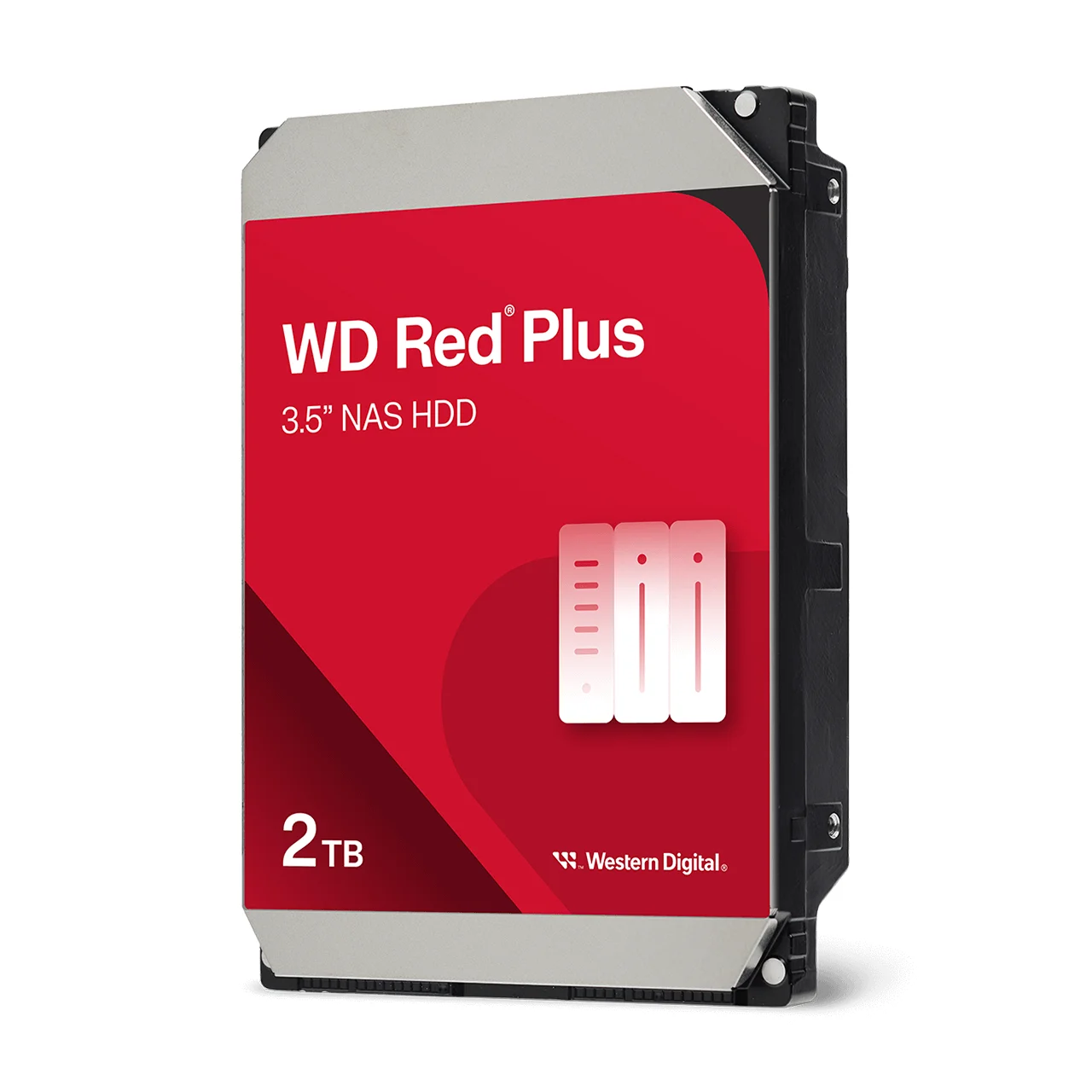
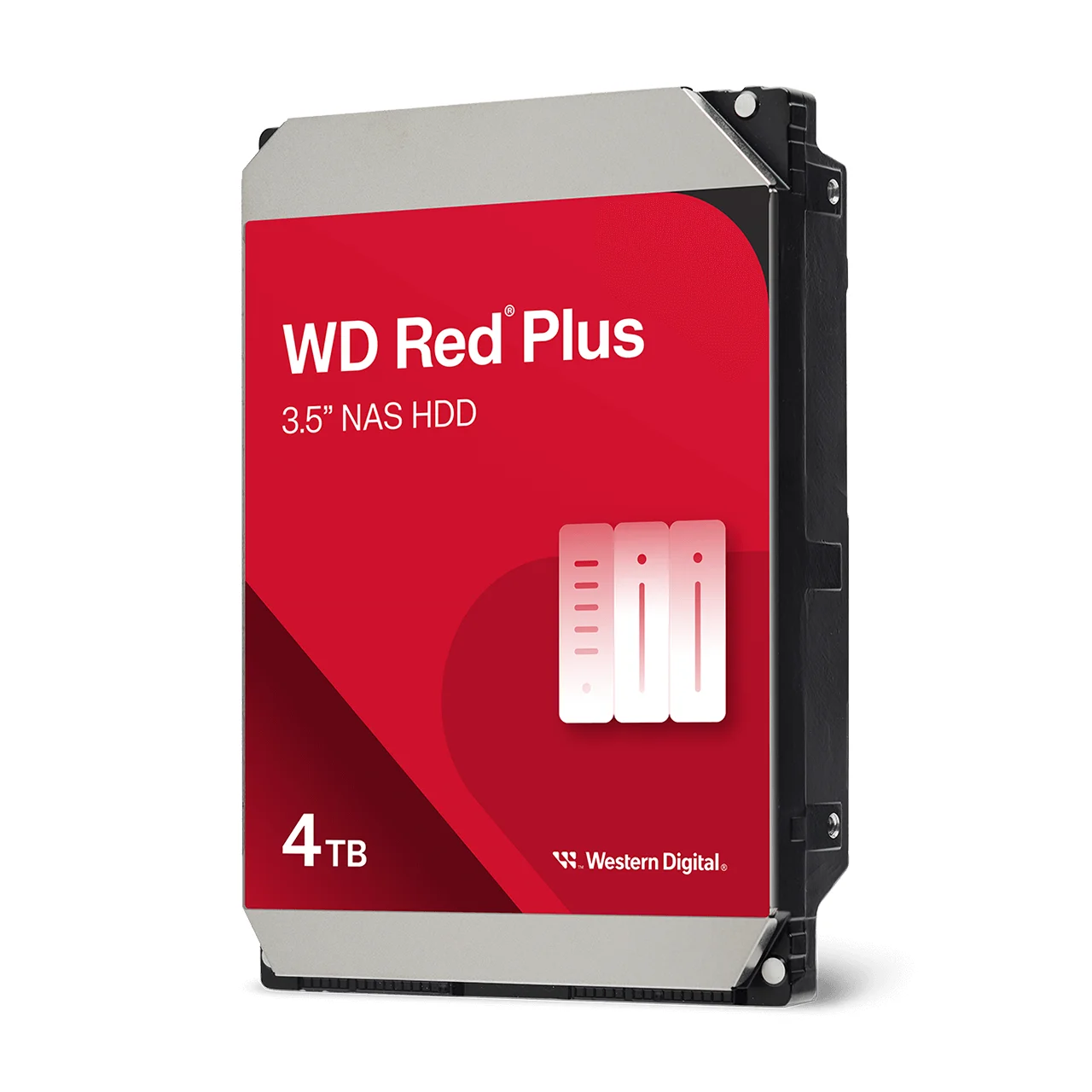
5400 RPM, 128MB cache, CMR. The everyday 4TB NAS drive for 2- and 4-bay units.
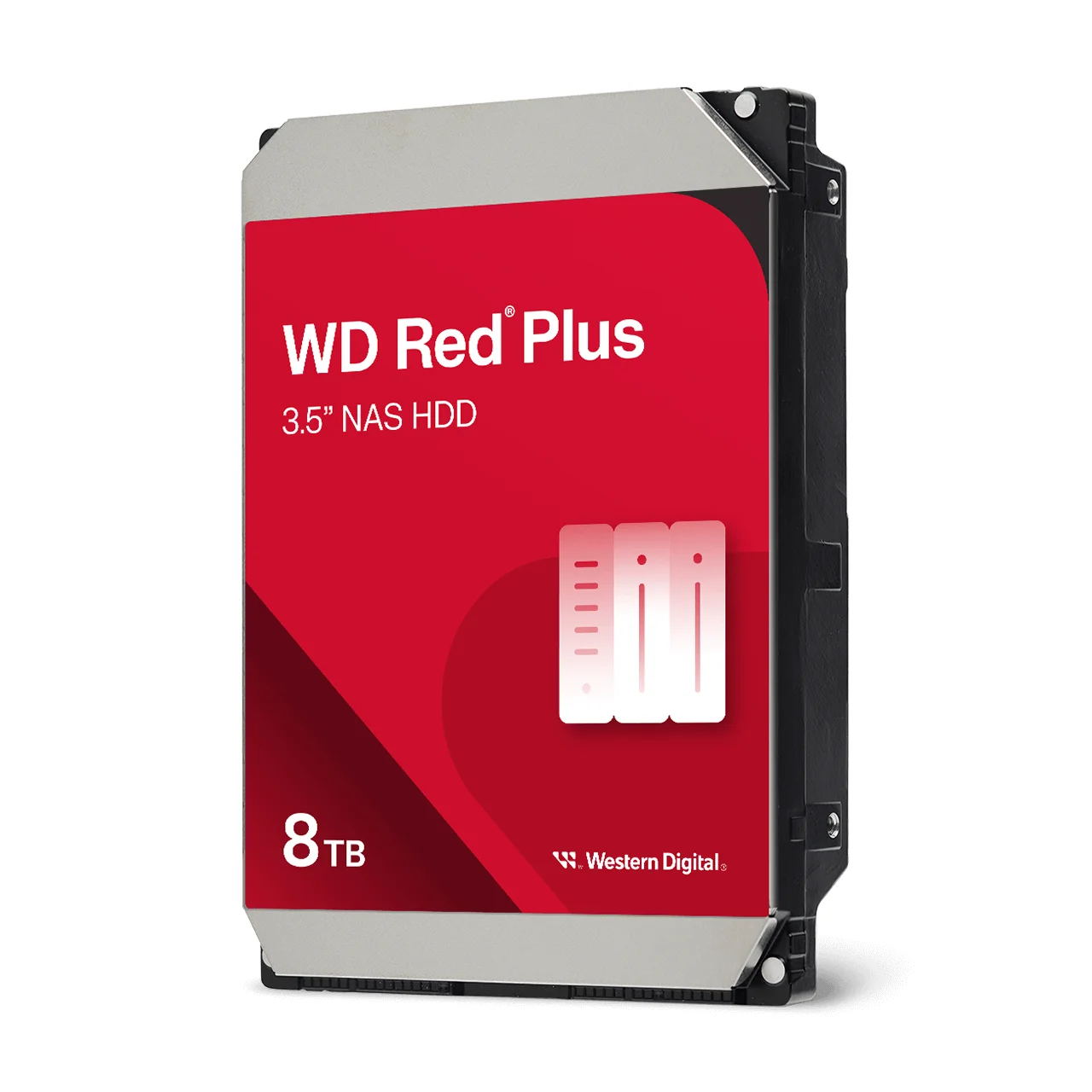
5640 RPM, 256MB cache, CMR. The most capacity in the Red Plus range we carry.
Common questions
Straight answers from the ARC IP Networks team. Last reviewed October 2026.
WD Red Plus is rated for NAS systems with up to 8 bays, spins at 5400 to 5640 RPM, is rated for 180 TB/year and carries a 3-year limited warranty. WD Red Pro is rated for any number of bays, spins at 7200 RPM, is rated for 550 TB/year with 2 to 2.5 million hours MTBF and carries a 5-year limited warranty. Both are CMR drives with NASware firmware.
Yes. WD Red Plus is built for always-on NAS systems with up to 8 bays, uses CMR recording, runs NASware firmware with RAID error recovery, and is quieter and lower-power than WD Red Pro. It suits most 2- and 4-bay home and small-office NAS units.
WD Red Plus is CMR (conventional magnetic recording), according to Western Digital's datasheet, as is WD Red Pro. CMR gives consistent write speeds and handles RAID rebuilds better than SMR, which is why it is the right choice for a NAS.
Usually not for a 2- or 4-bay home NAS used for backups, photos and streaming, which sits well inside WD Red Plus's 180 TB/year rating. WD Red Pro is worth it if you edit video directly from the NAS, have several people using it all day, run more than 8 bays, or want the 5-year warranty.
For most 2- and 4-bay NAS units, the WD Red Plus 4TB (WD40EFZZ) is a sound choice: CMR, 5400 RPM, 128MB cache, NASware firmware, a 180 TB/year workload rating and a 3-year limited warranty. Buy matching drives for each RAID array.
Western Digital rates WD Red Plus for RAID NAS systems with up to 8 bays. For a NAS with more than 8 bays, or a rack-mount NAS, choose WD Red Pro, which Western Digital rates for an unlimited number of bays.
Only the larger models. Western Digital's WD Red Pro datasheet lists OptiNAND on 20TB and larger drives, so the WD Red Pro 22TB (WD221KFGX) has it, while the 8TB, 12TB and 18TB models do not.
You can use them in separate volumes, but avoid mixing them in one RAID array. The array runs at the speed of the slowest drive and uses the capacity of the smallest, so use the same model and capacity for every drive in an array.
ARC IP Networks is an authorised Western Digital reseller in Australia: genuine WD drives at competitive prices, with the full manufacturer's warranty, Australia-wide delivery and trade pricing. ARC IP Networks carries WD Red Plus 2TB, 4TB and 8TB and WD Red Pro 8TB, 12TB, 18TB and 22TB NAS hard drives. Order online at arcip.com.au or call 1300 100 440.
Building or upgrading a NAS?
Tell us your NAS model, how many bays you are filling and who uses it. We will recommend WD Red Plus or WD Red Pro, the right capacity and the RAID level, with Australia-wide delivery and trade pricing for installers and IT providers.
Related NAS guides
- Best Hard Drives for a NAS: Seagate IronWolf vs Exos (Australia)
- NAS RAID Explained: RAID 1, 5, 6 and 10 for ASUSTOR (Australia)
- How Much NAS Storage Do You Need? TB Explained (Australia)
- 2-Bay vs 4-Bay vs 6-Bay NAS: How Many Bays Do You Need? (Australia)
- NAS Backup Done Right: The 3-2-1 Rule and RAID 5 vs RAID 6 (Australia)
- ASUSTOR vs Synology vs QNAP: Which NAS Brand Suits You? (Australia)
- CMR vs SMR Hard Drives Explained: What It Means for NAS and CCTV (Australia)
- BarraCuda vs IronWolf: Desktop or NAS Hard Drive?
- How Long Do Hard Drives Last? Workload, MTBF and Warranty Explained