CMR (conventional magnetic recording) writes each data track side by side with a small gap, so any track can be rewritten on its own. SMR (shingled magnetic recording) overlaps the tracks like roof shingles to fit more data on each platter, but changing data means rewriting the overlapping neighbours too. That's why an SMR drive can slow down sharply during long, sustained random writes and RAID rebuilds, while a CMR drive keeps steady, predictable write performance. For a NAS or a 24/7 CCTV recorder, choose CMR.
Quick pick: for a NAS, the WD Red Plus, WD Red Pro, Seagate IronWolf and IronWolf Pro are all CMR. For CCTV and NVRs, the WD Purple, WD Purple Pro, Seagate SkyHawk and SkyHawk AI are all CMR. For a desktop PC, the WD Blue WD60EZAX is CMR. To check any drive, look for the "Recording technology" line in the manufacturer's datasheet.
ARC IP Networks is an authorised Western Digital and Seagate reseller in Australia: genuine drives at competitive prices, with the full manufacturer's warranty, Australia-wide delivery and trade pricing.

CMR vs SMR at a glance
Both technologies store data on spinning magnetic platters, and both look identical from the outside. The difference is how the tracks are laid out, and that changes how the drive behaves when you write a lot of data.
| CMR (conventional) | SMR (shingled) | |
|---|---|---|
| Track layout | Tracks sit side by side with a small gap | Tracks partly overlap, like roof shingles |
| Rewriting data | Any track can be rewritten on its own | Neighbouring overlapped tracks must be rewritten too |
| Sustained random writes | Steady, predictable performance | Can slow down sharply once the drive falls behind |
| RAID rebuilds | Handled well (Western Digital's wording for WD Red Pro) | Can take much longer under the constant write load |
| Data per platter | Standard | Higher, because tracks are packed closer together |
| Best suited to | NAS, RAID, 24/7 CCTV, servers, busy desktops | Light desktop use, laptops, archive and write-once backup |
| Where it is stated | "Recording technology: CMR" in the datasheet | "Recording technology: SMR" in the datasheet |
Summary by ARC IP Networks. Recording technology per model comes from Western Digital and Seagate datasheets and product pages.
What is CMR?
Conventional magnetic recording (CMR) is the way hard drives have stored data for decades. The read/write head writes data in concentric tracks around the platter, and each track sits next to its neighbour with a small guard gap. Because tracks never overlap, the drive can update any block in place: it moves the head to the right track and writes. Performance stays consistent whether the drive is empty or nearly full, and whether it is writing one file or several streams at once.
You will also see CMR described as PMR (perpendicular magnetic recording), which refers to the direction the bits are magnetised. Western Digital lists its Ultrastar data-centre drives as CMR with energy-assisted perpendicular recording (ePMR). These are refinements of conventional recording, not shingled drives.
What is SMR?
Shingled magnetic recording (SMR) squeezes more tracks onto each platter by writing every new track so it partly overlaps the one before, the way roof shingles or roof tiles overlap. Seagate's BarraCuda laptop-drive manual, for example, describes "shingled magnetic recording with perpendicular magnetic recording heads/media". The read head can still read the narrow strip that remains, so reading is not the problem. Writing is: overwriting one track would damage the track it overlaps, so tracks are grouped into bands that must be rewritten together.
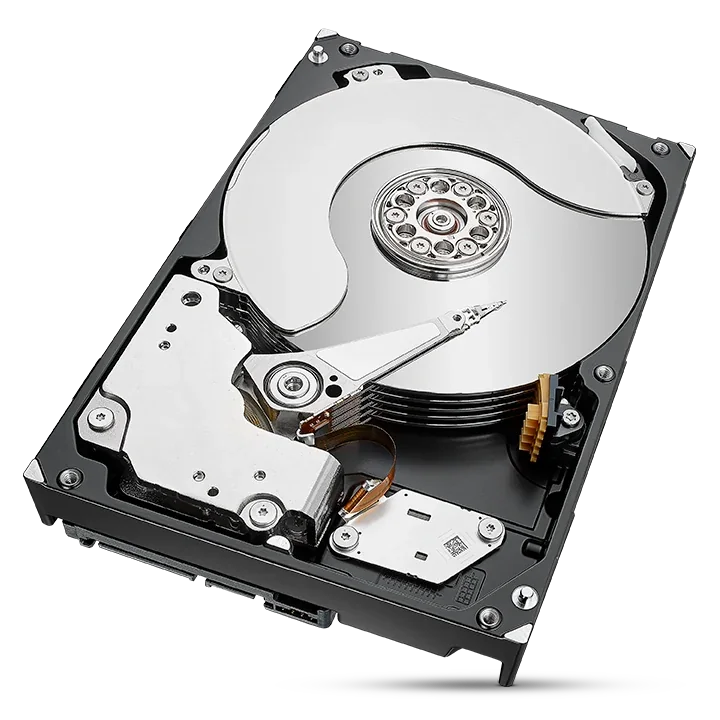
Why SMR drives slow down on sustained writes and RAID rebuilds
Most SMR drives you can buy are drive-managed: the drive hides the shingling from your computer. It accepts new writes into a staging area first, then reorganises the shingled bands in the background when the drive is idle. For everyday desktop use that works well, because there is plenty of idle time between bursts.
The trouble starts when writes never stop:
- Sustained random writes. Many small writes scattered across the disk, such as databases, virtual machines or several users saving at once, fill the staging area faster than the drive can tidy it up. The drive then has to read, merge and rewrite whole bands while still accepting new data, and write speed can drop sharply and unpredictably.
- RAID rebuilds. When a drive fails in a RAID 1, 5, 6 or 10 array, the NAS rebuilds onto the replacement by writing a whole drive's worth of data non-stop. That is close to the worst case for SMR: the rebuild can take far longer, and the array stays without its full protection for that whole time.
- No idle time. A drive that is always busy, like one in a 24/7 recorder, never gets the quiet periods SMR relies on to catch up.
Western Digital puts it plainly in its WD Purple Pro FAQ: CMR provides "predictable performance, better sustained write speeds, and reliability under continuous workloads", while SMR "can introduce latency during heavy writes". For WD Red Pro it says CMR gives "better handling of RAID rebuilds". Read our NAS RAID explainer for how rebuilds work.
Why NAS drives should be CMR
A NAS is shared storage. In an accounting practice, a design studio or a family home it may be saving files from several people, running backups overnight, indexing photos and syncing to the cloud, often at the same time. Most NAS units also run the drives in RAID, so one slow drive holds back the whole array, and a rebuild after a failure is the most write-heavy job the NAS will ever do.
That's why every current NAS range from both brands that ARC IP Networks supplies is CMR:
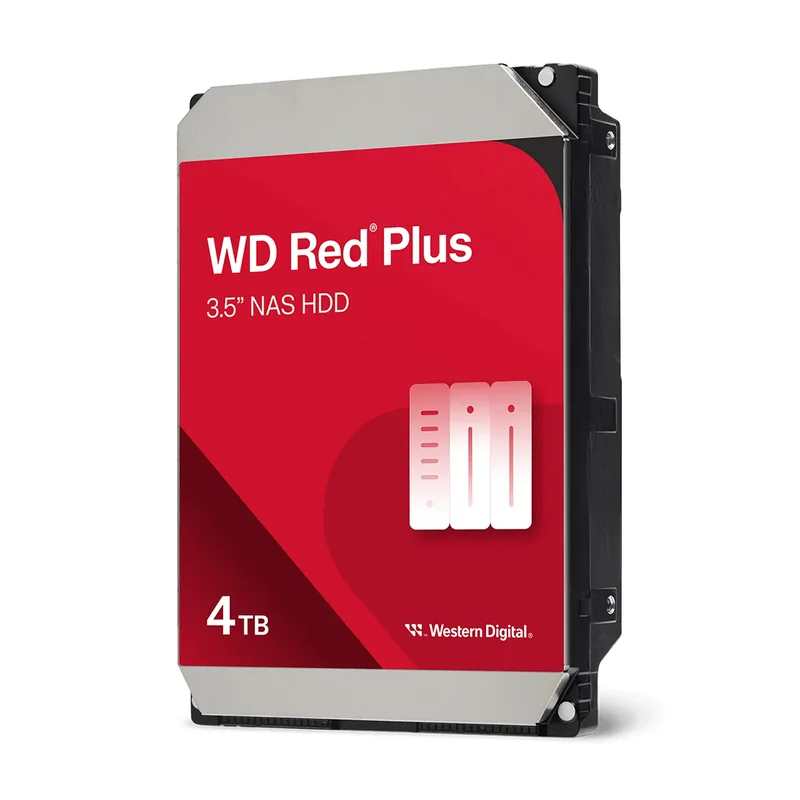
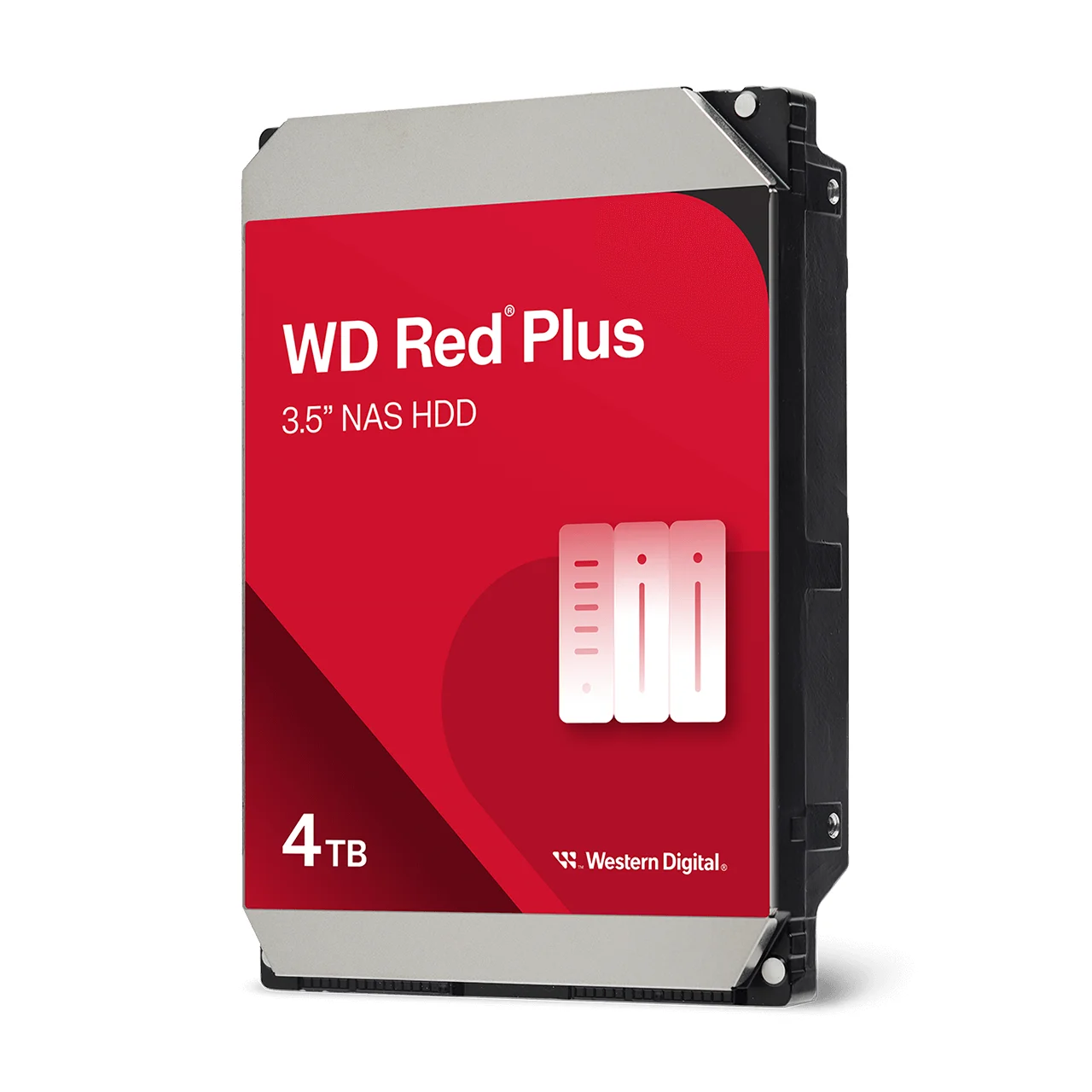
- WD Red Plus (WD40EFZZ and the 2 TB and 8 TB models): CMR NAS drives for small and home-office NAS units. Western Digital positions them for 1 to 8 bays.
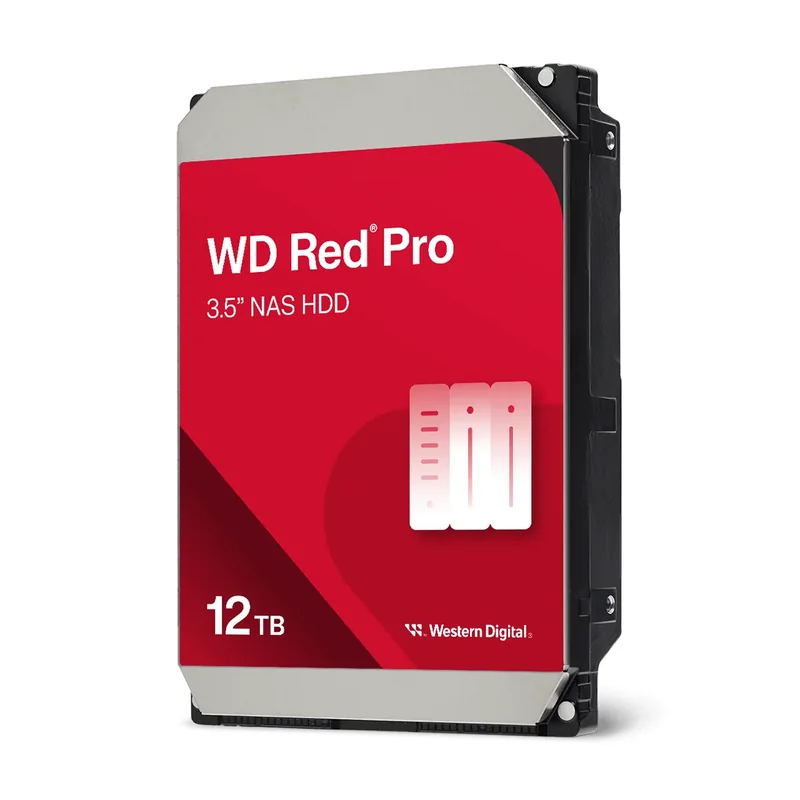
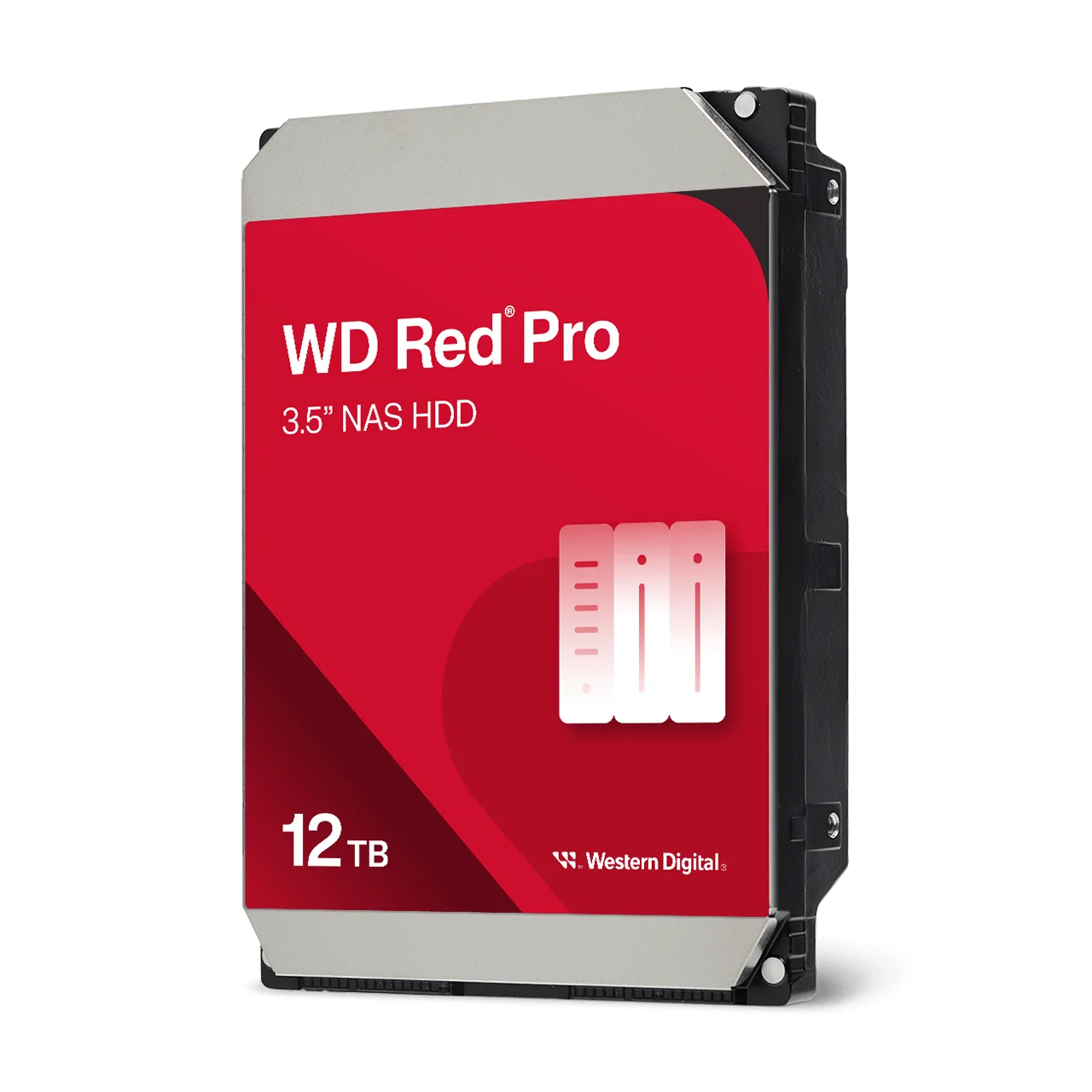
- WD Red Pro (WD122KFBX and the 8, 18 and 22 TB models): the higher-performance 7200 RPM CMR tier with vibration sensors for larger, busier multi-bay systems.
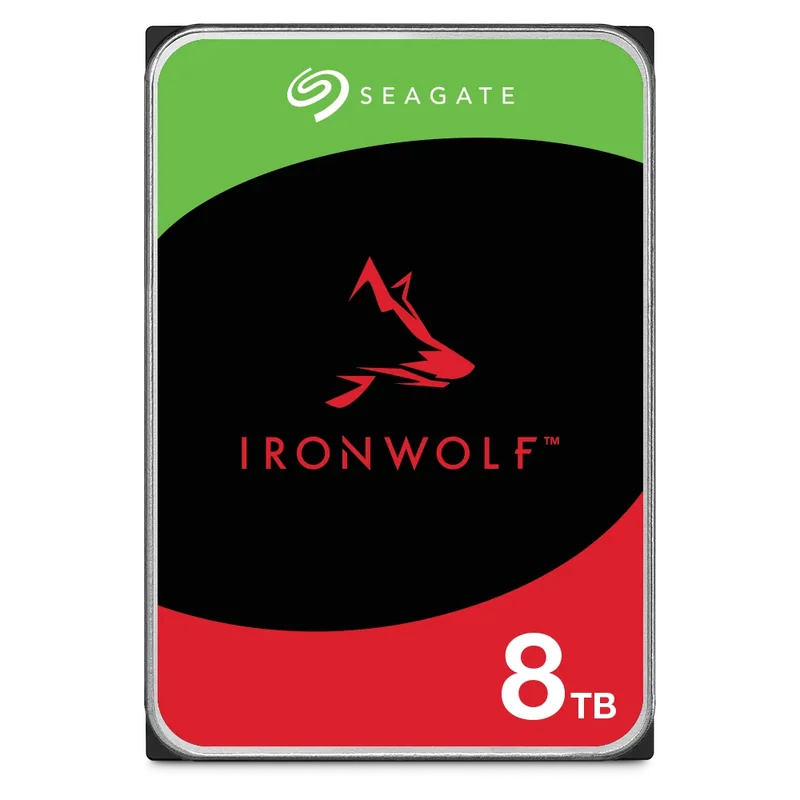
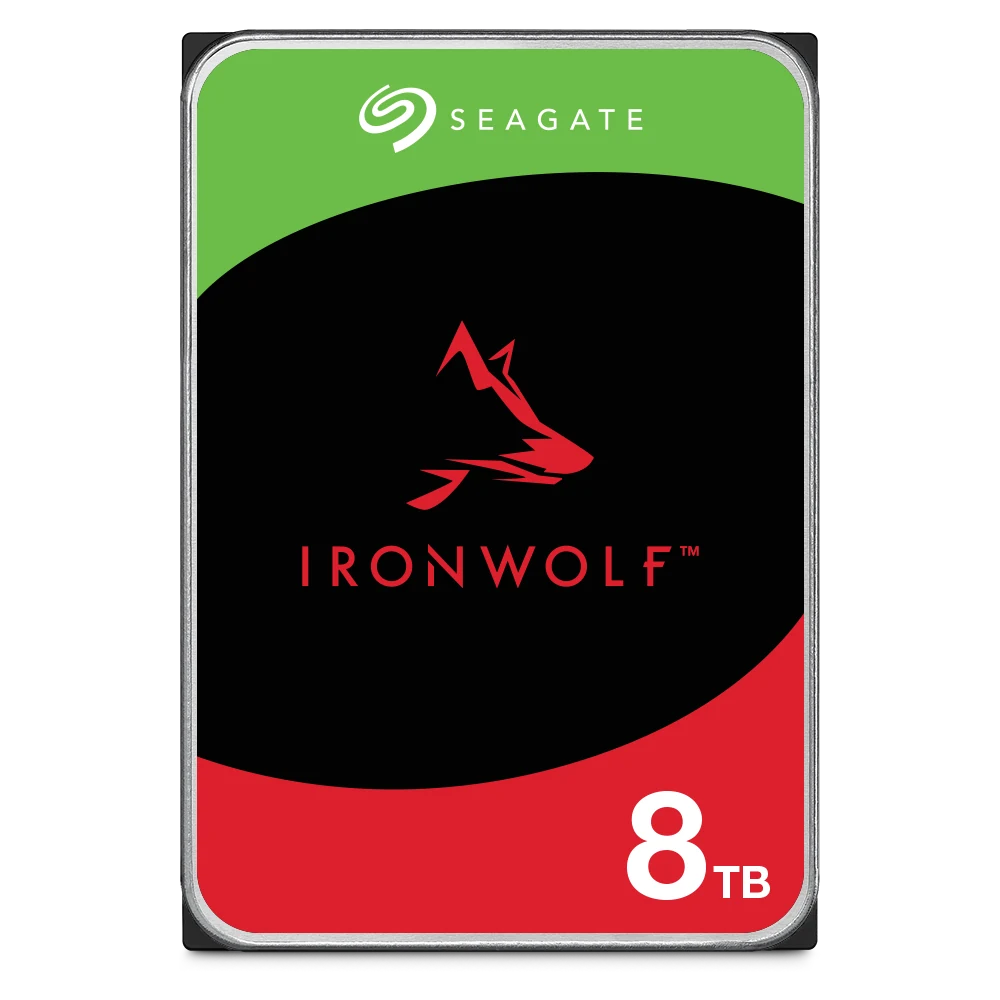
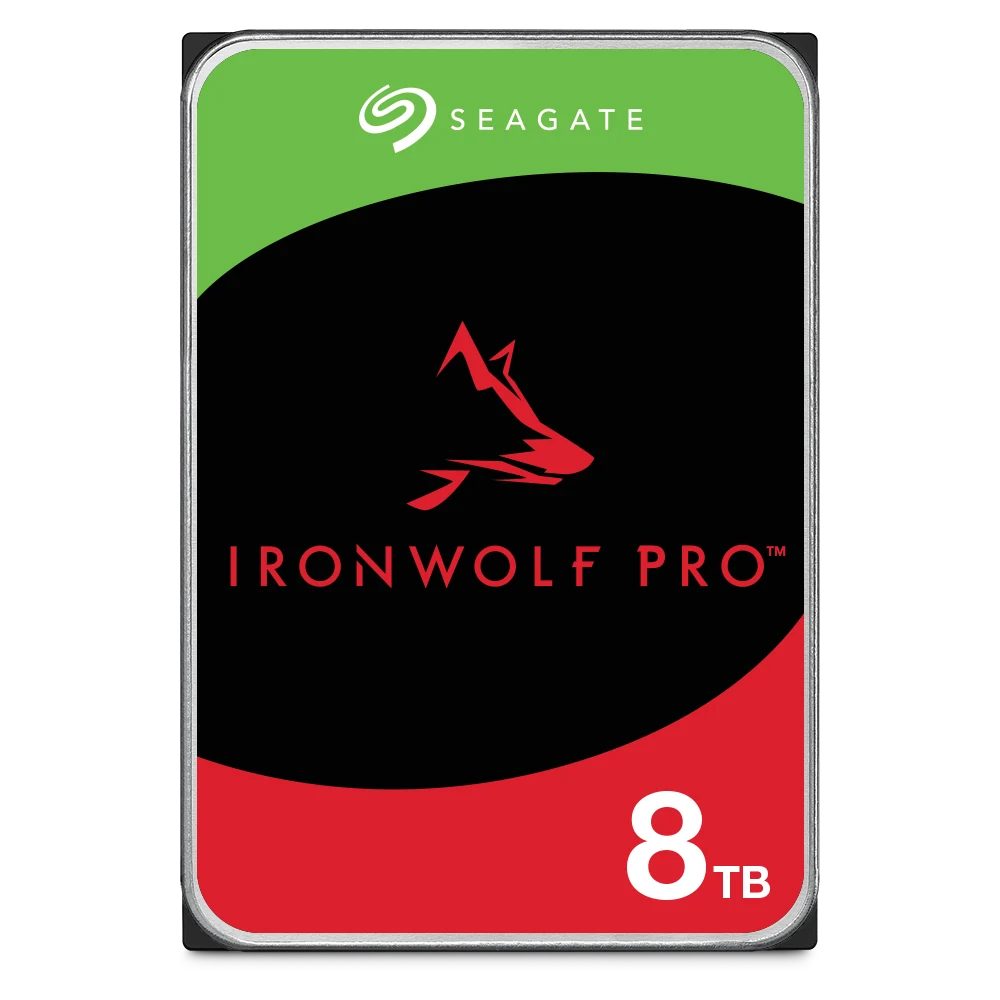
- Seagate IronWolf (ST8000VN004 and the rest of the range) and IronWolf Pro (ST8000NT001 up to 32 TB): CMR across every capacity Seagate lists in its datasheets.
Building a new NAS from scratch? Our Seagate and ASUSTOR NAS bundles pair an ASUSTOR NAS with CMR IronWolf drives. Our IronWolf vs Exos guide goes deeper on choosing between NAS and enterprise drives.
Why 24/7 CCTV recording needs CMR
An NVR or DVR in a shop, warehouse, school or farm shed writes video from every camera, all day and all night. Each camera is a separate stream, so the drive juggles many writes at once, and when it is full it overwrites the oldest footage and keeps going. There is no idle time for an SMR drive to reorganise its bands, which is exactly the situation where SMR falls behind. A recorder that can't keep up risks dropped frames or gaps in the footage you need after an incident.
Surveillance drives are built for this, and both brands make them CMR:
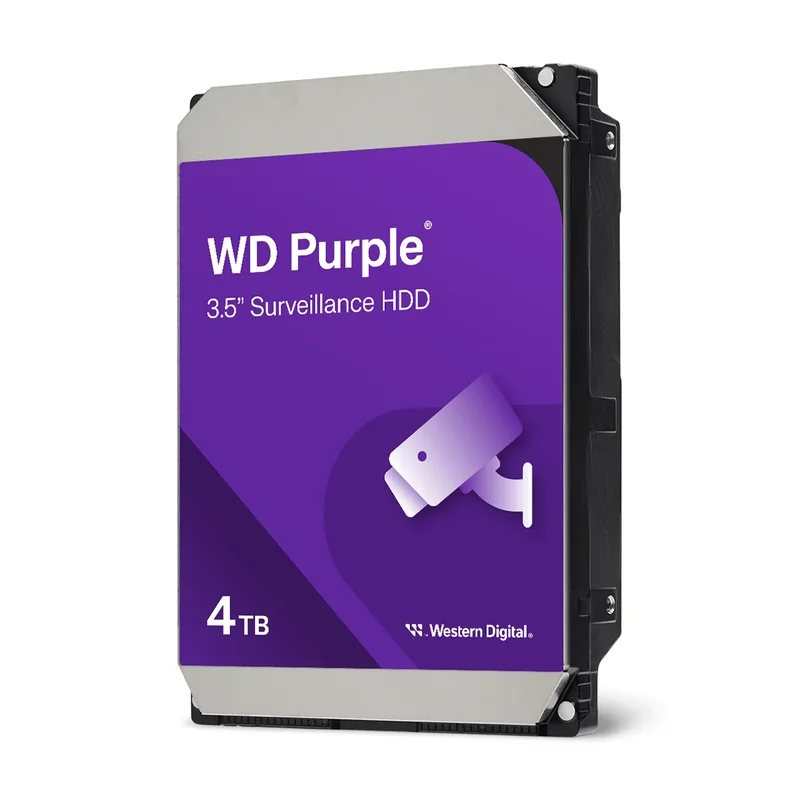
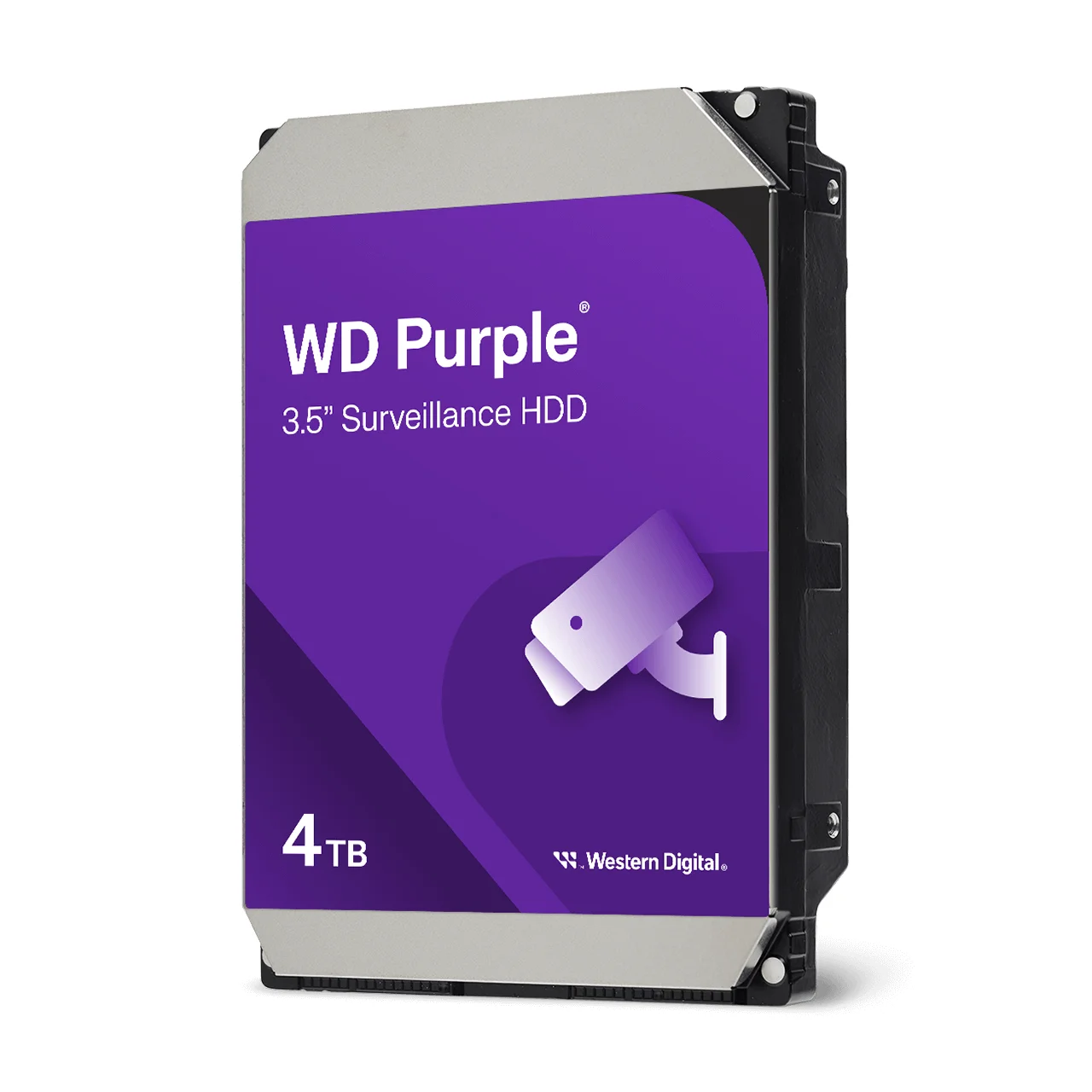
- WD Purple (WD44PURZ and the 1 TB to 8 TB range): CMR surveillance drives for DVRs and NVRs.
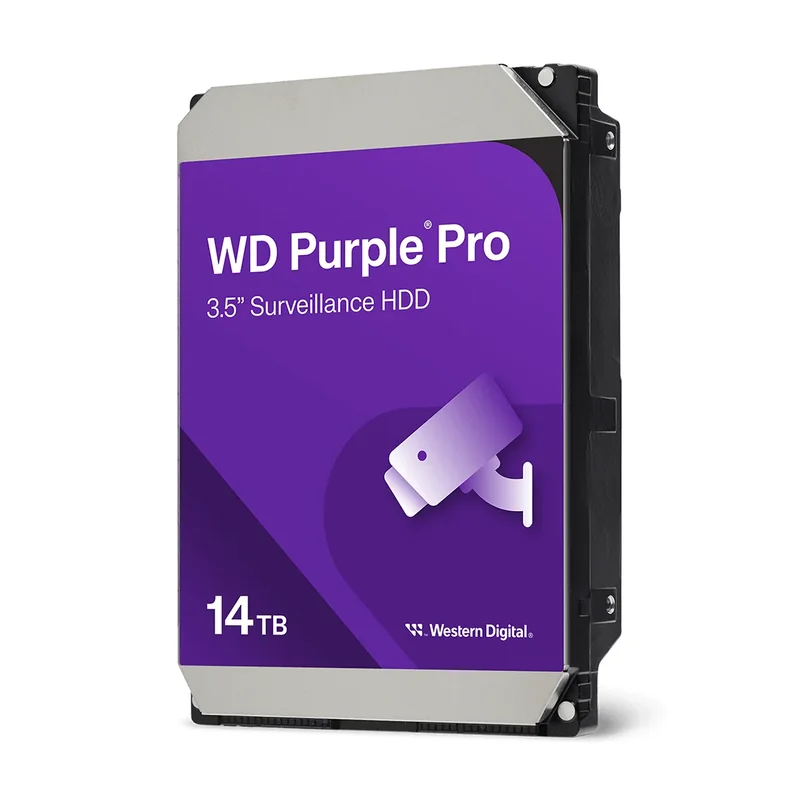
- WD Purple Pro (WD142PURP and the 8 TB to 22 TB range): CMR drives for larger, AI-capable NVRs and heavier workloads.
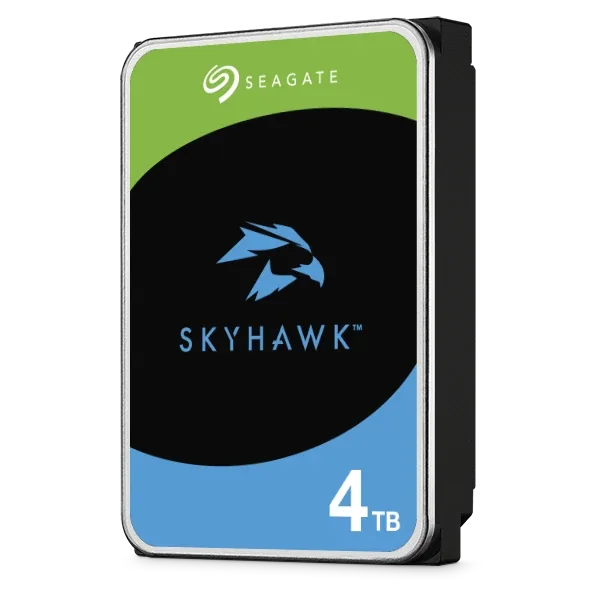
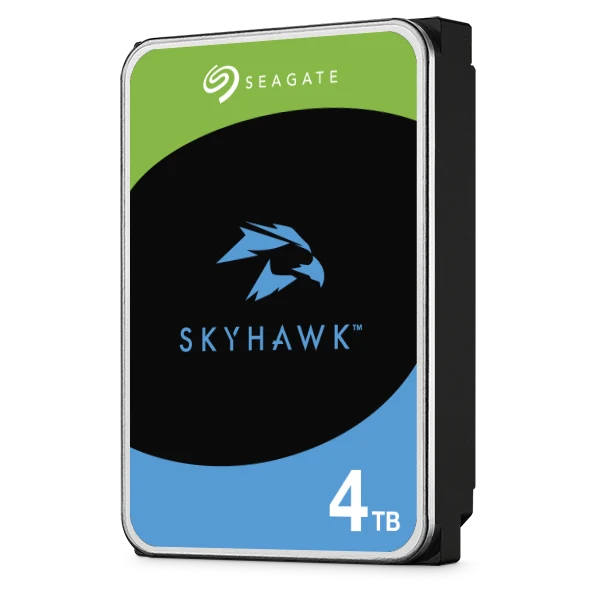
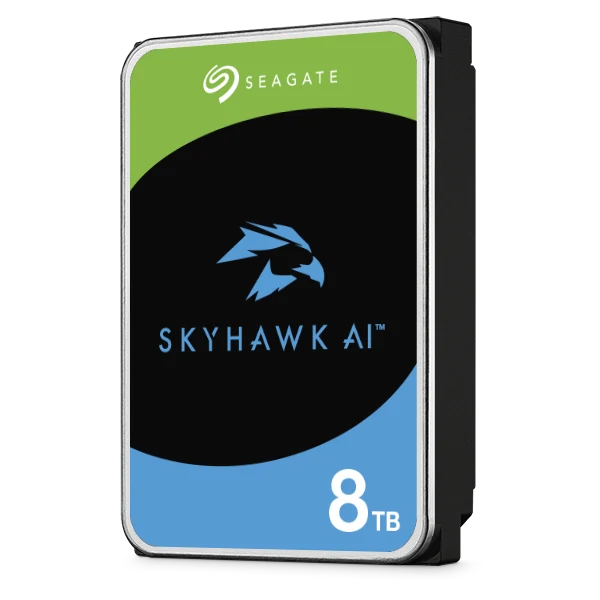
- Seagate SkyHawk (ST4000VX016 and the 2 to 8 TB models) and SkyHawk AI (ST8000VE001 up to 32 TB): CMR across the capacities in Seagate's datasheets.
Sizing a recorder? Our security camera storage guide works out how many terabytes you need for your cameras and retention period.
Is SMR ever the right choice?
Yes, for the right job. SMR is not faulty or a lesser drive. It simply trades sustained write performance for more capacity per platter. It suits workloads with short bursts of writing and plenty of idle time:
- a secondary drive in a home or office PC for documents, photos and a game library
- laptop storage (Seagate's 2.5-inch BarraCuda laptop drives, for example, are SMR)
- write-once archive drives and USB backup drives that are filled, then mostly read
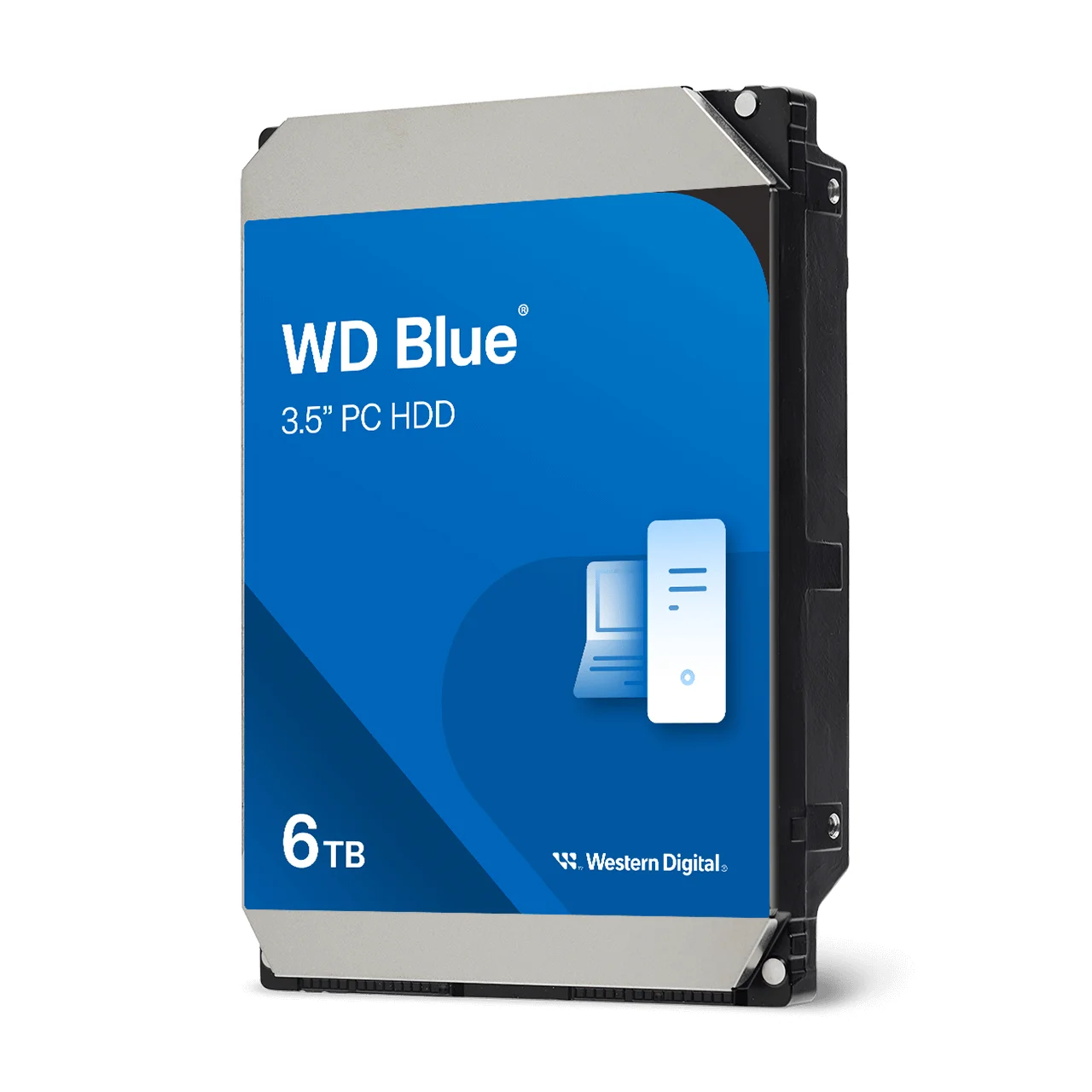
Where SMR doesn't belong is anywhere the drive is written to constantly or rebuilt as part of an array: NAS, RAID, NVRs and servers. A desktop that edits large video projects or runs virtual machines is also better on CMR. The WD Blue WD60EZAX, a 6 TB desktop drive, is CMR according to Western Digital's datasheet.

How to check if a drive is CMR or SMR
You can't tell from the label, the capacity or the price tag. Here's how to find out for certain:
- Find the exact model number, for example WD40EFZZ or ST8000VN004, not just the range name.
- Open the manufacturer's datasheet or spec table on westerndigital.com or seagate.com. Both brands list a "Recording technology" row with CMR or SMR for each model.
- Match the column to your capacity. Recording technology can change between capacities in the same range, so read the column for the exact drive you're buying.
- Check the product page. On arcip.com.au, the specifications on each Western Digital and Seagate product page show the recording technology where the manufacturer publishes it.
Point 3 catches people out. Two examples from the manufacturers' own datasheets:
| Range | CMR models | SMR models |
|---|---|---|
| WD Blue 3.5-inch PC drives | WD10EARZ, WD60EZAX, WD80EAAZ, WD100EAGZ, WD120EAGZ | WD20EZBX (Western Digital notes this as the only SMR model in the range; ARC IP Networks does not carry it) |
| Seagate BarraCuda 3.5-inch | ST12000DM003, ST16000DM001, ST20000DM001, ST24000DM001 (7200 RPM) | ST8000DM004 (8 TB, 5400 RPM) |
Source: Western Digital WD Blue 3.5-inch PC HDD datasheet (September 2025) and Seagate BarraCuda 3.5-inch datasheet.
Which drives at ARC IP Networks are CMR?
This is the recording technology for every range of Western Digital and Seagate internal hard drives ARC IP Networks supplies, taken from each manufacturer's datasheet or product page.
| Range | Built for | Recording technology |
|---|---|---|
| WD Red Plus (WD20EFPX, WD40EFZZ, WD80EFPX) | NAS, 1 to 8 bays | CMR |
| WD Red Pro (WD8005FFBX, WD122KFBX, WD181KFGX, WD221KFGX) | Larger, busier multi-bay NAS | CMR |
| WD Purple (WD11PURZ to WD85PURZ) | DVR and NVR surveillance | CMR |
| WD Purple Pro (WD8002PURP to WD221PURP) | Larger and AI-capable NVRs | CMR |
| WD Blue 3.5-inch (WD10EARZ, WD60EZAX, WD80EAAZ, WD100EAGZ, WD120EAGZ) | Desktop PCs | CMR |
| WD_BLACK (WD4006FZBX, WD8002FZBX) | Gaming and performance desktops | CMR |
| WD Ultrastar DC HC5xx (ePMR) | Data centre and servers | CMR |
| Seagate IronWolf (4 TB to 16 TB) | NAS | CMR |
| Seagate IronWolf Pro (4 TB to 32 TB) | Business and multi-bay NAS | CMR |
| Seagate SkyHawk (2 TB to 8 TB) | DVR and NVR surveillance | CMR |
| Seagate SkyHawk AI (8 TB to 32 TB) | AI-capable NVRs | CMR |
| Seagate Exos X24 and Exos M | Data centre and servers | CMR |
| Seagate BarraCuda 3.5-inch, 12 TB to 24 TB | Desktop PCs | CMR |
| Seagate BarraCuda 3.5-inch 8 TB (ST8000DM004) | Desktop PCs | SMR |
| Seagate BarraCuda 2.5-inch 2 TB (ST2000LM015) | Laptops | SMR |
Sources: Western Digital and Seagate datasheets and product pages. Ranges where the manufacturer does not state the recording technology (external USB drives and Exos 7E10) are left out.
Which CMR drive for which job?
| Job | CMR picks | Why |
|---|---|---|
| Home or small-office NAS, 2 to 4 bays | WD Red Plus, Seagate IronWolf | CMR NAS drives sized for smaller arrays |
| Business NAS, many users or 6+ bays | WD Red Pro, Seagate IronWolf Pro | 7200 RPM CMR with vibration protection for busy multi-bay arrays |
| DVR or NVR, a handful of cameras | WD Purple, Seagate SkyHawk | CMR surveillance drives for continuous recording |
| Large or AI-capable NVR | WD Purple Pro, Seagate SkyHawk AI | Higher-capacity CMR drives for heavier video workloads |
| Desktop PC | WD Blue WD60EZAX, WD_BLACK, BarraCuda 12 TB and up | CMR keeps performance steady under heavy use |
| Servers and data-centre storage | WD Ultrastar, Seagate Exos X24 or Exos M | Enterprise CMR drives |
ARC IP Networks recommendations, based on Western Digital and Seagate published specifications.
Each range is also rated for a different annual workload and warranty period, so check the product page for the drive you choose. Not sure how many terabytes you need? Read our NAS storage sizing guide.
Why buy CMR hard drives from ARC IP Networks
ARC IP Networks is an authorised Western Digital and Seagate reseller in Australia: genuine drives at competitive prices, with the full manufacturer's warranty, Australia-wide delivery and trade pricing.
- WD Red Plus, WD Red Pro, WD Purple, WD Purple Pro, Seagate IronWolf, IronWolf Pro, SkyHawk and SkyHawk AI: CMR NAS and surveillance drives from both brands in one order.
- Recording technology shown on the product page wherever the manufacturer publishes it, so there's no guessing.
- Trade pricing for installers, IT providers and MSPs, with a GST tax invoice on every order.
- Help matching drives to your NAS, NVR and RAID level before you buy.
CMR hard drives for NAS, CCTV and desktop
Every drive below is CMR according to its manufacturer. Full specifications and warranty are on each product page.
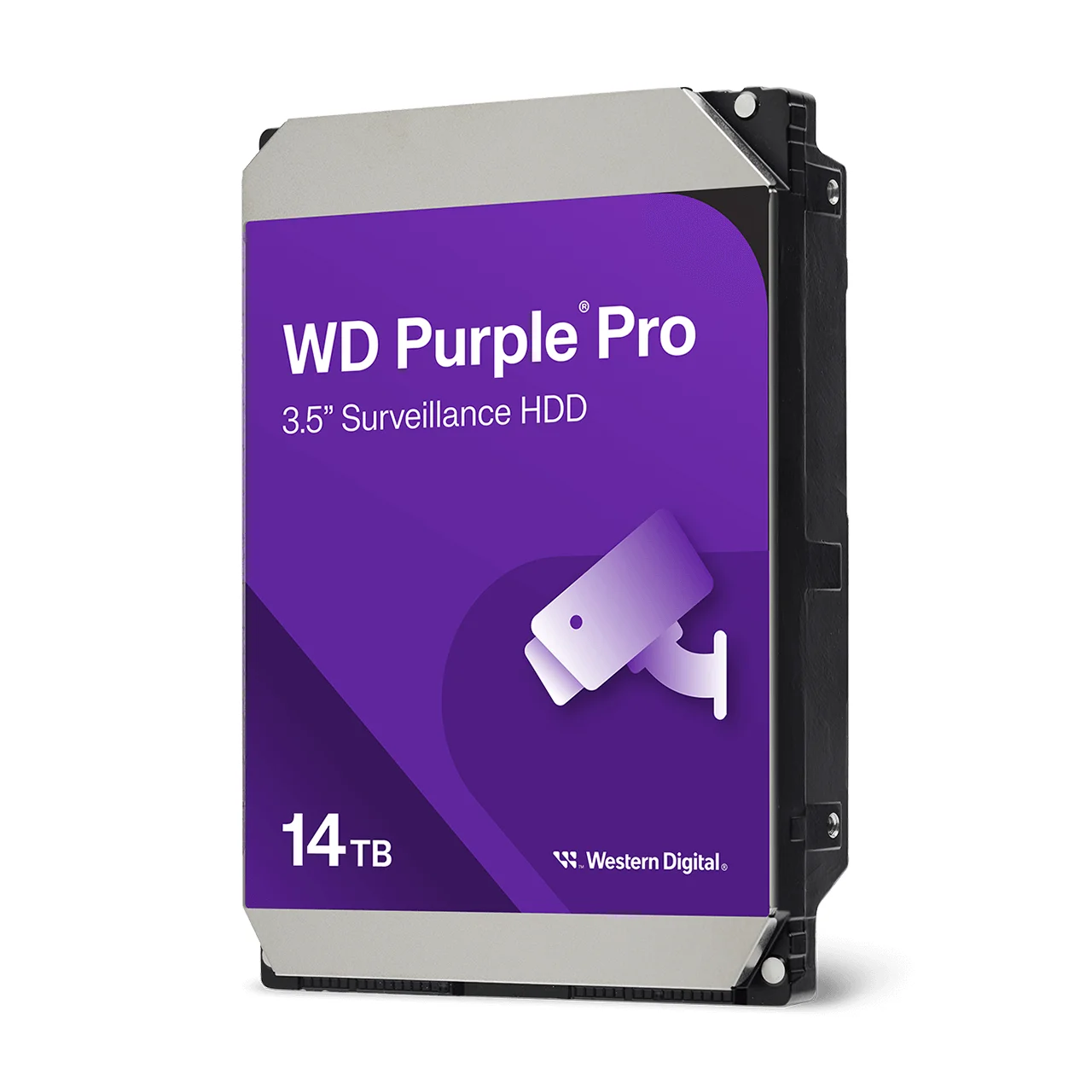
7200 RPM CMR surveillance drive for larger and AI-capable NVRs.
Common questions
Straight answers from the ARC IP Networks team. Last reviewed October 2026.
CMR (conventional magnetic recording) writes data tracks side by side with a small gap, so any track can be rewritten on its own. SMR (shingled magnetic recording) overlaps tracks like roof shingles to fit more data per platter, so rewriting data also means rewriting neighbouring tracks. CMR gives steady write performance; SMR can slow down sharply during long, sustained writes and RAID rebuilds.
For NAS, RAID, 24/7 CCTV recording and servers, yes. CMR drives keep consistent write performance under continuous and random workloads and handle RAID rebuilds well. SMR offers more capacity per platter and is fine for light desktop use, laptops and write-once archive or backup drives that get plenty of idle time.
It is not recommended. A NAS often has several users writing at once and runs the drives in RAID. When a drive fails, the rebuild writes a whole drive of data non-stop, which is the workload where SMR drives slow down most, so rebuilds can take far longer. Use CMR NAS drives such as WD Red Plus, WD Red Pro, Seagate IronWolf or IronWolf Pro.
An NVR or DVR records every camera continuously, day and night, and overwrites the oldest footage when full, so the drive never gets the idle time SMR needs to reorganise its data. CMR surveillance drives such as WD Purple, WD Purple Pro, Seagate SkyHawk and SkyHawk AI keep up with constant multi-stream writes.
Look up the exact model number in the manufacturer's datasheet or spec table. Western Digital and Seagate both list a "Recording technology" row showing CMR or SMR for each model. Check the column for your exact capacity, because recording technology can differ between capacities in the same range, such as the Seagate BarraCuda 8 TB (SMR) and 12 TB (CMR).
Yes. Western Digital lists every WD Red Plus model (WD20EFPX, WD40EFZZ, WD80EFPX) and every WD Red Pro model (WD8005FFBX, WD122KFBX, WD181KFGX, WD221KFGX) as CMR. WD Red Plus suits smaller NAS units, while WD Red Pro is the 7200 RPM tier for larger, busier arrays.
WD Purple and WD Purple Pro surveillance drives are CMR. Western Digital lists CMR for every WD Purple model from WD11PURZ to WD85PURZ and every WD Purple Pro model from WD8002PURP to WD221PURP, and says CMR gives predictable performance and better sustained writes for continuous video recording.
Yes. Seagate's datasheets list CMR for the IronWolf, IronWolf Pro, SkyHawk and SkyHawk AI models ARC IP Networks supplies, as well as Exos X24 and Exos M. In the BarraCuda desktop range, the 12 TB to 24 TB models are CMR, while the 8 TB ST8000DM004 and the 2.5-inch 2 TB ST2000LM015 are SMR.
ARC IP Networks is an authorised Western Digital and Seagate reseller in Australia: genuine drives at competitive prices, with the full manufacturer's warranty, Australia-wide delivery and trade pricing. It supplies CMR WD Red Plus, WD Red Pro, WD Purple, WD Purple Pro, Seagate IronWolf, IronWolf Pro, SkyHawk and SkyHawk AI drives, with recording technology shown on each product page. Order online at arcip.com.au or call 1300 100 440.
Choosing drives for a NAS or NVR?
Tell us your NAS or recorder model, how many bays and cameras, and your RAID level. We will match the right CMR drives from Western Digital or Seagate and quote them with trade pricing and Australia-wide delivery.
Related storage guides
- Western Digital Australia: every WD range explained
- Best Hard Drives for a NAS: Seagate IronWolf vs Exos (Australia)
- NAS RAID Explained: RAID 1, 5, 6 and 10 for ASUSTOR (Australia)
- How Much Storage Do You Need for Security Cameras? (2026 Sizing Guide)
- NAS Backup Done Right: The 3-2-1 Rule and RAID 5 vs RAID 6 (Australia)
- How Much NAS Storage Do You Need? TB Explained (Australia)
- WD Red Plus vs WD Red Pro: Which NAS Hard Drive? (Australia)
- Best Hard Drive for CCTV and NVRs in Australia: WD Purple vs Seagate SkyHawk
- BarraCuda vs IronWolf: Desktop or NAS Hard Drive?
- How Long Do Hard Drives Last? Workload, MTBF and Warranty Explained