The formula: cameras × daily write rate × retention days = raw storage, then add for redundancy. As a working guide, allow 8–15 GB per day for an HD camera, 15–25 GB for 2K and 30–50 GB for 4K on continuous recording. So ten 4K cameras kept for 30 days needs roughly 12 TB — before any RAID overhead. The two levers that change the answer most are retention (how long you keep footage) and whether you record continuously or on detection, which alone can cut requirements by more than half.
The calculation, step by step
- List your cameras by resolution. Not every camera needs to be 4K — mixing resolutions by purpose is the single easiest saving.
- Apply a daily write rate to each: roughly 8–15 GB/day for HD (1080p), 15–25 GB for 2K, 30–50 GB for 4K on continuous recording.
- Multiply by your retention target in days.
- Add RAID overhead — parity or mirroring consumes capacity that is not available for footage.
- Add headroom. Sites add cameras. Size for where you will be in two years, not today.
A worked example: eight 4K cameras and twelve HD cameras, kept 30 days.
8 × 40 GB = 320 GB/day, plus 12 × 12 GB = 144 GB/day → 464 GB/day.
Over 30 days that is about 14 TB of footage — so with single-parity redundancy you would be
shopping for roughly 18–20 TB of raw capacity.
What actually changes file size
The ranges above are wide because five things move the number, and they compound:
| Factor | Effect | Practical note |
|---|---|---|
| Resolution | Largest single factor | 4K is roughly three times HD for the same scene |
| Frame rate | Close to linear | Halving 30 fps to 15 fps roughly halves storage; 15 fps is ample for most evidence |
| Scene activity | Can double or halve it | A busy road frontage writes far more than a stockroom, because modern codecs only encode change |
| Compression | Significant | H.265 is substantially more efficient than H.264 at the same quality |
| Lighting | Underestimated | Infrared night footage is noisier, and noise compresses badly — night can cost more than day |
Continuous vs detection-based recording
This is the biggest lever you control, and it is a genuine trade-off rather than a free saving.
| Mode | Storage | Risk | Best for |
|---|---|---|---|
| Continuous | Baseline (100%) | None — everything is recorded | Entrances, tills, gates, anywhere evidence quality matters |
| Motion-triggered | Often 30–50% of continuous | Can miss the moment before a trigger; false triggers in wind or rain | Yards, corridors, low-traffic areas |
| Smart detection (person, vehicle) | Lowest | Only records what it classifies | Areas where only people or vehicles matter |
A sensible middle path used on most professional installations: continuous on the cameras that matter — entrances, points of sale, gates, cash handling — and detection-based on the rest. You keep the evidentiary value where you would actually need it and halve the storage everywhere else.
How long should you keep footage?
Retention is a business decision, not a technical one, and it is usually the number people pick last and should pick first. Common practice:
- 7–14 days — homes and small shops, where incidents are noticed almost immediately.
- 30 days — the most common business default. Long enough that an incident noticed on a monthly review is still recoverable.
- 60–90 days — sites with insurance requirements, disputes that surface late, or staff and customer incident processes that take weeks.
- Longer — where a specific obligation applies.
Practically, it is far cheaper to buy larger drives now than to add capacity later, so where the requirement is genuinely uncertain, size to the longer figure.
Worked examples
| System | Daily write | 30 days | 60 days | 90 days |
|---|---|---|---|---|
| 4× HD (home) | ~48 GB | ~1.4 TB | ~2.9 TB | ~4.3 TB |
| 8× 4K (small business) | ~320 GB | ~9.6 TB | ~19 TB | ~29 TB |
| 16× 4K (medium site) | ~640 GB | ~19 TB | ~38 TB | ~58 TB |
| 30× 4K (large site) | ~1.2 TB | ~36 TB | ~72 TB | ~108 TB |
| 70× 4K (enterprise) | ~2.8 TB | ~84 TB | ~168 TB | ~252 TB |
All figures are usable footage capacity on continuous recording at 40 GB/day per 4K camera — add redundancy on top, and reduce substantially if you use detection-based recording on the quieter cameras.
RAID overhead: raw is not usable
Drive redundancy protects footage when a disk fails — and disks in surveillance systems fail more often than desktop disks, because they are writing continuously. The cost is capacity.
| Protection | Usable capacity | Survives |
|---|---|---|
| No protection | 100% | Nothing — one failure loses the array |
| Single parity | Roughly (n−1)/n | One drive failure |
| Two parity drives | Roughly (n−2)/n | Two simultaneous failures |
| Mirroring | 50% | One drive per pair |
On a 16-bay recorder, two parity drives cost about an eighth of raw capacity — cheap insurance on a system that may be your only record of an incident. Worth knowing what that looks like in practice: sixteen 18 TB drives is 288 TB raw, and around 252 TB usable with two parity drives.
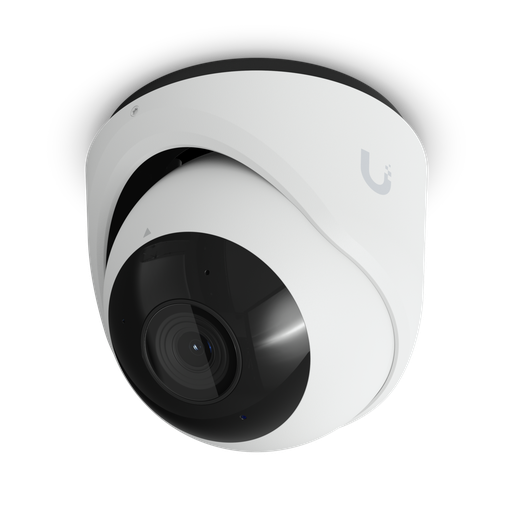
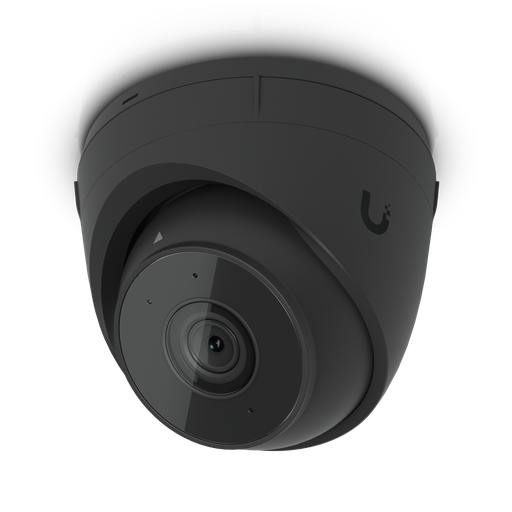
Shopping for UniFi Protect cameras?
Authorised Ubiquiti reseller: genuine Australian stock, full warranty, competitive prices and price match available.
Choosing drives: size, type and compatibility
- Surveillance-rated, always. These drives are built for continuous write loads and for multiple drives vibrating in one chassis. Desktop drives are not, and fail early in this duty.
- Fewer, larger drives beats more, smaller ones. Bay count is fixed at purchase; drive size is the only thing you can grow later. Filling every bay with small disks now means replacing them all to expand.
- Check the compatibility list. Manufacturers publish supported drive lists, and compatibility is physical as well as electronic — some drives lack the mounting screw positions the caddies expect.
- Buy matched drives where you can. Mixed sizes in a protected array typically waste the difference.
- Budget for a spare. One drive on the shelf turns a failure into a ten-minute job rather than a week's wait.
Which surveillance hard drive?
Once you know your usable terabytes and bay count, the drive family follows from the size of the system. Every drive below is surveillance-rated and uses CMR (conventional magnetic recording), which suits the continuous writing a recorder does — CMR vs SMR explained covers why that matters.
| System | Drive family | Capacity per drive |
|---|---|---|
| Home NVR, 4–8 cameras | WD Purple or Seagate SkyHawk: CMR surveillance drives rated for 180TB/year, 3-year limited warranty | 2–8 TB; one or two drives covers most home retention targets |
| Small business, 8–16 cameras | WD Purple 6TB or larger, or Seagate SkyHawk 4TB or larger (rated for up to 16 bays). Step up to WD Purple Pro for heavier recording loads | 6–8 TB and up, matched across every bay |
| AI recorders, VMS servers and large systems | WD Purple Pro or Seagate SkyHawk AI: rated for 550TB/year, 5-year limited warranty, no bay limit from the manufacturer | 8 TB and up; SkyHawk AI runs to 32 TB per drive |
Specifications from Western Digital and Seagate datasheets. Always check your recorder's storage compatibility list as well.
- Home and small systems: WD Purple and Seagate SkyHawk are the mainstream choice. WD publishes its rating of up to 64 HD cameras for WD Purple at 6TB and larger, so a growing system is better served by those capacities. Seagate rates the SkyHawk 2TB for up to 8 bays and 4TB and larger for up to 16.
- AI and heavy workloads: WD Purple Pro and SkyHawk AI carry roughly three times the workload rating of the mainstream drives and a 5-year limited warranty, built for recorders that write several streams per camera plus analytics metadata.
For a full side-by-side, read WD Purple vs Seagate SkyHawk: the best hard drive for CCTV and NVRs and WD Purple vs WD Purple Pro, or browse the Western Digital and Seagate ranges.
ARC IP Networks is an authorised Western Digital and Seagate reseller in Australia: genuine drives at competitive prices, with the full manufacturer's warranty, Australia-wide delivery and trade pricing.
Surveillance drives we recommend
Surveillance-rated CMR drives from Western Digital and Seagate, picked to match the system sizes above. Full specifications are on each product page.
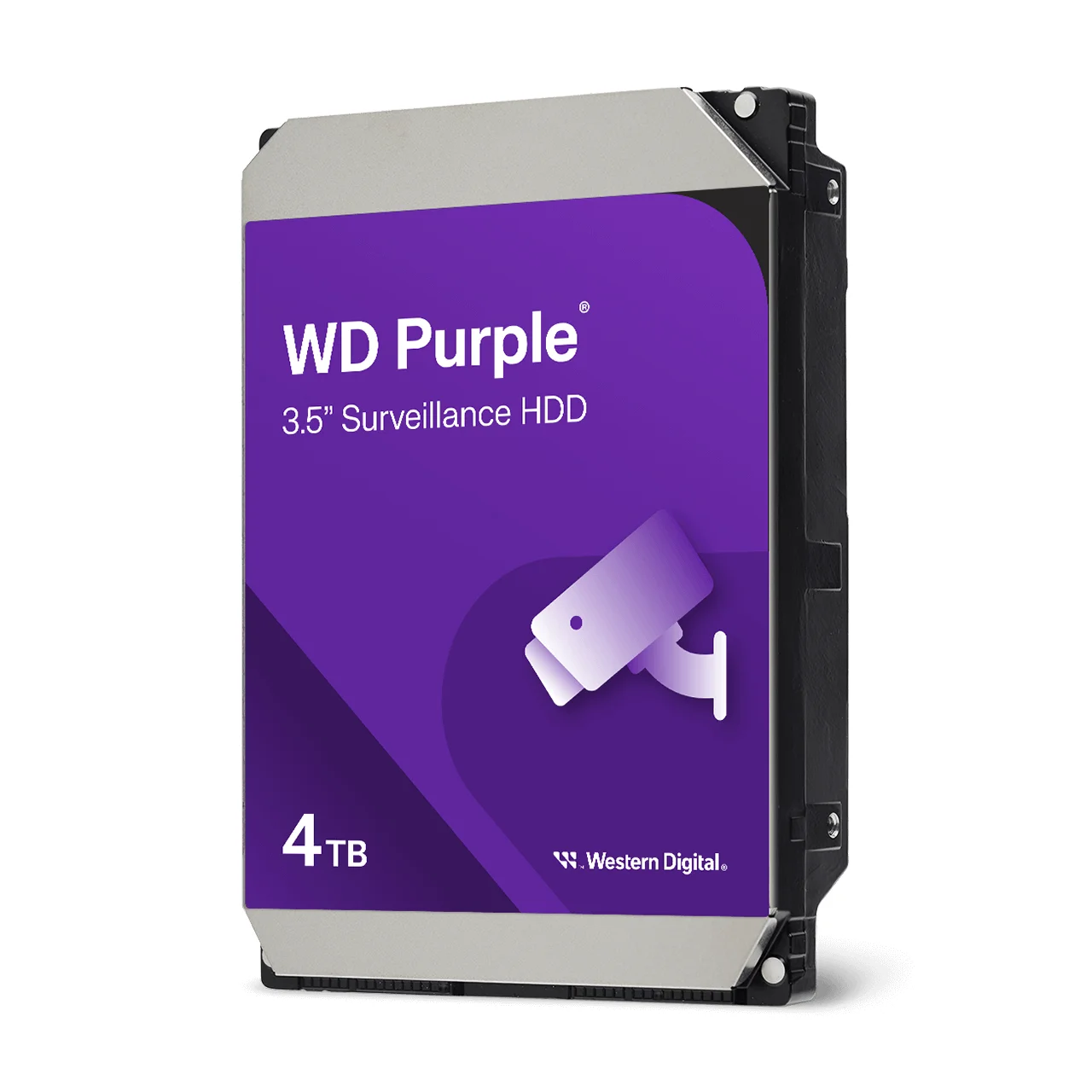
CMR surveillance drive for home NVRs; 180TB/year workload, 3-year limited warranty.
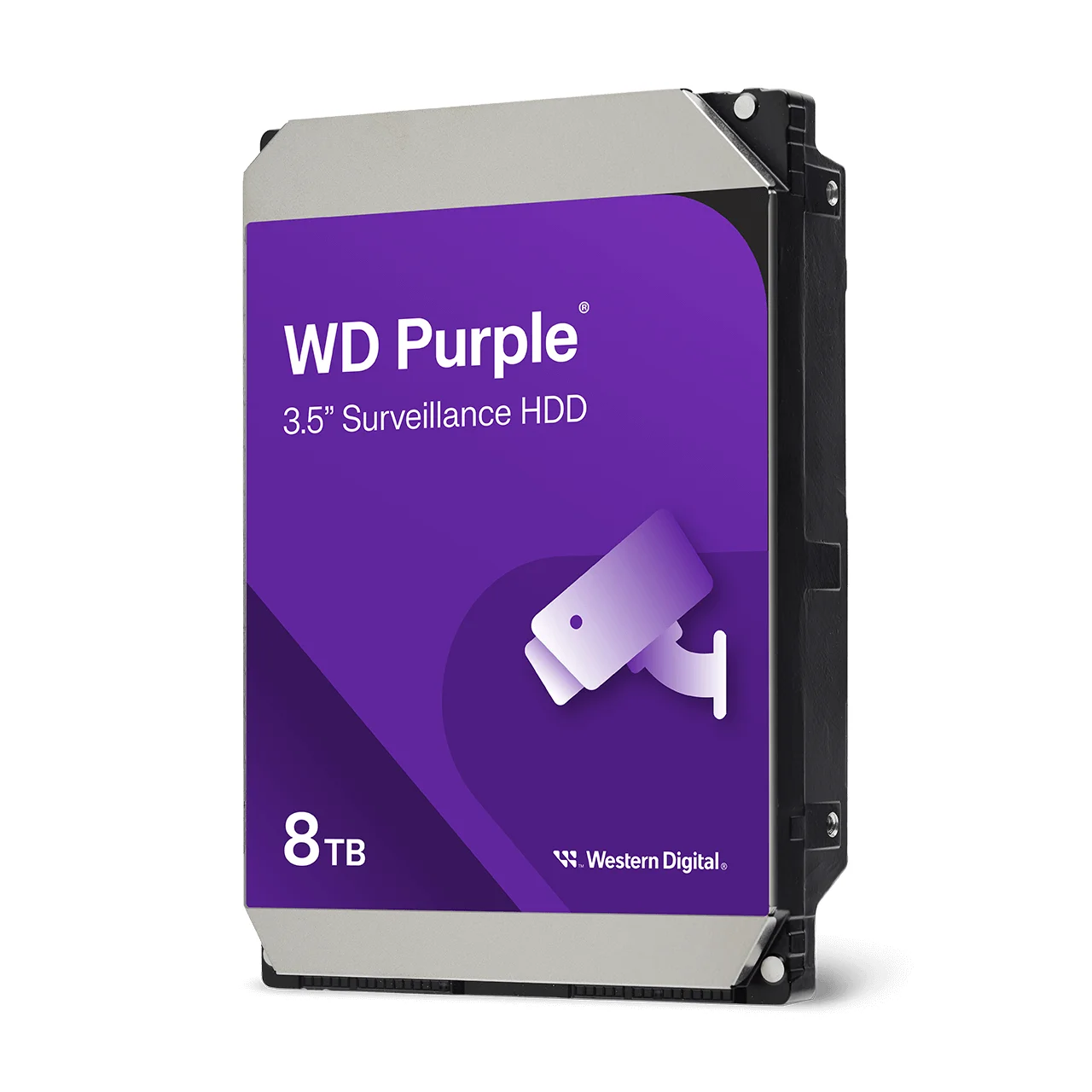
Rated for up to 64 HD cameras and 16 bays; a strong fit for small business recorders.
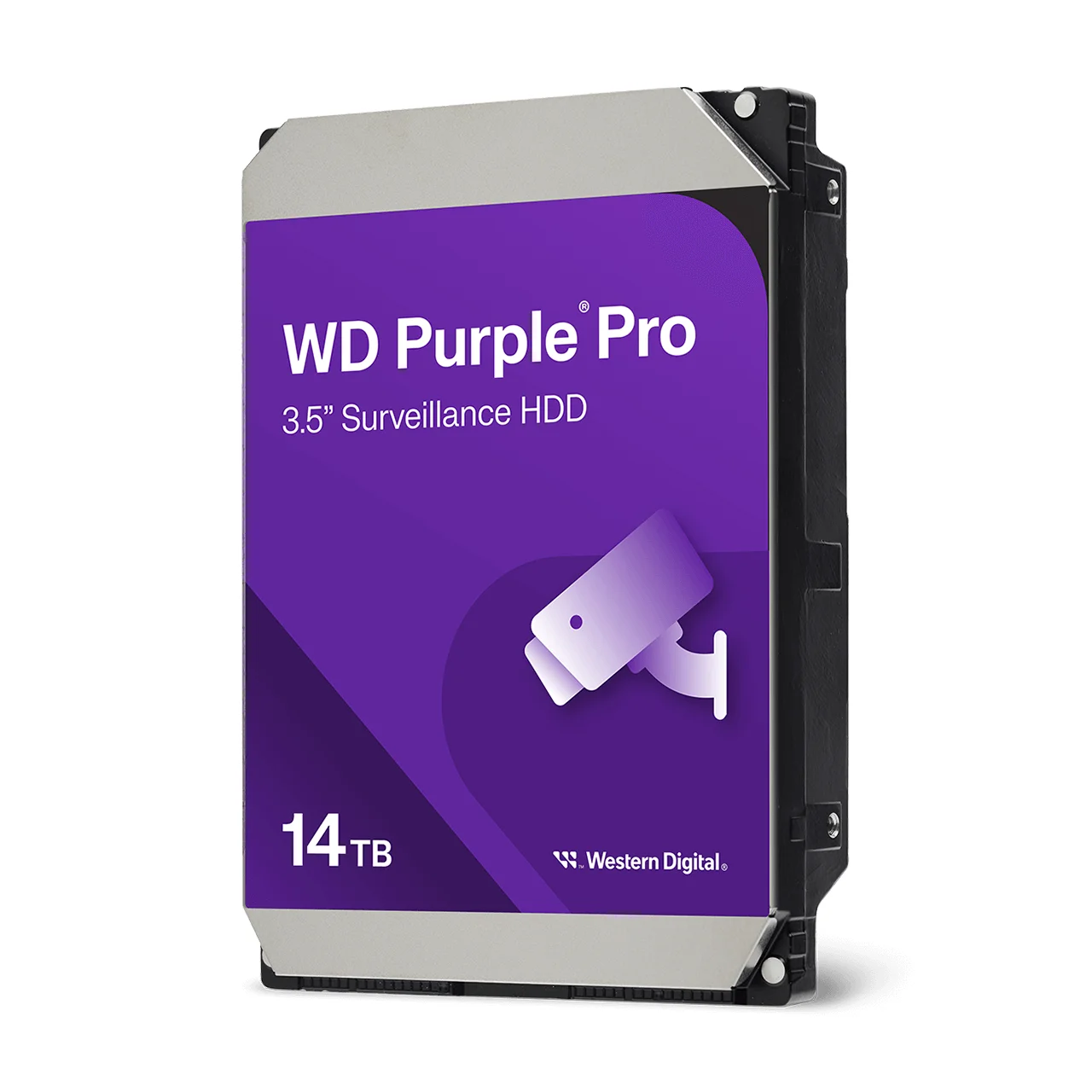
7200 RPM, 550TB/year workload and a 5-year limited warranty for AI-enabled recorders.
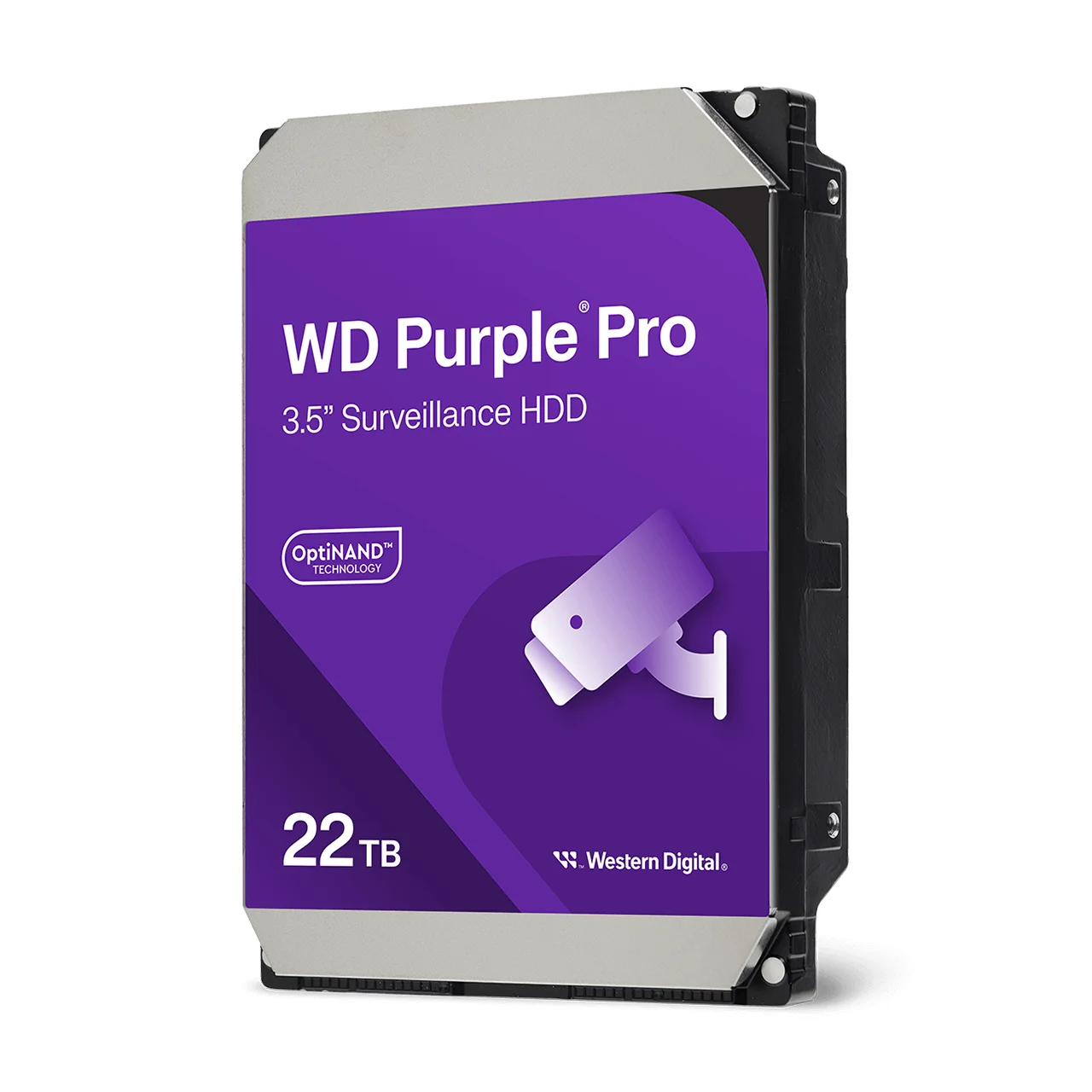
High-capacity Purple Pro for VMS servers and long retention on large systems.
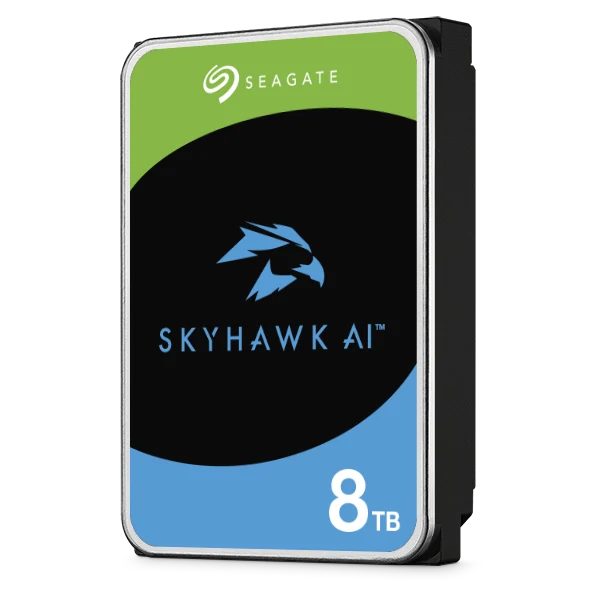
AI surveillance drive: 32 AI channels, 550TB/year, 5-year limited warranty.
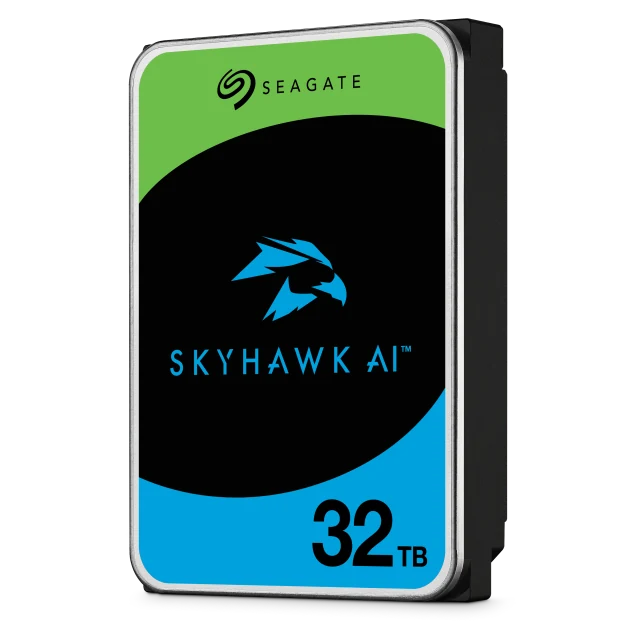
The largest SkyHawk AI for multi-bay AI recorders and long retention.
How many bays — and which recorder
Once you know usable terabytes, the bay count follows. Divide your requirement by realistic drive size, then add bays for redundancy:
| Usable requirement | Typical configuration | Suitable recorder class |
|---|---|---|
| Up to ~4 TB | 1 drive | Compact recorder or a gateway that records — see Dream Machines |
| ~5–20 TB | 3–4 drives with parity | 4-bay recorder |
| ~20–40 TB | 5–7 drives with parity | 7-bay recorder |
| ~40–250 TB | 8–16 drives with parity | 16-bay enterprise recorder — see the ENVR guide |
| Beyond that | Multiple recorders | Several recorders managed together |
Full model-by-model detail is in our NVR comparison, and note that several UniFi gateways record cameras themselves — so small sites often need no separate recorder at all.
Use the official calculator
Before ordering, model your exact configuration with Ubiquiti's capacity calculator at calculator.ui.com. Enter camera counts by resolution, the drive size you intend to fit and your target retention, and it reports how many drives you need — including for gateways that record, not just dedicated recorders. It is the fastest way to sanity-check the estimate you have built by hand.
Ubiquiti also publishes a specification comparison tool at techspecs.ui.com and a storage compatibility list worth checking before buying disks.
Six sizing mistakes
- Sizing on raw capacity instead of usable. RAID overhead is not optional on a system that matters.
- Assuming the camera-count rating means storage is handled. A recorder rated for 70 cameras does not imply it can store 70 cameras for your retention period.
- Forgetting drives are never included. Every recorder ships empty.
- Using desktop drives. They are cheaper per terabyte and fail years earlier under continuous writing.
- Filling every bay with small drives. It leaves no growth path except replacing the lot.
- Picking retention last. It is the number that multiplies everything else — decide it first.
Ready to buy?
Shop genuine Ubiquiti at ARC IP Networks
Authorised Ubiquiti reseller
Ubiquiti at ARC IP Networks
UniFi gateways, switches, Wi-Fi, Protect cameras and Access. Genuine Australian stock with the full manufacturer's warranty, competitive prices and price match available.
Frequently asked questions
Last reviewed October 2026.
Multiply cameras by daily write rate by retention days. As a working guide allow 8-15 GB per day for an HD camera, 15-25 GB for 2K and 30-50 GB for 4K on continuous recording. Ten 4K cameras kept 30 days needs roughly 12 TB of usable footage capacity, before RAID overhead. Retention and recording mode change this more than anything else.
Roughly 30-50 GB per day on continuous recording, though the range is wide because frame rate, scene activity, compression and lighting all matter. A camera watching a busy road at 30 fps sits at the top of that range or above; a quiet stockroom at 15 fps sits well below it. Infrared night footage often costs more than daytime because image noise compresses poorly.
Common practice is 7-14 days for homes and small shops, 30 days as the usual business default, and 60-90 days where insurance requirements or slow-surfacing disputes apply. Retention can also be set by your insurer, industry body, licensing conditions or contracts - and privacy considerations cut the other way, since keeping footage longer than needed carries its own obligations. Confirm what applies to your organisation.
Yes - motion-triggered recording commonly uses 30-50% of continuous, and smart detection filtering for people or vehicles less again. The trade-off is that you may miss the moments before a trigger, and weather can cause false triggers. Most professional installations record continuously on cameras that matter - entrances, tills, gates - and use detection-based recording elsewhere.
Raw is the sum of the drives; usable is what remains after redundancy. Single parity gives roughly (n-1)/n of raw, two parity drives roughly (n-2)/n, and mirroring halves it. For example, sixteen 18 TB drives is 288 TB raw but around 252 TB usable with two parity drives. Always size your retention against the usable figure.
Yes. Surveillance drives are designed for continuous write loads and for multiple drives vibrating together in one chassis. Desktop drives are built for intermittent use and fail significantly earlier in this duty - a false economy on a system whose purpose is to have the footage when you need it.
Fewer, larger drives. Bay count is fixed when you buy the recorder, but drive size is the only thing you can increase later. Filling every bay with small disks means the only way to expand is replacing all of them. Buy the largest drives your budget allows and leave bays free where possible.
Generally no - UniFi Protect recorders ship with empty bays, and drives are a separate purchase. Check the manufacturer's storage compatibility list before ordering, because compatibility is physical as well as electronic: some drives lack the mounting screw positions the caddies expect.
You can fill empty bays, and you can replace drives with larger ones, though replacing drives in a protected array is a staged process rather than a swap. What you cannot change is the number of bays - which is why bay count, not initial drive size, is the specification to get right at purchase.
Yes. Ubiquiti publishes a capacity calculator at calculator.ui.com where you enter camera counts by resolution, intended drive size and target retention, and it reports how many drives you need - covering gateways that record as well as dedicated recorders. Use it to sanity-check any estimate you build by hand.
Yes, close to linearly. Halving frame rate from 30 to 15 fps roughly halves storage. For most evidence purposes 15 fps is entirely adequate - you are identifying people and events, not analysing motion - so it is one of the easiest savings available on cameras where fluid video is not required.
ARC IP Networks stocks UniFi Protect recorders and cameras in Australia as an authorised Ubiquiti reseller, with genuine Australian stock, manufacturer warranty, GST tax invoices and fast Australia-wide shipping. Browse recorders and cameras or call 1300 100 440 and we will size it with you.
Use a surveillance-rated CMR drive. For a home or small business NVR, WD Purple or Seagate SkyHawk suits most systems: both are rated for 180TB/year of workload with a 3-year limited warranty. For AI-enabled recorders, video management servers or large multi-bay systems, step up to WD Purple Pro or Seagate SkyHawk AI, which are rated for 550TB/year with a 5-year limited warranty.
Work out usable storage first (cameras x daily write rate x retention days, plus RAID overhead), then divide by the number of bays. As a guide, a 4-8 camera home NVR typically uses 2-8 TB drives, a small business system with 8-16 cameras 6-8 TB or larger, and AI or VMS systems 8 TB and up. WD publishes its rating of up to 64 HD cameras for WD Purple at 6TB and larger.

Related reading
- Best UniFi cameras in Australia (2026), compared and ranked
- What else you need to buy with a UniFi NVR
- Outgrowing a UniFi Cloud Key: when to move to a rack console
- UniFi Protect NVR comparison: which recorder do you need?
- Ubiquiti ENVR: the complete Australian guide
- How to set up a UniFi Protect NVR — and migrate cameras from an old one
- Best UniFi Protect cameras in Australia
- Buying Ubiquiti in Australia: authorised reseller guide
- Best hard drive for CCTV and NVRs: WD Purple vs Seagate SkyHawk
- WD Purple vs WD Purple Pro: which surveillance hard drive?
- CMR vs SMR hard drives explained
- Western Digital drives at ARC IP Networks
- Seagate drives at ARC IP Networks
Who we are
About ARC IP Networks
ARC IP Networks is an Australian supplier of networking, Wi-Fi and gateway equipment, based in Blackburn, Melbourne, Victoria. We work with homeowners, installers, integrators and businesses across Australia, supplying Ubiquiti UniFi, MikroTik, TP-Link, Ruijie, Teltonika and D-Link.
We are an authorised Ubiquiti, MikroTik, TP-Link, Ruijie, Teltonika and D-Link reseller, so you get genuine Australian stock with the full manufacturer's warranty, never grey imports, at competitive prices. Our team can help you choose the right equipment, and trade customers get trade accounts and project pricing on larger jobs.
- Genuine Australian stock with the full manufacturer's warranty
- Competitive prices, price match available
- Trade accounts for installers, integrators and MSPs
- Australia-wide delivery; showroom in Blackburn, Mon–Fri 9–5 (demos by appointment)
Need help choosing?
Tell the ARC IP Networks team what you are trying to achieve and we will recommend the right equipment and quote it as one order.