The best hard drive for a CCTV recorder is a surveillance drive, not a desktop drive. For a mainstream NVR or DVR, WD Purple and Seagate SkyHawk are evenly matched: both are CMR, rated for 180TB/year of 24/7 recording, carry a 1,000,000-hour MTBF and come with a 3-year limited warranty. For AI-enabled recorders, large multi-bay systems and video servers, step up to WD Purple Pro or Seagate SkyHawk AI: 7,200 RPM, 550TB/year, 32 AI streams alongside up to 64 HD cameras, no bay limit and a 5-year limited warranty.
Quick pick: a home or small-business NVR with up to 16 cameras suits WD Purple or SkyHawk at 4TB to 8TB. A recorder running face, vehicle or people analytics, or a server with many bays, suits WD Purple Pro or SkyHawk AI. Seagate adds 3 years of Rescue Data Recovery Services to every SkyHawk and SkyHawk AI; WD Purple goes down to 1TB, and WD Purple Pro tops out at 22TB in our range against 32TB for SkyHawk AI.
ARC IP Networks is an authorised Western Digital and Seagate reseller in Australia: genuine drives at competitive prices, with the full manufacturer's warranty, Australia-wide delivery and trade pricing.
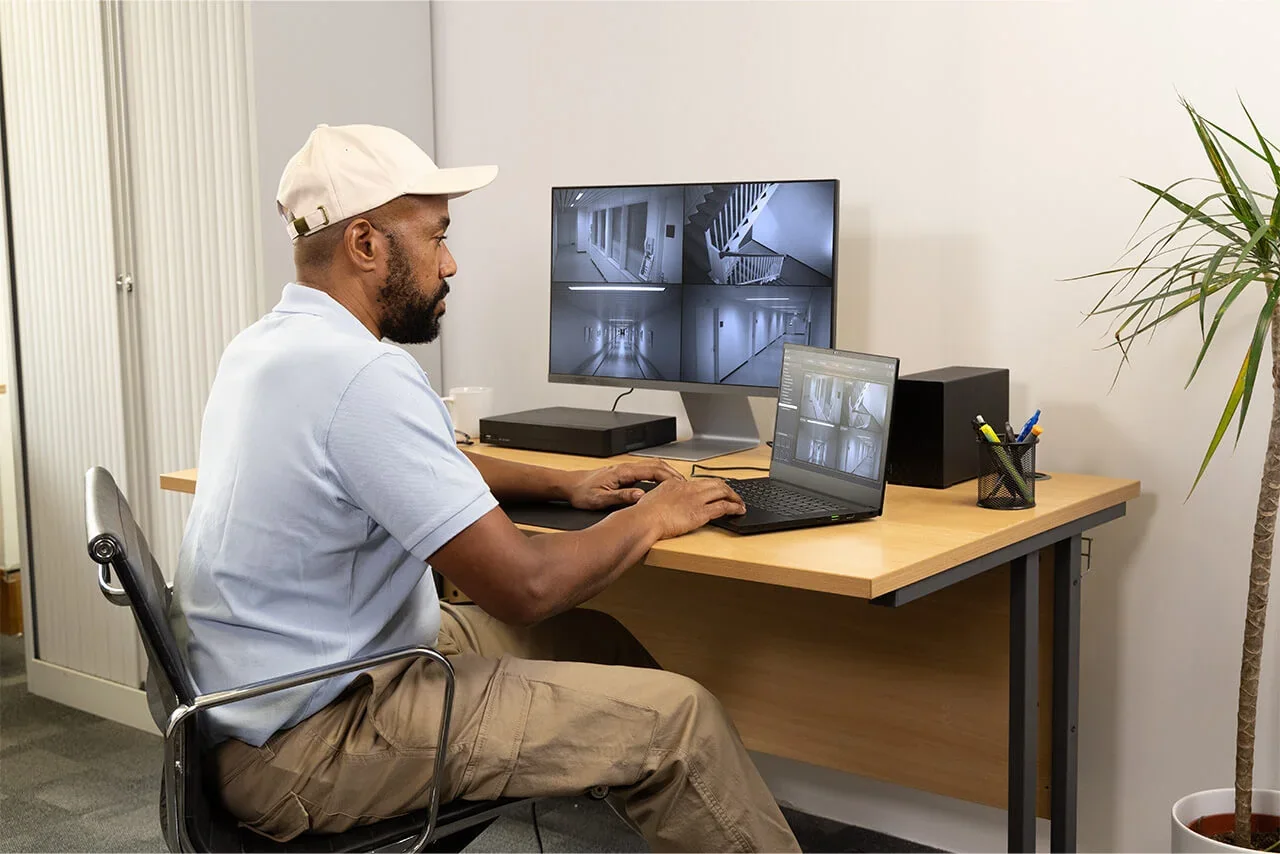
WD Purple vs Purple Pro vs SkyHawk vs SkyHawk AI at a glance
Western Digital and Seagate each make two tiers of surveillance hard drive. The mainstream tier (WD Purple, SkyHawk) is built for everyday NVRs and DVRs. The AI tier (WD Purple Pro, SkyHawk AI) is built for recorders that analyse video as they record, and for large multi-bay systems.
| Drive family | In one line | Best for |
|---|---|---|
| WD Purple | CMR, 180TB/year, AllFrame firmware, 1TB to 8TB, 3-year warranty | Home and small-business NVRs and DVRs, 1 to 16 bays |
| WD Purple Pro | CMR, 7,200 RPM, 550TB/year, AllFrame AI, 32 AI streams, 8TB to 22TB, 5-year warranty | AI-enabled NVRs, video servers and VMS with any number of bays |
| Seagate SkyHawk | CMR, 5,400 RPM, 180TB/year, ImagePerfect firmware, 2TB to 8TB, 3-year warranty plus Rescue | Home and small-business NVRs and DVRs, up to 16 bays |
| Seagate SkyHawk AI | CMR, 7,200 RPM, 550TB/year, ImagePerfect AI, 32 AI channels, 8TB to 32TB, 5-year warranty plus Rescue | AI-enabled NVRs, video servers and VMS with unlimited bays |
Summarised from the Western Digital WD Purple (November 2025) and WD Purple Pro (July 2025) datasheets and Seagate's SkyHawk and SkyHawk AI datasheets. Capacity ranges are the models ARC IP Networks lists.
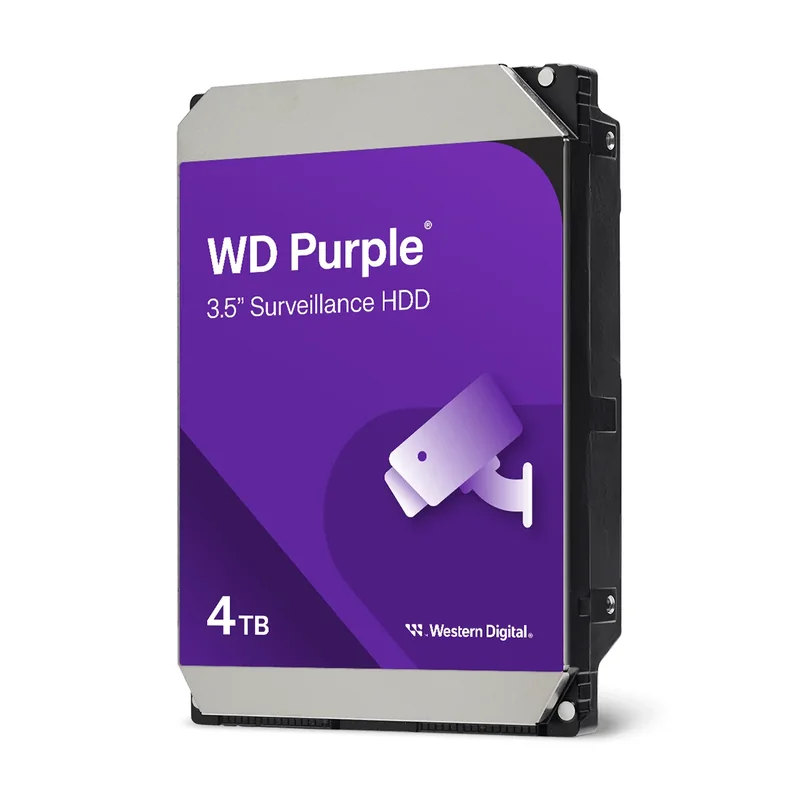
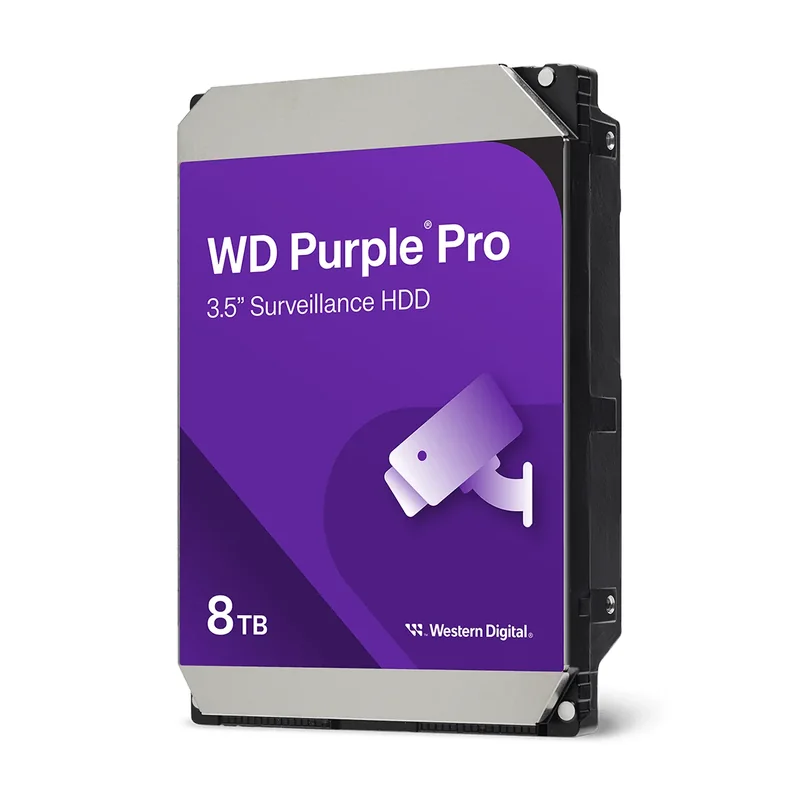
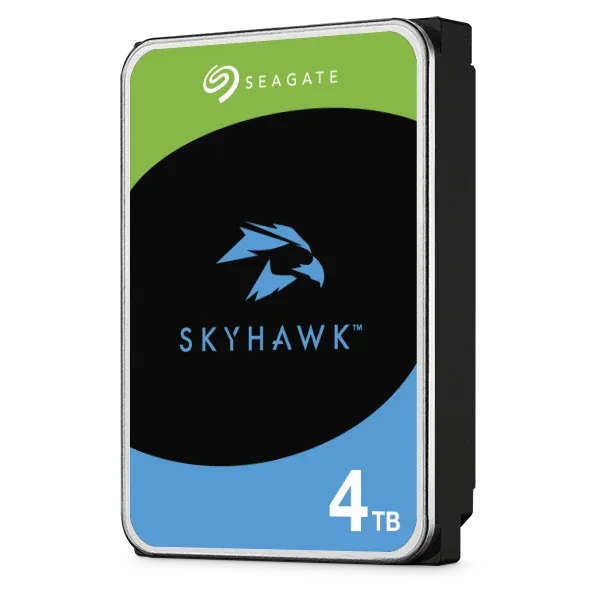
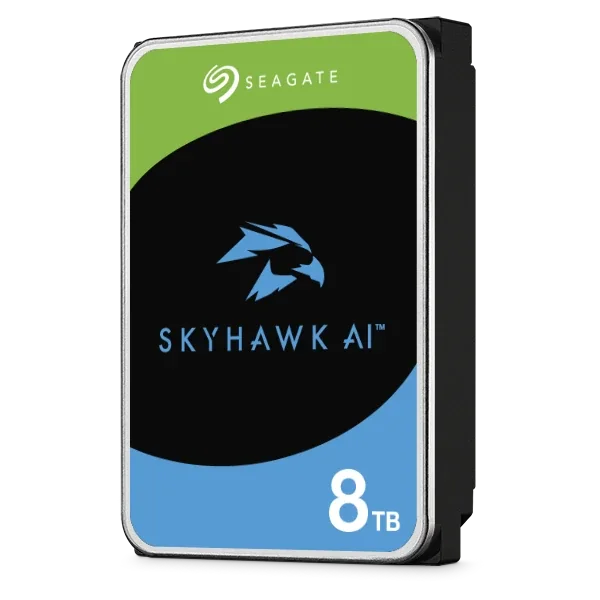
Why a surveillance drive and not a desktop drive?
A desktop drive in a PC spends most of its life idle, reading a few files at a time. A CCTV recorder does the opposite: it writes video from every camera, every second of every day, and overwrites the oldest footage when the disk fills. Seagate rates SkyHawk for 8,760 power-on hours a year, which is 24 hours a day, 365 days a year. Western Digital puts it plainly: an average desktop drive is built to run for short intervals, not the always-on environment of a surveillance system. Surveillance drives are engineered differently in five ways that matter:
- Workload rating. Workload is the data written to and read from the drive each year. WD Purple and SkyHawk are rated for 180TB/year, which WD describes as up to three times that of desktop drives. WD Purple Pro and SkyHawk AI are rated for 550TB/year.
- Firmware tuned for video streams. WD's AllFrame and Seagate's ImagePerfect firmware are designed for many simultaneous, write-heavy video streams, to reduce dropped frames and gaps in playback. The AI versions (AllFrame AI, ImagePerfect AI) also handle the images and metadata that analytics recorders save alongside the video.
- Rotational vibration (RV) sensors. In a recorder with several drive bays, every spinning disk shakes its neighbours. RV sensors let the drive compensate, so performance holds as you fill the bays. WD Purple has them from 3TB, SkyHawk from 4TB, and every WD Purple Pro and SkyHawk AI has them.
- Error recovery built for recorders. WD designs WD Purple with RAID error recovery control to help reduce failures in supported video recorders. Seagate includes SkyHawk Health Management, with RAID RapidRebuild for faster volume rebuilds.
- Heat and the field. Recorders often live in a hot comms cabinet, a ceiling space or a shopfront back room. WD engineers WD Purple to withstand the heat fluctuations and vibration inside NVRs, and both brands use tarnish-resistant components (WD Purple 3TB and up, all SkyHawk).
The result is fewer corrupted recordings, fewer recorder alarms and a drive that lasts the life of the system. A desktop drive may work in an NVR for a while, but it isn't designed or warranted for that duty.
WD Purple vs Purple Pro vs SkyHawk vs SkyHawk AI: specifications compared
Every figure below comes from the manufacturers' datasheets. Where a figure changes with capacity, the capacity is shown in brackets.
Swipe the table sideways to compare all models →
| Specification | WD Purple | WD Purple Pro | Seagate SkyHawk | Seagate SkyHawk AI |
|---|---|---|---|---|
| Capacities (ARC IP range) | 1, 2, 3, 4, 6, 8TB | 8, 10, 12, 14, 22TB | 2, 4, 6, 8TB | 8, 10, 12, 16, 20, 32TB |
| Recording technology | CMR | CMR | CMR | CMR |
| Surveillance firmware | AllFrame | AllFrame AI | ImagePerfect | ImagePerfect AI |
| Workload rating | 180TB/year | Up to 550TB/year | 180TB/year | 550TB/year |
| Cameras supported | Up to 64 HD cameras (6TB and larger) | Up to 64 HD cameras + 32 AI streams | Up to 64 cameras | Up to 64 HD cameras + 32 AI channels |
| Drive bays supported | 8 (1TB, 2TB); 16 (3TB and up) | No limit | Up to 8 (2TB); up to 16 (4TB to 8TB) | Unlimited |
| RV sensors | Yes from 3TB (not 1TB, 2TB) | Yes | Yes (4TB to 8TB) | Yes |
| Spindle speed | Not listed by WD | 7,200 RPM | 5,400 RPM | 7,200 RPM |
| Cache | 64MB (1TB, 2TB); 128MB (WD34PURZ, 4TB); 256MB (WD33PURZ, 6TB, 8TB) | 256MB (8TB); 512MB (10TB to 22TB) | 256MB | 256MB (8TB, 10TB); 512MB (12TB to 32TB) |
| Max transfer rate (maker's figure) | 180MB/s; 215MB/s (8TB) | 267MB/s (8TB to 12TB); 265MB/s (14TB, 22TB) | Up to 180MB/s | Up to 255MB/s (8TB, 10TB); up to 285MB/s (12TB to 32TB) |
| MTBF | 1,000,000 hours | 2,000,000 hours (8TB to 12TB); 2,500,000 hours (14TB, 22TB) | 1,000,000 hours | 2,000,000 hours (8TB, 10TB); 2,500,000 hours (12TB to 32TB) |
| Load/unload cycles | 300,000 | 600,000 | 600,000 | 600,000 |
| Non-recoverable read errors | <1 in 1014 bits | <1 in 1015 bits | 1 in 1014 bits | 1 in 1015 bits |
| Average read/write power | 3.8 to 5.3 W | 6.6 to 9.1 W | 3.7 to 5.3 W | 7.8 to 9 W |
| Health monitoring | WDDA (compatible recorders) | WDDA (compatible recorders) | SkyHawk Health Management | SkyHawk Health Management |
| Limited warranty | 3 years | 5 years | 3 years | 5 years |
| Data recovery plan included | No | No | 3 years Rescue Data Recovery Services | 3 years Rescue Data Recovery Services |
Sources: Western Digital WD Purple datasheet (November 2025) and WD Purple Pro product brief (July 2025); Seagate SkyHawk 3.5" HDD and SkyHawk AI datasheets. WD rates camera support with single-stream 1080p H.265 cameras at 3.2Mbps and 25 fps; results vary with your cameras and recorder. Seagate Rescue services apply where available.
WD Purple vs Seagate SkyHawk: the mainstream NVR drives
On paper, WD Purple and Seagate SkyHawk are very close. Both are 3.5-inch SATA 6Gb/s CMR drives, both are rated for 180TB/year with a 1,000,000-hour MTBF, both support up to 64 cameras, and both carry a 3-year limited warranty. Either is a sound choice for a typical 4, 8 or 16-channel recorder. The differences are at the edges:
- Capacity range. WD Purple starts at 1TB (WD11PURZ) and runs to 8TB (WD85PURZ). SkyHawk in our range runs from 2TB (ST2000VX017) to 8TB (ST8000VX010).
- Camera rating. Western Digital publishes the 64-camera rating for WD Purple at 6TB and larger. Seagate lists up to 64 cameras across the SkyHawk range. Smaller drives in either family suit smaller systems anyway, because they fill quickly.
- Recovery cover. Every SkyHawk includes a 3-year Rescue Data Recovery Services plan, where available. WD Purple does not include a recovery plan.
- Spindle speed and power. Seagate lists SkyHawk at 5,400 RPM, drawing 3.7 to 5.3 W on average. WD lists WD Purple at 3.8 to 5.3 W but doesn't list a spindle speed. For recording, sustained write behaviour matters far more than rpm.
- Bay support. WD Purple 3TB and up supports 16-bay systems with RV sensors; SkyHawk does the same from 4TB. The smallest drives in both families are rated for 8 bays, without RV sensors listed, so keep them to small recorders.
If your installer or recorder maker has a preference, follow it. Otherwise, choose on capacity, recovery cover and which brand's drives already sit in your other recorders, because matching drives makes spares and RAID simpler.
WD Purple Pro vs SkyHawk AI: drives for AI recorders and big systems
Modern recorders do more than record. An NVR running face capture, vehicle and number-plate detection or people counting writes the video plus snapshots and metadata for every event, and reads footage back to analyse it. That is a much heavier, more random workload. WD Purple Pro and SkyHawk AI are built for it, and again they line up closely:
- 550TB/year workload rating, about three times the mainstream drives.
- 7,200 RPM, with up to 64 HD camera streams plus 32 AI streams (Seagate says 32 AI channels).
- No bay limit, with RV sensors, so they suit 8, 16 and larger-bay NVRs, video storage servers and VMS platforms.
- 5-year limited warranty, and a non-recoverable read error rate of 1 in 1015 bits, ten times better than the mainstream drives.
Where they differ: capacity (WD Purple Pro 8TB to 22TB in our range, SkyHawk AI 8TB to 32TB), MTBF (both 2,000,000 hours on smaller models and 2,500,000 hours on larger ones, with the step at 14TB for WD and 12TB for Seagate), and extras. WD Purple Pro uses WD's OptiNAND technology and WDDA health analytics. SkyHawk AI adds the 3-year Rescue plan and Seagate's SkyHawk Health Management with RAID RapidRebuild, which Seagate rates at three times faster volume rebuilds.
Seagate also rates SkyHawk AI for up to 120 real-time capture events and up to 96 real-time compare events a second, a measure of how it handles the event load of face-recognition recorders.
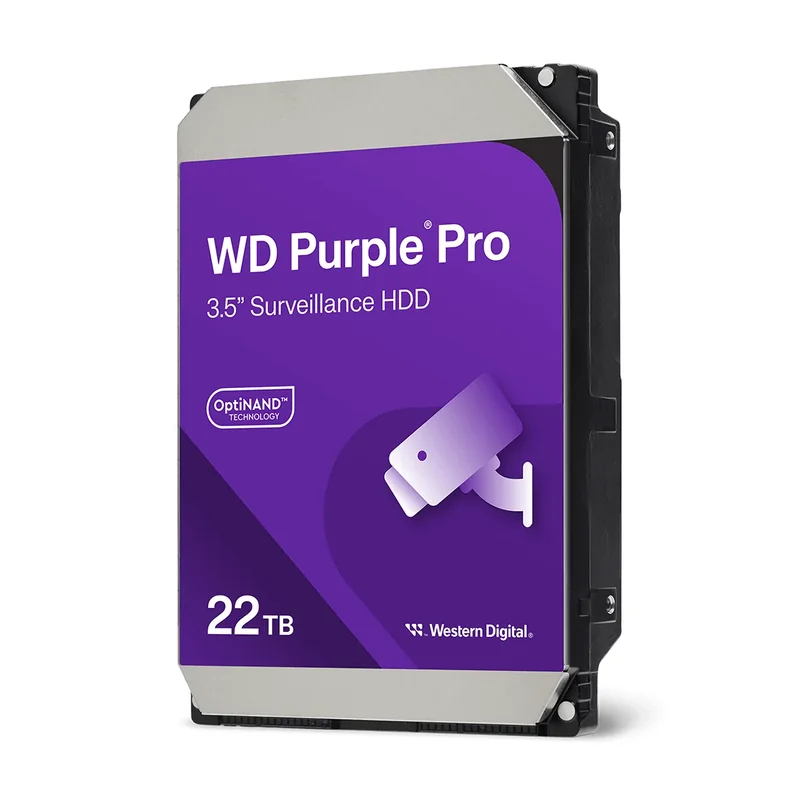
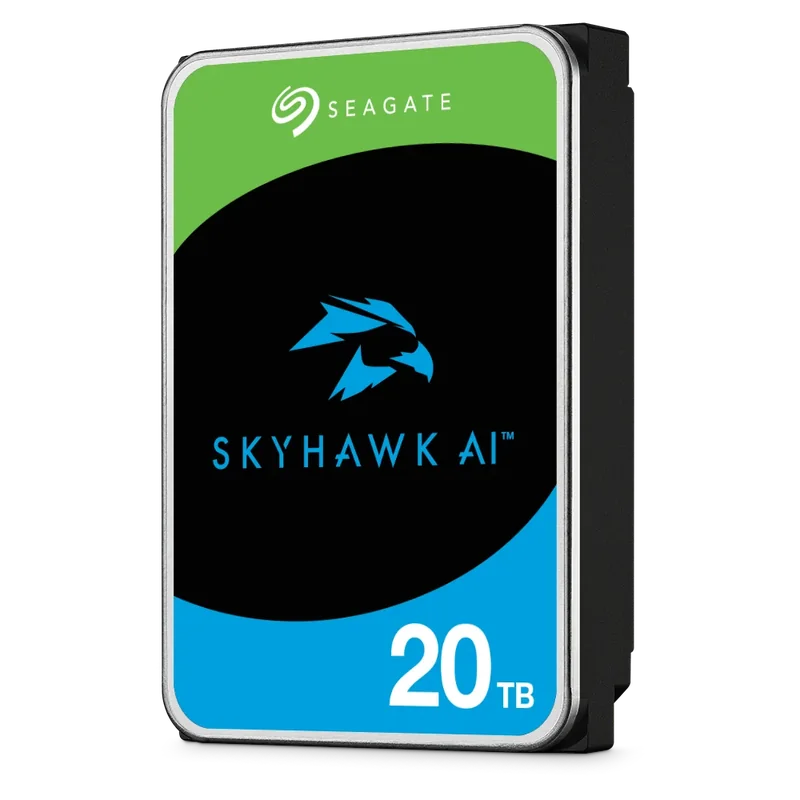
Do you need an AI drive?
Pick WD Purple Pro or SkyHawk AI if any of these apply: the recorder runs analytics on the recorder itself (not just in the cameras), it has more than 16 drive bays, it records more than 64 cameras across its drives, or the footage is evidence-critical and you want the 5-year warranty. For a 4 to 16-camera system recording motion and continuous video, WD Purple or SkyHawk is the better-value fit.
CMR vs SMR: why it matters for CCTV
Hard drives write data in one of two ways. CMR (conventional magnetic recording) writes tracks side by side. SMR (shingled magnetic recording) overlaps them like roof tiles to fit more in, but rewriting part of a track means rewriting its neighbours, which can slow the drive during long, heavy writes. Western Digital notes that CMR gives predictable performance and better sustained write speeds under continuous workloads, which is exactly what a recorder does.
Every drive in this comparison is CMR: all WD Purple and WD Purple Pro models in our range, and all SkyHawk and SkyHawk AI models, per the manufacturers' datasheets. If you are comparing other drives for CCTV, check the recording technology on the datasheet before you buy.
How to choose the right capacity
Capacity decides how many days of footage your recorder keeps before it overwrites the oldest. It depends on four things: the number of cameras, their resolution, the bit rate (which H.265 or H.265+ compression lowers) and whether you record continuously or on motion only.
A quick rule of thumb: one camera uses about 10.8GB a day for every 1Mbps of bit rate when it records 24/7. Multiply by the number of cameras and the days you want to keep, then add some headroom. Our security camera storage sizing guide walks through the maths with worked examples.
| Typical system | Suggested drive | Why |
|---|---|---|
| Home or small shop, 4 cameras | WD Purple or SkyHawk, 2TB to 4TB | Single-bay recorders; size retention with the storage guide |
| Small business or office, 8 cameras | WD Purple or SkyHawk, 4TB to 8TB | More cameras and higher resolutions fill drives faster |
| Retail, school or warehouse, 16 cameras | WD Purple 6TB to 8TB or SkyHawk 8TB, in each bay | RV sensors and multi-bay support for two to four-bay NVRs |
| AI-enabled NVR, face or plate capture | WD Purple Pro or SkyHawk AI, 8TB and up | 550TB/year workload and 32 AI streams for analytics |
| Large site, video server or VMS | WD Purple Pro 14TB to 22TB or SkyHawk AI 12TB to 32TB | No bay limit, higher MTBF, 5-year warranty |
ARC IP Networks suggestions. Retention depends on your cameras, bit rate and recording schedule, so size it properly with the storage guide.
Two tips: buy the largest drive your recorder supports when the price step is small, because CCTV systems almost always grow; and in a multi-bay recorder, use the same model and capacity in every bay so RAID and spares stay simple.
10.8GB a day per 1Mbps = 1Mbps x 86,400 seconds / 8 bits per byte. Actual use varies with scene activity and compression.
Will these drives work in Hikvision, Dahua and UniFi Protect NVRs?
All four families are standard 3.5-inch SATA 6Gb/s hard drives, the format used by most standalone NVRs and DVRs, including recorders from Hikvision and Dahua and Ubiquiti's UniFi Protect NVRs. Both makers design their drives for wide recorder compatibility; Western Digital says WD Purple is tested for compatibility in a wide range of security systems. Still, each recorder maker publishes its own supported-drive list, so check it, or ask us, before you order. A few practical points:
- Hikvision NVRs and DVRs use standard 3.5-inch SATA drives. After fitting, the recorder must initialise (format) the drive before it records. Our guide to installing and formatting a hard drive in a Hikvision NVR covers the steps, and the best Hikvision NVR guide helps you choose a recorder by channels and storage.
- Dahua recorders work the same way: fit the drive, then initialise it from the recorder's storage menu.
- UniFi Protect recorders take 3.5-inch hard drives; see our UniFi Protect NVR comparison to compare the recorders.
- Max capacity per bay. Every recorder has a maximum supported drive size. A 22TB or 32TB drive is only useful if the recorder supports it, so check the datasheet first.
- NAS-based recording. If you record to a NAS instead of a dedicated NVR, such as with ASUSTOR Surveillance Center, the same surveillance drives apply. For general NAS file storage, see our IronWolf vs Exos NAS drive guide instead.
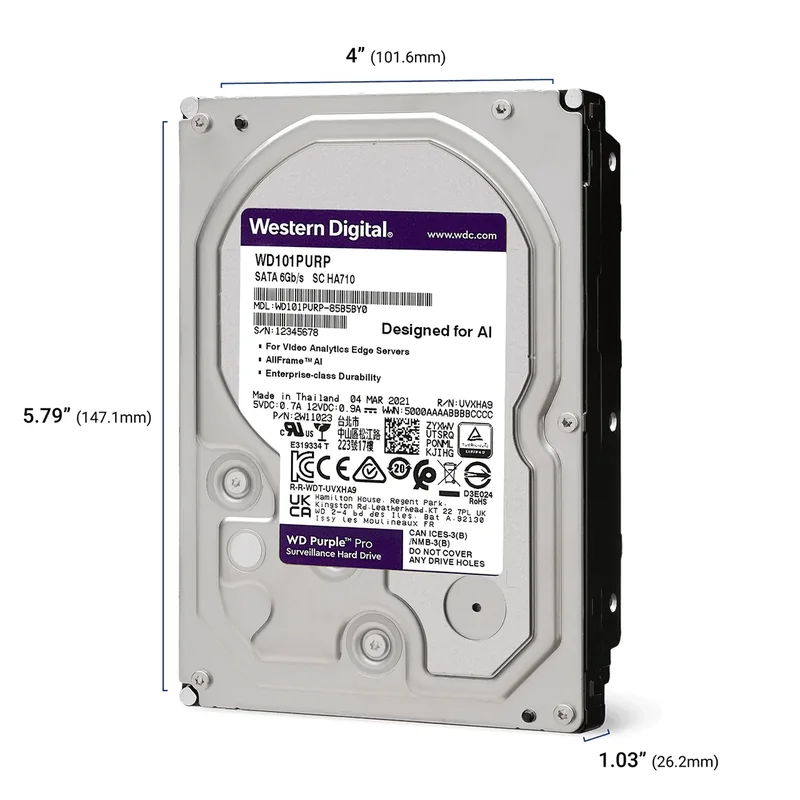
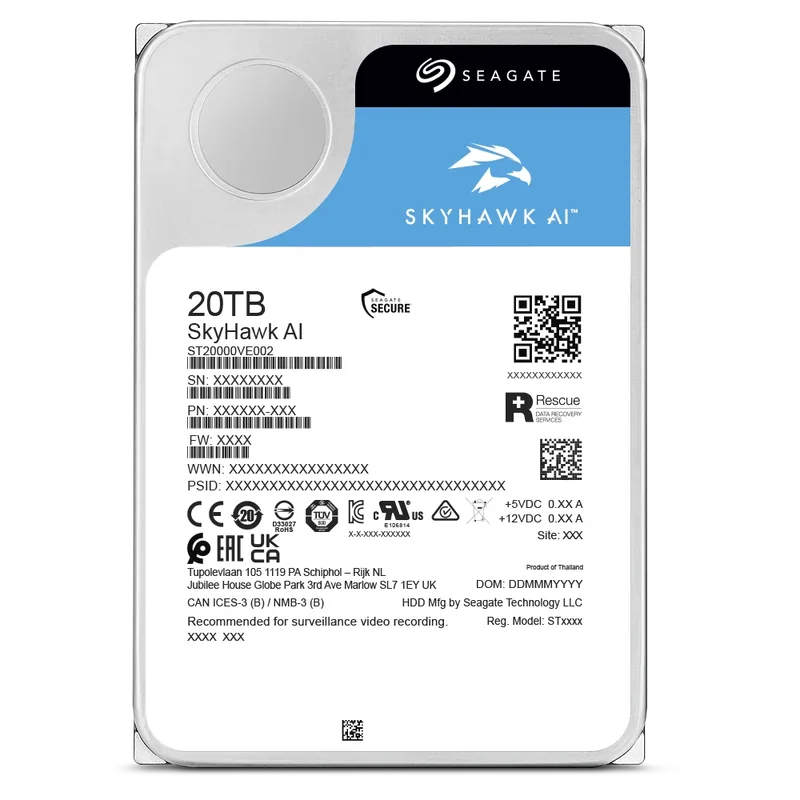
Warranty and recovery cover compared
Warranty is one of the clearest differences between the tiers, and Seagate adds data recovery cover on top.
| Drive family | Limited warranty | Data recovery included |
|---|---|---|
| WD Purple | 3 years | No |
| WD Purple Pro | 5 years | No |
| Seagate SkyHawk | 3 years | 3 years Rescue Data Recovery Services, where available |
| Seagate SkyHawk AI | 5 years | 3 years Rescue Data Recovery Services, where available |
From the WD Purple, WD Purple Pro, SkyHawk and SkyHawk AI datasheets.
Manufacturer warranties sit on top of your rights under the Australian Consumer Law. Buy from an authorised reseller so the drive is genuine, new and covered, and keep your tax invoice. ARC IP Networks handles warranty claims for drives bought from us, so you deal with one Australian supplier rather than the manufacturer directly.
A warranty replaces the drive, not the footage. If the recordings themselves matter, Seagate's Rescue plan is worth weighing, and for critical sites a multi-bay recorder with RAID or redundant recording is the better protection.
Which surveillance drive for which Australian site?
| Site | Our pick | Why |
|---|---|---|
| Suburban home, 4-camera kit | WD Purple 2TB to 4TB or SkyHawk 2TB to 4TB | Simple single-bay recorder, 3-year warranty |
| Café, salon or small retail shop | WD Purple 4TB or SkyHawk 4TB | CMR, 180TB/year, RV sensors from 3TB (WD) or 4TB (Seagate) |
| Medical, dental or professional office | WD Purple 6TB to 8TB or SkyHawk 6TB to 8TB | Longer retention for incident review |
| School, warehouse or multi-site retail | WD Purple 8TB or SkyHawk 8TB in a multi-bay NVR | 16-bay support, matched drives for RAID |
| Shopping centre car park or licence-plate capture | WD Purple Pro or SkyHawk AI | 32 AI streams, 550TB/year for analytics recorders |
| Council, campus or large business with a VMS | WD Purple Pro 14TB to 22TB or SkyHawk AI 12TB to 32TB | No bay limit, 2,500,000-hour MTBF, 5-year warranty |
ARC IP Networks recommendations based on the manufacturers' published specifications.
Replacing or upgrading the drive in an existing recorder
Recorder showing an HDD error, or not keeping enough days of footage? Replacing the drive is straightforward:
- Export any footage you need to keep, because a new drive starts empty.
- Check the recorder's maximum drive size and number of bays.
- Power down, fit the new surveillance drive, and power up.
- Initialise (format) the new drive from the recorder's storage menu, then confirm recording has resumed on every camera.
If the existing drive is a desktop drive, replace it with WD Purple or SkyHawk at the next opportunity, before it fails on the day you need the footage.
Why buy surveillance drives from ARC IP Networks
ARC IP Networks is an authorised Western Digital and Seagate reseller in Australia: genuine drives at competitive prices, with the full manufacturer's warranty, Australia-wide delivery and trade pricing.
- WD Purple, WD Purple Pro, Seagate SkyHawk and SkyHawk AI in one place, so you can compare like for like.
- We work with Hikvision, UniFi Protect and other CCTV systems every day and can confirm the right drive for your recorder before you order.
- GST tax invoice on every order, and trade and project pricing for installers, integrators and IT providers.
WD Purple and Seagate SkyHawk drives at ARC IP Networks
Every capacity, the full datasheet specifications and ordering are on each product page.
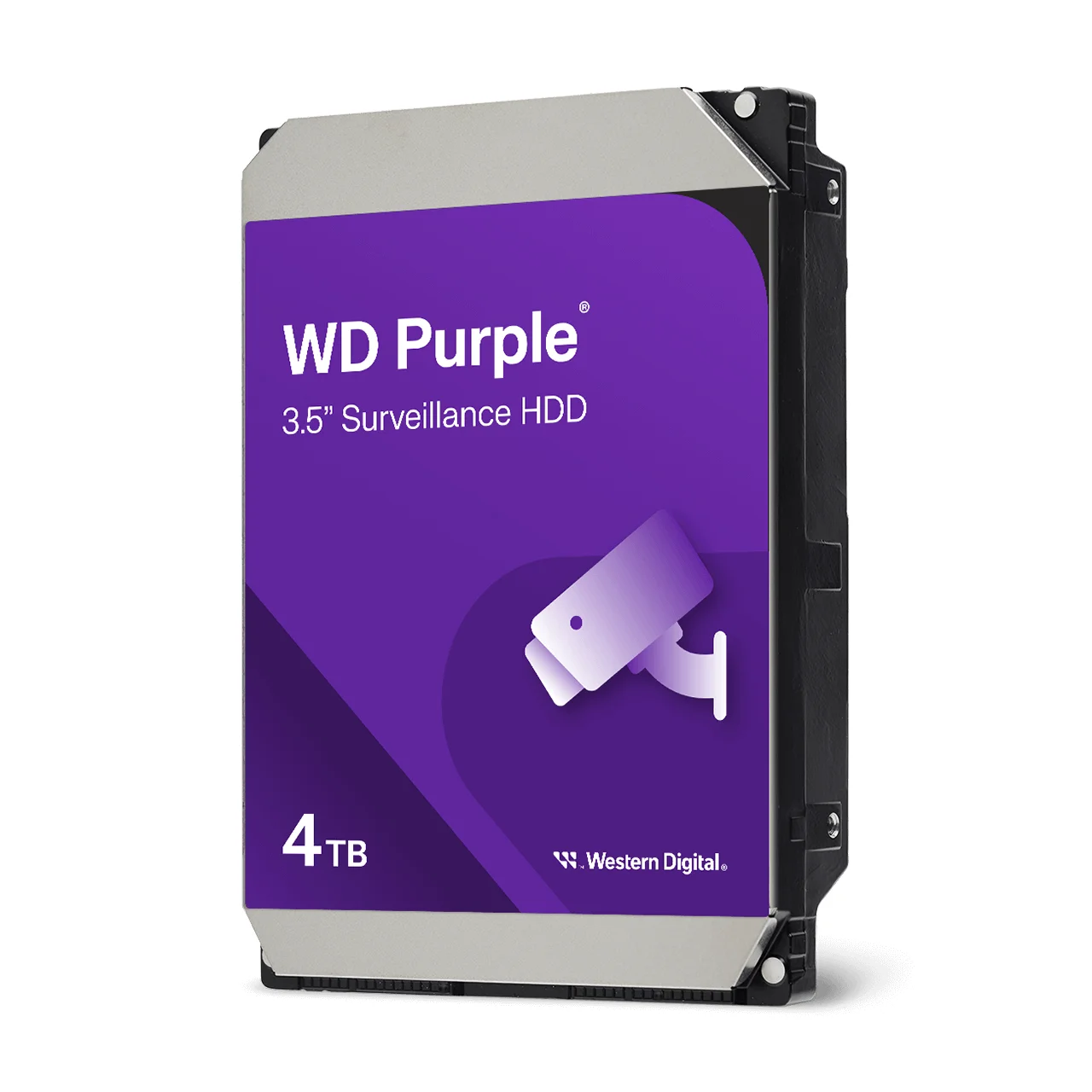
CMR, 180TB/year, AllFrame, RV sensors, 16-bay support. The everyday NVR drive.
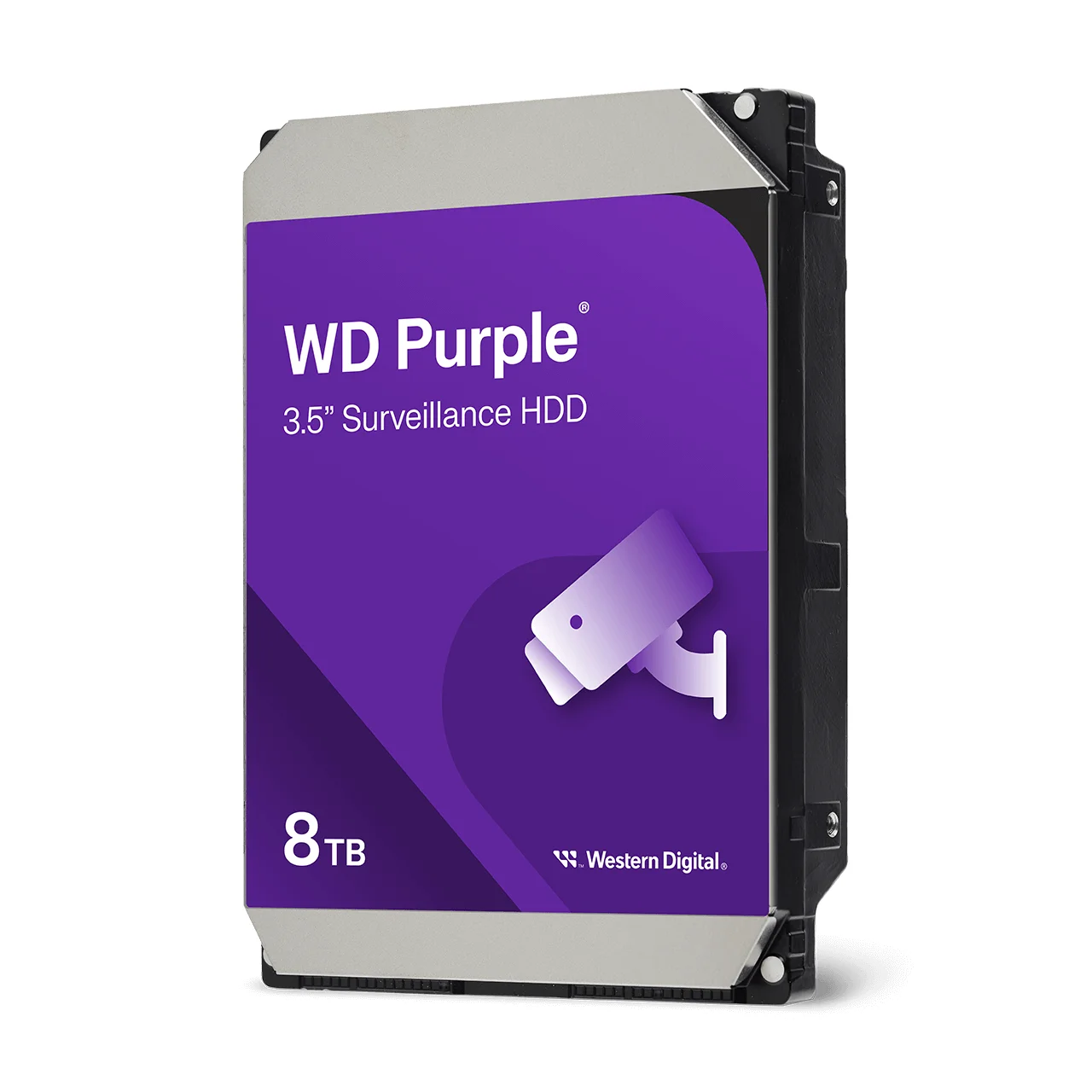
Largest WD Purple: 256MB cache, 215MB/s, up to 64 HD cameras, 3-year warranty.
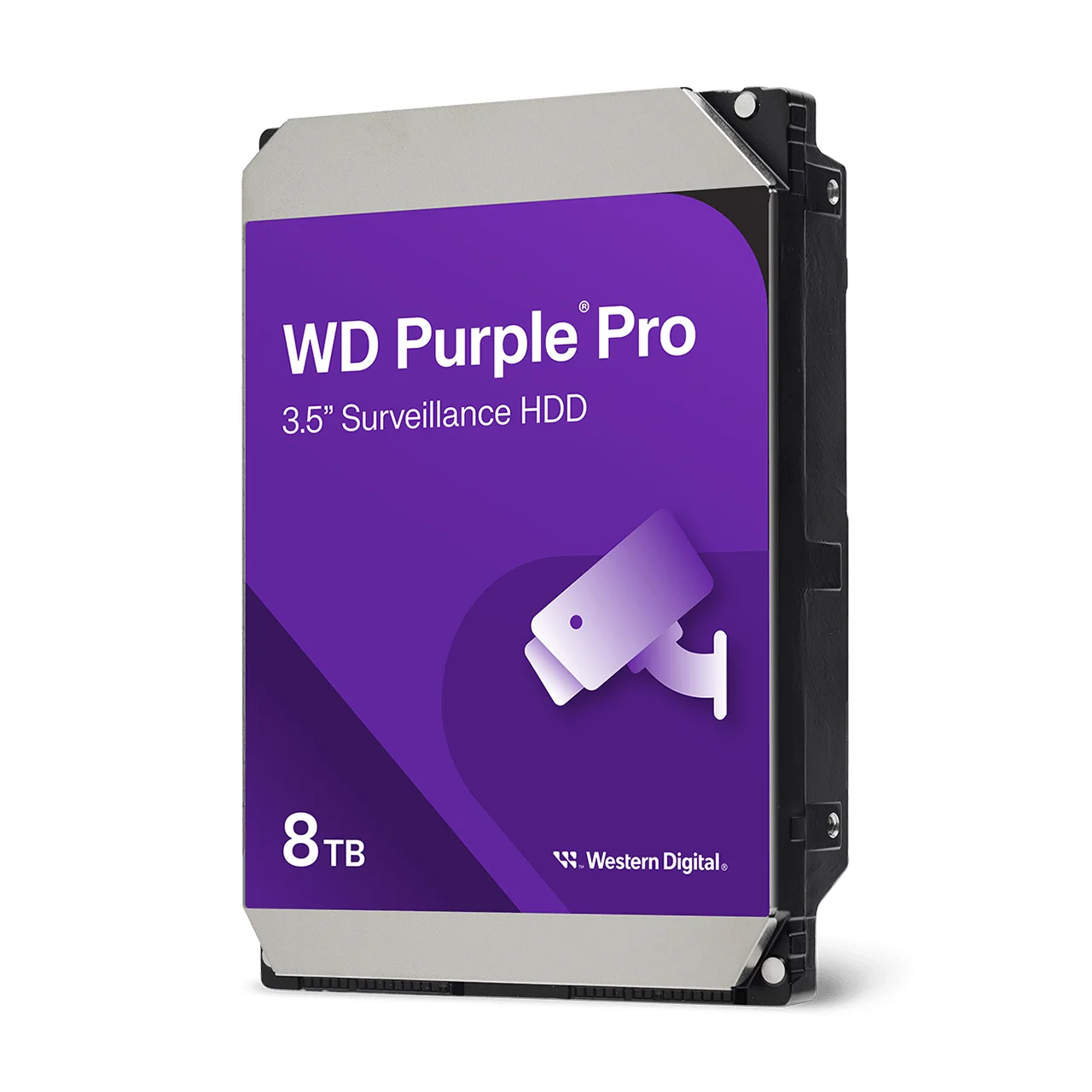
7,200 RPM, 550TB/year, 32 AI streams, no bay limit, 5-year warranty.
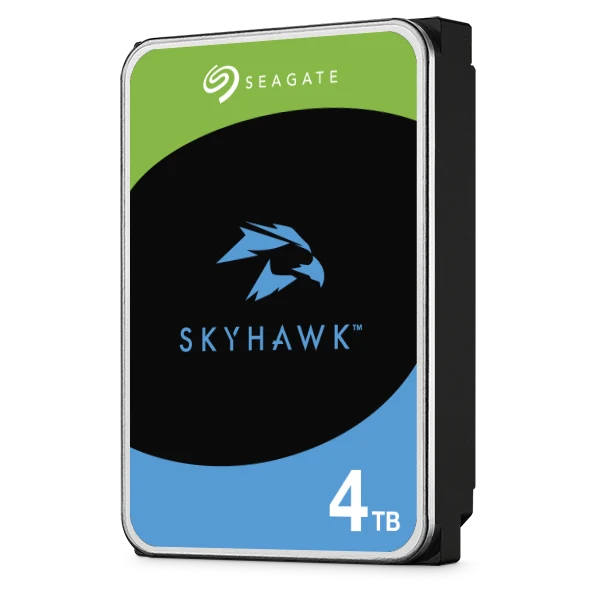
CMR, 180TB/year, ImagePerfect, RV sensors, 3 years Rescue recovery included.
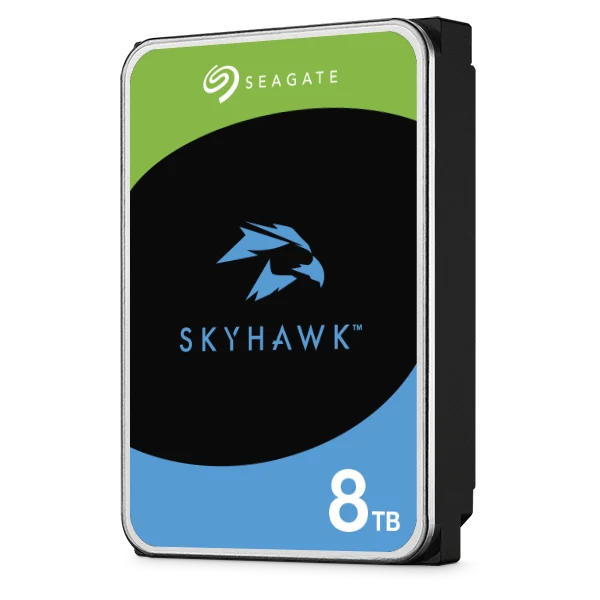
Up to 64 cameras and 16 bays, 256MB cache, 3-year warranty plus Rescue.
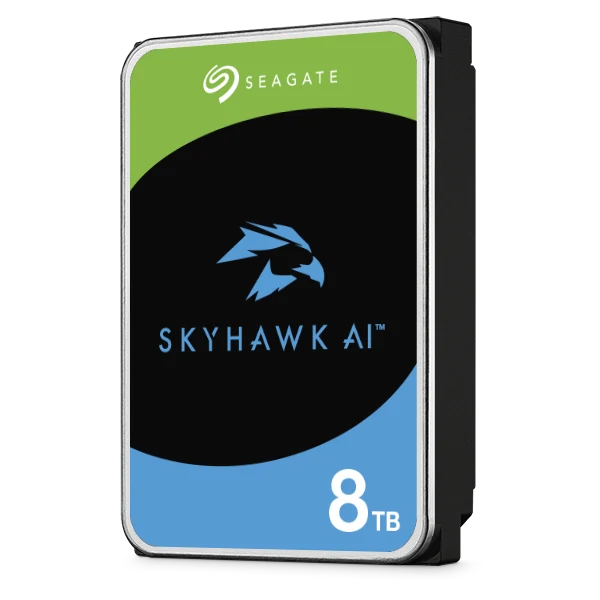
7,200 RPM, 550TB/year, 32 AI channels, unlimited bays, 5-year warranty.
All capacities: WD Purple WD11PURZ, WD23PURZ, WD33PURZ, WD34PURZ, WD44PURZ, WD64PURZ, WD85PURZ. WD Purple Pro WD8002PURP, WD102PURP, WD122PURP, WD142PURP, WD221PURP. Seagate SkyHawk ST2000VX017, ST4000VX016, ST6000VX009, ST8000VX010. Seagate SkyHawk AI ST8000VE001, ST10000VE001, ST12000VE003, ST16000VE004, ST20000VE003, ST32000VE000.
Common questions
Straight answers from the ARC IP Networks team. Last reviewed October 2026.
A dedicated surveillance hard drive. For most home and small-business NVRs, WD Purple or Seagate SkyHawk: both are CMR, rated for 180TB/year of 24/7 recording, support up to 64 cameras and carry a 3-year limited warranty. For AI-enabled recorders and large multi-bay systems, WD Purple Pro or Seagate SkyHawk AI, rated for 550TB/year with 32 AI streams, no bay limit and a 5-year limited warranty.
They are closely matched: both are 3.5-inch SATA CMR surveillance drives rated for 180TB/year and 1,000,000 hours MTBF, with a 3-year limited warranty. WD Purple is available from 1TB to 8TB and uses WD AllFrame firmware; Western Digital publishes its 64-camera rating for 6TB and larger. SkyHawk runs from 2TB to 8TB at 5,400 RPM, uses ImagePerfect firmware and includes 3 years of Seagate Rescue Data Recovery Services where available.
It may work, but it is not designed for the job. An NVR writes video 24 hours a day, every day. Surveillance drives such as WD Purple and Seagate SkyHawk are rated for that workload (180TB/year), use firmware tuned for many video streams to reduce dropped frames, and add rotational vibration sensors for multi-bay recorders. A desktop drive is built for short bursts of activity.
Both are 7,200 RPM CMR drives for AI-enabled recorders, rated for 550TB/year with up to 64 HD cameras plus 32 AI streams, no bay limit and a 5-year limited warranty. WD Purple Pro runs from 8TB to 22TB in the ARC IP range and uses OptiNAND and WDDA. SkyHawk AI runs from 8TB to 32TB and includes 3 years of Rescue Data Recovery Services.
CMR. Western Digital and Seagate list conventional magnetic recording (CMR) for every WD Purple, WD Purple Pro, SkyHawk and SkyHawk AI model ARC IP Networks sells. CMR gives predictable, sustained write performance under the continuous load of CCTV recording.
It depends on the number of cameras, resolution, bit rate and how many days you want to keep. As a rule of thumb, one camera recording 24/7 uses about 10.8GB a day for every 1Mbps of bit rate. A 4-camera home system typically suits 2TB to 4TB, an 8 to 16-camera business system 4TB to 8TB per bay, and AI or large systems 8TB and up. Check your recorder's maximum drive size before buying.
Both are standard 3.5-inch SATA 6Gb/s surveillance drives, the format used by Hikvision and Dahua NVRs and DVRs and by UniFi Protect recorders. Check the recorder maker's supported-drive list and maximum capacity per bay, then initialise (format) the drive in the recorder after fitting it. ARC IP Networks can confirm the right drive for your recorder before you order.
WD Purple and Seagate SkyHawk carry a 3-year limited warranty. WD Purple Pro and Seagate SkyHawk AI carry a 5-year limited warranty. SkyHawk and SkyHawk AI also include 3 years of Seagate Rescue Data Recovery Services where available. Manufacturer warranties apply on top of your rights under the Australian Consumer Law.
ARC IP Networks is an authorised Western Digital and Seagate reseller in Australia: genuine drives at competitive prices, with the full manufacturer's warranty, Australia-wide delivery and trade pricing. The full WD Purple, WD Purple Pro, Seagate SkyHawk and SkyHawk AI ranges are available to order online at arcip.com.au, or call 1300 100 440 for a quote.
Not sure which drive suits your recorder?
Tell us the NVR model, how many cameras you run and how many days of footage you need. We will match the right WD Purple or Seagate SkyHawk drive and capacity, with Australia-wide delivery and trade pricing for installers.
Related CCTV and storage guides
- Western Digital Australia: every WD range explained
- How Much Storage Do You Need for Security Cameras? (2026 Sizing Guide)
- How to Install or Format a Hard Drive in a Hikvision NVR
- Best Hikvision NVR: Channels & Storage Guide (2026)
- UniFi Protect NVR Comparison 2026: Which Recorder Do You Need?
- ASUSTOR Surveillance Center: Record IP Cameras on Your NAS
- Best Hard Drives for a NAS: Seagate IronWolf vs Exos (Australia)
- WD Purple vs WD Purple Pro: Which Surveillance Hard Drive? (Australia)
- CMR vs SMR Hard Drives Explained: What It Means for NAS and CCTV (Australia)
- How Long Do Hard Drives Last? Workload, MTBF and Warranty Explained