Short answer: recording 24/7 at full quality, a 4TB hard drive keeps about 12 days of footage from a 4-camera Jovision 5MP kit and about 9 days from a 4-camera 4K kit. For most Australian homes, a 4TB drive suits 4 to 6 cameras and 8-camera systems suit 6TB to 8TB. Recording on motion only keeps footage for much longer.
The rule of thumb: one camera recording at 1 Mbps fills about 10.8 GB a day. Add up your cameras' bitrates, multiply by 10.8, and divide your drive size by that number to get days. Jovision NVRs take one SATA surveillance drive: up to 10TB in the 4-channel JVS-ND7004-PD01 and up to 8TB in the 8-channel JVS-ND7008-PD01. ARC IP Networks is the Australian Distributor of Jovision, with Australian stock and a 3-year warranty.
Key takeaways
- 4 cameras: a 4TB surveillance drive gives roughly 1 to 2 weeks of 24/7 recording at full quality.
- 8 cameras: choose 6TB to 8TB, the most the 8-channel NVR takes.
- The NVR caps what is recorded: 40 Mbps in on the 4-channel and 60 Mbps on the 8-channel, so 8 x 4K cameras need a lower bitrate each.
- Motion or scheduled recording stretches the same drive much further than 24/7.
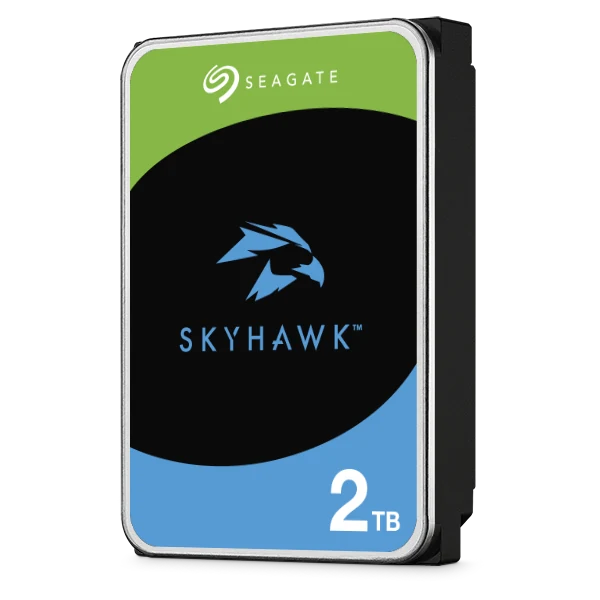
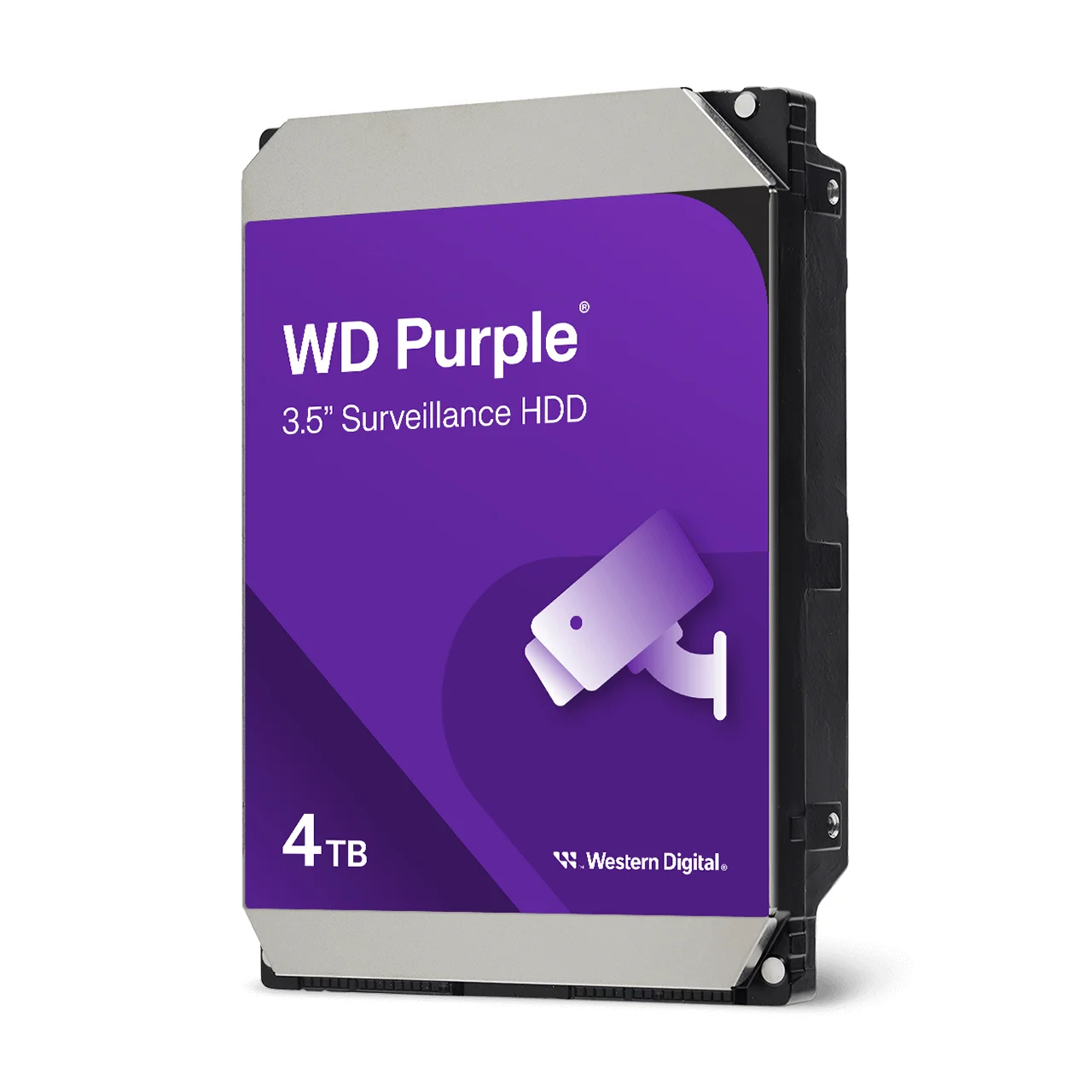
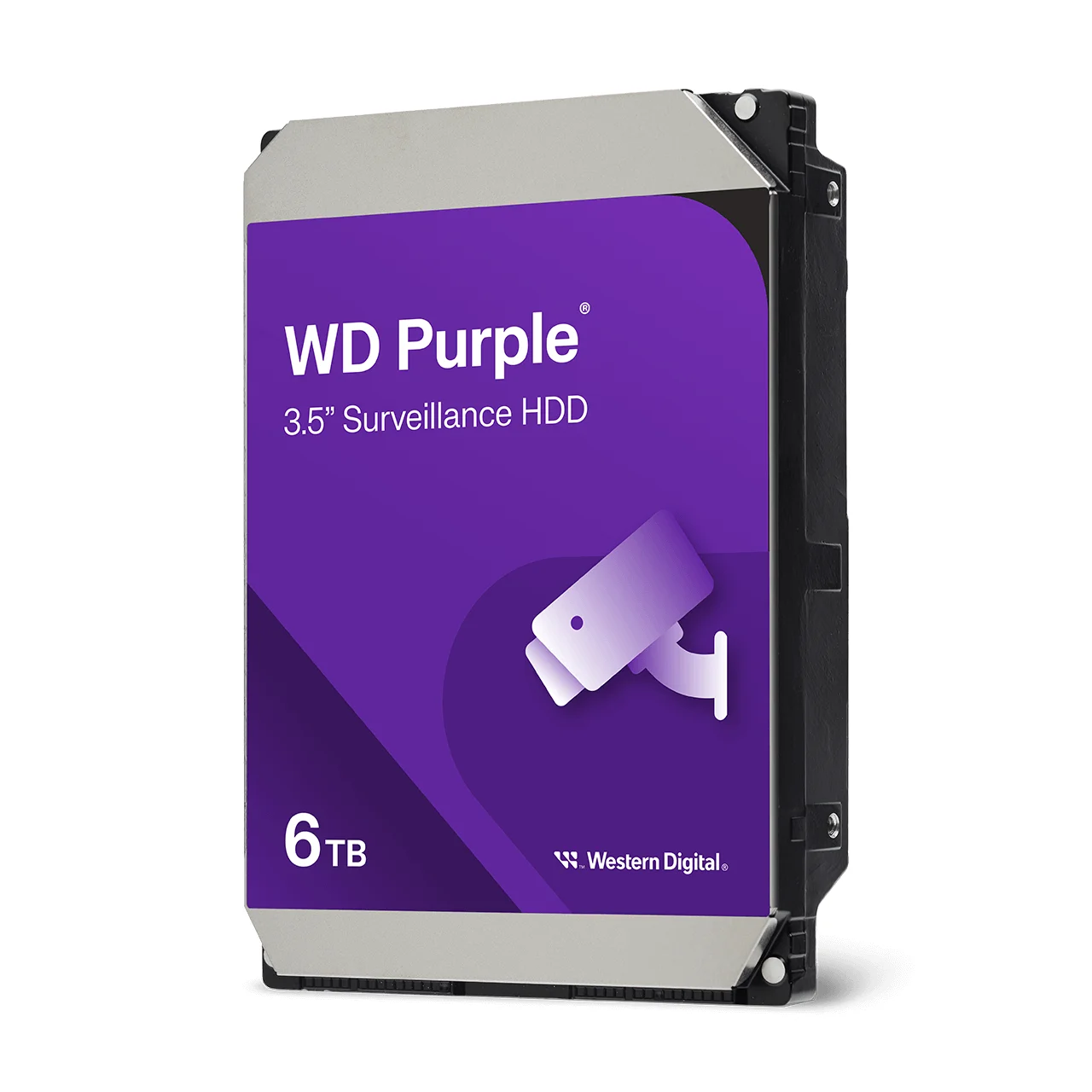
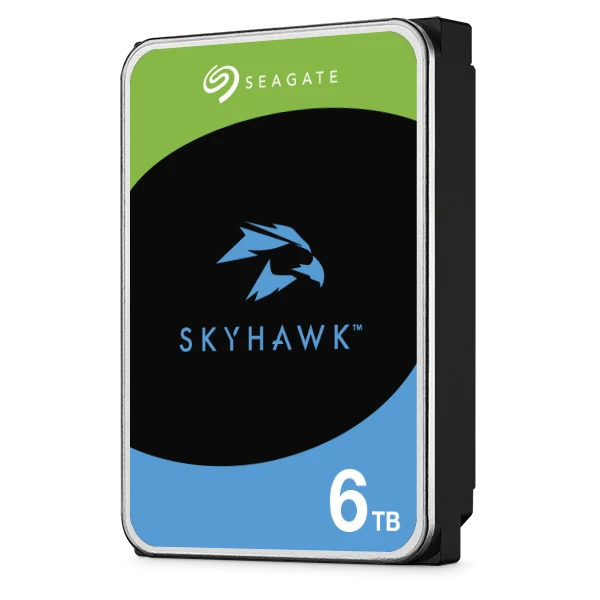
- Use a surveillance drive (WD Purple or Seagate SkyHawk), not a desktop drive.
- Wi-Fi and 4G cameras record to a microSD card in each camera: a 256GB card holds about 6 days of 24/7 recording at full quality.
Updated 13 November 2026 by the ARC IP Networks team, Blackburn, Melbourne.
On this page
- How much storage for each Jovision kit
- How to work out storage yourself
- Bitrate and storage for every Jovision PoE camera
- Your NVR sets the limits
- Five ways to keep footage for longer
- How many days should you keep?
- Planning storage for Australian conditions
- Wi-Fi, 4G and solar cameras: microSD card sizing
- Which hard drive should you buy?
- Shop surveillance hard drives by brand
- Fitting the drive
- Jovision kits, NVRs and surveillance drives
- Surveillance hard drives in Australian stock
- Not sure how much storage you need?
How much storage for each Jovision kit
Days of footage (d) kept with each drive size when every camera records 24/7 at its maximum bitrate (the worst case). "Best" is the smallest drive that keeps at least a week.
| Kit | Per day | 2TB | 4TB | 8TB | Best |
|---|---|---|---|---|---|
| 2 x 5MP | 173 GB | 12d | 23d | 46d | 2TB |
| 4 x 5MP turret | 346 GB | 6d | 12d | 23d | 4TB |
| 4 x 5MP mix | 302 GB | 7d | 13d | 26d | 4TB |
| 4 x 3MP budget | 173 GB | 12d | 23d | 46d | 2TB |
| Shop 4-cam | 216 GB | 9d | 19d | 37d | 2TB |
| 5MP + PTZ 4-cam | 324 GB | 6d | 12d | 25d | 4TB |
| 4 x 4K turret | 432 GB | 5d | 9d | 19d | 4TB |
| 4 x 4K mix | 432 GB | 5d | 9d | 19d | 4TB |
| 4K + PTZ 4-cam | 389 GB | 5d | 10d | 21d | 4TB |
| Driveway LPR | 367 GB | 5d | 11d | 22d | 4TB |
| Farm 4-cam | 302 GB | 7d | 13d | 26d | 4TB |
| 4 x PTZ dome | 259 GB | 8d | 15d | 31d | 2TB |
| 6 x 5MP turret | 518 GB | 4d | 8d | 15d | 4TB |
| 6-cam mix | 562 GB | 4d | 7d | 14d | 4TB |
| 5MP + PTZ 6-cam | 497 GB | 4d | 8d | 16d | 4TB |
| 8 x 5MP turret | 648 GB* | 3d | 6d | 12d | 6TB |
| Office 8-cam | 432 GB | 5d | 9d | 19d | 4TB |
| Warehouse 8-cam | 432 GB | 5d | 9d | 19d | 4TB |
| 8 x 4K turret | 648 GB* | 3d | 6d | 12d | 6TB |
| 8 x 4K mix | 648 GB* | 3d | 6d | 12d | 6TB |
Kit names link to each kit; mix = turrets plus bullets. * The cameras could send more, but the NVR records at most 60 Mbps (8-channel) or 40 Mbps (4-channel), so set each camera's bitrate lower (for 8 x 4K cameras, 7.5 Mbps each). The 4-channel NVR takes drives up to 10TB, the 8-channel up to 8TB.
How to work out storage yourself
Every camera sends a video stream measured in megabits per second (Mbps). The NVR writes that stream to the hard drive. Three steps:
- Add up the bitrates of the cameras you will record (the table below lists every Jovision camera).
- Multiply by 10.8 to get gigabytes per day. That is Mbps divided by 8 (bits to bytes) times 86,400 seconds in a day, divided by 1,000.
- Divide the drive size in GB (4TB = 4,000 GB) by the GB per day. The result is days of footage before the NVR starts recording over the oldest video.
Worked example: four JVS-N537-SDL 5MP turrets at their maximum 8 Mbps each = 32 Mbps. 32 x 10.8 = 346 GB a day. A 4TB drive holds 4,000 / 346 = about 11.6 days of continuous recording.
Drive makers count 1TB as 1,000 GB, and the NVR keeps a little space for its own use, so treat the result as a close estimate.
Bitrate and storage for every Jovision PoE camera
The maximum main-stream bitrate comes from each camera's Jovision datasheet. Every model lets you set a lower bitrate, which saves space at the cost of some detail.
Swipe the table sideways to compare all models →
| Camera | Resolution | Max bitrate | Per day (24/7) | Days per 1TB |
|---|---|---|---|---|
| N537-SDL | 2560 x 1792 | 8 Mbps | 86 GB | 12 days |
| N937-SDL | 2304 x 1296 | 4 Mbps | 43 GB | 23 days |
| N535-ADL | 2560 x 1920 | 4 Mbps | 43 GB | 23 days |
| N935-ADL | 2304 x 1296 | 4 Mbps | 43 GB | 23 days |
| N837-VDL | 3840 x 2160 | 10 Mbps | 108 GB | 9 days |
| N837-UDL | 3840 x 2160 | 10 Mbps | 108 GB | 9 days |
| N515-ADL | 2560 x 1792 | 4 Mbps | 43 GB | 23 days |
| N915-ADL | 2304 x 1296 | 4 Mbps | 43 GB | 23 days |
| N517-YDL | 2560 x 1792 | 8 Mbps | 86 GB | 12 days |
| N617-UDL | 3200 x 1800 | 10 Mbps | 108 GB | 9 days |
| N637-UDL | 3200 x 1800 | 10 Mbps | 108 GB | 9 days |
| N518-ZDL | 2560 x 1792 | 4 Mbps | 43 GB | 23 days |
| N819-ZDL | 3840 x 2160 | 4 Mbps | 43 GB | 23 days |
| N819-LPR | 3840 x 2160 | 4 Mbps | 43 GB | 23 days |
| N517-FDL | 3072 x 1728 | 8 Mbps | 86 GB | 12 days |
| N417-OCR | 2560 x 1440 | 8 Mbps | 86 GB | 12 days |
| N416-SCR | 2560 x 1440 | 8 Mbps | 86 GB | 12 days |
| N53-Z30 | 2496 x 1792 | 8 Mbps | 86 GB | 12 days |
| N833-Z5 | 3840 x 2160 | 6 Mbps | 65 GB | 15 days |
One camera recording continuously at its maximum bitrate. Divide "Days per 1TB" by the number of cameras for a mixed system.
Your NVR sets the limits
Two numbers on the recorder matter as much as the cameras: how much video it can take in, and how big a drive it accepts.
| NVR | Channels | Incoming bandwidth | Hard drive | Records up to |
|---|---|---|---|---|
| ND7004-PD01 | 4 (4 PoE ports) | 40 Mbps | 1 SATA, up to 10TB | Up to 5MP |
| ND7008-PD01 | 8 (8 PoE ports) | 60 Mbps | 1 SATA, up to 8TB | Up to 8MP 4K |
| ND7616-HP | 16 | 80 Mbps | 1 SATA | 1 camera at 4K or 8 at 5MP |
| ND7932-HV | 32 | Not listed | 2 SATA, up to 10TB each | Up to 5MP |
- Incoming bandwidth is the total the NVR can record. Eight 4K cameras at 10 Mbps would send 80 Mbps, more than the 60 Mbps the ND7008 takes, so set each 4K camera to 7.5 Mbps or less. The picture stays 4K; each frame is just compressed a little more.
- 4K cameras need the 8-channel NVR. The 4-channel ND7004 records up to 5MP, which is why every Jovision 4K kit uses the ND7008.
- All four NVRs record manually, on a schedule or on motion detection, and use H.265 compression.
Five ways to keep footage for longer
- Record on motion. The NVR records only when a camera sees movement. A quiet driveway may record a small part of the day, so the same drive lasts many times longer than 24/7.
- Use a schedule. Record 24/7 at night and on motion during the day, or the other way round for a shop.
- Lower the bitrate. Every Jovision camera has an adjustable bitrate (the N537-SDL goes from 0.3 to 8 Mbps). A slightly lower bitrate on a camera that watches a still scene saves a lot of space.
- Keep H.265 on. Jovision cameras and NVRs support H.265, which needs much less space than older H.264 for the same picture.
- Fit a bigger drive. The simplest fix: the 4-channel NVR takes up to 10TB and the 8-channel up to 8TB.
How many days should you keep?
Keep enough to notice an incident and go back to it. A break-in at a holiday home or farm shed may not be discovered for days, while a busy home notices straight away. As an ARC IP Networks suggestion:
| Property | Aim for | Typical drive |
|---|---|---|
| House or townhouse, 2 to 4 cameras | At least 7 to 14 days | 2TB to 4TB |
| Larger home or acreage, 6 to 8 cameras | At least 7 days | 6TB to 8TB |
| Holiday house, beach shack or granny flat | 14 days or more, motion recording | 4TB to 8TB |
| Farm, shed or rural block | 14 days or more, motion recording | 4TB to 8TB |
| Shop, cafe or small office | 14 to 30 days, motion or schedule | 4TB to 10TB |
Check whether your insurer, owners corporation (strata) or industry asks for a minimum retention period.
Planning storage for Australian conditions
- Summer heat. Hard drives last longer when they run cool. Put the NVR in a ventilated cupboard or study, not a roof space or a hot garage that bakes in summer.
- Storms and blackouts. A power cut stops recording and an unexpected shutdown is hard on a drive. A small UPS keeps the NVR and PoE cameras running through short outages: see our APC, CyberPower, Eaton and PowerShield ranges.
- Your NBN plan does not change storage. Recording happens on the drive at home. Your NBN upload speed only affects how smoothly you watch live or play back away from home.
- Holiday homes and farms. Incidents are often found days later, so keep at least two weeks and record on motion.
- Surveillance laws. Each Australian state and territory has its own surveillance devices laws. Point cameras at your own property and avoid recording into neighbours' yards or windows. Businesses should also check their privacy obligations.
Wi-Fi, 4G and solar cameras: microSD card sizing
Jovision Wi-Fi and 4G cameras record to a microSD card inside each camera instead of an NVR, so every camera needs its own card.
Swipe the table sideways to compare all models →
| Camera | Max bitrate | Largest card | Days on largest card (24/7) | Days on 128GB (24/7) |
|---|---|---|---|---|
| H322C | 4 Mbps | 256GB | 6 days | 3 days |
| H410D | 4 Mbps | 256GB | 6 days | 3 days |
| H950E | 4 Mbps | 256GB | 6 days | 3 days |
| N98-X3 | 4 Mbps | 512GB | 12 days | 3 days |
| N47-X4 | 8 Mbps | 512GB | 6 days | 1 days |
| N47-AOR | 4 Mbps | 512GB | 12 days | 3 days |
Worst case: continuous recording at the maximum bitrate. Motion recording, and the low-power AOV mode on the 4G solar JVS-N47-AOR, use far less. Choose a high-endurance card made for cameras.
Several wired Jovision cameras, such as the JVS-N537-SDL and JVS-N837-VDL, also have a microSD slot (up to 512GB) that can keep a backup copy on the camera itself.
Which hard drive should you buy?
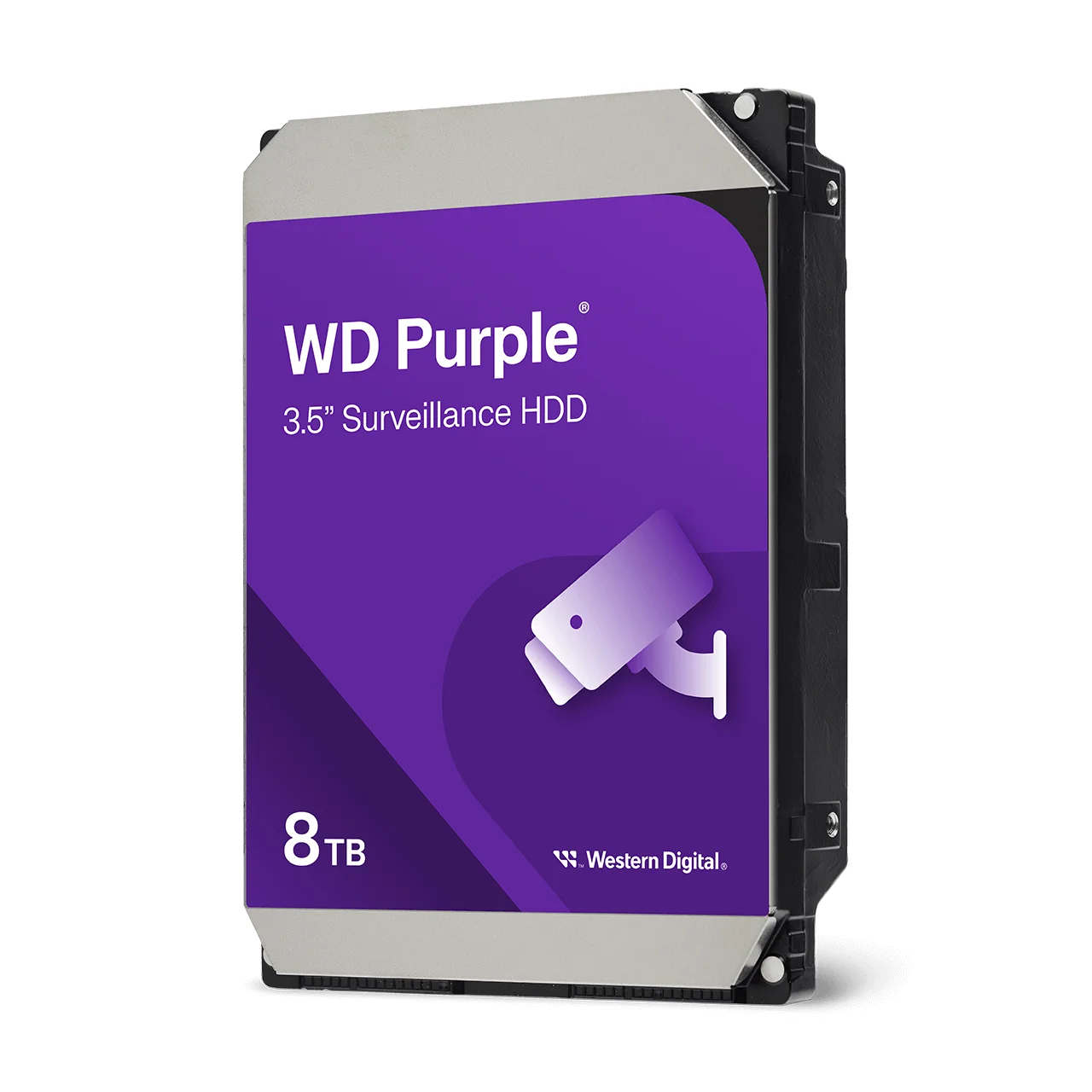
Use a surveillance drive: Western Digital WD Purple or Seagate SkyHawk for most homes, or WD Purple Pro and SkyHawk AI for bigger, busier systems. They are built to write video around the clock, every day, which desktop drives are not designed for. Choose a CMR drive and a capacity your NVR accepts (up to 10TB in the 4-channel NVR, up to 8TB in the 8-channel). All of these are in Australian stock at ARC IP Networks.
Shop surveillance hard drives by brand
Every hard drive brand we stock, in Australian stock with the full manufacturer warranty.
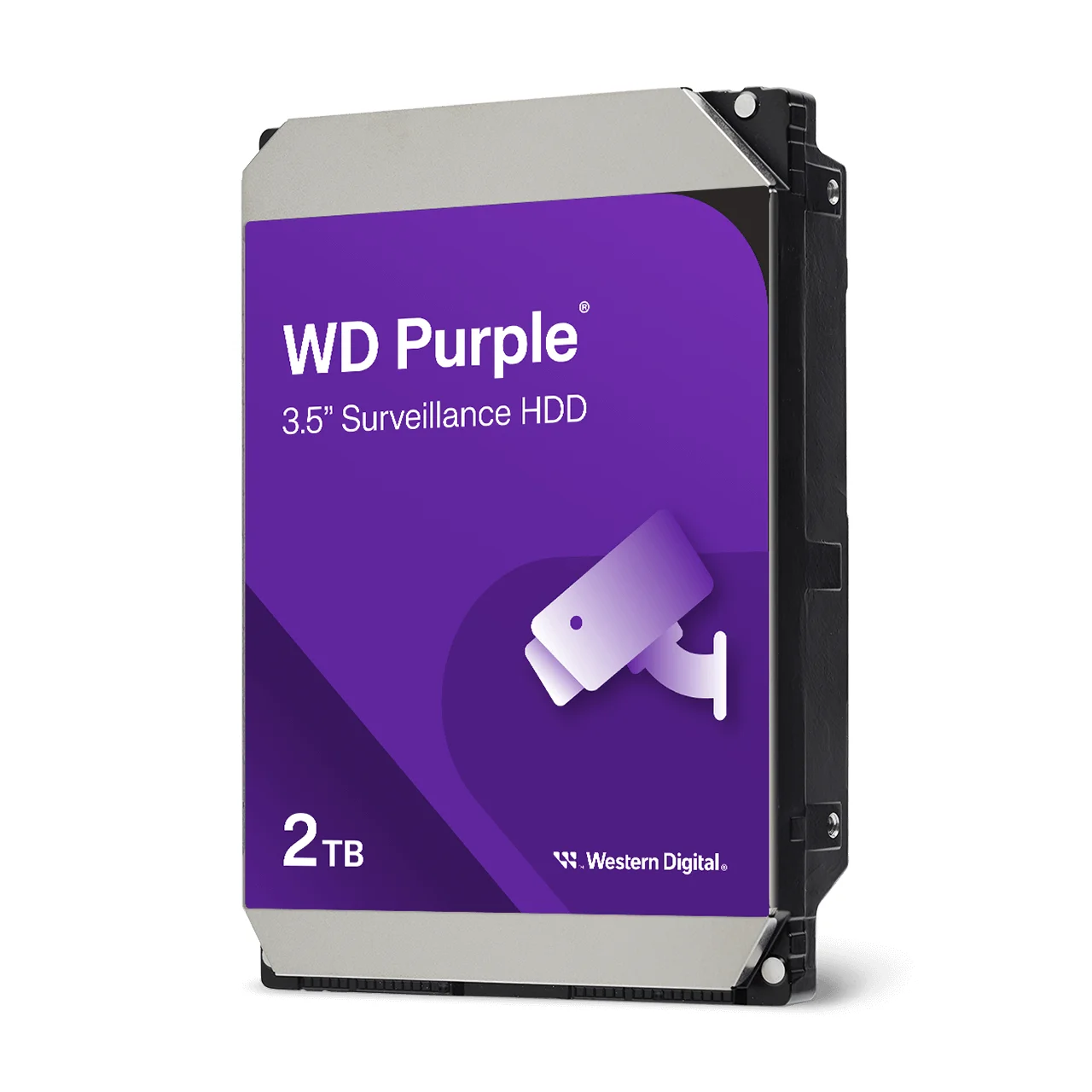
Western Digital surveillance drives for home and small-business NVRs, 1TB to 8TB+.
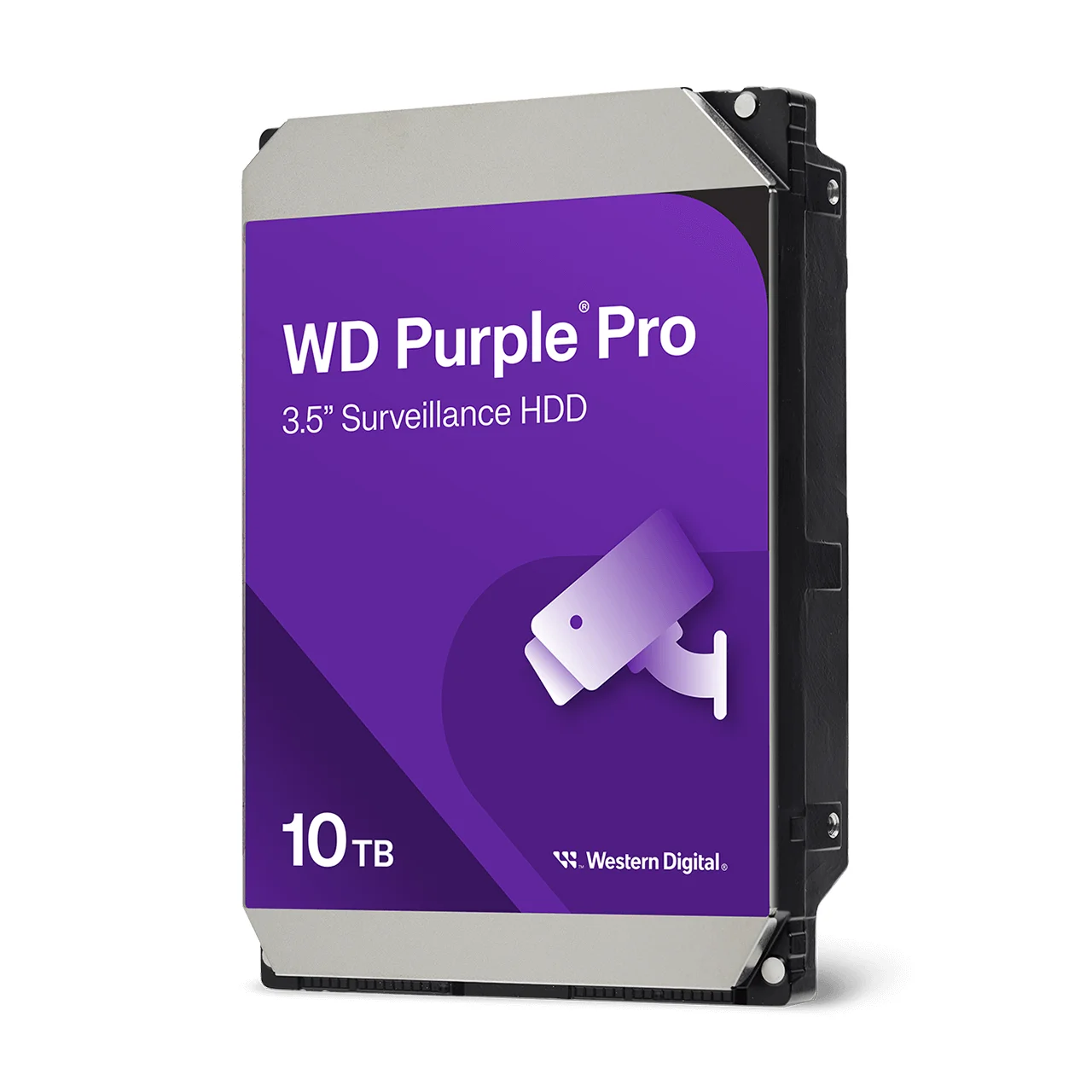
Higher-workload WD surveillance drives for larger systems and AI recorders.
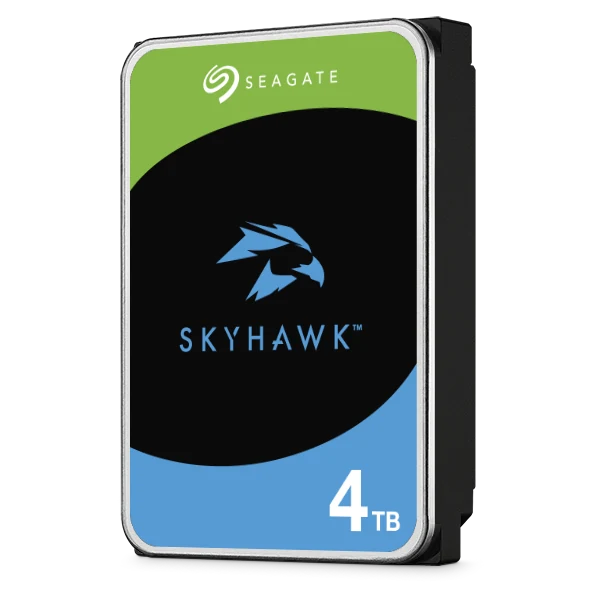
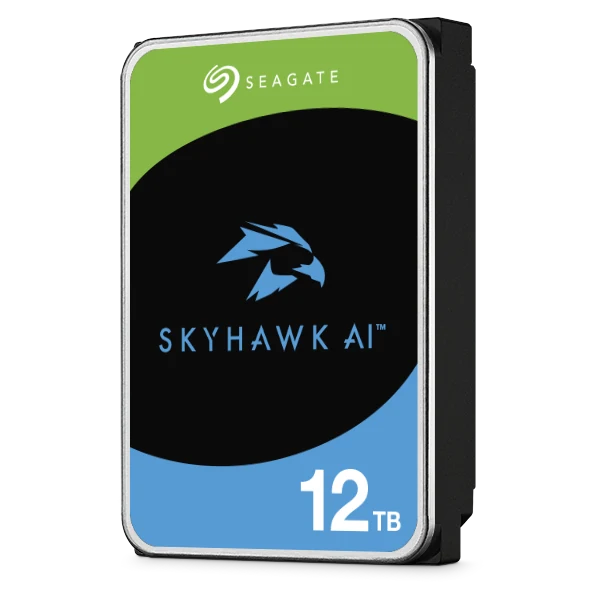
All drive brands we stock: Western Digital (WD Purple, Red, Blue, Black, Ultrastar, Elements), Seagate (SkyHawk, IronWolf, Exos, BarraCuda) and Synology hard drives (built for Synology NAS systems, not for Jovision NVRs).
Fitting the drive
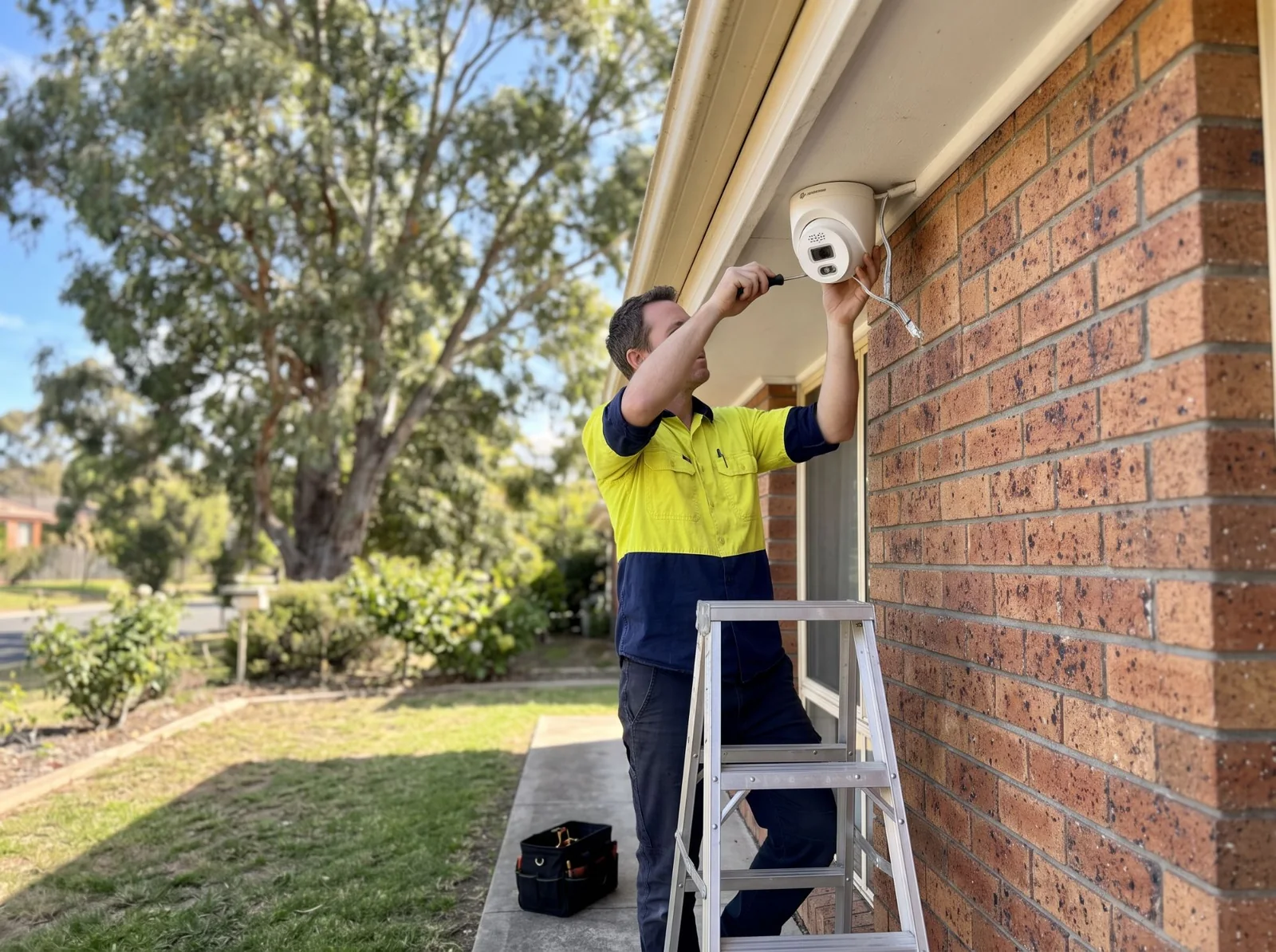
- Turn the NVR off and unplug it before opening the case.
- Connect the SATA data and power cables to the drive and screw it into the mounting holes.
- Close the case, power on, and format the drive from the NVR's storage menu before it records.
- Set the recording mode for each camera: continuous, schedule or motion.
Jovision kits, NVRs and surveillance drives
Live Australian pricing (inc. GST) and stock levels are on each product page.
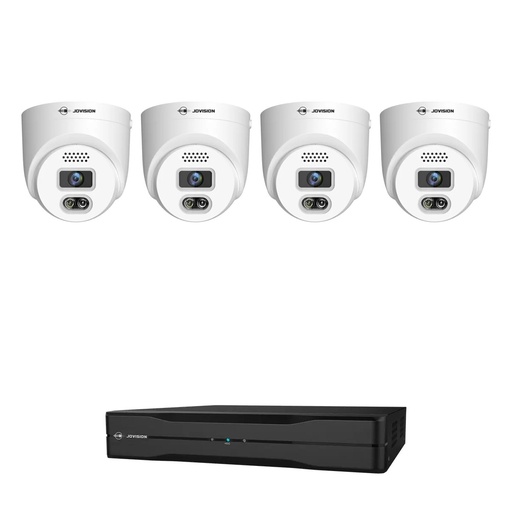
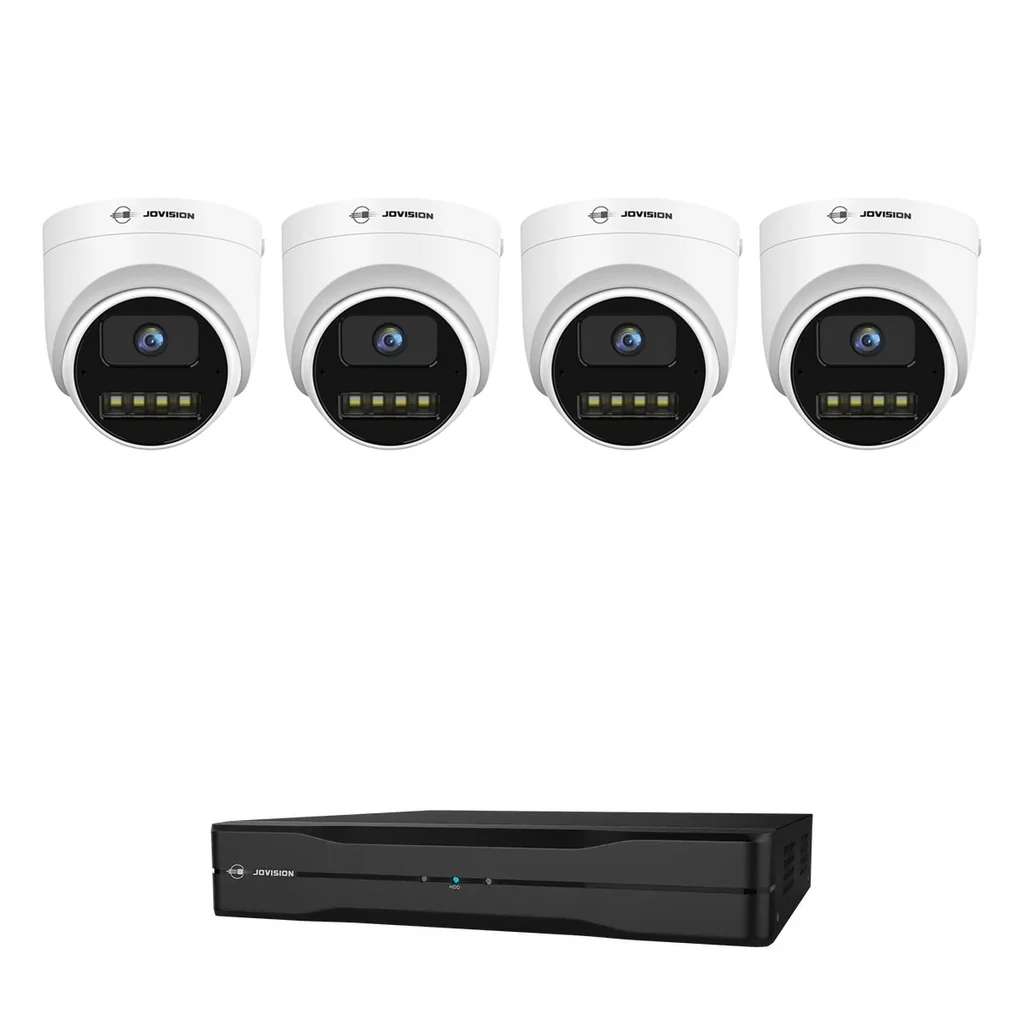
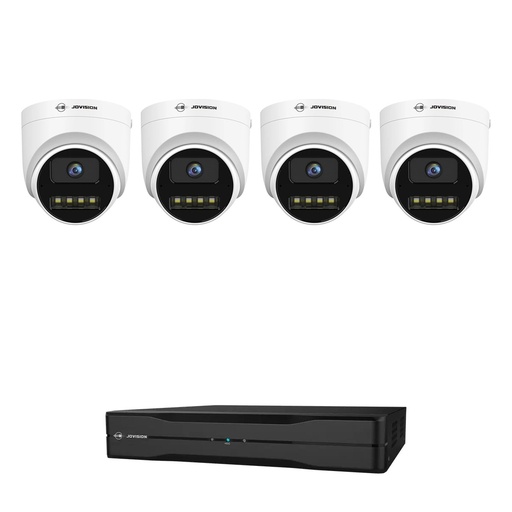
4 x 5MP turrets + 4-channel PoE NVR. A 4TB drive keeps about 12 days 24/7.
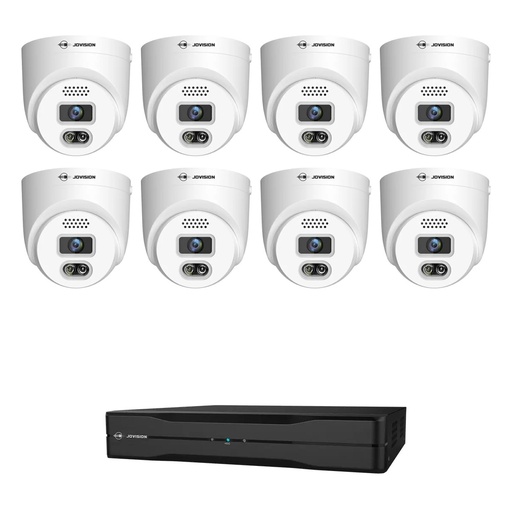
4 x 8MP 4K turrets + 8-channel PoE NVR. A 4TB drive keeps about 9 days 24/7.
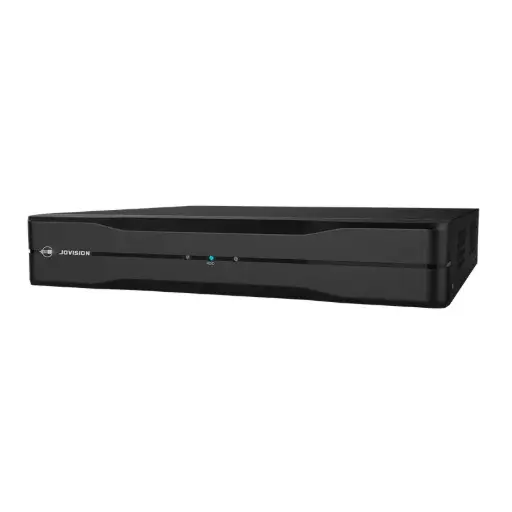
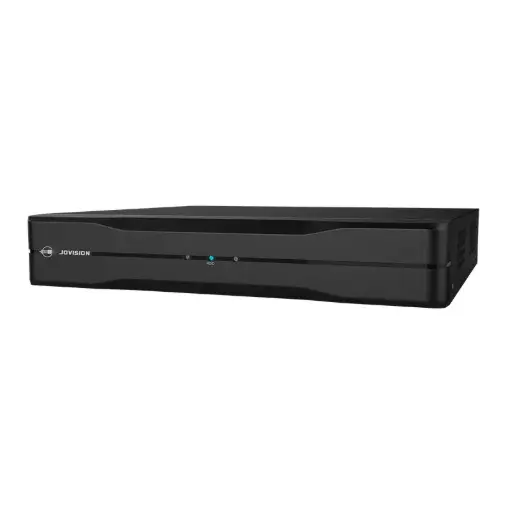
Surveillance hard drives in Australian stock
Live Australian pricing (inc. GST) and stock levels are on each product page.
Common questions
Straight answers from the ARC IP Networks team. Last reviewed November 2026.
For four Jovision 5MP cameras recording 24/7 at full quality, a 4TB drive keeps about 12 days and a 2TB drive about 6 days. For four 4K cameras, 4TB keeps about 9 days. Motion recording keeps footage much longer.
It depends on the cameras. With four Jovision 5MP turrets recording 24/7 at full quality, about 6 days. With two cameras, about twice that. Recording on motion only stretches it to weeks.
Add up the bitrates of your cameras in Mbps, multiply by 10.8 to get GB per day, then divide the drive size in GB by that figure. The result is days of continuous recording.
The 4-channel JVS-ND7004-PD01 takes one SATA drive up to 10TB and the 8-channel JVS-ND7008-PD01 one up to 8TB. The 32-channel JVS-ND7932-HV has two bays of up to 10TB each.
No. The kits are sold without a drive so you can choose the size you need. Any SATA surveillance drive within the NVR's limit works.
Yes. The NVR only writes video when a camera detects movement, so a camera on a quiet driveway uses a fraction of the space of 24/7 recording.
NVRs are normally set to overwrite: the oldest footage is recorded over first, so the drive always holds the most recent days. Save any clip you need before it is overwritten.
A Jovision Wi-Fi camera recording 24/7 at its maximum 4 Mbps fills about 43 GB a day, so a 256GB card holds about 6 days. Motion recording lasts much longer.
ARC IP Networks stocks Western Digital WD Purple and WD Purple Pro and Seagate SkyHawk and SkyHawk AI surveillance drives, from 1TB up, in Australian stock with the full manufacturer warranty and delivery Australia-wide.
No. The NVR records to the hard drive at your home, so storage depends only on the drive and the cameras. Your NBN upload speed affects watching live or playing back when you are away.
ARC IP Networks in Blackburn, Melbourne is the Australian Distributor of Jovision, with Australian stock, a 3-year warranty and delivery Australia-wide.
Who we are
About ARC IP Networks
ARC IP Networks is an Australian supplier of security cameras, CCTV systems and networking, based in Blackburn, Melbourne. We supply Jovision, Hikvision, Ubiquiti UniFi, TP-Link and Synology cameras to homeowners, farms, installers and businesses across Australia.
We are the Australian Distributor of Jovision, with Australian stock and a 3-year warranty, and an authorised reseller of every other brand we sell, with Australian stock and the full manufacturer's warranty. Our team helps you choose the right camera, and installers get trade accounts and project pricing.
- Australian stock, Australia-wide delivery
- Jovision: Australian Distributor, 3-year warranty
- Trade accounts for installers and integrators
- Showroom in Blackburn, VIC, Mon–Fri 9–5
Not sure how much storage you need?
Tell us how many cameras and how long you want to keep footage, and we will recommend the kit and drive. Trade pricing for installers.