How long do hard drives last? There is no fixed number of years. Seagate rates each drive by its workload rate (TB of data a year), power-on hours (how many hours a year it is designed to run), MTBF and annualised failure rate (AFR), and backs it with a 2, 3 or 5-year limited warranty. Used within those ratings, the warranty period is the most practical guide to a drive's planned service life.
Quick guide: desktop PC → BarraCuda (2,400 hours a year, 2 years); home or small-office NAS → IronWolf (24x7, 180 TB/year, 3 years); busy business NAS → IronWolf Pro (550 TB/year, 5 years); CCTV recorder → SkyHawk or SkyHawk AI; servers → Exos (550 TB/year, 5 years). ARC IP Networks is an authorised Seagate reseller in Australia, with competitive prices and Australia-wide delivery.
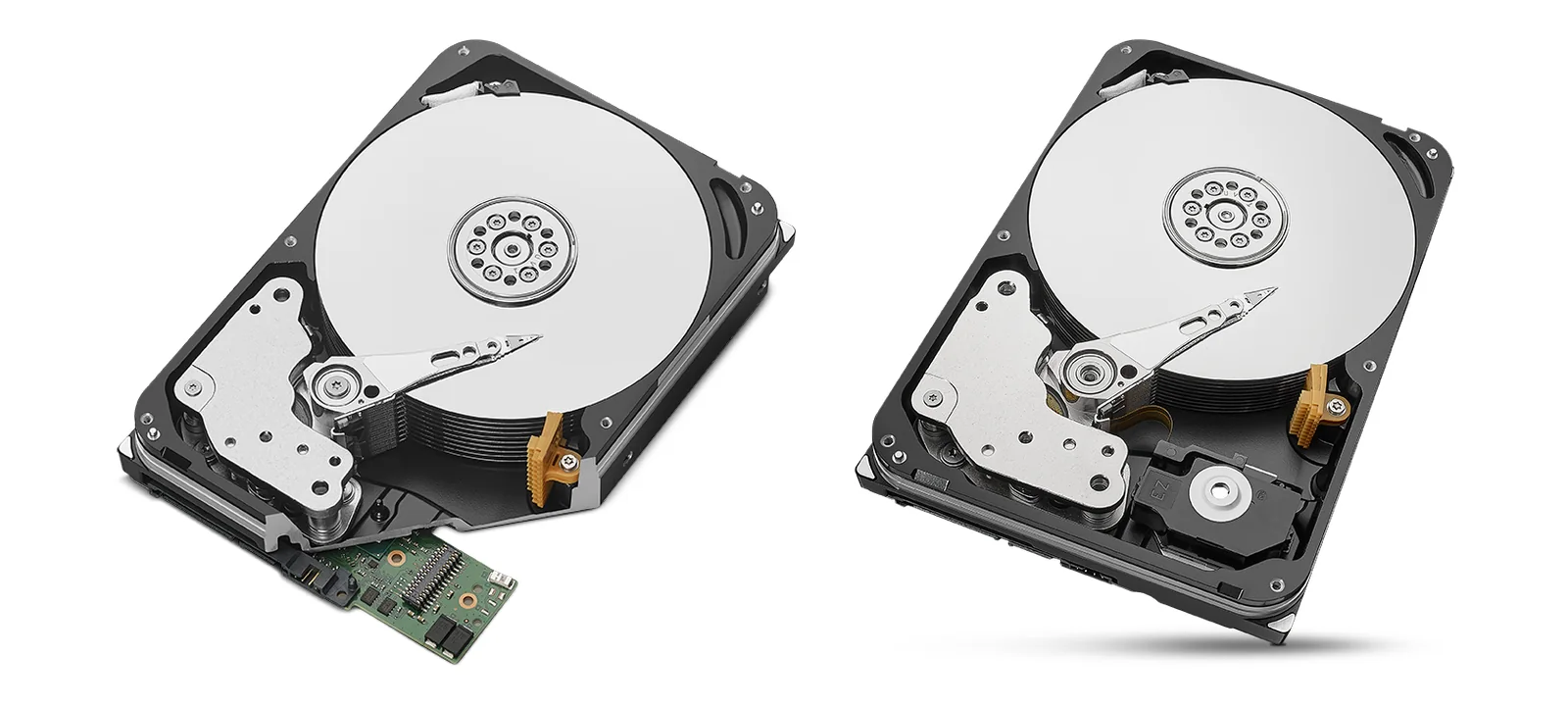
What is MTBF, and what does it really mean?
MTBF (mean time between failures) is a reliability figure for a large population of drives, not a lifespan for one drive. Seagate's product manuals pair it with an annualised failure rate (AFR) and say plainly that "the AFR (MTBF) is a population statistic not relevant to individual units".
For example, Seagate's IronWolf manual specifies an AFR of 0.87% (MTBF of 1,000,000 hours) over a 5-year service life, and the Exos X24 manual specifies 0.35% (MTBF of 2,500,000 hours). So a 1,000,000-hour MTBF does not mean a drive lasts 114 years. It means that across a large fleet run under Seagate's conditions, Seagate's specified annualised failure rate is under 1% a year. A lower AFR and higher MTBF mean a more robust design.
The conditions behind the number
Seagate's AFR and MTBF figures assume the drive runs within its ratings. The IronWolf Pro manual, for example, lists:
- 8,760 power-on hours a year
- drive (HDA) temperature as reported by the drive at or below 40°C
- ambient wet bulb temperature at or below 26°C
- a typical workload
Run a drive hotter, harder or longer than it was designed for and those figures no longer describe it. That is why the next two ratings matter as much as MTBF.
What is a hard drive workload rate?
The workload rate is the amount of data Seagate designs a drive to transfer each year, in TB per year. Seagate's manuals define it as TB transferred × (8,760 ÷ recorded power-on hours), and warn that "workloads exceeding the annualized rate may degrade the drive MTBF and impact product reliability".
Here is what each Seagate rating works out to as an average per day (simple division by 365):
| Workload rate | About per day | Seagate families |
|---|---|---|
| 55 TB/year | 0.15 TB | BarraCuda 8 TB and below, BarraCuda 2.5" |
| 120 TB/year | 0.33 TB | BarraCuda 12 TB to 24 TB |
| 180 TB/year | 0.49 TB | IronWolf, SkyHawk |
| 550 TB/year | 1.5 TB | IronWolf Pro, SkyHawk AI, Exos |
Workload ratings from Seagate datasheets and product manuals. Per-day figures are averages and our arithmetic.
A family backing up phones and laptops to a NAS rarely gets close to 0.5 TB a day. A video production team copying camera cards and editing from the NAS all day, a NAS that takes nightly image backups of 30 PCs, or an NVR writing many 4K camera streams can pass it. When in doubt, choose a 550 TB/year family. Our NAS storage sizing guide and camera storage calculator guide help you estimate how much data you actually write.
Power-on hours: 24x7 drives vs desktop drives
Seagate also rates how many hours a year a drive is designed to be powered on. IronWolf, IronWolf Pro, SkyHawk, SkyHawk AI and Exos are all rated for 8,760 hours a year, which is 24 hours a day, every day. BarraCuda desktop drives are rated for 2,400 hours a year, about 6.6 hours a day on average.
That is the main reason a desktop drive is a poor fit for a NAS or NVR that never switches off. Put a BarraCuda in an always-on recorder and it runs more than three times the hours it is rated for. NAS and surveillance drives also add features for multi-drive boxes, such as rotational vibration (RV) sensors, listed on the IronWolf, IronWolf Pro, SkyHawk (4 TB and up) and SkyHawk AI datasheets.
Seagate workload, MTBF and warranty by family
Every figure below is taken from Seagate's datasheets and product manuals for the drives ARC IP Networks sells. "Not listed" means Seagate does not publish that figure for the family.
Swipe the table sideways to compare all models →
| Seagate family | Workload rate | Power-on hours / year | MTBF | AFR | Limited warranty | Rescue Data Recovery |
|---|---|---|---|---|---|---|
| BarraCuda (3.5") | 55 to 120 TB/year | 2,400 | Not listed | Not listed | 2 years | Not listed |
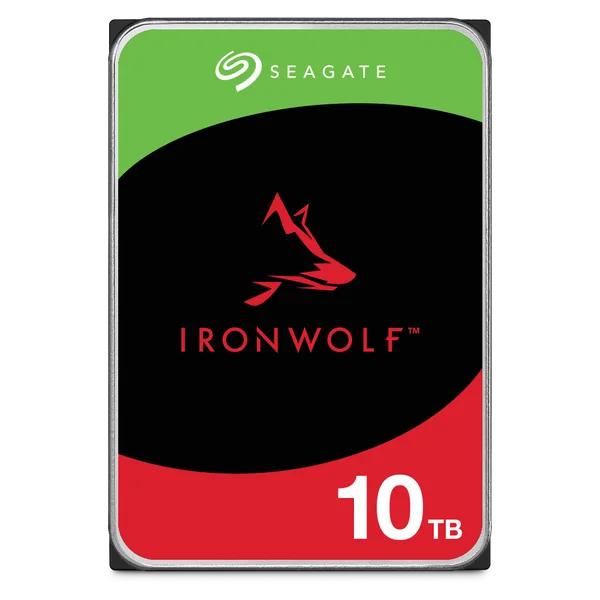
| IronWolf | 180 TB/year | 8,760 | 1,000,000 h | 0.87% | 3 years | 3 years |
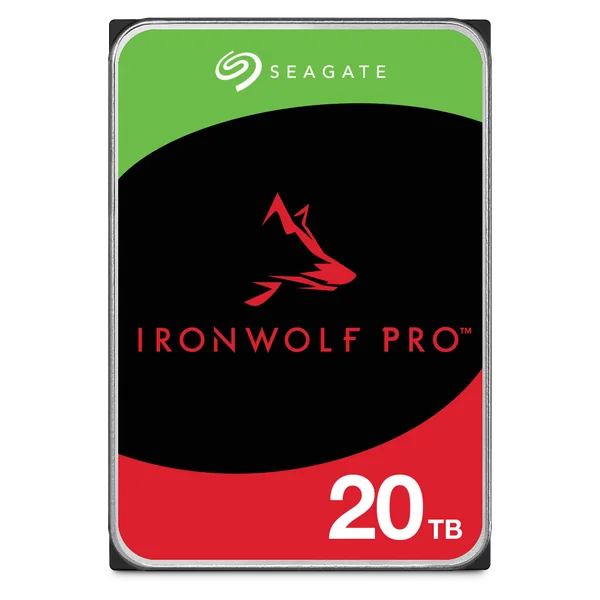
| IronWolf Pro | 550 TB/year | 8,760 | 2,000,000 h (4 to 10 TB) 2,500,000 h (12 TB+) | 0.44% (4 to 10 TB) 0.35% (12 TB+) | 5 years | 3 years |
| SkyHawk | 180 TB/year | 8,760 | 1,000,000 h | 0.87%* | 3 years | 3 years |
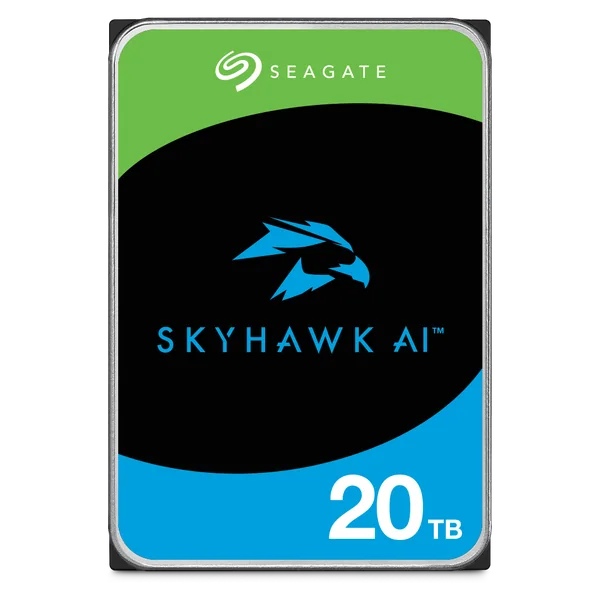
| SkyHawk AI | 550 TB/year | 8,760 | 2,000,000 h (8, 10 TB) 2,500,000 h (12 TB+) | 0.44% (8, 10 TB) 0.35% (12 TB+) | 5 years | 3 years |
| Exos X24 / Exos M | 550 TB/year | 8,760 | 2,500,000 h | 0.35% | 5 years | Not listed |
| Exos 7E10 | 550 TB/year | 8,760 | 2,000,000 h | 0.44% | 5 years | Not listed |
Sources: Seagate BarraCuda, IronWolf, IronWolf Pro, SkyHawk, SkyHawk AI and Exos datasheets and SATA product manuals. AFR is Seagate's specification at 8,760 power-on hours over a 5-year service life, *except SkyHawk, which Seagate specifies over a 3-year service life. Rescue periods are as listed on the datasheets; Seagate notes Rescue is offered in selected regions only.
Warranty: the clearest guide to planned service life
MTBF describes a fleet. The warranty is the period Seagate itself stands behind each drive, and it lines up with the design ratings: 2 years for BarraCuda, 3 years for IronWolf and SkyHawk, and 5 years for IronWolf Pro, SkyHawk AI and Exos. Seagate specifies AFR over a 5-year service life for IronWolf, IronWolf Pro, SkyHawk AI and Exos, and over 3 years for SkyHawk.
A drive does not stop working the day its warranty ends, and many keep running well beyond it. But after that date a failure is your cost, and in a RAID array it may land at the worst time, during a rebuild. For business data, ARC IP Networks suggests treating the warranty period as the planned service life and budgeting replacements around it. Note the purchase date and serial numbers when you install drives.
When to replace hard drives in a NAS
These are ARC IP Networks suggestions, based on how NAS arrays fail in practice and on Seagate's ratings above.
- Straight away: when the NAS marks a drive as failed or degraded, or the drive's S.M.A.R.T. status turns to warning or bad. Replace it with the same model, or one of the same or larger capacity, and let the rebuild finish before changing anything else.
- Soon: when S.M.A.R.T. counters such as reallocated or pending sectors keep climbing, when IronWolf Health Management recommends action, or when the drive starts clicking or dropping out of the array.
- On a plan: as business drives reach the end of their warranty, especially in RAID 5 where one more failure during a rebuild loses the volume. Replace one drive at a time, or migrate to a new set of larger drives.
- When the job outgrows the drive: if your NAS now moves far more data than when you bought it, check it against the drive's workload rate. Moving from IronWolf to IronWolf Pro triples the rated workload and adds two years of warranty.
Keep one matching spare on the shelf for business arrays, and buy drives with the CMR recording that RAID prefers. Seagate lists IronWolf, IronWolf Pro, SkyHawk and SkyHawk AI as CMR. Our NAS RAID explained guide covers how rebuilds work.
When to replace hard drives in an NVR or CCTV recorder
A surveillance recorder writes video around the clock, so it is one of the hardest jobs a hard drive does. Seagate builds SkyHawk for 180 TB a year and SkyHawk AI for 550 TB a year, both for 24x7 operation.
- Watch the recorder's HDD status. Replace a drive that shows as abnormal or errors, or when footage has gaps you cannot explain.
- Size the drive for the cameras. More cameras, higher resolution and AI analytics all add writes. Large or AI-enabled systems suit SkyHawk AI. Seagate says SkyHawk AI supports up to 64 HD video streams and 32 AI streams.
- Plan replacement around the warranty on sites where recordings matter for insurance, compliance or incident review, such as retail, construction sites, schools and aged care.
- Initialise new drives properly. See how to install or format a hard drive in a Hikvision NVR, and our Hikvision NVR channels and storage guide for choosing the recorder.
Monitoring drive health: IronWolf Health Management and S.M.A.R.T.
S.M.A.R.T. (self-monitoring, analysis and reporting technology) is built into Seagate drives; the product manuals list support for S.M.A.R.T. drive monitoring and reporting. Most NAS and NVR systems read it and can run scheduled tests. Turn on email or app alerts so a warning reaches someone.
IronWolf Health Management (IHM) goes further on IronWolf and IronWolf Pro drives. Seagate describes it as protecting NAS data with prevention, intervention and recovery recommendations, and notes that it is enabled on leading NAS systems; check with your NAS vendor. SkyHawk and SkyHawk AI drives have the equivalent SkyHawk Health Management for compatible recorders.
Heat shortens drive life
Seagate states that operating at higher temperatures reduces the useful life of its drives, and its IronWolf datasheet advises against running the drive permanently above 60°C. Australian summers make this real: keep a NAS or NVR out of hot garages, roof spaces and unventilated comms cupboards, and keep fans and dust filters clean.
Backups: the only real protection against drive failure
Every hard drive eventually fails, so plan for it. RAID keeps a NAS running through a drive failure, but it is not a backup: it does not protect against deletion, ransomware, fire, theft or two drives failing together. Follow the 3-2-1 rule: three copies of your data, on two different types of storage, with one copy off-site. Our NAS backup guide: the 3-2-1 rule and RAID 5 vs RAID 6 shows how to set it up, and RAID explained compares RAID 1, 5, 6 and 10.
Seagate's Rescue Data Recovery Services, included on IronWolf, IronWolf Pro, SkyHawk and SkyHawk AI drives where available, are a useful last resort, but a working backup means you never need them.
Which Seagate drive for which Australian workload
ARC IP Networks suggestions, based on the Seagate ratings above.
| Workload | Suggested family | Why |
|---|---|---|
| Home PC or gaming rig | BarraCuda | Rated for desktop hours (2,400 a year); 2-year warranty |
| Family NAS on the NBN: photos, backups, Plex | IronWolf | 24x7, 180 TB/year, 3-year warranty, 3 years Rescue |
| Small office, trades or real estate file server | IronWolf or IronWolf Pro | IronWolf Pro for heavier use and a 5-year warranty |
| Accounting, legal or medical practice NAS | IronWolf Pro | 550 TB/year, 5-year warranty, 3 years Rescue |
| Video production, studios, large backups | IronWolf Pro or Exos X24 | 550 TB/year for constant large transfers |
| Small CCTV system (home, shop, café) | SkyHawk | Built for DVR and NVR recording, 180 TB/year |
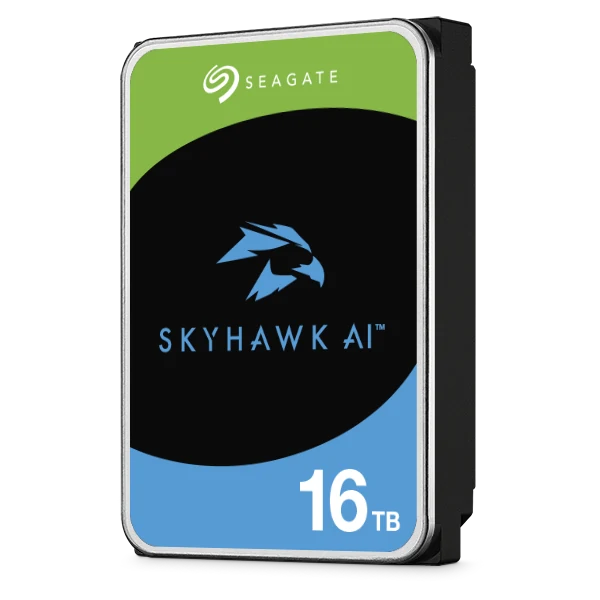
| Large or AI-enabled NVR (schools, retail chains, sites) | SkyHawk AI | 550 TB/year, 5-year warranty, AI stream support |
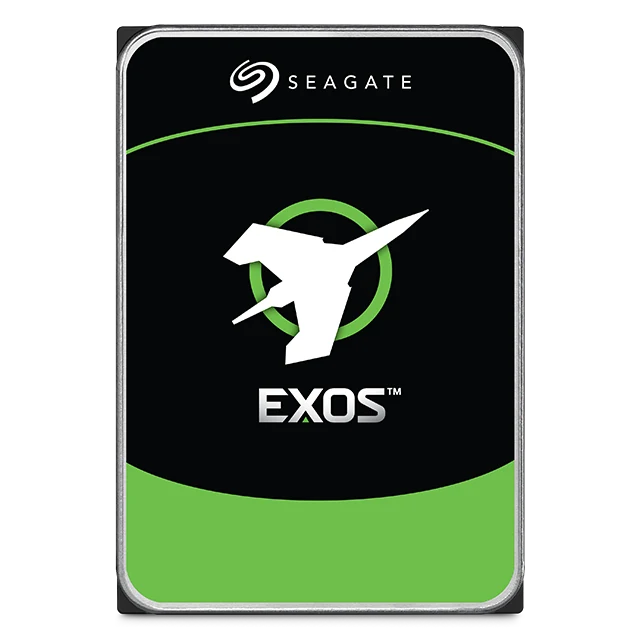
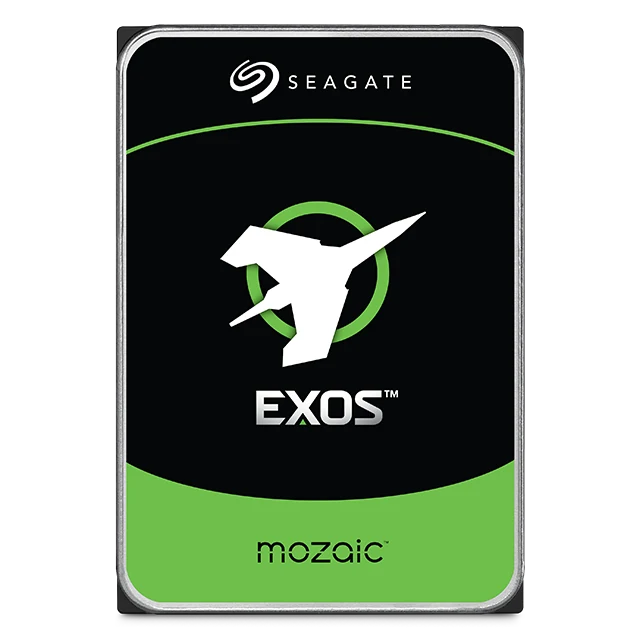
| Rack servers and storage arrays | Exos X24 or Exos M | 550 TB/year, 2.5M hours MTBF, 5-year warranty |
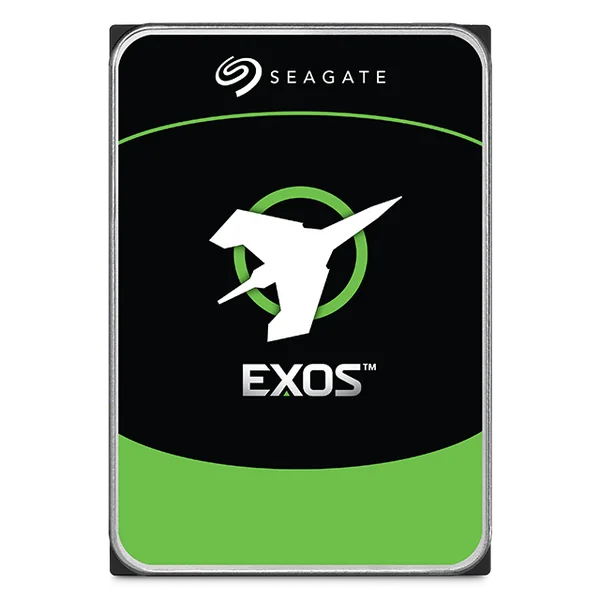
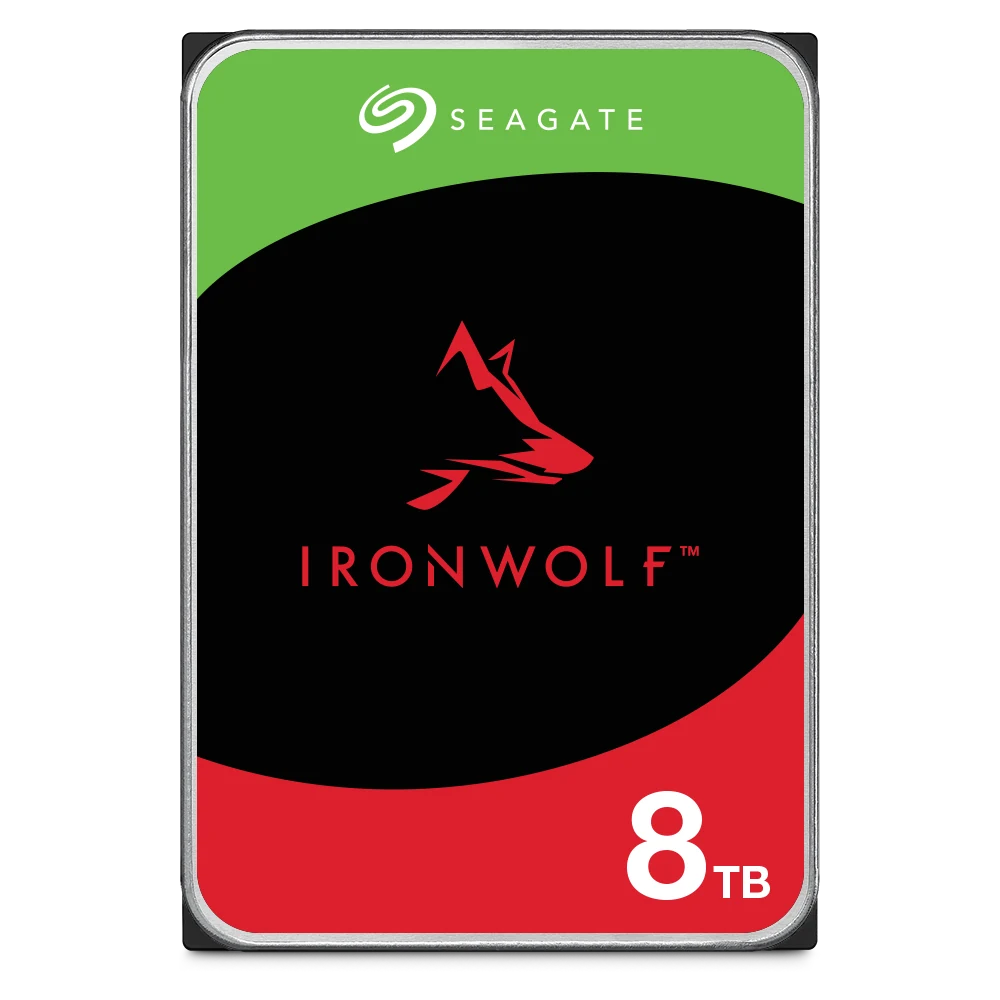
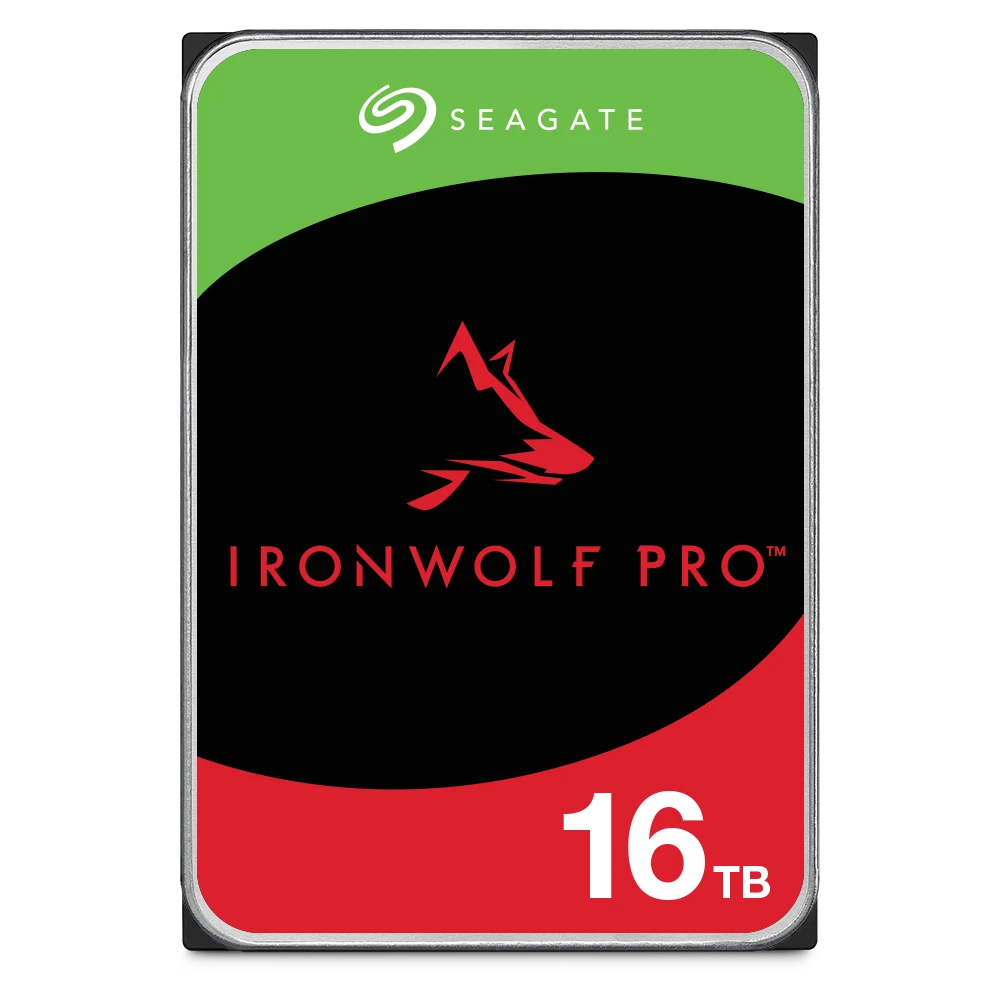
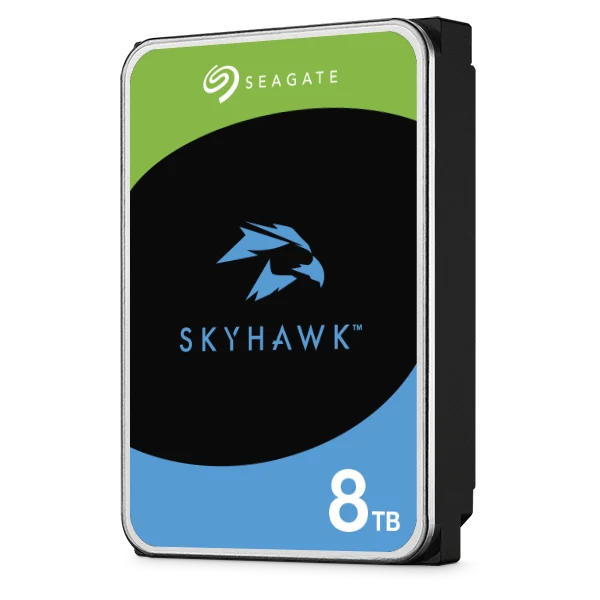
Seagate drives rated for 24x7 work
Genuine Seagate drives from an authorised Seagate reseller in Australia. Live pricing is on each product page.
Common questions
Straight answers from the ARC IP Networks team. Last reviewed October 2026.
There is no fixed lifespan. Seagate rates drives by workload rate, power-on hours, MTBF and annualised failure rate, and backs them with a 2, 3 or 5-year limited warranty depending on the family. Used within those ratings, the warranty period is the best practical guide to planned service life.
MTBF (mean time between failures) is a reliability figure for a large population of drives, not the life of one drive. Seagate pairs it with an annualised failure rate: for example 1,000,000 hours MTBF equals a 0.87% AFR for IronWolf, and 2,500,000 hours equals 0.35% for Exos X24. Seagate states it is a population statistic not relevant to individual units.
It is the amount of data Seagate designs a drive to transfer each year, in TB per year: 55 or 120 TB for BarraCuda, 180 TB for IronWolf and SkyHawk, and 550 TB for IronWolf Pro, SkyHawk AI and Exos. Seagate warns that workloads above the rating may degrade MTBF and reliability.
It is not a good fit. Seagate rates BarraCuda desktop drives for 2,400 power-on hours a year, while NAS and surveillance drives such as IronWolf and SkyHawk are rated for 8,760 hours a year (24x7) and add features for multi-drive systems.
Replace a drive immediately when the NAS marks it failed or degraded or its S.M.A.R.T. status shows a warning, and soon if error counts keep rising or IronWolf Health Management recommends it. For business data, plan replacements around the end of the warranty period and keep a matching spare.
Use the S.M.A.R.T. monitoring built into the drive, which most NAS and NVR systems can read and test on a schedule, with alerts turned on. IronWolf and IronWolf Pro drives add IronWolf Health Management on supported NAS systems, and SkyHawk drives add SkyHawk Health Management on compatible recorders.
Seagate gives its longest 5-year warranty to IronWolf Pro, SkyHawk AI and Exos, which also have the highest workload rating (550 TB/year) and MTBF (up to 2.5 million hours). Warranty does not guarantee any single drive, but it reflects how hard Seagate designs the family to work.
ARC IP Networks is an authorised Seagate reseller in Australia, selling genuine Seagate IronWolf, IronWolf Pro, SkyHawk, SkyHawk AI, Exos and BarraCuda drives with the full Seagate warranty, competitive prices and Australia-wide delivery. Order at arcip.com.au or call 1300 100 440.
Time to replace or upgrade your drives?
Tell us what the NAS, NVR or server does and how old the drives are. We will recommend the right Seagate family and capacity, with trade and project pricing. Call 1300 100 440 or email info@arcip.com.au.
Related guides
- Best hard drives for a NAS: Seagate IronWolf vs Exos
- NAS backup done right: the 3-2-1 rule and RAID 5 vs RAID 6
- NAS RAID explained: RAID 1, 5, 6 and 10
- How much NAS storage do you need?
- How much storage do you need for security cameras?
- How to install or format a hard drive in a Hikvision NVR
- Shop all Seagate hard drives
More Seagate guides
- Best Hard Drives for a NAS: Seagate IronWolf vs IronWolf Pro vs Exos
- BarraCuda vs IronWolf: Desktop or NAS Hard Drive?
- How to Check Your Seagate Warranty in Australia
- PS5 External Hard Drive Guide (Australia): Seagate Game Drive for PS5
- 30TB and 32TB Hard Drives: Seagate Exos M, IronWolf Pro and SkyHawk AI
- CMR vs SMR Hard Drives Explained: What It Means for NAS and CCTV (Australia)
- Best Hard Drive for CCTV and NVRs in Australia: WD Purple vs Seagate SkyHawk