To do a Seagate warranty check, find the serial number (SN) on the drive label, enter it on Seagate's official Warranty & Replacements page, add the part number, BPID or capacity if the page asks for them, and choose the country where you bought the drive. Seagate then shows whether the drive is still under warranty and until when.
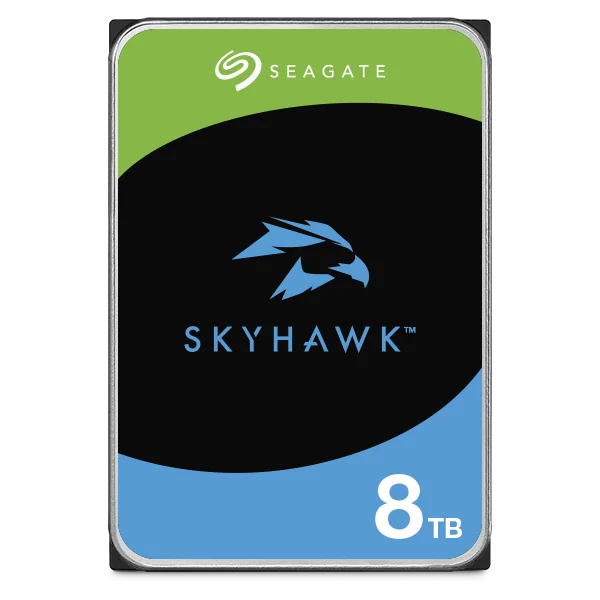
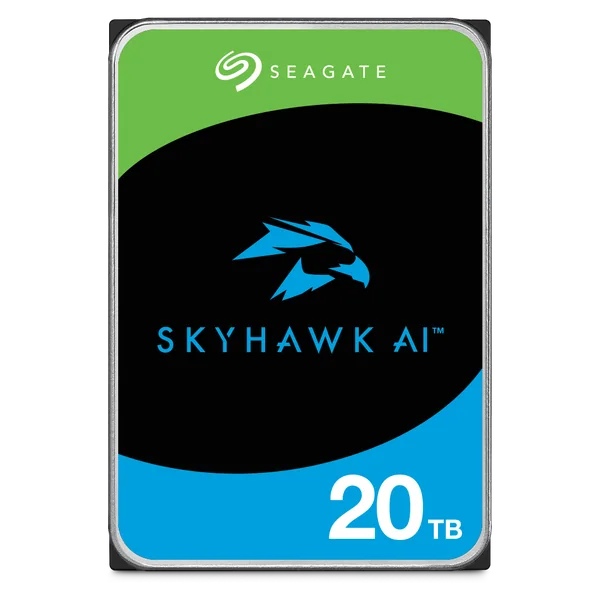
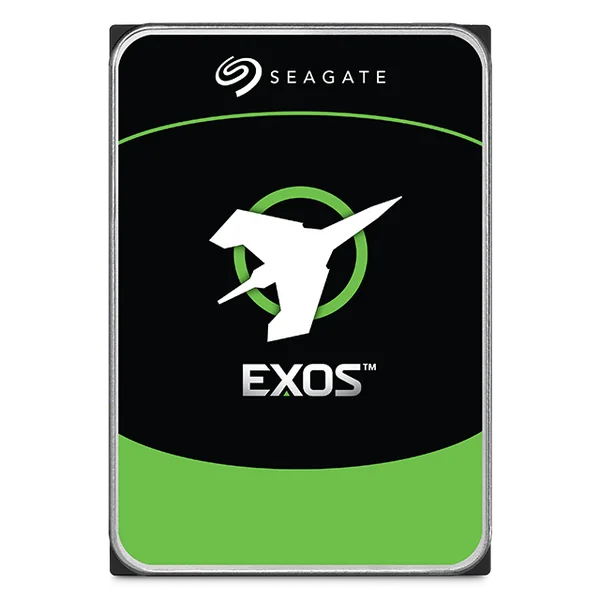
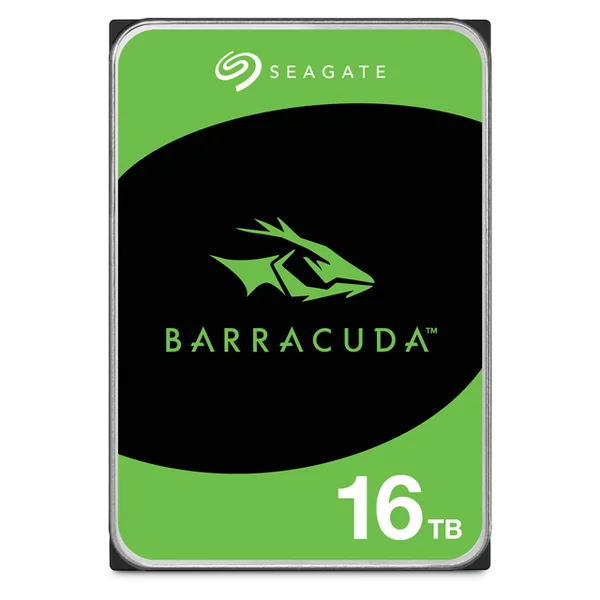
Seagate warranty by family: IronWolf and SkyHawk 3 years; IronWolf Pro, SkyHawk AI and Exos 5 years; BarraCuda and One Touch 2 years; Game Drive for PS5 3 years. IronWolf, IronWolf Pro, SkyHawk, SkyHawk AI and One Touch datasheets also list Rescue Data Recovery Services. ARC IP Networks is an authorised Seagate reseller in Australia and helps customers with warranty claims on the drives we supply, with competitive prices and Australia-wide delivery.
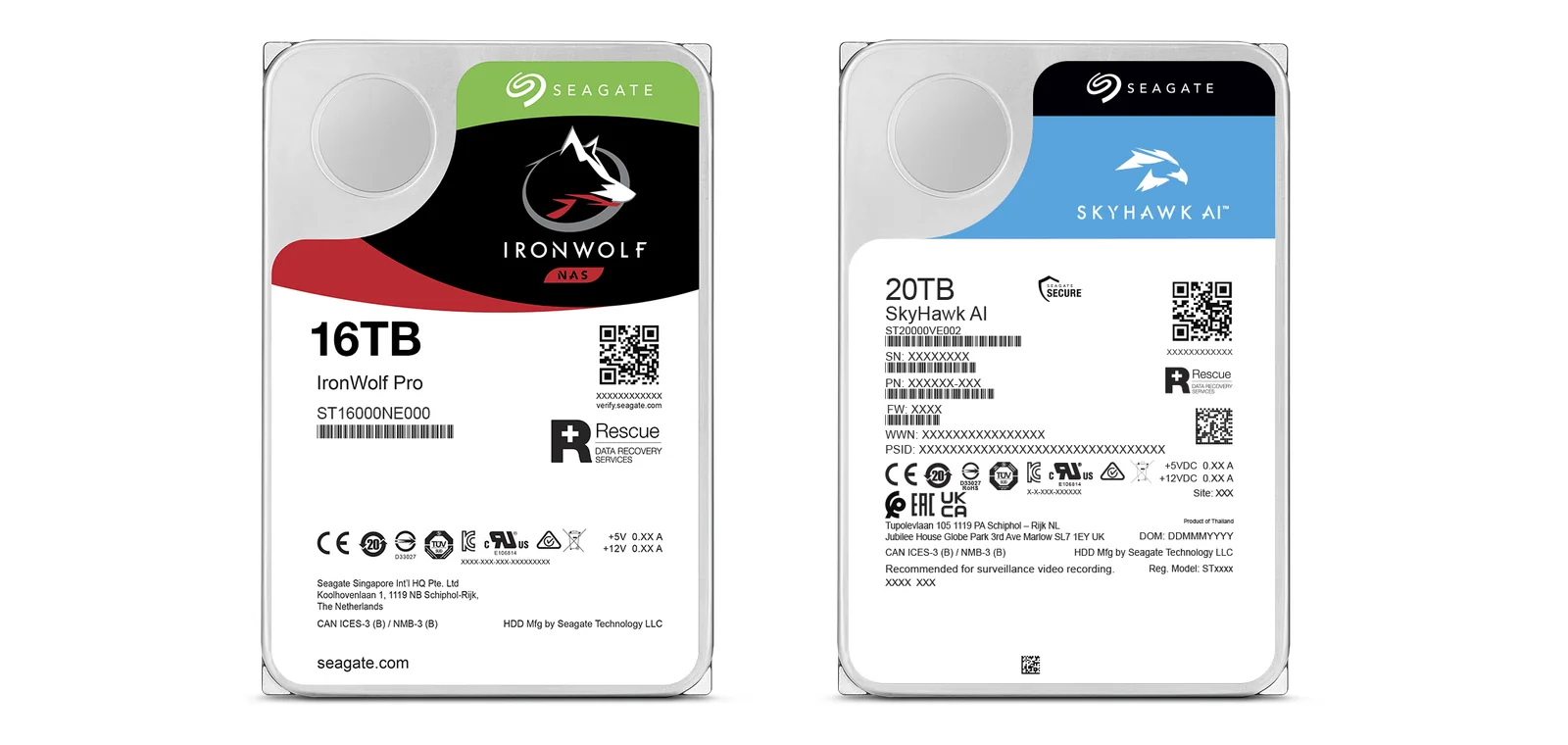
Seagate warranty check: step by step
Seagate runs the warranty check itself, free, on its official Warranty & Replacements page. Seagate's product manuals say the same thing in one line: enter the drive serial number and country of purchase, and the system displays the warranty information for the drive. Here is the full process as the page works today.
- Find the serial number (SN). It is printed on the drive label next to "SN:". If the drive is already in a NAS or NVR, the storage or disk information screen usually lists each drive's serial number, so you may not need to pull it out. See the label guide below.
- Open Seagate's Warranty & Replacements page and type the serial number into the "Check warranty" box, then continue.
- Add any extra detail the page asks for. For some products Seagate also asks for the part number (PN), the last 4 digits of the BPID, or the capacity. All three are on the label.
- Choose the country or region of purchase: Australia, if you bought the drive here.
- Read the result. Seagate shows whether the warranty is valid and until what date, or when it expired. The same result also covers the Rescue Data Recovery Services status. Seagate notes the status is for information and other factors can affect your actual warranty.
- If the drive has failed and is in warranty, the page has links to submit a new warranty claim and to check the status of an existing claim. Read the next section first, because who handles the claim can depend on where you bought the drive.
What the result messages mean
- Warranty valid until a date: the drive is covered. Note the date for your records.
- Warranty expired: the Seagate limited warranty has ended. Consumer guarantees may still apply (see below).
- Contact the place of purchase: Seagate asks you to deal with the authorised reseller or distributor you bought from. Seagate also says that if you bought from an authorised reseller outside your own region, the claim must be made with that seller directly.
- Sold as part of a larger system: some drives were originally sold inside another maker's system, such as a computer or storage appliance. Seagate then refers you to the system manufacturer or the seller for warranty support.
Where to find the serial number on a Seagate drive
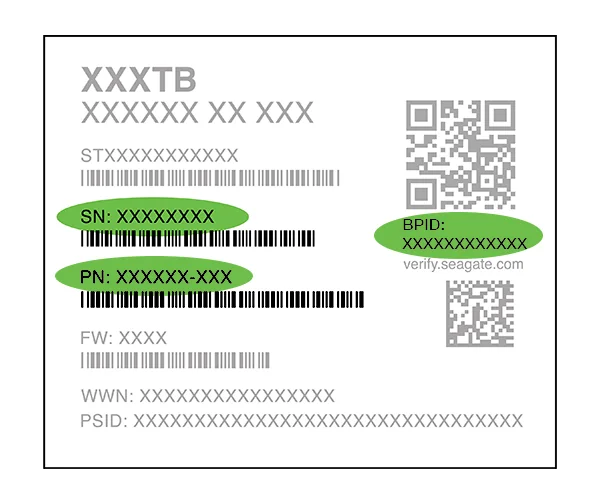
Every Seagate internal drive has a label on its top cover. Seagate's own label guide (below) marks the three codes the warranty page can ask for:
- SN, the serial number: unique to your drive. This is the one you always need.
- PN, the part number: in the form XXXXXX-XXX, under the serial number.
- BPID: printed beside the QR code with "verify.seagate.com". The warranty page asks for its last 4 digits on some products.
The model number, such as ST8000VN004, starts with "ST" and sits above the serial number with the capacity and family name at the top. Seagate's product manuals note that some factory-installed labels contain information needed to service the drive, so never peel or cover the label.
Tips that save time later
- Photograph each drive label before it goes into a NAS, NVR or PC, and keep the photo with your invoice.
- For a multi-bay NAS or NVR, write down which bay holds which serial number. When a drive fails you will know exactly which one to pull.
- For external drives such as One Touch and Game Drive, check the product label and the box, and keep both with the receipt.
Seagate warranty length by family
Seagate sets the limited warranty by product family, and it tracks how hard each family is designed to work. Drives built for 24x7 NAS, NVR and server use carry 3 or 5 years; desktop and portable drives carry 2 or 3 years. These are the figures on Seagate's current datasheets for the families ARC IP Networks sells.
Swipe the table sideways to compare all models →
| Seagate family | Built for | Limited warranty | Rescue Data Recovery | Source |
|---|---|---|---|---|
| IronWolf | NAS, 1 to 8 bays | 3 years | 3 years | IronWolf datasheet DS1904 |
| IronWolf Pro | Commercial and enterprise NAS | 5 years | 3 years | IronWolf Pro datasheets DS2129 |
| SkyHawk | Surveillance DVR and NVR | 3 years | 3 years | SkyHawk datasheet DS1902 |
| SkyHawk AI | AI-enabled NVR | 5 years | 3 years | SkyHawk AI datasheet DS1960 |
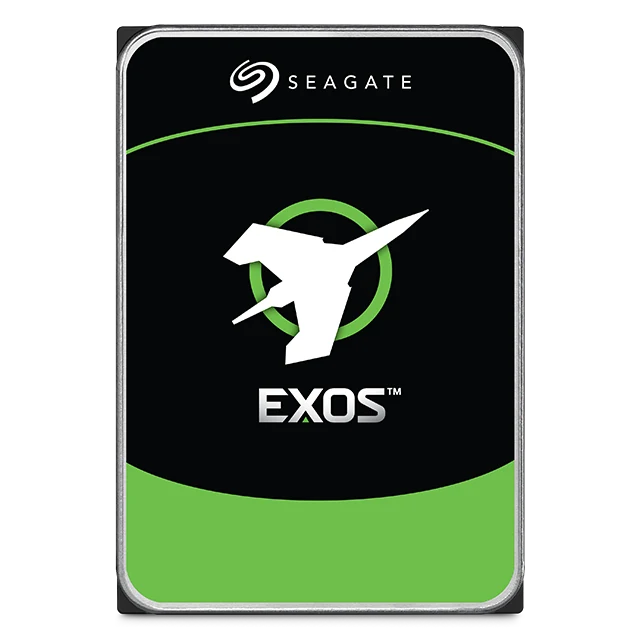
| Exos (X24, M, 7E10) | Enterprise servers and storage | 5 years | Not listed | Exos datasheet DS2046 |
| BarraCuda (3.5" and 2.5") | Desktop and laptop PCs | 2 years | Not listed | BarraCuda datasheets DS17, DS1907 |
| One Touch Desktop | External backup drive | 2 years | 2 years | One Touch datasheet DS29 |
| Game Drive for PS5 | External drive for PS5 and PS4 | 3 years | Not listed | Game Drive for PS5 datasheet SC928 |
Warranty and Rescue periods as printed on each Seagate datasheet. "Not listed" means the datasheet does not include a Rescue plan. Seagate's SkyHawk AI datasheet notes the 5-year warranty applies to product shipped after 3 July 2021, and Seagate's datasheets note Rescue services are offered in selected regions only. Your drive's own status on Seagate's warranty page is the final word.
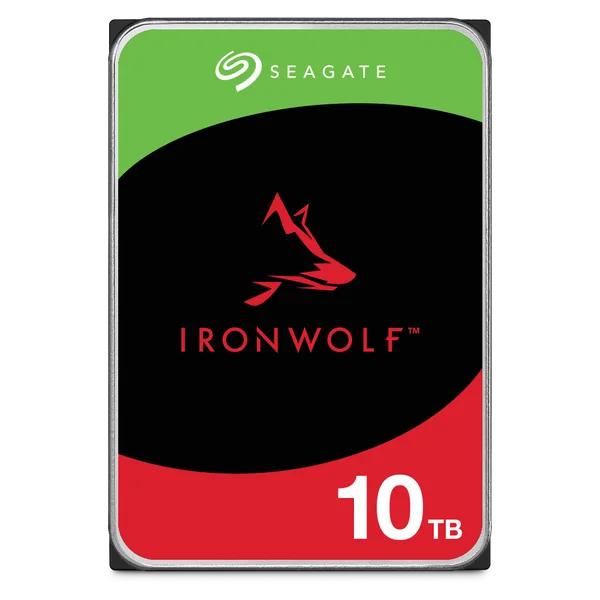
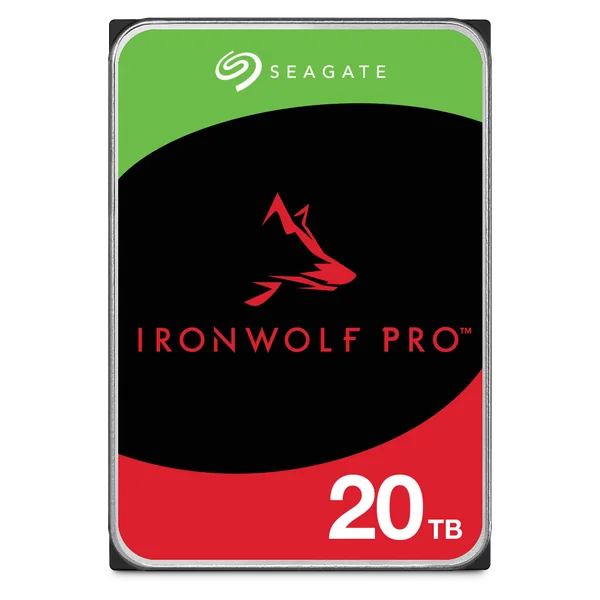
What the warranty tells you when you buy
The warranty is the simplest way to compare families. A 5-year IronWolf Pro or Exos drive is rated by Seagate for up to 550 TB of data a year, against 180 TB a year for the 3-year IronWolf and SkyHawk, and 55 to 120 TB a year for BarraCuda. If a NAS or NVR runs a business, a longer warranty usually costs less than one failed drive and a weekend of rebuilding. Our IronWolf vs Exos guide compares the NAS families in more detail.
Rescue Data Recovery Services: which Seagate drives include it
Warranty and data recovery are two different things. The warranty replaces a faulty drive; it does not get your files back. Seagate's Rescue Data Recovery Services are a separate plan for recovering data after accidental damage or data loss, done in Seagate's own facilities. The IronWolf and IronWolf Pro datasheets quote an in-house recovery success rate of 95%.
According to Seagate's datasheets:
- IronWolf: 3 years of Rescue included.
- IronWolf Pro: 3 years of Rescue included, alongside the 5-year warranty.
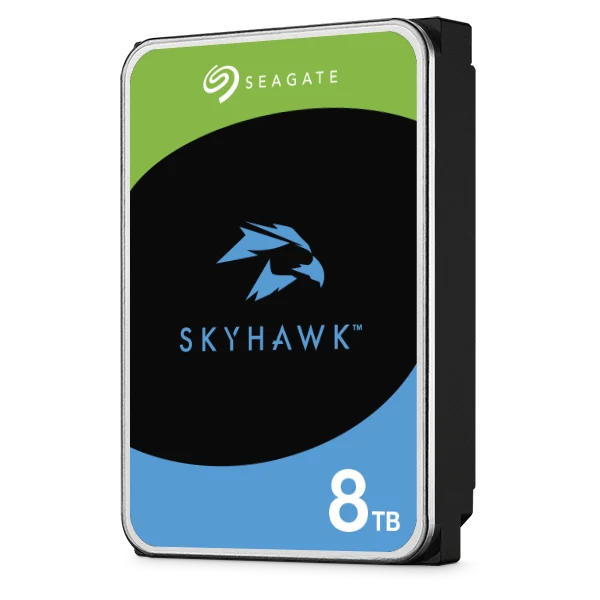
- SkyHawk (2 TB to 8 TB): 3 years of Rescue, offered from 1 May 2020 in selected regions.
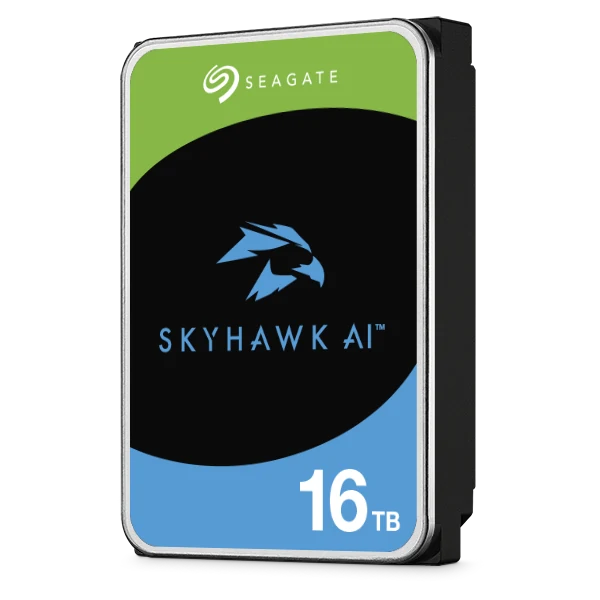
- SkyHawk AI: 3 years of Rescue included, alongside the 5-year warranty.
- One Touch Desktop: 2 years of Rescue, which Seagate notes may vary by region.
- Exos, BarraCuda and Game Drive for PS5: no Rescue plan on the datasheet.
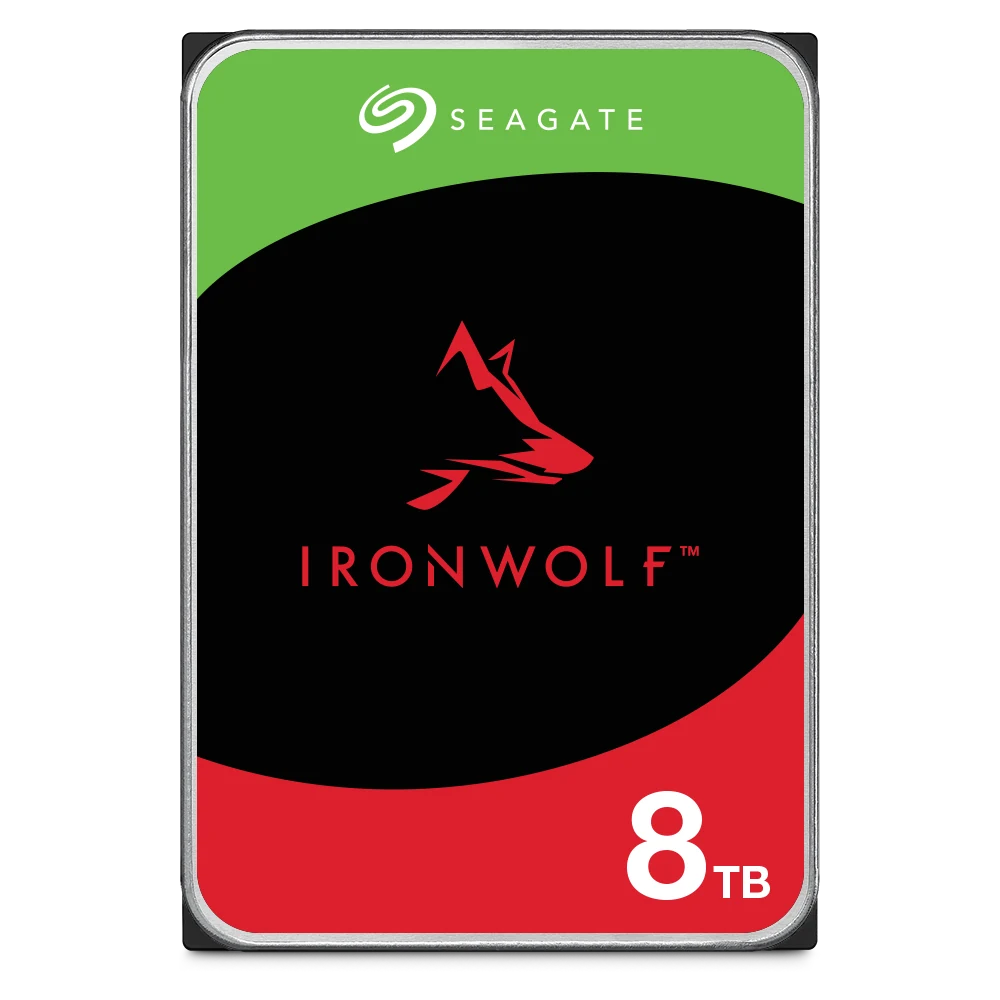
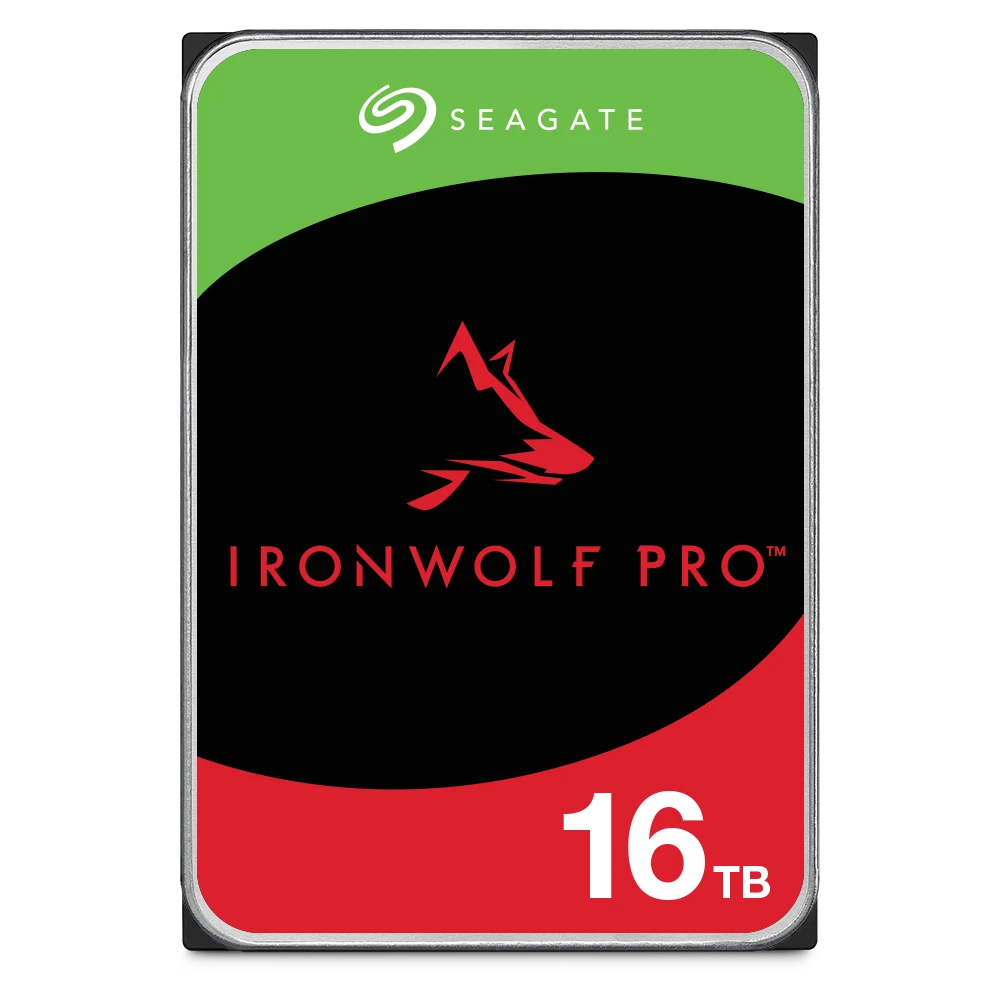
Seagate states that Rescue is not available in all countries, so check your drive's Rescue status in the same warranty check result. Drives that include it show a Rescue logo on the label, as on the IronWolf Pro and SkyHawk AI labels at the top of this guide.
Rescue is a safety net, not a backup plan. A NAS in RAID can still lose everything to ransomware, deletion or a second drive failing during a rebuild. Our 3-2-1 backup guide shows how to keep a second and third copy, and RAID explained covers what RAID does and does not protect.
Why buy from an authorised Seagate reseller in Australia
Where you buy matters for warranty. Seagate's warranty page asks for the country of purchase, may direct you to the authorised reseller or distributor you bought from, and says that a drive bought from a reseller outside your region must be claimed with that seller. A drive bought overseas or from an unknown marketplace seller can leave you without a local path for a claim.
ARC IP Networks is an authorised Seagate reseller in Australia. When you buy Seagate drives from us:
- You get genuine Seagate drives sold for the Australian market, with the full Seagate limited warranty for that family.
- Your tax invoice shows the exact model numbers, which is what you need for any warranty or consumer-law claim.
- If a drive fails, contact us with the serial number and your order number and we will help you through the claim.
- You can talk to a local team about the right family for a NAS, NVR or server before you buy, at competitive prices with Australia-wide delivery.
Australian Consumer Law
The Seagate limited warranty is a manufacturer's warranty. In Australia, the consumer guarantees under the Australian Consumer Law apply in addition to it, and a manufacturer's warranty does not replace them. If you have a problem with a drive you bought from us, contact us first and we will work through it with you.
Before you send a Seagate drive back
- Copy off any data you can. A warranty replacement is a different drive. Seagate's warranty page includes a notice on data overwriting for returned products, so assume the returned drive will be wiped.
- Do not open the drive. Seagate's manuals state that only Seagate service centres may service its drives, and that any unauthorised repair or tampering with the factory seal voids the warranty.
- Pack it properly. Seagate's manual says to ship drives only in a Seagate-approved container and to keep the original box, as a non-approved container can void the drive warranty. Ask us if you no longer have the packaging.
- Replace like for like in RAID. In a NAS or NVR array, use the same model or a model of the same or larger capacity, and let the rebuild finish before you change anything else. In an NVR, the new drive usually needs initialising first: see how to install or format a hard drive in a Hikvision NVR.
Shop Seagate drives with the full Seagate warranty
Genuine Seagate drives from an authorised Seagate reseller in Australia. Live pricing is on each product page.
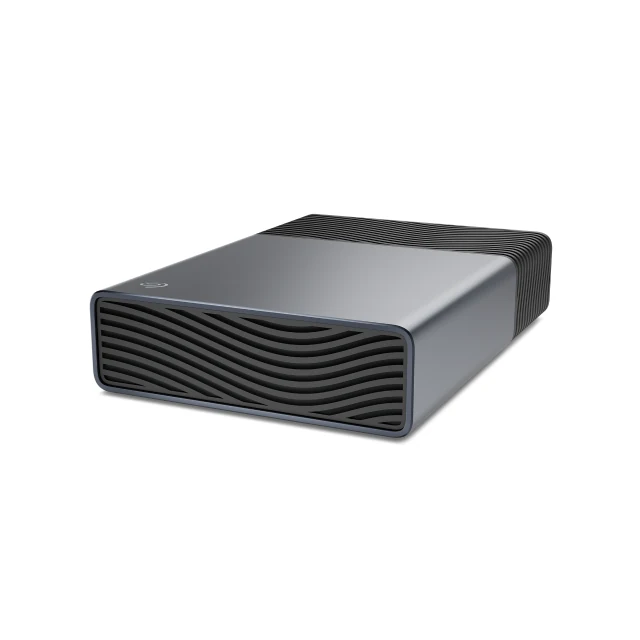
External backup drive: 2-year warranty, 2 years Rescue
Common questions
Straight answers from the ARC IP Networks team. Last reviewed October 2026.
Find the serial number (SN) on the drive label, enter it on Seagate's official Warranty and Replacements page, add the part number, the last 4 digits of the BPID or the capacity if asked, and choose the country of purchase. Seagate then shows whether the drive is under warranty and until what date.
On the white label on the top of the drive, next to "SN:". The part number (PN) is printed under it, and the BPID is beside the QR code with verify.seagate.com. A NAS or NVR usually also lists each drive's serial number in its storage or disk information screen.
It depends on the family. Seagate's datasheets list 3 years for IronWolf and SkyHawk, 5 years for IronWolf Pro, SkyHawk AI and Exos, 2 years for BarraCuda and One Touch, and 3 years for Game Drive for PS5.
Seagate's datasheets list 3 years of Rescue for IronWolf, IronWolf Pro, SkyHawk (2 TB to 8 TB) and SkyHawk AI, and 2 years for One Touch Desktop. The Exos, BarraCuda and Game Drive for PS5 datasheets do not list Rescue. Seagate notes Rescue is not available in all countries, so check your drive's status on the warranty page.
No. The warranty covers repair or replacement of a faulty drive, not your files. Data recovery is covered separately by Rescue Data Recovery Services on drives that include it. Always keep a backup.
Seagate's warranty page may direct you to the authorised reseller or distributor you bought from, and says drives bought from a reseller outside your region must be claimed with that seller. If you bought the drive from ARC IP Networks, contact us with the serial number and order number and we will help with the claim.
Yes. The Seagate limited warranty is a manufacturer's warranty, and the consumer guarantees under the Australian Consumer Law apply in addition to it.
ARC IP Networks is an authorised Seagate reseller in Australia, selling genuine Seagate IronWolf, IronWolf Pro, SkyHawk, SkyHawk AI, Exos, BarraCuda and external drives with the full Seagate warranty, competitive prices and Australia-wide delivery. Order at arcip.com.au or call 1300 100 440.
Need a replacement drive or help with a claim?
Bought your Seagate drive from us? Send us the serial number and order number. Building or upgrading a NAS, NVR or server? We supply genuine Seagate drives with trade and project pricing. Call 1300 100 440 or email info@arcip.com.au.
Related guides
- Best hard drives for a NAS: Seagate IronWolf vs Exos
- NAS backup done right: the 3-2-1 rule and RAID 5 vs RAID 6
- NAS RAID explained: RAID 1, 5, 6 and 10
- How much NAS storage do you need?
- NAS with drives included: are NAS bundles worth it?
- How to install or format a hard drive in a Hikvision NVR
- Shop all Seagate hard drives
More Seagate guides
- Best Hard Drives for a NAS: Seagate IronWolf vs IronWolf Pro vs Exos
- BarraCuda vs IronWolf: Desktop or NAS Hard Drive?
- How Long Do Hard Drives Last? Workload, MTBF and Warranty Explained
- PS5 External Hard Drive Guide (Australia): Seagate Game Drive for PS5
- 30TB and 32TB Hard Drives: Seagate Exos M, IronWolf Pro and SkyHawk AI