The best-matched PS5 external hard drive from Seagate is the Seagate Game Drive for PS5 2TB (STLV2000201). Seagate says it is officially licensed for PlayStation, with matching firmware that works with all PS5 and PS4 models. On a PS5 you can store PS5 games on it and move them back to the console's internal SSD when you want to play, and you can play PS4 games directly from the drive. It plugs into a USB 3.0 port with one cable and needs no power adapter. Seagate estimates 2TB holds 30+ PS5 games or about 50 PS4 games.
Quick pick: PS5 or PS4 owners who are tired of deleting and re-downloading games → Game Drive for PS5 2TB. Backing up a Windows PC or Mac → Seagate One Touch Desktop 20TB. ARC IP Networks is an authorised Seagate reseller in Australia, with genuine Seagate stock, competitive prices and Australia-wide delivery.
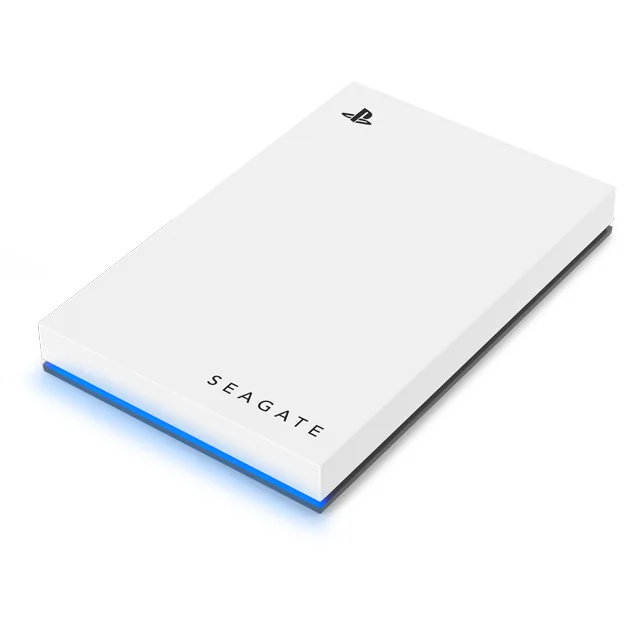
What a PS5 can do with the Seagate Game Drive
A PS5 treats a USB hard drive as extended storage. Seagate's own documents describe what that means for this drive. In short, it is a game vault for PS5 titles and a play-from drive for PS4 titles.
| What you want to do | Game Drive for PS5 | What Seagate says |
|---|---|---|
| Store PS5 games | Yes | Keep PS5 games on the drive, then transfer them to the console when it is time to play. |
| Play PS5 games straight from the drive | No | PS5 games must be moved to the PS5's internal SSD before you play them. |
| Store and play PS4 games | Yes | PS4 games play directly from the external drive, including when it is connected to a PS5. |
| Use it with a PS4 console | Yes | Works with all PS4 models on system software 4.50 or later. |
| Carry your library to a mate's place | Yes | Lightweight, bus-powered design: one USB cable, no power adapter. |
Summarised from the Seagate Game Drive for PlayStation datasheet (SC928.1-2302) and Seagate's Game Drive for PS5 product page and FAQ.
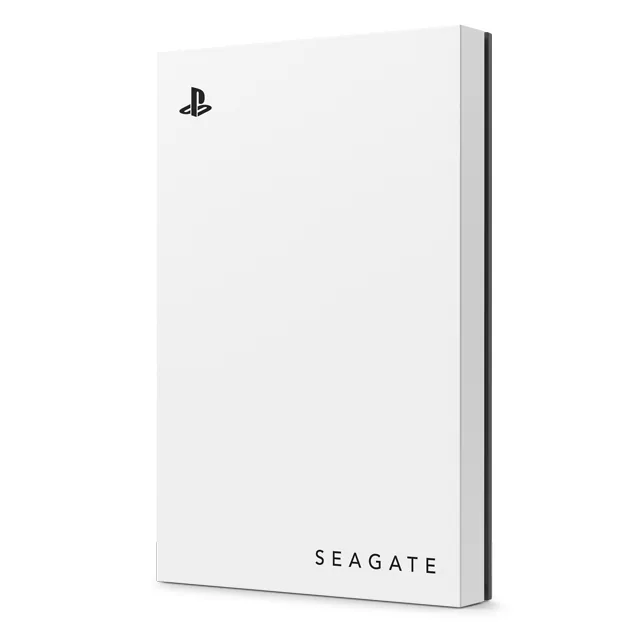
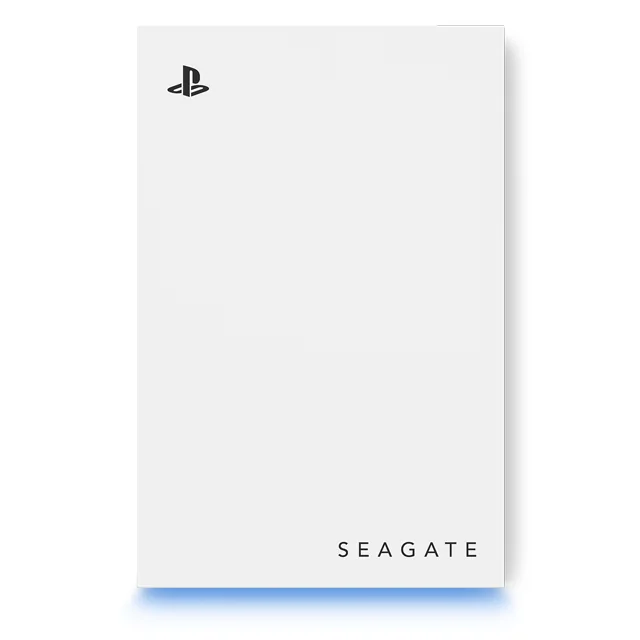
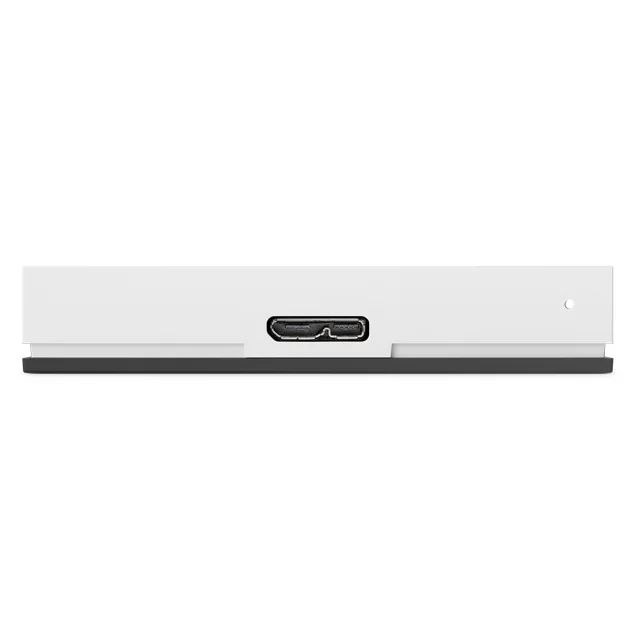
Seagate Game Drive for PS5 2TB specifications
| Specification | Seagate Game Drive for PS5 2TB |
|---|---|
| Model number | STLV2000201 |
| Capacity | 2TB (1TB = one trillion bytes; the console shows a little less) |
| Type | Portable external hard drive (HDD) |
| Connection | USB 3.0 (USB 3.2 Gen 1), works on USB 2.0 ports at USB 2.0 speed |
| Power | Powered over the USB cable; no tools or power adapter |
| Consoles | All PS5 and PS4 models |
| Console software (datasheet) | PS5 system software 21.01-03 or later; PS4 4.50 or later |
| Lighting | Blue LED |
| Colour | White |
| Size | 14.5 x 80 x 122.5 mm |
| Weight | 167 g |
| In the box | Game Drive for PS5, 18-inch (45.72 cm) USB 3.0 cable, Quick Install Guide |
| Seagate warranty | 3-year limited warranty |
Sources: Seagate Game Drive for PlayStation datasheet SC928.1-2302 and the seagate.com Game Drive for PS5 product page. The newer quick start guide (205610900B) refers to PS5 system software 22.02-06 or later, so update the console before you start.
PS5 external hard drive: what it stores and what it plays
This is the question that trips up most new PS5 owners, so here is the rule exactly as Seagate states it.
PS5 games: store on the drive, play from the console
The datasheet says to "store your PS5 games and transfer them to the console when it's time to play". Seagate's FAQ is more direct: you can keep PS5 games on an external USB hard drive, but you cannot play them straight from it. To play one, move it back to the PS5's internal SSD.
Why bother, then? Because moving a game from the Game Drive back to the console is a local copy. On a slow NBN connection, or a mobile broadband plan with a data cap, re-downloading a large game can take far longer and eat into your allowance. Seagate pitches the drive as a "game vault": no more sacrificing, deleting or re-downloading games.
PS4 games: play straight from the drive
PS4 titles are different. The datasheet says you can "store and play all your PS4 games directly from the external hard drive", and Seagate's FAQ confirms this also works when the drive is plugged into a PS5. So if your PS5 library includes PS4 games, park them on the Game Drive and keep the internal SSD for PS5 titles.
For anything beyond this (for example, which game data or media the console can save to USB), Seagate refers you to the official PlayStation support pages.
How many games fit on a 2TB Game Drive?
Seagate estimates the 2TB Game Drive holds more than 30 PS5 games or around 50 PS4 games. That estimate is based on an average of 60GB per PS5 game (titles released up to January 2022) and 39GB per PS4 game (titles released up to June 2018). Big new releases are often larger, so treat it as a guide.
Also remember that Seagate, like every drive maker, counts 1TB as one trillion bytes, and some space is used for formatting. The console will show a little less than 2TB free.
How to set up the Game Drive on a PS5
Seagate says you can plug in and be playing in under two minutes. These are the steps from the Game Drive quick start guide:
- Update the console. Seagate's datasheet lists PS5 system software 21.01-03 or later, and the newer quick start guide refers to 22.02-06 or later. Installing the latest update first covers both.
- Connect the drive with the supplied USB 3.0 cable to a SuperSpeed USB 3.0 port on the console. A USB 2.0 port also works, but only at USB 2.0 speed.
- Place it at least 10 cm (4 in) from the console. The quick start guide asks for this gap to minimise electromagnetic interference.
- Format it on a PS5: Settings › Storage › USB Extended Storage › Format as USB Extended Storage.
- Move games across from the console's storage menu, and move PS5 games back to the console storage when you want to play them.
Formatting a drive erases anything already on it. The Game Drive is new and empty, but if you are reusing a drive, copy off anything you need first.
On a PS4
Connect the drive to a USB port on the PS4 (system software 4.50 or later), then go to Settings › Devices › USB Storage Devices › Game Drive › Format as Extended Storage.
Unplugging it safely
The quick start guide asks you to always follow the safe-removal steps for your system before disconnecting the drive. On a console, stop using the extended storage from the storage menu before you pull the cable, rather than unplugging it mid-game.
Is the Game Drive for PS5 right for Australia?
Yes. Seagate's quick start guide for this model lists Oceania among the regions where it is licensed for sale, for use with PS5 and PS4 consoles. It also carries Seagate's statement for Australian customers: the goods come with guarantees that cannot be excluded under the Australian Consumer Law. That sits alongside Seagate's 3-year limited warranty on the drive.
Buying from ARC IP Networks, an authorised Seagate reseller in Australia, means genuine Seagate stock, a GST tax invoice and Australia-wide delivery. That suits a birthday or Christmas present as well as a share-house console that has run out of room.
External hard drive or SSD for a PS5?
Seagate's own advice is that it depends on your priorities. A hard drive gives you more space for less cost per gigabyte, while an external SSD gives shorter load times. The Game Drive is a hard drive, so it is the capacity choice: a big vault for your PS5 library and a play-from drive for PS4 games.
Because PS5 games are played from the console's internal SSD anyway, a hard drive makes a lot of sense as a PS5 archive.
Backing up a PC or Mac too? Seagate One Touch Desktop
The Game Drive is built for the console. For family photos, school assignments, work projects and video files on a Windows PC or Mac, Seagate's One Touch Desktop 20TB (STNB20000400) is the better fit. Seagate lists it for Windows and macOS, not PlayStation, so keep the two jobs separate.
- 20TB in a single desktop drive, with simple drag-and-drop backup.
- Bus-powered over USB-C: no wall outlet. Seagate requires a USB-C port with 15W or higher power delivery and a USB-C data cable. If your computer's port does not meet that, the drive may not work properly, and Seagate's Toolkit software can check your setup.
- Works with Windows and Mac. It needs reformatting for Time Machine on a Mac. Toolkit is not compatible with ChromeOS.
- In the box: the drive, a 0.5 m USB-C cable, Toolkit software and a quick start guide.
- 2-year limited warranty plus 2 years of Seagate Rescue Data Recovery Services (both may vary by region).
- 186.8 x 40.3 x 131.7 mm and 1.132 kg, in Space Gray.
One external drive is still only one copy. For the 3-2-1 approach (three copies, two types of media, one off-site), see our NAS backup and 3-2-1 guide, or back the whole household up to a NAS with our Windows, Mac and Linux NAS backup guide.
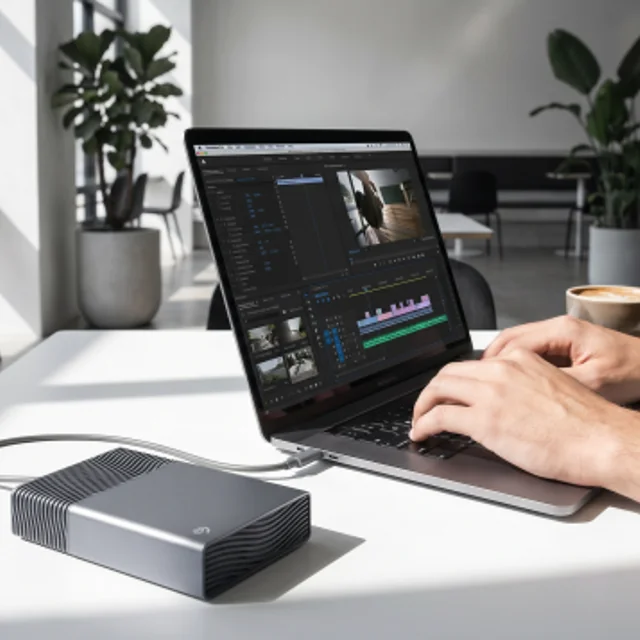
Game Drive for PS5 vs One Touch Desktop
| Game Drive for PS5 2TB | One Touch Desktop 20TB | |
|---|---|---|
| Model | STLV2000201 | STNB20000400 |
| Made for | PS5 and PS4 consoles (officially licensed) | Windows PCs and Macs |
| Capacity | 2TB | 20TB |
| Connection | USB 3.0 cable (18 in / 45.72 cm) | USB-C cable (0.5 m), needs a 15W+ USB-C port |
| Power | USB bus-powered | USB-C bus-powered |
| Size and weight | 14.5 x 80 x 122.5 mm, 167 g | 186.8 x 40.3 x 131.7 mm, 1.132 kg |
| Extras | Blue LED lighting | Toolkit software, Rescue Data Recovery Services (2 years) |
| Seagate warranty | 3 years | 2 years |
Figures from the Seagate Game Drive for PlayStation datasheet (SC928.1-2302) and the Seagate One Touch datasheet (DS29.1-0326US).
Which drive for which Australian gamer?
| Who | Our pick | Why |
|---|---|---|
| PS5 owner whose console keeps saying it is full | Game Drive for PS5 2TB | Park PS5 games on the drive and move them back to play, instead of re-downloading |
| Family with a PS5 and a stack of PS4 games | Game Drive for PS5 2TB | PS4 games play straight from the drive, leaving the internal SSD for PS5 titles |
| Regional or capped-data household | Game Drive for PS5 2TB | A local copy beats another large download over a slow or capped connection |
| Student or uni share house | Game Drive for PS5 2TB | Light and bus-powered, so the library travels with the console |
| Streamer or creator with a PC and Mac | One Touch Desktop 20TB | Bus-powered 20TB for footage and project backups |
| Household wanting backups for every device | A NAS with Seagate drives | Central, always-on backup; see the guides below |
ARC IP Networks suggestions, based on Seagate's published specifications.
Thinking bigger than one console? Our guide to the best NAS for gaming and live streaming covers home game libraries and stream recordings, and best hard drives for a NAS explains Seagate IronWolf and Exos. Browse every Seagate drive in our Seagate range.
Seagate external drives at ARC IP Networks
Live Australian pricing (inc. GST) is on each product page.
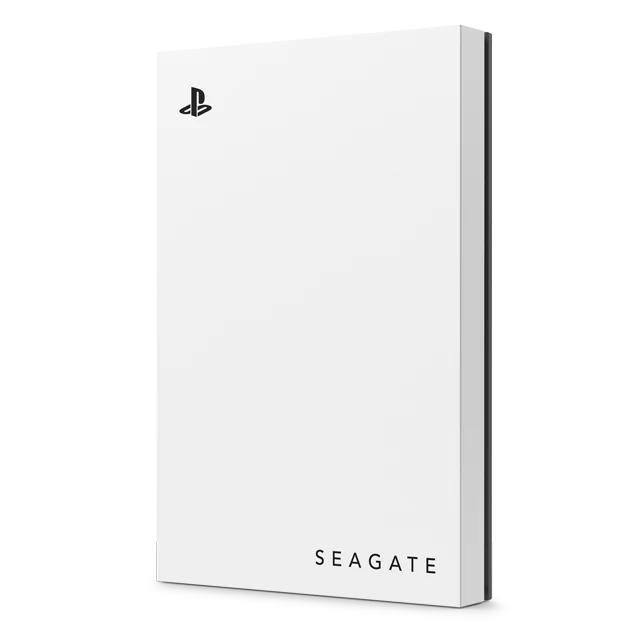
Officially licensed for PlayStation. Store PS5 games, play PS4 games. USB 3.0, blue LED, 3-year warranty.
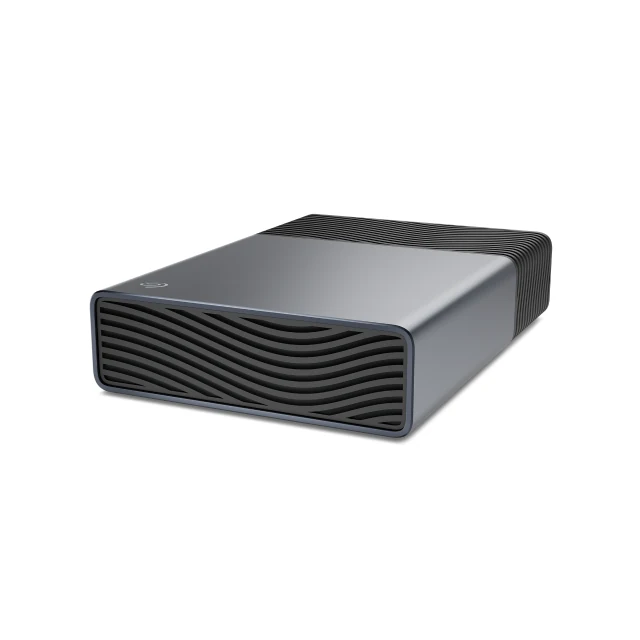
Bus-powered USB-C backup drive for Windows and Mac, with 2 years of Rescue Data Recovery Services.
Common questions
Straight answers from the ARC IP Networks team. Last reviewed October 2026.
Seagate's match for the PS5 is the Seagate Game Drive for PS5 2TB (STLV2000201). Seagate says it is officially licensed for PlayStation, with matching firmware for all PS5 and PS4 models, and it connects with a single USB 3.0 cable and no power adapter.
No. According to Seagate, you can store PS5 games on an external USB hard drive such as the Game Drive, but to play them you must transfer them back to the PS5's internal SSD. PS4 games can be played directly from the drive.
Yes. Seagate lists it as compatible with all PS4 models on system software 4.50 or later, and you can store and play PS4 games directly from it. On a PS4, format it under Settings, Devices, USB Storage Devices, Game Drive, Format as Extended Storage.
Update the console, plug the Game Drive into a USB 3.0 port with the supplied cable, keep it at least 10 cm from the console, then go to Settings, Storage, USB Extended Storage and choose Format as USB Extended Storage. Formatting erases anything already on the drive.
Seagate estimates more than 30 PS5 games or around 50 PS4 games on the 2TB Game Drive, based on an average of 60GB per PS5 game and 39GB per PS4 game. Newer, larger games will lower that number.
No. It is powered over its USB cable. Seagate says no tools or power adapter are needed.
Seagate lists the One Touch Desktop for Windows and macOS, not for PlayStation. For a PS5 or PS4, use the officially licensed Game Drive for PS5. Use the One Touch Desktop 20TB for PC and Mac backups.
ARC IP Networks is an authorised Seagate reseller in Australia and sells the Seagate Game Drive for PS5 2TB (STLV2000201) with Seagate's 3-year limited warranty, competitive prices and Australia-wide delivery. Order at arcip.com.au or call 1300 100 440.
Kitting out a gaming room or a whole office?
Tell us what you need to store and back up. ARC IP Networks, an authorised Seagate reseller, will quote Seagate external drives, NAS drives and trade or volume pricing for retailers and IT providers. Call 1300 100 440 or email info@arcip.com.au.
More Seagate guides
- Best Hard Drives for a NAS: Seagate IronWolf vs IronWolf Pro vs Exos
- BarraCuda vs IronWolf: Desktop or NAS Hard Drive?
- How to Check Your Seagate Warranty in Australia
- How Long Do Hard Drives Last? Workload, MTBF and Warranty Explained
- 30TB and 32TB Hard Drives: Seagate Exos M, IronWolf Pro and SkyHawk AI