Short answer: for most desktop QNAP and Synology NAS units in Australia, a PowerShield Defender PSD1200 or, if the NAS has an active-PFC power supply, a pure sine Commander PSCM1100 is the sweet spot: both connect by USB (HID) so DSM or QTS shuts down cleanly. PowerShield's own Synology guide pairs every desktop Synology model with the Defender and Commander Tower. For rackmount NAS, choose a pure sine Commander RT or online Centurion RT, with an SNMP card when several devices must shut down.
Quick pick: 1–2 bay → Defender PSD650 · 4–8 bay desktop → PSD1200 or PSCM1100 · wall cabinet → Defender Rackmount PSDR800 · rackmount NAS → Commander RT PSCRT1100 or Centurion RT PSCERT1000.
ARC IP Networks is a trusted PowerShield supplier in Australia: genuine stock at competitive prices, with the full PowerShield Australian warranty, Australia-wide delivery and trade pricing.
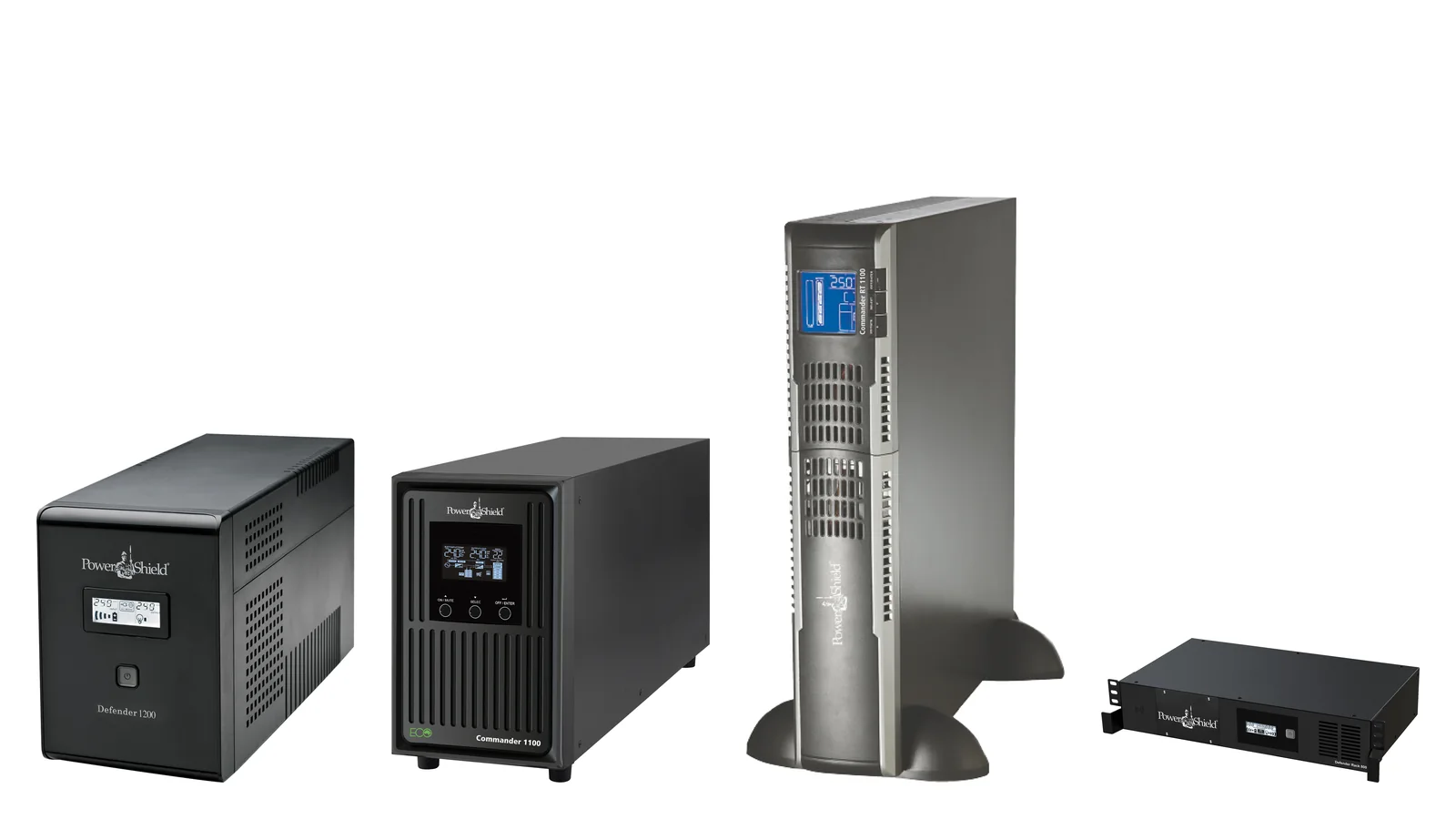
Best PowerShield UPS by NAS size
Swipe the table sideways to compare all models →
| NAS setup | Pick | Why | Shutdown link |
|---|---|---|---|
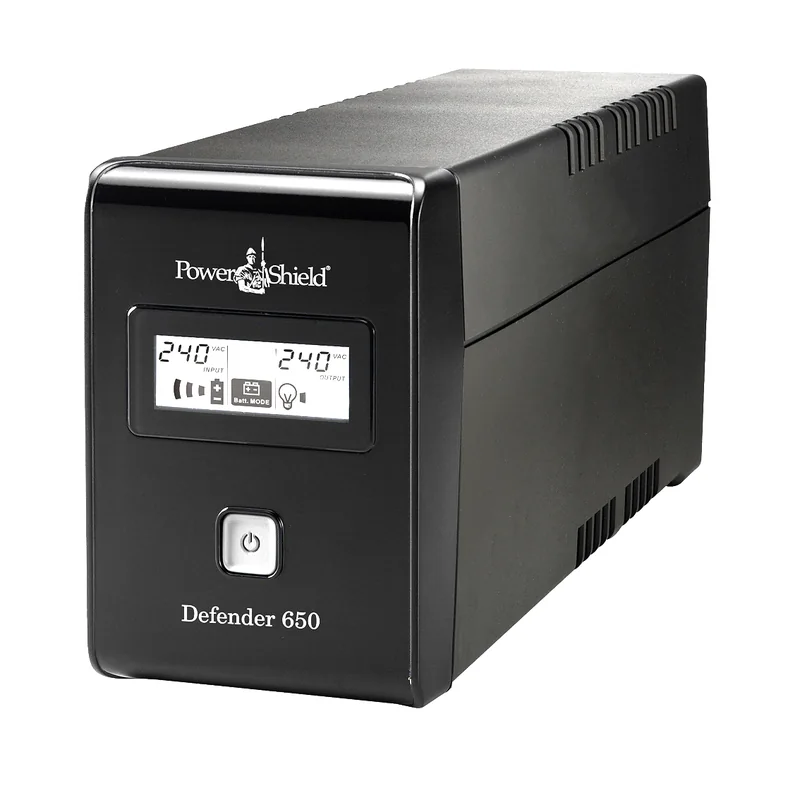
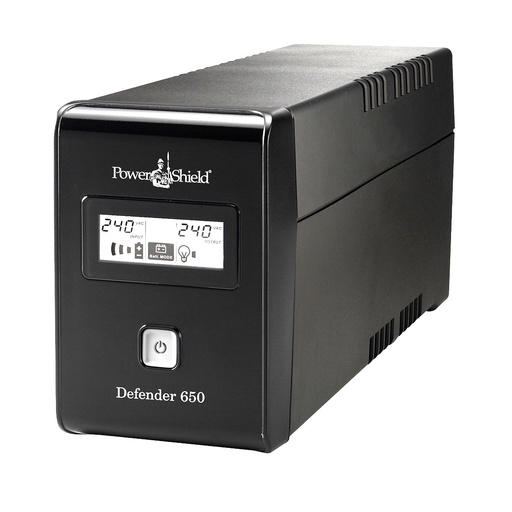
| 1–2 bay desktop NAS (plus router) | Defender PSD650 | 390 W, compact, fanless | USB (HID) |
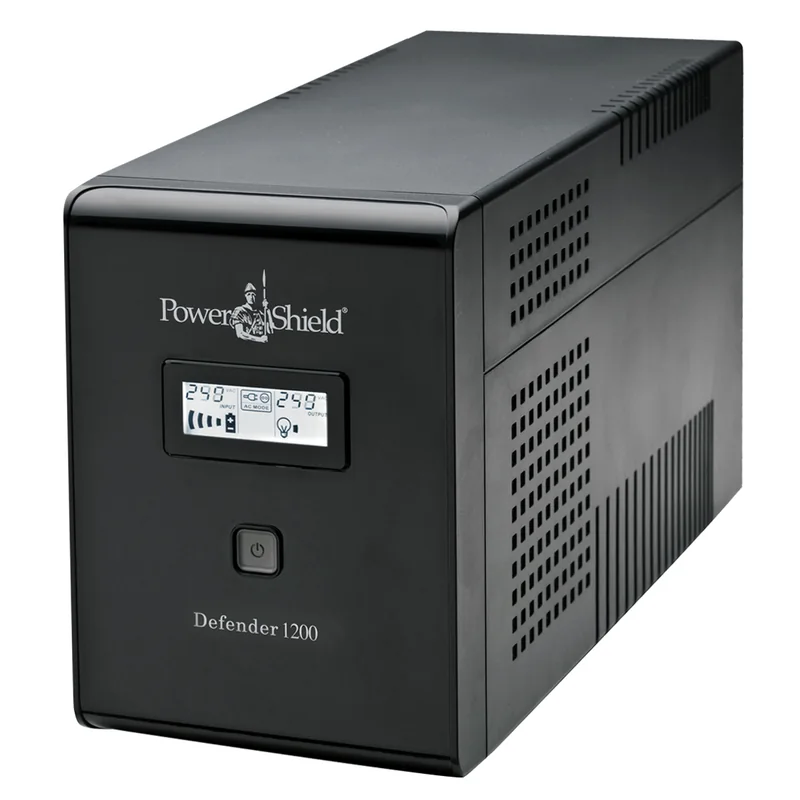
| 4–5 bay desktop NAS | Defender PSD1200 | 720 W, six outlets, long runtime at NAS loads | USB (HID) |
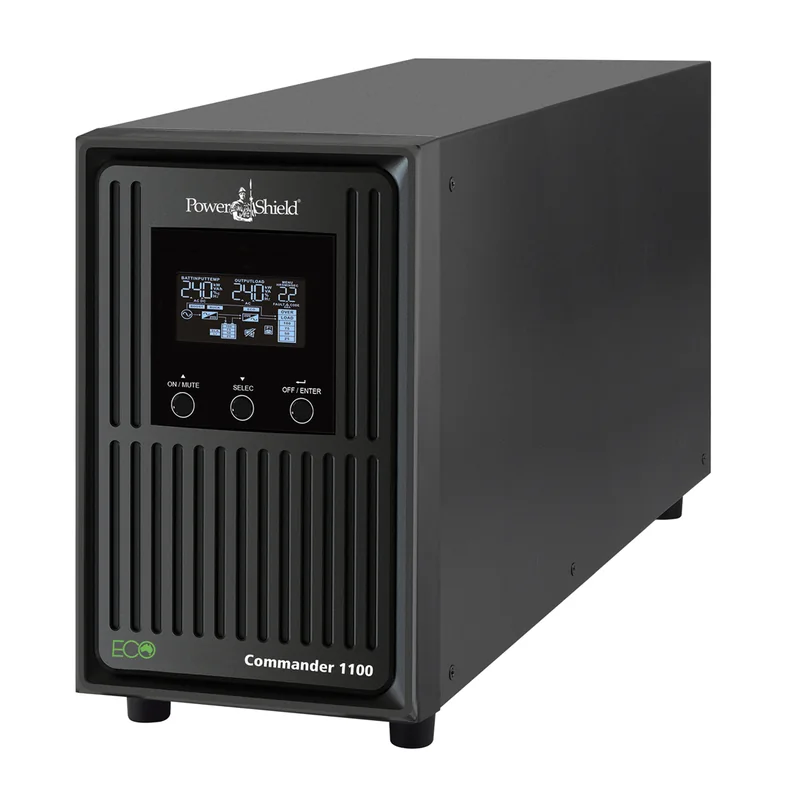
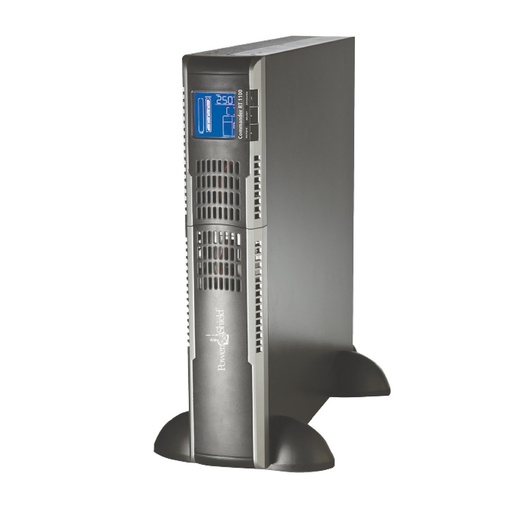
| 6–8 bay desktop NAS, active-PFC supply | Commander PSCM1100 | Pure sine, 990 W | USB (HID) |
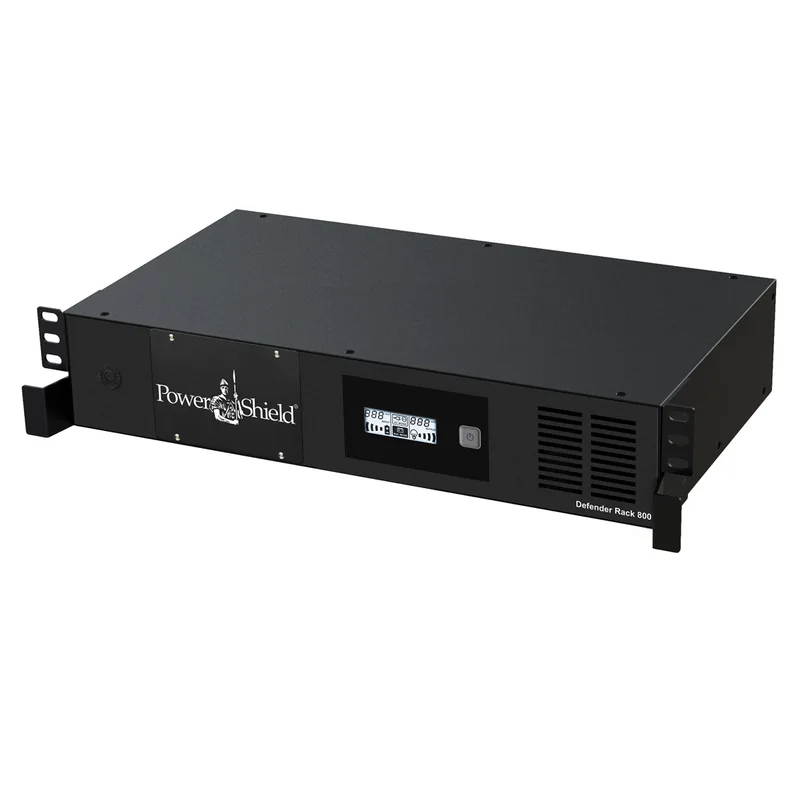
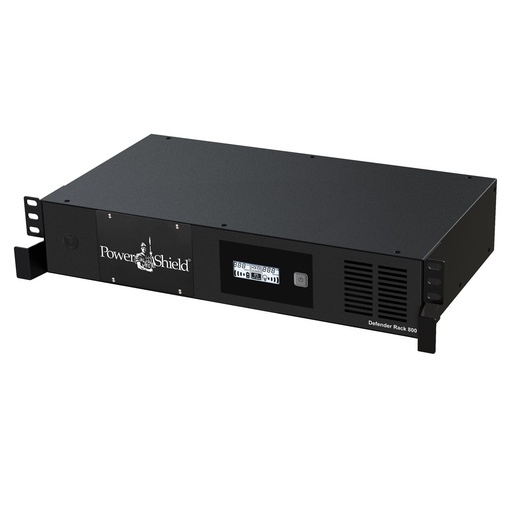
| NAS + switch in a shallow wall cabinet | Defender Rackmount PSDR800 | 230 mm deep, SNMP slot | USB or SNMP |
| 1U/2U rackmount NAS | Commander RT PSCRT1100 | Pure sine, 2U rack/tower | USB or SNMP |
| Rack NAS + virtualisation hosts | Centurion RT 1000 bundle | Online, SNMP card and rails included | SNMP |
| Long runtime for a NAS rack | Centurion RT PSCERT1500 + PSRTBB6 | Online, expandable | SNMP |
ARC IP Networks suggestions based on PowerShield specifications.
Why a NAS needs a UPS
A NAS is a small server that writes constantly: file shares, backups, surveillance recordings, virtual machine disks. A sudden power cut can interrupt writes that are still in cache, force a long RAID consistency check on restart, and in the worst case damage a volume. Australian supply adds brownouts and storm-season surges. A UPS covers three jobs:
- Ride-through of the short interruptions that make up most outages.
- Clean shutdown when the outage lasts longer than the battery, triggered automatically over USB or the network.
- Power conditioning: AVR on Defender and Commander, full regeneration on Centurion, plus surge protection.
Safe shutdown over USB: Synology DSM and QNAP QTS
Every PowerShield UPS in this guide supports HID over USB, which PowerShield lists as compatible with Windows, Apple, Linux and NAS devices. Connect the UPS USB port to a USB port on the NAS and the NAS sees the battery level and power status without extra software.
Synology DSM
- Open Control Panel → Hardware & Power → UPS and enable UPS support with the UPS type set to the local USB UPS.
- Choose when to enter Safe Mode: after a set time on battery or when the battery is low. A few minutes is usually right for a small UPS.
- To protect a second Synology on the same UPS, enable the network UPS server on the NAS connected by USB, add the other NAS's IP address, and point the second NAS at it as a Synology UPS server.
QNAP QTS and QuTS hero
- Open Control Panel → External Device → UPS and choose USB connection.
- Set the NAS to shut down after a set number of minutes on battery, or to enter auto-protection mode.
- Enable network UPS support so other QNAP units on the same UPS can follow the master as network UPS clients.
Test it: pull the UPS plug from the wall during a quiet period and watch the NAS log the event and shut down on schedule.
SNMP for racks and multiple devices
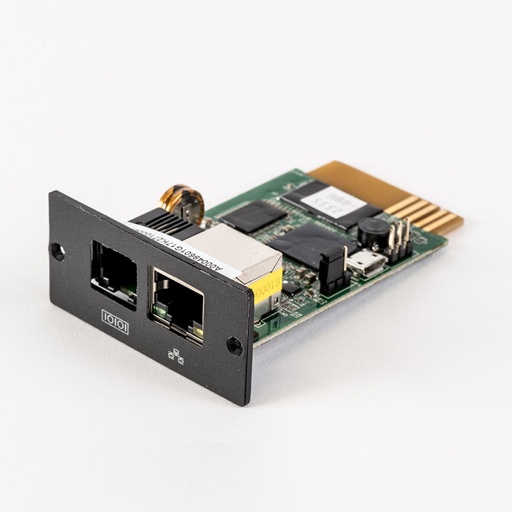
When a UPS protects a NAS, a hypervisor and network gear together, USB reaches only one device. The PSSNMPV4 SNMP card puts the UPS on the network so you can monitor it from a browser and run scheduled shutdowns, startups and reboots. PowerShield lists support for virtual machine environments such as VMware and Hyper-V and Modbus TCP/IP. The Commander and Centurion brochures list it as the SNMP option for their intelligent slot, and it adds an EMD port for the PSEMD temperature and humidity sensor, useful in a hot comms cupboard.
Both Synology DSM and QNAP QTS offer an SNMP UPS option. Confirm SNMP compatibility with your NAS model before relying on it, and keep USB as the shutdown path for the primary NAS where you can.
Pure sine and active-PFC power supplies
Many desktop NAS units run from an external power brick. PowerShield lists NAS drives among the Defender's applications, and its Synology UPS selection guide pairs desktop Synology models with both the simulated sine Defender range and the pure sine Commander Tower. Larger desktop and most rackmount NAS units use internal or redundant server-style power supplies, which commonly have active power factor correction (PFC). Some active-PFC supplies can shut down or buzz on a simulated sine wave during an outage.
- Desktop NAS with an external adaptor: Defender PSD650 or PSD1200 is a sensible, quiet choice.
- NAS with an internal active-PFC supply: Commander Tower PSCM1100 or PSCM2000 (pure sine).
- Rackmount NAS: Commander RT PSCRT1100 (pure sine) or Centurion RT PSCERT1000 (online, zero transfer).
If you are unsure, check the NAS hardware installation guide for the power supply type, or ask us.
How much UPS does a NAS need?
NAS units draw far less than their power supply rating. PowerShield's UPS Selection Guide for Synology lists running loads of 9 to 108 W for desktop Synology models and 25 to 417 W for rack mount models, with a battery runtime for each recommended UPS. We have rebuilt it model by model, desktop and rackmount, in our Synology UPS selection guide. Treat its runtimes as a guide: it prints the same desktop figures for every load up to 69 W, and they cover the NAS alone.
Add everything else on the UPS: the switch the NAS connects through and the NBN router if you need remote access during an outage. Then follow our UPS sizing guide to check load and runtime. A UPS loaded at 10–20% is normal for a single NAS and gives long runtime.
Rackmount NAS: depth, rails and runtime
- Shallow wall cabinets (often 300–450 mm usable depth): Defender Rackmount PSDR800 at 230 mm or PSDR1500 at 300 mm.
- Standard racks: Commander RT and Centurion RT are 380 mm (1000–1500VA), 480 mm (2000SB) or 600 mm (2000–3000VA) deep, all 2U. Use the PSRK (470–780 mm) or PSRK1100 (475–1100 mm) rail kit; rails are not included with the UPS.
- Longer runtime: add PSRTBB6 to a Centurion RT 1000 or 1500 for a rack NAS that must stay up through longer outages.
- Maintenance: on a 1 or 2kVA Commander RT or Centurion RT, a PSMBS2K bypass switch lets you service the UPS or replace its batteries without shutting the NAS down.
QNAP and Synology at ARC IP Networks
ARC IP Networks supplies QNAP NAS alongside PowerShield, and we often deploy them together for surveillance and file storage. If your NAS records cameras, see how to record Hikvision cameras to a Synology or QNAP NAS. For larger UniFi sites, compare the UniFi Enterprise NAS.
PowerShield UPS picks for NAS
Live Australian pricing (inc. GST) and availability are on each product page.
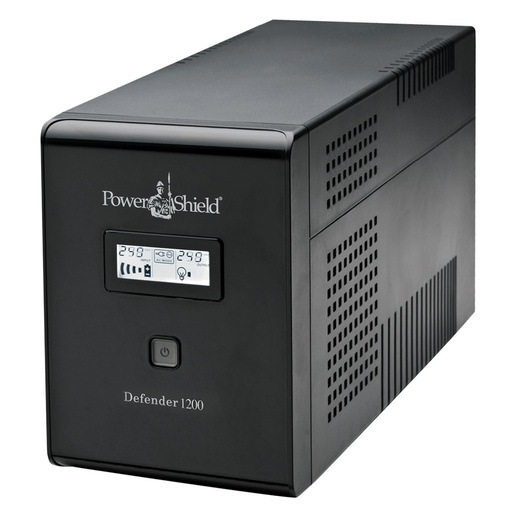
Fanless 720 W tower that PowerShield's guide pairs with desktop Synology NAS.
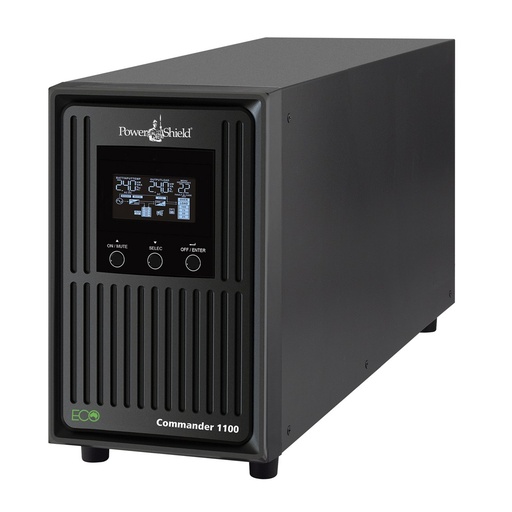
Pure sine wave for NAS with active-PFC power supplies.
Why buy PowerShield from ARC IP Networks
ARC IP Networks is a trusted PowerShield supplier in Australia: genuine stock at competitive prices, with the full PowerShield Australian warranty, Australia-wide delivery and trade pricing.
- Genuine PowerShield stock, covered by the PowerShield Australian warranty: 2 years advance replacement on SafeGuard and Defender; 2 years on single-phase Commander and Centurion, extended to 3 years when you register the UPS with PowerShield; 5 years on Centurion RT LiFePO4 and the Ninja Slimline.
- Help sizing the UPS, battery modules and network cards for your actual load, from a team that also designs networks, comms racks and surveillance systems.
- Australia-wide delivery, trade pricing for installers and IT providers, and quotes for multi-site rollouts.
Browse the full PowerShield range at ARC IP Networks or call 1300 100 440.
Common questions
Straight answers from the ARC IP Networks team. Last reviewed October 2026.
For most desktop NAS units, a PowerShield Defender PSD1200 or, for NAS with active-PFC power supplies, a pure sine Commander PSCM1100. PowerShield's Synology guide pairs desktop models with both; our Synology UPS selection guide has the full model-by-model table. For rackmount NAS, use a Commander RT or Centurion RT.
PowerShield lists HID over USB on its UPSs as supporting Windows, Apple, Linux and NAS devices. Connect the UPS by USB and enable UPS support in DSM (Control Panel, Hardware and Power, UPS) or QTS (Control Panel, External Device, UPS).
Not always. NAS units with external power adaptors generally run on a simulated sine UPS such as the Defender, which PowerShield pairs with desktop Synology models. NAS units with internal active-PFC power supplies, including most rackmount models, should use a pure sine UPS such as the Commander or Centurion.
Yes. Connect the UPS by USB to one NAS and enable its network UPS server; other Synology or QNAP units then follow it over the network. For mixed equipment, fit a PowerShield PSSNMPV4 SNMP card.
It depends on the NAS load and the UPS battery. PowerShield's Synology guide gives a runtime for each recommended UPS and Synology model, summarised in our Synology UPS selection guide. Adding a switch or router shortens those times.
The PowerShield Defender Rackmount PSDR800 is 230 mm deep and the PSDR1500 is 300 mm deep, both 2RU and fanless, with USB shutdown and an SNMP card slot.
ARC IP Networks is a trusted PowerShield supplier in Australia: genuine stock at competitive prices, with the full PowerShield Australian warranty, Australia-wide delivery and trade pricing. Order online at arcip.com.au or call 1300 100 440 for help sizing a UPS or for a quote.
Protecting a NAS or a server rack?
Tell us the NAS model, drive count and what else shares the UPS; we will size it and set up clean shutdown.
Related guides
- Synology UPS selection guide: which PowerShield UPS for your NAS?
- How to size a UPS: VA vs watts and runtime explained
- PowerShield UPS range explained: SafeGuard vs Defender vs Commander vs Centurion
- Online vs line-interactive UPS: which do you need?
- How to record Hikvision cameras to a NAS (Synology / QNAP)
- UPS for comms racks and wall cabinets
- Shop the PowerShield range at ARC IP Networks