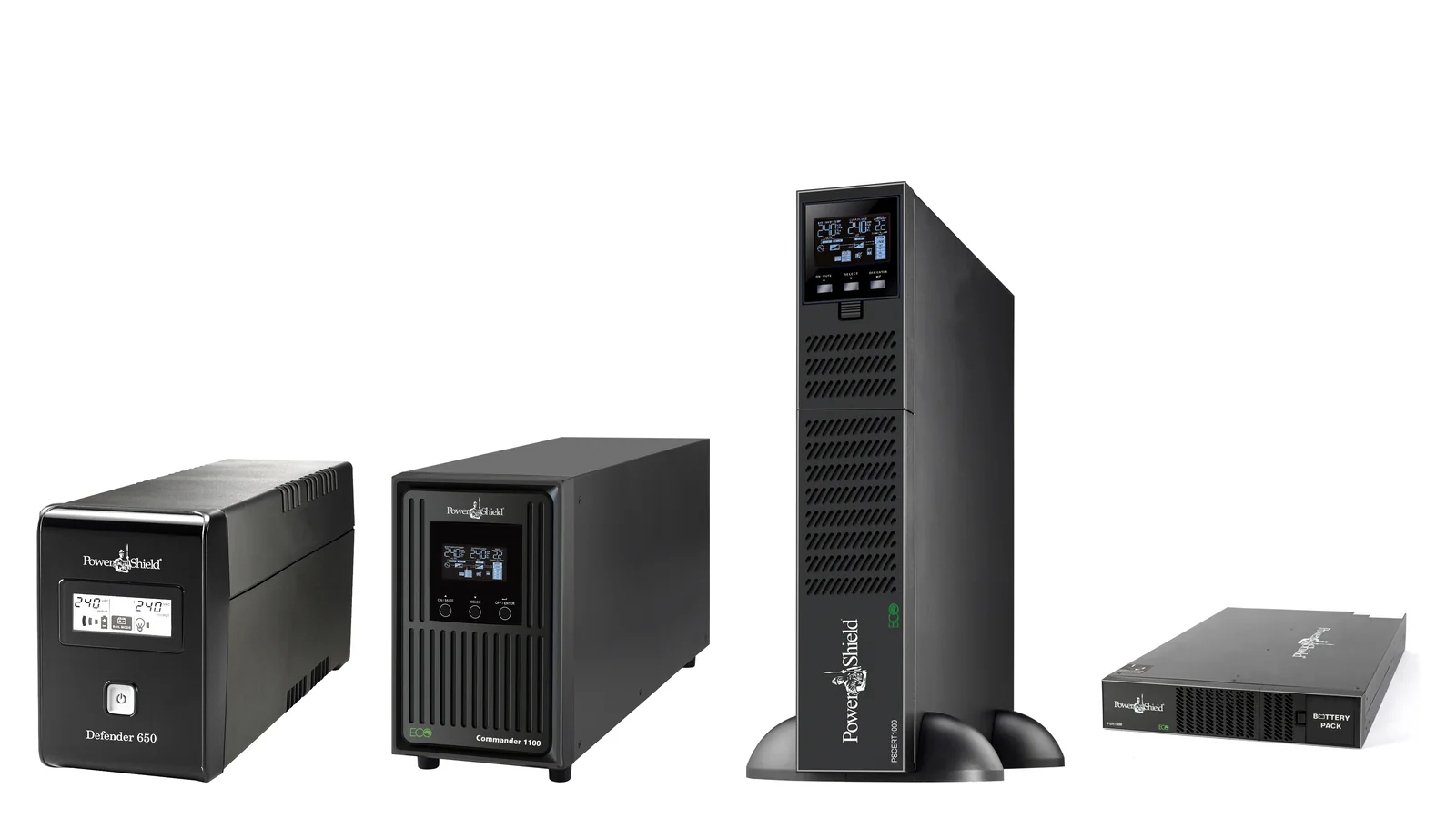
Short answer: add up the watts your equipment really draws, then choose a UPS whose watt rating (not just VA) is comfortably above it, ideally with your load at no more than about 70–80% of the rating. Watts = VA × power factor: PowerShield SafeGuard and Defender are rated at 0.6, Commander and Centurion RT at 0.9. Then check runtime: lighter loads run much longer, and only expandable models (Commander RT 2000/3000, Centurion) can add battery modules.
Rule of thumb: under 300 W of network gear → Defender 1200VA or Defender Rackmount; 300–900 W or a pure sine requirement → Commander; a server rack or long runtime → Centurion RT with a battery module.
ARC IP Networks is a trusted PowerShield supplier in Australia: genuine stock at competitive prices, with the full PowerShield Australian warranty, Australia-wide delivery and trade pricing.
Sizing a UPS in five steps
| Step | What to do | Why |
|---|---|---|
| 1. List the load | Every device that must stay up: watts from the label or a plug-in meter | You size on real watts, not guesses |
| 2. Convert to the UPS rating | UPS watts = VA × power factor | A 1200VA Defender gives 720 W; a 1100VA Commander gives 990 W |
| 3. Add headroom | Keep the load at about 70–80% of the UPS watts or less | Start-up surges, growth, longer runtime |
| 4. Check runtime | Use PowerShield's published runtimes or estimate from battery energy | Enough time to ride out or shut down |
| 5. Plan shutdown and expansion | USB/SNMP shutdown; battery modules if you need more time | Runtime is finite; clean shutdown is the goal |
VA vs watts: the power factor explained
Watts (W) are the real power your equipment uses. Volt-amps (VA) are the apparent power the UPS has to supply. The ratio between them is the power factor. A UPS has a limit for both, and the watt limit is the one you hit first with modern IT gear.
| PowerShield model | VA | Watts | Power factor |
|---|---|---|---|
| PSG750 | 750 | 450 | 0.6 |
| PSD1200 | 1200 | 720 | 0.6 |
| PSD2000 | 2000 | 1200 | 0.6 |
| PSDR1500 | 1500 | 900 | 0.6 |
| PSCM1100 | 1100 | 990 | 0.9 |
| PSCRT3000 | 3000 | 2700 | 0.9 |
| PSCERT1500 | 1500 | 1350 | 0.9 |
| PSLCERT2000 | 2000 | 1800 | 0.9 |
| PSCE6000 | 6000 | 6000 | 1.0 |
From PowerShield specifications. Defender capacity is calculated at PF 0.6 per PowerShield.
So a "2000VA" UPS can mean 1200 W (Defender) or 1800 W (Commander or Centurion). Compare watts when you compare models.
Step 1: measure what your equipment draws
- Nameplate ratings on power supplies are maximums. A power supply labelled 500 W rarely draws 500 W, so nameplates overstate the load. Use them only as a safe upper bound.
- A plug-in power meter gives the real figure. Measure under typical load (a NAS during a scrub, a PC rendering).
- PoE switches draw their own power plus whatever the cameras, phones and access points take. Use the switch's PoE budget or its measured draw.
- Only protect what matters. Laser printers, heaters and kettles should never go on a UPS.
Steps 2 and 3: pick the rating and leave headroom
Divide your total watts by the UPS watt rating. That percentage is your load level. ARC IP Networks suggests keeping it at roughly 70–80% or lower:
- Equipment draws more at power-on, and a UPS on battery reports overload faster than on mains.
- Networks grow: another switch, another camera, another NAS drive.
- Runtime rises sharply as the load falls, so a bigger UPS also buys more minutes.
Also check the outlets and plugs. Defender towers have Australian outlets; Commander and Centurion RT models mix IEC C13 outlets with Australian sockets, and the 3000VA Commander RT and Centurion RT need a 15 A wall socket.
Step 4: runtime explained
Runtime is how long the batteries can carry your load. PowerShield publishes runtimes for several models:
| Model | Load | Published backup time |
|---|---|---|
| PSD650 | 50% | 6 min |
| PSD1200 | 50% | 13 min |
| PSD1600 | 50% | 10 min |
| PSD2000 | 50% | 5.5 min |
| Defender Rackmount (PSDR800, PSDR1500) | 50% | 8 min |
| PSG750 / PSG1000 | 1 PC at 100 W | 25 min |
| PSLCERT1000 / 2000 / 3000 | 25% / 50% / 75% / 100% | 44 / 22 / 14 / 11 min |
| PSCE1000 | 50% / 100% | 26 / 13 min (internal batteries) |
| PSCE3000 | 50% / 100% | 10 / 5 min (internal batteries) |
| PSCE6000 | 50% / 100% | 28 / 10 min (internal batteries) |
Source: PowerShield brochures. Real runtime depends on battery age, temperature and load type.
For minutes at every load from 100VA to 10,000VA, for every model alone and with battery modules, see our PowerShield UPS runtime chart, rebuilt from PowerShield's official run chart.
Why runtime is not linear
PowerShield's figures for the Ninja Slimline PSLN600 show the curve clearly: 72 minutes at 10% load (36 W), 30 minutes at 20%, 15 minutes at 50% (180 W) and 6 minutes at full load (360 W). Halving the load more than doubles the runtime, because batteries deliver more of their stored energy when they are discharged slowly. The Centurion Tower 1000VA shows the same pattern: 13 minutes at full load and 26 minutes at half load.
How to estimate runtime when there is no published figure
- Find the battery energy. Multiply volts × amp-hours × number of batteries. A Defender PSD1200 has two 12V 7Ah batteries: 12 × 7 × 2 = 168 Wh. A Centurion RT 1000 has three 12V 9Ah batteries: 324 Wh.
- Allow for losses. Battery-mode efficiency is 86–92% on Commander and Centurion RT per PowerShield, and lead-acid batteries cannot deliver their full rating at high discharge rates. Treat the result as an upper bound.
- Scale from a published point. Near a known figure, runtime ≈ published minutes × published load ÷ your load. Above that load expect less; below it, expect a little more.
- Use PowerShield's own data for a model-specific answer: our runtime chart or the PowerShield UPS Sizing Guide.
- Test it. Run a controlled test on battery after installation and note the minutes on the UPS LCD.
Step 5: extend runtime with battery modules (EBMs)
If you need more minutes than the internal batteries give, choose a model that takes an extended battery module. PowerShield's battery bank selection guide pairs them like this:
| UPS | Battery module | Module batteries |
|---|---|---|
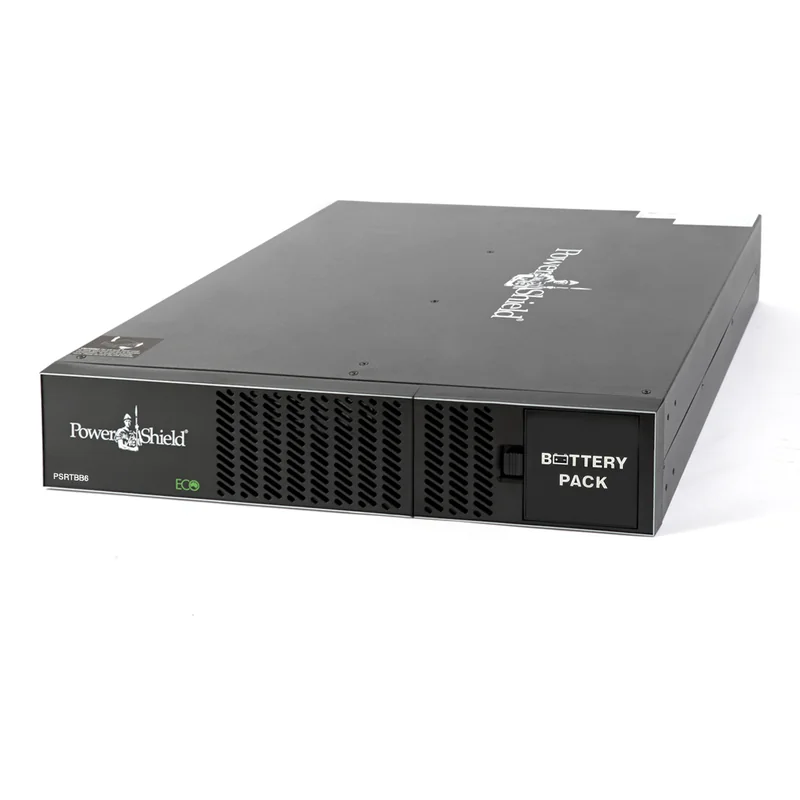
| PSCERT1000, PSCERT1500 | PSRTBB6 | 6 × 12V 9Ah |
| PSCRT2000, PSCERT2000SB | PSRTBB8 | 8 × 12V 9Ah |
| PSCRT3000, PSCERT2000, PSCERT3000 | PSRTBB12 | 12 × 12V 9Ah |
| PSCERT6000L | PSRTBB16 or PSCERBB20 | PSCERBB20: 20 × 12V 9Ah, 10-year design life |
Source: PowerShield Battery Bank Selection Guide and product pages. Each module is 2U except PSCERBB20 (3U).
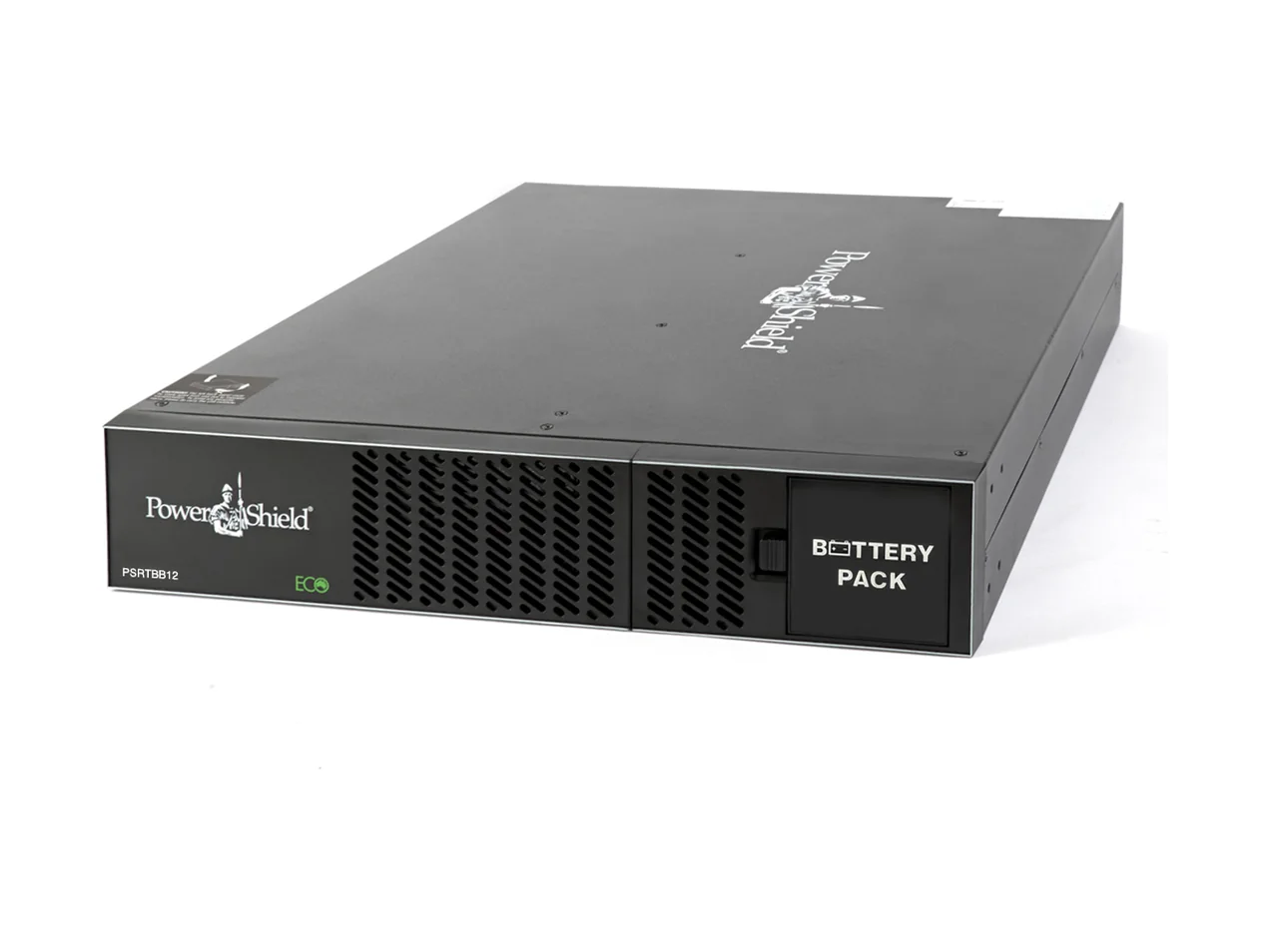
A module adds battery energy without adding watts: the UPS rating stays the same. For the Centurion RT 1000, a PSRTBB6 adds six batteries to the three inside, roughly tripling the stored energy. Centurion RT has an extra-large charger so added modules recharge in reasonable time. SafeGuard, Defender, Commander Tower, Commander RT 1100 and the LiFePO4 Centurion RT are not expandable.
Worked example 1: NAS, switch and NBN router
A small office keeps its file server and internet up through short outages. Example loads (measure your own):
| Device | Example draw |
|---|---|
| 8-bay desktop NAS (PowerShield's figure for a Synology DS1817) | 69 W |
| 24-port non-PoE switch | 20 W |
| NBN router and modem | 15 W |
| Total | 104 W |
Rating: 104 W is 14% of a Defender PSD1200 (720 W) and 11% of a Commander PSCM1100 (990 W), so both have ample headroom. Runtime: PowerShield's Synology selection guide lists 112 minutes for the PSD1200 and 119 minutes for the PSCM1100 with that NAS alone (69 W). Scaling to 104 W gives roughly 112 × 69 ÷ 104 ≈ 74 minutes on the PSD1200, so plan on about an hour and test. Pick: PSD1200 for value, or PSCM1100 if the NAS has an active-PFC power supply. Connect the NAS by USB so it shuts down cleanly; see our UPS for NAS guide.
Worked example 2: wall-mount comms rack
A 12RU wall cabinet in a medical practice holds a PoE switch for phones and cameras, an NVR, a firewall and the NBN equipment. Example load: 300 W.
- Shallow cabinet: Defender Rackmount PSDR1500 (900 W, 300 mm deep). 300 W is 33% load, comfortably inside the rating. PowerShield lists 8 minutes at 50% load (450 W), so at 300 W expect roughly 8 × 450 ÷ 300 ≈ 12 minutes: enough for brief outages and an orderly shutdown of the NVR.
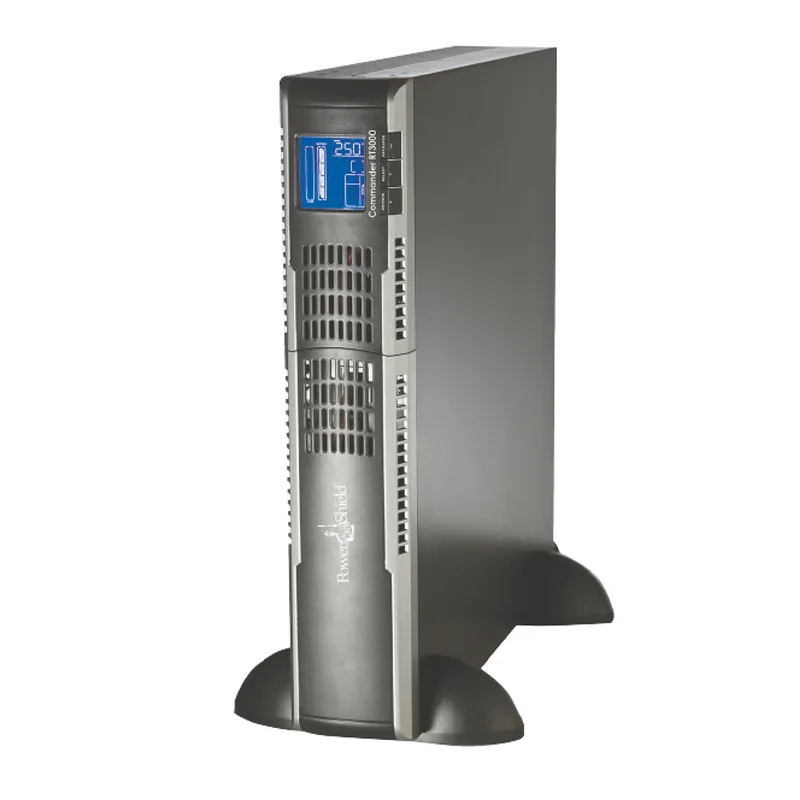
- Need pure sine or more runtime: Commander RT PSCRT2000 (1800 W, 480 mm deep) at 17% load, with a PSRTBB8 module if you want to ride through longer outages.
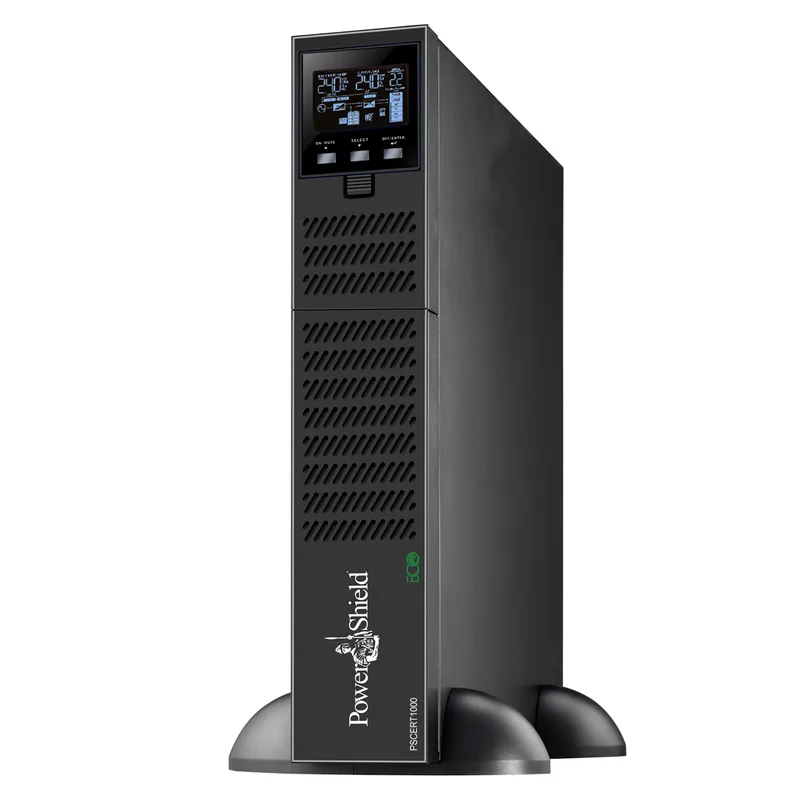
- Critical site: Centurion RT PSCERT1000 (900 W) at 33% load plus PSRTBB6, managed by a PSSNMPV4 card. The PS1KRNB2U bundle includes the UPS, SNMP card and rail kit.
Worked example 3: workstation
A CAD workstation and two monitors. Example load measured at the wall: 410 W while rendering.
- Defender PSD1600 gives 960 W, so 410 W is 43% load; PowerShield's 50% figure for the PSD1600 is 10 minutes. PowerShield describes Defender as ideal for workstations, and that is enough to save work and shut down.
- If the workstation has an active-PFC power supply, choose the pure sine Commander PSCM1100 (990 W, 41% load) or PSCM2000 (1800 W, 23% load) for more minutes.
- Install NetGuard (free from PowerShield) or use the operating system's HID battery support to close applications and shut down automatically.
PowerShield UPSs to start your shortlist
Live Australian pricing (inc. GST) and availability are on each product page.
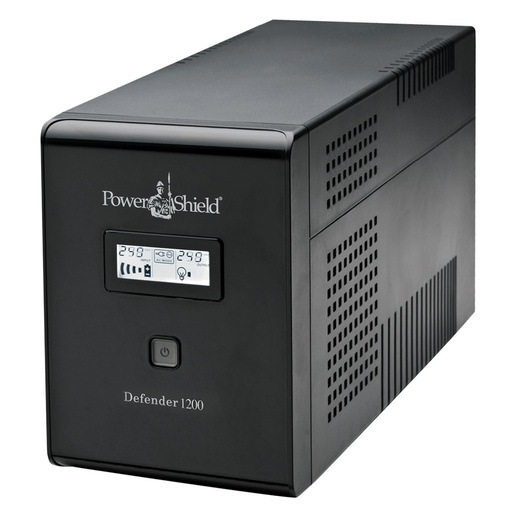
720 W fanless tower; 13 minutes at half load per PowerShield.
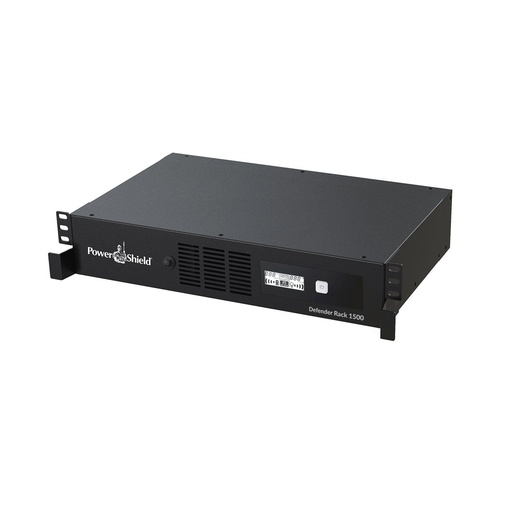
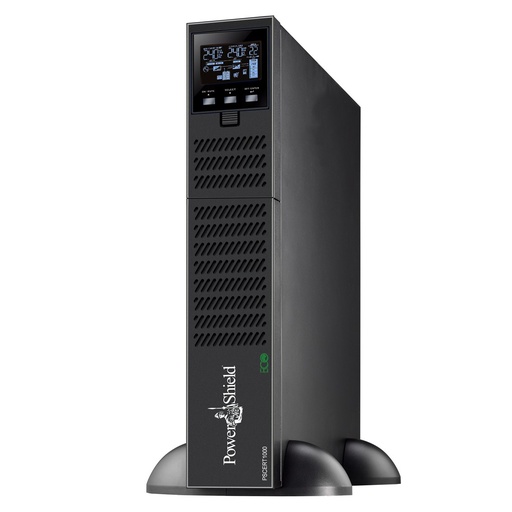
900 W, 300 mm deep 2RU rack UPS for comms cabinets.
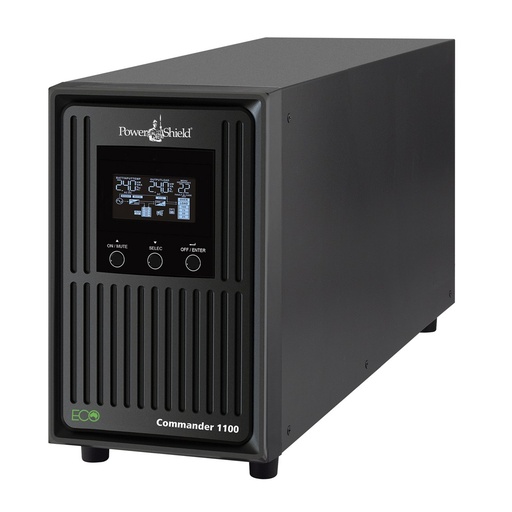
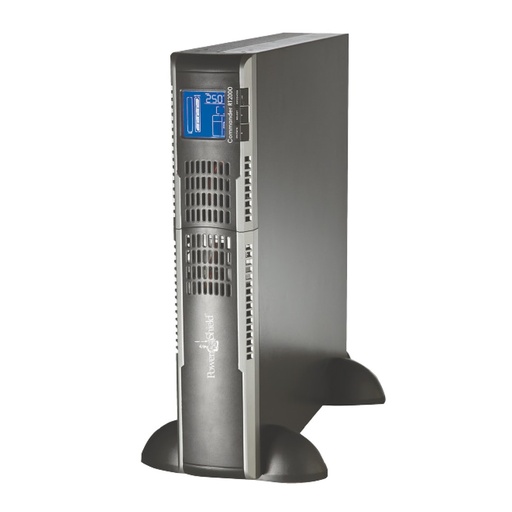
990 W pure sine wave tower for workstations and NAS.
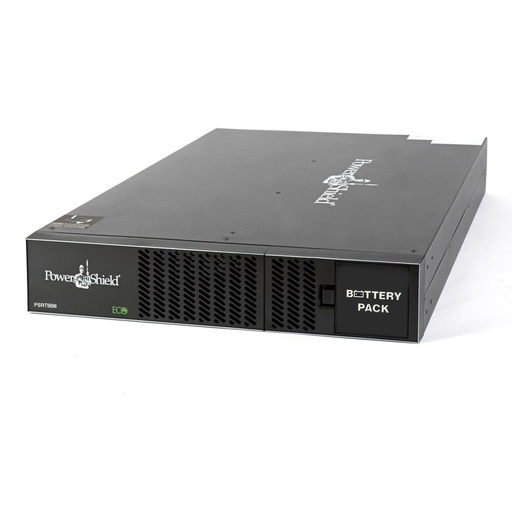
Six 12V 9Ah batteries in 2U for Centurion RT 1000 and 1500.
Why buy PowerShield from ARC IP Networks
ARC IP Networks is a trusted PowerShield supplier in Australia: genuine stock at competitive prices, with the full PowerShield Australian warranty, Australia-wide delivery and trade pricing.
- Genuine PowerShield stock, covered by the PowerShield Australian warranty: 2 years advance replacement on SafeGuard and Defender; 2 years on single-phase Commander and Centurion, extended to 3 years when you register the UPS with PowerShield; 5 years on Centurion RT LiFePO4 and the Ninja Slimline.
- Help sizing the UPS, battery modules and network cards for your actual load, from a team that also designs networks, comms racks and surveillance systems.
- Australia-wide delivery, trade pricing for installers and IT providers, and quotes for multi-site rollouts.
Browse the full PowerShield range at ARC IP Networks or call 1300 100 440.
Common questions
Straight answers from the ARC IP Networks team. Last reviewed October 2026.
Watts are the real power your equipment uses; VA is apparent power. Watts equal VA multiplied by the power factor. PowerShield Defender and SafeGuard are rated at a 0.6 power factor (a 1200VA Defender gives 720 W), while Commander and Centurion RT are rated at 0.9 (a 2000VA unit gives 1800 W).
ARC IP Networks suggests keeping the measured load at roughly 70 to 80 percent of the UPS watt rating or less. That covers start-up surges and growth and gives noticeably longer runtime.
It depends on the load and the batteries. As examples from PowerShield, the Defender PSD1200 gives about 13 minutes at half load and the Centurion RT LiFePO4 gives 44 minutes at 25 percent load and 11 minutes at full load. Runtime rises sharply as the load falls.
Multiply battery volts by amp-hours by the number of batteries to get watt-hours, divide by your load in watts, and reduce the result for inverter losses and battery discharge-rate effects. Better still, scale from a published runtime near your load or use the PowerShield UPS Sizing Guide, then test on site.
Yes, on expandable models. PSRTBB6 suits Centurion RT 1000 and 1500, PSRTBB8 suits Commander RT 2000 and Centurion RT 2000SB, PSRTBB12 suits Commander RT 3000 and Centurion RT 2000 and 3000, and PSRTBB16 or PSCERBB20 suit the Centurion RT 6000 long-run model.
No. A battery module only adds runtime. The UPS watt and VA rating stays the same, so choose the UPS size for the load first.
Yes. The PowerShield Commander RT 3000 and Centurion RT 3000 need a 15 A wall socket. The 1000 to 2000VA Commander RT and Centurion RT models plug into a standard 10 A socket.
ARC IP Networks is a trusted PowerShield supplier in Australia: genuine stock at competitive prices, with the full PowerShield Australian warranty, Australia-wide delivery and trade pricing. Order online at arcip.com.au or call 1300 100 440 for help sizing a UPS or for a quote.
Want us to size it for you?
Send the equipment list or measured load and the runtime you need. We will reply with the right PowerShield UPS, battery modules and shutdown setup.
Related guides
- PowerShield UPS range explained: SafeGuard vs Defender vs Commander vs Centurion
- Online vs line-interactive UPS: which do you need?
- Best UPS for a NAS in Australia (QNAP and Synology)
- UPS for comms racks and wall cabinets
- PowerShield UPS battery replacement guide
- Shop the PowerShield range at ARC IP Networks