Short answer: NetGuard is PowerShield's free UPS monitoring and shutdown software. Connect a PowerShield SafeGuard, Defender, Commander or Centurion RT UPS to a computer by USB (or RS-232 on models with a serial port), install NetGuard, and it shows live input, output and battery data in your web browser, sends alerts and shuts the computer down safely before the battery runs flat.
Downloads are available for Windows (including Windows Server 2019), Mac (Apple silicon and Intel builds) and 64-bit Linux (desktop GUI or server command-line installer). The default password is administrator. Download NetGuard below.
ARC IP Networks is a trusted PowerShield supplier in Australia: genuine stock at competitive prices, with the full PowerShield Australian warranty, Australia-wide delivery and trade pricing.
Download PowerShield NetGuard
Free downloads, served directly from PowerShield's official download server (powershield.com.au), so you always get the latest version. ARC IP Networks links to the files and does not modify them.
NetGuard for Windows
NetGuard for Windows
145 MB · updated 17/09/2026
Desktop and server Windows. PowerShield: use this standard version on Windows Server 2019 too.
NetGuard for Mac (ARM)
NetGuard for MAC ARM
78.8 MB · updated 15/03/2025
For Apple silicon Macs.
NetGuard for Mac (Intel)
NetGuard for Mac OS Monterey
79.6 MB · updated 15/03/2025
macOS Monterey build; installer is "installNetGuard Mac x86-64".
Linux 64-bit GUI
For Linux 64Bit GUI Installer
81.45 MB · updated 17/09/2026
Graphical installer for 64-bit Linux desktops.
Linux 64-bit server (CLI)
For Linux 64Bit Server Command Line Only Installer
181 MB · updated 17/09/2026
Command-line-only installer for 64-bit Linux servers.
NetGuard user manual
NetGuard User Manual
2.8 MB · updated 17/09/2026
Install, configuration, shutdown and scheduling guide (PDF).
USB driver (Centurion Long Run)
USB Driver - LiFePO4 Centurion Long Run UPS PSLCERT1-3KL
1 MB · updated 27/08/2026
Only for the LiFePO4 Centurion Long Run UPS (PSLCERT1-3KL).
Files and dates as listed in the PowerShield download area. Need help installing? Call 1300 100 440.
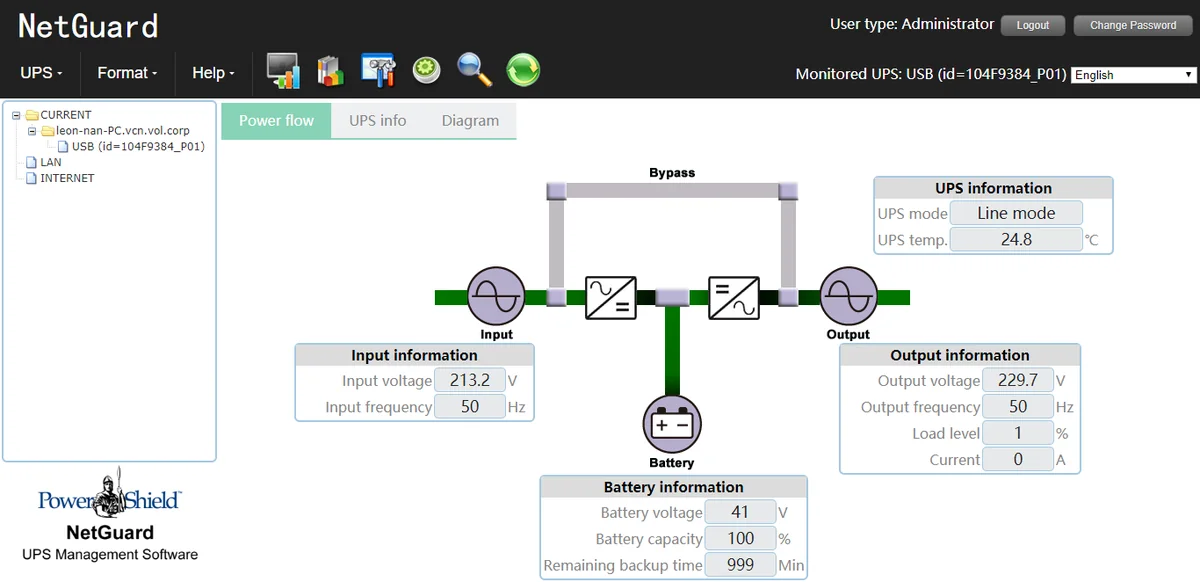
What NetGuard does
A background service talks to the UPS and records events; you use NetGuard in a web browser, even when nobody is logged in. On Windows an orange plug tray icon shows UPS status.
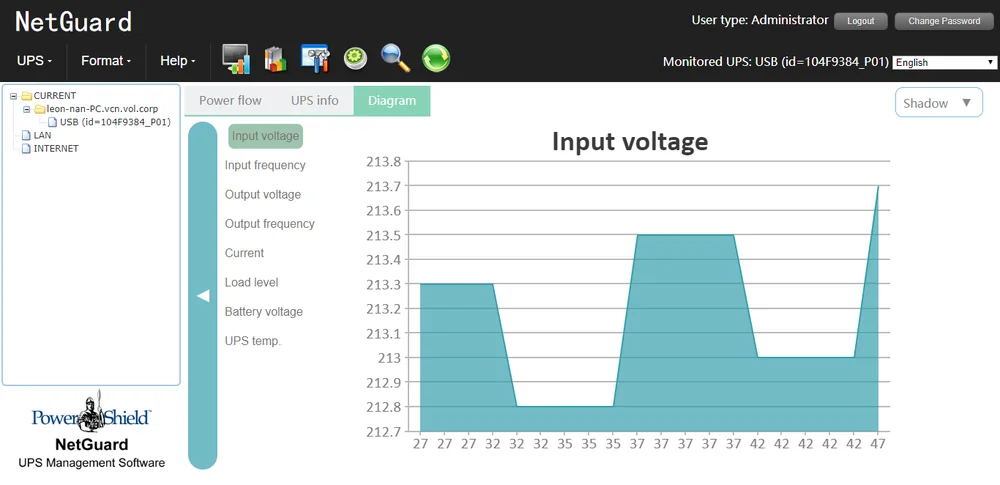
- Live data: input/output voltage and frequency, load, battery capacity, backup time and UPS temperature, with graphs.
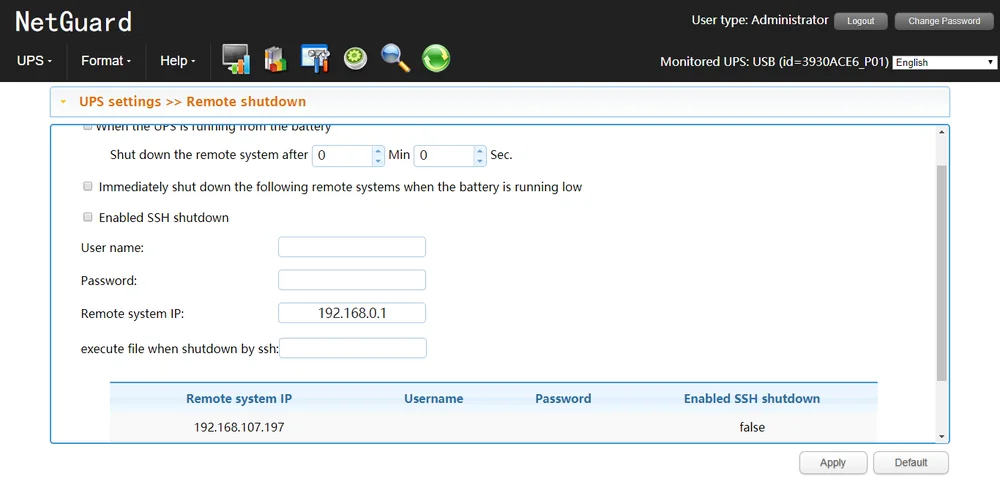
- Safe shutdown after a set time on battery or at low battery, then optionally UPS off. Remote shutdown of other PCs on the same UPS by IP address.
- Alerts: pop-up, beep (Windows), LAN broadcast, e-mail (SMTP or Exchange) and SMS (GSM modem).
- Control: UPS and alarm on/off, battery self-tests, scheduled on/off and tests, P1 outlet control.
- History: event log, statistics and power data, exportable to CSV, plus a battery replacement reminder.
Compatible UPSs and systems
Every family below lists NetGuard in its PowerShield brochure. The Gladiator gaming UPS uses it too.
| UPS family | Example models | Connection |
|---|---|---|
| SafeGuard, Defender | PSG750, PSD1200, PSD1600 | USB |
| Defender Rackmount | PSDR800, PSDR1500 | USB |
| Commander Tower / RT | PSCM1100, PSCM2000, PSCRT2000 | USB, RS-232 |
| Centurion RT / Tower | PSCERT1000, PSCERT3000, PSCE2000 | USB, RS-232 |
| Centurion RT LiFePO4 | PSLCERT1000, PSLCERT2000 | USB, RS-232 |
| Ninja Slimline | PSLN600 | RS-232 |
| System | Supported |
|---|---|
| Windows | Windows 7, 8, 10; Server 2008 to 2019 (standard build, no separate Server 2019 version needed) |
| Mac | ARM (Apple silicon) and Monterey (Intel) builds |
| Linux | 64-bit GUI or server command-line installer (Red Hat, CentOS, Ubuntu, Debian and more) |
Manual minimums: 512 MB RAM, 1 GB disk, administrator rights, a free USB or RS-232 port, HTML5 browser.
For network monitoring without a cable, fit a PSSNMPV4 SNMP card (see the SNMP Web Manager guide).
How to install NetGuard
Windows
- Connect the UPS by USB (or RS-232), download NetGuard for Windows and run the installer as an administrator.
- Click Next, choose folders, then Install and Done.
- Double-click the orange plug tray icon (or right-click > Open Monitor).
- Click Login and use the default password administrator; change it under NetGuard Configuration > Password.
- Set shutdown timing under UPS Setting > Local Shutdown and alerts under Event Action, then Apply.
From another PC, browse to http://<PC IP>:15180/NetGuard.
Mac
- Allow apps downloaded from anywhere (PowerShield's download page shows the Terminal step for newer macOS).
- Unzip the download and run installNetGuard Mac x86-64, accepting the defaults.
- When Terminal asks, enter your Mac login password (not "administrator") to install the USB driver.
Linux
Use the GUI installer on a desktop or the command-line installer on a headless server.
Troubleshooting tips
- Forgot the password: reinstall NetGuard.
- Port conflict: defaults are 15180, 8005 and 8009; change them in the tray Configuration only if needed.
- UPS not found: run Debug Mode from the tray and check the logs.
- Uninstalling: stop NetGuard and log in as Administrator first.
Size the UPS so shutdown has time to finish: see our UPS sizing guide.
PowerShield UPSs that work with NetGuard
Live Australian pricing (inc. GST) and availability are on each product page.
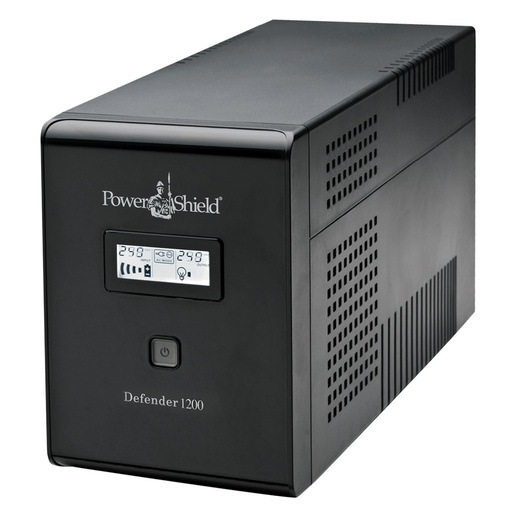
Line-interactive tower, 720 W, USB with free NetGuard and HID support.
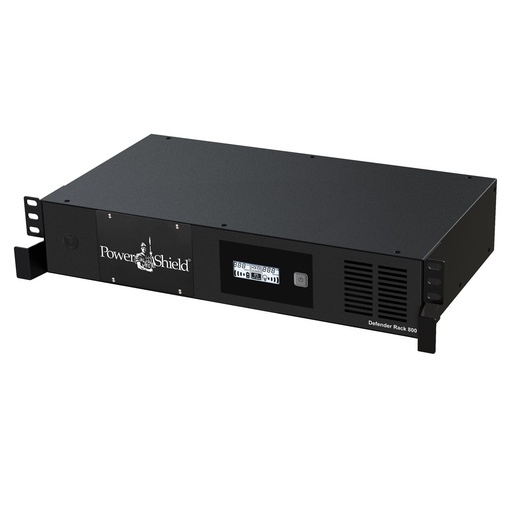
230 mm deep rack UPS, USB as standard plus an SNMP card slot.
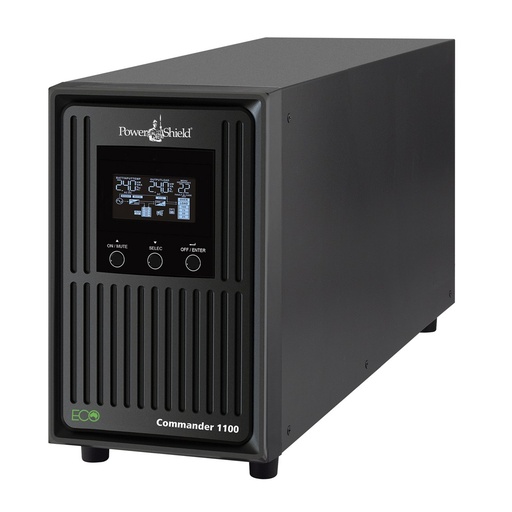
Pure sine wave, 990 W, USB and RS-232 for NetGuard.
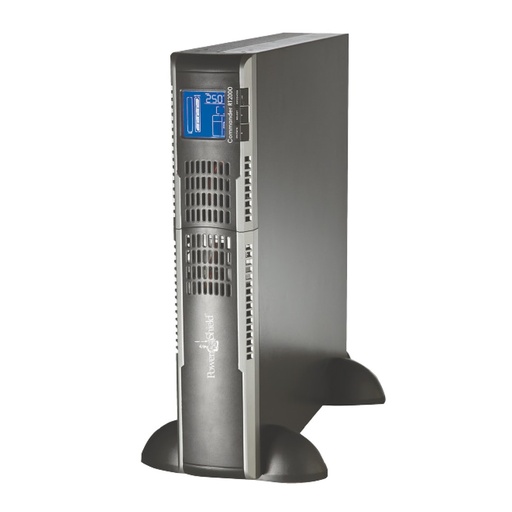
Rack/tower pure sine UPS with USB or RS-232 and an intelligent slot.
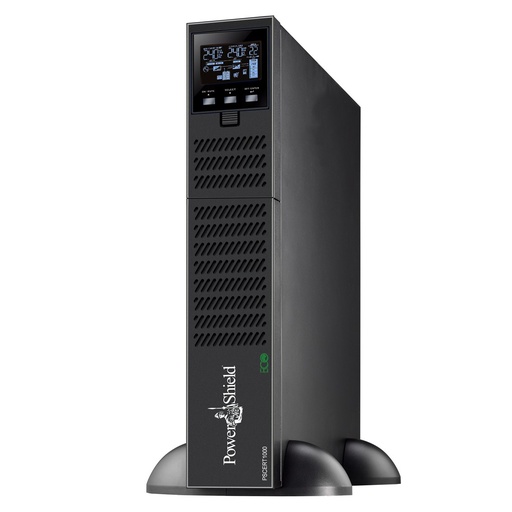
Online double conversion, zero transfer time, 900 W.
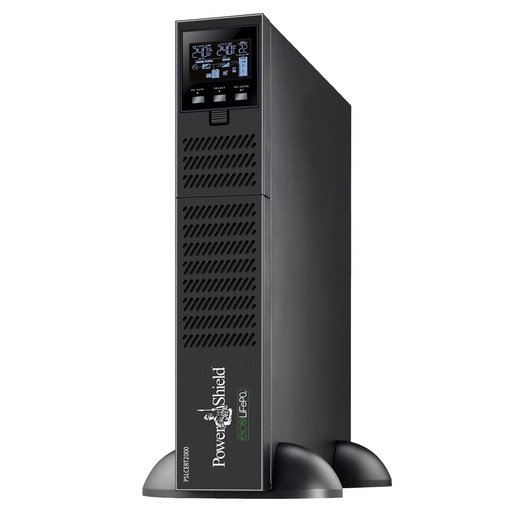
Online UPS with a lithium iron phosphate battery.
Why buy PowerShield from ARC IP Networks
ARC IP Networks is a trusted PowerShield supplier in Australia: genuine stock at competitive prices, with the full PowerShield Australian warranty, Australia-wide delivery and trade pricing.
- Genuine PowerShield stock, covered by the PowerShield Australian warranty: 2 years advance replacement on SafeGuard and Defender; 2 years on single-phase Commander and Centurion, extended to 3 years when you register the UPS with PowerShield; 5 years on Centurion RT LiFePO4 and the Ninja Slimline.
- Help sizing the UPS, battery modules and network cards for your actual load, from a team that also designs networks, comms racks and surveillance systems.
- Australia-wide delivery, trade pricing for installers and IT providers, and quotes for multi-site rollouts.
Browse the full PowerShield range at ARC IP Networks or call 1300 100 440.
Common questions
Straight answers from the ARC IP Networks team. Last reviewed October 2026.
Yes. NetGuard is a free PowerShield download for Windows, Mac and 64-bit Linux.
Use the buttons on this page. They link straight to PowerShield's official download server, so you always get the latest version.
The default NetGuard password is administrator. Log in with it the first time and change it under NetGuard Configuration > Password. On a Mac, use your Mac login password when the installer asks for one, not administrator.
Yes. There are Mac ARM and Mac Intel (Monterey) builds, and 64-bit Linux GUI and command-line installers.
Use the standard NetGuard for Windows download. PowerShield says the separate Windows Server 2019 version is no longer required.
Yes. The PC connected to the UPS can shut down other computers on the same UPS by IP address.
Browse to http://<IP of the NetGuard PC>:15180/NetGuard. Guests can view status; log in as administrator to change settings.
ARC IP Networks is a trusted PowerShield supplier in Australia: genuine stock at competitive prices, with the full PowerShield Australian warranty, Australia-wide delivery and trade pricing. Order online at arcip.com.au or call 1300 100 440 for help sizing a UPS or for a quote.
Other PowerShield software
- SNMP Web Manager (PSSNMPv4): Find every PSSNMPv4 card on the network, set IP addresses, firmware and MIB files
- Shutdown Wizard (PSSNMPv4): Network shutdown agent for Windows and Mac computers protected by a PSSNMPv4 card
- SNMP Multi View (PSSNMPv4): Monitor every PowerShield SNMP card on site from one Windows console
- NetAgent 9 legacy tools: Netility, ClientMate and SNMPView for older NetAgent 9 SNMP cards
- NetKit (PSSNMPv1 LITE): Locate SNMP Lite cards and their IP addresses on site
- IpPowerSE (PSSNMPv1 LITE): Shutdown and monitoring software for SNMP Lite cards
- Gladiator CPU Monitor: Sends PC CPU speed, temperature and load to the Gladiator UPS display
Need a UPS that works with NetGuard?
Tell us what you need to protect and we will size a genuine PowerShield UPS, with trade pricing and Australia-wide delivery.