Short answer: Gladiator CPU Monitor is a free, 445 KB Windows utility from PowerShield that sends your PC's CPU speed, temperature and load (%) to the display of the PowerShield Gladiator gaming UPS (PSGL1500). It runs alongside NetGuard for Windows, PowerShield's free UPS monitoring and shutdown software (default password administrator).
CPU Monitor is Windows only. Download both below. PowerShield now lists the Gladiator as end of life; for a new gaming or home office PC, see the PowerShield UPSs further down.
ARC IP Networks is a trusted PowerShield supplier in Australia: genuine stock at competitive prices, with the full PowerShield Australian warranty, Australia-wide delivery and trade pricing.
Download Gladiator CPU Monitor and NetGuard
Free downloads, served directly from PowerShield's official download server (powershield.com.au), so you always get the latest version. ARC IP Networks links to the files and does not modify them.
Gladiator CPU Monitor
Gladiator CPU Monitoring Software (Windows)
445 KB · updated 17/09/2026
Sends CPU speed, temperature and load to the Gladiator UPS. Windows only.
NetGuard for Windows
NetGuard for Windows
145 MB · updated 17/09/2026
UPS monitoring and safe shutdown. Default password: administrator.
NetGuard user manual
NetGuard User Manual
2.8 MB · updated 17/09/2026
Install, alerts and shutdown settings (PDF).
Files and dates as listed in the PowerShield download area. Need help installing? Call 1300 100 440.
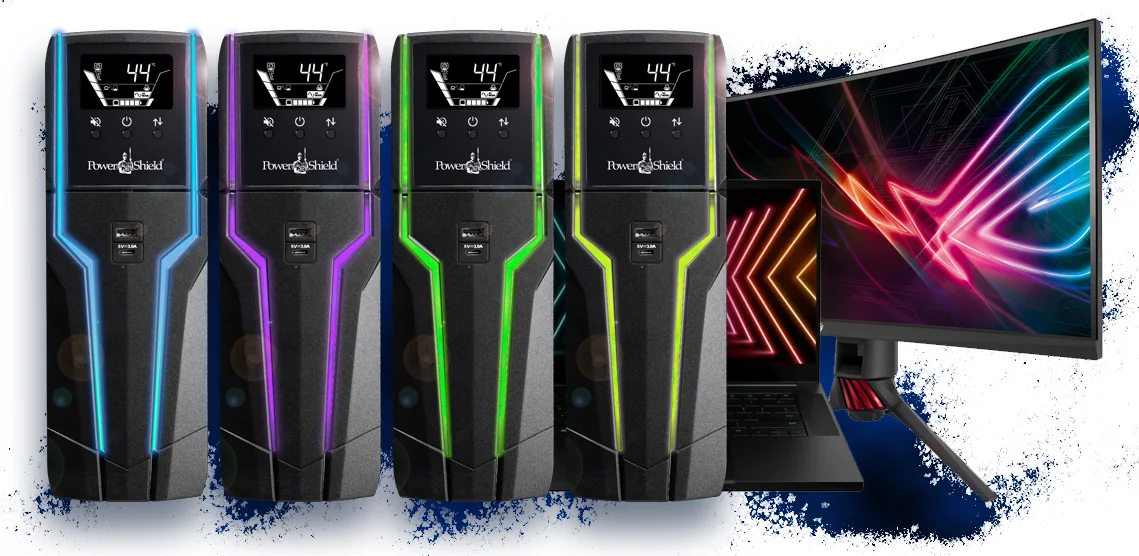
What the Gladiator software does
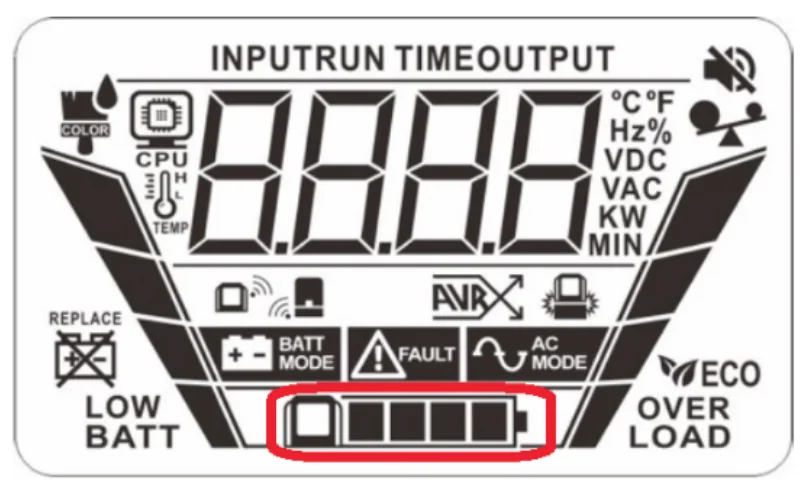
The Gladiator's LCD shows UPS data (input/output voltage and frequency, load, battery capacity and remaining runtime). With CPU Monitor installed it also shows real-time CPU temperature, speed and load level, so you can watch your PC from the UPS display.
- CPU Monitor: reads CPU speed, temperature and % CPU use and sends it directly to the UPS. You can set it to run at Windows startup.
- NetGuard: live UPS status in the browser, alerts, and safe shutdown of the PC before the battery runs out. Read the full NetGuard guide.
Compatibility
| Software | Works with | System |
|---|---|---|
| Gladiator CPU Monitor | PowerShield Gladiator UPS (PSGL1500) | Windows only |
| NetGuard for Windows | Gladiator, SafeGuard, Defender, Commander and Centurion UPSs | Windows (Mac and Linux builds also available) |
From PowerShield's Gladiator software page and brochure: "CPU monitoring software available only for Windows OS."
The Gladiator connects to the PC through its built-in USB communication port.
How to set it up
- Connect the Gladiator to the PC with a USB cable.
- Install NetGuard for Windows, open it from the orange plug tray icon and log in with the default password administrator. Change it, then set your shutdown timing.
- Download and install Gladiator CPU Monitor.
- In CPU Monitor, enable auto run on Windows startup and sending CPU information to the UPS.
About the Gladiator UPS
The Gladiator is a 1500VA / 900 W line-interactive UPS with a pure sine wave on battery, AVR, six surge-protected Australian outlets with battery backup, 1140 J surge protection, and USB-A and USB-C charging ports (5 V 3 A). Its LCD panel undocks and talks to the base by Bluetooth, running for 2 hours undocked. PowerShield quotes 15 minutes for a high-end PC and 29 minutes for a laptop (with a modem/router and one monitor). Details are in the Gladiator brochure.
Troubleshooting
- E32 warning: the remote LCD has lost pairing with the base. Dock it and press ON/OFF five times at one-second intervals.
- Battery icon keeps flashing when docked: normal. The panel's NiMH battery charges continuously on the base.
- Range: keep the undocked panel within 6 m of the base.
A UPS for a gaming or home office PC today
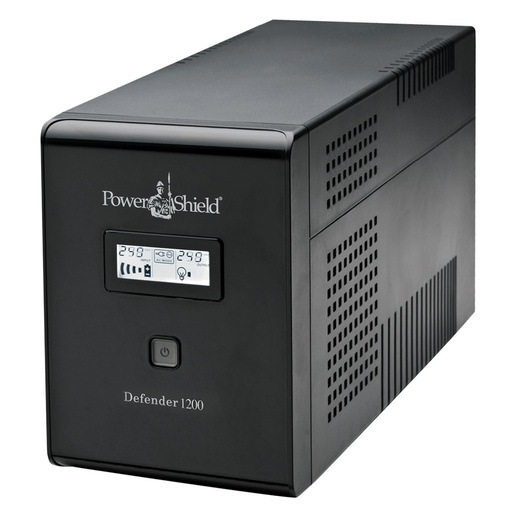
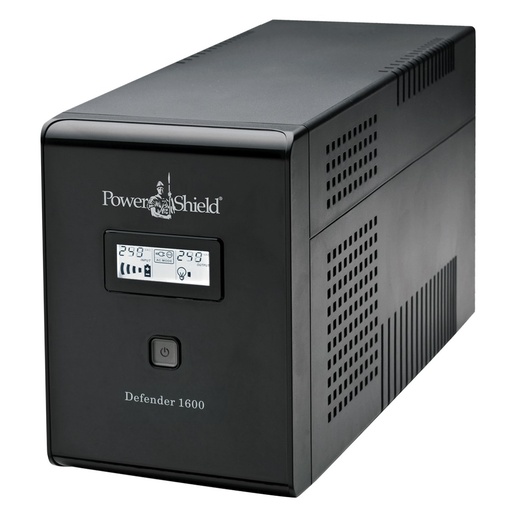
ARC IP Networks does not sell the Gladiator. For a new gaming PC we suggest a pure sine wave Commander, which matches the Gladiator's waveform and adds headroom: the PSCM1100 gives 990 W and the PSCM2000 1800 W. For a standard office PC with an NBN modem, a Defender such as the PSD1200 is enough. All of them work with NetGuard over USB. If your power supply uses active PFC, choose pure sine. Size on watts with our UPS sizing guide.
PowerShield UPSs for gaming and home office PCs
Live Australian pricing (inc. GST) and availability are on each product page.
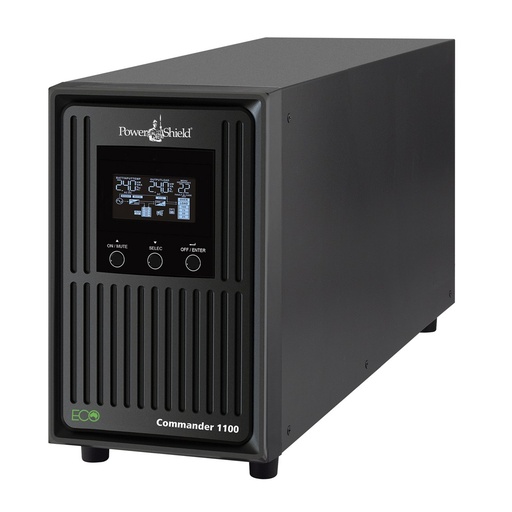
Pure sine wave, 990 W, USB and RS-232 for NetGuard.
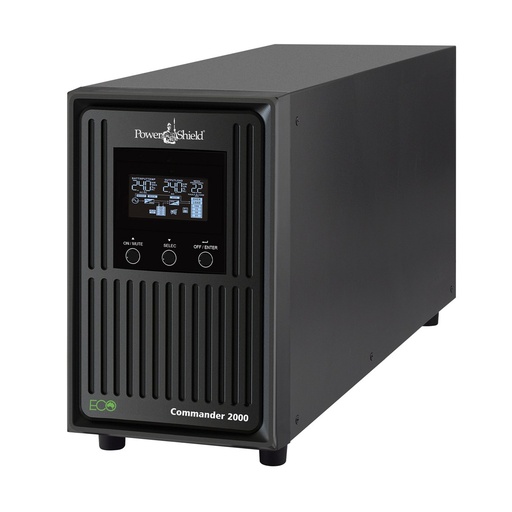
Pure sine wave, 1800 W for high-end gaming rigs and workstations.
Why buy PowerShield from ARC IP Networks
ARC IP Networks is a trusted PowerShield supplier in Australia: genuine stock at competitive prices, with the full PowerShield Australian warranty, Australia-wide delivery and trade pricing.
- Genuine PowerShield stock, covered by the PowerShield Australian warranty: 2 years advance replacement on SafeGuard and Defender; 2 years on single-phase Commander and Centurion, extended to 3 years when you register the UPS with PowerShield; 5 years on Centurion RT LiFePO4 and the Ninja Slimline.
- Help sizing the UPS, battery modules and network cards for your actual load, from a team that also designs networks, comms racks and surveillance systems.
- Australia-wide delivery, trade pricing for installers and IT providers, and quotes for multi-site rollouts.
Browse the full PowerShield range at ARC IP Networks or call 1300 100 440.
Common questions
Straight answers from the ARC IP Networks team. Last reviewed October 2026.
Yes. Gladiator CPU Monitor and NetGuard for Windows are both free PowerShield downloads.
Use the buttons on this page. They link straight to PowerShield's official download server.
No. PowerShield states CPU Monitor is only available for Windows. NetGuard itself has Mac and Linux builds.
The default NetGuard password is administrator. Change it after your first login.
Place the remote panel on the docking station and press ON/OFF five times at one-second intervals to reset the pairing.
No. PowerShield lists the Gladiator (PSGL1500) as end of life. A pure sine PowerShield Commander is a good alternative for gaming PCs.
ARC IP Networks is a trusted PowerShield supplier in Australia: genuine stock at competitive prices, with the full PowerShield Australian warranty, Australia-wide delivery and trade pricing. Order online at arcip.com.au or call 1300 100 440 for help sizing a UPS or for a quote.
Other PowerShield software
- NetGuard UPS monitoring software: USB/serial monitoring and safe shutdown for SafeGuard, Defender, Commander and Centurion RT
- SNMP Web Manager (PSSNMPv4): Find every PSSNMPv4 card on the network, set IP addresses, firmware and MIB files
- Shutdown Wizard (PSSNMPv4): Network shutdown agent for Windows and Mac computers protected by a PSSNMPv4 card
- SNMP Multi View (PSSNMPv4): Monitor every PowerShield SNMP card on site from one Windows console
- NetAgent 9 legacy tools: Netility, ClientMate and SNMPView for older NetAgent 9 SNMP cards
- NetKit (PSSNMPv1 LITE): Locate SNMP Lite cards and their IP addresses on site
- IpPowerSE (PSSNMPv1 LITE): Shutdown and monitoring software for SNMP Lite cards
Choosing a UPS for your gaming PC?
Tell us your PC and monitor setup and we will size a genuine PowerShield UPS, with Australia-wide delivery.