Buy QNAP in Australia from an authorised QNAP reseller. QNAP's warranty applies in the country or region where the product was originally bought, its warranty extension covers products bought through QNAP-authorised distributors and retailers, and QNAP tells standard warranty users to call or email their nearest QNAP retailer. Warranty length is set per model: QNAP lists 2 years for the TS-233, 3 years for the TS-464 and 5 years for the TS-H1277AXU-RP. QNAP's warranty extension can stretch coverage up to 5 years if you buy it within 9 months of purchase and upload the original invoice.
Quick pick: home backup → TS-233 or TS-216G; small office → TS-464-8G or TS-473A-8G; comms rack → TS-435XEU-4G; faster network → QSW-1105-5T. ARC IP Networks is an authorised QNAP reseller and supplies genuine QNAP from Australian stock with a GST tax invoice.
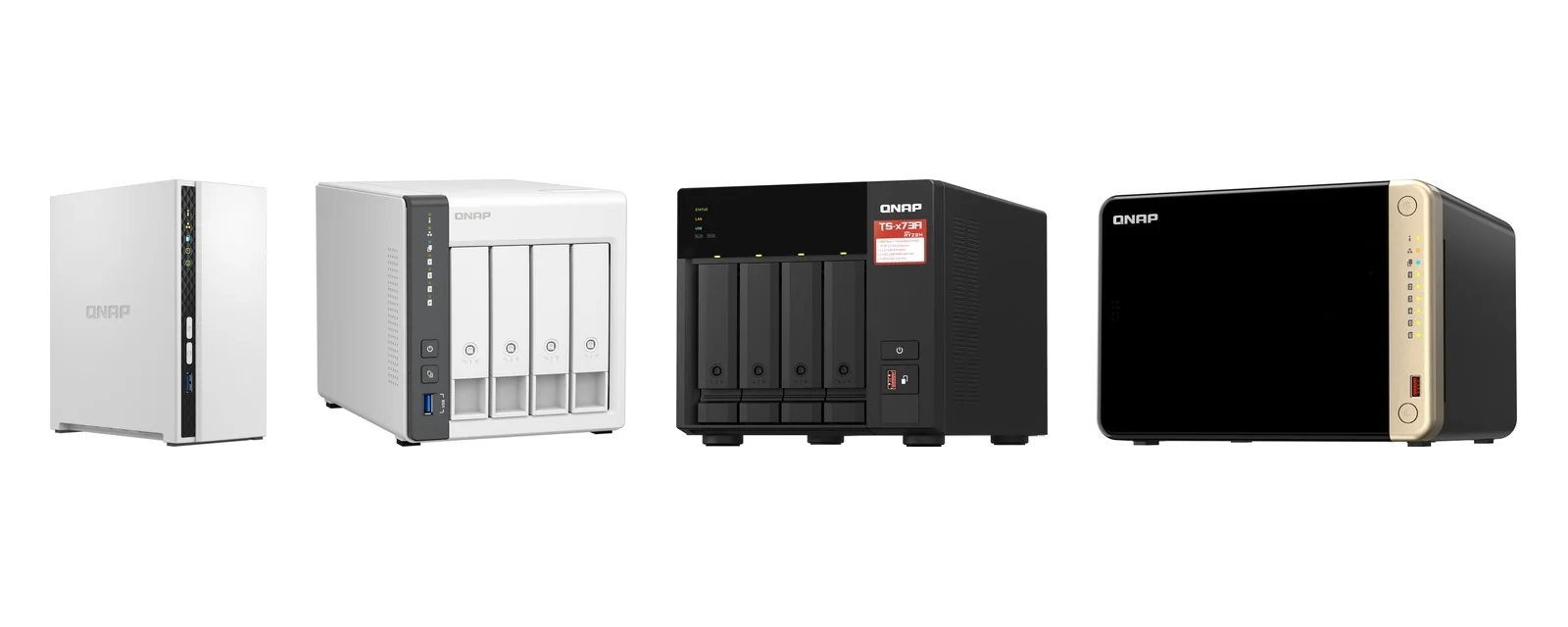
Buying QNAP in Australia at a glance
Every point below comes from QNAP's own warranty page or the product specifications. ARC IP Networks is an authorised QNAP reseller, so each of them works in your favour when you buy from us.
| Topic | What QNAP says | What it means for you |
|---|---|---|
| Where the warranty applies | Within the country or region where the purchase was originally made | Buy in Australia to claim in Australia |
| Who handles standard warranty | "Call or email their nearest QNAP retailer" | Your first contact is the Australian reseller you bought from |
| Warranty extension | Up to 5 years; buy within 9 months of purchase; QNAP account required | Register the NAS in your QNAP account soon after delivery |
| Proof of purchase | An original product invoice is required and must be uploaded | Keep the GST tax invoice from your reseller |
| Authorised channel | Extension covers products bought through QNAP-authorised distributors and retailers | Buy from an authorised reseller |
| Cross-border | QNAP does not provide cross-border support under the warranty extension | An overseas purchase is not covered for extension here |
Source: QNAP product warranty page (Australia).
Why buy from an authorised QNAP reseller?
QNAP provides a limited hardware warranty on all its products, but the fine print decides who can use it. QNAP's warranty page says the warranty applies "within the country or region where the purchase was originally made", and its extended warranty covers products bought "through QNAP-authorized distributors and retailers". A NAS ordered from an overseas marketplace or a grey-import seller may still be a real QNAP, but the warranty route back to QNAP runs through the country it was sold in, not Australia.
Buying from an authorised Australian reseller gives you three practical things: a local business to call when something fails, a GST tax invoice to keep as the original invoice QNAP asks for when you buy a warranty extension (and that your accountant wants at EOFY), and stock intended for the Australian market. For a small business holding client files under the Privacy Act, or a practice working towards the ACSC Essential Eight, a clear supply chain and support path is part of doing storage properly.
How to check your QNAP is genuine and warranty-ready
- Serial number and barcode. QNAP excludes products that cannot be identified by serial number or barcode, so check both are present and readable when it arrives.
- Warranty labels. Products with removed or damaged warranty labels are excluded. Do not peel or cover them.
- No third-party repairs. QNAP excludes products "tampered with or repaired by third parties or unauthorized QNAP personnel". Talk to us before opening anything beyond the drive bays and the upgrade slots the manual describes.
- Invoice. Keep the original GST tax invoice. You need it to buy a warranty extension.
- Software from QNAP only. QNAP has warned of fake Qfinder Pro websites. Download Qfinder Pro and other QNAP utilities only from QNAP's official website, or follow the setup guide that comes with the NAS.
QNAP warranty by model
There is no single "QNAP warranty length". QNAP sets it per model, and the figure is in each product's specifications. Here is what QNAP lists for popular models we supply; each product page on our site shows the warranty for that exact model.
| Model | Type | QNAP standard warranty |
|---|---|---|
| TS-133 | 1-bay NAS | 2 years |
| TS-233 | 2-bay NAS | 2 years, extendable up to 5 |
| TS-216G | 2-bay NAS, 2.5GbE | 2 years, extendable up to 5 |
| TS-433-4G | 4-bay NAS, 2.5GbE | 2 years, extension available |
| TS-264-8G | 2-bay NAS, Intel | 3 years |
| TS-464-8G | 4-bay NAS, Intel | 3 years, extendable up to 5 |
| TS-473A-8G | 4-bay NAS, AMD Ryzen | 3 years |
| TS-664-8G | 6-bay NAS | 3 years |
| TS-435XEU-4G | 4-bay 1U short-depth rackmount | 3 years |
| TS-H1277AXU-RP-R5-16G | 12-bay 2U rackmount, QuTS hero | 5 years |
| TR-004 | 4-bay USB DAS | 2 years, extendable up to 5 |
| QSW-1105-5T | 5-port 2.5GbE switch | 2 years |
| QSW-L3208-2C6T | 8-port 10GbE switch | 2 years, extendable up to 5 |
| QXG-10G2T | Dual 10GbE network card | 3 years |
| QNA-UC10G1T | Thunderbolt/USB4 10GbE adapter | 2 years |
| QM2-2P-244A | M.2 SSD expansion card | 1 year |
Source: QNAP specifications and product pages for each model. "Extendable up to 5" is shown where QNAP states it on the product page; QNAP's warranty page says an extension "can stretch your warranty coverage to up to 5 years".
How warranty claims and support work
- Contact your reseller first. QNAP says users wanting standard warranty service "only need to call or email their nearest QNAP retailer". If you bought from ARC IP Networks, call 1300 100 440 or email info@arcip.com.au with the model, serial number and invoice number.
- Back up before anything is sent. QNAP requires you to back up your data before returning a product and states it "will not be liable for any data loss during the RMA process". Our 3-2-1 backup guide shows how to keep a second copy.
- Shipping. QNAP splits it one way each: the customer pays to send the faulty unit, and QNAP pays to return the repaired or replaced unit.
- Technical support. For software and configuration questions, and for warranty extension questions, QNAP directs users to its Service Portal or Helpdesk. We can help you raise the ticket.
Extending a QNAP warranty to 5 years
QNAP's extended warranty lets you stretch coverage up to 5 years. The rules from QNAP's warranty page:
- Buy the extension within 9 months of your purchase date.
- You need a QNAP account and must register the device.
- Upload the original product invoice; it is required.
- End-of-Life (EOL) products are not eligible, so extend while the model is current. QNAP's site has a product support status check.
- The extension covers the QNAP product only. Peripherals and consumables, including hard drives, batteries and accessories, are excluded.
For a business NAS that will run for years in a comms cupboard in Brisbane or Perth, an extension is usually worth budgeting for at purchase. Pair it with a UPS: see does a NAS need a UPS?.
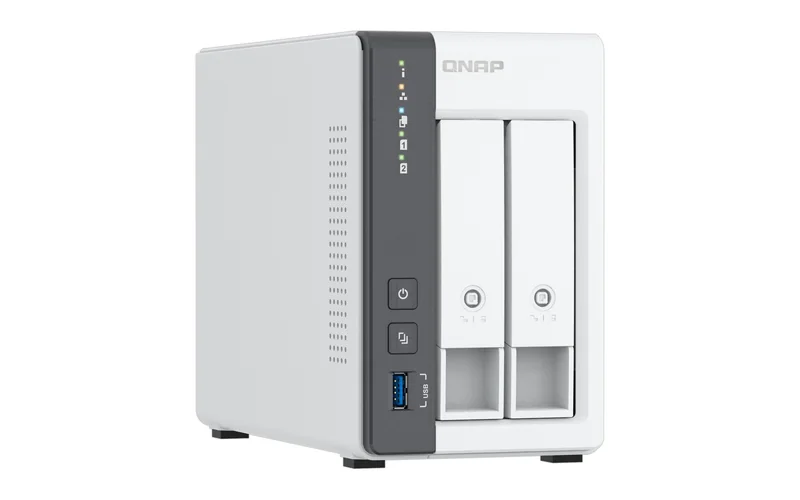
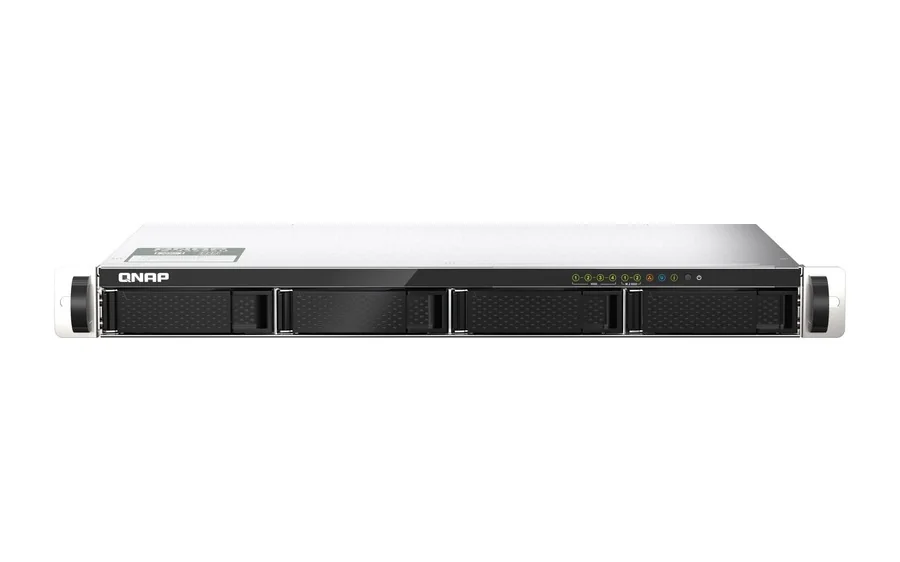
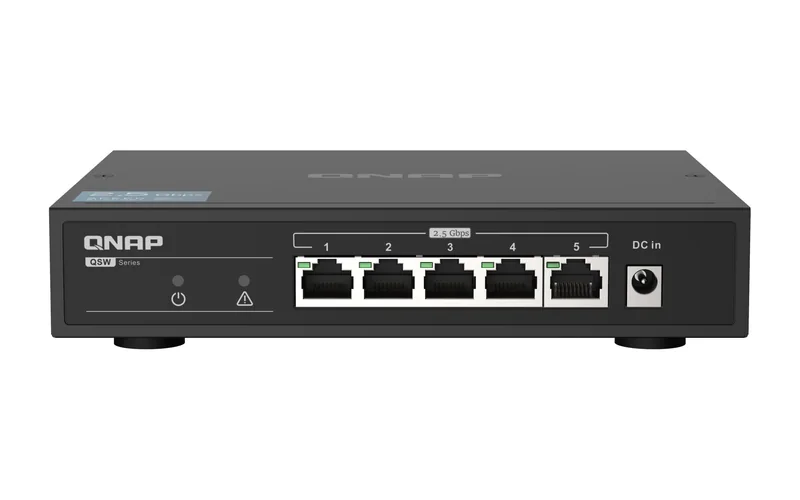
What we supply: shop QNAP by category
- QNAP NAS: 1-bay to 24-bay desktop, tower and rackmount NAS running QTS or QuTS hero, plus NAS bundles with drives. Not sure where to start? Read what is a NAS?, how many bays you need and our best QNAP NAS guide.
- QNAP DAS and expansion: TR-002 and TR-004 USB DAS, and TL-series JBOD enclosures. See TR-004 vs TL series.
- QNAP network switches: 2.5GbE and 10GbE QSW switches. See best 10GbE and 2.5GbE switch for a NAS.
- QNAP accessories and options: QXG network cards, QNA adapters, QM2 M.2 cards, rail kits, cables and spare power supplies. See 10GbE network cards for a NAS or PC.
Everything is on the QNAP hub page. If you are weighing brands, our ASUSTOR vs Synology vs QNAP comparison covers the differences.
Which QNAP for which Australian buyer?
ARC IP Networks suggestions; each model page lists QNAP's warranty.
| You are | Start with | Why |
|---|---|---|
| Family backing up phones and laptops on the NBN | TS-233 or TS-216G | 2 bays; the TS-216G adds 2.5GbE |
| Sole trader or tradie office | TS-433-4G | 4 bays with 2.5GbE |
| Accounting, legal or real estate office | TS-464-8G or TS-473A-8G | 4 bays, two 2.5GbE ports, PCIe expansion, 3-year warranty |
| Medical or dental practice with a comms rack | TS-435XEU-4G | 1U short-depth with two 10GbE SFP+ ports, 3-year warranty |
| Business with large ZFS storage | TS-H1277AXU-RP-R5-16G | 12-bay 2U rackmount, 5-year warranty |
| Anyone upgrading to 2.5GbE | QSW-1105-5T | Five 2.5GbE ports, fanless |
| Buying drives and NAS together | NAS bundles | One order, one invoice |
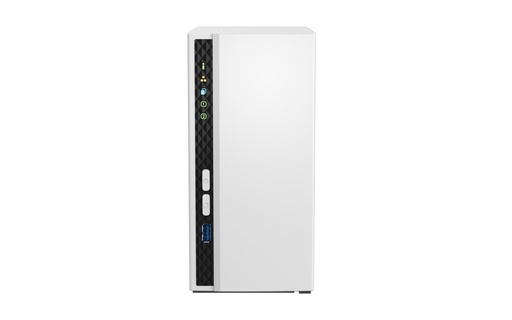
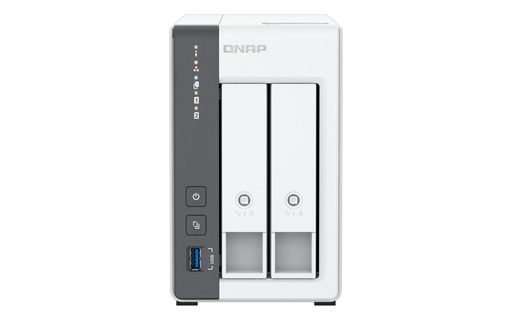
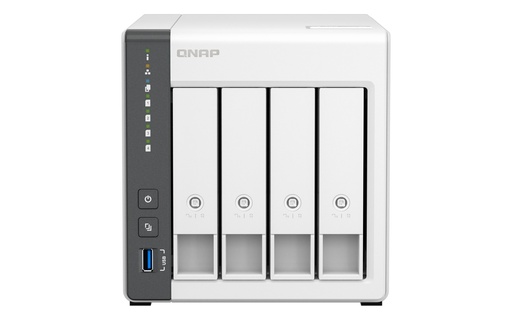
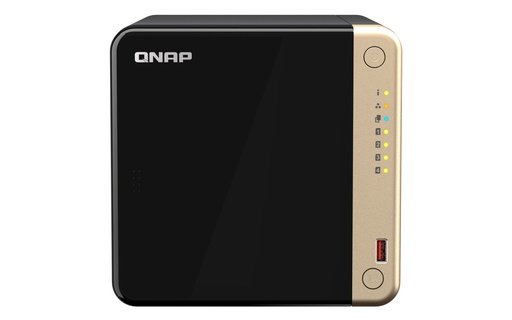
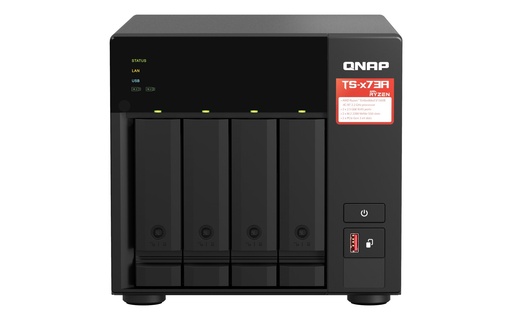
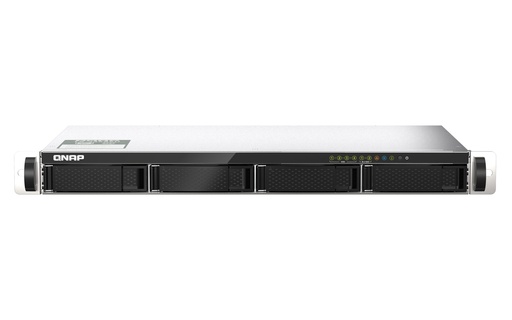
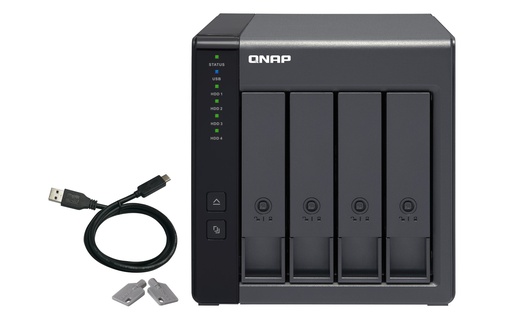
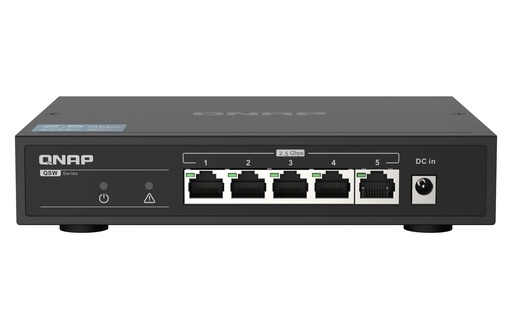
Popular QNAP models in stock
Live Australian pricing (inc. GST) is on each product page. See the full range on our QNAP hub.
Common questions
Straight answers from the ARC IP Networks team. Last reviewed October 2026.
ARC IP Networks is an authorised QNAP reseller and supplies genuine QNAP from Australian stock with a GST tax invoice. Order at arcip.com.au or call 1300 100 440.
Yes. ARC IP Networks is an authorised QNAP reseller in Australia, supplying QNAP NAS, DAS, switches, network cards and accessories.
It depends on the model. QNAP lists 2 years for models such as the TS-233 and TS-216G, 3 years for the TS-464 and TS-473A-8G, and 5 years for models such as the TS-H1277AXU-RP-R5-16G. The warranty for each model is on its product page.
Yes. QNAP sells an extension up to 5 years. Buy it within 9 months of purchase, with a QNAP account and the original invoice uploaded. End-of-Life products are not eligible.
QNAP's warranty applies within the country or region where the product was originally bought, and QNAP does not provide cross-border support under the warranty extension. Buy in Australia to claim in Australia.
Contact the retailer you bought from: QNAP says standard warranty users only need to call or email their nearest QNAP retailer. Back up your data first, because QNAP is not liable for data loss during the RMA process.
No. QNAP excludes peripherals and consumables, including hard drives, batteries and accessories, from the extended warranty.
Start with ARC IP Networks on 1300 100 440. QNAP also takes support and warranty extension requests through its Service Portal and Helpdesk.
Buying QNAP for your home or business?
Tell us what you need to store and how many people use it. ARC IP Networks will recommend the QNAP, drives and network gear, and quote trade pricing for installers and IT providers. Call 1300 100 440 or email info@arcip.com.au.