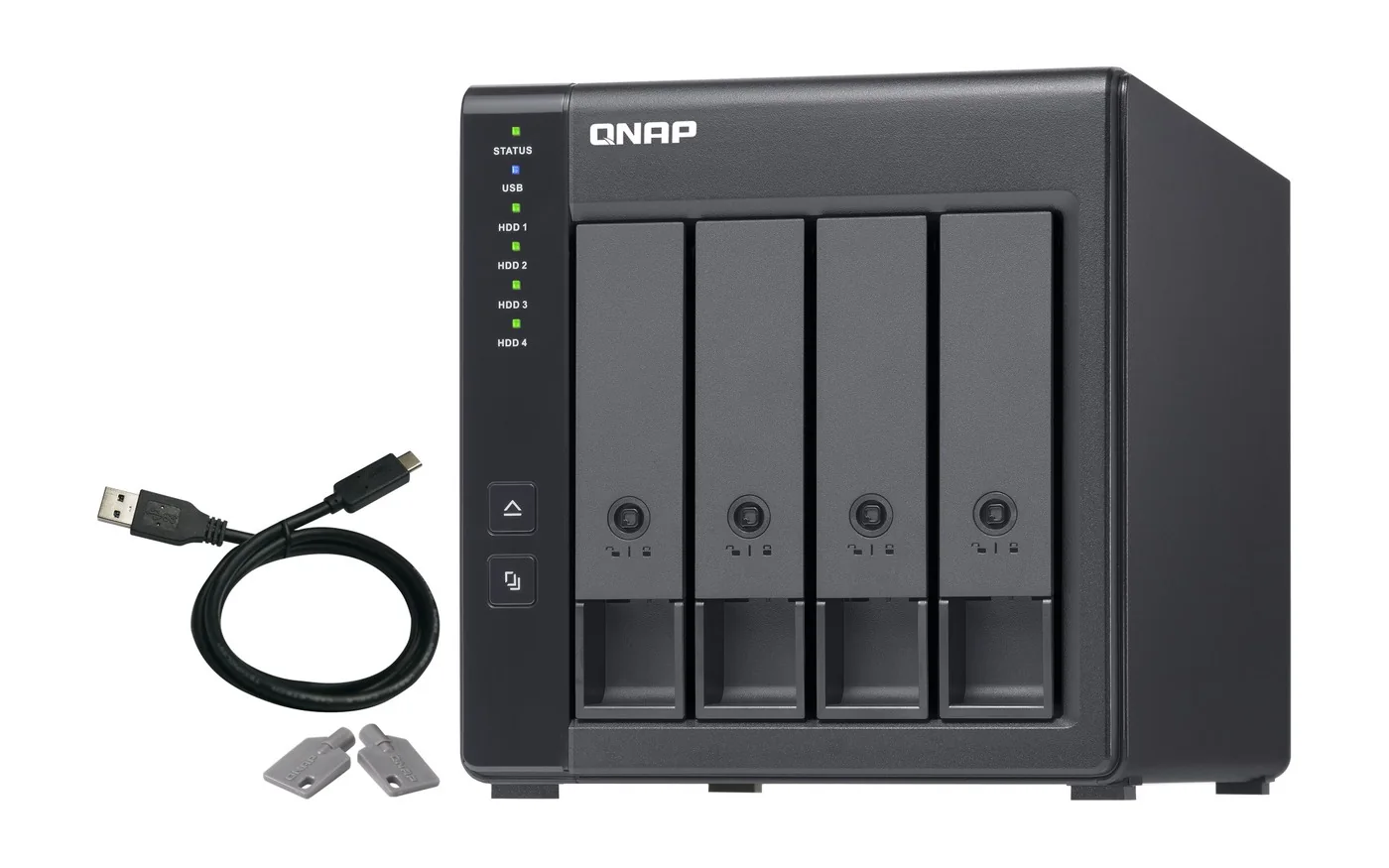
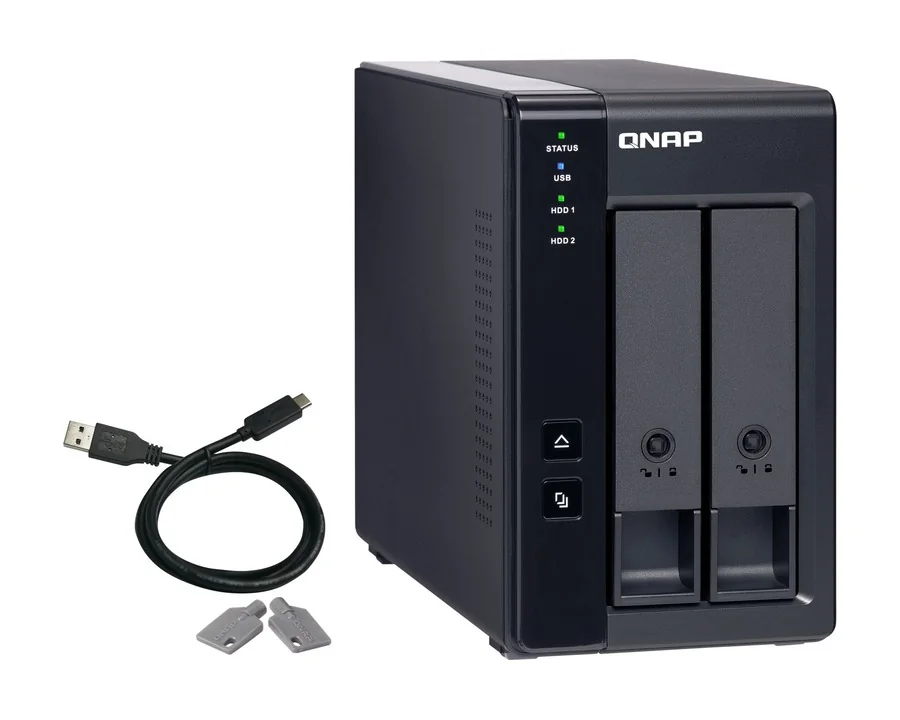
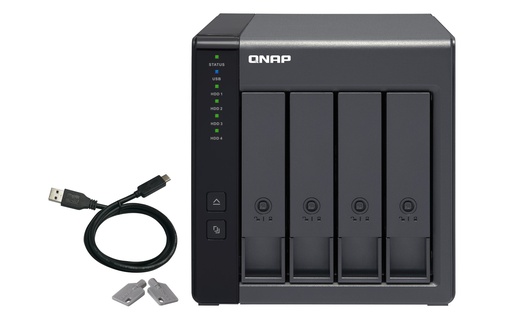
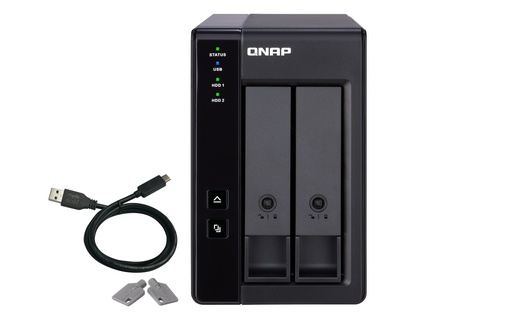
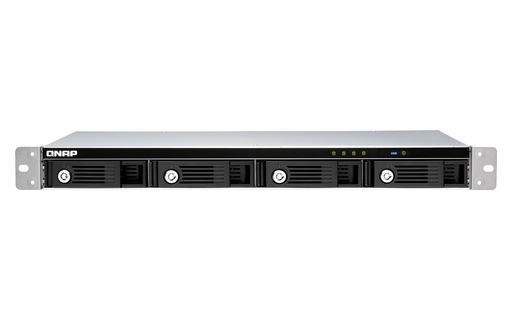
The QNAP TR-002 (2-bay, USB 3.2 Gen 2 Type-C) and TR-004 (4-bay, USB 3.2 Gen 1 Type-C) are DAS enclosures with hardware RAID: set RAID 0/1 (TR-002) or RAID 0/1/5/10 (TR-004) with DIP switches and plug into a Windows, Mac or Linux computer, or into a QNAP NAS. The TR-004U is the 1U rackmount TR-004. The TL series are JBOD enclosures with no RAID of their own: the host builds the RAID. They connect by USB (TL-D800C), SATA with an included PCIe card (TL-D800S, TL-R1200S-RP), PCIe (TL-R1200PES-RP) or SAS 12Gb/s (TL-R1220SEP-RP).
Quick pick: RAID storage for a laptop or PC → TR-004 (or TR-002 for two drives); more bays for a desktop QNAP NAS → TL-D800C; rackmount NAS expansion → TL-R1200S-RP; petabyte-scale QuTS hero storage → TL-R1200PES-RP with a QXP-3X8PES. ARC IP Networks is an authorised QNAP reseller and supplies genuine QNAP from Australian stock with a GST tax invoice.
DAS or JBOD: the short version
DAS (direct attached storage) plugs straight into one computer, like a big external drive. JBOD ("just a bunch of disks") is a box of drives that the host, usually a NAS, manages as extra bays. QNAP's TR units can do both jobs; TL units are built for the second, with some models also usable on a PC.
Swipe the table sideways to compare all models →
| Range | What it is | RAID done by | Connects to | Best for |
|---|---|---|---|---|
| TR-002, TR-004, TR-004U | USB RAID enclosure (DAS) | The enclosure (hardware RAID) or the host | Windows, Mac, Linux, QNAP NAS | Protected external storage for a PC or laptop; small NAS add-on |
| TL-D800C, TL-R1200C-RP | USB JBOD | The host | QNAP NAS, Windows, macOS, Linux | Adding many bays over one USB-C cable |
| TL-D800S, TL-D1600S, TL-R400S, TL-R1200S-RP | SATA JBOD with PCIe card | The host | QNAP NAS, Windows, Ubuntu | Faster NAS expansion, one SATA lane per drive |
| TL-R1200PES-RP, TL-R1600PES-RP, TL-R2400PES-RP | PCIe JBOD | The host NAS | QNAP NAS with a QXP card | Petabyte-scale QNAP NAS storage |
| TL-R1220SEP-RP, TL-R1620SEP-RP, TL-R6020SEP-RP | SAS 12Gb/s JBOD | The host NAS | QTS or QuTS hero NAS with SAS ports or a SAS card | SAS drives, multipath, daisy-chained enterprise storage |
Summarised from QNAP's TR and TL product pages and QNAP's TL vs TR comparison table.
TR vs TL specifications
Swipe the table sideways to compare all models →
| Spec | TR-002 | TR-004 | TR-004U | TL-D800C | TL-D800S | TL-R1200S-RP | TL-R1200PES-RP | TL-R1220SEP-RP |
|---|---|---|---|---|---|---|---|---|
| Type | USB RAID (DAS) | USB RAID (DAS) | USB RAID (DAS) | USB JBOD | SATA JBOD | SATA JBOD | PCIe JBOD | SAS JBOD |
| Form factor | Tower | Tower | 1U short depth | Desktop | Desktop | 2U | 2U short depth | 2U short depth |
| Drive bays | 2 x 3.5" | 4 x 3.5" | 4 x 3.5" | 8 x 3.5" | 8 x 3.5" | 12 x 3.5" | 12 x 3.5" | 12 x 3.5" |
| Host connection | USB 3.2 Gen 2 Type-C (10Gbps) | USB 3.2 Gen 1 Type-C | USB 3.2 Gen 1 Type-C | USB 3.2 Gen 2 Type-C (UASP) | 2 x SFF-8088 | 3 x SFF-8088 | 2 x SFF-8644 (in, out) | 4 x SAS 12Gb/s SFF-8644 |
| Drive interface | SATA 6Gb/s | SATA 3Gb/s slots | SATA 3Gb/s slots | SATA 6Gb/s | SATA 6Gb/s | SATA 6Gb/s | SATA 6Gb/s | SAS 12Gb/s or SATA |
| Hardware RAID | RAID 0, 1, JBOD | RAID 0, 1, 5, 10, JBOD | RAID 0, 1, 5, 10, JBOD | By host | By host | By host | By host | By host |
| Card in the box | None | None | None | None | QXP-800e-A1164 | QXP-1600eS-A1164 | Needs QXP-3X8PES or QXP-3X4PES | Host needs SAS ports or a SAS card |
| Power supply | 36W adapter (min.) | 60W adapter (min.) | 100W | 250W | 250W | 250W x 2 | 300W x 2 | 300W x 2 |
| Standard warranty | 2 years | 2 years | 3 years | 2 years | 2 years | 3 years | 5 years | 5 years |
Sources: QNAP hardware specifications for each model. TR-004 and TR-004U slots run SATA 6Gb/s drives at up to 3Gb/s, per QNAP.
TR-002 and TR-004 hardware RAID modes
A DIP switch on the back sets the mode, so the RAID runs inside the enclosure whatever it is plugged into:
- Individual: each disk is its own drive. No hot-swap in this mode.
- JBOD: all disks appear as one large drive, with no protection.
- RAID 0: data is striped across the drives for speed, with no protection.
- RAID 1 (TR-002) or RAID 1/10 (TR-004): half the capacity holds a copy of the other half.
- RAID 5 (TR-004 and TR-004U only): needs at least three drives and survives one drive failing. QNAP's spec table also lists RAID 5 + spare.
- Software Ctrl: hands RAID setup to Storage & Snapshots Manager on a QNAP NAS or QNAP External RAID Manager on a computer.
QNAP allows one disk type (HDD or SSD) per RAID group. RAID is not a backup: see our 3-2-1 backup guide and RAID levels explained.
USB connection: Gen 1 or Gen 2?
The TR-002 has a USB 3.2 Gen 2 Type-C port rated at 10Gbps. The TR-004 and TR-004U use USB 3.2 Gen 1 Type-C, and QNAP notes their drive slots run at SATA 3Gb/s (6Gb/s drives work, limited to 3Gb/s). QNAP also notes TR performance varies with the host's specifications and resources. For hard drives in RAID that is plenty for backup and archive; for SSD-speed work, use a NAS with SSDs or a faster JBOD.
On a PC, QNAP External RAID Manager (Windows 8.1 or later, Windows Server 2012 R2 or later) sets up RAID groups and shows disk health. QNAP lists the TR units for QTS and QuTS hero, Windows, Ubuntu and Mac, and says they work with exFAT for moving files between platforms.
Using a TR-004 with a QNAP NAS: the fine print
Plugged into a QNAP NAS, a TR unit runs in either NAS expansion mode (storage pools and snapshots in Storage & Snapshots Manager) or external storage mode (as a DAS). QNAP says the hardware RAID uses fewer NAS resources than its UX-500P expansion enclosure. QNAP's notes:
- It can only be an individual storage pool or volume; it cannot be combined into the NAS's own pool, and NAS apps cannot be installed on it.
- Drives move only from one TR unit to the same model; data on drives moved to or from a NAS will not be recognised.
- Very old NAS (TS-128, TS-228, TS-131, TS-231, TS-431, TS-431U, or any model that cannot run QTS 4.3.6 or later) are not supported.
If you want the extra bays to grow an existing storage pool, a TL JBOD is the better fit.
TL series JBOD: four ways to connect
USB: TL-D800C and TL-R1200C-RP
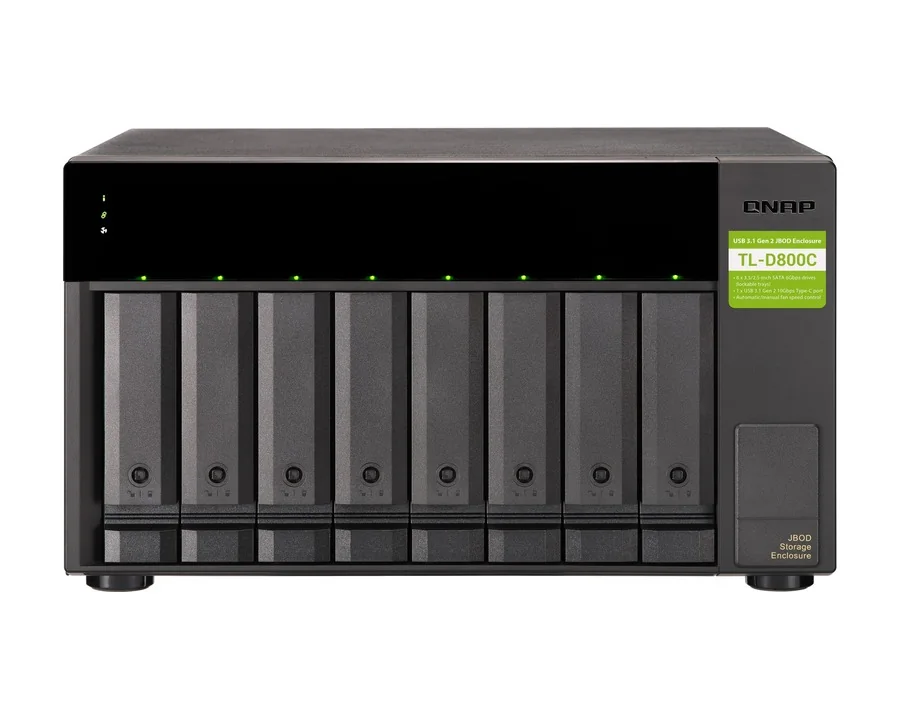
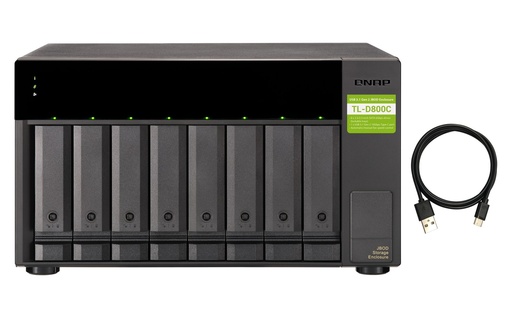
One USB 3.2 Gen 2 Type-C cable with UASP, 8 bays (TL-D800C, desktop) or 12 bays (TL-R1200C-RP, 2U with two 250W PSUs). Use the disks as a NAS storage pool or as individual removable drives, or connect to Windows, macOS or Linux. QNAP highlights moving a whole RAID set between sites by carrying the enclosure; drives migrate only between TL USB JBODs.
SATA: TL-D800S, TL-D1600S, TL-R400S and TL-R1200S-RP
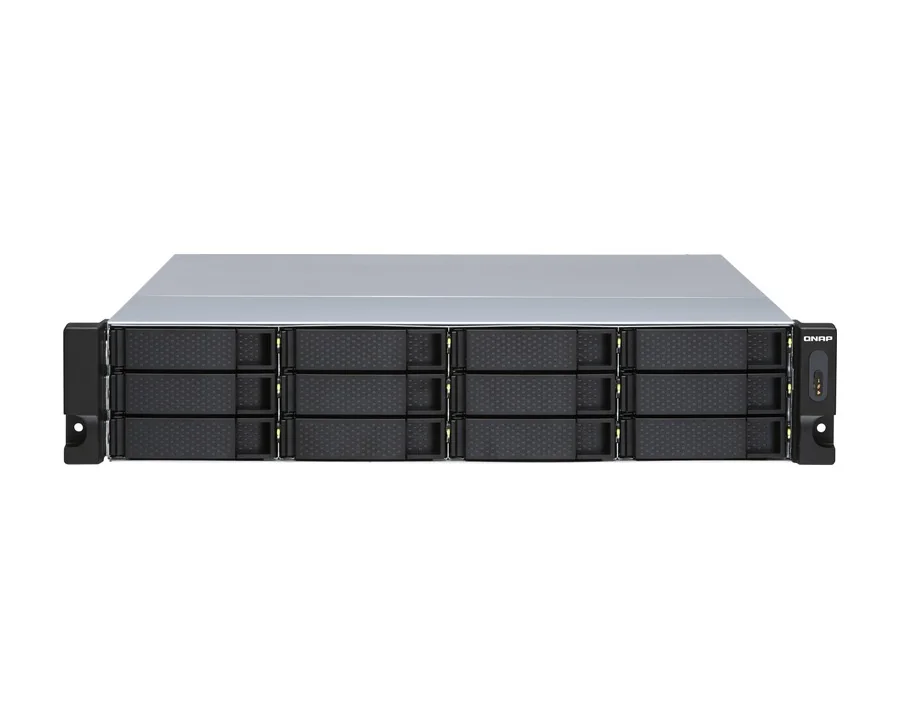
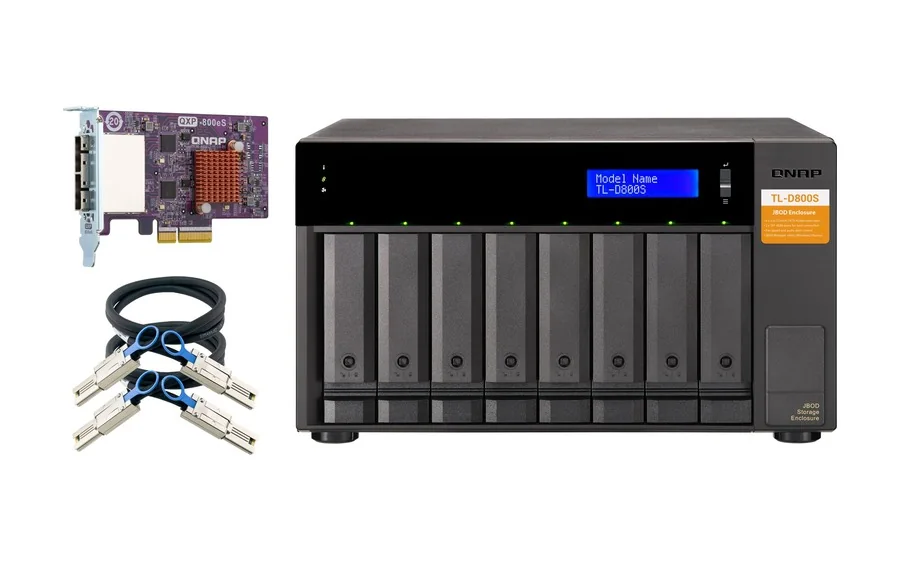
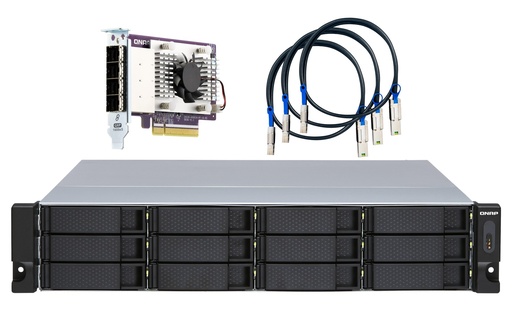
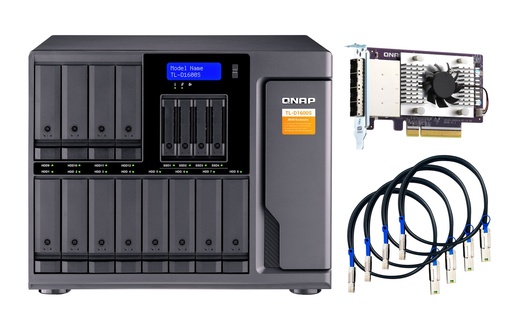
Each drive gets its own SATA 6Gb/s lane, and QNAP includes the PCIe SATA card and SFF-8088 cables in the box. On a QTS or QuTS hero NAS, use storage pool mode or external storage mode; on Windows or Ubuntu, QNAP JBOD Manager monitors disks, fans and firmware, and third-party hardware RAID cards can run RAID 1, 5, 6, 10, 50 or 60. QNAP notes its QXP PCIe cards do not support Mac Pro. Sizes: TL-R400S (1U short depth, 4 bays), TL-D800S (8), TL-R1200S-RP (2U, 12) and TL-D1600S (12 x 3.5" + 4 x 2.5").
PCIe: TL-R1200PES-RP, TL-R1600PES-RP and TL-R2400PES-RP
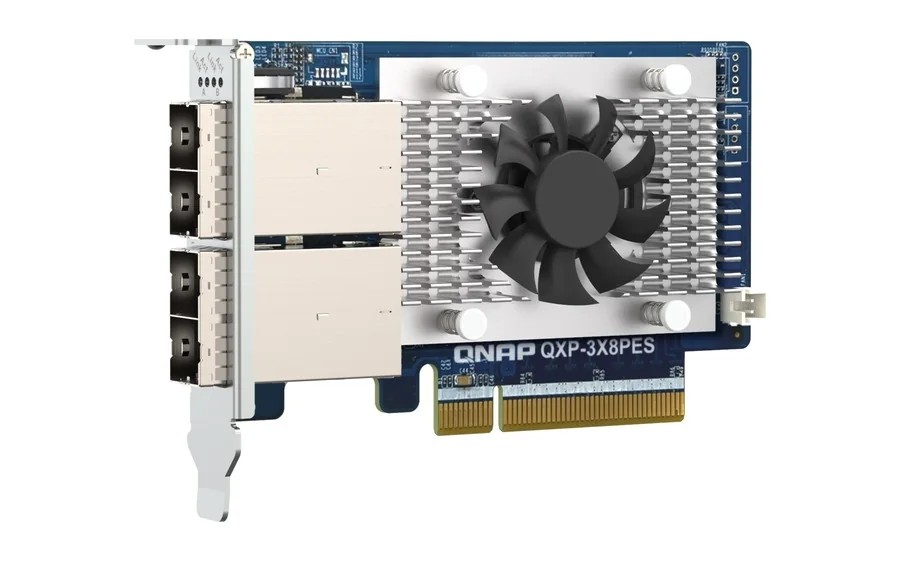
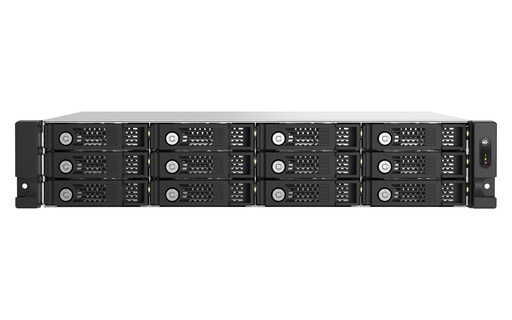
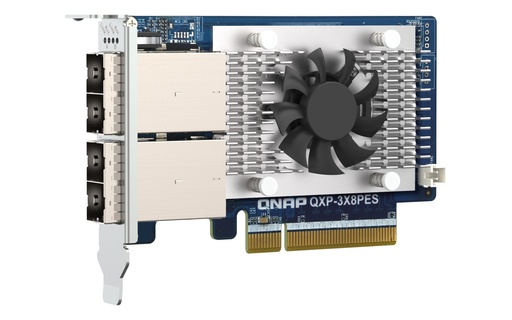
Built for QNAP NAS only, via a QXP-3X8PES (PCIe Gen3 x8, up to 64Gbps) or QXP-3X4PES (Gen3 x4, up to 32Gbps) card. Add a new RAID on the JBOD to expand an existing storage pool without a RAID rebuild, and power follows the host NAS. Cascaded, QNAP quotes up to 144 drives and 2.0 PB (TL-R1200PES-RP), 192 drives and 2.9 PB (TL-R1600PES-RP) or 288 drives and 4.1 PB (TL-R2400PES-RP). All three carry a 5-year warranty.
SAS 12Gb/s: TL-R1220SEP-RP, TL-R1620SEP-RP and TL-R6020SEP-RP
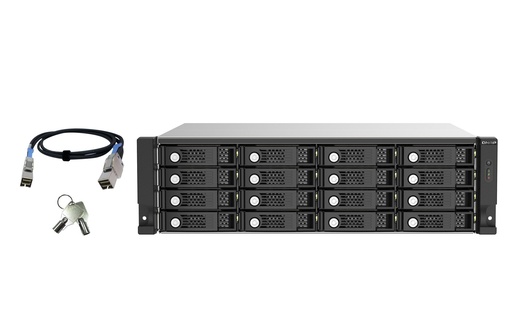
SAS or SATA drives, four SFF-8644 wide ports, multipath routing and daisy-chaining of up to 16 units (TL-R1220SEP-RP up to 3.4PB raw, TL-R1620SEP-RP up to 4.6PB). The 60-bay TL-R6020SEP-RP expands a QuTS hero NAS, and the TL-R1620SDC is the dual-controller JBOD for QNAP dual-controller NAS running QES.
Check compatibility before you buy
Not every QNAP NAS takes every enclosure: a SATA JBOD needs a free PCIe slot for its card, a PES JBOD needs a QXP-3X8PES or QXP-3X4PES and QTS or QuTS hero 5.1.2 or later, and a SAS JBOD needs SAS ports or a SAS card. QNAP's rackmount TS-h1277AXU-RP, TS-h1677AXU-RP and TS-h2477AXU-RP, for example, connect up to eight TL-R2400PES-RP units. Send us your NAS model and we will check QNAP's expansion compatibility list. Our rackmount NAS guide covers which NAS take which units.
Which enclosure for which Australian user?
ARC IP Networks suggestions, based on QNAP's specifications above.
| You are | Choose | Why |
|---|---|---|
| Wedding photographer editing on a laptop | TR-004 | Four bays, RAID 5 over one USB-C cable, works on Mac and Windows |
| Home user who wants a mirrored backup drive | TR-002 | RAID 1 mirror, 10Gbps USB |
| Accounting firm archiving each EOFY to a NAS | TL-D800C | Eight bays for a desktop QNAP NAS via USB-C |
| Small office with a 4-bay TS-464-8G that is full | TR-004 or TL-D800C | TR for a separate RAID volume; TL to add disks as a storage pool |
| Comms cabinet with a short-depth rackmount NAS | TR-004U or TL-R400S | Both 1U short depth, 4 bays |
| School or council IT room | TL-R1200S-RP | 12 bays, dual PSU, PCIe card and cables included |
| Engineering or media firm on QuTS hero | TL-R1200PES-RP + QXP-3X8PES | Grow pools without a rebuild; cascades to 144 drives |
Still deciding between more bays and a bigger NAS?
Expansion keeps your current NAS working harder; a new NAS adds CPU, RAM and network speed too. Read how much NAS storage you need, compare models in our best QNAP NAS guide, or start with what is a NAS? if a TR-004 on your PC might be all you need.
Why buy QNAP from ARC IP Networks
- Authorised QNAP reseller: genuine QNAP sourced through authorised Australian distribution, never grey import.
- Australian stock shipped Australia-wide.
- Manufacturer's warranty and local pre-sales help choosing bays, drives, networking and expansion.
- Every product page backed by QNAP's own specifications, with the exact warranty for each model.
- GST tax invoice on every order, with trade and project pricing for installers and integrators.
See the full range on our QNAP Australia hub, or read where to buy QNAP in Australia. Questions? Call 1300 100 440 or email info@arcip.com.au.
Shop QNAP DAS and JBOD expansion
Live Australian pricing (inc. GST) and availability are on each product page.
Common questions
Straight answers from the ARC IP Networks team. Last reviewed October 2026.
A DAS plugs directly into one computer as external storage. A JBOD is an enclosure of disks the host manages. The QNAP TR series are DAS units with hardware RAID; the TL series are JBODs, where the NAS or computer builds the RAID.
Set by DIP switch: Individual, JBOD, RAID 0, RAID 1/10 and RAID 5, plus Software Ctrl mode for setup from a QNAP NAS or QNAP External RAID Manager. QNAP's spec table also lists RAID 5 + spare.
The TR-002 has two bays, RAID 0/1 and a USB 3.2 Gen 2 (10Gbps) Type-C port. The TR-004 has four bays, adds RAID 5 and 10, and uses USB 3.2 Gen 1 Type-C.
Yes. QNAP lists QTS and QuTS hero, Windows, Ubuntu and Mac for the TR-004, and the hardware RAID modes run inside the enclosure.
Not the existing pool. QNAP says a TR-004 can only be an individual storage pool or volume on the NAS. To grow capacity as storage pools, use a TL JBOD.
The USB TL-D800C and TL-R1200C-RP work with Windows, macOS and Linux. The SATA TL-D800S, TL-D1600S, TL-R400S and TL-R1200S-RP work with Windows and Ubuntu through their PCIe card. The PCIe TL-R1200PES-RP series is for QNAP NAS.
A QXP-3X8PES (PCIe Gen3 x8) or QXP-3X4PES (Gen3 x4) card in the QNAP NAS, running QTS or QuTS hero 5.1.2 or later. The JBOD includes a cable for the QXP-3X8PES.
ARC IP Networks is an authorised QNAP reseller and supplies genuine QNAP from Australian stock with a GST tax invoice. Order at arcip.com.au or call 1300 100 440.
Need more storage, not a new NAS?
Tell us your NAS or computer and how much you want to add. ARC IP Networks will match the right TR or TL enclosure, cards and drives, and quote with trade pricing for installers and IT providers. Call 1300 100 440 or email info@arcip.com.au.
Related guides
- Rackmount NAS buying guide: QNAP 1U, 2U and 3U
- Best QNAP NAS in Australia: 2026 buying guide
- QTS vs QuTS hero: which QNAP operating system?
- How Much NAS Storage Do You Need? TB Explained (Australia)
- NAS Backup Done Right: The 3-2-1 Rule and RAID 5 vs RAID 6 (Australia)
- QNAP in Australia: the ARC IP Networks QNAP hub
- Shop QNAP DAS and expansion