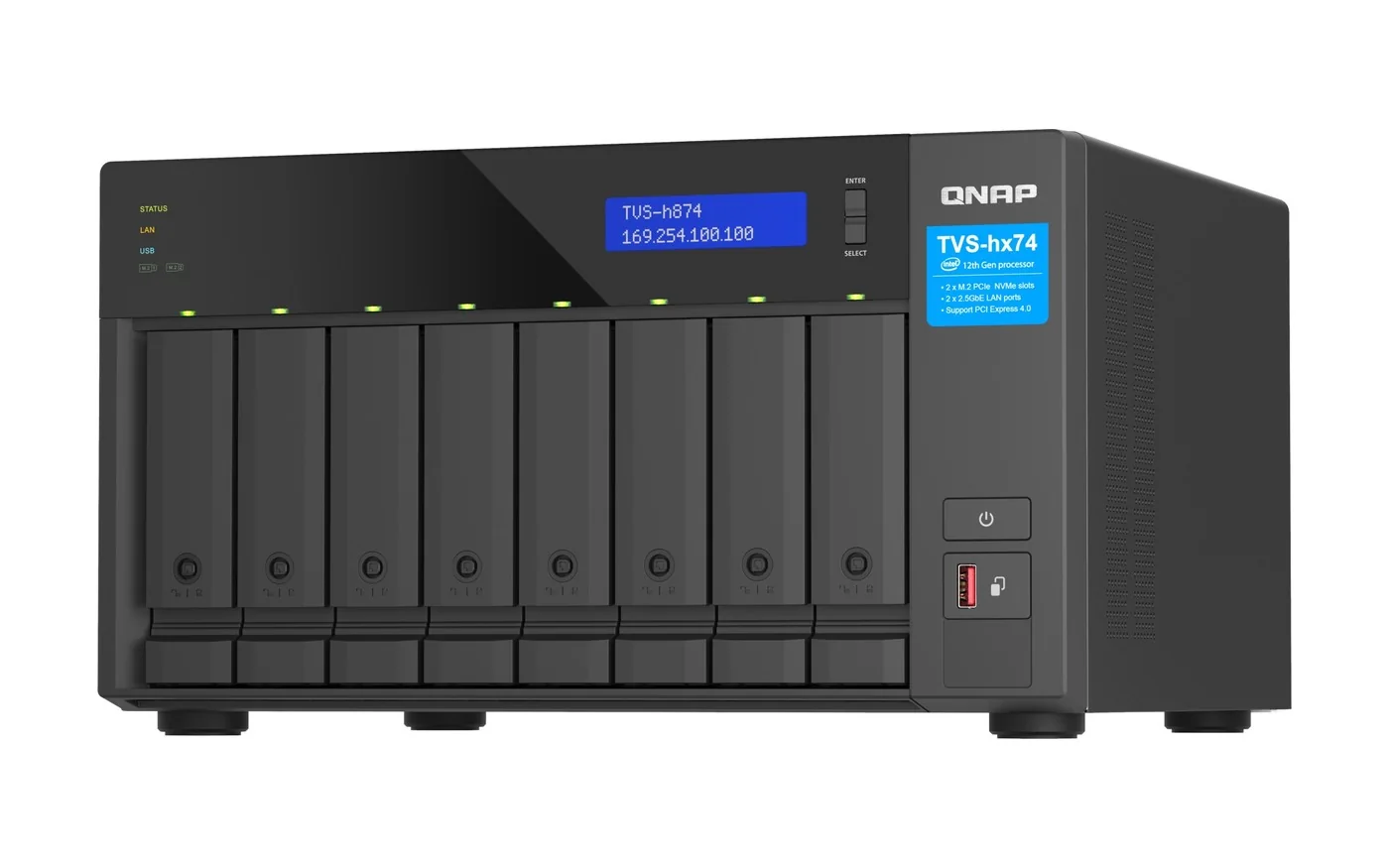
QTS and QuTS hero are QNAP's two NAS operating systems. QTS uses the Linux kernel with the ext4 file system and suits HDD-SSD hybrid storage and cross-team file sync. QuTS hero uses the Linux kernel with the ZFS file system: checksums on every data block with self-healing, inline deduplication, compression and compaction, up to 65,536 snapshots and WORM folders. QuTS hero needs at least 8GB of RAM, and 16GB to turn on inline deduplication. The QuTS hero NAS we list include the TS-H973AX-8G, TVS-H874-I5-32G, TS-H765EU-8G and TS-H1277AXU-RP-R5-16G; the TS-464-8G, TS-473A-8G and TS-873AEU-RP-4G run QTS and can switch; the TS-233 and TS-433-4G run QTS.
Quick pick: home backup and media → QTS on a TS-464-8G; small business that wants ZFS on a budget → TS-473A-8G switched to QuTS hero; business file server or VM storage → TS-H1277AXU-RP-R5-16G (2U) or TS-H765EU-8G (1U short depth). ARC IP Networks is an authorised QNAP reseller and supplies genuine QNAP from Australian stock with a GST tax invoice.
QTS vs QuTS hero at a glance
Both run the same QNAP apps (Hybrid Backup Sync, Qsync, myQNAPcloud, Container Station, Virtualization Station), and both are managed from a web browser. The difference sits underneath: the file system, and what it does to protect and shrink your data.
| Operating system | File system | In one line | Best for |
|---|---|---|---|
| QTS | ext4 | Light, app-rich, auto-tiering between SSD and HDD | Home and small-office file sharing, backup, media, hybrid HDD-SSD storage |
| QuTS hero | ZFS | Self-healing data, inline data reduction, near-limitless snapshots | Business data, VM and database storage, all-flash and large archives |
| QES | ZFS (FreeBSD kernel) | Dual-controller enterprise OS | Dual-controller NAS only (QuTS hero does not run on them) |
Summarised from QNAP's QuTS hero operating system page and QTS vs QuTS hero comparison table.
QuTS hero vs QTS: feature comparison
This is QNAP's own comparison, reworded. Where a cell says "not listed", QNAP's table gives no figure.
| Feature | QuTS hero | QTS |
|---|---|---|
| File system | ZFS | ext4 |
| SSD cache | Read cache (L2ARC) and write intent log (ZIL) | Read/write, read-only or write-only cache |
| Inline compression | Yes (LZ4) | No |
| Inline deduplication | Yes, needs at least 16GB RAM | No |
| Inline compaction | Yes | Not listed |
| Hybrid Backup Sync with QuDedup | Yes | Yes |
| Qtier tiered storage | Yes, on a schedule you set | Yes, automatic |
| Power-loss protection in software | ZIL and copy-on-write: service continues after power returns | No: risk of file system corruption and a "Check File System" run |
| Permissions | Rich ACLs (14 types) | POSIX ACLs (3 types) plus some special permissions |
| Capacity expansion | Add a drive to a RAID group, larger drives, expansion enclosures and JBODs | Same options |
| Data security | Better (self-healing and copy-on-write) | Standard |
| Minimum RAM | 8GB | Not listed |
Source: QNAP QuTS hero operating system page, "QuTS hero or QTS?" table and notes.
What ZFS does for your data
Checksums and self-healing. QNAP explains that ZFS runs checksum verification on every data block and automatically repairs errors it finds, which stops silent data corruption: files that quietly change on disk without any warning. Ordinary RAID protects you when a whole drive fails; ZFS also checks that what it reads back is what was written, and repairs damaged blocks when the pool has redundancy (RAID-Z or mirrors).
RAID-Z. QuTS hero adds Triple Parity (three drives' worth of protection) and Triple Mirror, and QNAP says a RAID-Z group can be expanded with a single hard drive. Our RAID 1, 5, 6 and 10 guide covers the standard levels.
Copy-on-write and the ZIL. QuTS hero writes new data to new blocks and logs writes in the ZFS Intent Log, which QNAP credits with protecting unwritten data in a power failure. It does not replace a UPS, which QNAP lists as hardware power-loss protection for both systems.
WORM. Write Once, Read Many folders cannot be overwritten, changed or deleted for a set period, which QNAP positions for compliance retention policies.
Inline deduplication, compression and compaction
- Inline deduplication finds duplicate blocks as data arrives and stores only one copy. QNAP points to virtual desktops, VM templates and other repetitive data as the big winners. It needs at least 16GB of RAM, and QNAP recommends 32GB or more.
- Inline compression (LZ4) shrinks files before they hit the disk, which QNAP says also cuts back-end I/O; QNAP's table calls it ideal for RAW files and documents.
- Inline compaction packs small pieces of data into full blocks, useful for small, frequent writes such as transaction logs.
QTS has none of the three inline features. Both systems support QuDedup in Hybrid Backup Sync, which deduplicates at the source before a backup is sent.
Snapshots: 65,536 of them, and still not a backup
QuTS hero supports up to 65,536 snapshots for shared folders and iSCSI LUNs. QNAP's arithmetic: one snapshot an hour, 24 a day, for 7 years before you need to delete any. Copy-on-write makes each one almost instant.
QNAP is clear that a snapshot is not a backup, because it lives on the same NAS. Keep a copy on another NAS, in another location or offline, as in our 3-2-1 backup guide. Two QuTS hero NAS can mirror each other with Real-time SnapSync, and Hybrid Backup Sync sends data to a remote server or cloud storage.
How much RAM does QuTS hero need?
QNAP's rules are simple: at least 8GB to install and run QuTS hero; at least 16GB to enable inline deduplication, with 32GB or more recommended. QNAP adds that ZFS performance scales with RAM, so install as much as you can. The installed and maximum memory below come from QNAP's specification table for each exact variant we sell.
Swipe the table sideways to compare all models →
| Model (as sold) | Ships with | Installed RAM | Maximum RAM | What that means |
|---|---|---|---|---|
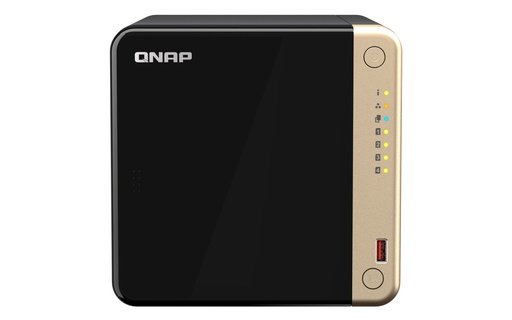
| TS-464-8G | QTS 5, supports QuTS hero | 8GB | 16GB | Meets the QuTS hero minimum; 16GB allows deduplication |
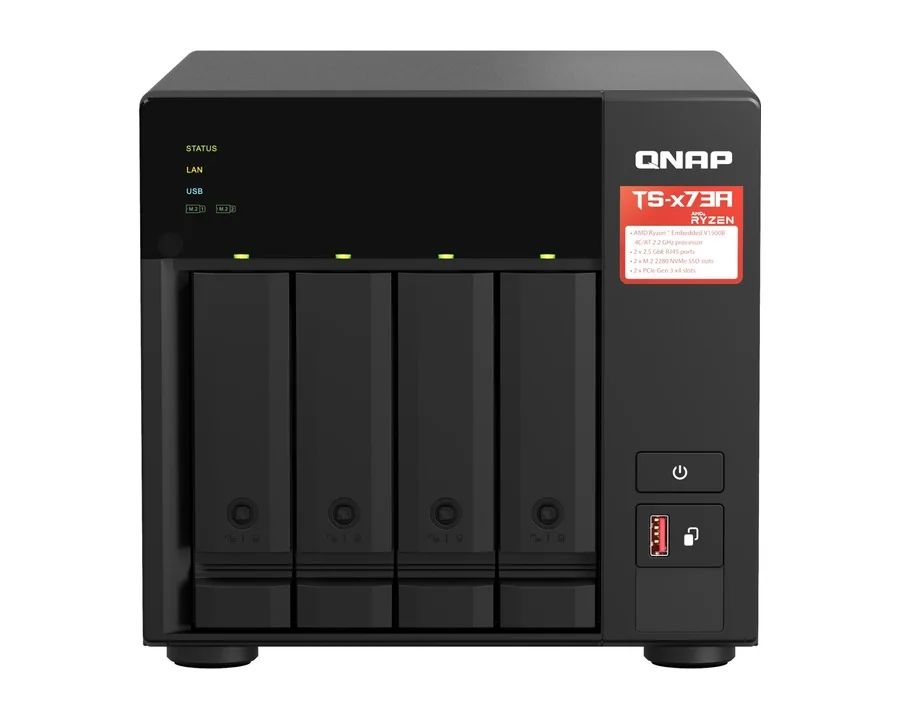
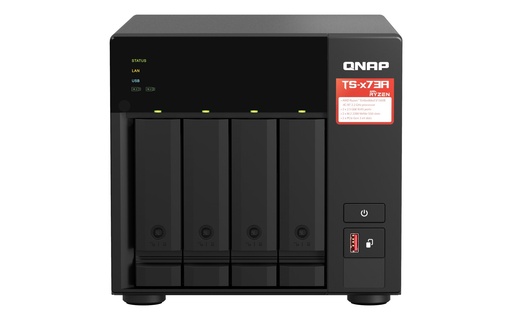
| TS-473A-8G | QTS, supports QuTS hero | 8GB | 64GB | Room to grow to the recommended 32GB |
| TS-873AEU-RP-4G | QTS or QuTS hero | 4GB | 64GB | Add memory to reach 8GB before QuTS hero |
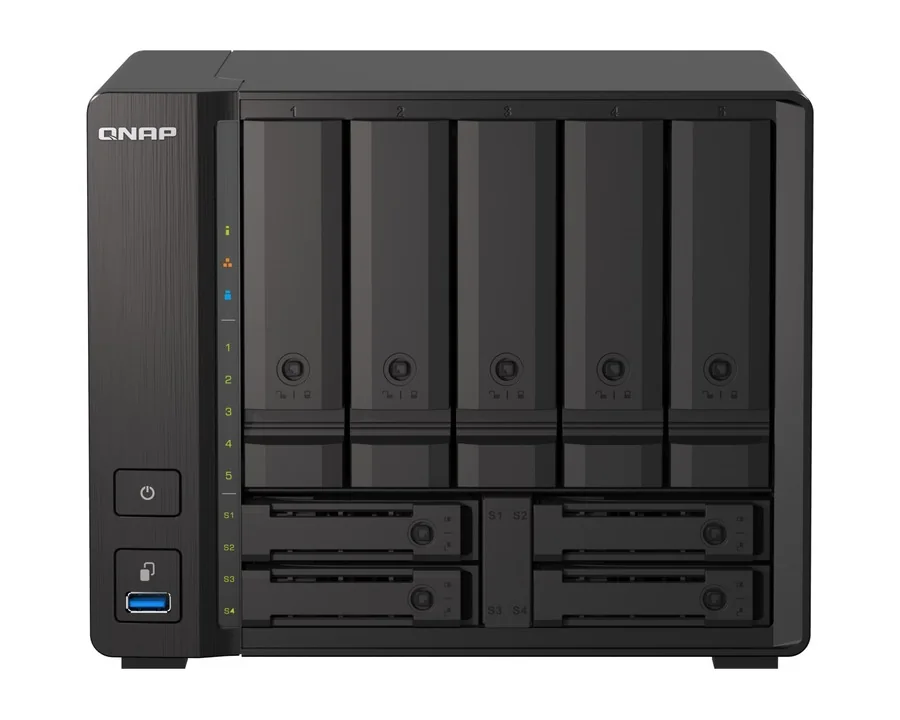
| TS-H973AX-8G | QuTS hero | 8GB | 64GB | Minimum for QuTS hero; add memory for deduplication |
| TS-H973AX-32G | QuTS hero | 32GB | 64GB | Recommended level for deduplication out of the box |
| TS-H765EU-8G | QuTS hero | 8GB DDR5 (in-band ECC) | 16GB | Compact 1U; up to 16GB |
| TS-H1277AXU-RP-R5-16G | QuTS hero | 16GB DDR5 | 192GB | Deduplication-ready; large headroom |
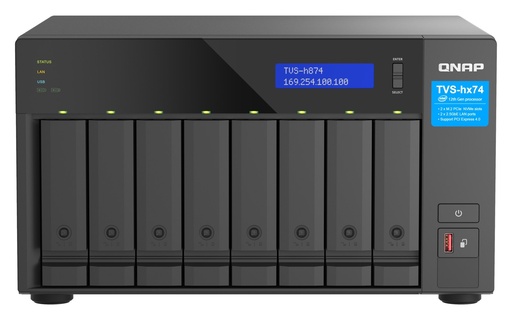
| TVS-H874-I5-32G | QuTS hero | 32GB | 64GB | Recommended level out of the box |
Memory figures from QNAP's hardware specifications for each variant. "Ships with" from each model's QNAP product page.
SSDs, cache and the system pool
ZFS uses RAM as its first read cache (L1 ARC), SSDs as a second read cache (L2 ARC) and the ZFS Intent Log for writes. A dedicated SLOG puts the write log on its own SSDs. QNAP's FAQ says read cache helps most when your active data is larger than RAM and read repeatedly, and SLOG mainly helps synchronous writes such as databases and virtual machines; for everyday file sharing, more RAM usually does more.
QNAP's recommended QuTS hero setup is to make the first storage pool, which holds the system and apps, an SSD RAID of at least two SSDs. QNAP quotes an overall system performance improvement of over 30% from doing this, and suggests M.2 SSDs where the NAS has M.2 slots so no drive bays are used. Our SSD cache and M.2 guide explains the hardware side.
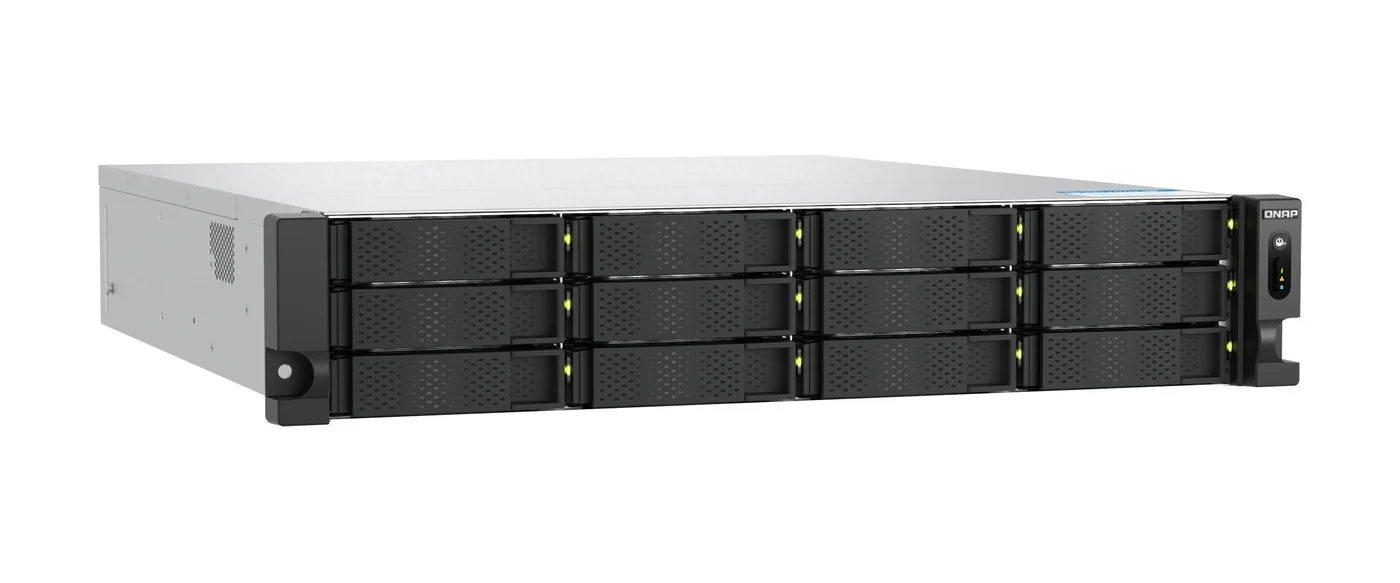
When QTS is the better choice
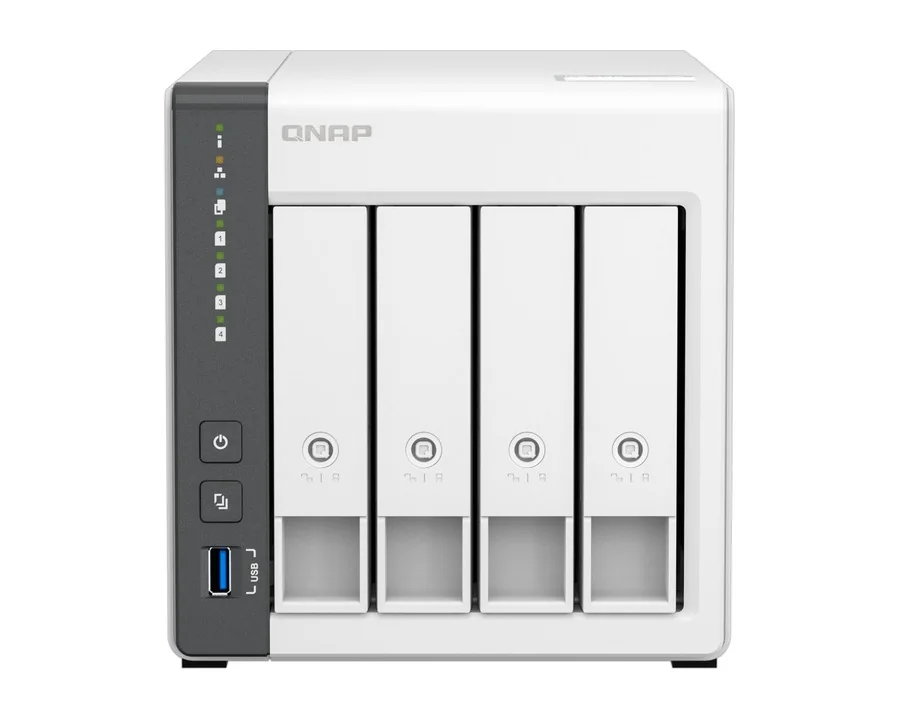
QNAP describes QTS as suited to cross-team file sync and HDD-SSD hybrid storage, and QuTS hero as offering higher data protection and data reduction, optimised for SSD-based applications. QTS also has automatic Qtier tiering (QuTS hero tiers on a schedule) and a read/write SSD cache. Because QuTS hero needs 8GB of RAM, NAS with less memory run QTS: the TS-233 (2GB) and TS-433-4G (4GB, on board) are QTS NAS for home backup, photos and media.
For a household on the NBN backing up phones and laptops, QTS on a TS-464-8G does the job and leaves the door open to QuTS hero later.
Can you switch from QTS to QuTS hero?
Yes, on models that QNAP lists as supporting both, but plan for it. QNAP's notes:
- The two systems use different file systems, so the NAS must be re-initialised to switch, and you cannot switch with disks installed.
- Back up the data and settings first (to another NAS or the cloud), remove all disks, switch the OS, then restore.
- Moving between NAS with different operating systems also means copying data across (QNAP suggests Hybrid Backup Sync); you cannot simply move the disks.
Which QNAP NAS ship with QuTS hero, and which with QTS?
From each model's QNAP product page, for the published models we sell:
Ship with QuTS hero (ZFS): towers TS-H973AX-8G, TS-H686-D1602-8G, TS-H886-D1622-16G, TVS-H874-I5-32G and the other TVS-h674 and TVS-h874 variants, TVS-H877AX-R5-16G, TVS-H1277AX-R5-16G, TVS-H1288X-W1250 and TVS-H1688X-W1250-32G; rackmounts TS-H765EU-8G, TS-H987XU-RP-E2334-16G, TS-H1277AXU-RP-R5-16G, TS-H1677AXU-RP-R7-32G, TS-H2477AXU-RP-R7-32G, TS-H1887XU-RP-E2334-16G, TS-H2287XU-RP-E2336-32G and TS-H3087XU-RP-E2378-64G; all-flash TS-H1077AFU-R7-32G, TS-H1277AFX-R7-32G and TBS-H574TX-I3-12G.
Ship with QTS, can switch to QuTS hero: TS-264-8G, TS-464-8G, TS-664-8G, TS-473A-8G, TS-673A-8G, TS-873A-8G, TBS-464-8G, TS-410E-8G, TS-I410X-8G, TS-1655-8G, TVS-675-8G and rackmounts TS-464U-8G, TS-464U-RP-8G, TS-464EU-8G, TS-864EU-RP-8G, TS-1264U-RP-8G, TS-1273AU-RP-8G, TS-1673AU-RP-16G and TS-873AEU-RP-4G (QNAP lists QTS or QuTS hero for the last three). The TS-H1290FX-7302P-128G all-flash tower is also listed for either OS.
QTS: TS-133, TS-233, TS-433-4G and TS-462-4G, among others. Their QNAP pages describe QTS 5 and do not list QuTS hero.
Which operating system for which Australian workplace?
ARC IP Networks suggestions, based on QNAP's guidance above.
| You are | Choose | Suggested NAS |
|---|---|---|
| Family or home office backing up PCs and phones | QTS | TS-464-8G or TS-433-4G |
| Accounting or law firm keeping client files for years | QuTS hero (snapshots, WORM) | TS-473A-8G with more RAM, or TS-H973AX-32G |
| Medical or dental practice with imaging archives | QuTS hero (self-healing, snapshots) | TS-H1277AXU-RP-R5-16G |
| Video or photo studio in Sydney or Melbourne | QuTS hero (compression, SSD pools) | TVS-H874-I5-32G |
| IT provider hosting VMs for clients | QuTS hero (deduplication, 32GB+ RAM) | TS-H1677AXU-RP-R7-32G |
| Branch office with a shallow comms cabinet | QuTS hero | TS-H765EU-8G (1U short depth) |
| Mixed HDD-SSD file server with auto tiering | QTS (auto Qtier) | TS-873AEU-RP-4G or TS-1273AU-RP-8G |
Choosing the hardware next
Our best QNAP NAS buying guide covers the whole range, the QNAP 4-bay comparison goes deeper on the TS-464 and TS-473A, and the QNAP rackmount NAS guide covers 1U to 4U models, redundant power and rail kits. Comparing brands? See ASUSTOR vs Synology vs QNAP.
Why buy QNAP from ARC IP Networks
- Authorised QNAP reseller: genuine QNAP sourced through authorised Australian distribution, never grey import.
- Australian stock shipped Australia-wide.
- Manufacturer's warranty and local pre-sales help choosing bays, drives, networking and expansion.
- Every product page backed by QNAP's own specifications, with the exact warranty for each model.
- GST tax invoice on every order, with trade and project pricing for installers and integrators.
See the full range on our QNAP Australia hub, or read where to buy QNAP in Australia. Questions? Call 1300 100 440 or email info@arcip.com.au.
Shop QuTS hero and QTS NAS
Live Australian pricing (inc. GST) and availability are on each product page.
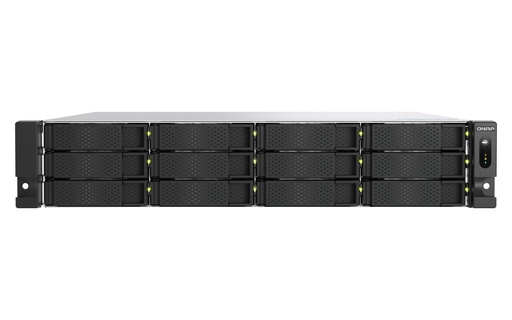
12-bay 2U, ships with QuTS hero, 16GB DDR5, dual 10GbE, 5-year warranty
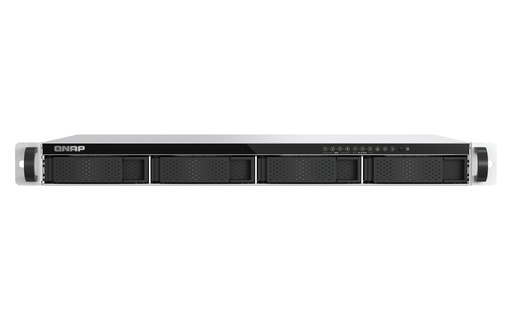
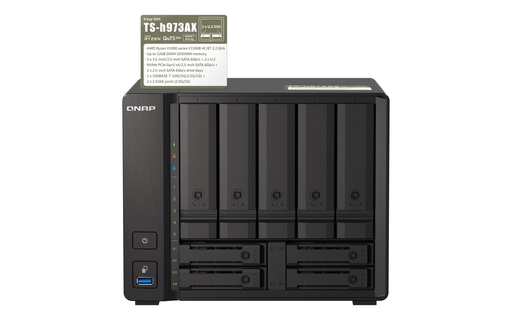
Common questions
Straight answers from the ARC IP Networks team. Last reviewed October 2026.
Both are QNAP NAS operating systems on the Linux kernel. QTS uses the ext4 file system and suits hybrid HDD-SSD storage and file sync. QuTS hero uses ZFS, adding self-healing checksums, inline deduplication, compression and compaction, up to 65,536 snapshots and WORM folders.
QNAP states at least 8GB of RAM to install and run QuTS hero, and at least 16GB to enable inline deduplication, with 32GB or more recommended.
On models QNAP lists as supporting both, yes, but the NAS must be re-initialised. Back up your data and settings, remove all disks, switch the operating system, then restore.
ZFS works with RAID rather than replacing it. RAID keeps data available when a drive fails; ZFS also verifies every block with checksums and repairs silent corruption when redundancy is configured.
No. QNAP notes a snapshot lives on the same storage system. Keep a separate backup on another NAS, another site or offline storage.
Yes. QNAP says the TS-464 comes with QTS 5 as standard and also supports QuTS hero. The TS-464-8G has 8GB of RAM, expandable to 16GB.
Models such as the TS-h973AX, TS-h765eU, TS-h1277AXU-RP, TS-h1677AXU-RP, TVS-h874 and the all-flash TS-h1077AFU ship with QuTS hero.
ARC IP Networks is an authorised QNAP reseller and supplies genuine QNAP from Australian stock with a GST tax invoice. Order at arcip.com.au or call 1300 100 440.
Not sure which QNAP OS fits your data?
Tell us what you store and how many people use it. ARC IP Networks will recommend QTS or QuTS hero, size the RAM and SSDs, and quote with trade pricing for installers and IT providers. Call 1300 100 440 or email info@arcip.com.au.
Related guides
- Best QNAP NAS in Australia: 2026 buying guide
- Rackmount NAS buying guide: QNAP 1U, 2U and 3U
- QNAP TS-433 vs TS-464 vs TS-473A: which 4-bay QNAP NAS?
- SSD Cache and M.2 on a NAS: Do You Need It?
- NAS Backup Done Right: The 3-2-1 Rule and RAID 5 vs RAID 6 (Australia)
- QNAP in Australia: the ARC IP Networks QNAP hub
- Shop all QNAP NAS