Yealink builds Microsoft Teams Rooms and Zoom Rooms systems in two ways. MeetingBar video bars (A10, A25, A30, A40, A50) and the MeetingBoard Pro are all-in-one Android devices: one box on the wall that runs Teams Rooms on Android or Zoom Rooms. MVC kits (MVC S40, S50, S60, S80, S90, S98) run Teams Rooms on Windows on an MCore 4 mini PC with an MTouch Plus console, and scale up to multiple PTZ cameras, ceiling microphones and divisible rooms. The DeskVision A24 brings the same experience to a single desk.
Quick pick by room size: focus room, A25; small room, A40; medium room, A30 or A50; large room, MVC S50 or S80 with CM20 ceiling mics; boardroom or training room, MVC S90 or S98. For Zoom on Windows, use the MCoreKit-C5U-ZR. ARC IP Networks stocks the range in Australia: genuine Yealink stock with the full manufacturer's warranty, delivered Australia-wide.
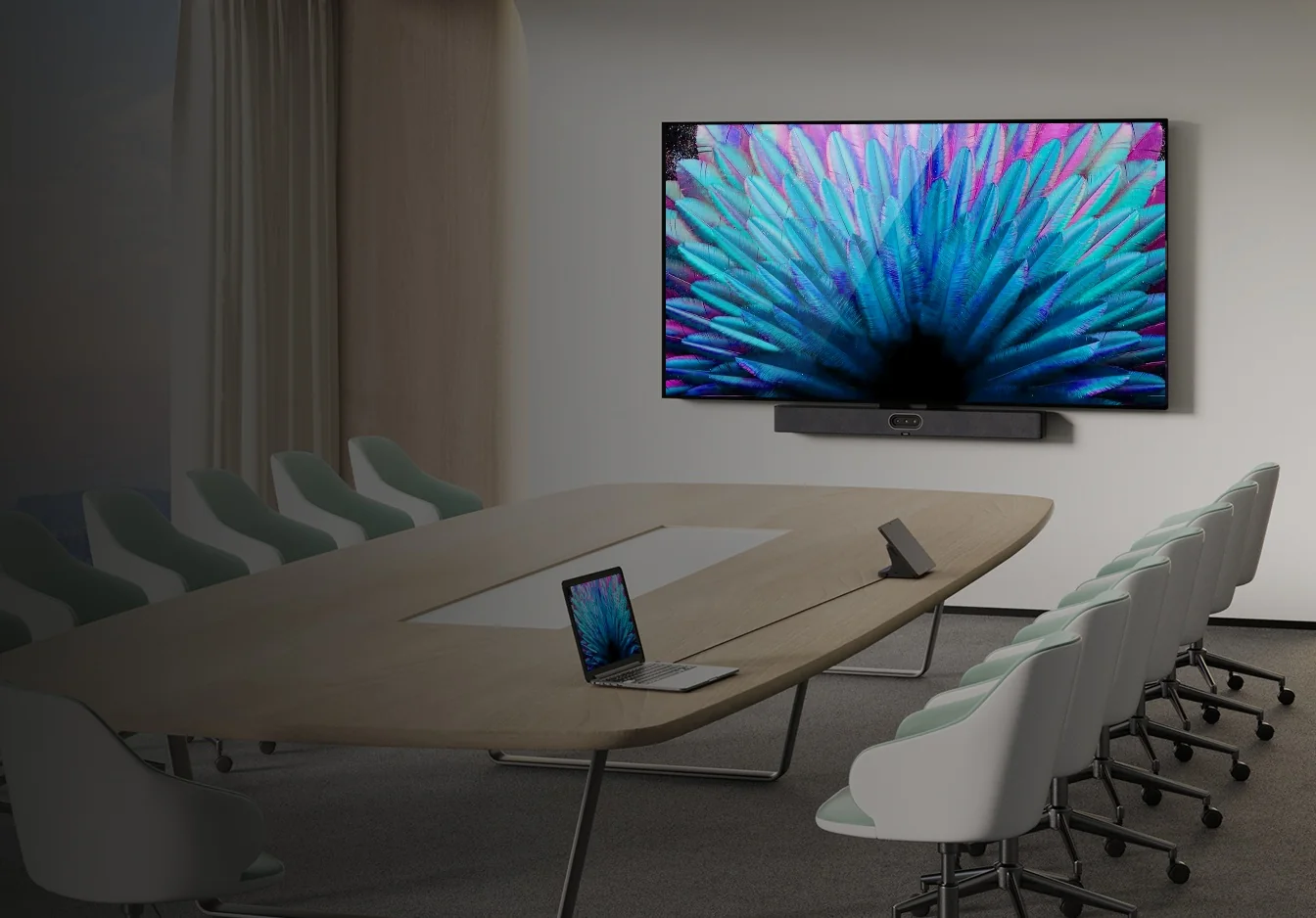
The Yealink Teams Rooms and Zoom Rooms range at a glance
Every system below is certified for Microsoft Teams, and the Android devices also run Zoom Rooms on the same hardware. The real differences are room size, how many cameras and microphones the room needs, and whether you want Android simplicity or Windows flexibility.
| Model | In one line | Best for |
|---|---|---|
| MeetingBar A10 | Compact bar, 4K camera, 4.5 m pickup | Home offices and two-seat booths |
| MeetingBar A25 | Three 4K cameras, 151° ultra-wide view | Focus and huddle rooms |
| MeetingBar A30 | Dual cameras, 10x hybrid zoom, 2 HDMI out | Medium rooms, dual displays |
| MeetingBar A40 | Dual 48 MP cameras, 6 m pickup | Small to medium rooms |
| MeetingBar A50 | Triple 50 MP cameras, 10 m pickup | Medium to large rooms |
| MeetingBoard Pro | 65, 75 or 86" 4K touch board with cameras | Whiteboard and collaboration rooms |
| DeskVision A24 | 23.8" touch display with 4K camera | Executive offices and hot desks |
| MVC S40 | Windows kit with SmartVision 40 bar | Small and medium rooms |
| MVC S50 | Windows kit with the MeetingBar A50 | Medium rooms on Windows |
| MVC S60 | Windows kit, 360° centre-of-table camera | Round tables (not stocked, ask us) |
| MVC S80 | SmartVision 80, 20x optical PTZ | Large rooms (add audio) |
| MVC S90 | Two UVC86 4K PTZ cameras, AVHub | Boardrooms and divisible rooms |
| MVC S98 | Three SmartVision 80 cameras, AVHub | Extra-large and ProAV rooms |
| MCoreKit-C5U | MCore 4 + MTouch Plus, Teams or Zoom (-ZR) | Custom rooms, your own camera and audio |
Positioning summarised from Yealink's product pages and datasheets. Room-size wording is Yealink's; "Best for" is ARC IP Networks guidance.
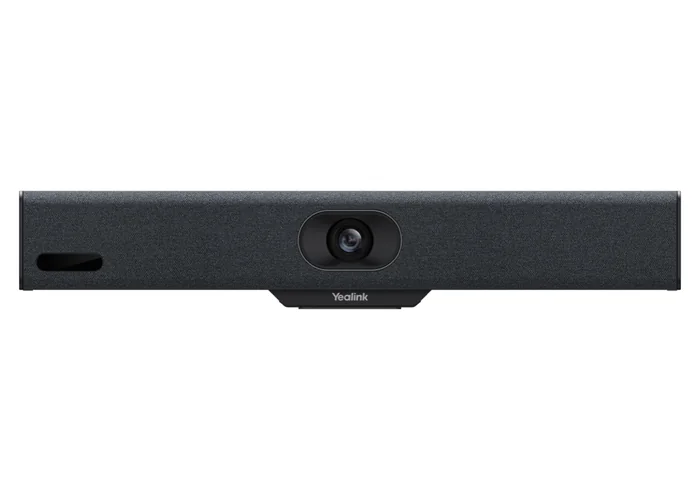
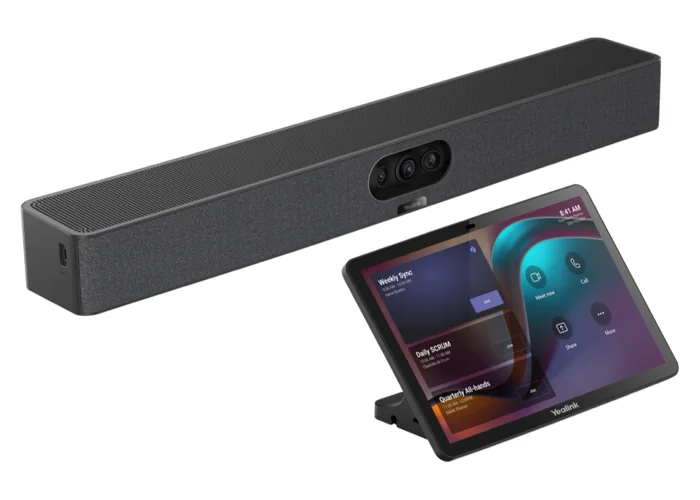
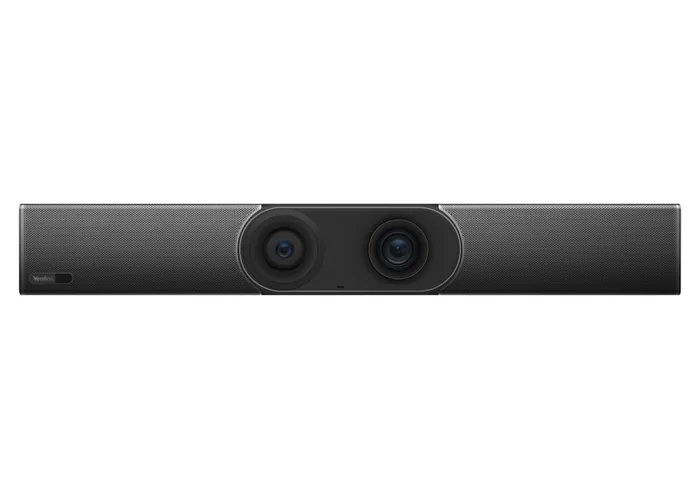
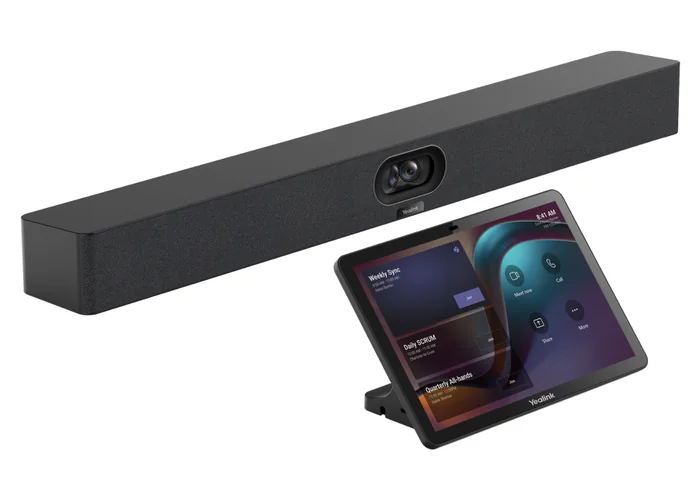
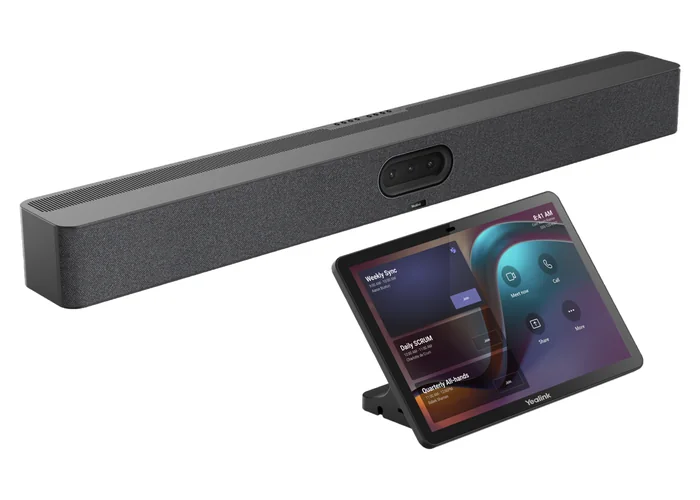
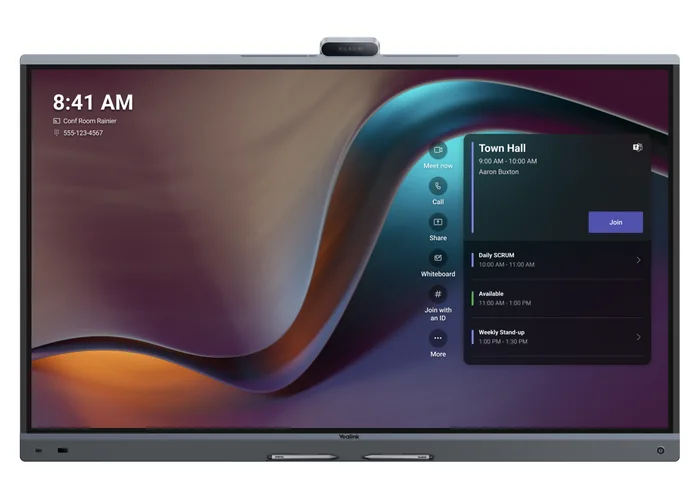
Android all-in-one systems: specifications compared
The MeetingBars and MeetingBoard Pro put the computer, cameras, microphones and speakers in one device. Plug in power, network and HDMI, sign in, and the room is live.
Swipe the table sideways to compare all models →
| Feature | A10 | A25 | A30 | A40 | A50 | MeetingBoard Pro |
|---|---|---|---|---|---|---|
| Yealink room size | Home office to small room | Focus and huddle room | Medium room | Small to medium room | Medium to large room | Small to large room (65, 75, 86") |
| Operating system | Android 13 | Android 13 (MDEP) | Android 13 | Android 13 (MDEP) | Android 13 (MDEP) | Android 13; Windows via OPS module |
| Cameras | 1 x 4K | 3 x 4K (8 MP) | 2 x 8 MP (wide + tele) | 2 x 48 MP | 3 x 50 MP (wide + 2 tele) | 3 x 50 MP (wide + 2 tele) |
| Widest view (HFOV) | 105° | 151° | 112° | 110° | 98° | 98.2° |
| Zoom | 4x e-PTZ | Tele lenses, 84.4° HFOV | 10x hybrid (3.5x optical) | 6x digital | 8x digital | 8x digital; MB-12X Pro 12x optical option |
| Microphones | 8 MEMS | 8 MEMS | 8 MEMS | 8 MEMS | 16 MEMS | 16 MEMS |
| Pickup distance | 4.5 m (3.5 m high quality) | 5 m (3.5 m high quality) | 6 m | 6 m (4 m high quality) | 10 m | 12 m full duplex |
| Expansion mics | Not listed | Not supported | External mic supported | Up to 2 | Up to 3 | Desktop and ceiling mics supported |
| Speakers | 5 W | 10 W | 10 W | 2 x 10 W | 4 x 5 W | 30 W stereo |
| HDMI outputs | 1 | 1 | 2 | 2 | 2 | Built-in 4K touch display |
| Wireless | Dual-band Wi-Fi, BT 4.2 | Wi-Fi 6, BT 5.1 | Dual-band Wi-Fi, BT 4.2 | Wi-Fi 6, BT 5.0 | Wi-Fi 6, BT 5.0 | Wi-Fi 6, BT 5.1 |
| Controller in ARC IP kit | VCR11 remote (A10-010) or CTP18 (A10-020) | CTP25 (A25-031) or VCR11 (A25-010) | CTP18 (A30-020) | CTP25 (A40-031) or VCR11 (A40-010) | CTP25 (A50-031) or VCR11 (A50-010) | Touch screen; MTouch Plus-MB optional |
| Platforms | Teams, Zoom, Device Mode | Teams, Zoom, BYOM | Teams, Zoom | Teams, Zoom, BYOM | Teams, Zoom, BYOM | Teams, Zoom, BYOM |
Figures from Yealink's official datasheets. MDEP is Microsoft's Device Ecosystem Platform for Android Teams devices. BYOM (General Mode) uses the device as a USB camera, mic and speaker for a laptop.
Windows MVC kits: specifications compared
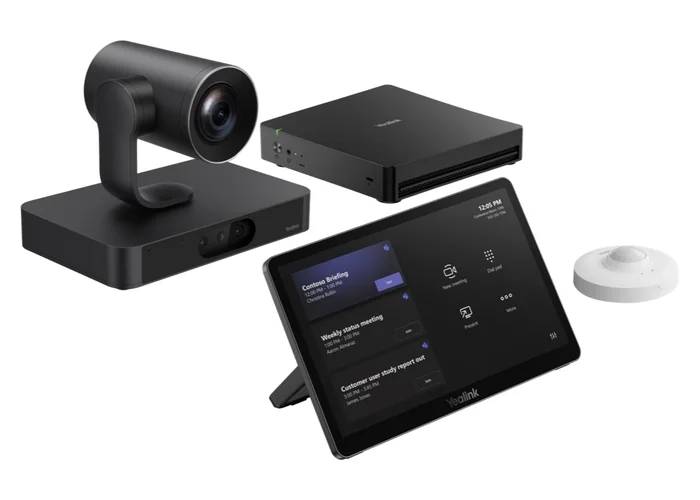
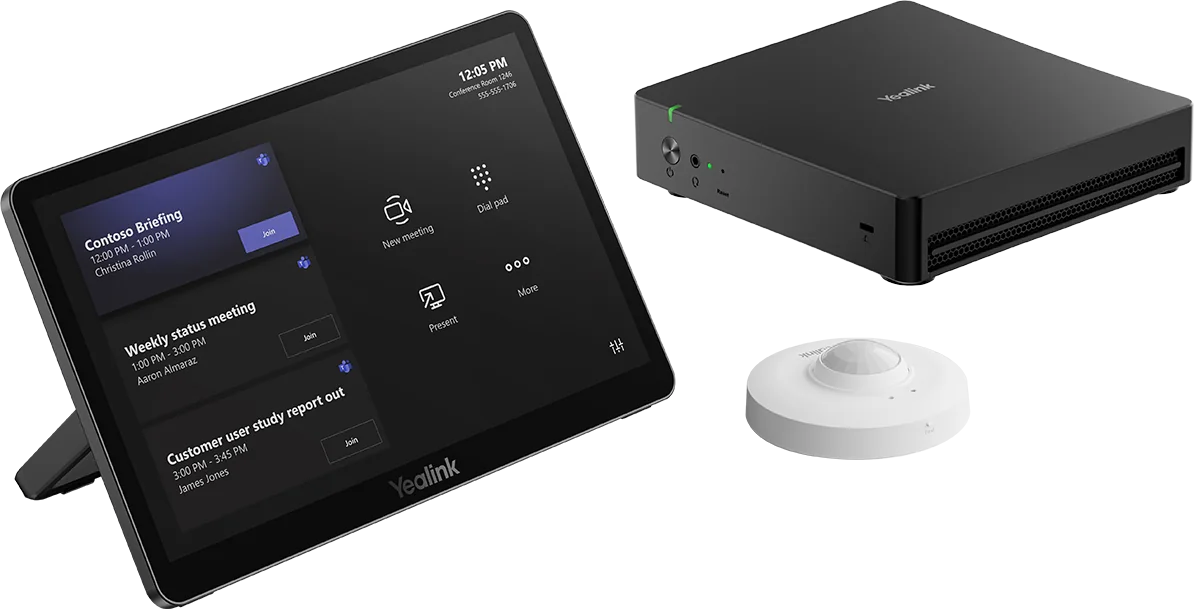
Every current MVC kit except the S60 is built on the MCore 4 mini PC (Intel Core Ultra 5 125H, 16 GB DDR5, 256 GB SSD, three HDMI outputs and an HDMI input) running Windows 11 IoT Enterprise and the Microsoft Teams Rooms app, with the 11.6-inch MTouch Plus console and a RoomSensor occupancy sensor. What changes from kit to kit is the camera, the audio and the processing around it.
Swipe the table sideways to compare all models →
| Feature | MVC S40 | MVC S50 | MVC S60 | MVC S80 | MVC S90 | MVC S98 |
|---|---|---|---|---|---|---|
| Yealink room size | Small and medium | Small and medium (A50 bar rated medium to large) | High-end mid-sized | Large | Extra-large | Extra-large |
| Compute | MCore 4 | MCore 4 | MCore Pro (11th Gen Core i5) | MCore 4 | MCore 4 | MCore 4 |
| Camera | SmartVision 40, 2 x 48 MP | MeetingBar A50, 3 x 50 MP | SmartVision 60, 360° centre-of-table | SmartVision 80: 20x optical PTZ + 3 lenses | 2 x UVC86 4K PTZ | 3 x SmartVision 80 |
| Widest view (HFOV) | 111° | 98° | 360° | 98° panoramic | 110° panoramic | 98° panoramic |
| Optical zoom | No (fixed lenses) | No (8x digital) | No | 20x | 12x | 20x |
| Audio in the box | 8 mics, 6 m pickup, 2 x 10 W | 16 mics, 10 m pickup, 4 x 5 W | 360° pickup | Not in kit: add mics and speakers | Not in kit: add mics and speakers | Not in kit: add mics and speakers |
| Expansion mics | Up to 2 | Up to 3 | n/a | CM20 ceiling mics | CM20 ceiling mics | CM20 ceiling mics |
| Extras in the kit | MTouch Plus, RoomSensor | MTouch Plus, RoomSensor | MTouch Plus | MTouch Plus, RoomSensor | AVHub, VCH51 Pro, MTouch Plus, RoomSensor | AVHub, RCH40 E2 PoE switch, VCH51 Pro, MTouch Plus, RoomSensor |
| Multi-camera / divisible | No | No | No | No | AVHub: up to 9 cameras, divide and merge rooms | AVHub: up to 9 cameras, divide and merge rooms |
| ARC IP Networks | Stocked | Stocked | Not stocked, ask us | Stocked | Stocked | Order in, ask for lead time |
Figures from Yealink's MVC datasheets. "Not in kit" means Yealink's package contents list no microphones or speakers for that kit; see the large-room section below.
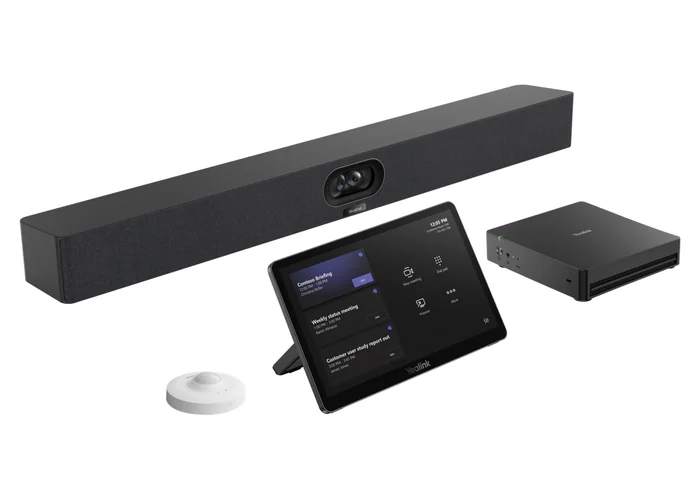
Android bar or Windows MVC kit?
This is the decision that matters most, and it is usually settled by the room, not the budget.
Choose an Android MeetingBar or MeetingBoard when…
- The room seats up to about ten people and one camera can see everyone.
- You want one device to install and patch: no PC under the table and no Windows updates to schedule.
- You may switch between Teams and Zoom, or run both across the building, on the same hardware.
- Rooms are being rolled out at scale across branch offices, council depots or campus buildings, where simple and identical is the goal.
Choose a Windows MVC kit when…
- The room needs a PTZ camera with optical zoom, more than one camera, or a centre-of-table camera.
- Audio must come from ceiling microphones, a DSP or an existing ProAV system.
- You need three displays, an HDMI input at the table, or rooms that divide and merge.
- Your IT team already manages Windows devices through Intune and wants Teams Rooms on Windows feature parity.
Microsoft has historically released some Teams Rooms features on Windows before Android, which is another reason boardrooms and executive spaces lean Windows. For a 4 to 8-person room, though, an A40 or A50 does the job with far less to manage.
Focus and huddle rooms (2 to 4 people)
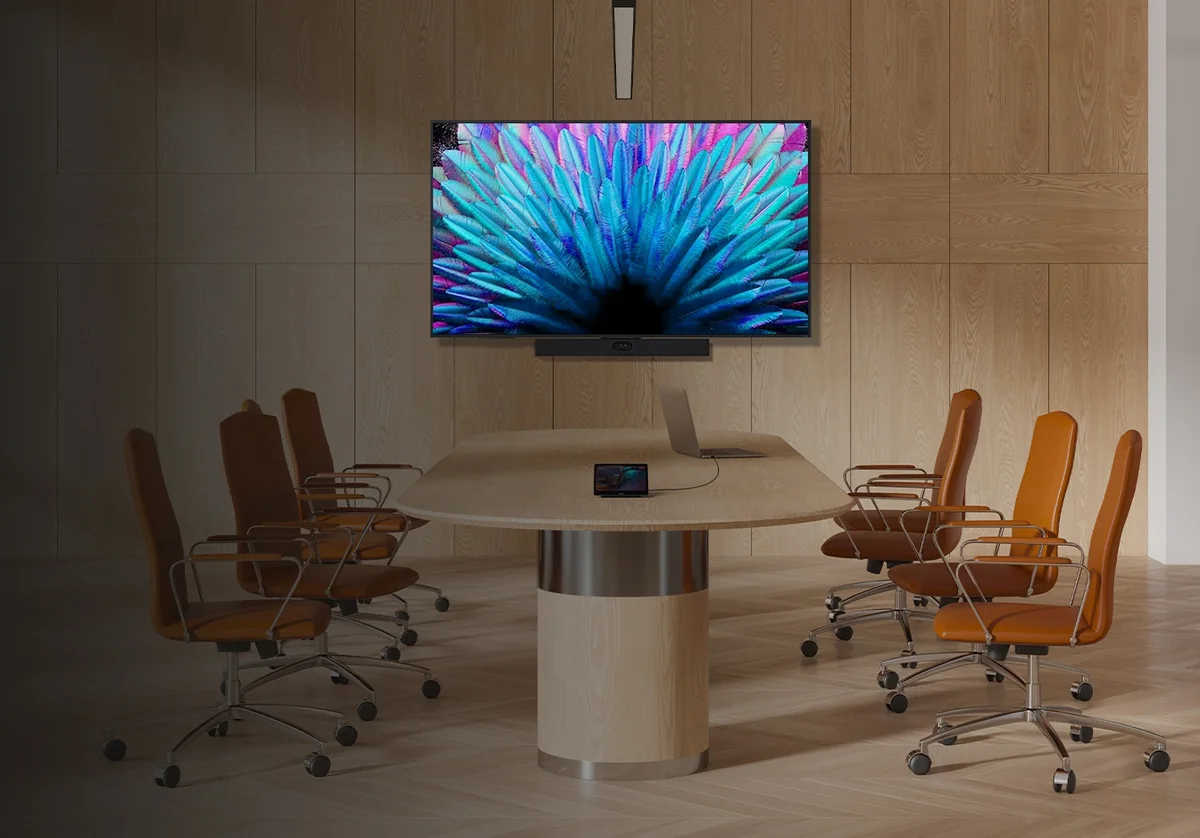
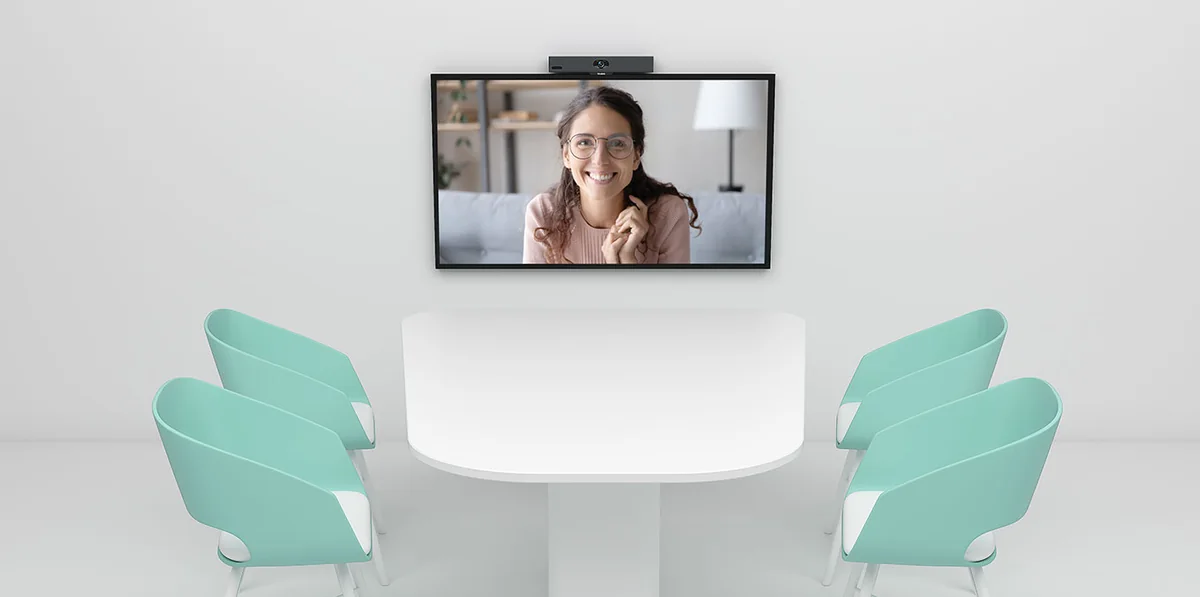
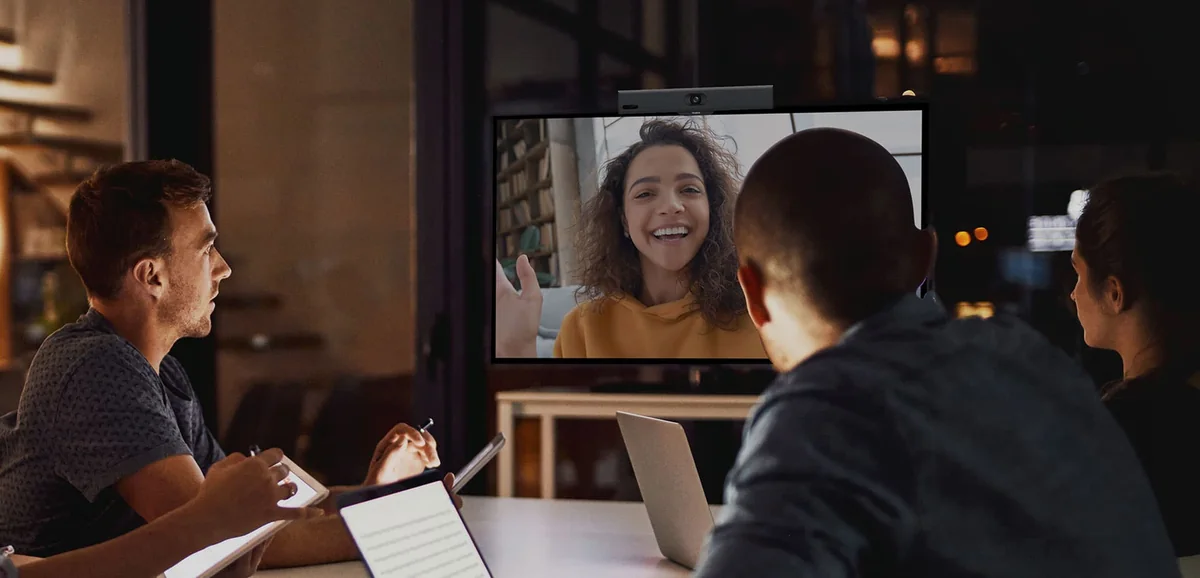
Small rooms are harder than they look. People sit close to the screen, so a narrow lens crops them out at the edges. The MeetingBar A25 fixes that with a 151° ultra-wide camera plus two tele cameras, three 4K cameras in total, and an 8-microphone array with a 5 m pickup. It's our default for phone booths turned into video rooms, law firm interview rooms and university study rooms.
The MeetingBar A10 is the budget option: one 4K camera with a 105° horizontal view, 4.5 m pickup and an electric privacy shutter. It suits a home office or a two-seat booth. We compared these two (and the older A20) in detail in MeetingBar A10 vs A20 vs A25.
Small rooms (4 to 6 people)
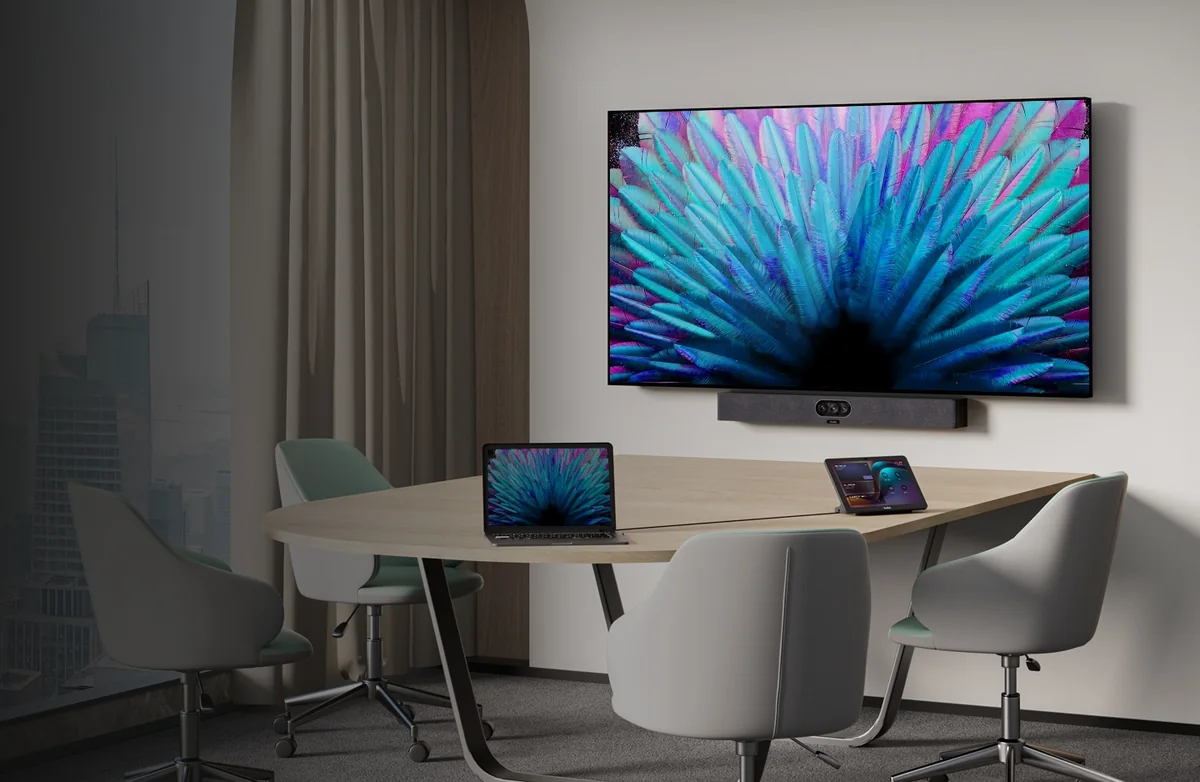
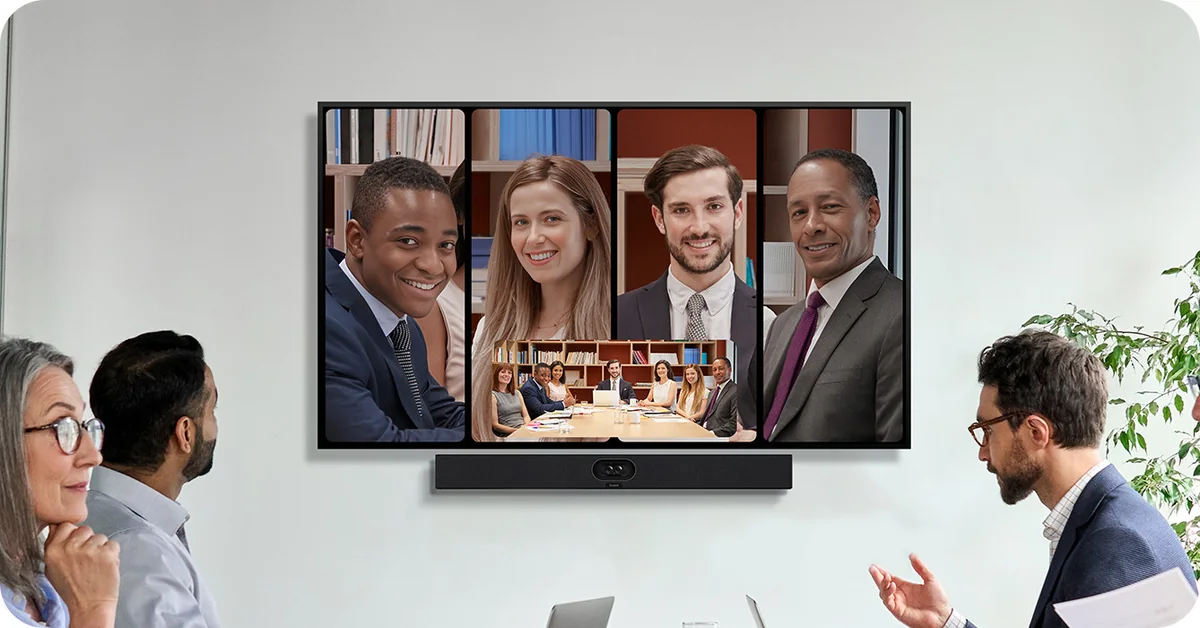
The MeetingBar A40 is the all-rounder. Two 48 MP cameras give a 110° view with 6x digital zoom, IntelliFocus shows up to four people in their own tiles, and the 8-mic array reaches 6 m. It supports two expansion microphones if the table is long, and has two HDMI outputs for a content screen. Read our MeetingBar A40 review for installation notes.
Want Teams Rooms on Windows in a room this size? The MVC S40 pairs the MCore 4 with the SmartVision 40 bar (2 x 48 MP, 111° view, 6 m pickup, stereo 2 x 10 W speakers). It costs more than an A40 but gives you HDMI input, three display outputs and Windows management.
Medium rooms (6 to 10 people)
Two bars fit here. The MeetingBar A50 has three 50 MP cameras (a 98° wide plus two tele lenses), a 16-microphone array with 10 m pickup, four speakers and support for three expansion mics. It's the strongest single-bar room Yealink makes and suits most Australian medium meeting rooms, from regional council meeting rooms to mining head office project rooms.
The MeetingBar A30 is the dual-display choice: two 8 MP cameras, one wide (112°) and one tele with 10x hybrid zoom, a 6 m pickup and two HDMI outputs. It ships in our A30-020 kit with the CTP18 touch panel.
On Windows, the MVC S50 uses the same A50 bar with the MCore 4 and MTouch Plus. The MVC S60 uses a 360° SmartVision 60 in the centre of the table, which suits square or round tables; we don't stock it, so ask us if your room needs it.
Large rooms (10 to 16 people)
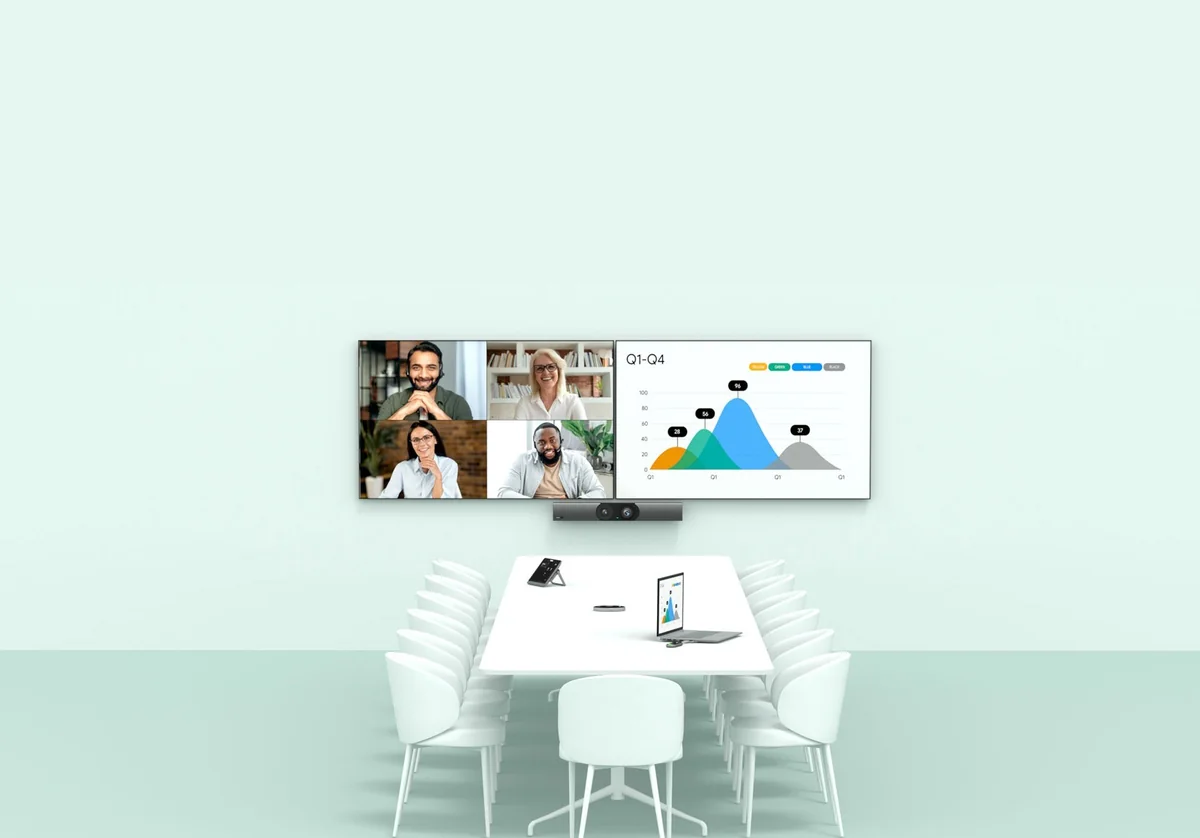
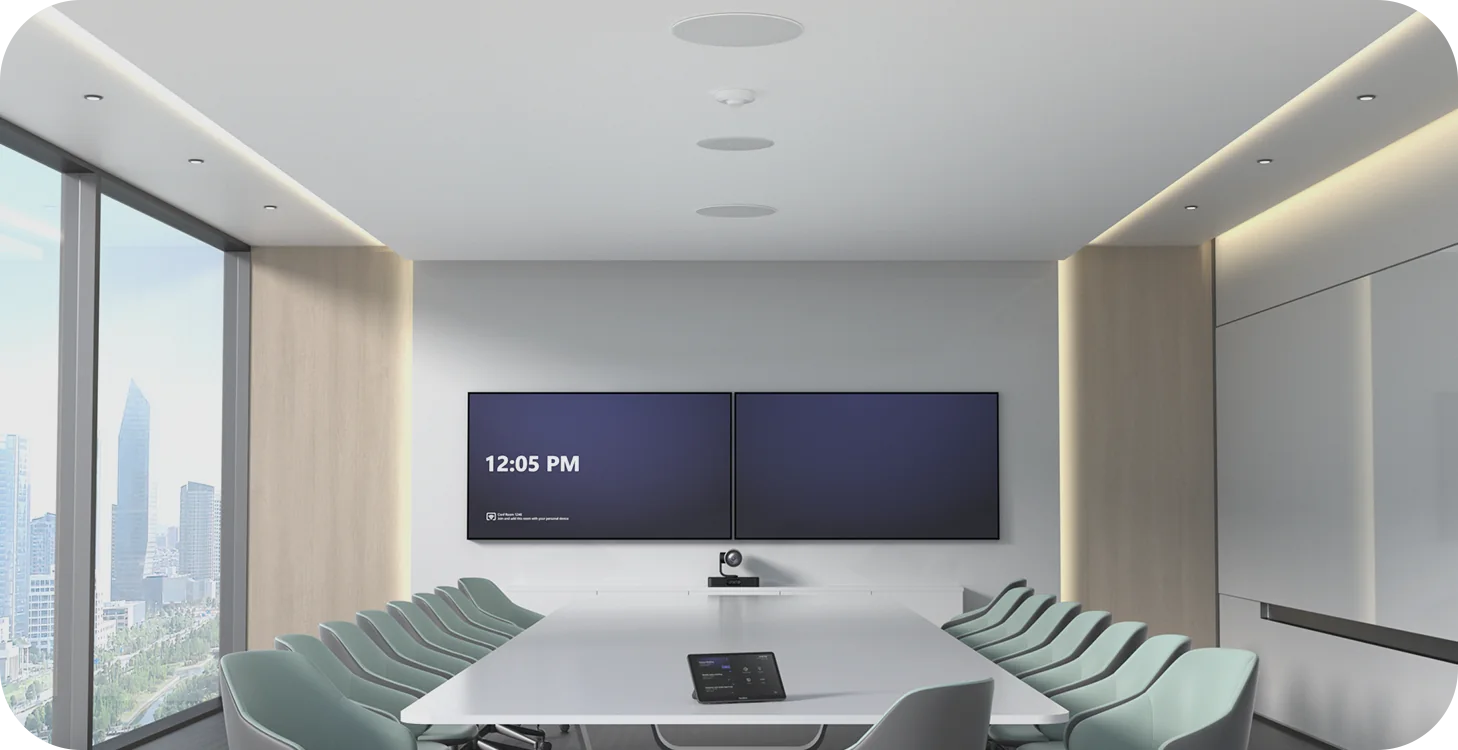
Past about ten seats, one bar at the front can't hear the far end of the table clearly, and a fixed lens can't give a sharp close-up of someone 8 m away. This is where the Windows kits take over.
The MVC S80 uses the SmartVision 80: a 20x optical PTZ camera plus a 98° panoramic lens and two tele lenses, with IntelliFocus, speaker tracking and presenter tracking. Its package contents list no microphones or speakers, so budget for audio: usually one or two CM20 ceiling microphones and wall or ceiling speakers. An A50 or MVC S50 with expansion mics is the lower-cost alternative for rooms at the smaller end of this band.
Boardrooms, training rooms and ProAV spaces (16+ people)
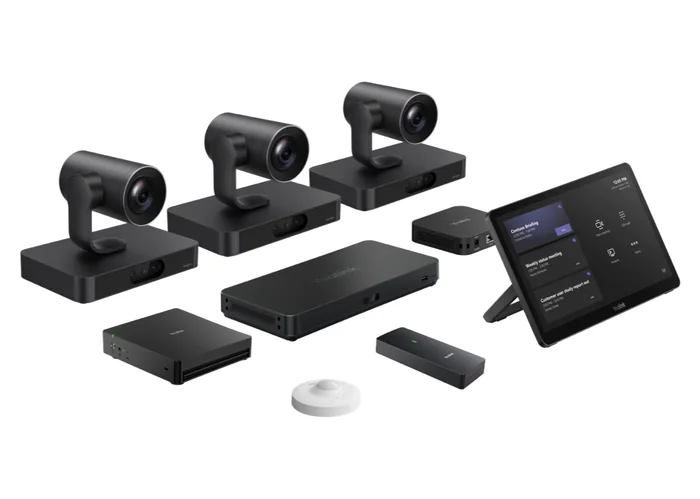
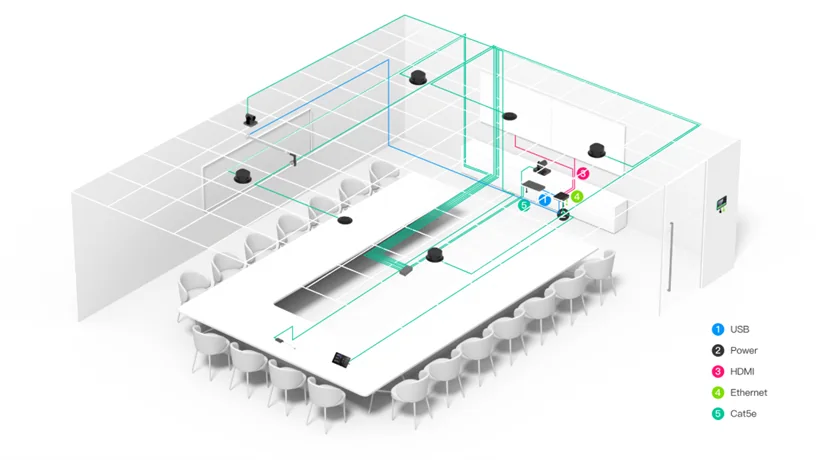
The MVC S90 ships with two UVC86 4K PTZ cameras (12x optical zoom, 110° panoramic lens), the AVHub audio-video processor and a VCH51 Pro BYOD box. AVHub supports up to nine Yealink cameras, multi-speaker tracking and rooms that divide and merge, which is exactly what university lecture spaces, council chambers and hotel function rooms need.
The MVC S98 steps up to three SmartVision 80 cameras and adds the RCH40 E2 Gigabit PoE+ switch (90 W budget) to power the room's devices. It's the kit for boardrooms in law firms, banks and ASX-listed head offices. As with the S80, plan the audio separately. Our SkySound guide (CM20 vs CM50) and AV ONE explainer cover ceiling audio and ProAV integration, and UVC40 vs UVC86 vs SmartVision 80 compares the cameras.
All-in-one boards and desk displays
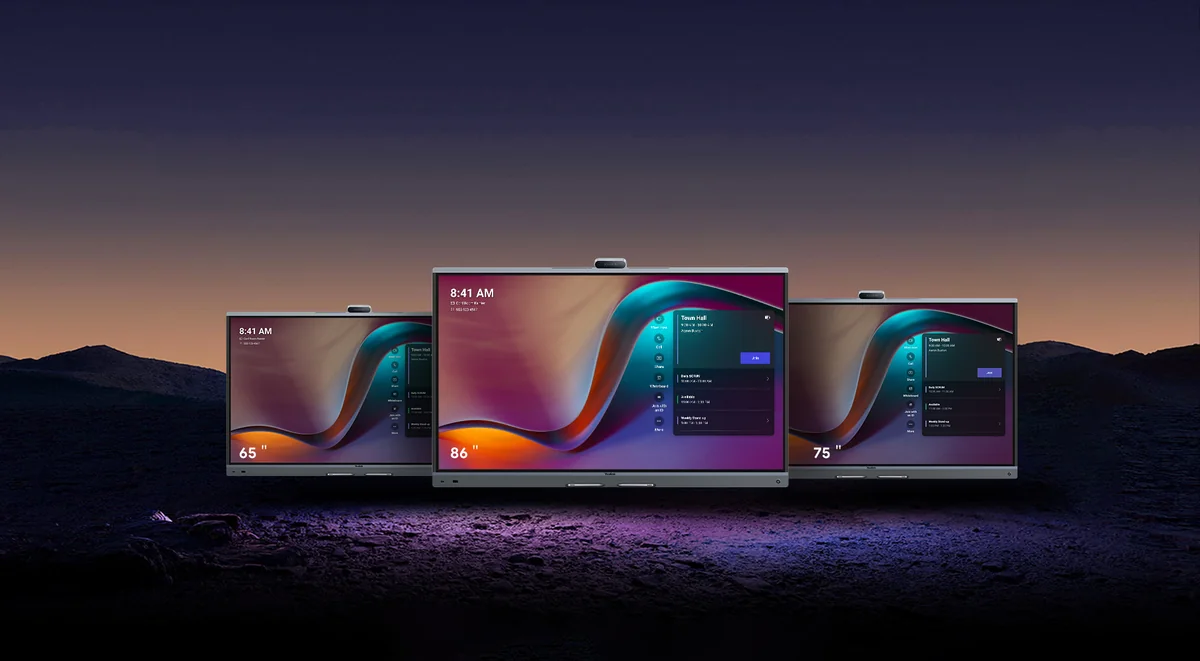
The MeetingBoard Pro comes in 65, 75 and 86-inch sizes with a 4K touch screen, three 50 MP cameras, a 16-mic array with 12 m full-duplex pickup and a built-in whiteboard. It runs Android natively and can take an OPS compute module for Teams Rooms on Windows. It suits schools, design studios and agile project rooms where the screen is also the whiteboard. See MeetingBoard 65 vs 75 Pro vs 86 to choose a size.
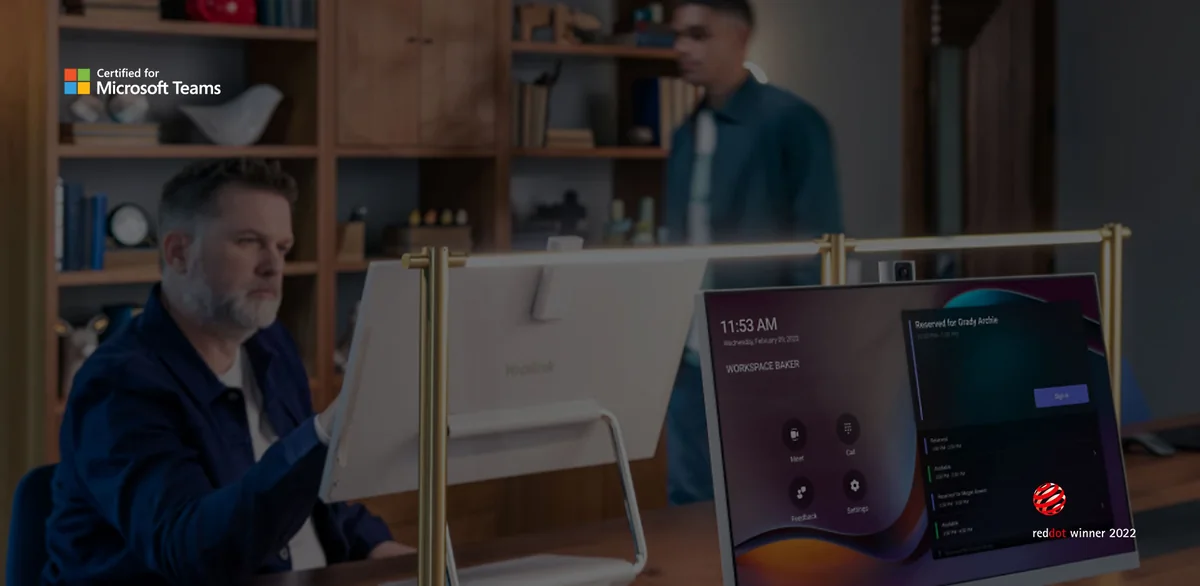
The DeskVision A24 is a 23.8-inch 1080p touch display with a 4K camera (83° view), dual microphones and stereo speakers. It is certified as a Teams and Zoom display, and it doubles as a PC monitor with USB-C docking and up to 45 W charging. Use it for executive offices, hot desks and home offices of staff who live in Teams all day.
Microsoft Teams Rooms or Zoom Rooms?
Pick the platform your organisation already lives in, then choose the hardware:
Swipe the table sideways to see licences →
| Platform | Android options | Windows options | Licence per room |
|---|---|---|---|
| Microsoft Teams Rooms | MeetingBar A10, A25, A30, A40, A50, MeetingBoard Pro | MVC S40, S50, S60, S80, S90, S98, MCoreKit-C5U | Teams Rooms Basic or Pro |
| Zoom Rooms | MeetingBar A10, A25, A30, A40, A50, MeetingBoard Pro | MCoreKit-C5U-ZR with a Yealink camera and audio | Zoom Rooms licence |
| Both in one building | Any MeetingBar or MeetingBoard (one SKU runs either) | Standardise each room on one platform | Licence per platform used |
Platform support from Yealink's product pages. Check licence terms with your Microsoft or Zoom licensing partner.
Teams Rooms can join many external Zoom and Webex meetings through Direct Guest Join (feature support varies by platform and licence), and the A25, A40 and A50 also have a General Mode (BYOM) so a visitor can run any app on their laptop through the room's camera and microphones. For Zoom on Windows, the MCoreKit-C5U-ZR gives you the MCore 4, MTouch Plus and RoomSensor with the Zoom Rooms app preloaded; add the camera and audio that fit the room and we'll confirm the combination.
Bring your own device (BYOD)
Not every meeting is on the room's platform. A client's Webex call or a supplier's Google Meet needs a laptop to drive the room. On the A25, A40 and A50, plug a USB-C cable into the bar or the CTP25 console and the room works as a USB camera, mic and speaker. On MVC kits, the VCH51 Pro (included with the S90 and S98) does the same over one USB-C cable and can charge the laptop. Our Yealink BYOD guide explains USB BYOD, Smart BYOD and Pro BYOD in full.
Managing rooms at scale
Every system in this guide can be managed remotely, which matters when rooms are spread from Perth to Townsville:
- Microsoft Teams Admin Center and Intune: for Teams devices, including the Android bars, which Yealink lists as managed through Microsoft's device management platform. Teams Rooms Pro licences add the Teams Rooms Pro Management portal for monitoring and alerts.
- Zoom Device Management (ZDM): for Zoom Rooms on MeetingBars, MeetingBoard Pro and the MCoreKit-C5U-ZR.
- Yealink Management Cloud Service (YMCS) and Yealink Device Management Platform: firmware, configuration and diagnostics for every Yealink peripheral, including the cameras, consoles and sensors that the platform portals can't see.
If your IT provider works to the ACSC Essential Eight, central patching of both the Teams or Zoom app and the Yealink firmware is the part to plan for. The Android bars with MDEP add full-disk encryption and device attestation; the MCore 4 has TPM 2.0 and Kernel DMA protection.
What to add to the room
| Add-on | What it does | Use it with |
|---|---|---|
| CTP25 touch console | 10.1-inch touch console with BYOD, wired sharing and PD charging | MeetingBar A25, A40, A50 |
| VCH51 Pro | One-cable USB-C BYOD and content sharing box | MeetingBar A25, A40, A50 and MVC kits |
| RoomPanel E2 | 8-inch Android 13 booking panel with RGB status light, PoE, NFC/RFID | Any Teams or Zoom room |
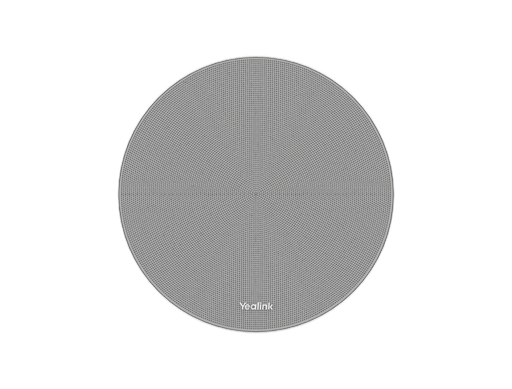
| CM20 ceiling microphone | 16-mic beamforming array, up to 60 m² coverage per unit | MVC S80, S90, S98 and large rooms |
CM20 coverage is Yealink's figure (30 m² premium pickup, up to 60 m² effective). Number of mics depends on room acoustics.
We cover the consoles in CTP18 vs CTP25 vs VCH51 Pro and booking panels in RoomPanel E2 and RoomSensor.
Which system for which Australian workplace?
| Workplace | Our pick | Why |
|---|---|---|
| Law firm interview room or client booth | MeetingBar A25 + CTP25 | Ultra-wide view at close range, simple one-touch join |
| Accounting or financial practice meeting room | MeetingBar A40-031 | Covers 4 to 6 people, BYOM for client platforms |
| Council chambers or committee room | MVC S90 | PTZ cameras that follow each speaker, divisible room support |
| University tutorial room | MeetingBoard Pro 75 or 86 | Whiteboard, touch and video in one device |
| University lecture or training room | MVC S90 or S98 + CM20 | Multiple PTZ cameras, presenter tracking, ceiling audio |
| Mining or resources head office boardroom | MVC S98 + CM20 | Three SmartVision 80 cameras, ProAV audio |
| Branch offices rolled out nationally | MeetingBar A40 or A50 | One device per room, identical builds, remote management |
| Executive office or hot desk | DeskVision A24 | Teams and Zoom on the desk plus a PC monitor |
ARC IP Networks recommendations based on Yealink's published specifications.
Replacing older Yealink rooms
| If you have | Consider | What you gain |
|---|---|---|
| MeetingBar A20 | MeetingBar A25 | Three 4K cameras, 151° view, Wi-Fi 6, MDEP |
| MeetingBar A30 in a 4 to 6-seat room | MeetingBar A40 | Dual 48 MP cameras, two expansion mics, Wi-Fi 6 |
| MVC640 / MVC840 kits | MVC S40, S80 | MCore 4 (Core Ultra 5), MTouch Plus, RoomSensor |
| MVC940 / MVC960 boardroom kits | MVC S90 or S98 | AVHub multi-camera, 4K PTZ cameras, VCH51 Pro BYOD |
Upgrade mapping is an ARC IP Networks suggestion. Check your existing displays, cabling and licences before replacing a room.
New to Yealink rooms? Start with our MeetingBar, MeetingBoard and MVC explainer.
Yealink Teams Rooms and Zoom Rooms systems from ARC IP Networks
Live Australian pricing (inc. GST) and stock levels are on each product page.
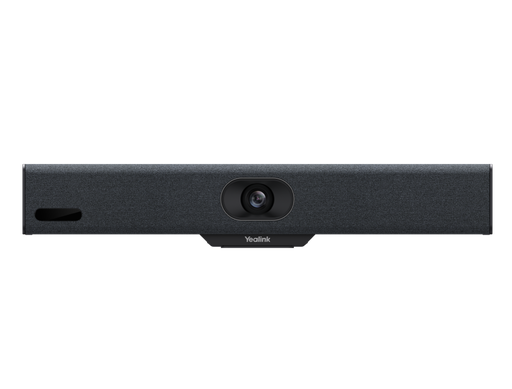
Compact Android bar, 4K camera, 4.5 m pickup. Home office and two-seat booths.
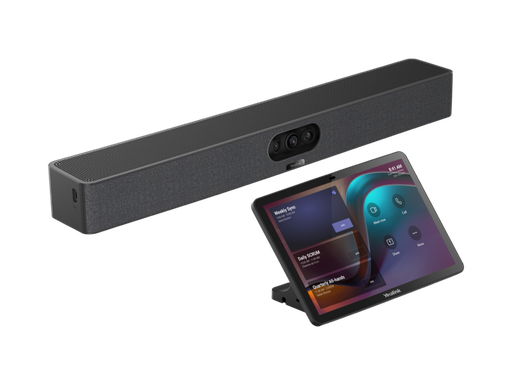
Three 4K cameras, 151° ultra-wide view. Focus and huddle rooms.
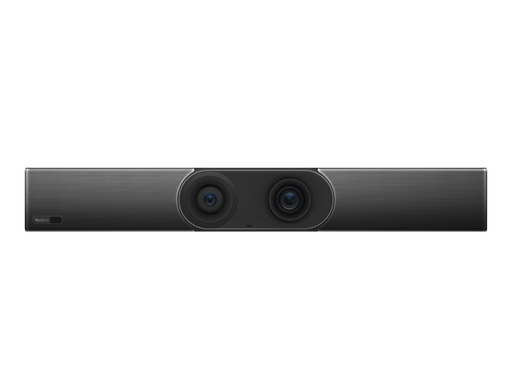
Dual cameras with 10x hybrid zoom, two HDMI outputs. Medium rooms.
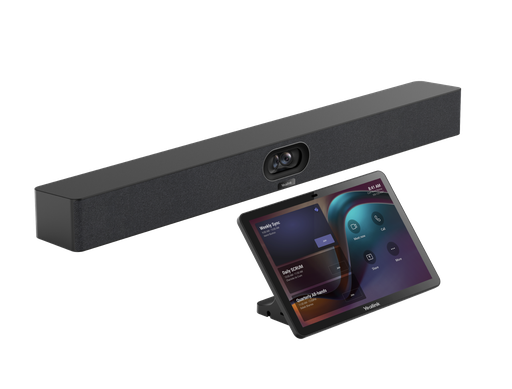
Dual 48 MP cameras, 6 m pickup, two expansion mics. Small to medium rooms.
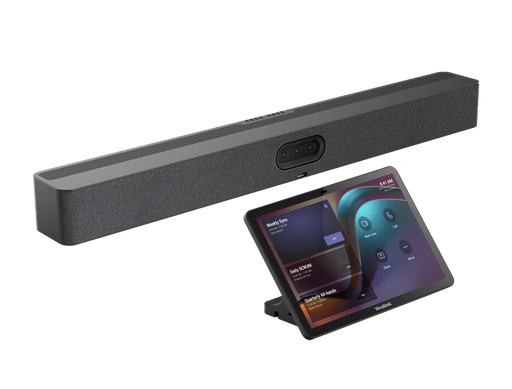
Triple 50 MP cameras, 16 mics, 10 m pickup. Medium to large rooms.
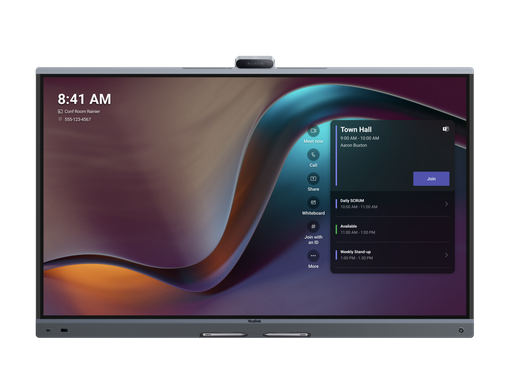
65" 4K touch display with triple 50 MP cameras and 12 m pickup. 75" and 86" also available.
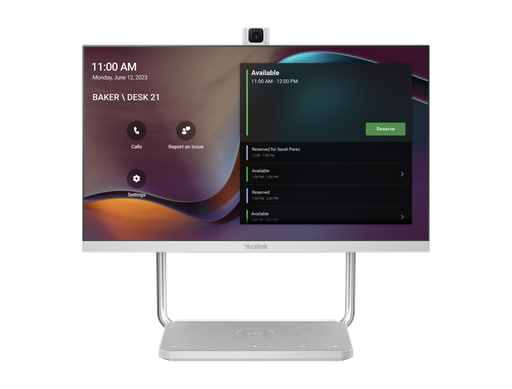
23.8" Teams and Zoom touch display with 4K camera and USB-C docking.
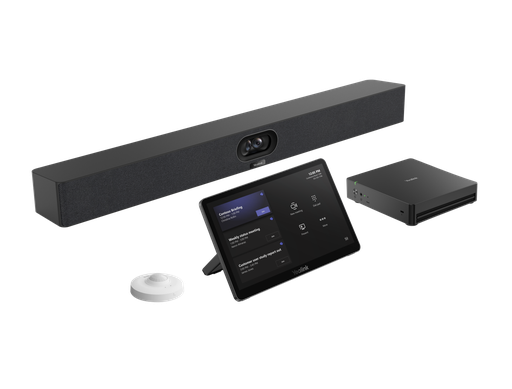
Teams Rooms on Windows: MCore 4, MTouch Plus, SmartVision 40, RoomSensor.
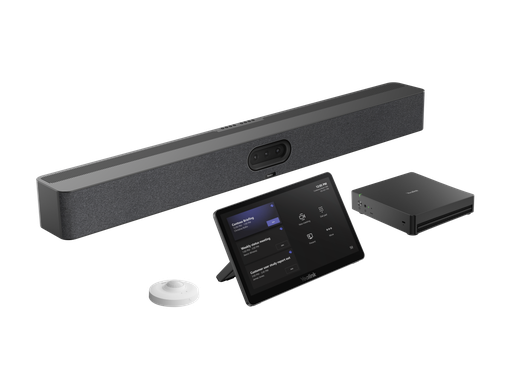
Teams Rooms on Windows with the MeetingBar A50 and 10 m pickup.
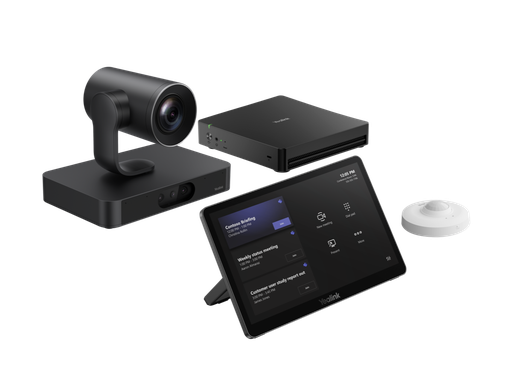
SmartVision 80 with 20x optical PTZ for large rooms. Add CM20 audio.
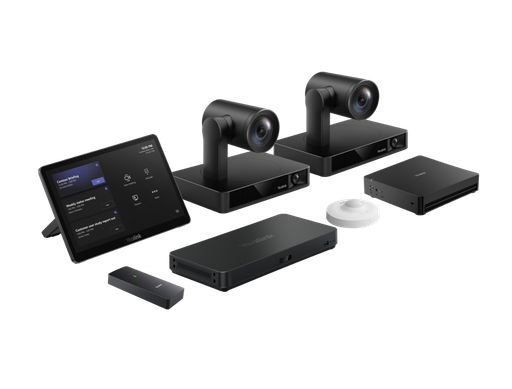
Two UVC86 4K PTZ cameras, AVHub and VCH51 Pro for boardrooms.
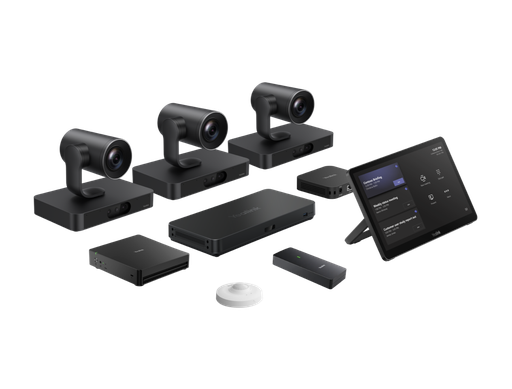
Three SmartVision 80 cameras, AVHub and RCH40 E2 for ProAV rooms.
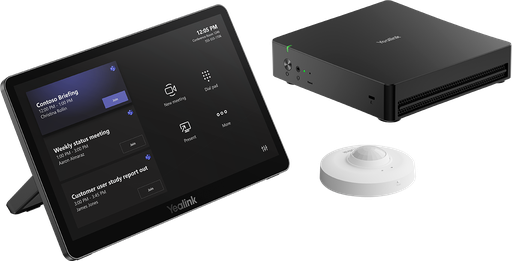
MCore 4, MTouch Plus and RoomSensor for custom Teams Rooms.
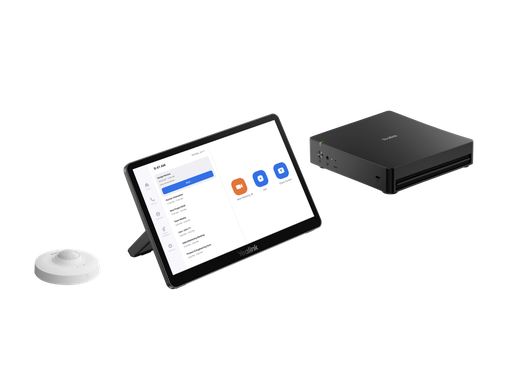
MCore 4, MTouch Plus and RoomSensor with Zoom Rooms preloaded.
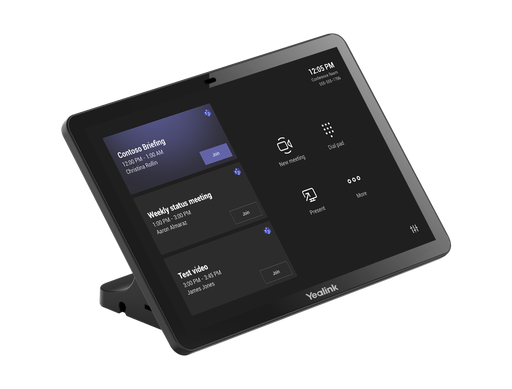
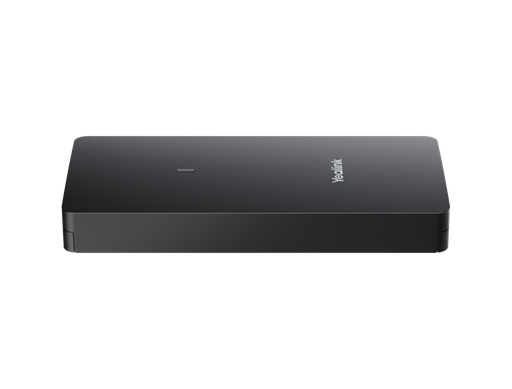
One-cable USB-C BYOD and content sharing for MeetingBars and MVC.
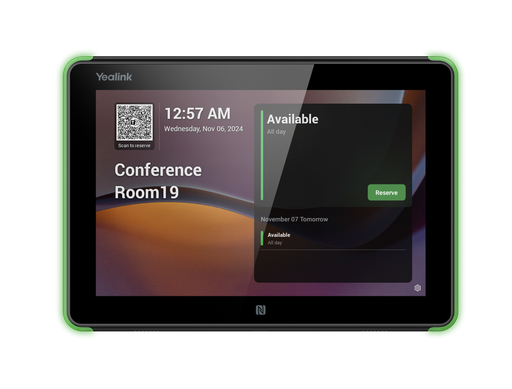
8" Android booking panel with RGB status light for Teams and Zoom rooms.
Common questions
Straight answers from the ARC IP Networks team. Last reviewed October 2026.
A MeetingBar is an all-in-one Android video bar that runs Microsoft Teams Rooms on Android or Zoom Rooms with the camera, microphones, speakers and computer in one device. An MVC kit runs Teams Rooms on Windows on a separate MCore mini PC with an MTouch Plus console, and supports PTZ cameras, multiple cameras, ceiling microphones and divisible rooms.
Yealink positions the A10 for home offices and small rooms, the A25 for focus and huddle rooms, the A40 for small to medium rooms, the A30 for medium rooms and the A50 for medium to large rooms. The A50 has the longest pickup of the bars at 10 m.
For boardrooms and extra-large rooms, the MVC S90 (two UVC86 4K PTZ cameras with AVHub) or the MVC S98 (three SmartVision 80 cameras with AVHub and an RCH40 E2 PoE switch). Both need separate audio, usually CM20 ceiling microphones and speakers.
Yes. The MeetingBar A10, A25, A30, A40 and A50 and the MeetingBoard Pro run either Microsoft Teams Rooms on Android or Zoom Rooms on the same hardware. The A25, A40 and A50 also have a General Mode (BYOM) for using the bar as a USB camera and speakerphone for a laptop.
Yes. The MCoreKit-C5U-ZR combines the MCore 4 mini PC, MTouch Plus console and RoomSensor with the Zoom Rooms app preloaded. You add a Yealink camera and audio chosen for the room.
Yealink's package contents for these three kits list cameras, compute, console and processing but no microphones or speakers, so audio is specified separately. The Yealink CM20 ceiling microphone covers up to 60 square metres per unit by Yealink's figures.
Each Microsoft Teams Rooms device needs a Teams Rooms Basic or Pro licence, and each Zoom Rooms device needs a Zoom Rooms licence. Check current terms with your Microsoft or Zoom licensing partner.
Teams devices are managed in the Microsoft Teams Admin Center and Intune, Zoom devices in Zoom Device Management, and all Yealink hardware and peripherals through Yealink Management Cloud Service (YMCS) or the Yealink Device Management Platform.
ARC IP Networks stocks the Yealink MeetingBar, MeetingBoard Pro, DeskVision and MVC range, plus CTP25, VCH51 Pro, RoomPanel E2 and CM20 accessories, as genuine Australian stock with the full manufacturer's warranty. It delivers Australia-wide, issues a GST tax invoice on every order and offers project pricing to installers and IT providers. Order at arcip.com.au or call 1300 100 440.
Fitting out meeting rooms?
Send us your room list with seat counts, the platform you use and any existing displays. We will match a MeetingBar or MVC kit to every room, add the audio and accessories each one needs, and quote it as one order with Australia-wide delivery.
Related Yealink guides
- Yealink Meeting Room Solutions for Australian Offices: MeetingBar, MeetingBoard and MVC Explained
- Yealink MeetingBar A10 vs A20 vs A25
- Yealink MeetingBar A40 Review for Australia
- Yealink BYOD Solution Explained
- Yealink SkySound Audio Solution Explained: CM20 vs CM50
- Yealink UVC40 vs UVC86 vs SmartVision 80