The Yealink BYOD Solution lets you use your own laptop to run meetings on the room's professional camera, microphone, speaker and display. Yealink offers three flexible BYOD options: USB BYOD (a USB bar plus the BYOD Box, no room licence or platform account), Smart BYOD (Android-based MeetingBar devices in Device Mode over a single USB-C cable) and Pro BYOD (a Windows-based Teams or Zoom Rooms system with the BYOD Extender, keeping the native room setup). All work with every major video platform, fit huddle to large rooms and can be managed centrally. ARC IP Networks stocks the BYOD Box, UVC40 E2, SmartVision 40, VCH51 Pro, MeetingBar A50, CM20, CS10 and the MVC BYOD Extender in Australia.
ARC IP Networks is a trusted Yealink supplier in Australia: genuine Yealink stock with the full manufacturer's warranty, delivered Australia-wide at competitive prices, with local pre-sales help for businesses, installers and IT providers.
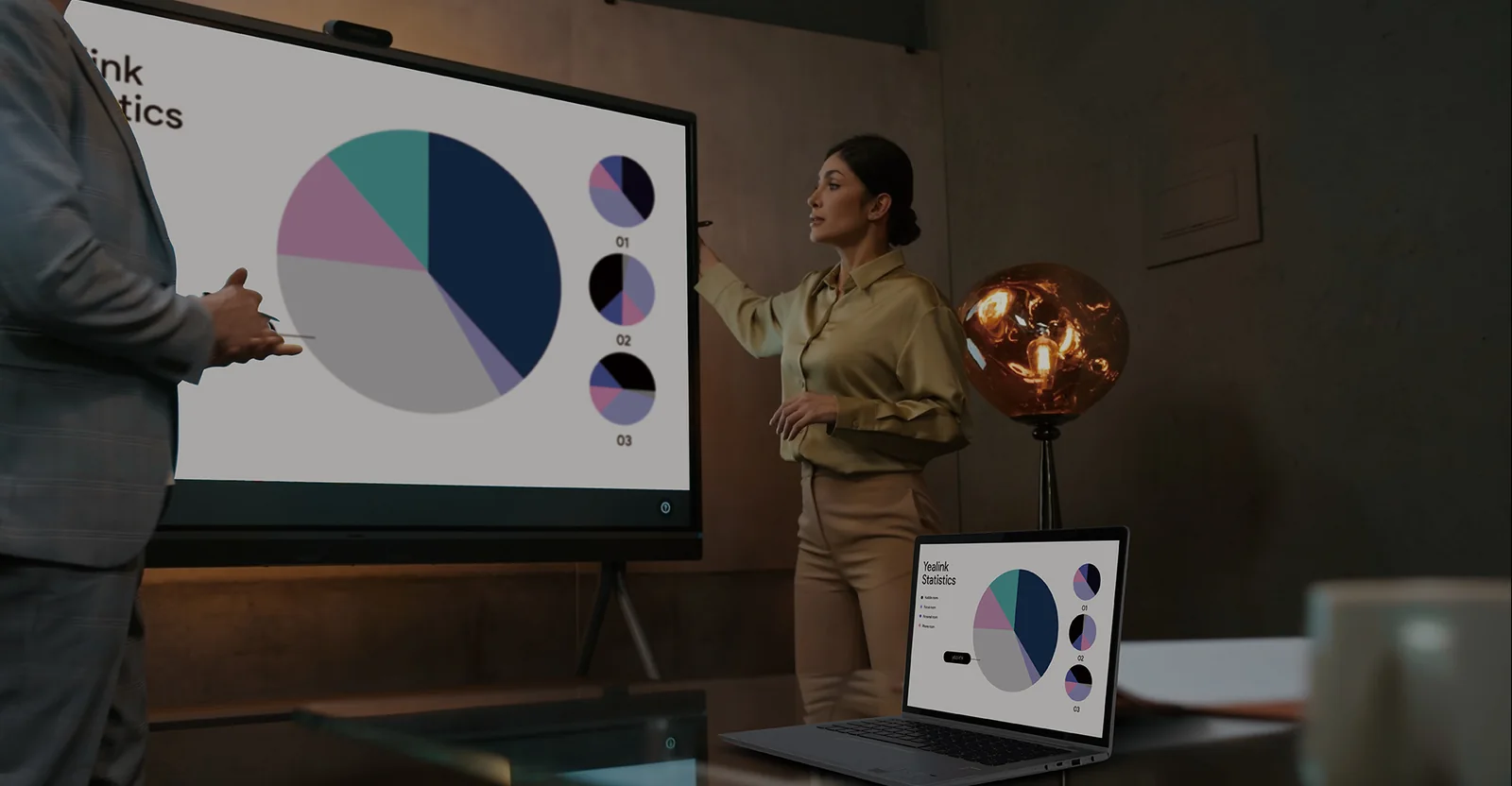
Why Yealink BYOD
Yealink's three BYOD options fit different room sizes, connection needs and IT strategies, all using Yealink's professional-grade video and audio hardware, and devices can be centrally controlled and monitored through Yealink's cloud management platform. Yealink lists three benefits:
| Benefit | Yealink's wording |
|---|---|
| Seamless compatibility | Works with all major video platforms |
| Flexible setup | Fits huddle to large rooms with different wiring needs |
| Cost-efficient and scalable | Quick to deploy, easy to manage |
For dedicated Zoom Rooms or Microsoft Teams Rooms, Yealink points to its full range of room systems instead; see our meeting-room guides.
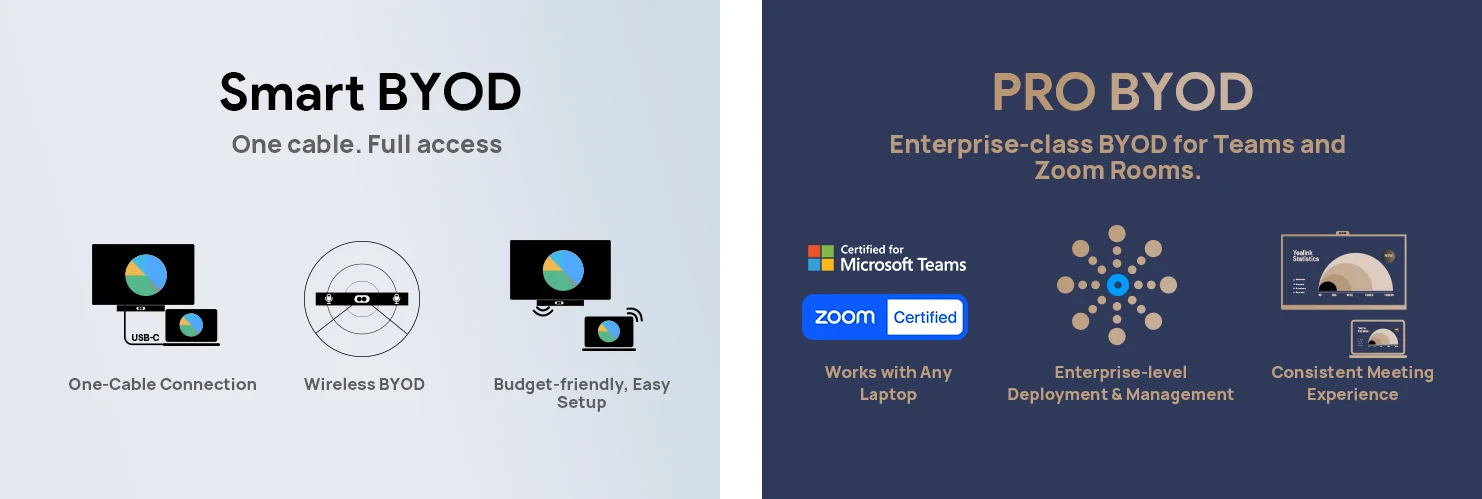
The three BYOD options
| Option | Hardware | How it connects | Best for |
|---|---|---|---|
| USB BYOD | USB bar + BYOD Box with USB conference cameras | Laptop via USB and HDMI; no room licence or platform account required | Small rooms and spaces that need simple, fast access to meetings |
| Smart BYOD | Android-based devices (MeetingBar) in Device Mode | A single USB-C cable to access the in-room camera, microphone, speaker and display | Rooms that also run native Teams Rooms or Zoom Rooms on an Android bar |
| Pro BYOD | Windows-based device + BYOD Extender | Laptop accesses the in-room professional AV system while the native Teams or Zoom Room setup stays in place | Enterprise rooms with MVC or ZVC systems |
Options as published on Yealink's BYOD Solution page.
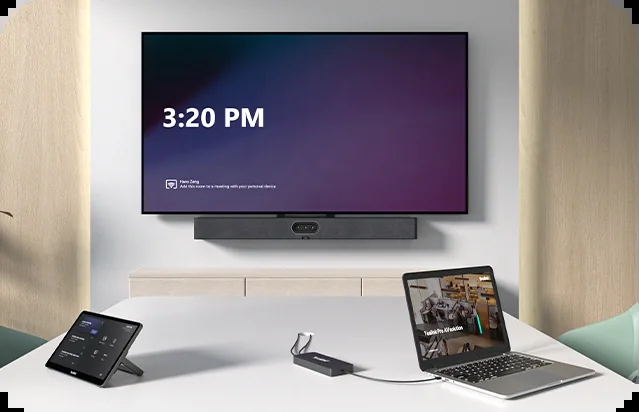
USB BYOD in detail: USB bar + BYOD Box
Work with any laptop
Connect the laptop to the USB bar and BYOD Box. Windows, Mac or Chromebook, plug in via USB or HDMI and you are ready. No additional software or platform accounts are required.
Plug and play
No complicated setups or lengthy installations. Plug in and start the meeting in minutes, using the in-room camera, microphone, speaker and display.
Budget-friendly and easy setup
Yealink positions the USB bar solution as enterprise-grade video and audio at a fraction of the cost, quick to deploy, and ideal for small meeting rooms, with no need for room licences or platform accounts.
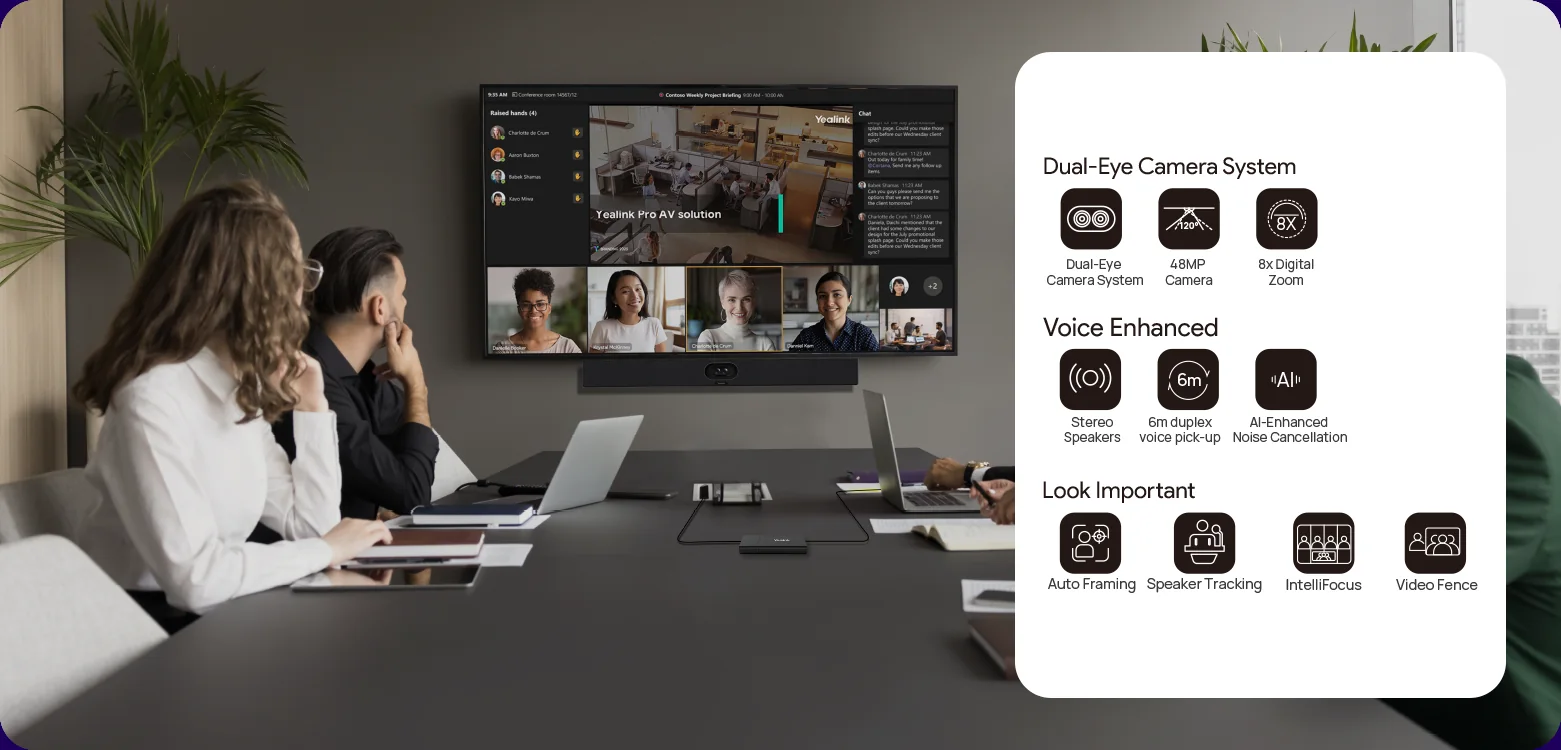
Yealink's recommended BYOD setups by room
| Room | Yealink's recommended set | At ARC IP Networks |
|---|---|---|
| Huddle room | UVC40 E2 + BYOD Box | UVC40 E2 + BYOD Box (also as the UVC40-BYOD kit on request) |
| Small room | SmartVision 40 + VCH51 | SmartVision 40 + VCH51 Pro |
| Medium room | MeetingBar A50 in USB mode, or UVC85 + CP50 | MeetingBar A50; UVC85 and CP50 on request |
| Large room | MeetingBar A50 in USB mode, or SmartVision 80 + CM20 + CS10 | MeetingBar A50 or SmartVision 80 + CM20 + CS10 |
| Pro BYOD rooms | Windows MVC or ZVC system + BYOD Extender | MVC S40 or MVC S90 + MVC BYOD Extender |
Recommended sets as published by Yealink; Yealink also offers a SmartVision 40 set and a UVC40 E2 set.
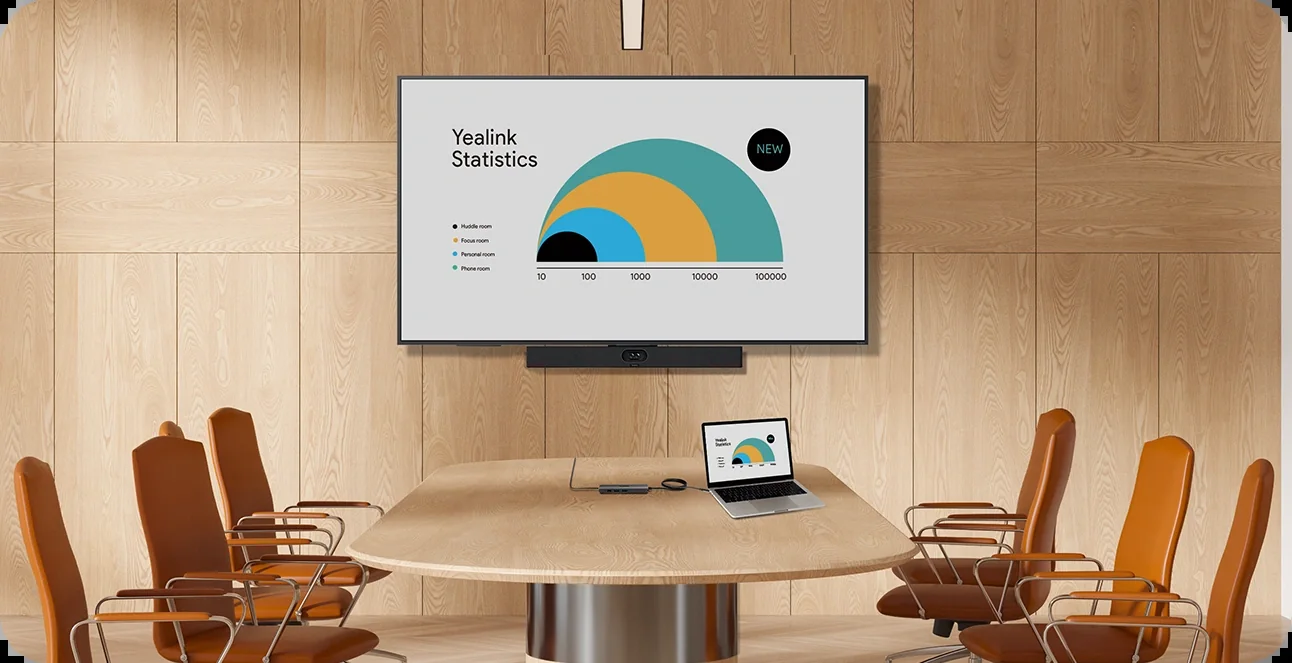
Management over the air
Yealink BYOD devices can be managed in bulk through Microsoft Teams Admin Center (TAC), the MTR Portal Management Platform (PMP), Zoom Device Management (ZDM) and Yealink Management Cloud Service (YMCS). Yealink highlights three capabilities:
- Manage devices in bulk. Upgrade and update devices in bulk by specifying firmware and resources.
- Get real-time alarms. Alarms such as poor call quality and firmware upgrade failure, with notification emails so IT admins do not miss them.
- Schedule tasks worry-free. Run management tasks during off-hours for business continuity and review each task's results.
Beyond plug-and-play USB BYOD
If the room needs more than a USB connection, Yealink offers Android-based Smart BYOD for streamlined meetings, or Windows integration with professional room systems for a premium experience. For wireless sharing into a Yealink room, see our WPP30 guide; for the wired hubs, our CTP18, CTP25 and VCH51 Pro guide.
BYOD components in stock at ARC IP Networks
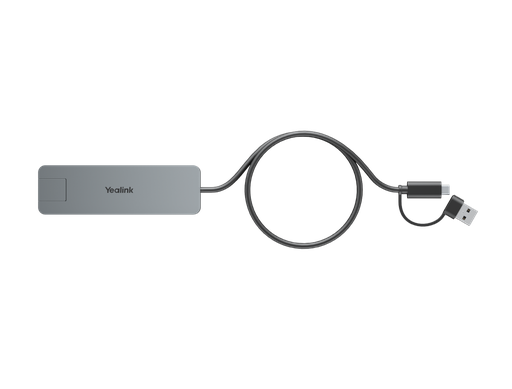
The USB BYOD cable hub with a 1.5 m USB-C cable; pair it with a UVC40 E2 or other USB bar.

Yealink's small-room BYOD set camera bar; add the VCH51 Pro for wired sharing.
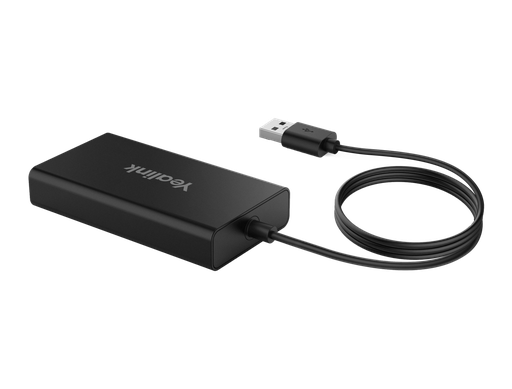
Pro BYOD: lets a laptop use the room's AV while the native Teams or Zoom Room stays in place.
Source: Yealink, yealink.com/en/solution-detail/byod-solution.
ARC IP Networks: the trusted Yealink supplier in Australia
ARC IP Networks is an Australian business communications and networking supplier based in Melbourne, Victoria, and a trusted source of genuine Yealink equipment across the Yealink BYOD range. We supply offices, call centres, medical practices, schools, hospitality sites, installers, MSPs and IT providers Australia-wide.
- Genuine Yealink, sourced through Yealink's Australian distribution channel, never grey import or refurbished.
- Australian stock with AU power supplies and firmware ready for Australian VoIP providers, 3CX, Microsoft Teams and hosted PBX platforms.
- Full manufacturer's warranty on every Yealink product, with Australian support.
- Australia-wide delivery at competitive prices, a GST tax invoice on every order, and trade and project pricing for installers and IT providers.
Browse the Yealink range at ARC IP Networks, call 1300 100 440 or email info@arcip.com.au for help choosing.
Common questions
Straight answers from the ARC IP Networks team. Last reviewed October 2026.
Yealink's way of letting you run meetings from your own laptop using the room's professional camera, microphone, speaker and display. It comes in three options: USB BYOD, Smart BYOD and Pro BYOD, all on Yealink video and audio hardware and manageable from Yealink's cloud platform.
USB BYOD pairs a USB bar with the BYOD Box; the laptop connects by USB and HDMI with no room licence or platform account. Smart BYOD uses Android-based MeetingBar devices in Device Mode over a single USB-C cable. Pro BYOD adds the BYOD Extender to a Windows-based Teams or Zoom Rooms system so the laptop uses the room's AV while the native room setup stays in place.
Yes. Yealink states the USB bar and BYOD Box work with Windows, Mac or Chromebook laptops via USB or HDMI, with no additional software or platform accounts required.
Huddle room: UVC40 E2 plus BYOD Box. Small room: SmartVision 40 plus VCH51. Medium room: MeetingBar A50 in USB mode, or UVC85 plus CP50. Large room: MeetingBar A50 in USB mode, or SmartVision 80 plus CM20 and CS10.
In bulk through Microsoft Teams Admin Center, the MTR Portal Management Platform, Zoom Device Management or Yealink Management Cloud Service, with bulk firmware updates, real-time alarms such as poor call quality or failed upgrades, and scheduled off-hours tasks.
Yes. The BYOD Box, UVC40 E2, SmartVision 40 and 80, VCH51 Pro, MeetingBar A50, CM20, CS10 and the MVC BYOD Extender are stocked as genuine Australian stock with the manufacturer's warranty; the UVC40-BYOD kit, UVC85 and CP50 are supplied on request.
ARC IP Networks is a trusted Yealink supplier in Australia. It stocks the Yealink BYOD range as genuine Australian stock with the full manufacturer's warranty, delivers Australia-wide at competitive prices, issues a GST tax invoice on every order, and offers trade and project pricing to installers, MSPs and IT providers. Order online at arcip.com.au or call 1300 100 440.
Planning a Yealink room or a whole fit-out?
Send us the room sizes, the platform and how people will join. We will map the Yealink solution, confirm what is in stock and quote it as one order with Australia-wide delivery and trade pricing for integrators.
Related Yealink guides
- Yealink WPP30 Wireless Presentation Pod Explained, and When to Choose RoomCast E2 Instead
- Yealink CTP18 vs CTP25 vs VCH51 Pro: Meeting Room Controllers and Sharing Hubs Explained
- Yealink MeetingBar A10 vs A20 vs A25: Choosing a Video Bar for Huddle and Focus Rooms
- Yealink One-Stop Solution Explained: One Coverage, One Experience, One Lifecycle for Australian Workplaces
- Yealink AV ONE Explained: One Vendor, One Network, One Software for Pro AV Meeting Rooms in Australia
- Yealink SkySound Audio Solution Explained: CM20 vs CM50 and the Five Reference Room Designs