WD Elements is Western Digital's simple, plug-and-play external hard drive range, and it comes in three lines. The WD Elements Portable USB-C (1TB, 2TB and 6TB) connects with a USB-C to USB-C cable, comes formatted exFAT for Windows 10+ and macOS 11+, and carries a 3-year limited warranty on WD's Australian page. The WD Elements Portable USB 3.0 (2TB, 4TB and 5TB) uses a Micro-B port with a USB-A cable, is set up for Windows 10+ and has a 2-year limited warranty. The WD Elements Desktop (14TB) is a larger upright drive that runs from mains power through the included AC adapter, also with a 2-year limited warranty. All three run at USB 3.2 Gen 1 (5Gbps) speed.
Quick pick: students and laptop users with USB-C ports should take the USB-C portable; anyone with older USB-A computers should take the USB 3.0 portable; photographers and small offices that need one big backup drive on a desk should take the 14TB Desktop.
ARC IP Networks is an authorised Western Digital reseller in Australia: genuine WD drives at competitive prices, with the full manufacturer's warranty, Australia-wide delivery and trade pricing.
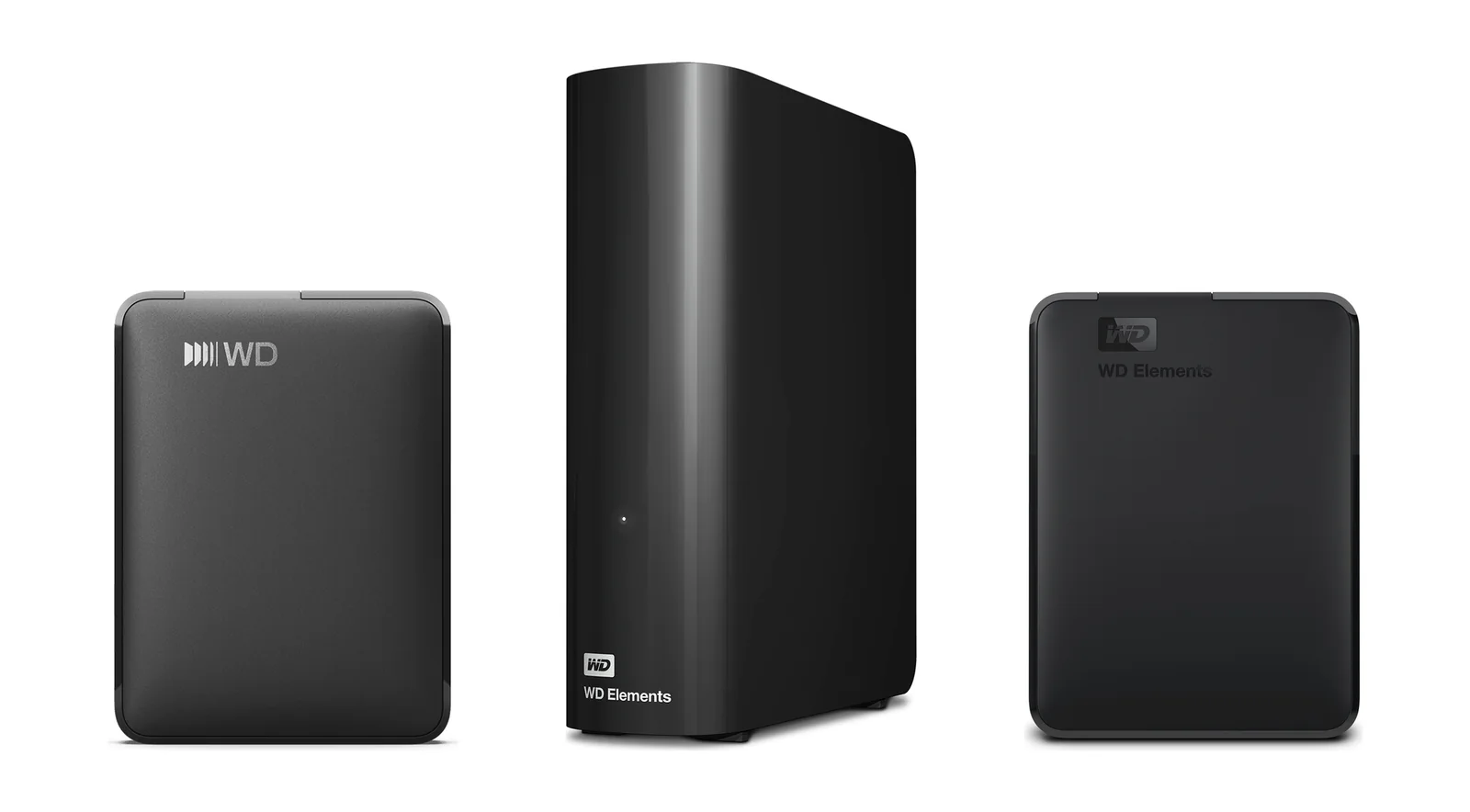
WD Elements at a glance: three lines, one job
Every WD Elements drive does the same thing: you plug it in and get more storage for backups, photos, videos and documents. The differences are the connector, the power source, the capacity and the warranty. WD also sells other external drive families (such as My Passport); Elements is its straightforward plug-and-play line, and it is the one this guide covers.
| Line | In one line | Best for |
|---|---|---|
| WD Elements Portable USB-C | USB-C to USB-C cable, exFAT for Windows and Mac, 1TB, 2TB or 6TB, 3-year warranty | Students, laptop users, Mac owners, photographers on the move |
| WD Elements Portable USB 3.0 | Micro-B port with a USB-A cable, Windows 10+, 2TB, 4TB or 5TB, 2-year warranty | Desktop PCs and older laptops with USB-A ports, home backups |
| WD Elements Desktop | Upright drive with AC adapter, USB-A cable, Windows 10+, 14TB, 2-year warranty | Small offices, family photo archives, one big backup on the desk |
Summarised from Western Digital's Australian product pages and WD Elements datasheets. Capacities are the ones ARC IP Networks lists.
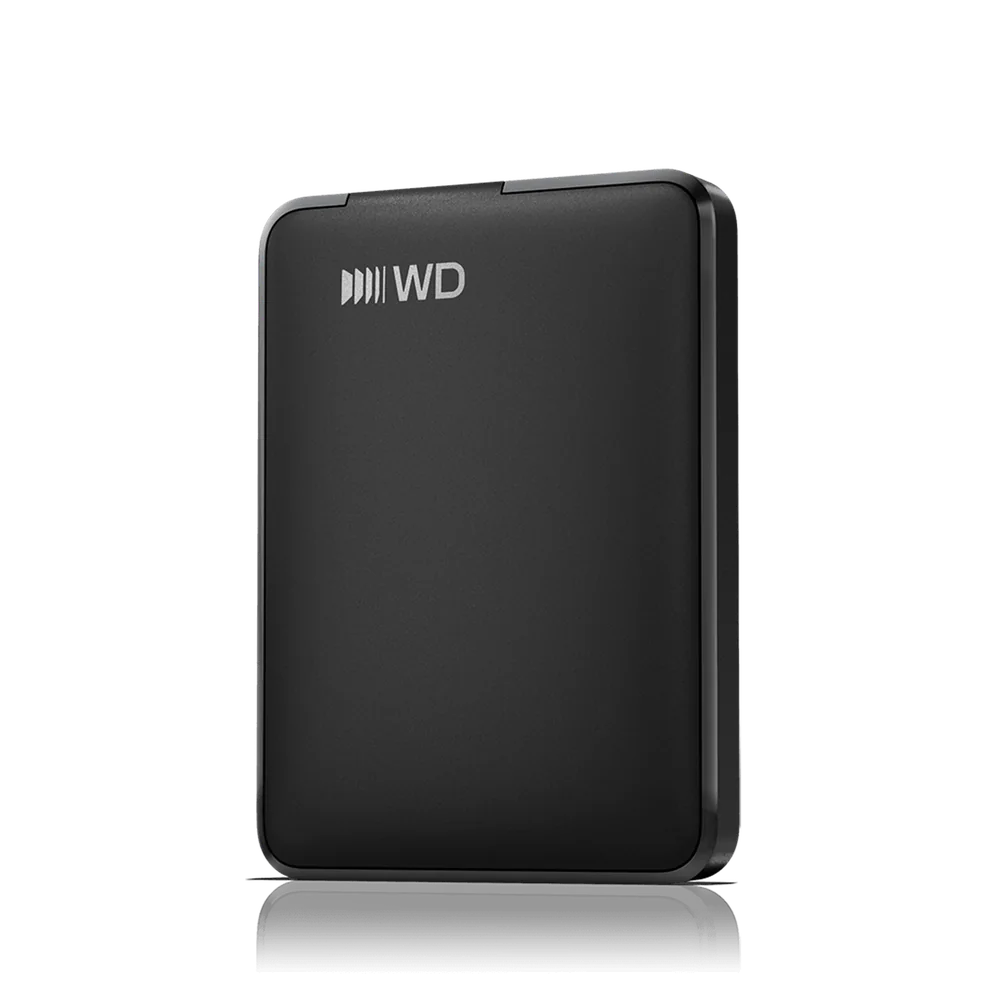
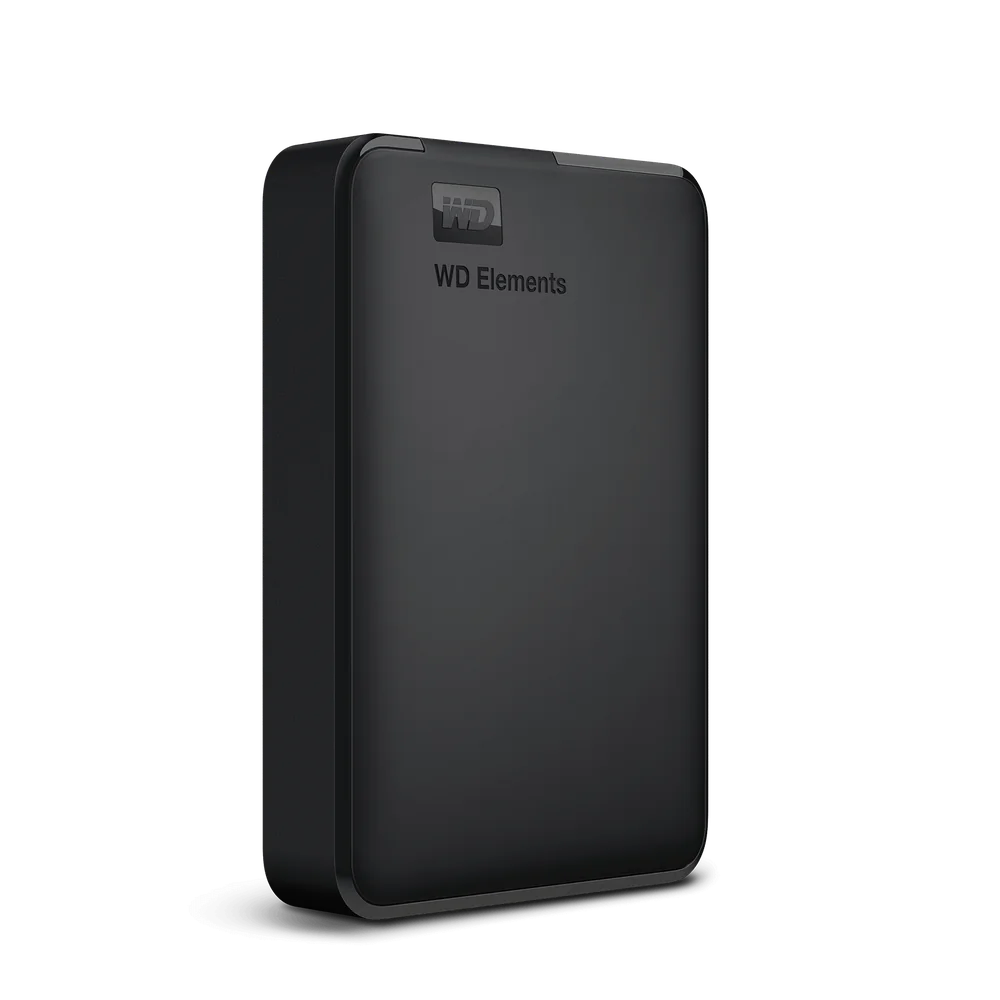
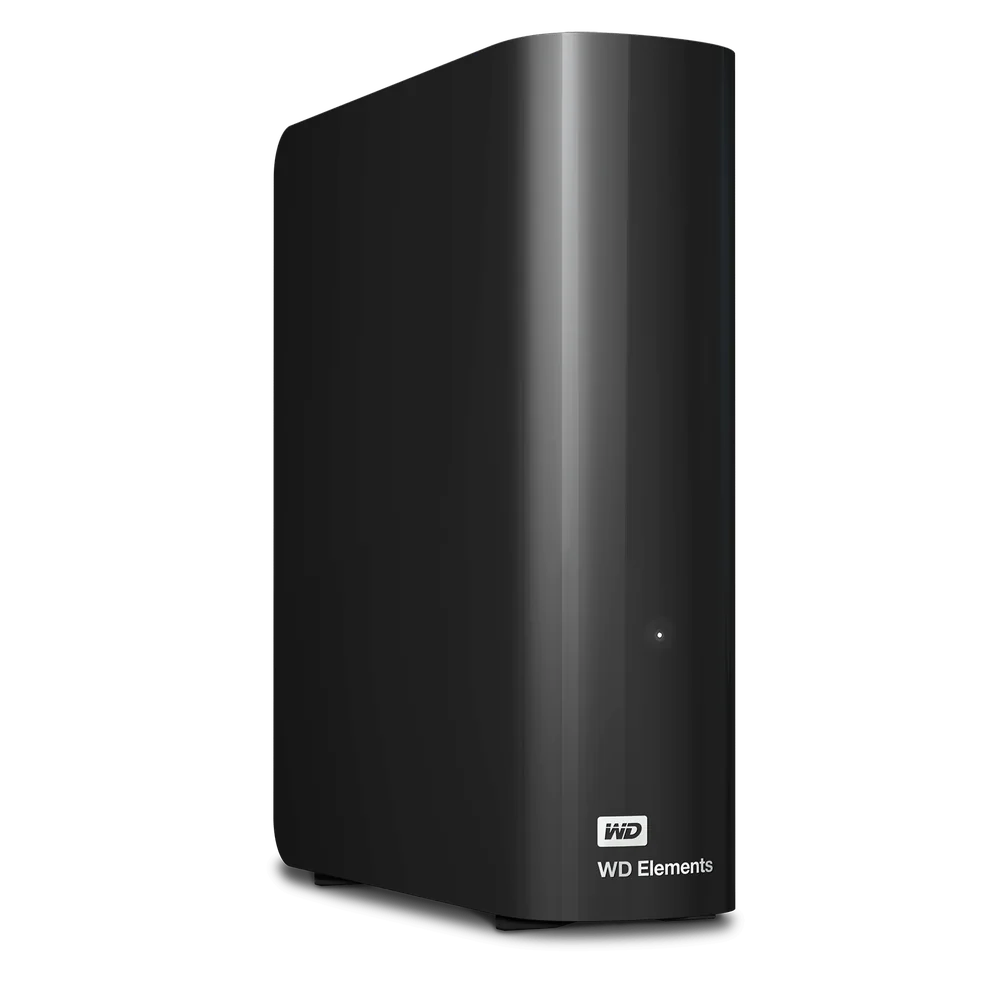
WD Elements specifications compared
Every figure below is from Western Digital for the exact model numbers ARC IP Networks lists (shown on each product card further down).
Swipe the table sideways to compare all models →
| Feature | Portable USB-C | Portable USB 3.0 | Desktop |
|---|---|---|---|
| Capacities we list | 1TB, 2TB, 6TB | 2TB, 4TB, 5TB | 14TB |
| Drive connector | USB-C | Micro-B | Micro-B plus power socket |
| Cable in the box | SuperSpeed USB-C to USB-C (5Gbps) | SuperSpeed USB-A (5Gbps) | SuperSpeed USB-A (5Gbps) |
| Interface | USB 3.2 Gen 1 / USB 3.0 (USB 2.0 compatible) | USB 3.2 Gen 1 / USB 3.0 (USB 2.0 compatible) | USB 3.2 Gen 1 / USB 3.0 and USB 2.0 |
| Interface speed | Up to 5Gbps | Up to 5Gbps | Up to 5Gbps |
| Power | From the USB port (no adapter in the box) | From the USB port (no adapter in the box) | External AC adapter (included) |
| Out-of-the-box format | exFAT | Not stated by WD | Not stated by WD |
| Compatibility (WD) | Windows 10+, macOS 11+ | Windows 10+; reformatting may be required for other operating systems | Windows 10+; reformatting required for macOS |
| Dimensions (L x W x H) | 1TB, 2TB: 110.8 x 82.2 x 15.0 mm 6TB: 110.8 x 82.2 x 23.7 mm | 2TB: 110.5 x 82.0 x 15.0 mm 4TB, 5TB: 110.5 x 82.0 x 23.7 mm | 135.0 x 48.0 x 165.8 mm |
| Weight | 1TB, 2TB: 0.13 kg 6TB: 0.24 kg | 2TB: 0.13 kg 4TB, 5TB: 0.23 kg | 0.90 kg |
| Operating temperature | 5°C to 35°C | 5°C to 35°C | 5°C to 35°C |
| Storage temperature | -20°C to 65°C | -20°C to 65°C | -20°C to 65°C |
| RCM (Australian compliance mark) | Yes | Yes | Yes |
| Limited warranty | 3 years (WD Australian page) | 2 years | 2 years |
Sources: WD Australian product pages and the WD Elements Portable USB-C datasheet, WD Elements Portable product overview and WD Elements Desktop product overview. WD does not publish a MB/s transfer rate for these drives, only the 5Gbps interface speed. As WD notes, 1TB = one trillion bytes and the capacity your computer shows will be a little lower.
WD Elements Portable USB-C: the modern pick
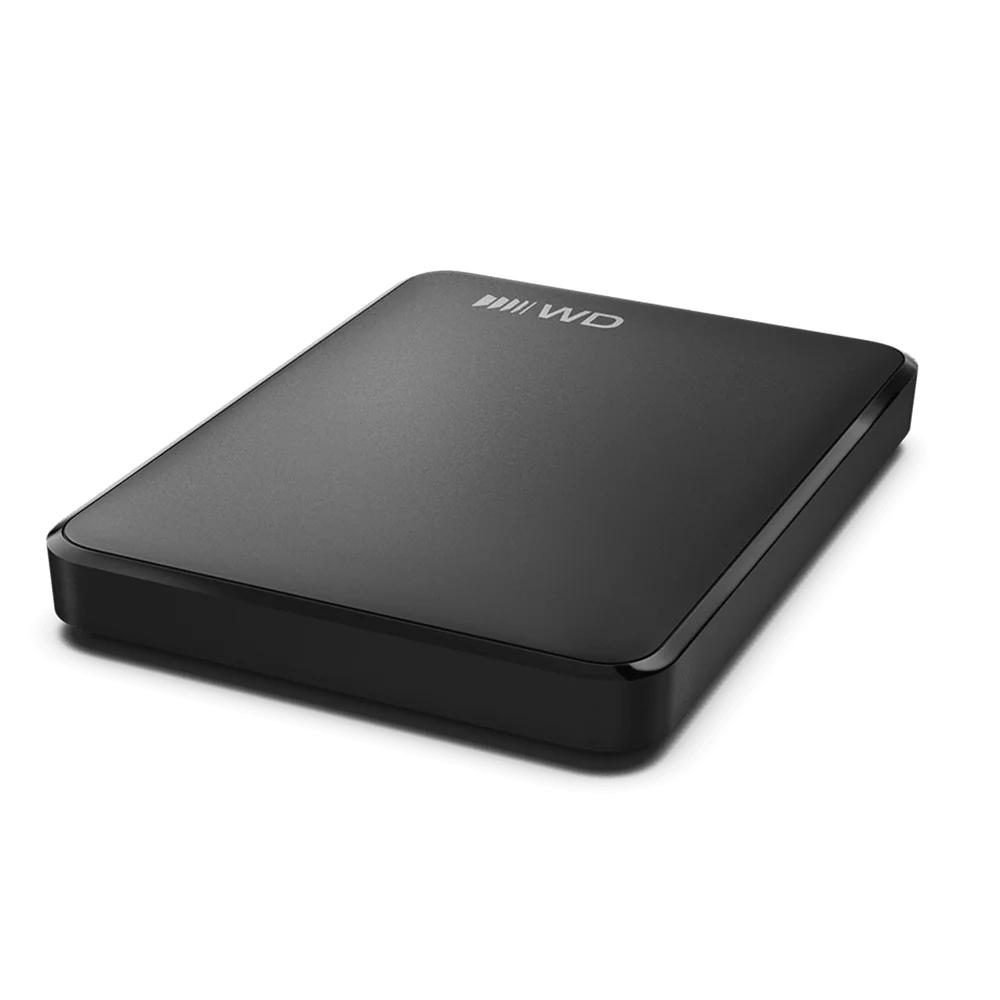
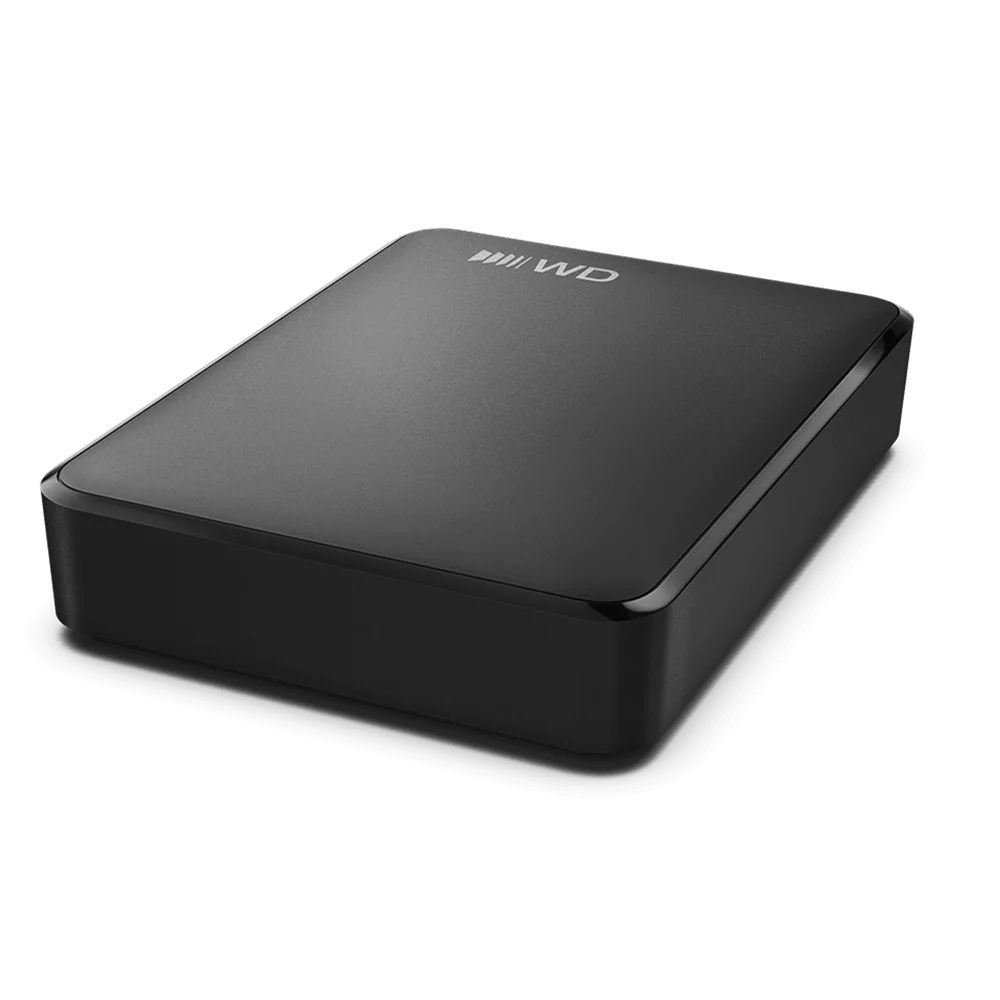
The USB-C line is the newest WD Elements portable. It ships with a USB-C to USB-C cable, so it plugs straight into current laptops, MacBooks and desktops with a USB-C port, with no adapter needed. WD formats it exFAT for out-of-the-box use and lists Windows 10+ and macOS 11+, so a family with a Windows PC and a MacBook can share one drive without reformatting it first.
It is also the only Elements line with a 3-year limited warranty on WD's Australian page, a year longer than the other two. WD says the enclosure is made from more than 50% post-consumer recycled plastic, and the packaging from more than 50% recycled pulp.
Size depends on capacity. The 1TB and 2TB models are 15.0 mm thick and weigh 0.13 kg, light enough for a uni backpack or a camera bag. The 6TB model is 23.7 mm thick and 0.24 kg, in exchange for three times the space of the 2TB.
One thing to check: the cable is USB-C at both ends. If the computer you want to back up only has the older rectangular USB-A ports, the USB 3.0 line below is the simpler fit.
WD Elements Portable USB 3.0: for USB-A computers
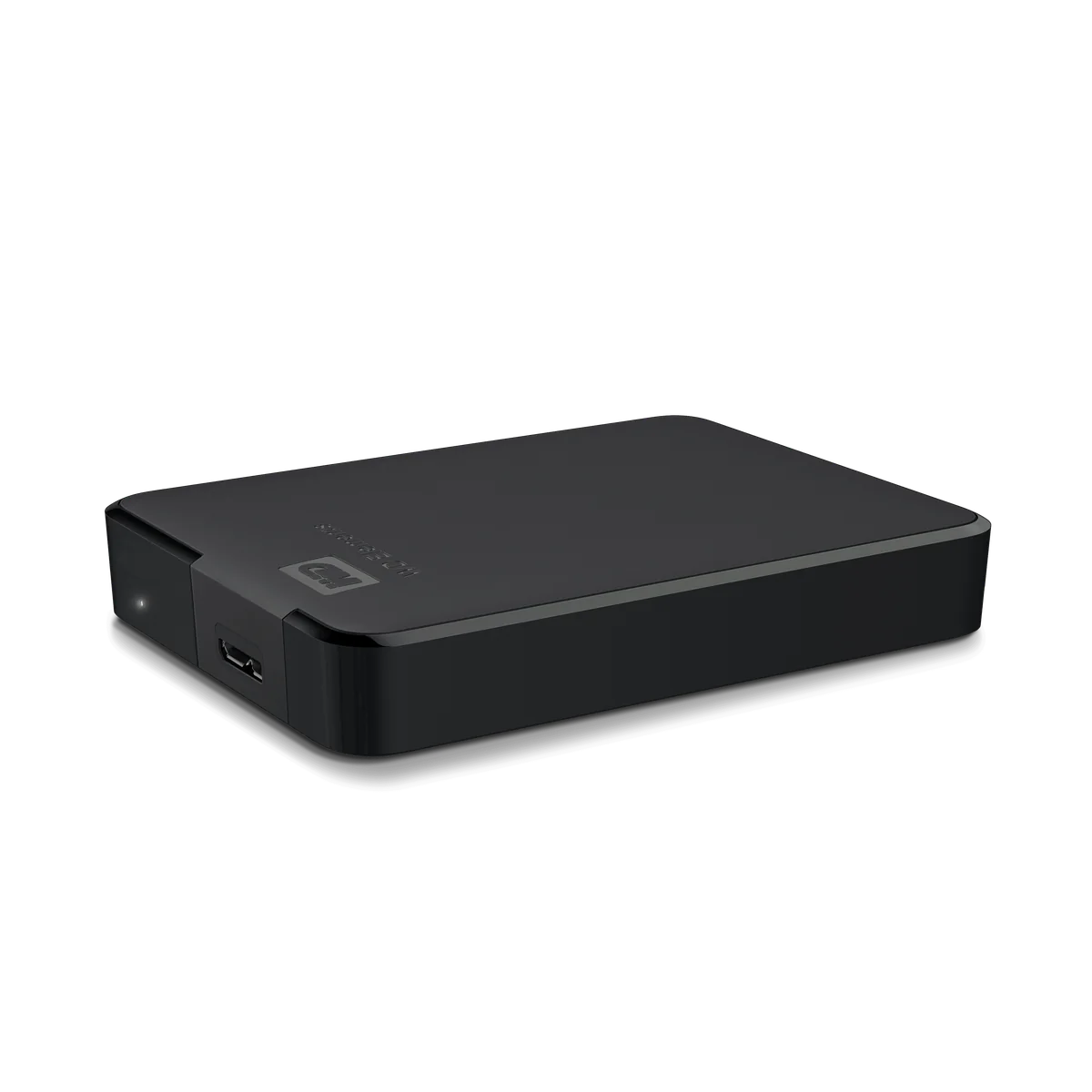
The USB 3.0 line has a Micro-B port on the drive and ships with a SuperSpeed USB-A cable, the familiar rectangular plug found on most desktop PCs, older laptops. It runs at the same USB 3.2 Gen 1 (5Gbps) interface speed as the USB-C model.
WD lists it for Windows 10+, noting that reformatting may be required for other operating systems. Warranty is a 2-year limited warranty. Like the USB-C line, WD says the enclosure is more than 50% post-consumer recycled plastic.
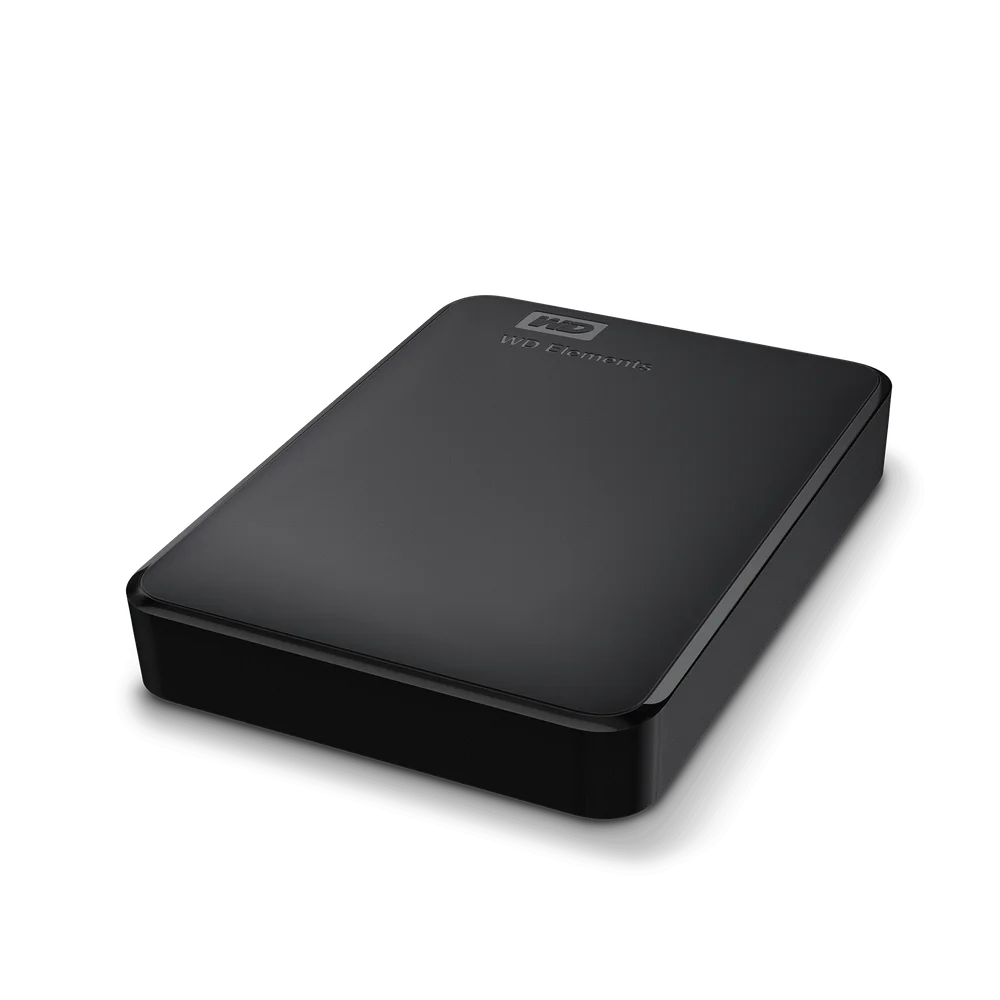
We list it in 2TB, 4TB and 5TB. The 2TB is the slim body (15.0 mm, 0.13 kg); the 4TB and 5TB use the thicker body (23.7 mm, 0.23 kg) pictured below.
WD Elements Desktop: big capacity on mains power
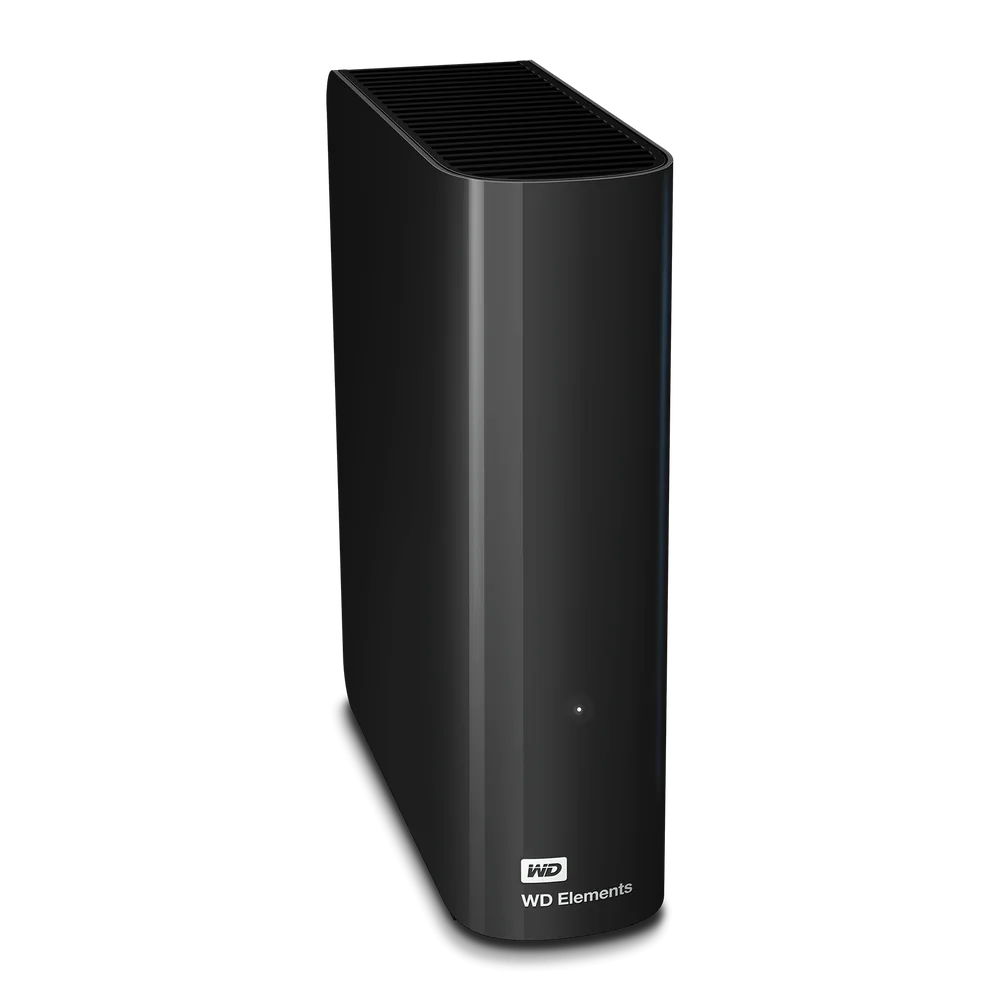
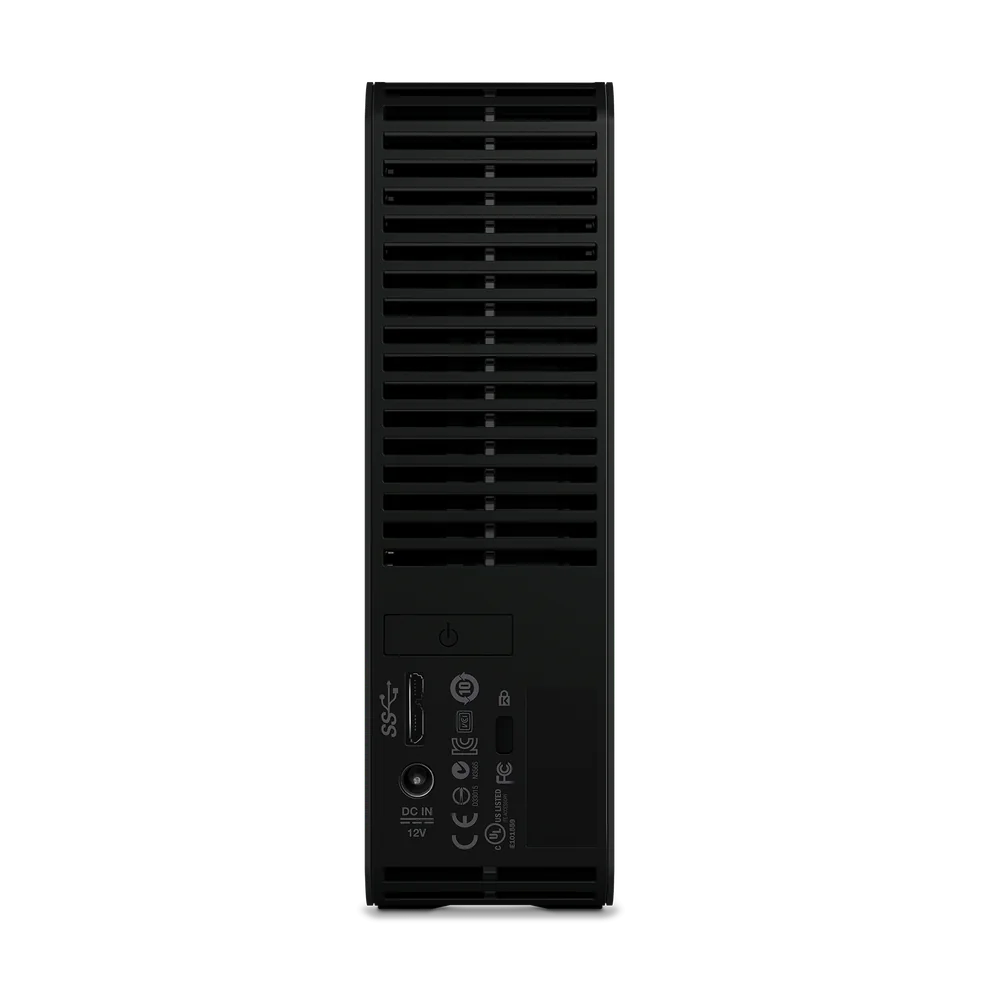
The WD Elements Desktop 14TB is a different kind of drive. It stands upright on a desk (135.0 x 48.0 x 165.8 mm, 0.90 kg) and plugs into a power point through the AC adapter in the box, with a SuperSpeed USB-A cable to the computer. WD makes the Desktop in capacities up to 26TB; ARC IP Networks lists the 14TB model, WD's Australia and New Zealand product number WDBBKG0140HBK-AESN.
WD says it works out of the box with Windows PCs. For a Mac, WD states that reformatting is required for macOS. Warranty is a 2-year limited warranty.
Because it needs a power point, the Desktop is a stay-at-home drive: the backup target for a family PC, a photographer's editing desk or a small office reception computer, rather than something you carry between campus and home.
Bus-powered portable or mains-powered desktop?
The two portable lines have no power adapter in the box: they run from the computer's USB port, so one cable does both data and power. That makes them easy to carry and easy to use anywhere, from a laptop on the train to a PC in a home study.
The Desktop needs its AC adapter plugged into a power point. In return you get a far larger capacity than the portables in this range. If your backup drive will live permanently beside one computer, mains power is no drawback. If it travels, choose a portable.
| Question | Portable (USB-C or USB 3.0) | Desktop |
|---|---|---|
| Power adapter needed? | No, powered over the USB cable | Yes, AC adapter included |
| Carry it around? | Yes, 0.13 to 0.24 kg | Not really, 0.90 kg and needs a power point |
| Largest capacity we list | 6TB (USB-C) | 14TB |
From WD's published box contents, weights and capacities.
Windows out of the box, and reformatting for a Mac
All WD Elements drives work with Windows 10 and later straight away. Mac compatibility depends on the line, and it is worth getting right before you buy:
- Portable USB-C: formatted exFAT, with Windows 10+ and macOS 11+ both listed by WD. It works on a Mac without reformatting.
- Portable USB 3.0: listed for Windows 10+. WD notes that reformatting may be required for other operating systems, including macOS.
- Desktop: listed for Windows 10+. WD states that reformatting is required for macOS.
Reformatting erases the drive, so do it before you copy anything to it. On a Mac, Disk Utility handles it. If you plan to use Apple's Time Machine, macOS will offer to erase and set up the drive itself the first time you choose it as a backup disk, whichever line you buy.
WD also notes that compatibility may vary depending on your hardware configuration and operating system.
What is in the box, and the warranty for each line
| Line | In the box | Limited warranty |
|---|---|---|
| Portable USB-C | Drive, SuperSpeed USB-C to USB-C cable (5Gbps), quick install guide | 3 years (WD Australian page) |
| Portable USB 3.0 | Drive, SuperSpeed USB-A cable (5Gbps), quick install guide | 2 years |
| Desktop | Drive, SuperSpeed USB-A cable (5Gbps), AC adapter, quick install guide | 2 years |
Box contents from WD's Australian product pages and datasheets. WD does not list bundled backup software for these models. WD notes that the warranty term depends on the country where the product was purchased.
Buying from an authorised Australian reseller keeps warranty claims simple, and on top of WD's limited warranty you keep your rights under the Australian Consumer Law.
How to choose capacity for backups
Start with how much data you actually have, then leave room to grow. Check the used space on each computer you want to back up, add the photo and video folders on any other devices, and add an allowance for the next couple of years. A useful rule of thumb is to buy about twice the capacity of the data you need to protect, so the backup software can keep older versions of files as well as the latest copy.
| Who | Typical need | Our suggestion |
|---|---|---|
| Student with a laptop | Assignments, notes and a few years of phone photos | USB-C 1TB or 2TB |
| Home PC with USB-A ports | Documents and family photos from one or two computers | USB 3.0 2TB or 4TB |
| Photographer or videographer | RAW files and video projects to carry between shoots and the editing desk | USB-C 6TB or USB 3.0 5TB |
| Family photo and video archive | Everything from several devices in one place at home | Desktop 14TB |
| Small office | Nightly backup of a reception or admin PC, plus a second drive taken offsite | Desktop 14TB plus a portable for the offsite copy |
ARC IP Networks suggestions, not WD recommendations. Size to your own data.
One external drive is a copy, not a backup strategy. The 3-2-1 rule says keep three copies of your data, on two different types of storage, with one copy offsite. A practical version for an Australian home or small office: the computer itself, a WD Elements drive on the desk, and a second drive (or a cloud service) kept somewhere else, such as at a relative's place or in the office. Our guide NAS Backup Done Right: The 3-2-1 Rule and RAID 5 vs RAID 6 (Australia) explains the rule in detail, and NAS vs Cloud Storage: What is Right for Australians? covers when cloud storage makes sense as the offsite copy.
Keep drives out of a hot car or a sunny window sill: WD rates every Elements model for operation between 5°C and 35°C, and storage up to 65°C.
When a NAS is the better answer
An external drive backs up the one computer it is plugged into, when someone remembers to plug it in. That is fine for a student or a single home PC. It starts to break down when:
- several computers, laptops and phones all need backing up, every night, without anyone doing anything;
- you want a copy of your photos away from Google or Apple subscriptions;
- staff need to share the same files, or reach them from home;
- a single drive failing would mean losing the only copy.
That is the job of a NAS (network attached storage): a small always-on box with two or more drives that sits on your network, backs up every device automatically and can protect against a single drive failure with RAID. Read What Is a NAS? Network Attached Storage Explained (Australia) for the basics, Back Up Windows, Mac and Linux to an ASUSTOR NAS (with Snapshots) for automatic backups from every computer, and Replace Google Photos with a NAS in Australia if phone photos are the main worry.
A NAS does not replace the external drive, either. A WD Elements drive makes an excellent offsite or second copy of what is on the NAS, which ticks off the "2" and "1" in the 3-2-1 rule. For sizing a NAS, see How Much NAS Storage Do You Need? TB Explained (Australia).
Why buy WD Elements from ARC IP Networks
ARC IP Networks is an authorised Western Digital reseller in Australia: genuine WD drives at competitive prices, with the full manufacturer's warranty, Australia-wide delivery and trade pricing.
Every WD Elements drive we list is a genuine Western Digital product with a WD model number you can check against WD's own documentation, including the Australian and New Zealand product number for the Desktop 14TB. Browse the full WD Elements external and portable drives range or the wider Western Digital range, including WD Red NAS drives if you are planning a NAS as well.
WD Elements drives at ARC IP Networks
Full specifications and ordering details are on each product page.
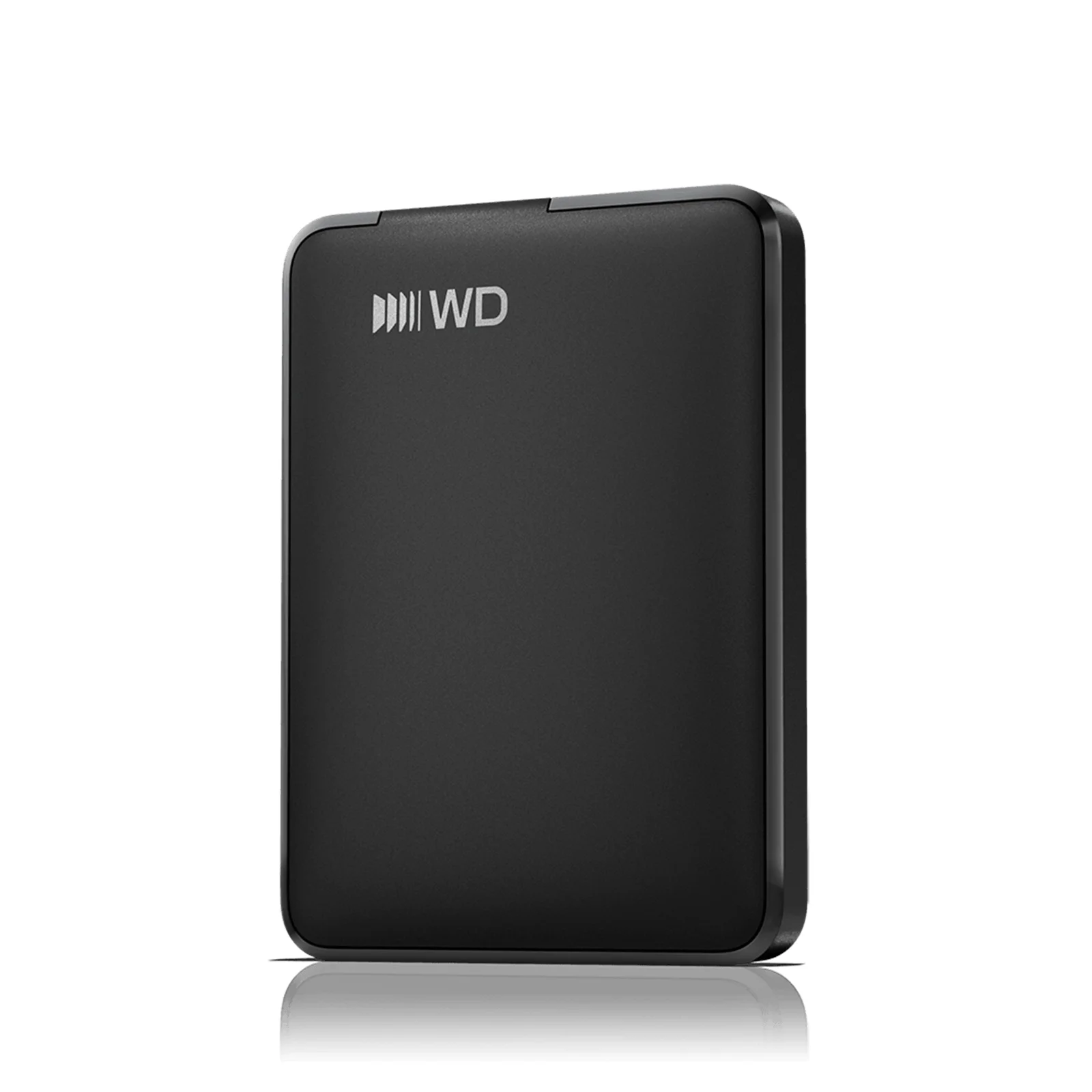
Slim 15.0 mm USB-C portable, exFAT for Windows and Mac, 3-year limited warranty.
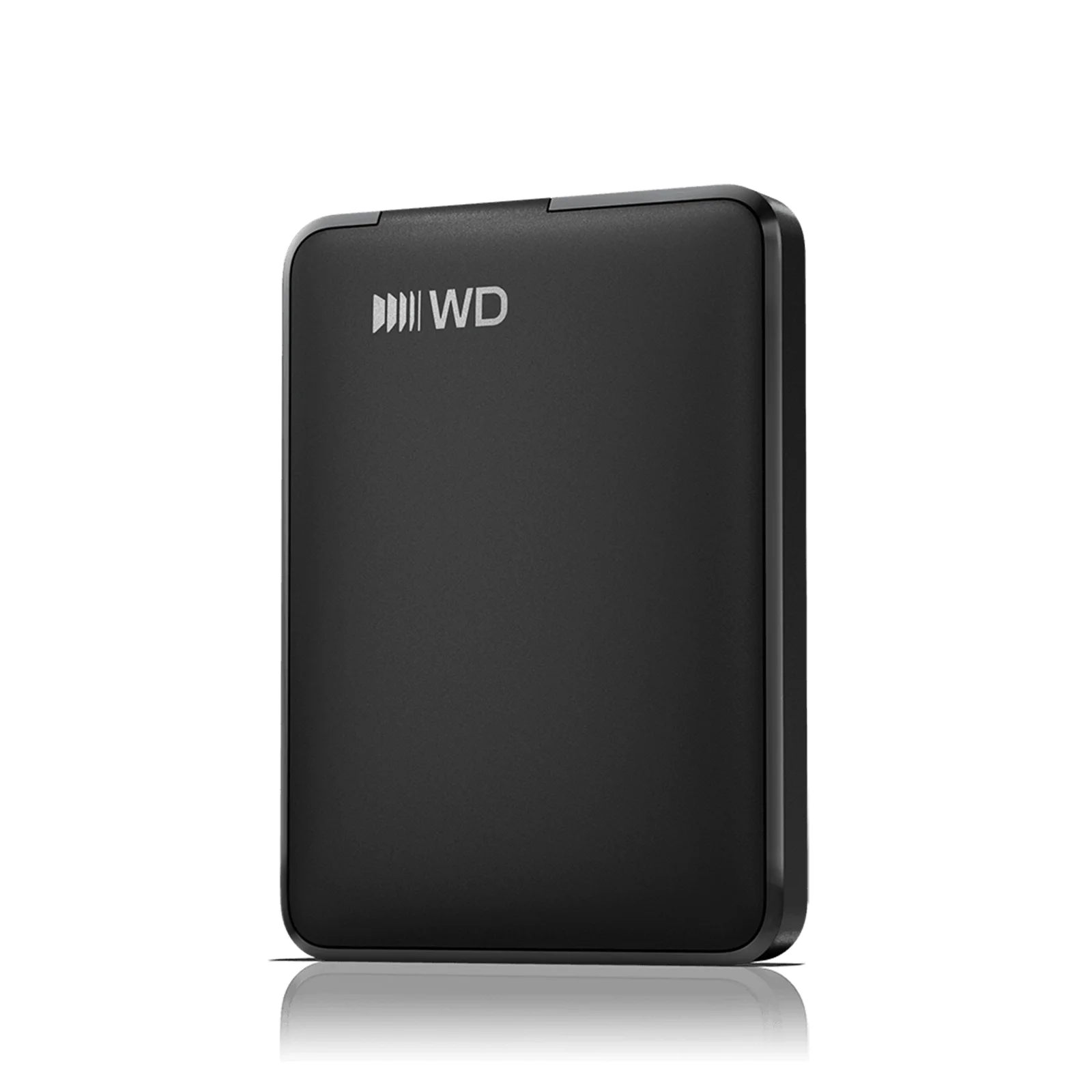
Slim 15.0 mm USB-C portable, 0.13 kg, exFAT for Windows and Mac, 3-year limited warranty.
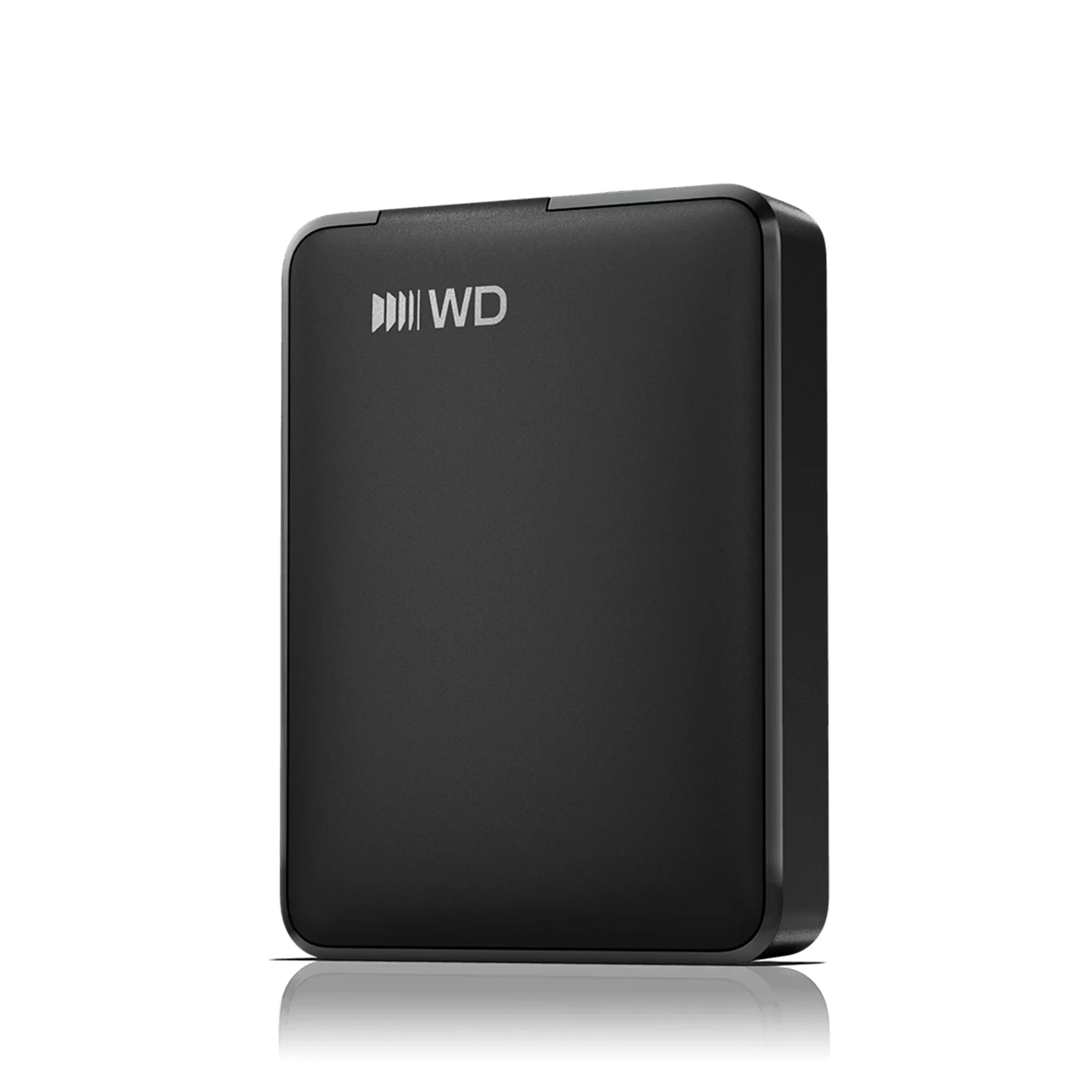
The largest Elements portable we list. USB-C to USB-C cable, 3-year limited warranty.
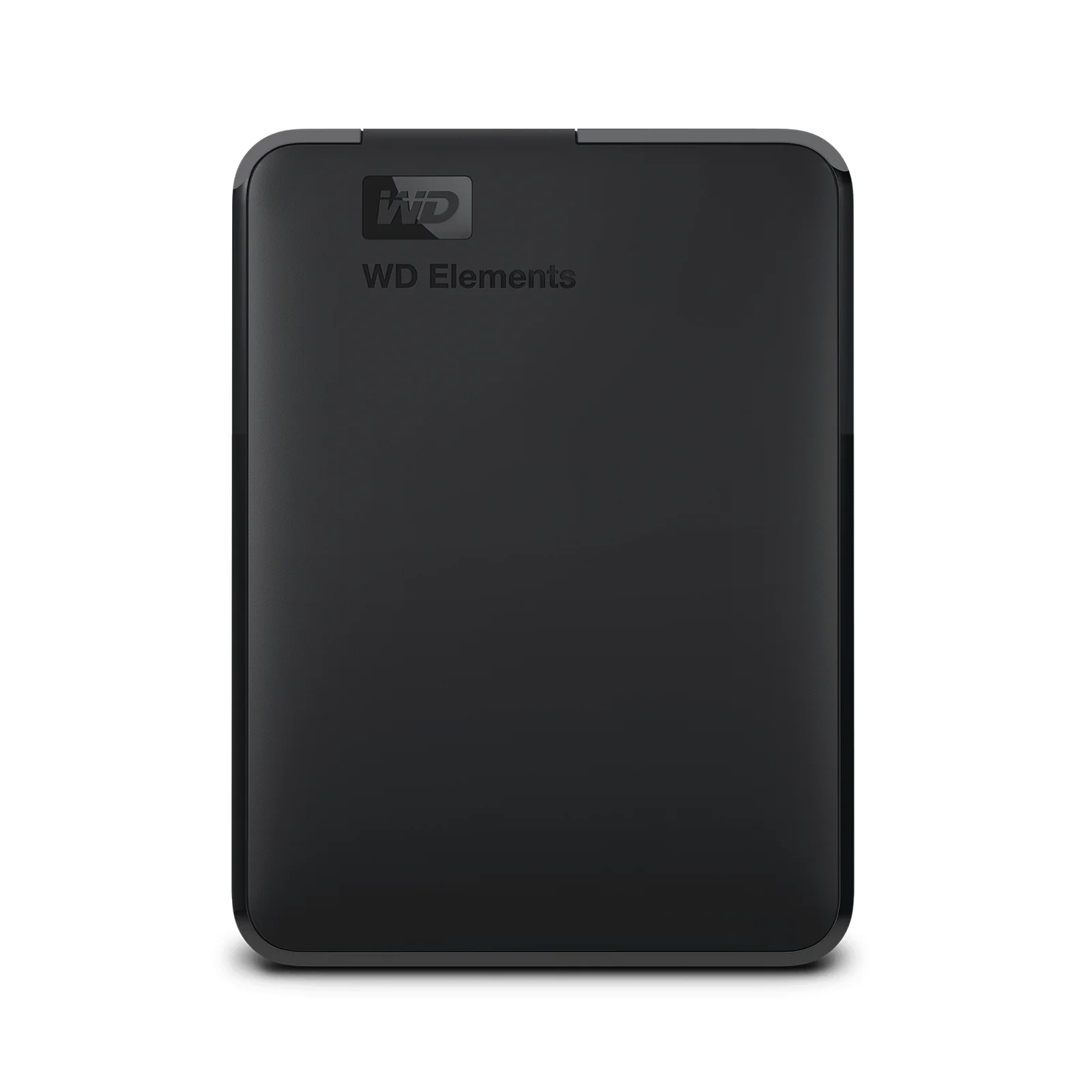
Micro-B drive with a USB-A cable for older PCs and laptops. 2-year limited warranty.
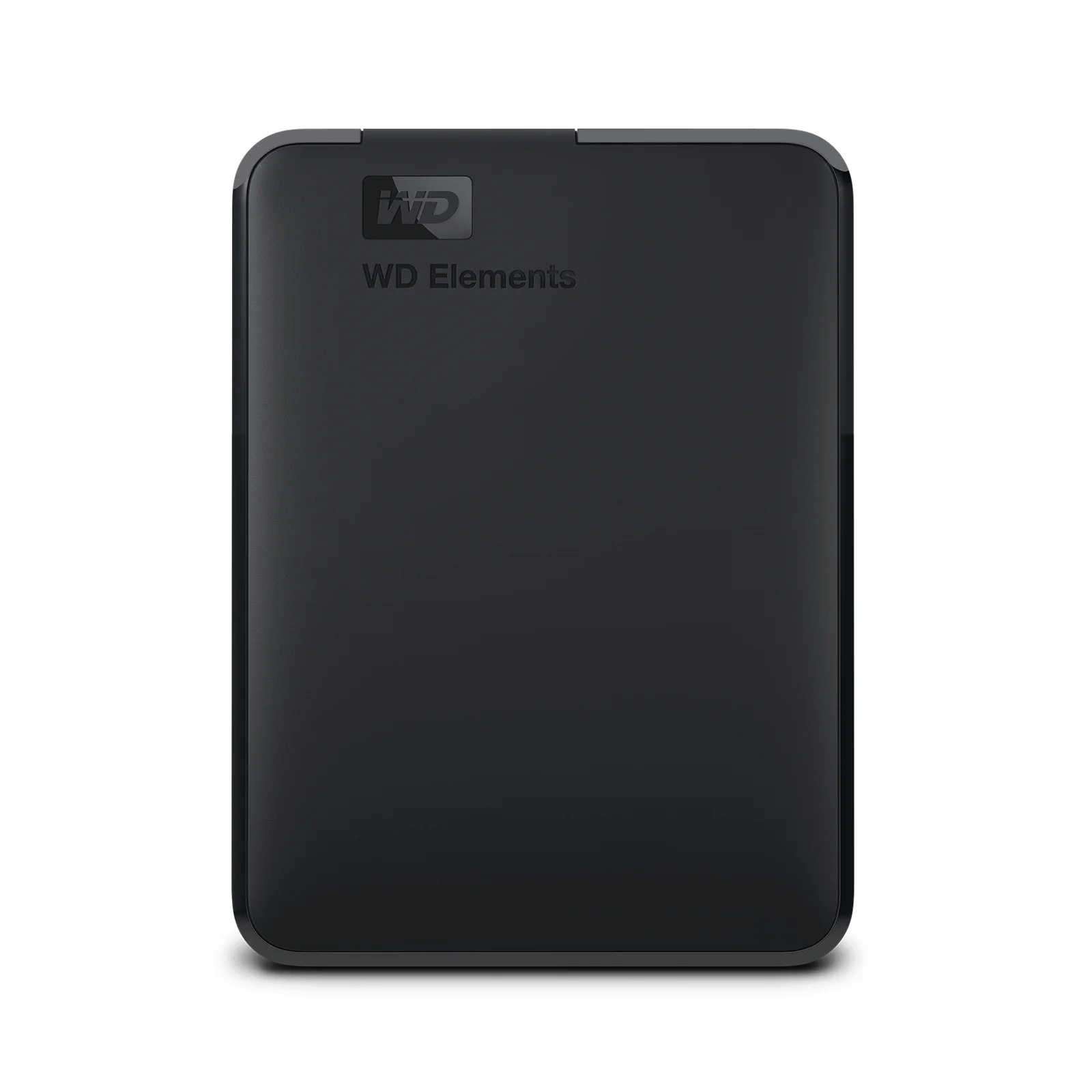
USB-A cable, powered over USB, Windows 10+. 2-year limited warranty.
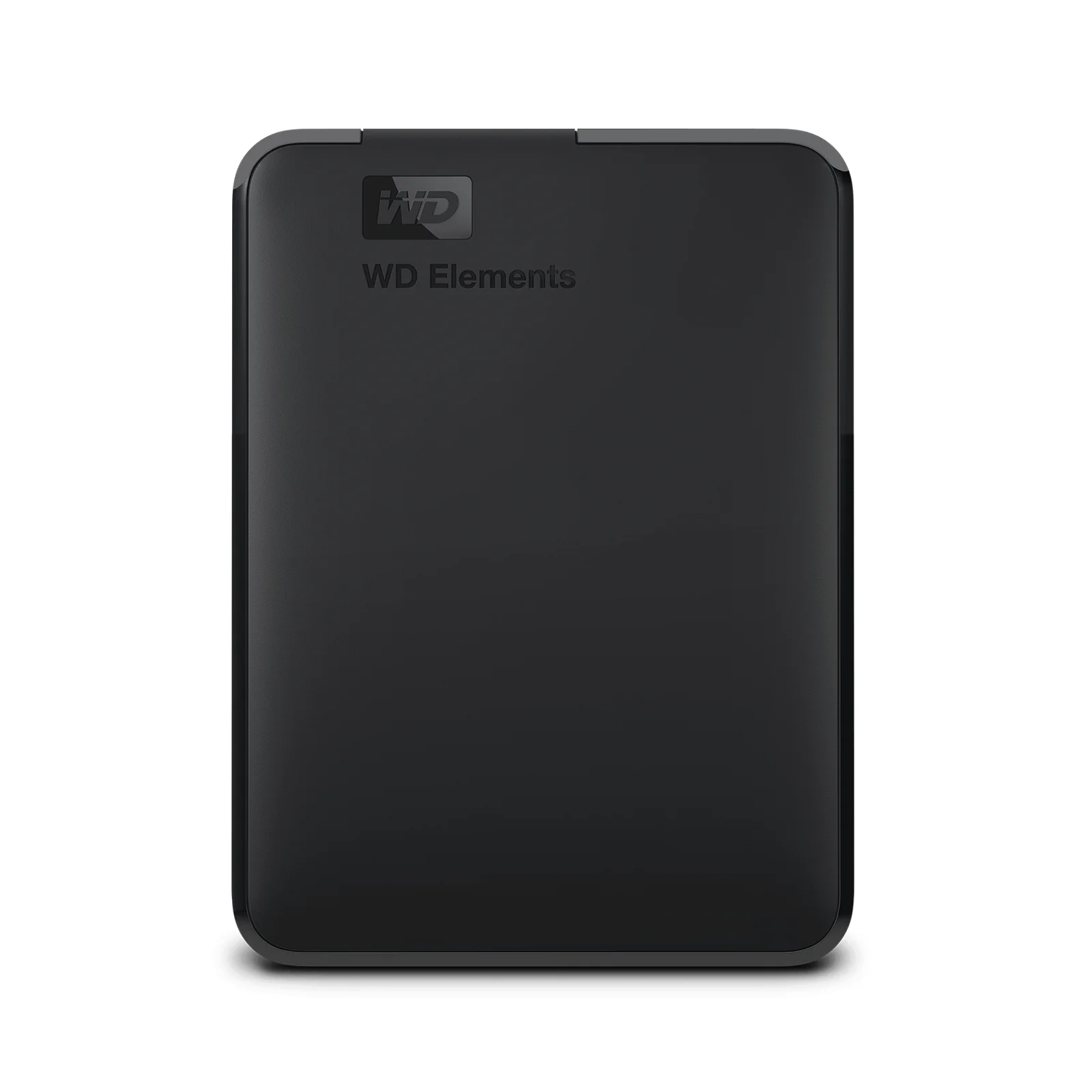
USB-A cable, powered over USB, Windows 10+. 2-year limited warranty.
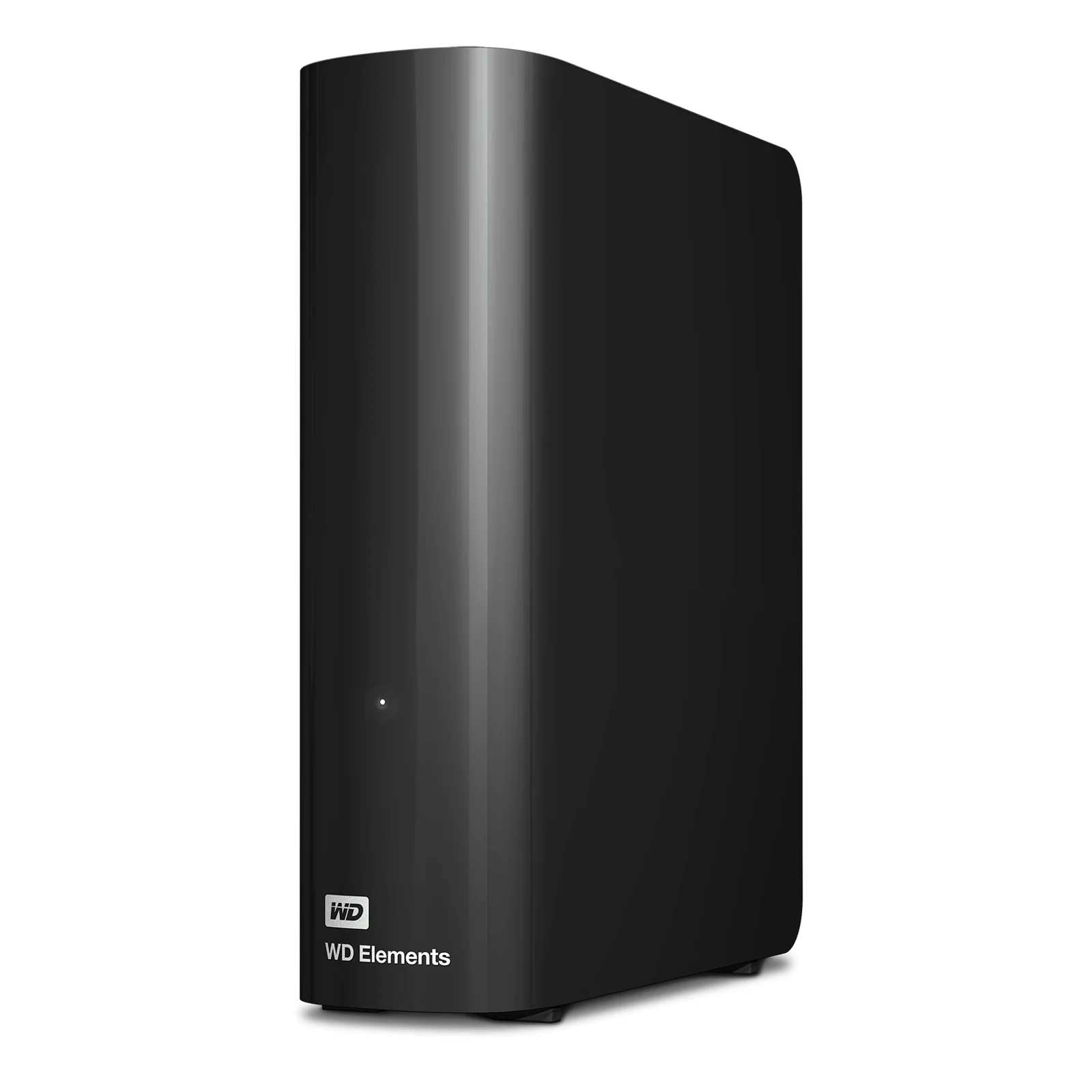
Upright mains-powered drive with AC adapter and USB-A cable. 2-year limited warranty.
Common questions
Straight answers from the ARC IP Networks team. Last reviewed October 2026.
WD Elements is Western Digital's simple, plug-and-play range of external hard drives for backing up and storing photos, videos and documents. It comes in three lines: WD Elements Portable USB-C, WD Elements Portable USB 3.0 and WD Elements Desktop. All three use a USB 3.2 Gen 1 (5Gbps) interface.
The USB-C model ships with a USB-C to USB-C cable, comes formatted exFAT for Windows 10+ and macOS 11+, and carries a 3-year limited warranty on WD's Australian page. The USB 3.0 model has a Micro-B port and a USB-A cable, is listed for Windows 10+ (reformatting may be required for other operating systems) and has a 2-year limited warranty. Both run at 5Gbps and are powered over USB.
The WD Elements Portable USB-C is formatted exFAT and WD lists it for macOS 11+, so it works on a Mac out of the box. The WD Elements Portable USB 3.0 is listed for Windows 10+ and may need reformatting for a Mac, and WD states that the WD Elements Desktop requires reformatting for macOS. Reformatting erases the drive, so do it before copying files.
Yes. The WD Elements Desktop runs from mains power through the external AC adapter included in the box, and connects to the computer with a SuperSpeed USB-A cable. The WD Elements portable drives have no power adapter and run from the computer's USB port.
WD's Australian product page lists a 3-year limited warranty for the WD Elements Portable USB-C. The WD Elements Portable USB 3.0 and the WD Elements Desktop have a 2-year limited warranty. WD notes the warranty term depends on the country where the drive was purchased, so buy from an authorised Australian reseller.
The WD Elements Portable USB-C comes with a SuperSpeed USB-C to USB-C cable and a quick install guide. The Portable USB 3.0 comes with a SuperSpeed USB-A cable and a quick install guide. The Desktop comes with a SuperSpeed USB-A cable, an AC adapter and a quick install guide.
Add up the data on every device you want to back up and allow for growth. A useful rule of thumb is about twice the capacity of the data you need to protect, so backup software can keep older file versions. For a student laptop, a 1TB or 2TB portable is usually plenty; photographers often choose the 6TB USB-C or 5TB USB 3.0 portable; a family archive or small office suits the 14TB Desktop.
An external drive such as WD Elements is the simplest backup for one computer. A NAS is better when several computers and phones need automatic nightly backups, when files must be shared or reached remotely, or when you want protection against a single drive failure. Many Australian homes and small offices use both: a NAS for daily backups and an external drive as the offsite copy under the 3-2-1 rule.
ARC IP Networks is an authorised Western Digital reseller in Australia: genuine WD drives at competitive prices, with the full manufacturer's warranty, Australia-wide delivery and trade pricing. ARC IP Networks lists WD Elements Portable USB-C (1TB, 2TB, 6TB), WD Elements Portable USB 3.0 (2TB, 4TB, 5TB) and WD Elements Desktop 14TB at arcip.com.au, or call 1300 100 440.
Need help choosing a backup drive?
Tell us what you need to back up, which computers you use and whether the drive needs to travel. We will match the right WD Elements drive, or a NAS with WD Red drives, with Australia-wide delivery and trade pricing for IT providers and installers.
Related storage guides
- NAS Backup Done Right: The 3-2-1 Rule and RAID 5 vs RAID 6 (Australia)
- NAS vs Cloud Storage: What is Right for Australians?
- What Is a NAS? Network Attached Storage Explained (Australia)
- Back Up Windows, Mac and Linux to an ASUSTOR NAS (with Snapshots)
- Replace Google Photos with a NAS in Australia
- How Much NAS Storage Do You Need? TB Explained (Australia)
- CMR vs SMR Hard Drives Explained: What It Means for NAS and CCTV (Australia)
- How Long Do Hard Drives Last? Workload, MTBF and Warranty Explained