To replace Google Photos with a NAS, download your library with Google Takeout, unzip it into the Photo Gallery folder on an ASUSTOR NAS, and browse it with Photo Gallery 3 on a computer and AiFoto 3 on your phone. ASUSTOR designed both to feel familiar to Google Photos users, with timelines, search, location albums and share links. You buy the NAS and drives once, the photos stay in your home, and nothing changes when a cloud provider changes its pricing or terms.
Quick pick: couple or small family → Drivestor 2 Gen2 (AS1202T) with two drives in RAID 1; bigger family → Drivestor 4 Gen2 (AS1204T); family photos plus movies on the TV → AS5402T. ARC IP Networks is a trusted ASUSTOR supplier in Australia: genuine ASUSTOR NAS and accessories at competitive prices, with the full ASUSTOR manufacturer warranty, Australia-wide delivery and trade pricing.

Google Photos vs an ASUSTOR NAS at a glance
| Cloud photo service | ASUSTOR NAS | |
|---|---|---|
| Free space | 15 GB shared with other services (per ASUSTOR) | As much as the drives you install |
| Ongoing cost | A monthly or yearly fee that grows with your library | Buy the NAS and drives once; the drives are yours to keep |
| Where the photos live | The provider's data centres | In your home or office |
| Outages | No access while the service is down | Works on your home network even if the internet drops |
| Pricing and terms | Can change at any time | Not affected by provider changes |
| Apps | Provider's web and mobile apps | Photo Gallery 3 (web) and AiFoto 3 (mobile) |
| Sharing | Albums and links | Share with NAS users, share links, one-tap social sharing |
| Offsite copy | Built in | Add a cloud or second-NAS backup for 3-2-1 |
Comparison based on ASUSTOR's Google Photos migration page. Check your provider's current plans for exact allowances.
What changed with Google Photos
As ASUSTOR explains, Google Photos ended free unlimited storage in June 2021. Photos and videos now count towards the free 15 GB allowance, and you pay for more space beyond that. For Australian families with years of phone photos, kids' sport videos and holiday albums, that 15 GB goes quickly, and the subscription becomes a permanent bill.
ASUSTOR's argument is that upgrading cloud capacity is expensive over time, while a NAS lets you control the space yourself. In ASUSTOR's words, even an affordable 2 TB drive can cost less than a single year of cloud photo storage, and you keep the drive. A NAS with two or four drives holds many times the capacity of a typical cloud plan, and you can add or upgrade drives later.
How to move from Google Photos to an ASUSTOR NAS
ASUSTOR describes the move in two main steps. Here is the full process for an Australian household:
- Set up the NAS with drives in RAID 1 (two drives) or RAID 5 (three or more), so one failed drive does not lose the family archive.
- Export with Google Takeout: download all your photos in one go. Large libraries come as several archive files; on a typical NBN plan the download is the quick part.
- Sort and unzip the archives into the Photo Gallery folder on the NAS. Use File Explorer in ADM, or your computer, to organise the folders the way you want.
- Point Photo Gallery 3 at the folder. ASUSTOR says photos then appear automatically.
- Install AiFoto 3 on each family member's phone or tablet to view the same library.
- Add an offsite backup before you delete anything from the cloud.
ASUSTOR also has a short video showing a Google Photos to Photo Gallery 3 migration in about 45 seconds.
Photo Gallery 3 and AiFoto 3: a familiar experience
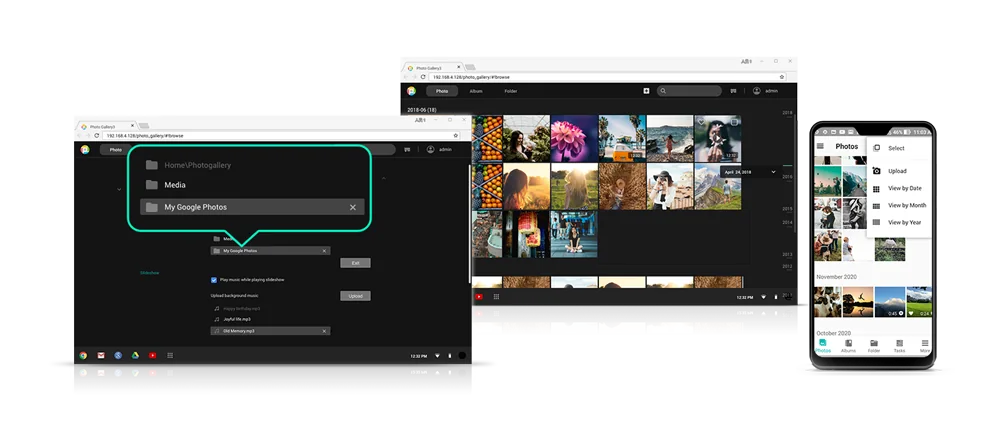
ASUSTOR built Photo Gallery 3 and AiFoto 3 to feel familiar to people coming from leading cloud photo albums. After logging in you see all your photos at a glance and can find your albums quickly.
Easy uploads, search and timelines
Drag and drop photos from a PC into Photo Gallery and they upload to the NAS automatically. Search by keyword to find albums or folders, and use the timeline to jump to photos by date. ASUSTOR adds that Photo Gallery makes finding photos by day, month or year easier still.
Smart albums
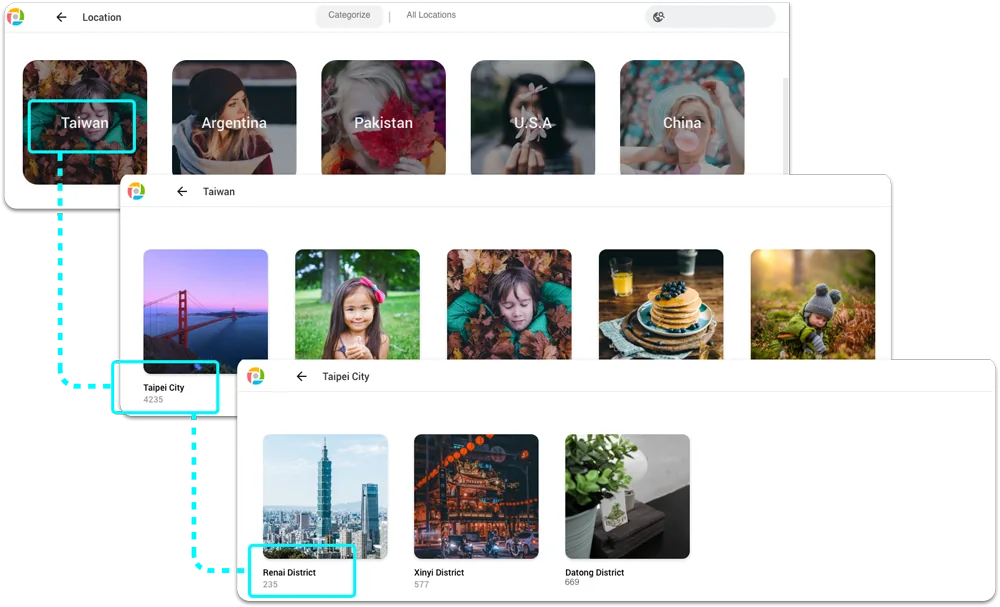
Built-in smart albums group location-based photos, videos, recent additions and favourites. The location album starts with the country, then drills down to state, region or city, so "Queensland, Noosa, 2019" is a couple of taps away.
Sharing with family and friends
ASUSTOR lists three ways to share:
- With other NAS users: share photos directly with family members who have an account on the NAS, in Photo Gallery or AiFoto.
- Share links: create a link so grandparents interstate can view an album in a web browser, no account needed.
- Social sharing: AiFoto shares selected photos to social networks such as Facebook and Instagram in one tap.

Privacy and ownership
ASUSTOR makes the case that cloud services are not infallible: they have outages, and during one you cannot reach your own photos. Terms and pricing can change, privacy on a public service can never be fully guaranteed, and photos may not be retrievable if a service closes. A private NAS keeps ownership, privacy and security in your hands.
Owning the hardware also means owning the backups. Follow the 3-2-1 rule: keep the NAS copy, a second copy on another device or a USB drive, and one copy offsite in a cloud backup or at a relative's house. Our 3-2-1 backup guide shows how. For the wider cloud question, see our NAS vs cloud storage guide.
How much storage does a family photo library need?
File sizes depend on the phone or camera and its settings. These general estimates help with planning; they are not ASUSTOR figures.
| Content | Typical size | Roughly per 1 TB |
|---|---|---|
| Phone photo (JPEG or HEIC) | 2–5 MB | 200,000–500,000 photos |
| Camera raw photo | 40–100 MB (ASUSTOR figure) | 10,000–25,000 photos |
| Phone video, 4K | Several hundred MB per minute | A few dozen hours |
General planning estimates. Drive makers count 1 TB as 1,000 GB.
Most families are well served by two 4 TB drives in RAID 1, which gives about 4 TB usable. If you shoot a lot of 4K video or keep camera raw files, choose four bays and RAID 5.
The best ASUSTOR NAS to replace Google Photos
Swipe the table sideways to compare all models →
| Spec | AS1202T | AS1204T | AS3302T v2 | AS3304T v2 | AS5402T | AS5404T |
|---|---|---|---|---|---|---|
| Name | Drivestor 2 Gen2 | Drivestor 4 Gen2 | Drivestor 2 Pro Gen2 | Drivestor 4 Pro Gen2 | Nimbustor 2 Gen2 | Nimbustor 4 Gen2 |
| Drive bays | 2 | 4 | 2 | 4 | 2 | 4 |
| Processor | Realtek RTD1619B | Realtek RTD1619B | Realtek RTD1619B | Realtek RTD1619B | Celeron N5105 | Celeron N5105 |
| Memory | 1 GB | 1 GB | 2 GB | 2 GB | 4 GB | 4 GB |
| Network | 2.5GbE | 2.5GbE | 2.5GbE | 2.5GbE | Dual 2.5GbE | Dual 2.5GbE |
| Max raw capacity | 36 TB | 72 TB | 36 TB | 72 TB | 36 TB | 72 TB |
| Power (operation) | 11.6 W | 22.8 W | 13.1 W | 25.1 W | 22.9 W | 38.3 W |
| Warranty | 3 Years | 3 Years | 3 Years | 3 Years | 3 Years | 3 Years |
Source: ASUSTOR specifications. Maximum raw capacity is ASUSTOR's figure with 18 TB drives.
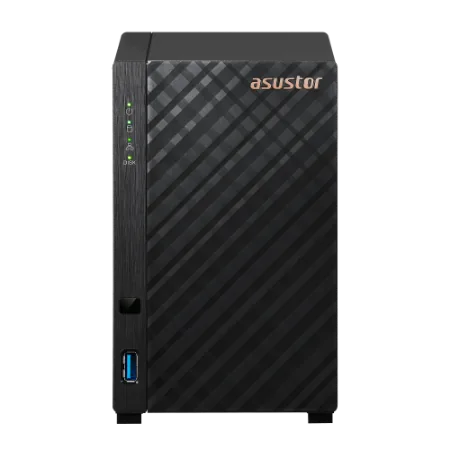
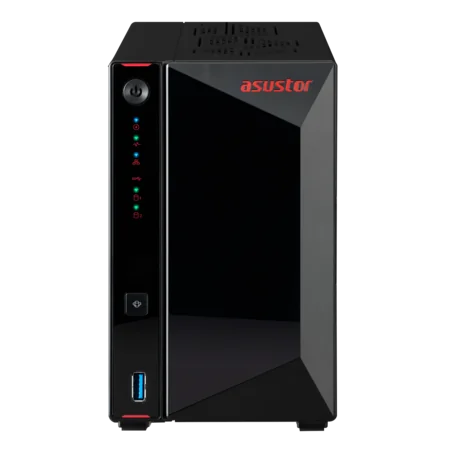
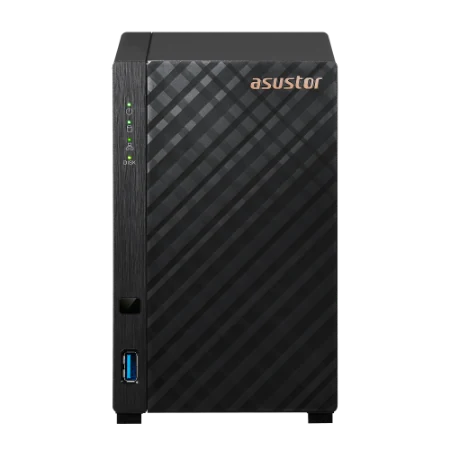
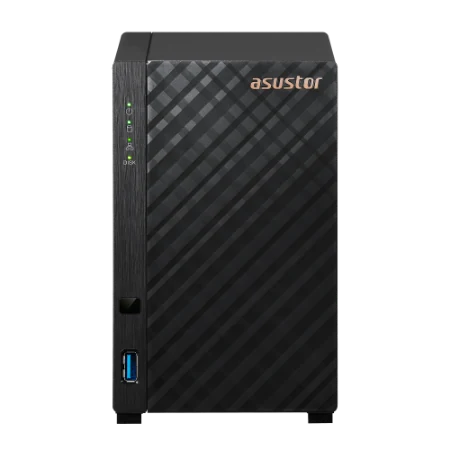
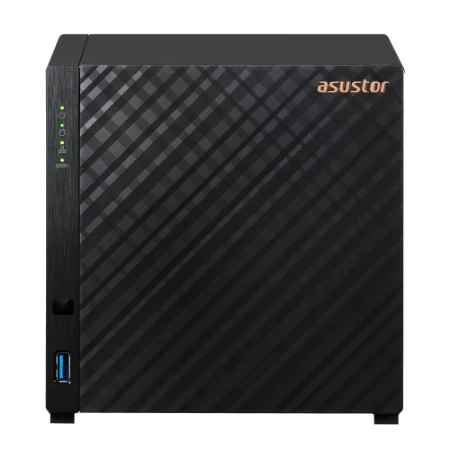
- Drivestor 2 Gen2 (AS1202T): the simplest Google Photos replacement: two bays, 2.5GbE and ASUSTOR's lowest power figure here at 11.6 W in operation.
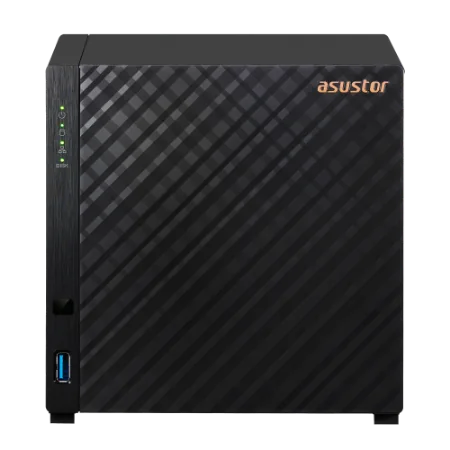
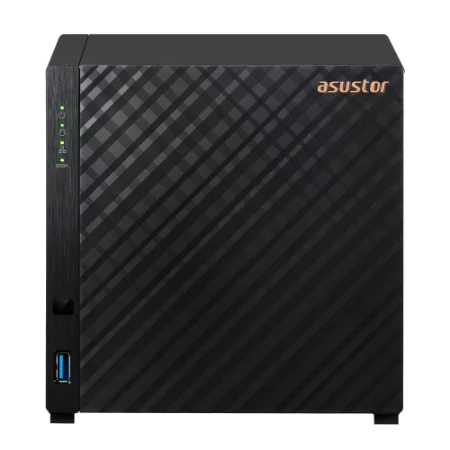
- Drivestor 4 Gen2 (AS1204T): four bays for RAID 5 and room for decades of photos.
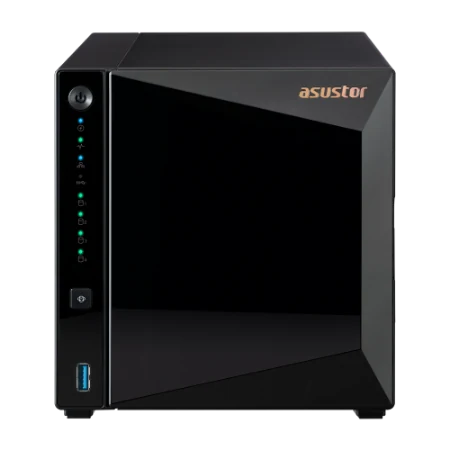
- Drivestor 2 Pro Gen2 and Drivestor 4 Pro Gen2: 2 GB of memory and hot-swappable bays.
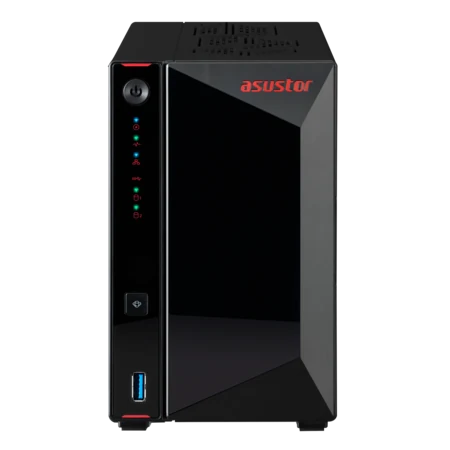
- AS5402T and AS5404T: a Celeron processor, M.2 slots and HDMI for families who also want a media server. See our Plex guide.
Build your family photo NAS with ARC IP Networks
Our ASUSTOR bundles come with a Seagate IronWolf NAS drive, so you can start the move from Google Photos the day the box arrives. Add a second matching drive for RAID 1.
| Household | Suggested ARC IP order |
|---|---|
| Couple or small family | AS1202T with IronWolf 4 TB |
| Family with years of phone photos and videos | AS1204T with IronWolf 4 TB |
| Family that wants hot-swap bays | AS3302T v2 with IronWolf 4 TB |
| Photos plus movies on the TV | AS5402T with IronWolf 4 TB |
| Keen photographer in the family | AS5404T with IronWolf 8 TB |
Bundles include one drive. Trade and project pricing is available for installers setting up NAS for clients.
New to NAS? Start with our best home NAS guide or bundles guide.
Shop genuine ASUSTOR NAS for family photos
Genuine ASUSTOR at competitive prices. Live Australian pricing (inc. GST) and availability are on each product page.
Common questions
Straight answers from the ARC IP Networks team. Last reviewed October 2026.
A home NAS with its own photo apps. On an ASUSTOR NAS, Photo Gallery 3 and AiFoto 3 give a familiar timeline, search and location albums, the photos stay in your home, and you pay for the hardware once instead of a growing subscription.
In June 2021, as ASUSTOR notes. Since then, photos count towards the free 15 GB allowance and extra space is paid.
Download your library with Google Takeout, unzip the archives into the Photo Gallery folder on your ASUSTOR NAS, and set that folder as the source in Photo Gallery 3. Then install AiFoto 3 on your phones.
Yes. AiFoto 3 is ASUSTOR's mobile app for the photos on your NAS, and Photo Gallery 3 works in a web browser.
Yes. Create a share link so anyone can view the photos in a browser, or share directly with other NAS users. AiFoto can also share selected photos to Facebook and Instagram.
ASUSTOR argues it is: you buy the NAS and drives once and keep them, while cloud fees continue every month. Keep a separate offsite backup either way.
Use RAID 1 or RAID 5 so one failed drive does not lose the library, and keep a second backup offsite, following the 3-2-1 rule. All ASUSTOR NAS models carry a 3-year ASUSTOR warranty.
ARC IP Networks is a trusted ASUSTOR supplier in Australia, with genuine ASUSTOR NAS and Seagate drive bundles at competitive prices, the full manufacturer warranty and Australia-wide delivery. Call 1300 100 440 for advice.
Ready to leave cloud photo fees behind?
Tell us how big your photo library is and who in the family needs access. We will match the NAS, drives and backup, with trade and project pricing for installers.