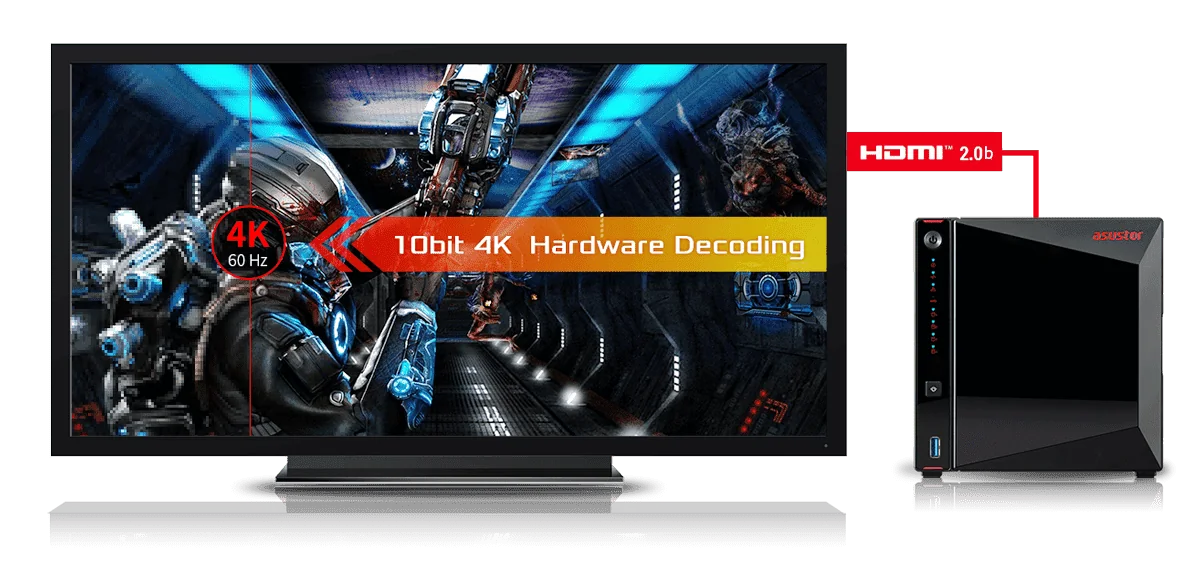
The best ASUSTOR NAS for Plex in most Australian homes is the AS5404T: an Intel Celeron N5105, 4 GB of RAM (expandable to 16 GB), four drive bays plus four M.2 NVMe slots, dual 2.5GbE and an HDMI 2.0b output, with 10-bit 4K hardware decoding listed by ASUSTOR. On a budget, the Drivestor 4 Gen2 (AS1204T) or Drivestor 4 Pro Gen2 (AS3304T v2) make good direct-play Plex servers. For a larger library alongside other heavy workloads, step up to the Lockerstor 4 Gen2+ (AS6704T v2) or the Ryzen-based Lockerstor 4 Gen3 (AS6804T).
Quick pick: first Plex server → AS1204T; 4K movie library on the TV → AS5404T (or 2-bay AS5402T); family media plus home office → AS6704T v2; big library plus Docker and virtual machines → AS6804T; silent all-SSD → FS6806X. ARC IP Networks is a trusted ASUSTOR supplier in Australia, with genuine stock, the full 3-year ASUSTOR warranty and Australia-wide delivery.
What is Plex Media Server?
Plex Media Server is software that turns a computer or NAS into your own streaming service. You point it at folders of movies, TV shows, music and photos; it identifies each file, adds posters, descriptions and episode information, and serves the library to Plex apps on smart TVs, streaming boxes, game consoles, phones, tablets and web browsers. The server holds the files and does the work; the Plex app on each screen is the player.
A "Plex server" is simply whatever device runs Plex Media Server. Many people start on a desktop PC, then move to a NAS when they get tired of leaving the PC on, or when the library outgrows the PC's drives.
Why run Plex on a NAS instead of a PC?
- Always on, low power: ASUSTOR lists the AS5404T at 38.3 W in operation and the Drivestor 4 Gen2 at 22.8 W, far below a typical gaming PC left running.
- Room to grow: four bays hold up to 72 TB of raw capacity on the 4-bay models in this guide (ASUSTOR figure with 18 TB drives), and RAID protects the library against a failed drive.
- Quiet: ASUSTOR rates the 4-bay Drivestor and AS54 units at 19.7 dB with hard drives idle.
- One copy for everyone: the same NAS also backs up phones and PCs and holds shared family folders.
New to network storage? Start with our explainer, what is a NAS.
Direct play vs transcoding: the one thing to understand before you buy
How hard a Plex server works depends on whether each screen can play your files as they are.
| Playback mode | What happens | Load on the NAS |
|---|---|---|
| Direct play | The app plays the file exactly as stored | Very light: the NAS just reads and sends the file |
| Direct stream | Video stays as it is, but the container or audio is converted | Light to moderate |
| Transcode | The server re-encodes the video on the fly into a format, resolution or bitrate the screen can handle | Heavy, especially from 4K; this is where the processor and its graphics engine matter |
General Plex behaviour. The app chooses the mode automatically for each file and screen.
What usually triggers transcoding
- A TV or phone that cannot decode the file's video codec (for example HEVC/H.265 on an older device).
- Remote streaming where the quality setting is lower than the file's bitrate, often because of NBN upload limits.
- Image-based subtitles (such as PGS from Blu-ray copies) that must be "burned in" to the picture.
- Watching in a web browser that does not support the file's format.
ARC IP Networks tip: the cheapest way to a smooth Plex server is to aim for direct play. Use a modern streaming box or smart TV app that plays HEVC and 4K, keep text subtitles (SRT) where you can, and set Plex's remote quality to suit your upload speed. Then even an entry-level NAS works well, and the processor only matters for the occasional transcode.
ASUSTOR NAS for Plex compared
Processor, memory and graphics features decide how much transcoding a NAS can take on; bays decide how big the library can grow. Every figure below is from ASUSTOR's official specification and product pages.
Swipe the table sideways to compare all models →
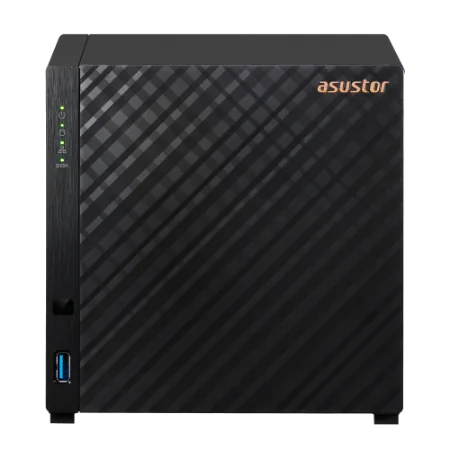
| Spec | AS1204T | AS3304T v2 | AS5402T | AS5404T | AS6704T v2 | AS6804T | FS6806X |
|---|---|---|---|---|---|---|---|
| Drive bays | 4 bays | 4 bays | 2 bays + 4 x M.2 | 4 bays + 4 x M.2 | 4 bays + 4 x M.2 | 4 bays + 4 x M.2 | 6 x M.2 SSD |
| Processor | Realtek RTD1619B | Realtek RTD1619B | Celeron N5105 | Celeron N5105 | Celeron N5105 | Ryzen V3C14 | Ryzen V3C14 |
| CPU speed | 1.7GHz | 1.7GHz | 2.0GHz (burst 2.90 GHz) | 2.0GHz (burst 2.90 GHz) | 2.0GHz (burst 2.90 GHz) | 2.3GHz (burst 3.8 GHz) | 2.3GHz (burst 3.8 GHz) |
| Memory | 1GB DDR4 | 2GB DDR4 | 4GB DDR4 (max 16GB) | 4GB DDR4 (max 16GB) | 4GB DDR4 (max 16GB) | 16GB DDR5 ECC (max 64GB) | 8GB DDR5 (max 64GB) |
| HDMI output | No | No | HDMI 2.0b | HDMI 2.0b | HDMI 2.0b | No | No |
| Video hardware (ASUSTOR wording) | 10-bit 4K H.265 hardware decoding (LooksGood) | 10-bit 4K H.265 hardware decoding (LooksGood) | 10-bit 4K hardware decoding, HEVC and VP9 10-bit decoding | 10-bit 4K hardware decoding, HEVC and VP9 10-bit decoding | 10-bit 4K H.265 hardware decoding (LooksGood) | Not listed | Not listed |
| Network | 2.5GbE | 2.5GbE | Dual 2.5GbE | Dual 2.5GbE | Dual 5GbE | Dual 10GbE + Dual 5GbE | 10GbE |
| Noise (ASUSTOR) | 19.7 dB (HDD idle) | 19.7 dB (HDD idle) | 18.6 dB (HDD idle) | 19.7 dB (HDD idle) | 17.6 dB (HDD idle) | 17.6 dB (HDD idle) | 18.6 dB |
| Warranty | 3 Years | 3 Years | 3 Years | 3 Years | 3 Years | 3 Years | 3 Years |
Source: ASUSTOR specifications and product overview pages. "Video hardware" summarises what ASUSTOR states for each model, mostly for its own LooksGood video app; ASUSTOR does not publish Plex stream counts.
Best budget NAS for Plex: Drivestor 4 Gen2 and Drivestor 4 Pro Gen2
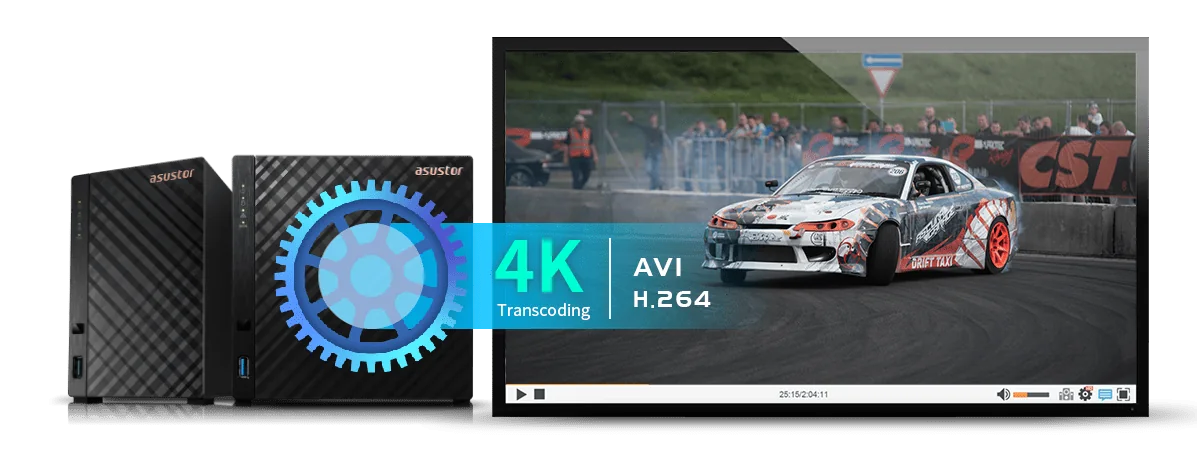
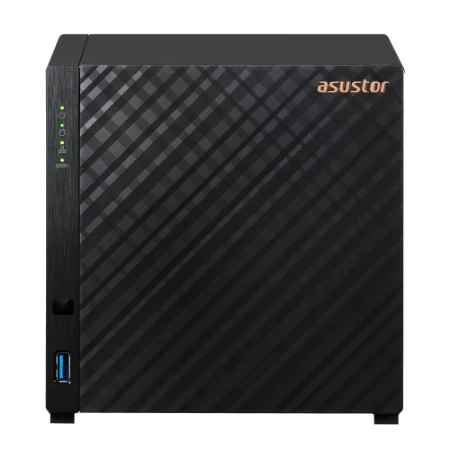
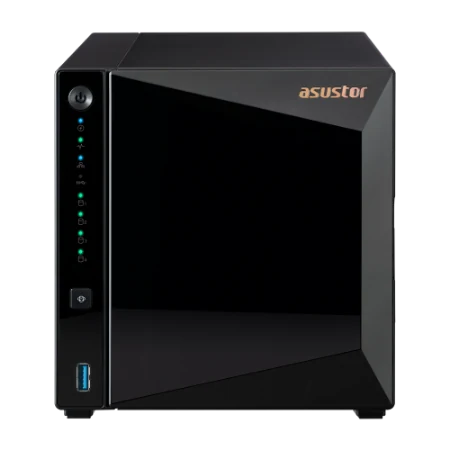
The Drivestor 4 Gen2 (AS1204T) runs a 1.7 GHz quad-core Realtek RTD1619B with 1 GB of DDR4 and a 2.5GbE port. ASUSTOR says the upgraded integrated graphics transcode noticeably better than the first-generation Drivestor, and lists 10-bit 4K H.265 hardware decoding for smooth playback in its LooksGood video app. The Drivestor 4 Pro Gen2 (AS3304T v2) uses the same processor with 2 GB of memory and hot-swappable bays that also take 2.5-inch drives.
Both are ARM-based with fixed memory, so treat them as direct-play Plex servers: excellent for streaming files your TVs already play, less suited to several 4K transcodes at once. For two drives, the Drivestor 2 Gen2 (AS1202T) is the same platform with two bays.
Best all-round NAS for Plex: AS5402T and AS5404T
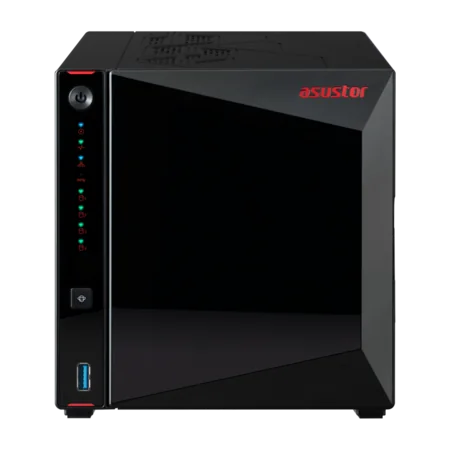
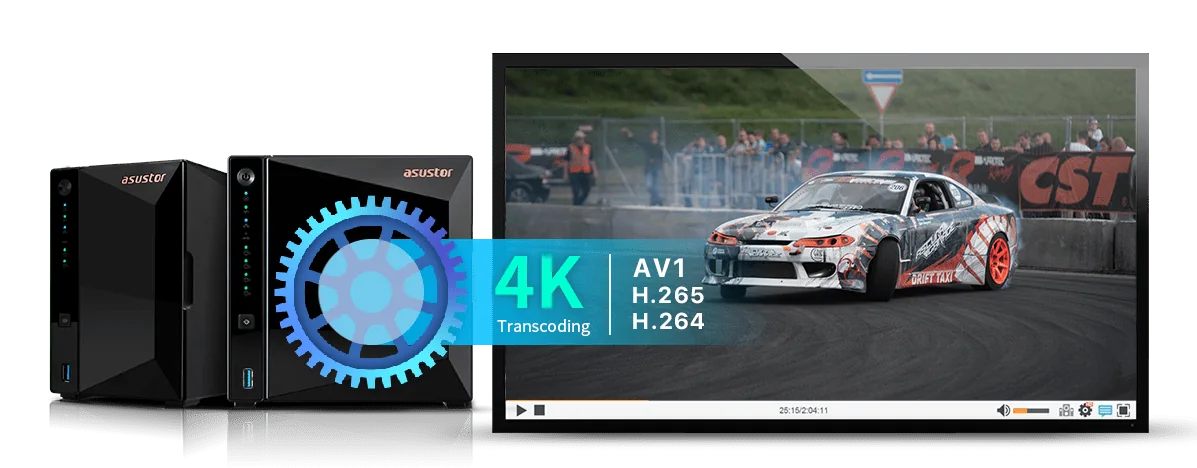
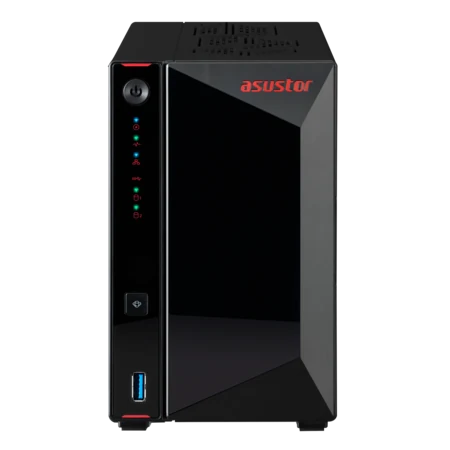
The AS5404T (four bays) and AS5402T (two bays) are the models we suggest most often for Plex. They use a quad-core Intel Celeron N5105 (2.0 GHz, burst 2.9 GHz) with 4 GB of DDR4 that expands to 16 GB across two slots. ASUSTOR lists an HDMI 2.0b output with 10-bit 4K hardware decoding, HEVC decoding and VP9 10-bit Profile 2 decoding, which it says gives smoother playback with less load on the processor, and the AS54 product pages include a dedicated Plex Media Server section.
The four M.2 NVMe slots are useful for Plex too: put Plex's database, thumbnails and app data on SSD so the library browses quickly, while the movies stay on hard drives. Dual 2.5GbE ports leave plenty of headroom for several 4K direct-play streams around the house. An infrared receiver and HDMI also let the NAS sit in the TV cabinet as a media player.
For bigger libraries and home offices: Lockerstor 4 Gen2+ and Lockerstor 4 Gen3
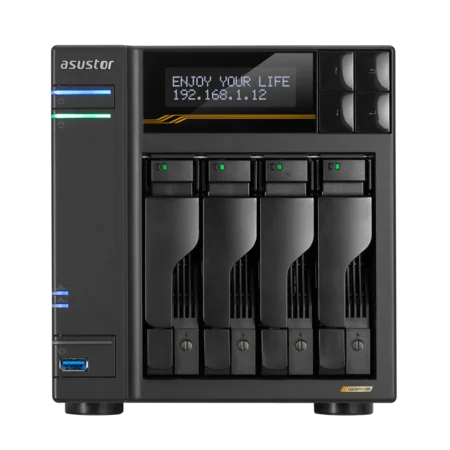
The Lockerstor 4 Gen2+ (AS6704T v2) keeps the Celeron N5105 and HDMI 2.0b, adds dual 5GbE ports, an LCD panel and a PCIe slot for a 10GbE card, and ASUSTOR again lists 10-bit 4K H.265 hardware decoding for LooksGood. It suits a household that runs Plex alongside a home business, security cameras or a busy file server.
The Lockerstor 4 Gen3 (AS6804T) moves up to an AMD Ryzen Embedded V3C14 (2.3 GHz, burst 3.8 GHz) with 16 GB of ECC DDR5, two 10GbE and two 5GbE ports, and USB4. It is by far the most powerful processor here for Docker, virtual machines and many simultaneous users. Note that ASUSTOR does not list an HDMI output or hardware video transcoding for the AS6804T, so plan it as a direct-play Plex server with lots of headroom rather than a transcoding box.
The Flashstor 6 Gen2 (FS6806X) uses the same Ryzen processor with six PCIe 4.0 M.2 SSD slots and 10GbE. It is silent and fast, but SSD capacity costs far more per terabyte than hard drives, so it suits editors who also want Plex rather than people building a large movie archive. ASUSTOR does not list HDMI or hardware transcoding for it either.
How much storage does a 4K Plex library need?
File sizes vary with the source and how the file was encoded. These are typical ranges, useful for planning drive sizes.
| File type | Typical size | Roughly per 10 TB |
|---|---|---|
| 4K UHD Blu-ray copy (remux) | 50–80 GB per film | 125–200 films |
| 4K HEVC encode | 10–25 GB per film | 400–1,000 films |
| 1080p Blu-ray copy (remux) | 20–40 GB per film | 250–500 films |
| 1080p encode | 2–10 GB per film | 1,000–5,000 films |
| TV episode, 1080p | 1–3 GB per episode | 3,300–10,000 episodes |
General estimates for planning, not ASUSTOR figures. Drive makers count 1 TB as 1,000 GB, so a NAS shows slightly less.
Plan for RAID and growth
With four bays, RAID 5 gives you the capacity of three drives and survives one drive failure: four 8 TB drives give roughly 24 TB usable. RAID is not a backup, so keep irreplaceable family photos and documents backed up elsewhere too. Buy for about two years of growth; you can replace drives with larger ones later.
ARC IP Networks also sells ASUSTOR NAS bundled with Seagate drives (IronWolf 4, 8 or 10 TB, or Exos X24 12 TB), for example the AS5404T with IronWolf 8 TB and the AS1204T with IronWolf 4 TB.
Remote Plex streaming over the NBN
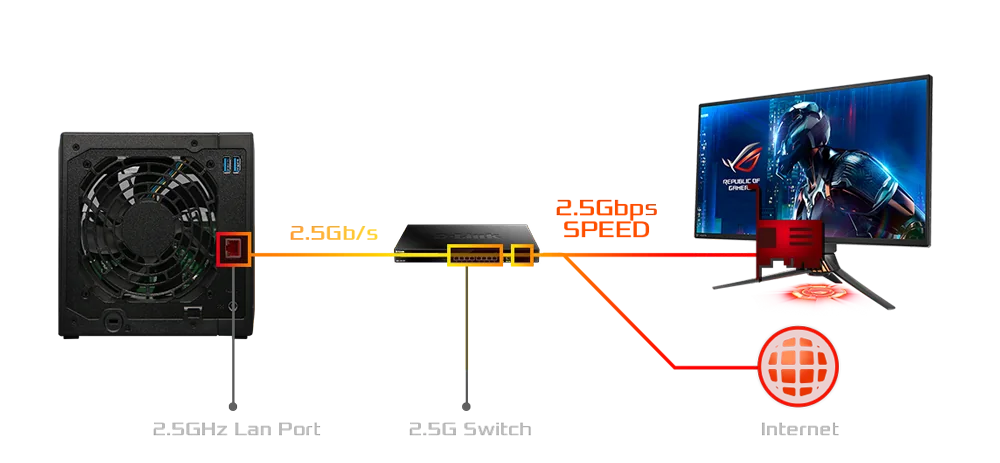
At home, your local network does the work: a 2.5GbE NAS port carries many 4K streams at once. Away from home, every stream has to leave through your NBN upload, and upload speeds on most NBN plans are a fraction of the download speed.
| Stream | Typical bitrate | What it means for remote viewing |
|---|---|---|
| 4K UHD Blu-ray copy | 40–100+ Mbps | Above most NBN upload speeds: expect Plex to transcode it down |
| 4K HEVC encode | 15–30 Mbps | Possible on plans with higher upload, one stream at a time |
| 1080p encode | 5–15 Mbps | Comfortable on most fixed-line NBN plans |
| 720p or lower | 2–4 Mbps | Fine for phones on mobile data |
General video bitrates. Check your plan's typical evening upload speed with your provider.
- Check your upload speed before planning remote 4K. Many plans upload at a small fraction of their download speed.
- Keep a 1080p version of favourite 4K films if family members watch remotely, so they direct play instead of transcoding.
- Ask about CGNAT: some Australian providers share public IP addresses (CGNAT), which can stop direct remote connections. A static or public IP fixes this.
- Use a wired connection from the NAS to the router or switch; the NAS should never be on Wi-Fi.
Not just Plex: ASUSTOR's own media apps
ASUSTOR's ADM operating system also includes its own media apps, installed from App Central: LooksGood with the AiVideos mobile app for video, SoundsGood with AiMusic for music, and Photo Gallery 3 with AiFoto 3 for photos. ASUSTOR lists Chromecast and DLNA streaming for LooksGood, and a UPnP Media Server app for older smart TVs. Many households use Plex for movies and TV and ASUSTOR's apps for photos and phone backups.

Which ASUSTOR NAS for which Plex household
ARC IP Networks suggestions, based on the official specifications above.
| Household | Suggested model | Why |
|---|---|---|
| Couple or share house, 1080p library, modern TVs | AS1204T | Four bays, 2.5GbE, low power; direct play |
| Family with a growing 4K movie collection | AS5404T | Celeron N5105, 4K hardware decoding, RAM to 16 GB, M.2 for the Plex database |
| Apartment, small library, HDMI to the TV | AS5402T | Same platform as the AS5404T in a two-bay box |
| Home business plus family media | AS6704T v2 | Dual 5GbE, LCD, PCIe slot for 10GbE, HDMI |
| Home lab: Plex, Docker, VMs and backups | AS6804T | Ryzen, 16 GB ECC DDR5, 10GbE; plan for direct play |
| Video editor who also runs Plex | FS6806X | All-SSD, silent, 10GbE and USB4 |
Shop genuine ASUSTOR NAS for Plex
Live Australian pricing (inc. GST) and stock levels are on each product page.



Common questions
Straight answers from the ARC IP Networks team. Last reviewed October 2026.
For most homes, the ASUSTOR AS5404T: an Intel Celeron N5105, 4 GB of RAM expandable to 16 GB, four bays plus four M.2 NVMe slots, dual 2.5GbE and HDMI 2.0b, with 10-bit 4K hardware decoding listed by ASUSTOR. The two-bay AS5402T is the same platform in a smaller box.
A Plex server is any computer or NAS running Plex Media Server. It organises your movies, TV shows, music and photos and streams them to Plex apps on TVs, phones, tablets, consoles and web browsers, at home or remotely.
Yes. A NAS is always on, uses far less power than a desktop PC, is quiet, and holds several drives in RAID so a failed drive does not take the library with it. The same NAS can also back up phones and computers.
Direct play sends the file unchanged to a device that can play it, which uses very little processing power. Transcoding re-encodes the video on the fly when the device cannot play the format or the connection is too slow, which is processor-intensive, especially from 4K.
Yes. The AS1204T is a good budget Plex server for direct play, with a 1.7 GHz quad-core Realtek processor, 1 GB of RAM and 2.5GbE. ASUSTOR lists 10-bit 4K H.265 hardware decoding for its LooksGood app. For frequent 4K transcoding, choose the Celeron-based AS5404T.
ASUSTOR does not list hardware video transcoding or an HDMI output for the Lockerstor 4 Gen3 (AS6804T). Its AMD Ryzen V3C14 and 16 GB of ECC DDR5 make it a powerful Plex server for direct play alongside Docker and virtual machines.
A 4K Blu-ray copy is typically 50 to 80 GB per film and a 4K HEVC encode 10 to 25 GB, so 10 TB holds roughly 125 to 1,000 films depending on format. A four-bay NAS with four 8 TB drives in RAID 5 gives about 24 TB usable.
Yes, but remote streams use your NBN upload speed, which is much lower than download on most plans. A 1080p encode at 5 to 15 Mbps usually streams well; full 4K Blu-ray copies normally need to be transcoded down. Some providers use CGNAT, which can block direct remote connections.
ARC IP Networks is a trusted ASUSTOR supplier in Australia, with genuine ASUSTOR NAS, NAS and Seagate drive bundles, the full 3-year ASUSTOR warranty, Australia-wide delivery and competitive prices. Order online at arcip.com.au or call 1300 100 440.
Building a Plex server?
Tell us how big your library is, which TVs you watch on and your NBN plan. ARC IP Networks will match the NAS, drives and UPS to your household, with trade and project pricing.