Yes, an ASUSTOR NAS makes an excellent Roon Core. ASUSTOR says it is a certified Roon Core device and Roon partner: install the Roon Server app from App Central, sign in to your Roon account, point it at your music folder, and control playback from the Roon Remote app on your phone or tablet. For the quietest, fastest Core, ASUSTOR recommends the Flashstor all-SSD range; the Flashstor 12 Pro (FS6712X) even has HDMI and S/PDIF outputs.
Quick pick: silent Core near the hi-fi → FS6712X; big FLAC and DSD library on hard drives → AS5404T; compact two-bay → AS5402T or Lockerstor 2 Gen2+ (AS6702T v2). ARC IP Networks is a trusted ASUSTOR supplier in Australia: genuine ASUSTOR NAS and accessories at competitive prices, with the full ASUSTOR manufacturer warranty, Australia-wide delivery and trade pricing.
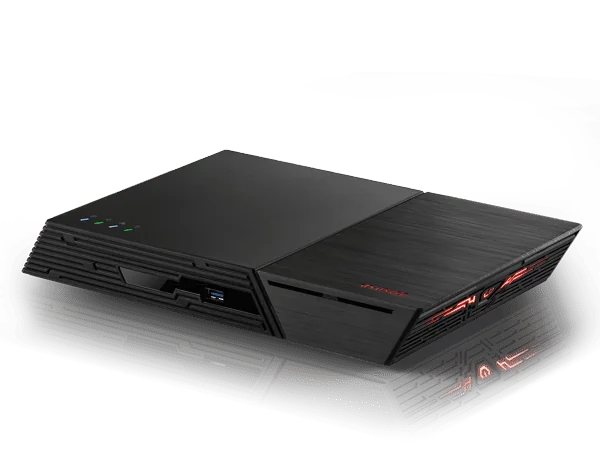
Roon on a NAS at a glance
| Part of Roon | What it does | Runs on |
|---|---|---|
| Roon Core | Stores the music, runs the main Roon app, manages the library and playback | Your ASUSTOR NAS (Roon Server app) |
| Roon Remote | Controls playback and chooses which device plays | Phone, tablet or computer |
| Roon Bridge | Receives the digital stream and plays it | Roon Ready devices, audio streamers and DACs, or the NAS itself via USB, HDMI or S/PDIF |
Roon architecture as described on ASUSTOR's Roon solution page.
What is Roon?
Roon is music management and playback software popular with audiophiles. ASUSTOR highlights four reasons people choose it:
Library integration and management
Roon scans and organises your library automatically, whether the music sits on a NAS or comes from streaming services such as TIDAL and Qobuz (ASUSTOR also mentions KKBOX). It adds album covers, release information, artist details, reviews and lyrics.
High-resolution playback
According to ASUSTOR, Roon supports high-resolution formats including FLAC, DSD and MQA, with software upsampling.
Play anywhere at home
Roon can sync playback across devices on the same network, so the living room, bedroom and study can all play from one library over the network, USB or HDMI, without long cable runs.
Works with most audio gear
ASUSTOR notes that Roon works with Roon Ready certified devices, AirPlay, Chromecast and Sonos. As ASUSTOR puts it, if your audio device has networking, it is likely compatible with Roon.
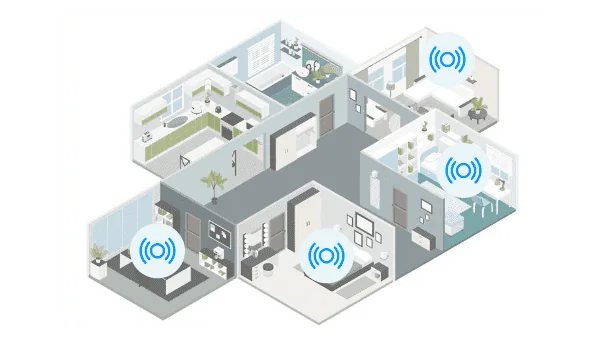
Why run Roon Core on a NAS?
Roon Core can run on a computer, but ASUSTOR argues that a NAS is the most suitable home for it because of its standby stability, data protection, storage capacity, size, power consumption, standby noise and networking. In practice, that means:
- Always ready: no PC to boot before you can play an album.
- Protected library: RAID and backups protect a collection that may have taken decades to build and rip.
- Quiet and efficient: ASUSTOR rates the FS6712X at 26 W in operation and 18.7 dB; the FS6806X at 17.9 W and 18.6 dB.
- Fast networking: 2.5GbE and 10GbE ports, which ASUSTOR says help with high-resolution formats including DSD.
ASUSTOR adds that its models with Intel processors handle the file conversion that high-quality playback can require, and that M.2 SSDs give fast reads and writes.
Installing Roon Server on an ASUSTOR NAS
ASUSTOR describes the setup as a one-click download:
- Open App Central in ADM and install the Roon Server app.
- Sign in to your Roon account.
- Select the music folder on your NAS as the library location.
- Install Roon Remote on your phone or tablet to browse and control playback.
ASUSTOR says Roon and the NAS then detect and connect to the music devices on your home network automatically. You will need your own Roon account; check Roon's account options before you start.
Tips for a smooth Core
- Put the music share on SSD or add NVMe SSDs as cache on a hard-drive model, in line with ASUSTOR's advice.
- Wire the NAS to the router or switch; use Wi-Fi only for the Remote app.
- Back up the library and Roon database regularly. RAID alone is not a backup.
Getting the best sound out of the NAS
Simple and convenient
Stream over the local network, Wi-Fi or Bluetooth to phones, tablets and TVs, or use devices that accept HDMI or S/PDIF, such as an integrated amplifier. The FS6712X has an HDMI 2.0b output and an S/PDIF port; the AS54 and Lockerstor Gen2+ models have HDMI 2.0b.
Your sound, your way
ASUSTOR describes two hi-fi setups:
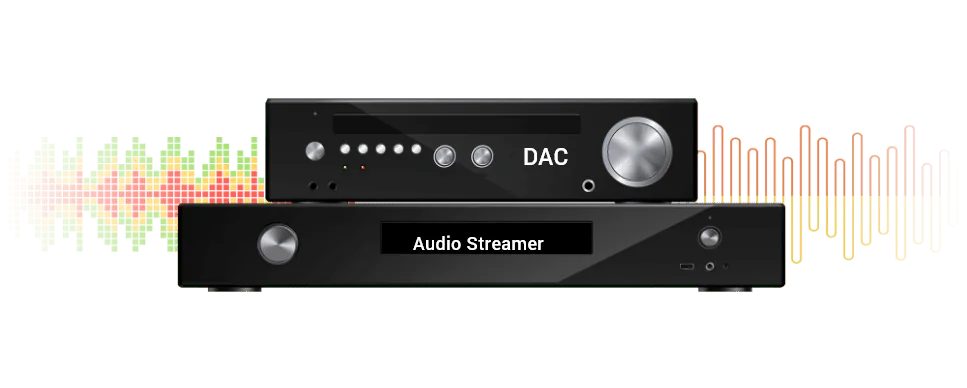
- With your own digital streamer or preamp: choose the output your device accepts. ASUSTOR recommends USB output or a DAC to convert the signal to analogue for the best lossless quality.
- Without a streamer: connect your DAC to a USB port on the NAS, convert the audio to analogue and send it to active speakers or a power amplifier.
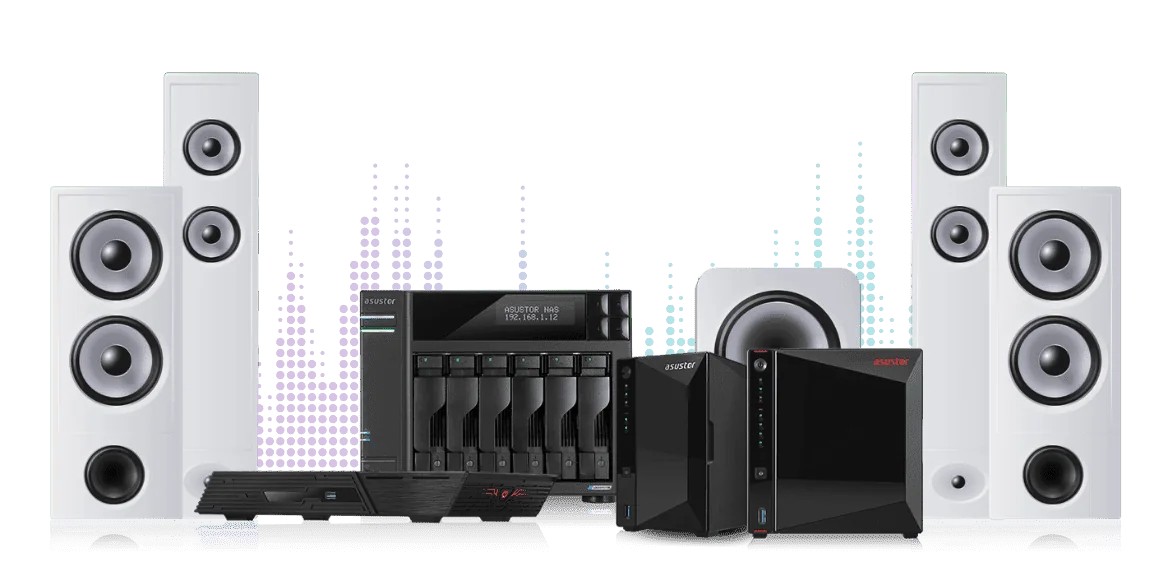
Why ASUSTOR recommends Flashstor for Roon
ASUSTOR says Roon Core needs a capable processor and SSD storage for smooth, high-quality playback, and recommends its Flashstor range because of its processors, M.2 SSDs and 2.5GbE or 10GbE ports. A Flashstor can act as the Roon Core or as a Roon Bridge. ASUSTOR lists these advantages:
- Strong processing, stability and scalability.
- M.2 SSDs for fast reads and smooth lossless playback.
- Designed to minimise noise and vibration so it does not intrude on listening.
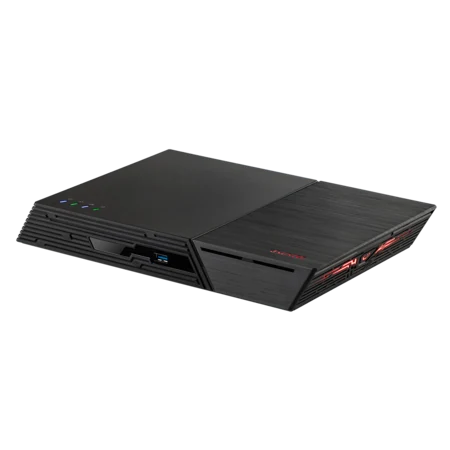
- A thin, angled design that ASUSTOR says reduces low-frequency standing waves and excess reverberation.
- RAID and backup options for large music databases.
- Outputs for Roon: USB, HDMI, S/PDIF and 2.5GbE or 10GbE networking.
- Energy-saving standby mode.
Learn more about the range in our ASUSTOR Flashstor guide.
ASUSTOR NAS for Roon compared
ASUSTOR's recommended list for Roon Core includes the AS5402T, AS5404T, Lockerstor 2 and 4 and the Flashstor range. Here are the current versions ARC IP Networks stocks.
Swipe the table sideways to compare all models →
| Spec | AS5402T | AS5404T | AS6702T v2 | AS6704T v2 | FS6712X | FS6806X |
|---|---|---|---|---|---|---|
| Name | Nimbustor 2 Gen2 | Nimbustor 4 Gen2 | Lockerstor 2 Gen2+ | Lockerstor 4 Gen2+ | Flashstor 12 Pro | Flashstor 6 Gen2 |
| Storage | 2 bays + 4 x M.2 | 4 bays + 4 x M.2 | 2 bays + 4 x M.2 | 4 bays + 4 x M.2 | 12 x M.2 SSD | 6 x M.2 SSD |
| Processor | Celeron N5105 | Celeron N5105 | Celeron N5105 | Celeron N5105 | Celeron N5105 | Ryzen V3C14 |
| Memory | 4 GB (max 16 GB) | 4 GB (max 16 GB) | 4 GB (max 16 GB) | 4 GB (max 16 GB) | 4 GB (max 16 GB) | 8 GB (max 64 GB) |
| Network | Dual 2.5GbE | Dual 2.5GbE | Dual 5GbE | Dual 5GbE | 10GbE | 10GbE |
| Audio/video out | HDMI 2.0b | HDMI 2.0b | HDMI 2.0b | HDMI 2.0b | HDMI 2.0b, S/PDIF | USB only |
| Power (operation) | 22.9 W | 38.3 W | 21 W | 35 W | 26 W | 17.9 W |
| Noise | 18.6 dB (HDD idle) | 19.7 dB (HDD idle) | 17.7 dB (HDD idle) | 17.6 dB (HDD idle) | 18.7 dB | 18.6 dB |
Source: ASUSTOR specifications. Hard-drive models are rated with drives idle.
Which one should you choose?
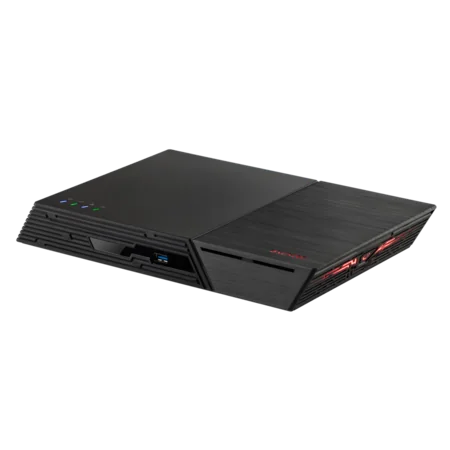
- Flashstor 12 Pro (FS6712X): twelve M.2 SSD slots, 10GbE, HDMI and S/PDIF. The most complete Roon Core in our range for a listening room.
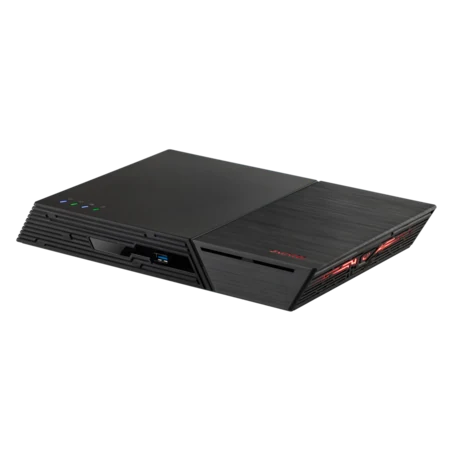
- Flashstor 6 Gen2 (FS6806X): a Ryzen processor, six PCIe 4.0 M.2 slots, 10GbE and the lowest operating power here. Output via USB or the network.
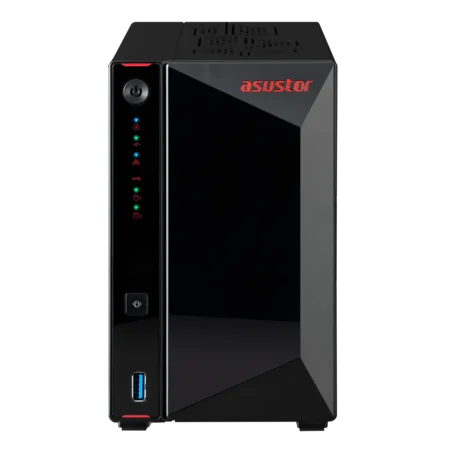
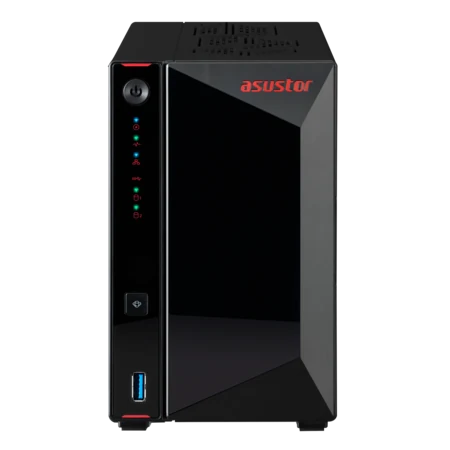
- AS5404T and AS5402T: hard drives for large FLAC and DSD collections, M.2 slots for SSD cache, HDMI 2.0b and dual 2.5GbE.
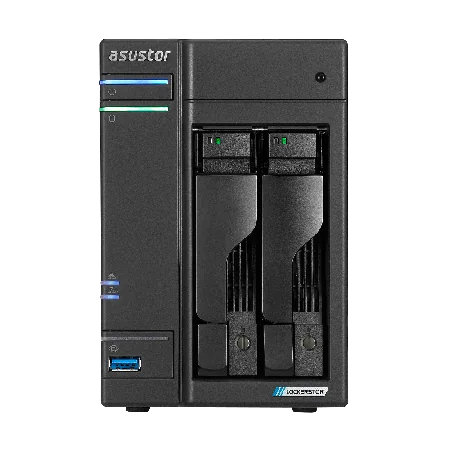
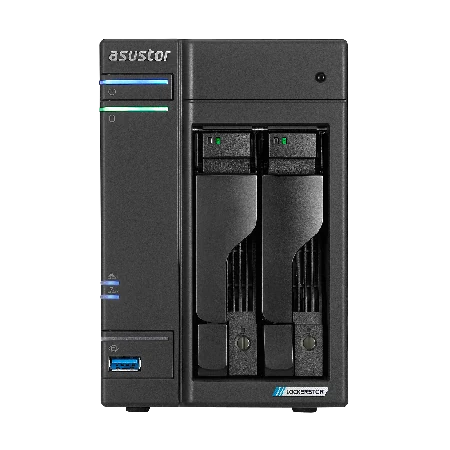
- Lockerstor 2 Gen2+ and Lockerstor 4 Gen2+: dual 5GbE and HDMI, a good fit when the NAS also serves a home office.
Build your Roon system with ARC IP Networks
| Listener | Suggested ARC IP order |
|---|---|
| Silent Core in the listening room | FS6712X with NVMe SSDs |
| Low-power all-SSD Core | FS6806X with NVMe SSDs |
| Big ripped CD and hi-res library | AS5404T with IronWolf 8 TB |
| Compact Core with hard drives | AS5402T with IronWolf 4 TB or AS6702T v2 with IronWolf 4 TB |
Bundles include one drive; add a second for RAID 1. Installers and integrators can ask about trade and project pricing.
Pair it with a UPS so a power cut does not interrupt a database write; ARC IP can quote both. Also see our Plex guide for movies and TV, and our hard drive guide.
Shop genuine ASUSTOR NAS for Roon
Genuine ASUSTOR at competitive prices. Live Australian pricing (inc. GST) and availability are on each product page.


Common questions
Straight answers from the ARC IP Networks team. Last reviewed October 2026.
Yes. ASUSTOR says it is a certified Roon Core device and Roon partner. Install the Roon Server app from App Central, sign in to your Roon account and select your music folder.
ASUSTOR recommends its Flashstor all-SSD range. The Flashstor 12 Pro (FS6712X) adds HDMI and S/PDIF outputs and 10GbE. For a large hard-drive library, the AS5404T is a strong choice.
Roon Core stores the music and runs the main app on the NAS. Roon Remote controls playback from a phone, tablet or computer. Roon Bridge is the playback device that receives the stream, such as a Roon Ready streamer or DAC.
Yes. ASUSTOR describes connecting a DAC to the NAS USB port, converting the audio to analogue and sending it to active speakers or a power amplifier.
According to ASUSTOR, Roon supports high-resolution formats including FLAC, DSD and MQA, and ASUSTOR's 2.5GbE and 10GbE ports help with high-resolution formats including DSD.
ASUSTOR says Roon Core needs a capable processor and SSD storage for a smooth, high-quality listening experience. M.2 SSDs give fast reads, and all-SSD Flashstor models are quiet.
Yes. ASUSTOR's setup steps include signing in to your Roon account after installing the Roon Server app. The ASUSTOR NAS provides the hardware and storage; check Roon's account options before you start.
ARC IP Networks is a trusted ASUSTOR supplier in Australia, with genuine ASUSTOR NAS at competitive prices, the full manufacturer warranty and Australia-wide delivery. Call 1300 100 440 for advice or installer pricing.
Planning a Roon system?
Tell us about your library, your hi-fi gear and the rooms you want music in. We will match the NAS, SSDs or drives and UPS, with trade and project pricing for installers.