A NAS is the simplest way to give a MacBook more room for Final Cut Pro. ASUSTOR notes that Apple supports using a NAS as Final Cut Pro storage, and ASUSTOR NAS units connect to a Mac over SMB, AFP or NFS, back it up with Time Machine, and run 2.5GbE, 5GbE or 10GbE so libraries open quickly.
Quick pick: one MacBook → AS5402T or AS5404T on 2.5GbE; a small Mac studio → Lockerstor 4 Gen2+ (AS6704T v2); heavy 4K and 8K footage on 10GbE → Lockerstor 4 Gen3 (AS6804T) or Flashstor 6 Gen2 (FS6806X). ARC IP Networks is a trusted ASUSTOR supplier in Australia: genuine ASUSTOR NAS and accessories at competitive prices, with the full ASUSTOR manufacturer warranty, Australia-wide delivery and trade pricing.
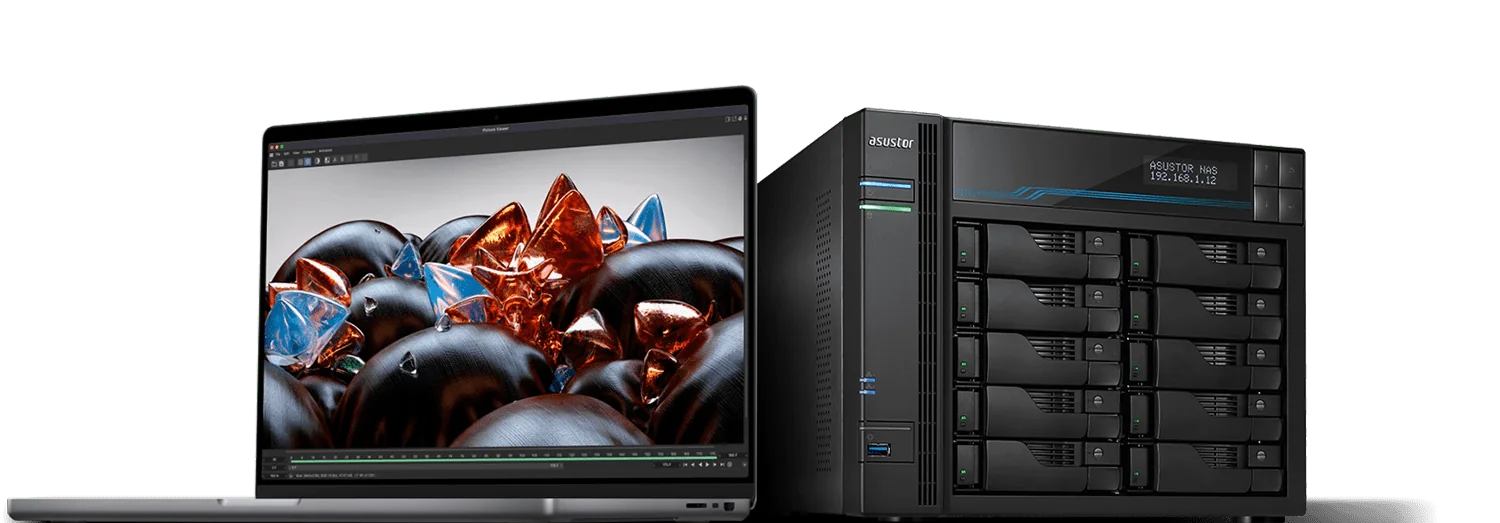
Mac and NAS at a glance
| Question | Short answer |
|---|---|
| Can Final Cut Pro libraries live on a NAS? | Yes. ASUSTOR states Apple supports a NAS as Final Cut Pro storage |
| How does the Mac connect? | SMB, AFP or NFS, from Finder or the AiData app |
| Does it back up the Mac too? | Yes. ASUSTOR NAS units support Time Machine |
| What speed do I need? | 2.5GbE for one editor; 5GbE or 10GbE for a team or heavy footage |
| Can I plug a Mac into the NAS with USB4? | No. ASUSTOR lists USB4 host-to-host connections as not supported; use Ethernet |
| Where do old projects go? | MyArchive removable archive drives, or a larger NAS volume |
From ASUSTOR's Mac and Final Cut Pro solution page and specifications.
Why MacBook editors run out of space
ASUSTOR's point is simple: MacBook and MacBook Pro laptops are fast and portable, but their storage is soldered to the board. You choose a size at checkout and cannot upgrade it later. ASUSTOR notes a maximum of 8 TB of internal storage, which disappears quickly when you shoot 4K or 8K. Final Cut Pro libraries grow fast because they collect media, renders and proxies in one place.
The usual fix is a stack of USB drives. ASUSTOR lists the problems with that approach:
- Plugging and unplugging drives every day wears the laptop's ports.
- Files on a desk drive cannot be shared with a co-editor or client without handing the drive over.
- Portable drives are easily dropped, spilled on or lost. A NAS stays in one place and makes the files available over the network.
A NAS also outlives the laptop. When you replace your Mac, your libraries and archives are still on the NAS, and you and your teammates pick up where you left off.
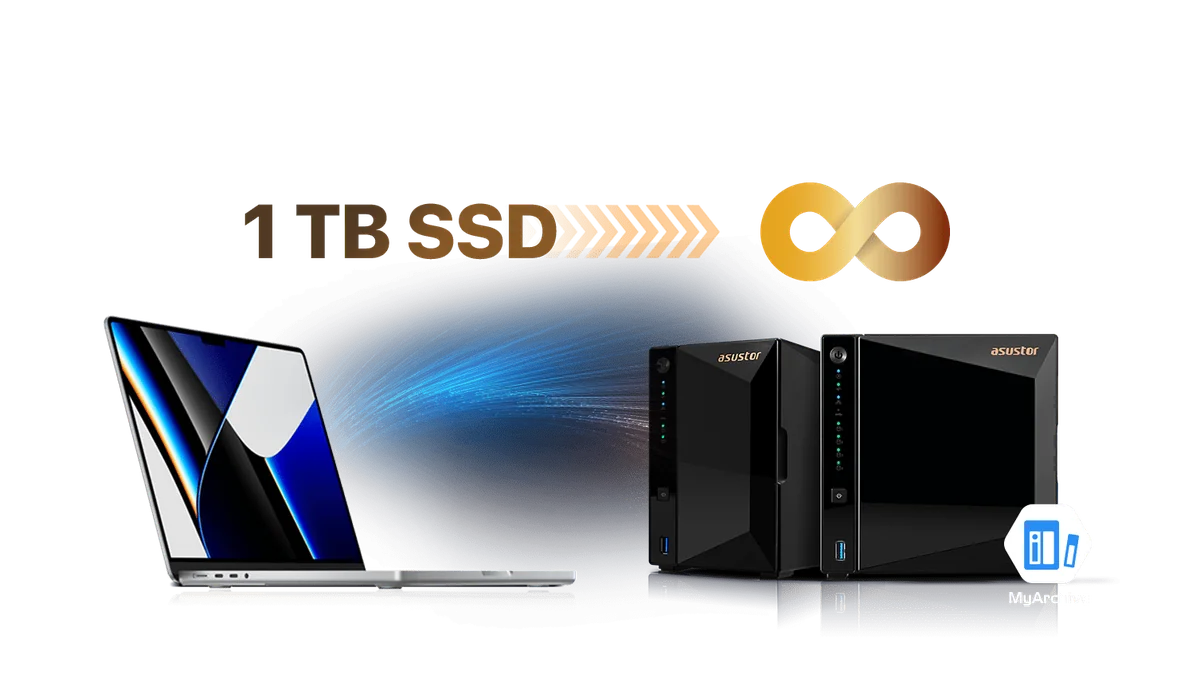
Connecting your Mac to an ASUSTOR NAS
File protocols
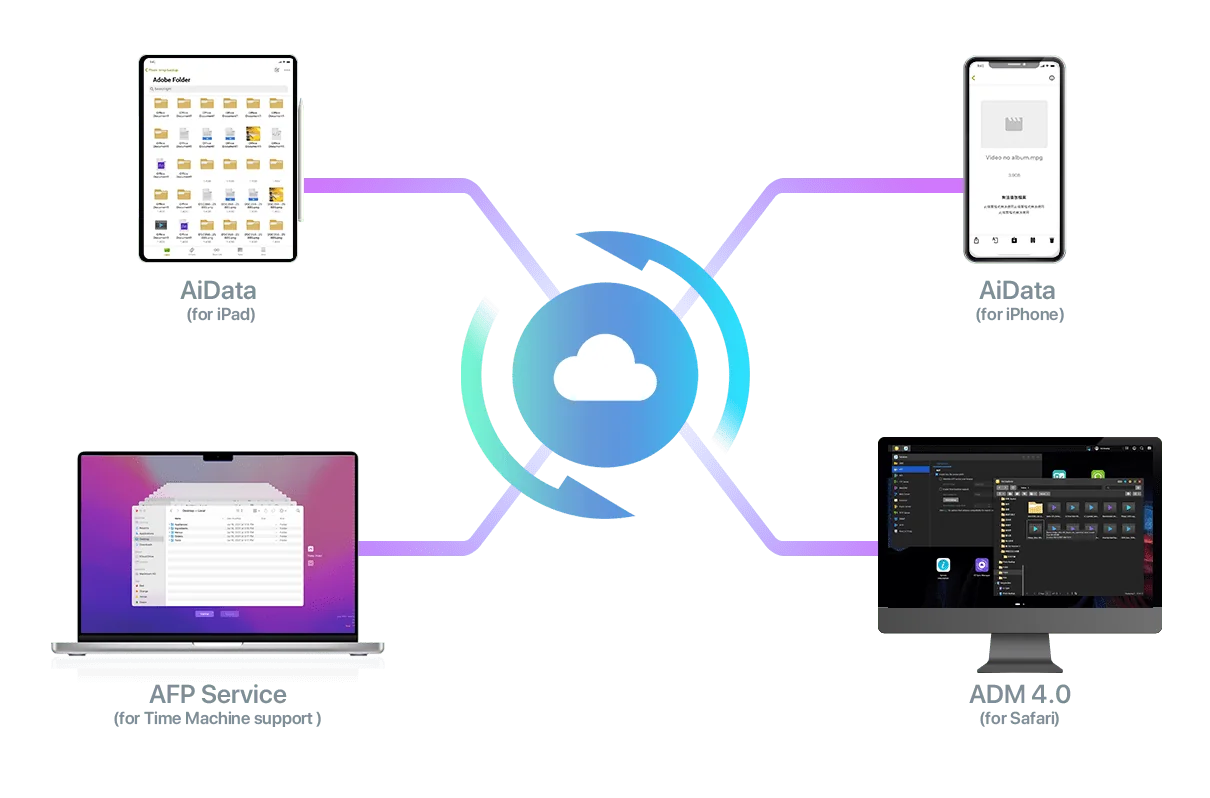
ASUSTOR NAS units support SMB, AFP and NFS, and Safari for web access to ADM. Most Mac users connect over SMB from Finder (Go, Connect to Server) and mount a shared folder for Final Cut Pro libraries and media. ASUSTOR also offers the AiData app for iPhone and iPad so you can reach the same files on the go.
Getting a faster link from a MacBook
Current MacBooks have no Ethernet port, so you need a Thunderbolt or USB-C network adapter. A 2.5GbE adapter is inexpensive and matches the 2.5GbE ports on the AS5402T and AS5404T. For 10GbE, use a Thunderbolt 10GbE adapter with the AS6804T or FS6806X, or with a Lockerstor Gen2+ fitted with the AS-T10G3 card. Desktop Macs with built-in 10GbE can plug straight into a 10GbE switch.
Note on USB4: the AS6804T and FS6806X have USB4 ports, but ASUSTOR's specifications say host-to-host connectivity is not supported, so you cannot use a USB4 cable as a direct Mac-to-NAS network link. Use the USB4 ports for fast external drives instead.
Wi-Fi?
Wi-Fi is fine for browsing files and backups, but for editing from the NAS, use a wired connection. ASUSTOR's Mac page shows 10GbE and 2.5GbE wired links into the router or switch.
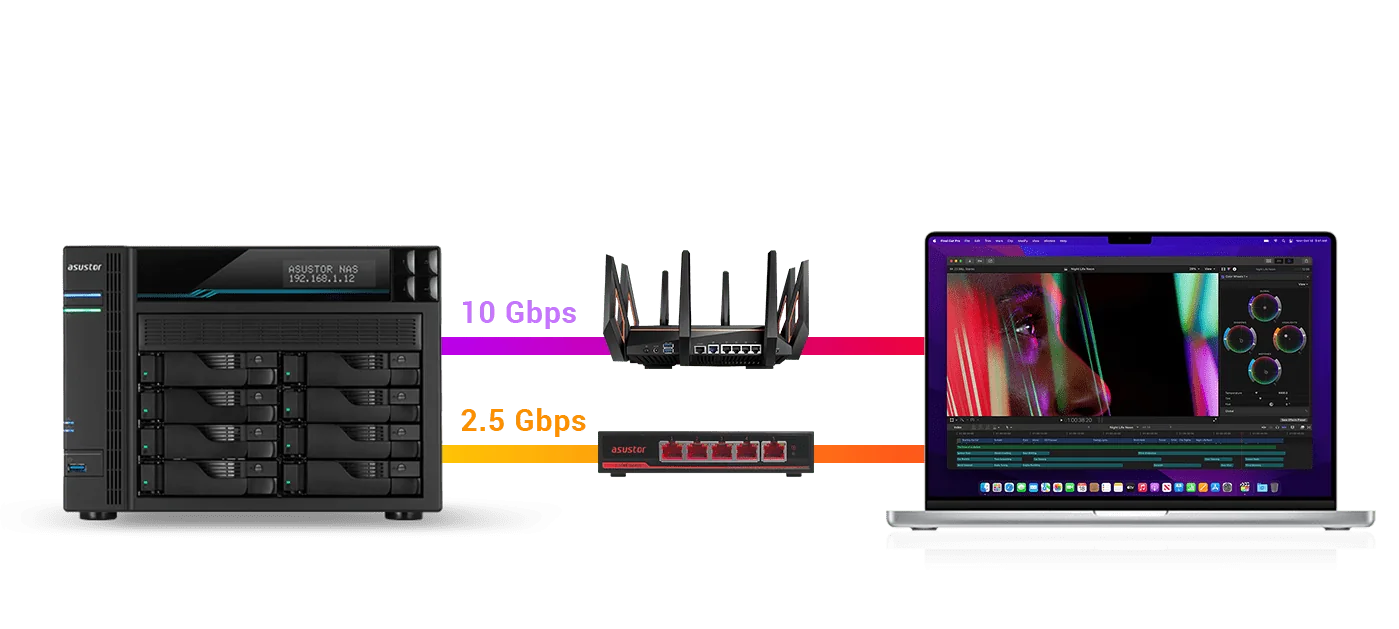
Editing Final Cut Pro projects directly on the NAS
ASUSTOR says its NAS units support editing and archiving content made in Final Cut Pro, DaVinci Resolve and Adobe Premiere Pro, and that projects do not need to be opened locally. With enough speed and capacity, ASUSTOR describes editing, encoding and exporting from the NAS as virtually lag-free, and you can send clients a share link for approval as soon as the export finishes.
A simple Mac workflow
- Create a shared folder on the NAS for active projects and another for archives.
- Mount the active folder on your Mac over SMB with a wired 2.5GbE or faster connection.
- Keep Final Cut Pro libraries and media in the shared folder so co-editors can open them.
- Back up the Mac itself to a separate Time Machine share on the NAS.
- Move finished jobs to the archive folder or to a MyArchive drive.
Teams in different places can use NAS-to-NAS backups, EZ Sync and DataSync Center, which ASUSTOR lists for exactly this kind of shared, cross-location work.
ASUSTOR NAS for Mac and Final Cut Pro compared
Swipe the table sideways to compare all models →
| Spec | AS5402T | AS5404T | AS6704T v2 | AS6804T | FS6806X |
|---|---|---|---|---|---|
| Name | Nimbustor 2 Gen2 | Nimbustor 4 Gen2 | Lockerstor 4 Gen2+ | Lockerstor 4 Gen3 | Flashstor 6 Gen2 |
| Drive bays | 2 | 4 | 4 | 4 | None (all-flash) |
| M.2 NVMe slots | 4 | 4 | 4 | 4 | 6 |
| Processor | Intel Celeron N5105 | Intel Celeron N5105 | Intel Celeron N5105 | AMD Ryzen V3C14 | AMD Ryzen V3C14 |
| Memory | 4 GB DDR4 (max 16 GB) | 4 GB DDR4 (max 16 GB) | 4 GB DDR4 (max 16 GB) | 16 GB DDR5 ECC (max 64 GB) | 8 GB DDR5 (max 64 GB) |
| Network | Dual 2.5GbE | Dual 2.5GbE | Dual 5GbE | Dual 10GbE + Dual 5GbE | 10GbE |
| ASUSTOR read / write | 576 / 566 MB/s | 576 / 566 MB/s | 1,146 / 536 MB/s | 1,675 / 791 MB/s | 1,179 / 1,181 MB/s |
| Noise (HDD idle) | 18.6 dB | 19.7 dB | 17.6 dB | 17.6 dB | 18.6 dB |
| Warranty | 3 Years | 3 Years | 3 Years | 3 Years | 3 Years |
Source: ASUSTOR specifications. Speeds are ASUSTOR's published RAID 5 results on the fastest connection it tested.
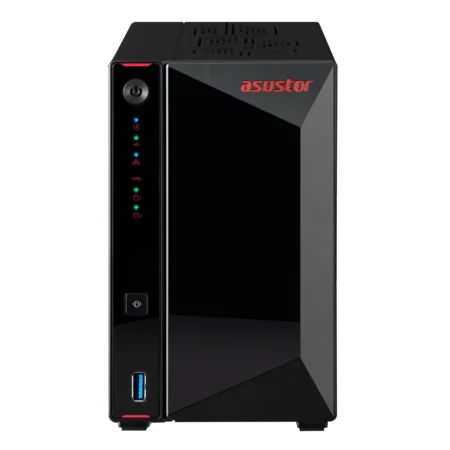
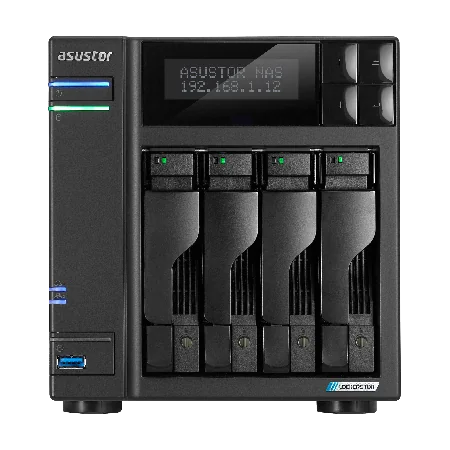
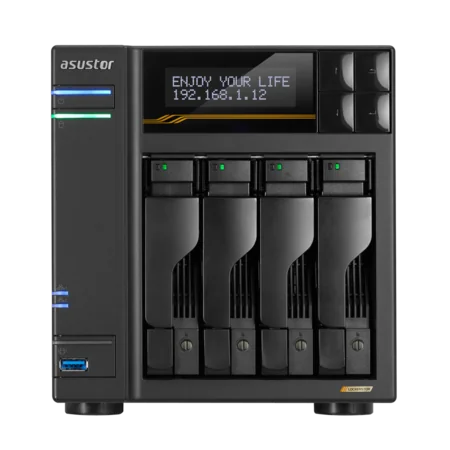
Which one suits your Mac setup?
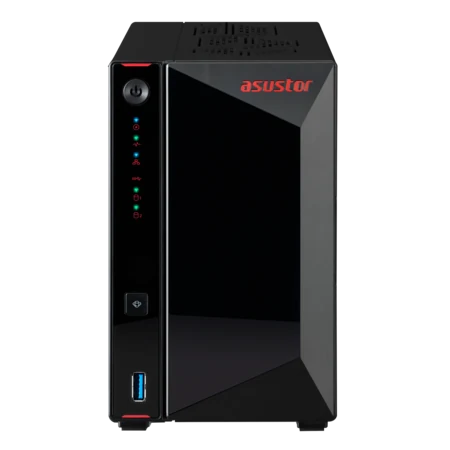
- AS5402T: a compact two-bay unit for a single MacBook editor. Mirror two drives in RAID 1 and add NVMe SSDs for speed.
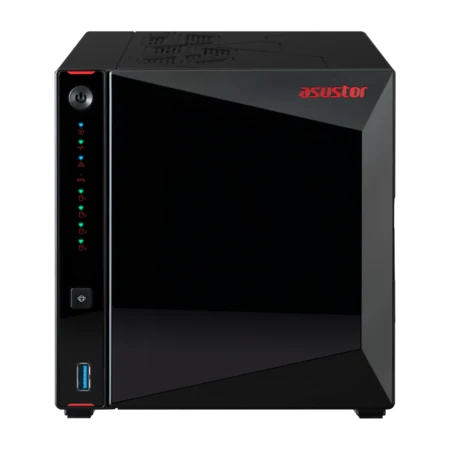
- AS5404T: the same platform with four bays, so RAID 5 gives more usable space and protection for a growing archive.
- Lockerstor 4 Gen2+ (AS6704T v2): dual 5GbE and a PCIe slot for 10GbE when a second editor joins.
- Lockerstor 4 Gen3 (AS6804T): two 10GbE ports, a Ryzen processor and 16 GB of ECC DDR5 for 4K and 8K teams.
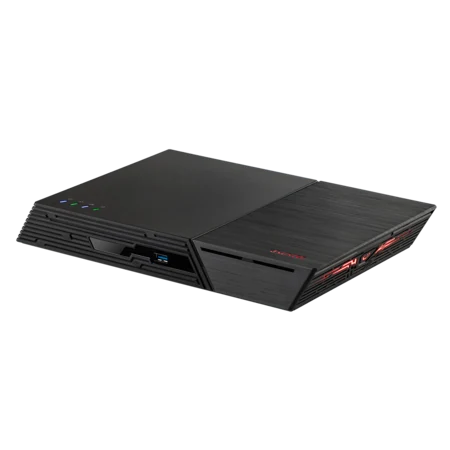
- Flashstor 6 Gen2 (FS6806X): six PCIe 4.0 M.2 SSD slots and 10GbE in a quiet unit that suits a home studio desk.
Time Machine, RAID and MyArchive
Time Machine
ASUSTOR NAS units support Time Machine, so the NAS backs up the whole Mac as well as storing your libraries. ASUSTOR also supports several Macs backing up to one NAS, each kept separate for privacy.
RAID
With two or more drives, RAID protects against a drive failure. The NAS alerts you when a drive fails; swap in a new one and the array rebuilds with your data intact.
MyArchive
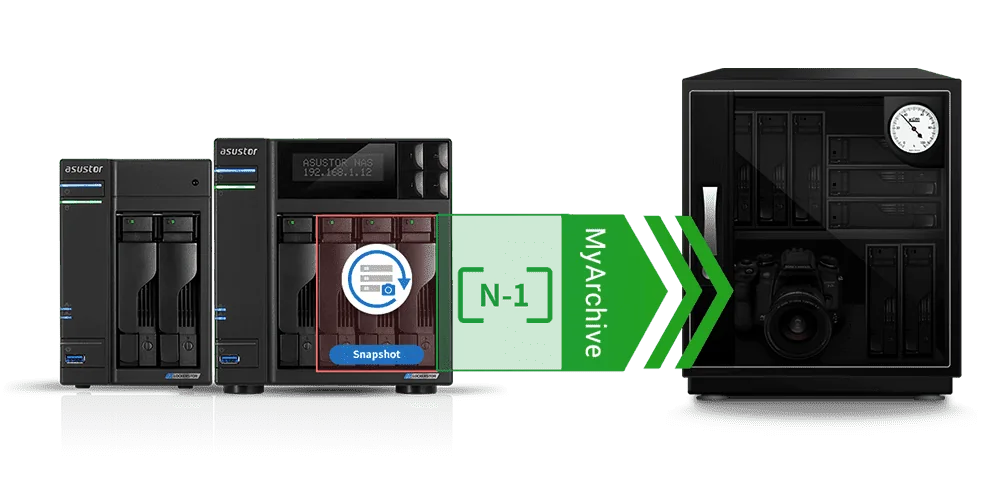
ASUSTOR's MyArchive turns NAS drives into removable cold-storage disks. Archive finished projects to a MyArchive drive, take it out and store it safely, and insert it into any ASUSTOR NAS when a client asks for a re-edit.
RAID is not a backup on its own. Our 3-2-1 backup guide shows how to keep a second copy offsite.
Playback, sharing and App Central
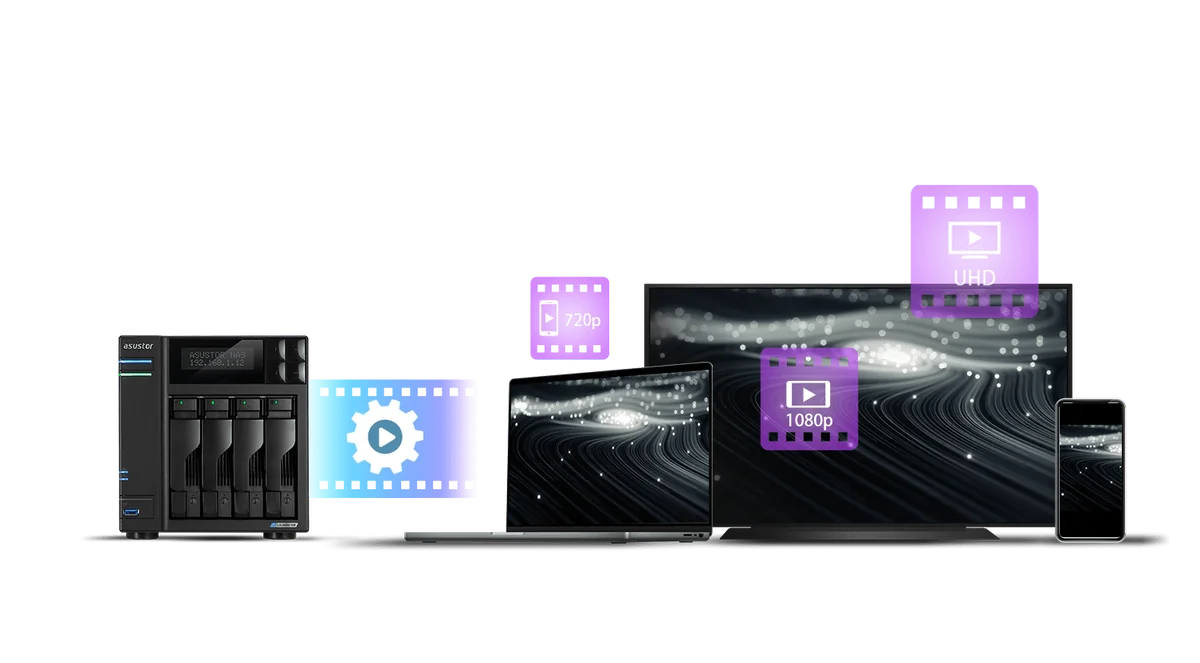
ASUSTOR NAS units can play stored videos on a computer, phone or set-top box, and models with transcoding convert files to suit each screen. That is handy for showing a client a cut on a TV. App Central adds more than 200 apps, from backup tools to media servers.
Want a family movie library as well? Our Plex on a NAS guide covers streaming at home.
Build your Mac editing storage with ARC IP Networks
We supply genuine ASUSTOR NAS on their own or bundled with a Seagate drive, ready to plug into your Mac setup.
| Your Mac setup | Suggested ARC IP order |
|---|---|
| One MacBook, 4K YouTube or wedding work | AS5402T with IronWolf 4 TB plus a second matching drive for RAID 1 |
| MacBook plus a growing archive | AS5404T with IronWolf 8 TB |
| Two or three Macs in a studio | AS6704T v2 with IronWolf 10 TB and the AS-T10G3 card |
| 4K and 8K team on 10GbE | AS6804T with Exos X24 12 TB |
| Quiet all-SSD home studio | FS6806X with NVMe SSDs |
Bundles include one drive. Trade and project pricing is available for studios and integrators.
See our ASUSTOR bundles guide and range explained for more options, or call 1300 100 440.
Shop genuine ASUSTOR NAS for Mac and Final Cut Pro
Genuine ASUSTOR at competitive prices. Live Australian pricing (inc. GST) and availability are on each product page.



Common questions
Straight answers from the ARC IP Networks team. Last reviewed October 2026.
Yes. ASUSTOR states that Apple supports using a NAS as Final Cut Pro storage, and ASUSTOR NAS units support editing and archiving Final Cut Pro content over SMB, AFP or NFS.
For one editor, the ASUSTOR AS5402T or AS5404T with dual 2.5GbE and four M.2 slots. For a team or heavy 4K and 8K footage, the Lockerstor 4 Gen3 (AS6804T) or Flashstor 6 Gen2 (FS6806X) with 10GbE.
Use a Thunderbolt or USB-C Ethernet adapter, ideally 2.5GbE or 10GbE, and connect to the NAS shared folder from Finder over SMB. ASUSTOR also supports AFP and NFS, and the AiData app for iPhone and iPad.
No. ASUSTOR's specifications state that host-to-host connectivity is not supported on the USB4 ports of the AS6804T and FS6806X. Connect the Mac over Ethernet and use the USB4 ports for external storage.
Yes. ASUSTOR NAS units support Time Machine, so you can back up a whole Mac to the NAS, and several Macs can each keep a separate backup.
An external SSD is fast for one Mac but cannot be shared, has no RAID and is easy to drop. A NAS stays in one place, shares libraries with co-editors, protects drives with RAID and runs backups.
Move finished projects to an archive share or to an ASUSTOR MyArchive drive, a removable cold-storage disk that can be inserted into any ASUSTOR NAS when you need the files again.
ARC IP Networks is a trusted ASUSTOR supplier in Australia, with genuine ASUSTOR NAS and Seagate drive bundles at competitive prices, the full manufacturer warranty and Australia-wide delivery. Call 1300 100 440 for advice or trade pricing.
Setting up storage for your Mac studio?
Tell us which Macs you edit on, your camera formats and how much footage you keep. We will quote the NAS, drives, adapters, switch and UPS, with trade and project pricing.