WebDAV lets Adobe Lightroom reach a photo library on your ASUSTOR NAS over the internet, as if the photos were on a local drive. ASUSTOR states that Lightroom has built-in WebDAV support for remote photo libraries, so a photographer on location can send images back to the NAS and a post-production team anywhere can open them in Lightroom without copying them first. Turn on the NAS WebDAV service, use HTTPS, set folder permissions, and mount the library in Lightroom.
Quick pick: solo photographer → Drivestor 4 Pro Gen2 (AS3304T v2); photographer with a big catalogue → AS5404T; studio team → Lockerstor 6 Gen2+ (AS6706T v2). ARC IP Networks is a trusted ASUSTOR supplier in Australia: genuine ASUSTOR NAS and accessories at competitive prices, with the full ASUSTOR manufacturer warranty, Australia-wide delivery and trade pricing.
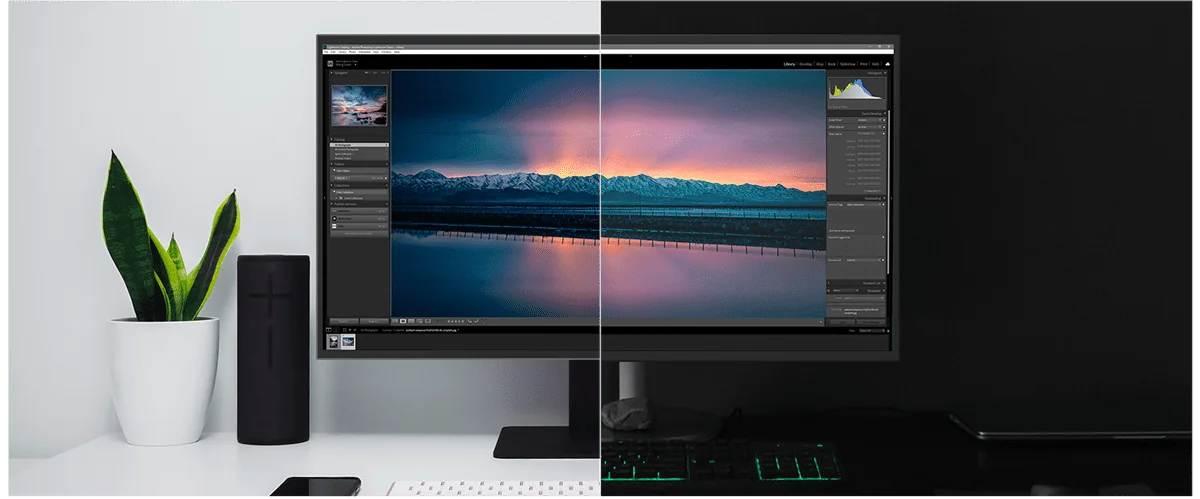
WebDAV, SMB and share links at a glance
An ASUSTOR NAS offers several ways to reach photos. Use the right one for each job.
| Method | Best for | Where it works |
|---|---|---|
| SMB shared folder | Editing in the studio over a wired network | Local network |
| WebDAV | Lightroom libraries and file editing from outside the studio | Over the internet, encrypted with HTTPS |
| Share link | Sending selects and finals to clients | Any web browser |
| Cloud sync | An extra copy of the library offsite | Cloud storage you choose |
Summary by ARC IP Networks based on ASUSTOR's WebDAV and Lightroom solution page.
What are Lightroom and WebDAV?
Adobe Lightroom
Lightroom is Adobe's photo management and editing tool. After you import photos you can edit, tag and sort them, adjust brightness and colour, straighten horizons, remove imperfections and export to different formats. As ASUSTOR describes it, Lightroom keeps original files separate from your edits: ratings, keywords and adjustments are stored in the catalog while the originals stay untouched.
WebDAV
WebDAV is a protocol for managing and collaborating on files over the web. It lets you open, read, edit and add files on a remote server, such as the NAS in your home office or studio, from anywhere with an internet connection. ASUSTOR notes that many platforms support it, including Lightroom, Photoshop and Premiere Pro, and that WebDAV supports HTTPS so data is encrypted in transit.
How a remote Lightroom workflow works
ASUSTOR's example is a photographer working on location while the editing team stays home. Here is the same flow for an Australian studio:
- Shoot and send: after the shoot, the photographer uploads the camera files to the NAS over the internet.
- Protect on arrival: once the images land on the NAS, scheduled backups and sync copy them to other storage.
- Edit anywhere: the post-production team opens Lightroom with the library mounted over WebDAV. ASUSTOR says the photos behave as if they were on the editor's own drive, so there is nothing to copy first.
- No overwrites: because Lightroom separates originals from edits, several people can work on the same library without overwriting each other's work or the original files, and changes sync back to the NAS.
- Deliver: create share links for clients and teammates, and sync the finished set to cloud storage as an extra copy.


Plan around your NBN upload speed
WebDAV works over the internet, so speed depends on the slowest link: usually the upload speed of the connection at whichever end is sending. ASUSTOR notes that a raw photo is typically 40 to 100 MB. The table below is simple arithmetic for moving 10 GB of raw files, roughly 100 to 250 images, at different upload speeds.
| Upload speed | Time to send 10 GB | Typical use |
|---|---|---|
| 20 Mbps | About 67 minutes | Overnight batches from a hotel or regional site |
| 40 Mbps | About 33 minutes | Same-day selects from a home office |
| 100 Mbps | About 13 minutes | Studio-to-studio work on a high-upload plan |
| 4G or 5G hotspot | Varies widely | Send a few hero shots, the rest when back at base |
Theoretical times (10 GB x 8 / upload speed), before protocol overhead. Real NBN speeds vary by plan and time of day.
Tips for Australian photographers
- Check the typical evening upload speed of the studio connection; the NAS can only send as fast as that.
- Some providers use CGNAT, which can stop incoming connections. Ask your provider about a public or static IP if remote access will not connect.
- Cull on location and upload selects first; send the full card later.
- Keep the NAS wired to the router, never on Wi-Fi.
Keeping a remote photo library secure
Opening the NAS to the internet needs care, especially with client and commercial work. ASUSTOR highlights two controls for WebDAV: HTTPS encryption in transit, and per-folder permissions and access controls so only the people you choose can open and edit the photos.
- Always use HTTPS for WebDAV, never plain HTTP.
- Create a user per person and grant access only to the folders each needs.
- Turn on 2-step verification for admin accounts, and use ADM's firewall and ADM Defender.
- Keep snapshots on: ASUSTOR snapshots allow quick restoration after user error or ransomware.
For the bigger picture, read our 3-2-1 backup guide.
ASUSTOR NAS for Lightroom photographers compared
Swipe the table sideways to compare all models →
| Spec | AS3302T v2 | AS3304T v2 | AS5404T | AS6704T v2 | AS6706T v2 |
|---|---|---|---|---|---|
| Name | Drivestor 2 Pro Gen2 | Drivestor 4 Pro Gen2 | Nimbustor 4 Gen2 | Lockerstor 4 Gen2+ | Lockerstor 6 Gen2+ |
| Drive bays + M.2 | 2 | 4 | 4 + 4 x M.2 | 4 + 4 x M.2 | 6 + 4 x M.2 |
| Max raw capacity | 36 TB | 72 TB | 72 TB | 72 TB | 108 TB |
| Processor | Realtek RTD1619B | Realtek RTD1619B | Celeron N5105 | Celeron N5105 | Celeron N5105 |
| Memory | 2 GB | 2 GB | 4 GB (max 16 GB) | 4 GB (max 16 GB) | 8 GB (max 16 GB) |
| Network | 2.5GbE | 2.5GbE | Dual 2.5GbE | Dual 5GbE | Dual 5GbE |
| RAID levels | RAID 0, RAID 1 | RAID 0, RAID 1, RAID 5, RAID 6, RAID 10 | RAID 0, RAID 1, RAID 5, RAID 6, RAID 10 | RAID 0, RAID 1, RAID 5, RAID 6, RAID 10 | RAID 0, RAID 1, RAID 5, RAID 6, RAID 10 |
| Warranty | 3 Years | 3 Years | 3 Years | 3 Years | 3 Years |
Source: ASUSTOR specifications. Maximum raw capacity is ASUSTOR's figure with 18 TB drives.
Choosing a model
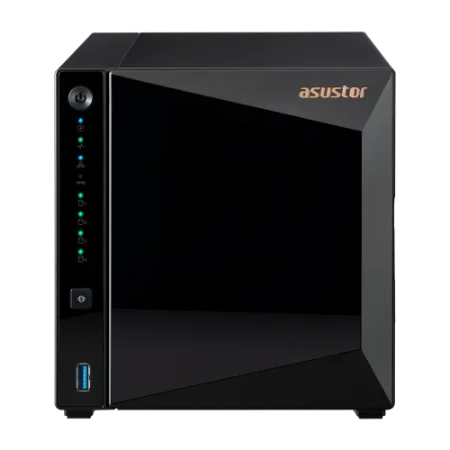
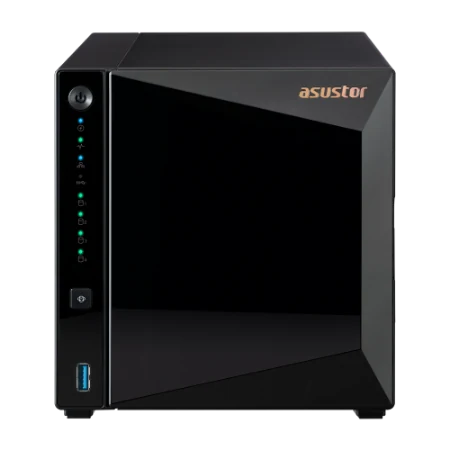
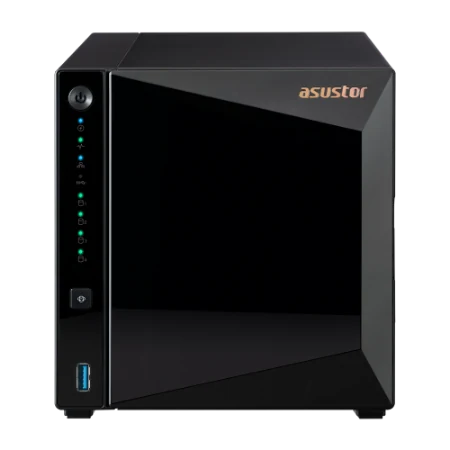
- Drivestor 2 Pro Gen2 and Drivestor 4 Pro Gen2: good-value homes for a growing library, with 2.5GbE and 2 GB of memory. ASUSTOR recommends the Drivestor 4 Pro for Lightroom and Photoshop.
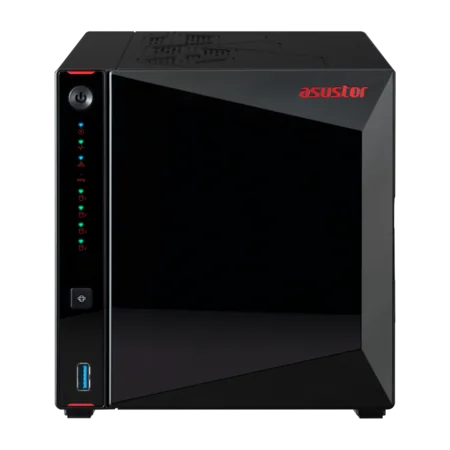
- AS5404T: a quad-core Celeron, memory to 16 GB and four M.2 slots for SSD cache, which helps when several editors browse a large library.
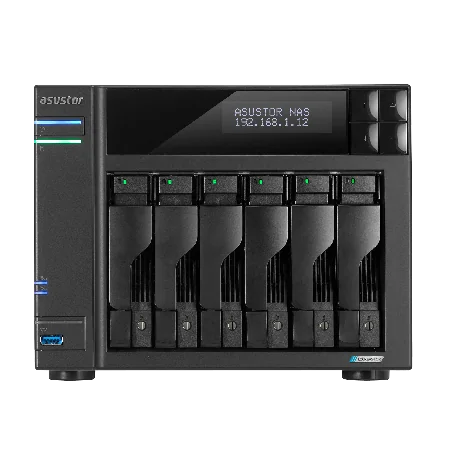
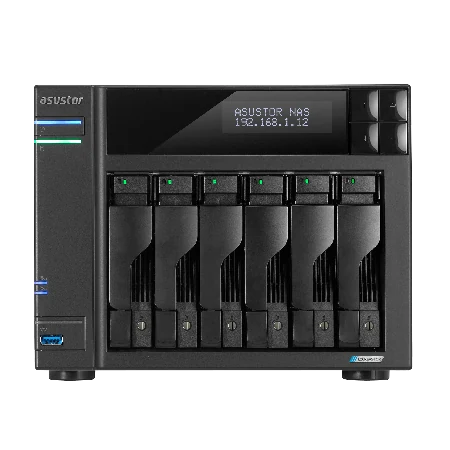
- Lockerstor 4 Gen2+ and Lockerstor 6 Gen2+: dual 5GbE for the studio, a 10GbE upgrade slot, and six bays on the AS6706T v2 for years of shoots.
Room to grow, on any platform
ASUSTOR points out that growing businesses outgrow computer storage quickly. With a NAS you add hard drives or SSDs to the NAS or an expansion unit, and the photo library grows with them, leaving your computer's own drive free for editing. Both Lightroom and ASUSTOR NAS work across Windows and macOS, laptop or desktop, so the library is there whichever machine you pick up.
Choosing drives? Our NAS hard drive guide compares Seagate IronWolf and Exos.
Build your Lightroom NAS with ARC IP Networks
ARC IP Networks supplies genuine ASUSTOR NAS and bundles with a Seagate drive, so you can set up WebDAV the day it arrives.
| Photographer | Suggested ARC IP order |
|---|---|
| Starting out, one camera | AS3302T v2 with IronWolf 4 TB plus a second drive for RAID 1 |
| Weddings and events, busy season | AS3304T v2 with IronWolf 10 TB |
| Large catalogue, several editors | AS5404T with IronWolf 8 TB |
| Studio with years of archive | AS6706T v2 with IronWolf 10 TB |
Bundles include one drive; add matching drives for RAID. Trade and project pricing is available.
Compare all options in our ASUSTOR bundles guide or buying guide.
Shop genuine ASUSTOR NAS for photographers
Genuine ASUSTOR at competitive prices. Live Australian pricing (inc. GST) and availability are on each product page.



Common questions
Straight answers from the ARC IP Networks team. Last reviewed October 2026.
WebDAV is a protocol for managing and collaborating on files over the web. It lets you open, edit and add files on a remote server, such as an ASUSTOR NAS, from anywhere with an internet connection, and it supports HTTPS encryption.
Yes. ASUSTOR states that Lightroom has built-in WebDAV support for remote photo libraries, so you can mount a library on an ASUSTOR NAS and work as if the photos were on a local drive.
According to ASUSTOR, Lightroom keeps original files separate from edits, which are stored in the catalog. That lets several people work on the same library without overwriting each other's projects or the originals.
Use HTTPS so data is encrypted in transit, give each person their own account, limit folder permissions, enable 2-step verification and keep snapshots on. ASUSTOR highlights HTTPS and per-folder access controls for WebDAV.
It is limited by the upload speed of the sending connection. At 20 Mbps upload, 10 GB of raw files takes about an hour in theory; at 100 Mbps, about 13 minutes. Real speeds vary by plan and time of day.
ASUSTOR recommends high-value, high-capacity models for Lightroom and Photoshop. From ARC IP Networks, start with the Drivestor 4 Pro Gen2 (AS3304T v2), step up to the AS5404T for large catalogues, or choose the Lockerstor 6 Gen2+ (AS6706T v2) for a studio.
Use SMB over the wired network inside the studio, where it is faster and simpler. Use WebDAV with HTTPS when you need the library from outside the studio.
ARC IP Networks is a trusted ASUSTOR supplier in Australia, with genuine ASUSTOR NAS and Seagate drive bundles at competitive prices, the full manufacturer warranty and Australia-wide delivery. Call 1300 100 440 for advice or trade pricing.
Setting up remote Lightroom access?
Tell us how many photographers and editors you have, how much you shoot and your NBN plan. We will quote the NAS, drives and UPS, with trade and project pricing.