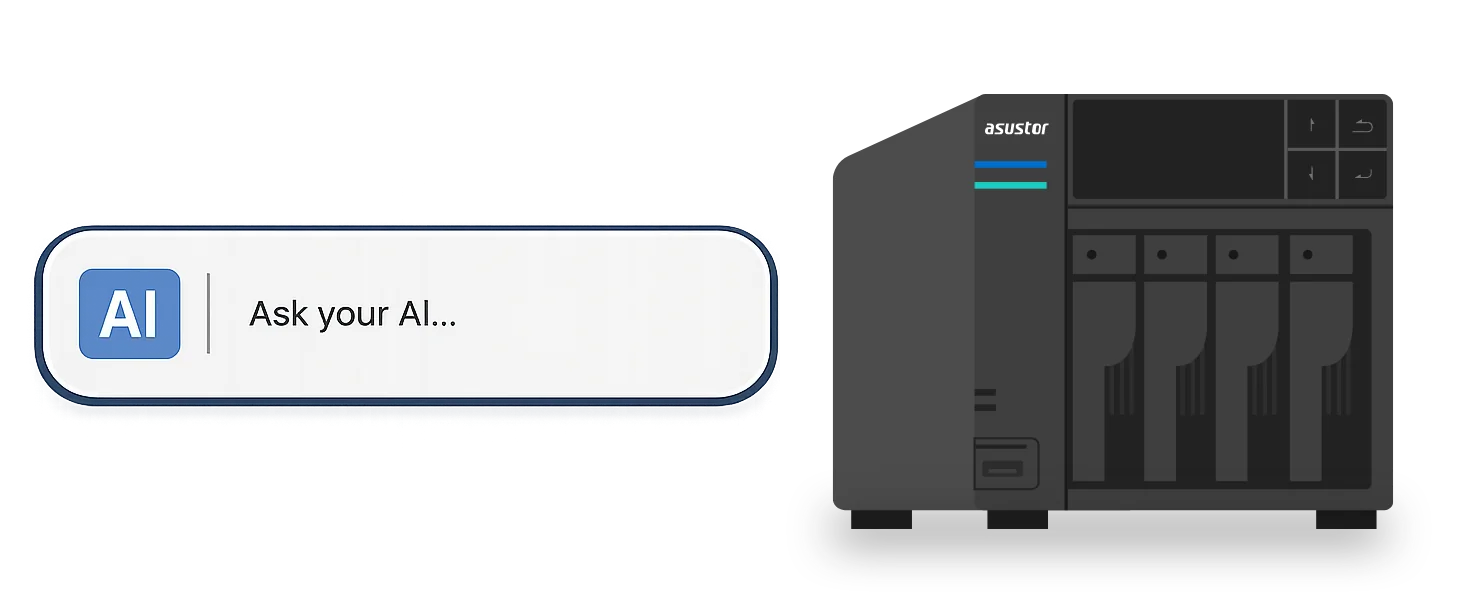
A private AI knowledge base lets staff ask questions in plain English and get answers drawn from your own documents. It uses RAG (retrieval-augmented generation): documents are turned into vectors in a vector database, the system finds the passages closest in meaning to a question, and a large language model writes the answer from them. ASUSTOR says its NAS can host vector databases such as Chroma, pgvector and Weaviate through Docker, and supports Ollama, AnythingLLM and n8n, so your documents never have to leave the office.
Important: ASUSTOR NAS do not have a discrete GPU, so pair the NAS with a GPU server or a cloud AI API for the language model itself. Quick pick: Lockerstor 4 Gen3 (AS6804T) or Flashstor 6 Gen2 (FS6806X). ARC IP Networks is a trusted ASUSTOR supplier in Australia: genuine ASUSTOR NAS and accessories at competitive prices, with the full ASUSTOR manufacturer warranty, Australia-wide delivery and trade pricing.
Private AI on a NAS at a glance
| Piece | What it does | Where it runs |
|---|---|---|
| Documents | PDFs, Word, Excel, emails, images and other company files | Stored on the NAS |
| Embedding and chunking | Splits documents into semantic chunks and turns them into vectors | Local AI process |
| Vector database | Stores vectors and finds the closest meaning to a question | On the NAS via Docker (Chroma, pgvector, Weaviate per ASUSTOR) |
| RAG and workflow tools | Connects search results to the model | On the NAS (Ollama, AnythingLLM, n8n per ASUSTOR) |
| Large language model | Writes the answer from the retrieved passages | GPU server on site, or a cloud AI API |
| Protection | RAID, snapshots, permissions, encryption and backup | ADM on the NAS |
Architecture as described on ASUSTOR's private AI and RAG page.
What is a vector database?
ASUSTOR offers a neat analogy: if AI is the brain, a vector database is its long-term memory. A traditional database matches keywords and checks whether text is identical; a vector database understands the meaning behind the words. It searches for meaning, not for words.
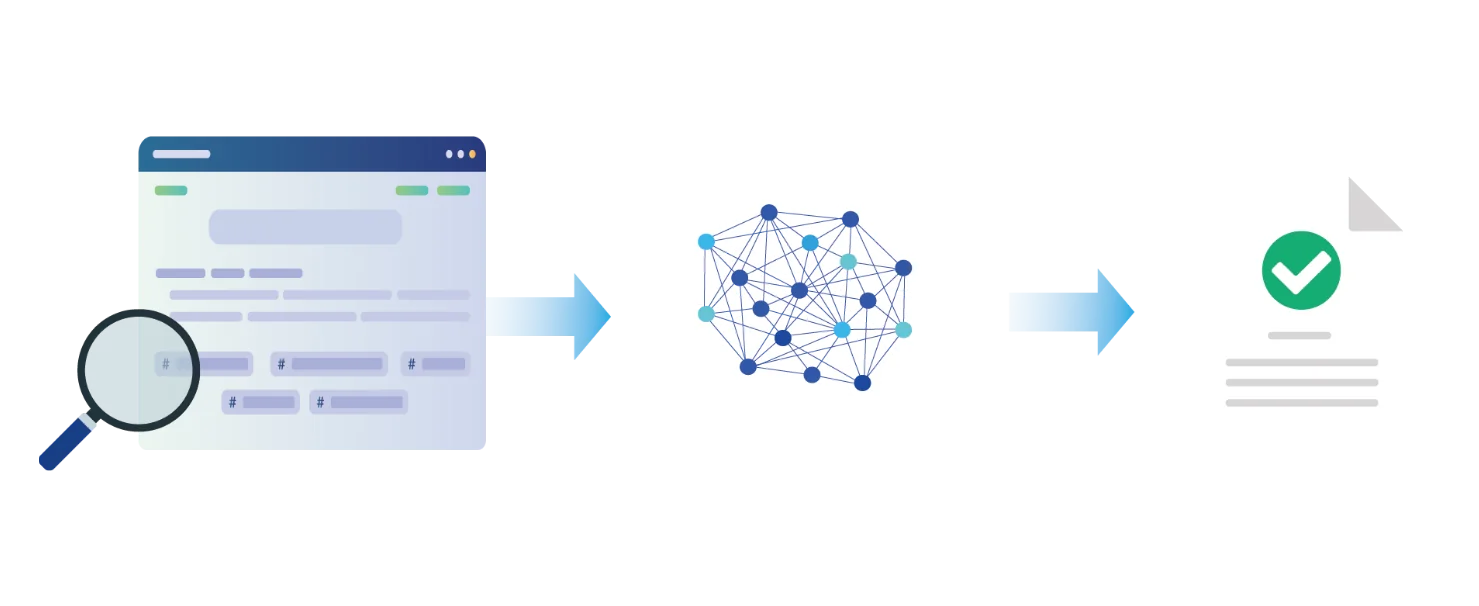
Businesses convert unstructured data such as PDFs, Word documents, Excel spreadsheets and emails into vectors, creating a knowledge base the AI can understand. A question is converted into a vector too, and the system looks for the content with the closest meaning. ASUSTOR's example: a document mentions "backup strategy" and "data protection", a user asks "How can I avoid data loss?", and the vector database still recognises that the two are related.
What exactly is RAG?
RAG (retrieval-augmented generation) lets a large language model look up external knowledge before answering, then generate the answer from what it found. ASUSTOR explains that this lets the AI use not only what it learned in training but also the latest, specialised or internal company data, which reduces the risk of "hallucinations" and makes answers more accurate and traceable.
ASUSTOR compares it to an employee asked about a product specification. Answering from memory, they would probably get something wrong; checking the latest product manual first gives a reliable answer. RAG works the same way.
Questions staff can ask
- What is this customer's transaction history over the past three years?
- Where are the product technical documents?
- What is the latest version of our internal SOP?
These are ASUSTOR's examples. For an Australian accounting firm, law practice, clinic or manufacturer, the same approach turns years of files into a searchable assistant.
Why keep the knowledge base on your own NAS
ASUSTOR argues that in the generative AI era a NAS becomes a knowledge hub: documents are stored centrally, processed locally into chunks and embeddings, written to a vector database and searched before the language model answers. The whole workflow can run internally, without uploading sensitive data to the public cloud, which ASUSTOR says helps with data sovereignty, regulatory compliance and internal permissions, and keeps your documents from becoming training data for external AI models.
ASUSTOR names finance, healthcare, government, legal and manufacturing as industries where this matters most. In Australia, businesses that hold personal information may have obligations under the Privacy Act 1988, and many clients now ask where their data is processed. Keeping the knowledge base on a NAS in your own office gives a clear answer. (General information, not legal advice.)
Can a NAS run a vector database?
Yes. ASUSTOR says its NAS supports rapid deployment of popular vector databases such as Chroma, pgvector and Weaviate via Docker, so a business can build a complete AI knowledge base and RAG architecture locally, and that non-developers can manage it through ASUSTOR's graphical interface and app tools. ASUSTOR also lists support for Ollama, AnythingLLM and n8n to connect on-premises or cloud language models through a user interface.
If local models cannot meet your needs, ASUSTOR notes you can connect to cloud AI services including OpenAI, Anthropic, Google Gemini, NVIDIA NIM, Mistral, Perplexity and platforms such as OpenRouter, balancing performance, cost and accuracy. New to containers? Start with our Docker guide.
How much GPU does the language model need?
ASUSTOR NAS do not include a discrete GPU. ASUSTOR recommends pairing the NAS with an external high-performance compute host such as a GPU server for inference, or using cloud AI APIs. Its guidance on how GPU memory affects RAG answer quality:
Swipe the table sideways to compare all models →
| GPU VRAM | Model size | Answer quality (ASUSTOR) | Suits |
|---|---|---|---|
| 8 GB | 3B (tiny) | Basic questions only; easily misses or misreads information | Personal testing or demo |
| 12 GB | 7B (small) | Simple RAG, but unstable and often overlooks details | Small AI assistant |
| 16 GB | 13B (medium) | Better understanding; complex problems may stray | Departmental knowledge base |
| 24 GB | 13B to 34B (large) | Practical level; long contexts may be incomplete | RAG for small to medium businesses |
| 48 GB | 34B to 70B (very large) | Much better, handles multi-step reasoning, not fully stable | Enterprise AI system |
| 80 GB+ | Over 70B (extremely large) | Near high-end assistant, still depends on RAG data quality | AI platform or multi-user service |
Source: ASUSTOR's "Analysis of RAG inference semantic understanding impact" table.
Why an ASUSTOR NAS suits vector database infrastructure
ASUSTOR's point is that the core of an AI knowledge base is not computation but reliable data. It lists seven reasons:
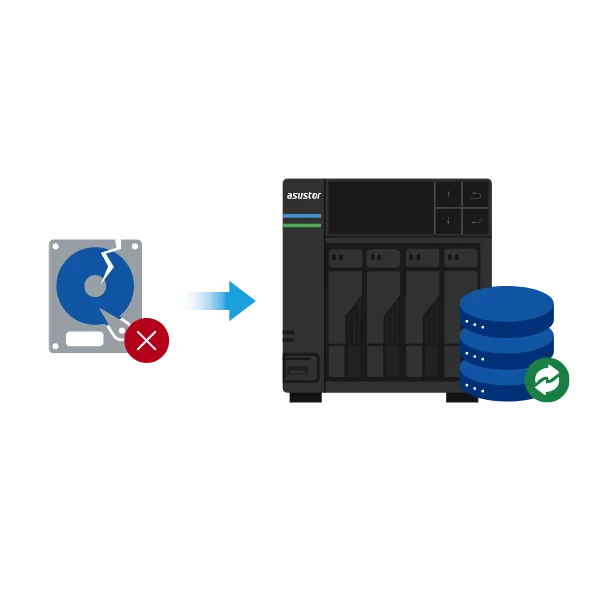
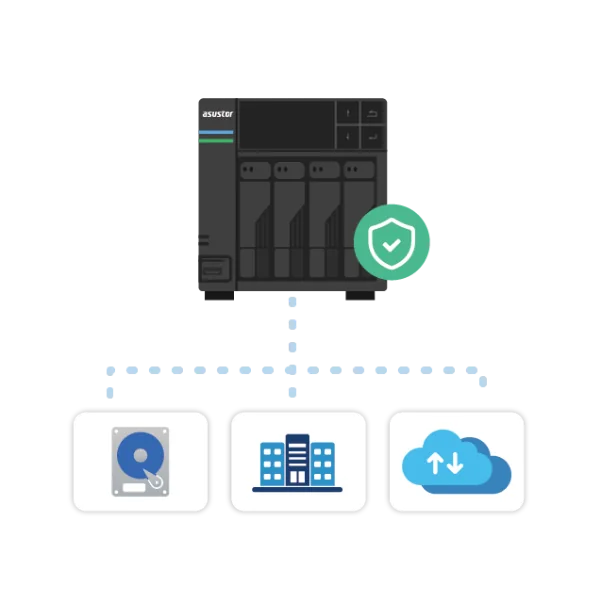
- RAID: protects embeddings and documents from drive failure so the knowledge base is not interrupted.
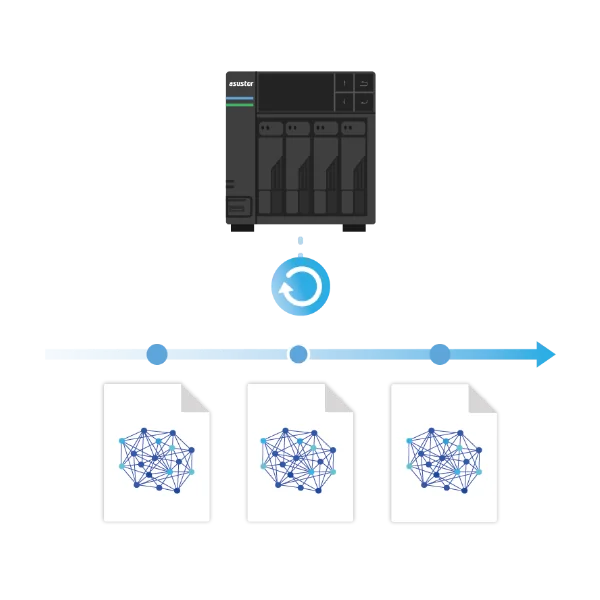
- Snapshots: if an update to the RAG data or vector database leads to odd answers, roll back to a stable version.
- Multi-layer backup: local, offsite and cloud backups so the knowledge base can be restored after a serious failure.
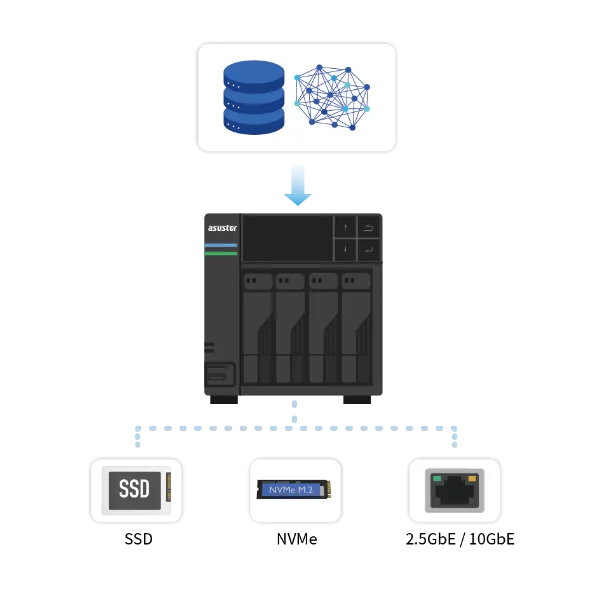
- Efficient I/O: SSD caching, NVMe and 2.5GbE or 10GbE networking for low-latency vector index reads.
- The data source for RAG: the NAS is where the document-to-vector flow starts, reducing data movement and leak risk.
- Cross-platform access: Windows, macOS, Linux and mobile devices keep the knowledge base current.
- Knowledge hub: the NAS passes retrieved passages to a local inference engine, such as vLLM or Ollama on GPU hardware, or to a cloud AI API.
Which ASUSTOR NAS for a private AI knowledge base
Swipe the table sideways to compare all models →
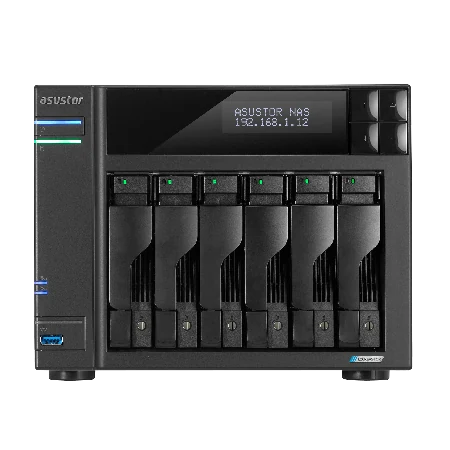
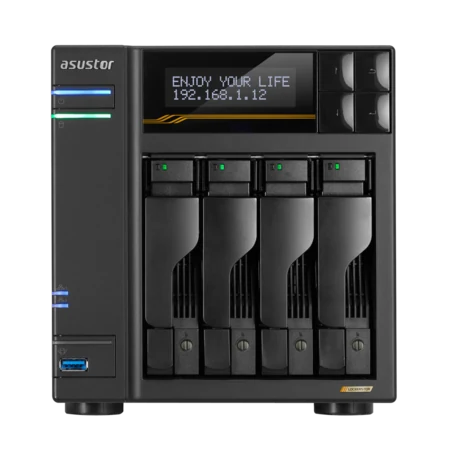
| Spec | AS6804T | FS6806X | AS6706T v2 | AS6704T v2 |
|---|---|---|---|---|
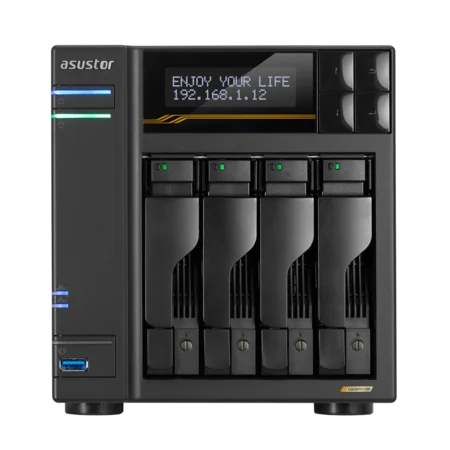
| Storage | 4 bays + 4 M.2 | 6 x M.2 NVMe | 6 bays + 4 M.2 | 4 bays + 4 M.2 |
| Processor | Ryzen V3C14 | Ryzen V3C14 | Celeron N5105 | Celeron N5105 |
| Memory | 16GB DDR5 ECC (max 64GB) | 8GB DDR5 (max 64GB) | 8GB DDR4 (max 16GB) | 4GB DDR4 (max 16GB) |
| Network | Dual 10GbE + Dual 5GbE | 10GbE | Dual 5GbE | Dual 5GbE |
| Best role | Vector database plus document store | Fast all-flash vector store | Large document archive | Smaller team knowledge base |
Specifications from ASUSTOR. "Best role" is ARC IP Networks guidance. Vector databases and AI apps run in Docker; memory matters, so choose models that expand.
Build it with ARC IP Networks
ARC IP Networks is a trusted ASUSTOR supplier in Australia, supplying genuine ASUSTOR NAS, drive bundles, 10GbE cards and UPS units for private AI projects, with trade and project pricing for IT providers and integrators.
| Project | What we suggest | Why |
|---|---|---|
| Firm-wide knowledge base, 10 to 50 staff | AS6804T with 10 TB drives | Ryzen, ECC DDR5 to 64 GB, dual 10GbE to the GPU server |
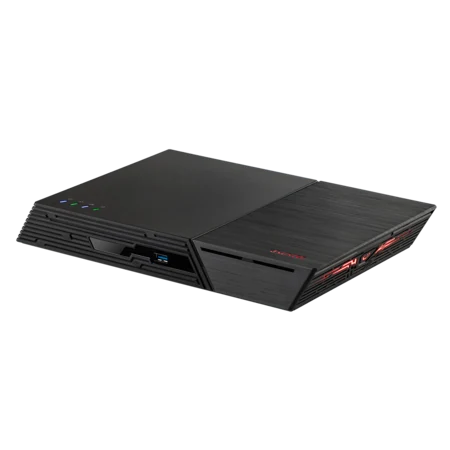
| Fast vector store beside a GPU server | FS6806X | All-flash PCIe 4.0 NVMe, DDR5 to 64 GB, 10GbE |
| Large archive of scanned documents | AS6706T v2 | Six bays, RAID 6, 10GbE-ready |
| Team pilot or departmental assistant | AS6704T v2 with 10 TB drives | Dual 5GbE, M.2 slots, RAM to 16 GB |
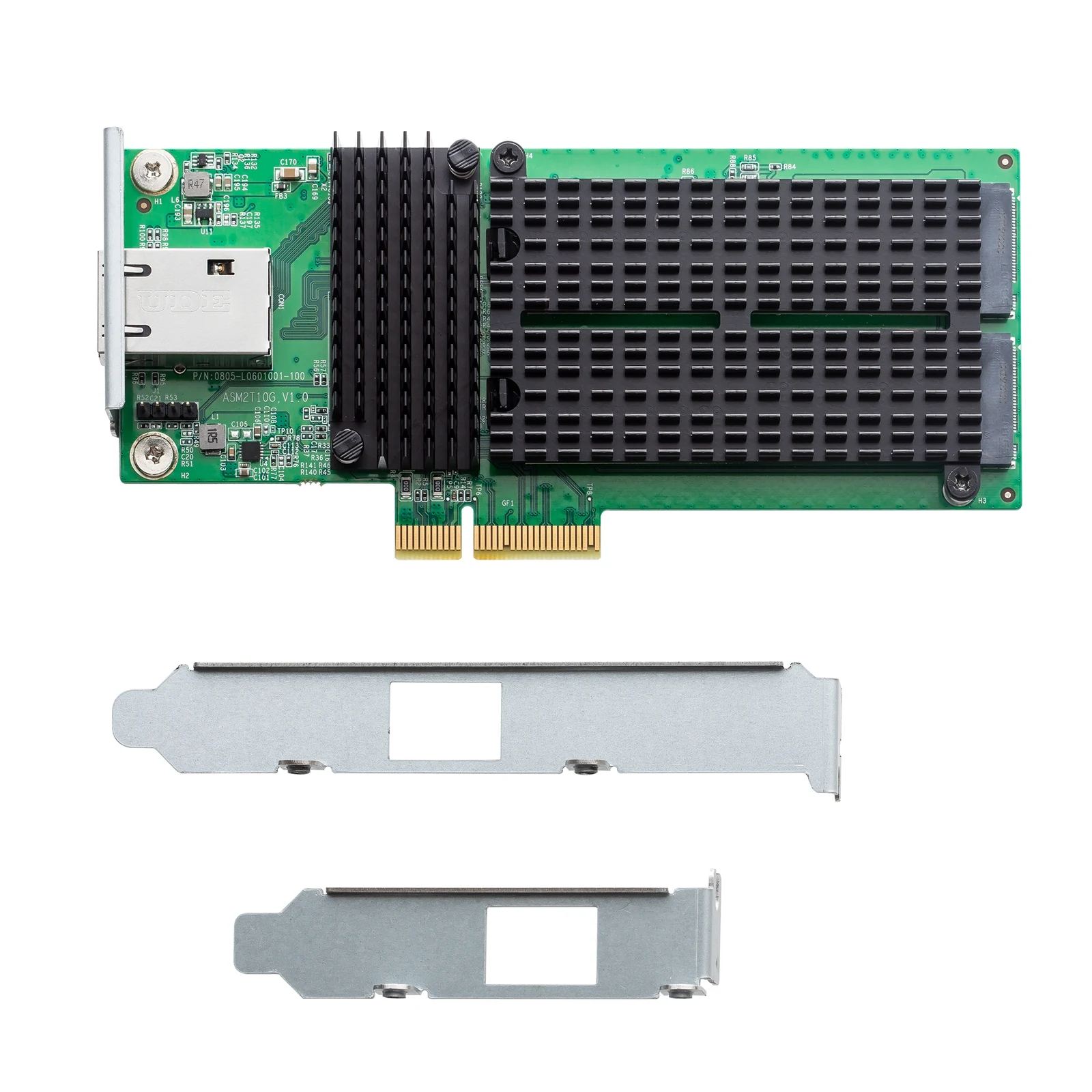
| Add 10GbE and NVMe to a Lockerstor Gen2+ | AS-T10G3 | 10GbE RJ-45 plus two M.2 NVMe slots |
An AI knowledge base quickly becomes business-critical. Protect the NAS and GPU server with a UPS from our PowerShield range (see our best UPS for a NAS guide), and back it up following our 3-2-1 backup guide. Call 1300 100 440 to scope your project.
Shop genuine ASUSTOR for private AI
Genuine ASUSTOR with the full 3-year manufacturer warranty. Current Australian pricing (inc. GST) is on each product page.


Common questions
Straight answers from the ARC IP Networks team. Last reviewed October 2026.
It is an AI assistant that answers questions from your own company documents. Files are converted into vectors in a vector database, the system retrieves the passages closest in meaning to a question, and a language model writes the answer from them, without uploading documents to the public cloud.
RAG (retrieval-augmented generation) lets a large language model search external knowledge before answering, then generate the answer from what it found. ASUSTOR says this reduces hallucinations and makes answers more accurate and traceable.
Yes. ASUSTOR says its NAS supports rapid deployment of vector databases such as Chroma, pgvector and Weaviate via Docker, and supports AI apps such as Ollama, AnythingLLM and n8n.
No. ASUSTOR NAS models do not feature a discrete GPU. ASUSTOR recommends pairing the NAS with an external GPU server for model inference, or connecting to cloud AI API services.
ASUSTOR's guidance runs from 8 GB of VRAM for tiny 3B models suited to demos, through 24 GB for 13B to 34B models suited to small and medium businesses, to 80 GB or more for models above 70B.
Yes. ASUSTOR lists connecting to cloud AI services including OpenAI, Anthropic, Google Gemini, NVIDIA NIM, Mistral, Perplexity and platforms such as OpenRouter when local models are not enough.
The Lockerstor 4 Gen3 AS6804T, with an AMD Ryzen processor, 16 GB of ECC DDR5 expandable to 64 GB and dual 10GbE, or the all-flash Flashstor 6 Gen2 FS6806X for a fast vector store.
ARC IP Networks is a trusted ASUSTOR supplier in Australia with genuine ASUSTOR NAS, competitive prices, the full manufacturer warranty and Australia-wide delivery. Call 1300 100 440 for trade and project pricing.
Planning a private AI knowledge base?
Tell us how many documents and users you have and where the model will run. ARC IP Networks will spec the ASUSTOR NAS, SSDs, 10GbE and UPS, with project pricing.