An ASUSTOR NAS makes an economical, easy-to-deploy home for AI training data: one central, protected store for the images, text, CSV and JSON files a team collects, cleans and prepares, with NVMe SSDs and 10GbE for fast access and Cloud Backup Center to push finished datasets to Amazon S3, Microsoft Azure Blob Storage or Google Cloud Storage. ASUSTOR recommends its Lockerstor Gen3 series for AI development.
Quick pick: AI development and data preparation → Lockerstor 4 Gen3 (AS6804T, AMD Ryzen, ECC DDR5, dual 10GbE); fast all-flash working set → Flashstor 6 Gen2 (FS6806X); large raw archive → Lockerstor 6 Gen2+ (AS6706T v2). ARC IP Networks is a trusted ASUSTOR supplier in Australia: genuine ASUSTOR NAS and accessories at competitive prices, with the full ASUSTOR manufacturer warranty, Australia-wide delivery and trade pricing.
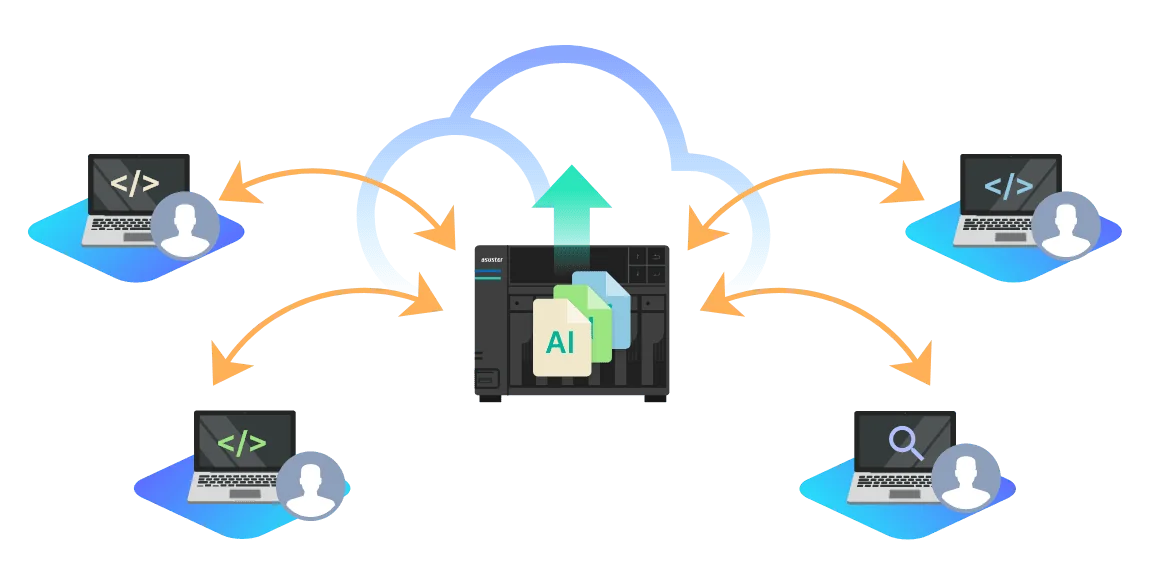
On-premises vs cloud AI data at a glance
| On-premises on an ASUSTOR NAS | Cloud AI platform | |
|---|---|---|
| Data control | Full control on hardware you own | Held by the cloud provider |
| Best for | Collecting, cleaning and preparing data; sensitive records | Large-scale model training compute |
| Cost profile | ASUSTOR: can be more cost-effective for long-term, large-scale tasks | Pay as you go |
| Speed to data | NVMe SSDs and 10GbE on the local network | Depends on your internet upload |
| Together | Prepare locally, upload with Cloud Backup Center | Train on prepared data, keep results in sync |
Summary of ASUSTOR's AI development page. Most teams use both: the NAS as the data hub, the cloud for heavy compute.
Setting up on-site AI development on an ASUSTOR NAS
ASUSTOR outlines five steps:
- Choose the right NAS: ASUSTOR recommends the Lockerstor Gen3 series for its hardware.
- Install AI development software: use Docker on the NAS to install common tools; ASUSTOR gives TensorFlow as an example.
- Prepare the data: organise company data and upload it to the NAS for easy access during development.
- Train the model: train within a virtual environment on the NAS and evaluate performance.
- Deploy: move trained models into production to provide AI services to the business.
Be realistic about compute. ASUSTOR notes elsewhere that its NAS models do not have a discrete GPU, and recommends pairing with a separate GPU server or cloud AI service for heavy inference. For most teams, the NAS is the data platform and test bed; large models train on GPU hardware that reads from it. Our Docker guide explains containers on ADM.
Eight advantages of on-premises AI data on a NAS
| Advantage | What ASUSTOR says |
|---|---|
| 1. High capacity | Ample storage to hold massive datasets |
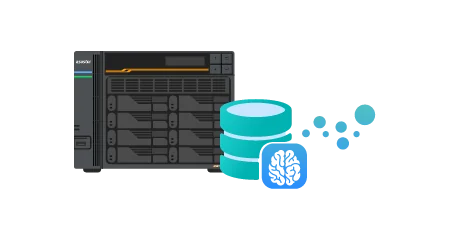
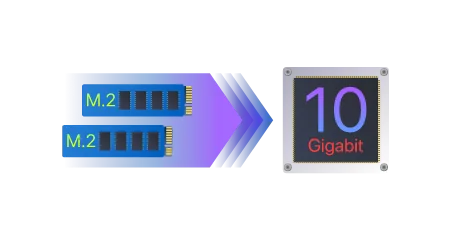
| 2. High performance | NVMe SSDs and 10GbE give fast, low-latency access to parameters and large data exchanges during training |
| 3. Data security and privacy | On-premises training keeps full control of sensitive data such as production or financial records |
| 4. Cloud integration | Synchronise and share data with multiple cloud services |
| 5. Security | Encryption, access control and backup protect sensitive company data |
| 6. Internal testing control | Control hardware, software, permissions and every detail of training |
| 7. Cost efficiency | Hosting your own server can be more cost-effective for long-term, large-scale tasks |
| 8. Hardware and software support | Lockerstor Gen3 Ryzen CPUs spread work across cores and threads and are compatible with many TensorFlow versions |




Working with cloud AI platforms
ASUSTOR names three leading cloud platforms for AI model training, Google Generative AI, AWS SageMaker and Microsoft Azure AI, and notes the storage each uses for training data: Google Cloud Storage and TensorFlow Datasets; Amazon S3 and Amazon Redshift; Azure Blob Storage and Azure Data Lake Storage.
Multi-cloud data management with Cloud Backup Center
With ASUSTOR Cloud Backup Center installed, training material such as images and text can be uploaded to Amazon S3, Microsoft Azure Blob Storage or Google Cloud Storage as data sources for training. ASUSTOR says it supports a continuous flow of new training data during training. In the other direction, developers can pull data from S3 to the NAS, clean it, and upload the cleaned data back.
The NAS as a caching centre
Large datasets often become a bottleneck. ASUSTOR suggests using the NAS as edge storage and a caching centre: staff access and edit centrally managed data from anywhere, avoiding network slowdowns from many simultaneous downloads and the need to ship datasets on external drives. When collaboration is finished, scheduled tasks upload the data to the cloud. Read more in our edge storage guide.
For Australian teams, preparing data locally also means sending one clean dataset over the NBN instead of many raw copies, and choosing an Australian cloud region can help if you need data kept onshore.
The six-step data preparation pipeline
Before data goes to a platform such as SageMaker or Amazon S3, ASUSTOR describes six collaborative steps, coordinated on the NAS:
| Step | What happens |
|---|---|
| 1. Data preparation | Gather raw data such as CSV and JSON files and images, and store it centrally on the NAS |
| 2. Data cleaning | Remove missing values, outliers and inconsistent data |
| 3. Data transformation | Convert data into a format suitable for training, such as categories into numbers |
| 4. Feature engineering | Select, define or create useful features for the model |
| 5. Data splitting | Divide data into training, validation and test sets |
| 6. Cloud upload | Upload to the cloud to use its compute for training |
RAG data cleaning on a NAS
ASUSTOR explains that in RAG (retrieval-augmented generation), data quality directly affects model performance, and that careful data cleaning, combining manual and automated methods, makes RAG output more accurate and useful. It lists how a NAS helps:
- Centralised management: scattered data in one place so team members collaborate efficiently.
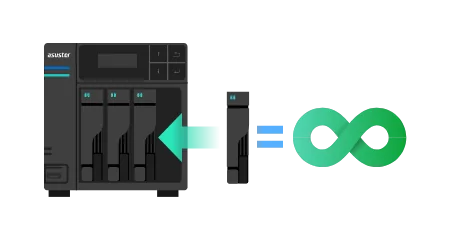
- Large datasets: add drives to grow capacity as training needs grow.
- Data protection: roll back to an earlier version with snapshots if cleaning goes wrong; ASUSTOR says RAID and WORM (write once, read many) help ensure integrity.
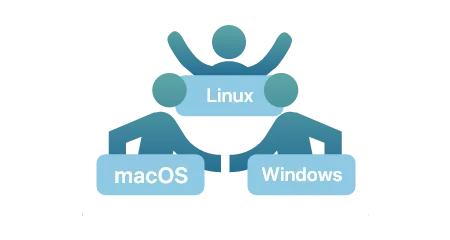
- Cross-platform: native SMB and NFS for Windows, Linux and macOS.
- Cloud storage: integration with Amazon S3, Microsoft Azure Blob Storage and Google Cloud Storage for hybrid cloud.
Building a private question-answering system on your documents? See our private AI knowledge base guide.

Which ASUSTOR NAS for AI datasets
Swipe the table sideways to compare all models →
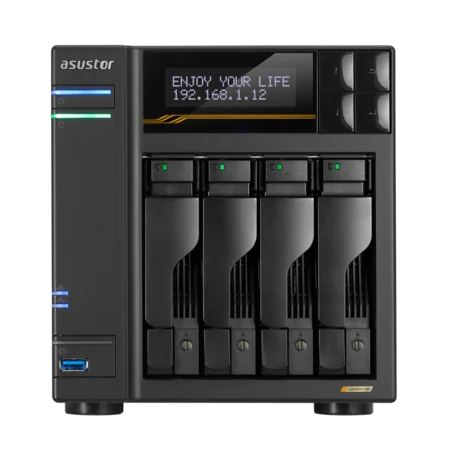
| Spec | AS6804T | FS6806X | AS6706T v2 | FS6712X |
|---|---|---|---|---|
| Storage | 4 bays + 4 M.2 | 6 x M.2 NVMe | 6 bays + 4 M.2 | 12 x M.2 NVMe |
| Processor | Ryzen V3C14 | Ryzen V3C14 | Celeron N5105 | Celeron N5105 |
| Memory | 16GB DDR5 ECC (max 64GB) | 8GB DDR5 (max 64GB) | 8GB DDR4 (max 16GB) | 4GB DDR4 (max 16GB) |
| Network | Dual 10GbE + Dual 5GbE | 10GbE | Dual 5GbE | 10GbE |
| M.2 interface | PCIe 4.0 x1 | 1 x PCIe 4.0 x4; 3 x PCIe 4.0 x2; 2 x PCIe 4.0 x1 | PCIe 3.0 x1 | PCIe 3.0 x1 |
| Max raw capacity (internal) | 72 TB | SSD dependent | 108 TB | SSD dependent |
Source: ASUSTOR specifications.
Build it with ARC IP Networks
ARC IP Networks is a trusted ASUSTOR supplier in Australia, supplying genuine ASUSTOR NAS, NAS and Seagate drive bundles, 10GbE cards and UPS units for AI and data teams, with trade and project pricing.
| Team | What we suggest | Why |
|---|---|---|
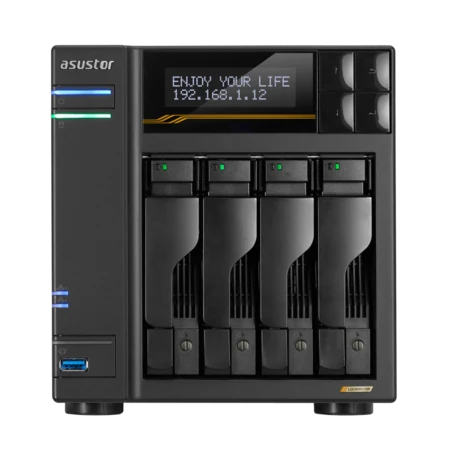
| AI developer or small data team | AS6804T with 12 TB drives | Lockerstor Gen3: Ryzen, ECC DDR5 to 64 GB, dual 10GbE |
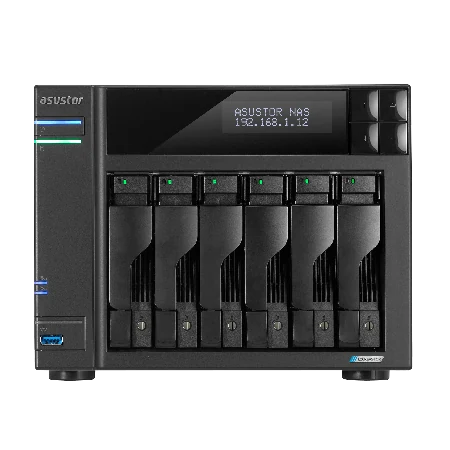
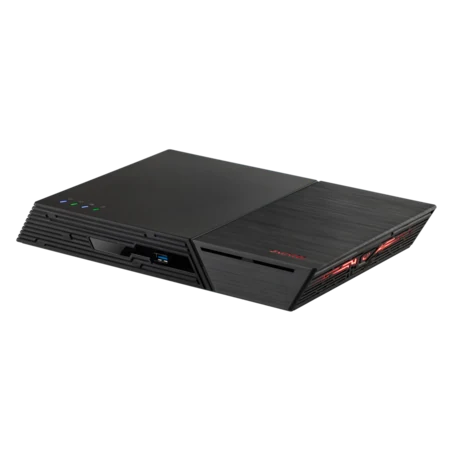
| Fast working set for cleaning | FS6806X | Six PCIe 4.0 M.2 SSDs, Ryzen, 10GbE |
| Large raw dataset archive | AS6706T v2 with 12 TB drives | Six bays, RAID 6, PCIe slot for 10GbE |
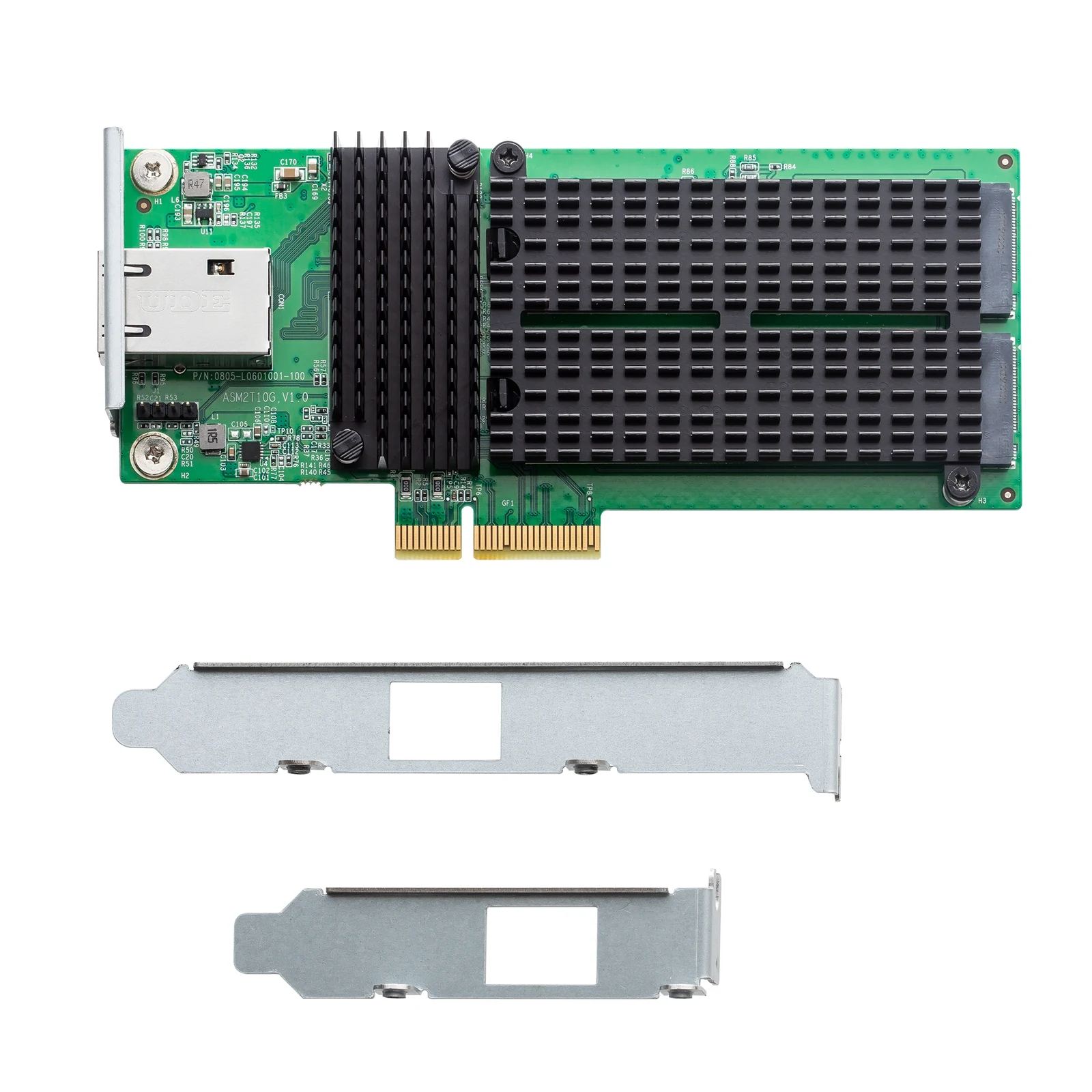
| Add 10GbE and NVMe to a Lockerstor Gen2+ | AS-T10G3 | 10GbE RJ-45 plus two M.2 NVMe slots |
Long data jobs should not die in a blackout. Add a UPS from our PowerShield range and see our best UPS for a NAS guide. Call 1300 100 440 to plan your AI storage.
Shop genuine ASUSTOR for AI data
Genuine ASUSTOR with the full 3-year manufacturer warranty. Current Australian pricing (inc. GST) is on each product page.

Common questions
Straight answers from the ARC IP Networks team. Last reviewed October 2026.
Yes. ASUSTOR describes its NAS as an economical, easy-to-deploy AI platform with ample capacity for large datasets, NVMe SSDs and 10GbE for fast access, and Cloud Backup Center to move data to and from cloud AI storage.
ASUSTOR recommends the Lockerstor Gen3 series. In our range that is the Lockerstor 4 Gen3 AS6804T, with an AMD Ryzen Embedded V3C14, 16 GB of ECC DDR5 expandable to 64 GB and dual 10GbE.
ASUSTOR describes training models in a virtual environment on the NAS, with tools such as TensorFlow installed through Docker. ASUSTOR NAS do not have a discrete GPU, so heavy training and inference are best run on a GPU server or cloud platform that reads data from the NAS.
Use ASUSTOR Cloud Backup Center, which ASUSTOR says can upload images, text and other training data to Amazon S3, Microsoft Azure Blob Storage or Google Cloud Storage, and pull data back for cleaning.
RAG (retrieval-augmented generation) uses external information to improve AI answers. ASUSTOR notes data quality directly affects RAG performance, so cleaning data with manual and automated methods makes answers more accurate.
ASUSTOR lists data security and privacy, full control of the training environment and long-term cost efficiency. Sensitive production or financial data stays on hardware you own.
Use RAID for drive failures, snapshots to roll back after a bad cleaning run, access control and encryption, and a separate backup. ASUSTOR also mentions WORM (write once, read many) for data integrity.
ARC IP Networks is a trusted ASUSTOR supplier in Australia with genuine ASUSTOR NAS, competitive prices, the full manufacturer warranty and Australia-wide delivery. Call 1300 100 440 for trade and project pricing.
Building storage for an AI project?
Tell us how much data you collect and where you train. ARC IP Networks will spec the ASUSTOR NAS, SSDs, 10GbE and UPS, with trade and project pricing.