Netgear business switches come in four tiers. Unmanaged switches (GS105, GS108, GS524, GS348, MS105) are plug-and-play. Plus or Easy Smart switches (GS108E, GS305EP, GS308EPP, GS316EPP) add a web interface with 64 VLANs and QoS. Smart switches (GS724TP, GS728TPP, GS752TP, MS510TXM) add SFP fibre uplinks, 256 VLANs, ACLs, static routing on some models and Netgear Insight cloud management. Fully managed M4250 AV Line (GSM4230P, GSM4248PX) and M4350 (GSM4352, MSM4352, XSM4316) switches add Layer 3 routing, AV over IP profiles and, on the M4350, stacking.
Quick pick: home or small office → GS108 or GS108E; PoE for Wi-Fi and cameras → GS308EPP or GS316EPP; a 24-port office rack → GS724TP; AV, Dante or NDI → M4250; a core or multi-floor network → M4350. ARC IP Networks is an authorised Netgear reseller and supplies genuine Netgear from Australian stock with a GST tax invoice.
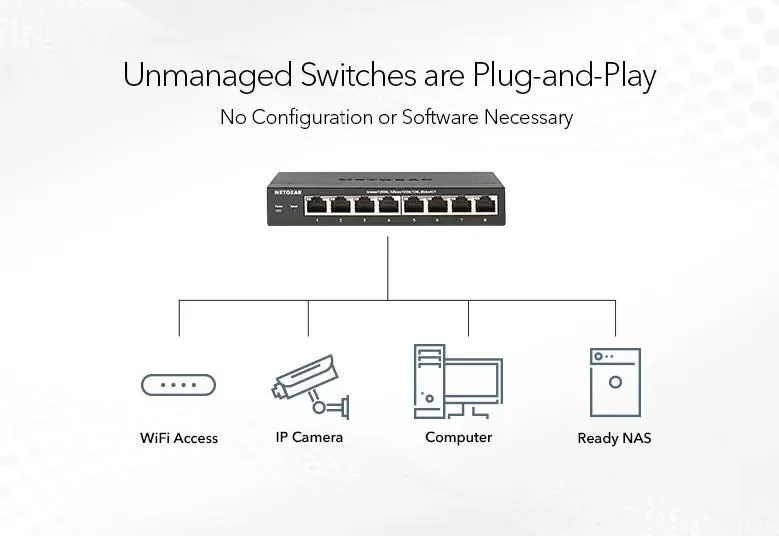
Netgear switch tiers at a glance
The tier decides what you can control. Port count and PoE budget then decide the model.
| Tier | Examples we sell | What you get | Best for |
|---|---|---|---|
| Unmanaged | GS108, GS524, MS105 | Plug-and-play, no configuration | Homes, small offices, extra ports |
| Plus (Easy Smart) | GS108E, GS308EPP, GS316EPP | Web GUI, 64 VLANs, QoS, IGMP snooping, PoE control | Small offices, practices, shops |
| Smart (Insight) | GS724TP, GS728TPP, MS510TXM | SFP uplinks, 256 VLANs, ACLs, 802.1X, LACP, cloud management | Growing offices, multi-site businesses |
| M4250 AV Line | GSM4210PD, GSM4230P, GSM4248PX | Fully managed, pre-configured for AV over IP | Meeting rooms, venues, schools, AV integrators |
| M4350 | GSM4352, MSM4352, XSM4316 | Layer 3, stacking, 10G/25G, modular power | Core and distribution, campuses, large venues |
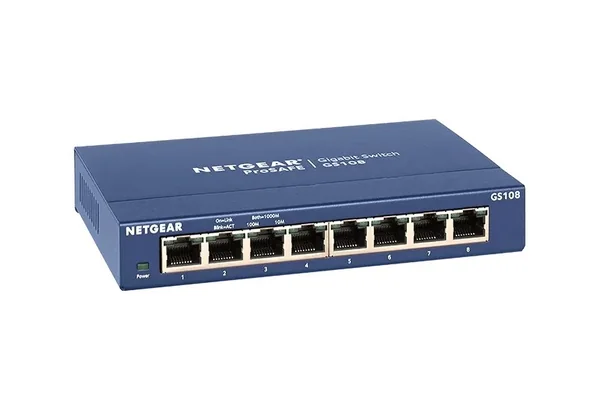
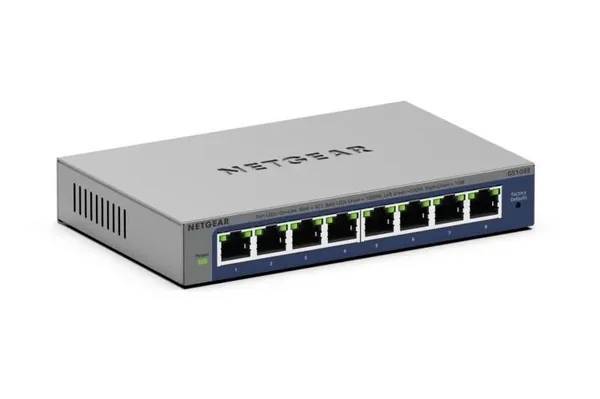
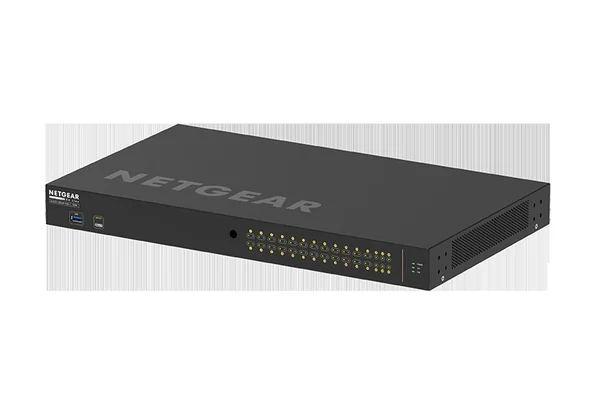
Unmanaged vs Plus vs Smart vs managed: what changes
Typical features of each tier from Netgear's datasheets. Individual models differ, so check the product page for the exact figures.
Swipe the table sideways to compare all models →
| Feature | Unmanaged | Plus | Smart | M4250 AV Line | M4350 |
|---|---|---|---|---|---|
| Configuration | None | Web GUI, PC utility | Web GUI, Lite CLI on some, Insight | AV GUI, IT web GUI, CLI, Engage Controller | IT web GUI, CLI, AV GUI, Engage Controller |
| VLANs | No | 64 | 256 | Yes | Yes |
| QoS | 802.1p / DSCP honoured | 802.1p, DSCP, TOS, port-based | Yes, plus Auto-VoIP | Yes | Yes |
| Routing | No | No | Static routes on GS110TP, GS724T, GS728TPP, GS752TP | Static, RIP and PIM | Static, RIP, OSPF, VRRP and PIM |
| Fibre uplinks | No | 1 SFP on GS316EP/EPP | 2 or 4 SFP, SFP+ on MS510 | SFP or 10G SFP+ | 10G SFP+, 25G SFP28, 100G |
| Cloud management | No | No | Netgear Insight | Engage Controller | Engage Controller |
| Stacking | No | No | No | No | Virtual Chassis, up to 8 |
Sources: Netgear datasheets for GS108, GS108E, GS308EPP, GS316EPP, GS724T, GS724TP, GS728TPP, MS510TXM, GSM4230P, GSM4352 and XSM4316.
Unmanaged switches: plug in and go
An unmanaged switch has nothing to set up. Netgear's range runs from the 5-port GS105 and 8-port GS108 to the 24-port GS524 (48Gbps, fanless, desk, wall or rack) and the 48-port GS348 (96 Gbps, fanless, desktop or rack). The MS105 runs all 5 ports at up to 2.5G for Wi-Fi 7 routers and 2.5G NAS units. Unmanaged PoE+ models such as the GS108PP (123W) power access points and cameras with no setup.
Choose unmanaged when every device can share one network. Netgear notes that unmanaged switches cannot be upgraded to Plus software, so buy a Plus model if VLANs might be needed later. Compare the small models in GS105 vs GS108 vs GS108E vs GS305P.
Plus (Easy Smart) switches: VLANs without the complexity
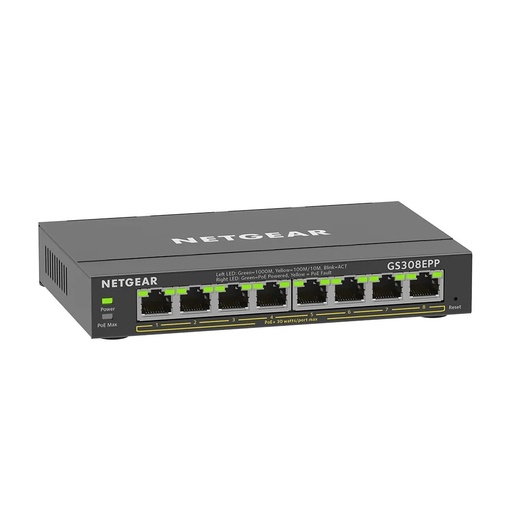
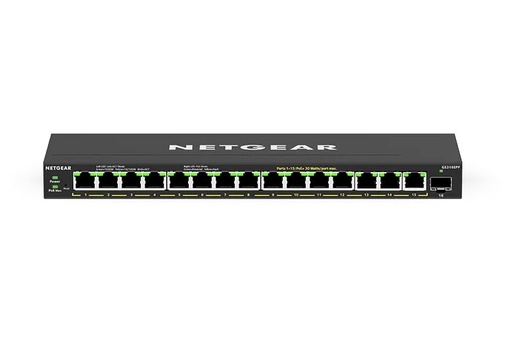
Plus switches look like unmanaged switches but have a web interface (and on some models a PC utility). Netgear lists 64 802.1Q or port-based VLANs, QoS, IGMP snooping, rate limiting, port mirroring and a cable test tool across the GS105E, GS108E and GS308E. The PoE models GS305EP (63W), GS308EPP (123W) and GS316EPP (231W, 1 SFP port) add per-port PoE control and uninterrupted PoE during firmware updates.
This is the sweet spot for a medical or dental practice, an accounting firm or a retail shop that wants guest Wi-Fi, cameras and point-of-sale on separate VLANs: a sensible step for any business holding customer information covered by the Privacy Act.
Smart switches with Netgear Insight
Netgear's Smart range adds the features IT providers expect: 256 VLANs, Layer 2/3/4 ACLs, 802.1X network access control, LACP link aggregation, spanning tree, LLDP-MED and SNMP. Most include dedicated SFP ports for a fibre link to another floor or building.
- GS110TP: 8 PoE+ ports (55W) and 2 SFP, fanless.
- GS724T and GS748T: 24 or 48 Gigabit ports without PoE; the GS724T is fanless at 0 dBA.
- GS724TP (190W) and GS724TPP (380W): 24 PoE+ ports and 2 SFP.
- GS728TPP (380W), GS752TP (380W) and GS752TPP (760W): 24 or 48 PoE+ ports, 4 SFP and Layer 3 Lite with 32 IPv4 and 32 IPv6 static routes.
- MS510TXM and MS510TXUP: 4 x 2.5G and 4 x 10G Multi-Gig ports plus 2 x 10G SFP+, with 140 Gbps of switching; the MS510TXUP adds Ultra60 PoE++ on all 8 copper ports (295W).
Each can be managed locally from its web GUI or from the Netgear Insight app and cloud portal, which suits businesses with several sites across Australia. See Netgear Insight and Insight Pro licences explained.
M4250 AV Line: fully managed, built for AV over IP
The M4250 range is fully managed, and the models we list ship pre-configured for AV over IP with NETGEAR IGMP Plus, so multicast audio and video works out of the box. A dedicated AV web GUI sits alongside the IT web GUI and CLI; on the GSM4230P, for example, Netgear lists colour-based port profiles for Dante, Q-SYS, AES67 and AVB audio and NVX, NDI and Dante video. Sizes run from the totally fanless 10-port desktop GSM4210PD (110W PoE+) for a meeting room, through the 24-port GSM4230P (300W) and GSM4230PX (480W, 4 x 10G SFP+), to the 40-port GSM4248PX (960W) and the 2U GSM4248UX with Ultra90 PoE++ up to 2,880W.
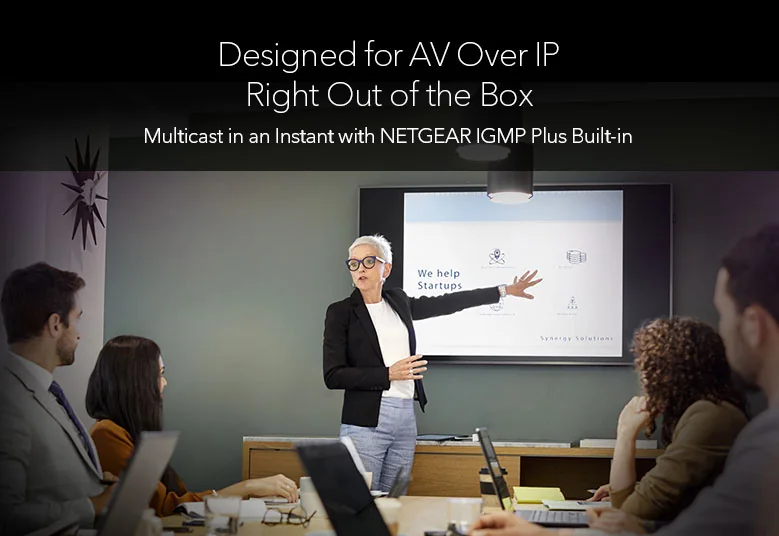
The full guide for integrators, churches, schools and venues is Netgear M4250 AV Line for Dante, NDI and AVB.
M4350: Layer 3 core and distribution
The M4350 is Netgear's stackable Layer 3 range. On the GSM4352 and XSM4316, Netgear lists static, policy-based, RIP, OSPF, VRRP and PIM routing plus a DHCP server, with the entire feature set available without a licence, and Virtual Chassis stacking of up to 8 switches at the edge or 2 at the core with non-stop forwarding. They are also pre-configured for AV over IP and work with the NETGEAR Engage Controller.
- GSM4328 and GSM4352: 24 or 48 Gigabit PoE+ ports with 4 x 10G SFP+; the GSM4352 scales from 236W to 1,440W of PoE with modular power supplies.
- MSM4332 and MSM4352: 2.5G and 10G Multi-Gig Ultra90 PoE++ ports with 4 x 25G SFP28 uplinks on a 400 to 500 Gbps fabric.
- XSM4316: half-width, 8 x 10GBASE-T and 8 x 10G SFP+ on a 320 Gbps fabric; two fit side by side in one rack space.
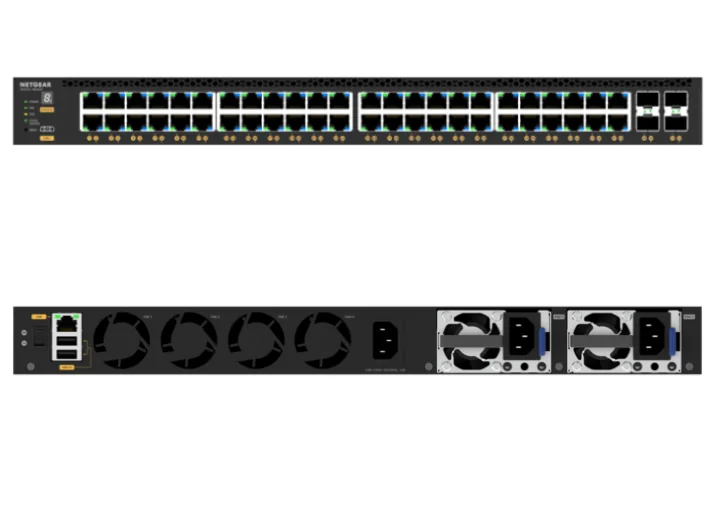
We also list M4300 models such as the XSM4316S and GSM4352S. For 10G planning read Netgear 10G switches compared, and for optics our SFP and SFP+ guide.
PoE: the second decision
Once you know the tier, count your powered devices. PoE+ (802.3at) gives up to 30W per port, and the PoE budget is shared across the whole switch: 63W on a GS305EP, 231W on a GS316EPP, 380W on a GS728TPP and 960W on a GSM4248PX. Every size is compared in Netgear PoE switches: 5 to 48 ports compared, and the general method is in what PoE switch do I need.
Which Netgear switch for which Australian business
ARC IP Networks suggestions, based on Netgear's specifications.
| You are setting up | Choose | Why |
|---|---|---|
| Home office behind the NBN router | GS108 or MS105 | Plug-and-play; MS105 for 2.5G gear |
| Small office with guest Wi-Fi | GS108E or GS308EPP | VLANs; PoE for access points |
| Medical, dental or legal practice | GS316EPP | 15 PoE+ ports, VLANs, SFP uplink, fanless |
| Retail chain or franchise, several sites | GS724TP | PoE+, ACLs, Insight cloud management |
| School block, warehouse or factory floor | GS728TPP | 380W PoE+, 4 SFP fibre uplinks |
| Boardroom, lecture theatre or venue AV | GSM4230P or GSM4210PD | Pre-configured for AV over IP |
| Office core or campus distribution | GSM4352 or XSM4316 | Layer 3, stacking, 10G |
| Multi-Gig devices that need PoE++ | MSM4352 | 2.5G and 10G Ultra90 PoE++, 25G uplinks |
Why buy Netgear from ARC IP Networks
- Authorised Netgear reseller: genuine Netgear with the full manufacturer's warranty, supplied from Australian stock.
- Australian stock shipped Australia-wide.
- Manufacturer's warranty and local pre-sales help choosing the right switches, access points and accessories.
- Every product page backed by Netgear's own specifications, with the exact warranty for each model.
- GST tax invoice on every order, with trade and project pricing for installers and integrators.
See the full range on our Netgear Australia hub, or read where to buy Netgear in Australia. Questions? Call 1300 100 440 or email info@arcip.com.au.
Shop Netgear switches
Live Australian pricing (inc. GST) and availability are on each product page.
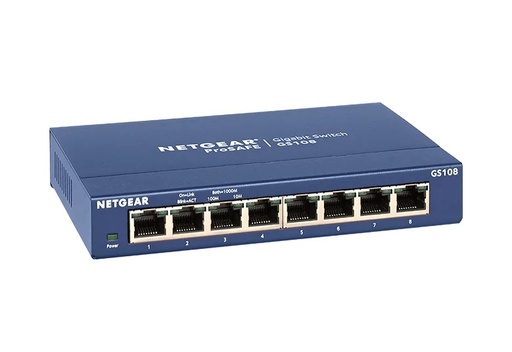
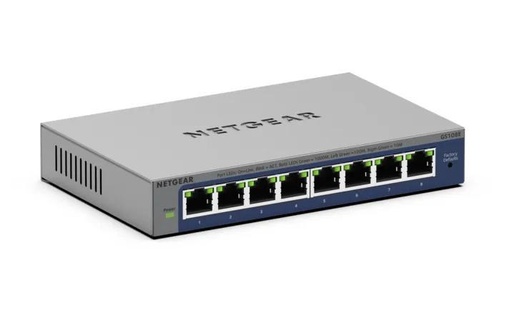
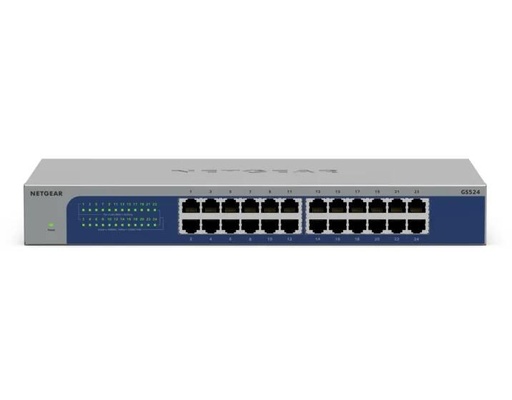
GS524-300AUS: 24 x Gigabit, fanless, desk, wall or rack
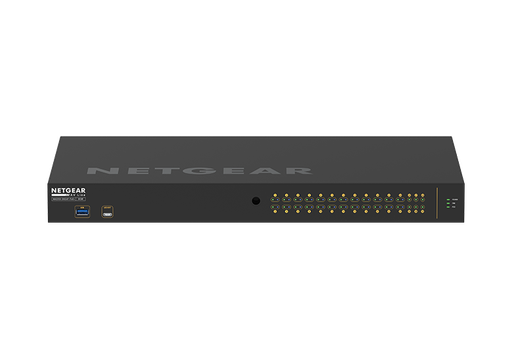
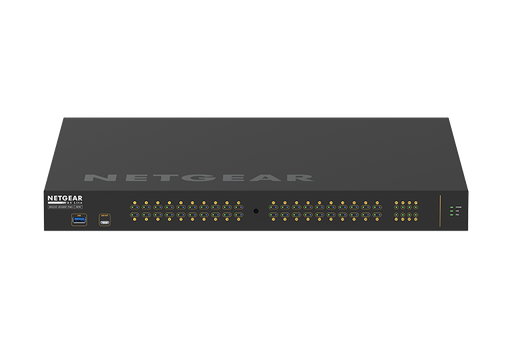
GSM4230P-100AJS: 24 PoE+, 300W, AV over IP ready
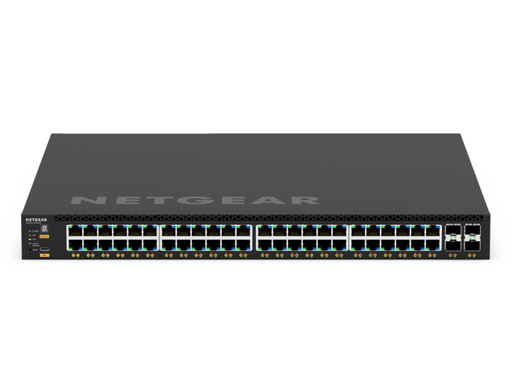
GSM4352-100AJS: Layer 3, stacking, up to 1,440W PoE
Common questions
Straight answers from the ARC IP Networks team. Last reviewed October 2026.
Start with the tier: unmanaged for simple expansion, Plus for VLANs and QoS in a small office, Smart for ACLs, fibre uplinks and Insight cloud management, M4250 for AV over IP, and M4350 for a Layer 3 core. Then choose the port count and PoE budget.
An unmanaged switch is plug-and-play with no settings. Plus, Smart and fully managed switches let you create VLANs, set QoS, control PoE per port and monitor traffic; fully managed M4250 and M4350 models add Layer 3 routing.
A low-cost switch with a web interface for 64 VLANs, QoS, IGMP snooping, rate limiting and port mirroring, such as the GS108E, GS305EP, GS308EPP and GS316EPP.
Netgear Insight is Netgear's app and cloud portal for managing Insight-capable switches, access points and routers remotely. Smart switches such as the GS724TP, GS728TPP and MS510TXM can be managed locally or through Insight.
The M4250 AV Line is a fully managed range pre-configured for AV over IP, with sizes from a 10-port fanless desktop switch to 48 ports. The M4350 is a stackable Layer 3 range with OSPF and VRRP routing, Virtual Chassis stacking and 10G, 25G and 100G options for the core.
Netgear states that the full M4350 Layer 3 feature set is available without a licence. Insight Pro cloud management is a separate subscription; AVB on the M4250 GSM4230P uses an electronic licence.
For most small offices, a Plus PoE switch such as the GS308EPP or GS316EPP covers VLANs and powers access points and phones. A multi-site business that wants cloud management should look at Smart switches such as the GS724TP.
Many desktop models are, including the GS108E, GS305EP, GS308EPP and GS316EPP, the 24-port GS524 and GS724T, and the M4250 GSM4210PD. Larger PoE rack switches use fans.
ARC IP Networks is an authorised Netgear reseller and supplies genuine Netgear from Australian stock with a GST tax invoice. We supply unmanaged, Plus, Smart, M4250 and M4350 switches; order at arcip.com.au or call 1300 100 440.
Not sure which Netgear switch fits?
Tell us how many devices, PoE needs and sites you have, and ARC IP Networks will recommend and quote the right Netgear switches, with trade and project pricing for installers and integrators. Call 1300 100 440 or email info@arcip.com.au.
Related guides
- Netgear PoE switches compared
- Netgear GS105 vs GS108 vs GS108E vs GS305P
- Netgear M4250 AV Line guide
- Where to buy Netgear in Australia
- What PoE Switch Do I Need in Australia? PoE Budgets, 2.5G and Port Types Explained
- Home Network Setup in Australia: The Complete Guide from the NBN Box to Every Room
- Netgear Australia hub
- Shop Netgear managed switches