For most Australian renters, a Wi-Fi security camera kit is the easiest option: no network cables run through walls, ceilings or the roof, there are no monthly fees, and the kit moves house with you. Each camera still needs a power point within reach, and outdoor cameras mount with a few screws.
Kits by need: outside only: JVS-KIT-WIFI-2P. One outside and one inside: JVS-KIT-WIFI-2H. Inside only: JVS-KIT-WIFI-2I. Two outside and two inside: JVS-KIT-WIFI-4C. Four outside, all recorded on one NVR beside your router: JVS-KIT-WIFI-4R. See all Wi-Fi kits.
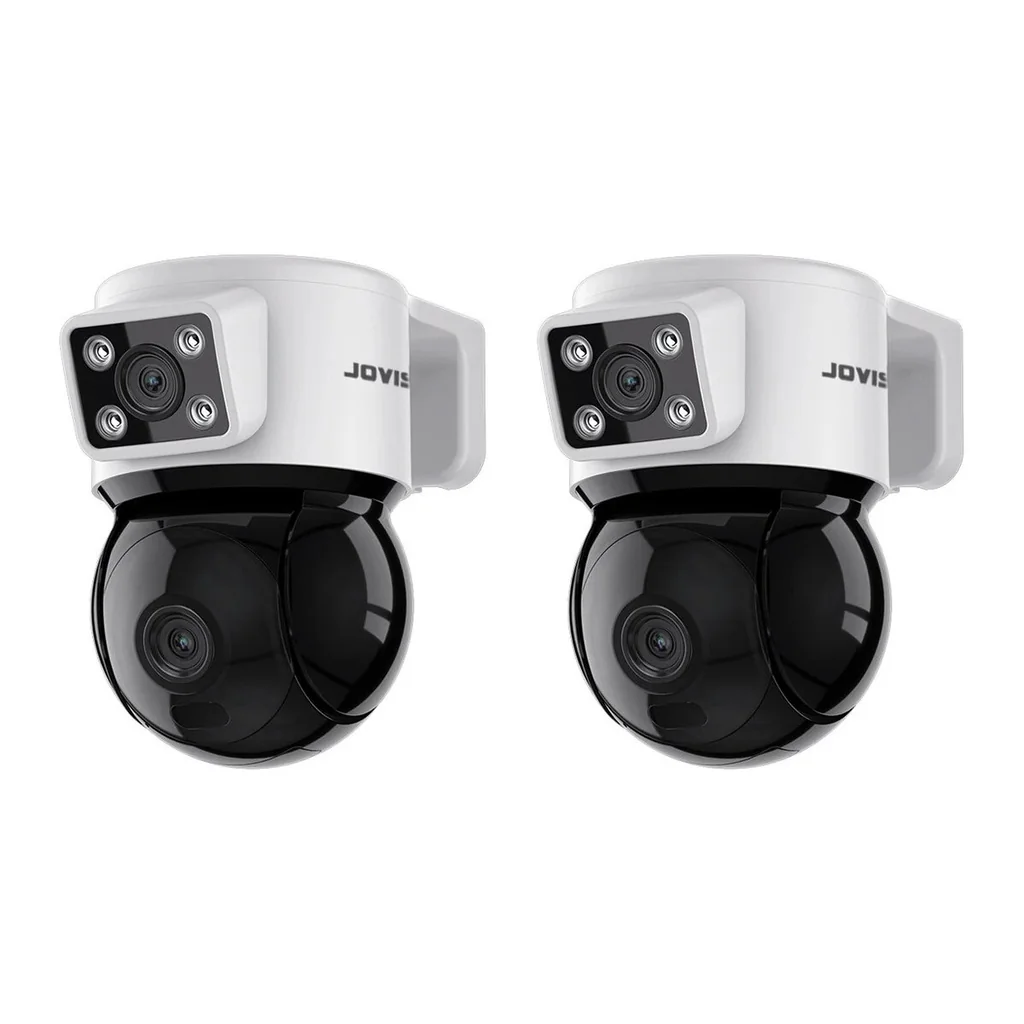
Jovision Wi-Fi kits for renters compared
Swipe the table sideways to compare all models →
| Kit | Brand | Cameras | What is in the box | Warranty |
|---|---|---|---|---|
| JVS-KIT-WIFI-2P | Jovision | 2 | 2 × dual-lens outdoor Wi-Fi pan-tilt | 3-year warranty |
| JVS-KIT-WIFI-2H | Jovision | 2 | 1 × dual-lens outdoor Wi-Fi pan-tilt; 1 × 4MP indoor Wi-Fi pan-tilt | 3-year warranty |
| JVS-KIT-WIFI-2I | Jovision | 2 | 2 × 4MP indoor Wi-Fi pan-tilt | 3-year warranty |
| JVS-KIT-WIFI-4C | Jovision | 4 | 2 × 3MP outdoor Wi-Fi pan-tilt; 2 × 3MP indoor Wi-Fi pan-tilt | 3-year warranty |
| JVS-KIT-WIFI-4R | Jovision | 4 | 4 × 4MP outdoor Wi-Fi pan-tilt; 1 × 16-channel NVR | 3-year warranty |
The cameras in each kit
Swipe the table sideways to compare all models →
| Camera | Where | Key specs (from the Jovision product pages) |
|---|---|---|
| JVS-N47-X4 | Outdoor | 4MP, 3.6mm lens; pan and tilt; smart dual light: colour night vision up to 30m, IR up to 40m; person and vehicle detection, intrusion and line-crossing alerts; two-way audio; microSD up to 512GB; Wi-Fi or wired; IP66; 12V power |
| JVS-H322C | Outdoor | Dual lens, 2 × 3MP (3.6mm + 6mm); pan and tilt; night vision 30m white light, 40m IR; human detection, intrusion and line-crossing alerts; two-way audio; microSD up to 256GB; Wi-Fi or wired; IP66; 12V power |
| JVS-H410D | Indoor | 4MP, 2.8mm lens, 83° view; pan and tilt; human detection; night vision up to 15m; two-way audio; microSD up to 256GB; USB 5V power |
| JVS-N98-X3 | Outdoor | 3MP dual lens (wide + telephoto); pan and tilt with AI human tracking; night vision 50m white light, 40m IR; two-way audio; microSD up to 512GB; IP66; 12V power |
| JVS-H950E | Indoor | 3MP; pan 347° and tilt with AI human tracking; intrusion and line-crossing detection; two-way audio; microSD up to 256GB; 5V power |
microSD-only kit or Wi-Fi kit with an NVR?
In the 2-camera kits and the 4-camera indoor and outdoor kit, each camera records to its own microSD card. There is nothing to install apart from the cameras, which suits a small unit or apartment.
The JVS-KIT-WIFI-4R adds a 16-channel NVR that sits next to your Wi-Fi router and records all four outdoor cameras to one surveillance hard drive (not included). You play back every camera from one timeline, footage stays inside the house even if a camera is damaged or stolen, and the NVR has 12 spare channels. Each camera also keeps its microSD slot as a backup if the Wi-Fi drops. It suits a rented house with a front door, driveway, backyard and side path to cover.
Before you install
- Plan the power: Wi-Fi replaces the data cable, not the power. Mount each camera near a power point, or where its power lead can reach one.
- Check the Wi-Fi signal: stand where each camera will go and check your phone has a strong Wi-Fi signal there.
- Pick the spots: front door, driveway, backyard and side path for outdoor cameras; living area and hallway for indoor ones.
- Add storage: a microSD card for each camera, or a surveillance hard drive for the NVR kit.
Moving house with your cameras
- Unplug each camera and take it off its mount.
- Fill the screw holes.
- Pack the NVR and hard drive if your kit has one: your recordings go with you.
- At the new place, connect each camera to the new Wi-Fi in the free CloudSEE app. With an NVR, plug it into the new router.
Wi-Fi kit or wired PoE kit?
Wi-Fi kits are easier to install in a rental, but each camera depends on a good Wi-Fi signal and a power point. A wired PoE kit is more reliable and powers every camera through one cable, so it suits homes where cables can be run. Read Wired vs wireless security cameras for the full comparison.
Wi-Fi security camera kits in stock
Live Australian pricing (inc. GST) and stock are on each kit page. No kit includes a hard drive.
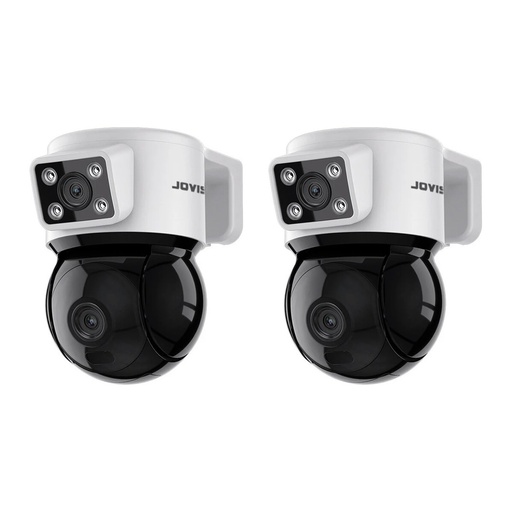
Two dual-lens outdoor pan-tilt cameras, colour night vision, two-way audio.
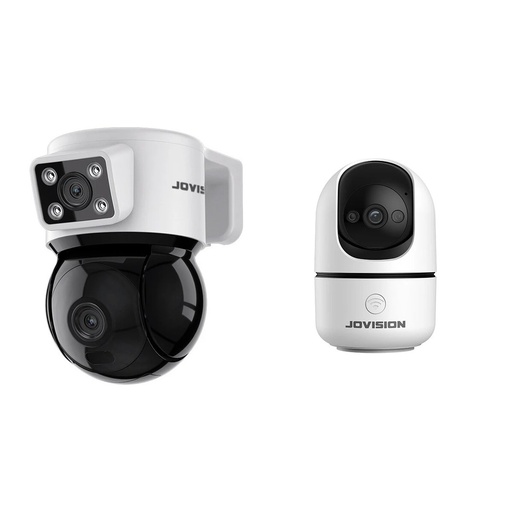
One outdoor dual-lens camera plus one 4MP indoor pan-tilt camera.
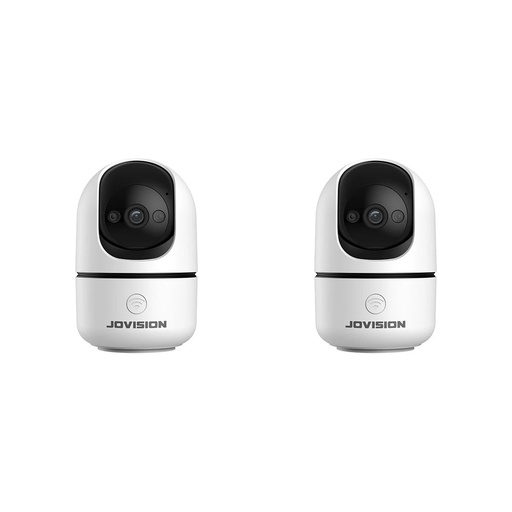
Two 4MP indoor pan-tilt cameras with human detection, USB powered.
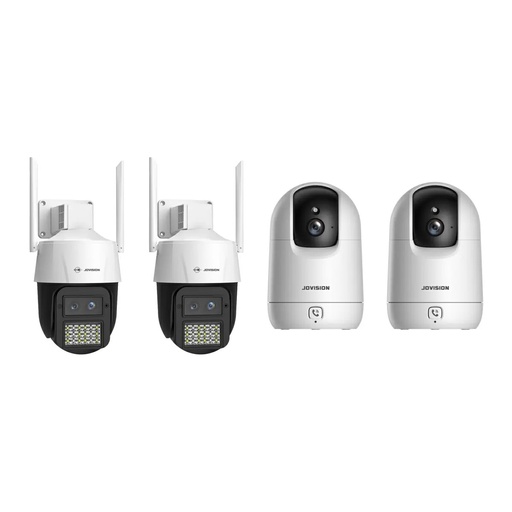
Two outdoor and two indoor pan-tilt cameras with AI human tracking.
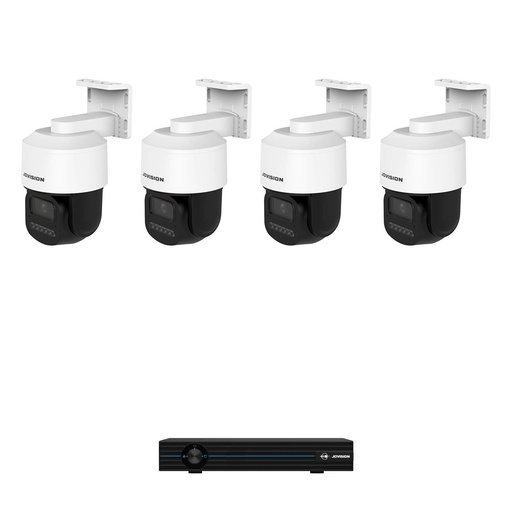
Four 4MP outdoor Wi-Fi pan-tilt cameras plus a 16-channel NVR that sits next to your router.
Common questions
Straight answers from the ARC IP Networks team. Last reviewed November 2026.
A Wi-Fi kit, because nothing is cabled through the walls and it moves house with you. For a unit, a 2-camera kit that records to microSD such as the Jovision JVS-KIT-WIFI-2H; for a house, the JVS-KIT-WIFI-4R records four outdoor cameras to one NVR beside your router.
Yes. Wi-Fi removes the data cable, not the power. Each camera needs a power point within reach: the outdoor models use a 12V supply and the indoor models run from USB.
No. Footage records to each camera's microSD card, or to the NVR in the JVS-KIT-WIFI-4R, and you view it in the free CloudSEE app.
Yes. Unplug the cameras (and NVR), fill the screw holes, and connect them to the Wi-Fi at your new home in the CloudSEE app.
They keep recording to the microSD card, or to the NVR, while your Wi-Fi network is on, even if the internet drops. You need internet to view them on your phone away from home.
Renting and want cameras?
See every Wi-Fi kit, or email us which rooms and doors you want covered.
Related guides
- Security camera kits: compare all 46 kits
- Best Security Camera Kits in Australia (2026): 44 Kits Compared
- 4 Camera Security Camera Kits in Australia Compared (2026)
- 8 Camera Security Kits in Australia for Large Homes and Business
- Best Wireless Security Cameras in Australia (2026): Wi-Fi, 4G & Solar
- Wired vs Wireless Security Cameras: Which Is Better?
- Does CCTV Work Without Internet or Wi-Fi?
- Best Hikvision Security Cameras for a Rental or Investment Property
- Best Hikvision Security Cameras for an Apartment or Unit
- Security Cameras Without a Subscription: How Local Recording Works