



Skip to Content
4 Camera Wi-Fi Home Security Camera System Kit, 2 Outdoor + 2 Indoor Pan Tilt, No Cabling | Jovision JVS-KIT-WIFI-4C

Price:

$ 316.99


BLACK FRIDAY SALE · Deals across Ubiquiti, TP-Link, Hikvision, Jabra, Yealink and more · Shop the deals →
Solar 4G Security Camera Kit, 2-Pack, 360° Pan Tilt, No Power or Wi-Fi Needed, for Farms & Building Sites | Jovision JVS-KIT-SOLAR-2P
$ 498.99
$ 665.50 (25% OFF)
4 Camera 5MP Shop Security Camera System Kit, 3 Indoor + 1 Outdoor Turret, PoE NVR | Jovision JVS-KIT-SHOP-4C
$ 333.99
$ 445.50 (25% OFF)
Black Friday

4 Camera Wi-Fi Home Security Camera System Kit, 2 Outdoor + 2 Indoor Pan Tilt, No Cabling | Jovision JVS-KIT-WIFI-4C

https://arcip.com.au/web/image/product.template/11092/image_1920?unique=b4f1e0f

4 cameras. No monthly fees.

Best for: Renters and homes where cables cannot run.

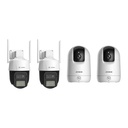
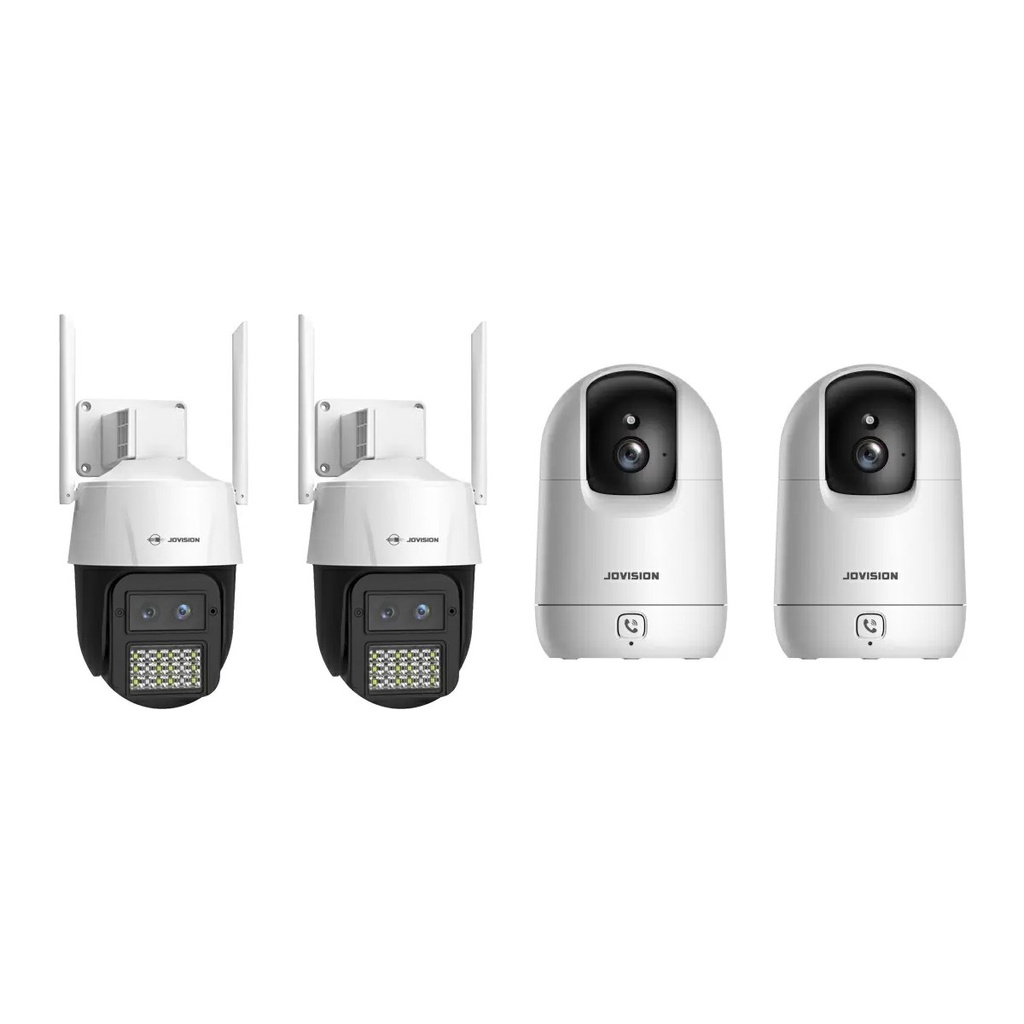
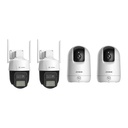
Security for renters, apartments and homes where running cables is not an option: two outdoor Wi-Fi pan-tilt cameras with AI human tracking for the front and back, and two indoor pan-tilt cameras for inside. Each connects to your Wi-Fi and records to its own microSD card. Microsd cards not included.

$ 316.99 316.99 AUD $ 423.50 incl. GST

Not Available For Sale


  • Brand

This combination does not exist.

In stock — Pickup at Blackburn, VIC
  • Stock

    Australian Distributor | Australian Stock | 3-Year Warranty | Melbourne Showroom

  • [Jovision Warranty] Warranty
    3-Year Jovision Warranty
  • Instalment
    Buy Now, Pay Later 
Estimate delivery
Shipping calculated at checkout
Estimate delivery times: 3-7 business days 
Guaranteed Safe Checkout
Guaranteed Safe Checkout
Accepted payments: Google Pay, Apple Pay, Visa, Mastercard and PayPal
SKU
JVS-KIT-WIFI-4C

Australian Distributor

Jovision is imported and supported by ARC IP Networks

Australian Stock

Held locally, pickup or delivery Australia-wide

3-Year Warranty

Handled locally by our Melbourne team

Melbourne Showroom

See Jovision cameras running in Blackburn, VIC

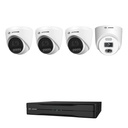
What is in this 4-camera security system

Security for renters, apartments and homes where running cables is not an option: two outdoor Wi-Fi pan-tilt cameras with AI human tracking for the front and back, and two indoor pan-tilt cameras for inside. Each connects to your Wi-Fi and records to its own microSD card.

  • 2 × Jovision JVS-N98-X3 3MP outdoor Wi-Fi pan-tilt camera
  • 2 × Jovision JVS-H950E 3MP indoor Wi-Fi pan-tilt camera
  • Not included: microSD cards (see the FAQ below)

4
Cameras

3MP
Resolution

Wi-Fi
No data cables

$0
Monthly fees

What comes in this system

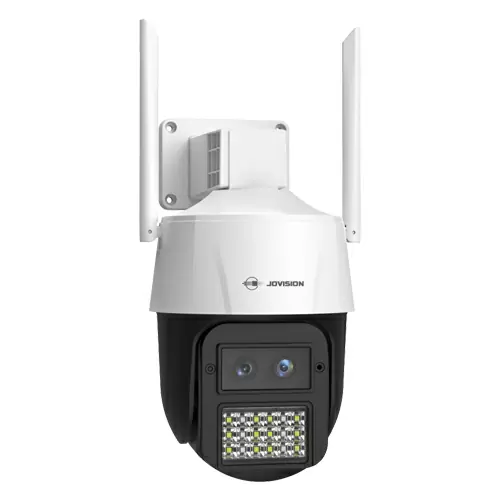
Jovision JVS-N98-X3 3MP outdoor Wi-Fi pan-tilt

2 × JVS-N98-X3

3MP outdoor Wi-Fi pan-tilt camera

  • 3MP, dual lens (wide + telephoto)
  • Pan and tilt with AI human tracking
  • Night vision: 50m white light, 40m IR
  • Two-way audio
  • Records to microSD (up to 512GB)
  • IP66 weatherproof, 12V power
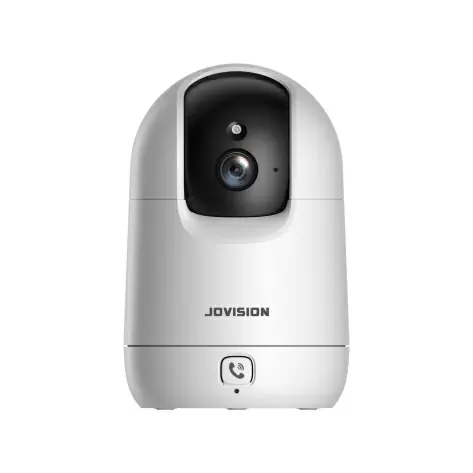
Jovision JVS-H950E 3MP indoor Wi-Fi pan-tilt

2 × JVS-H950E

3MP indoor Wi-Fi pan-tilt camera

  • 3MP resolution
  • Pan 347° and tilt with AI human tracking
  • Intrusion and line-crossing detection
  • Two-way audio
  • Records to microSD (up to 256GB)
  • Indoor use, 5V power

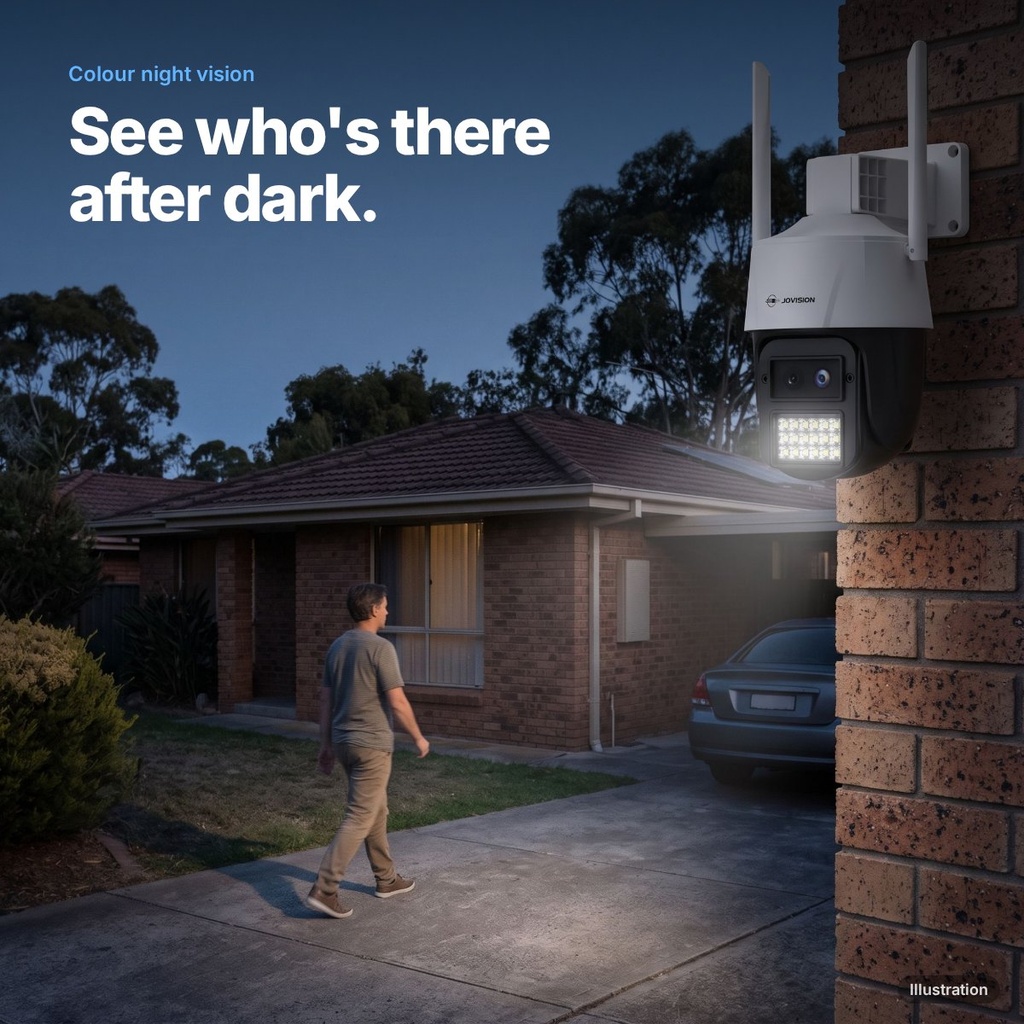
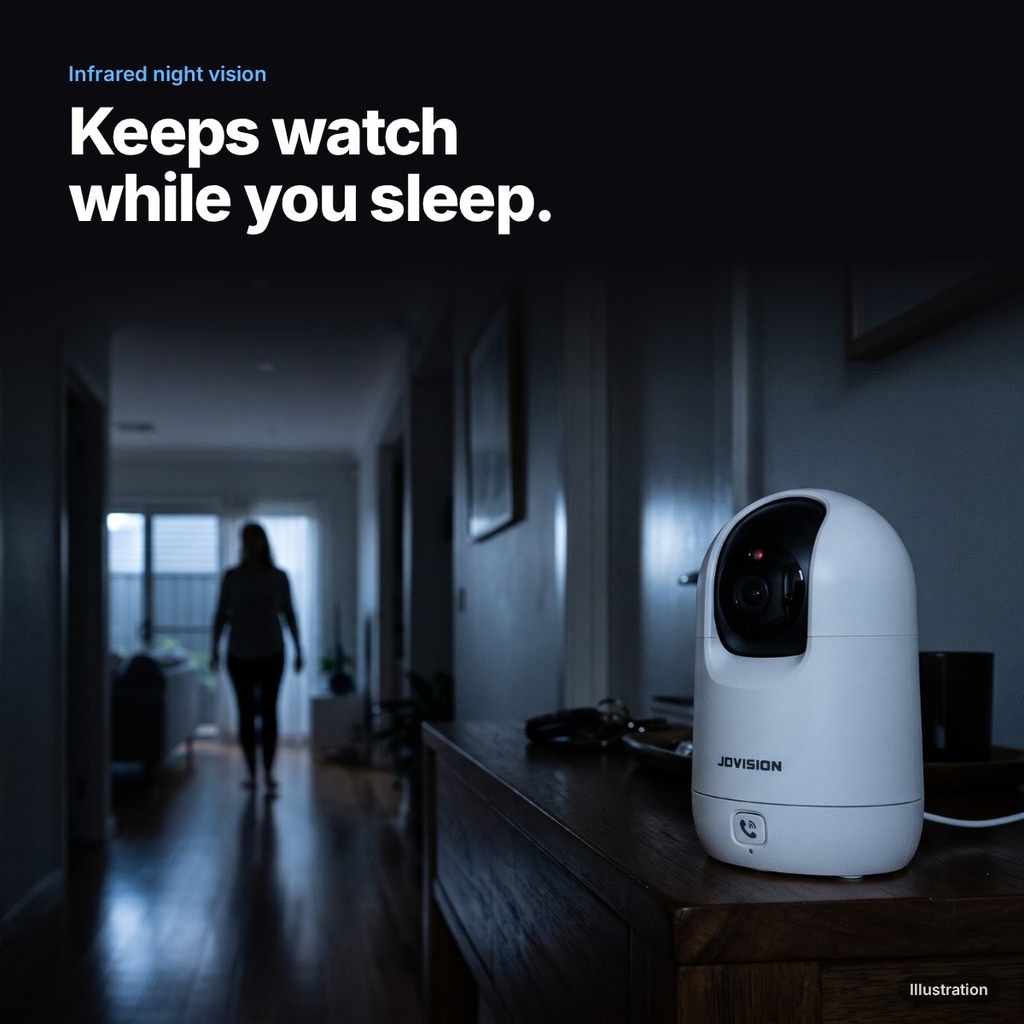
After dark

How each camera in this kit sees at night. Illustrations, not recorded footage.

Jovision JVS-N98-X3 at night (illustration)

Outdoor camera
Colour night vision

Jovision JVS-H950E at night (illustration)

Indoor camera
Infrared night vision

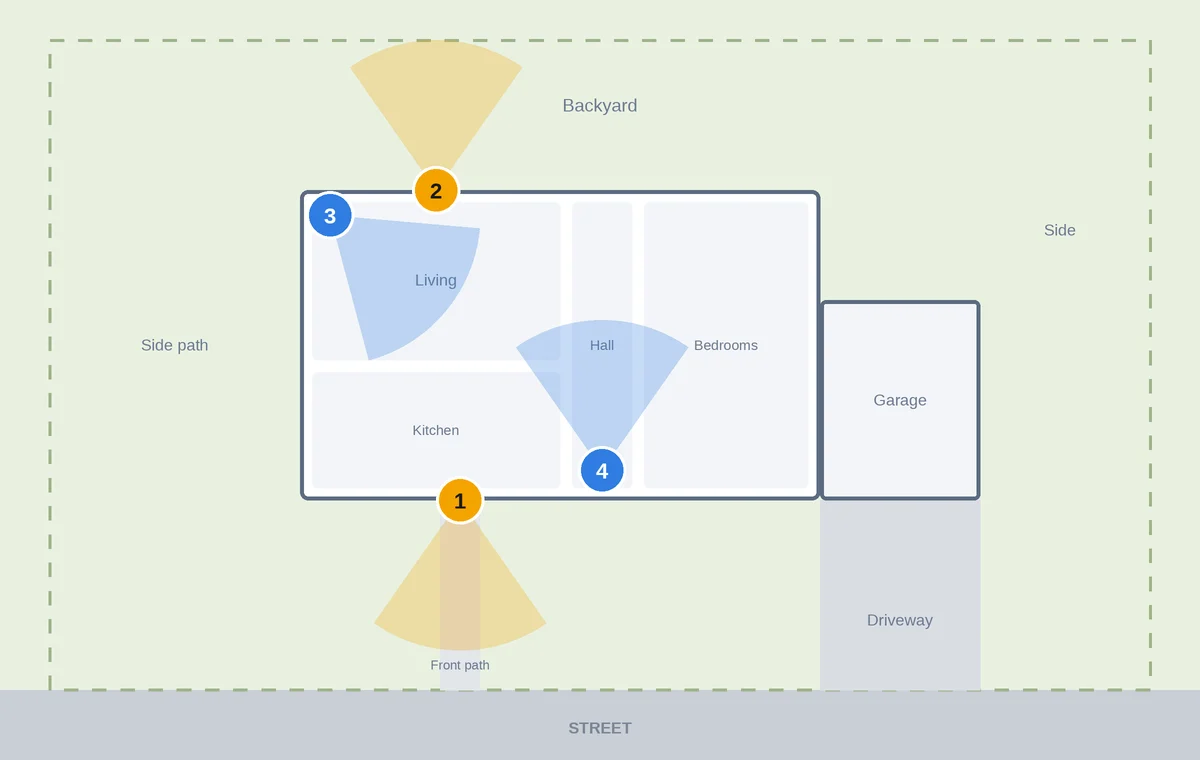
Where each camera goes

Suggested camera layout for the Jovision JVS-KIT-WIFI-4C: Front door, Back door, Living room, Hallway
  1. Front door: Outdoor Wi-Fi pan-tilt
  2. Back door: Outdoor Wi-Fi pan-tilt
  3. Living room: Indoor Wi-Fi pan-tilt
  4. Hallway: Indoor Wi-Fi pan-tilt

outdoor indoor. A suggested layout. Every property is different.

What this kit does for you

No cables to run

The cameras join your Wi-Fi. Plug each one into a power point and set it up from your phone.

See clearly at night

Night vision on every camera, with colour after dark on the outdoor cameras.

Alerts when a person is spotted

Smart detection on the outdoor cameras looks for people, so wind, leaves and shadows do not flood your phone with alerts.

Draw your own alert zones

Mark a line or an area in the app, such as the gate or the side path, and get an alert when someone crosses it.

Talk through the camera

Every camera has a speaker and mic: greet a courier or tell someone to leave, from your phone.

Look around from your phone

Pan and tilt the camera from the app to see the whole area, not just one fixed view.

Follows people automatically

The camera turns to keep a moving person in view.

Wide view and close-up at once

Two lenses show the whole area and a closer view at the same time.

Right camera for each spot

Weatherproof cameras for outside, and the indoor cameras for indoors or a covered area.

No monthly fees

Each camera records to its own microSD card. No cloud subscription.

Watch on your phone

Live view, playback and alerts in the free CloudSEE app, and you can share access with family.

3-year warranty

Australian stock, with warranty and support handled by our Melbourne team.

Built-in AI · No monthly fees

What the cameras in this kit do.

Knows people

Fewer false alerts from leaves, shadows and headlights.

Human detection

Turn it from your phone

Swipe in the app to look left, right, up and down.

Pan and tilt

Alerts when someone walks in

Draw a box on the screen, like around your front door.

Intrusion Detection (Zone alerts)

Alerts when someone crosses a line

Draw a line, like across your gate or doorway.

Line Crossing Detection (Virtual tripwire)

Follows people around

The camera turns to keep them in view.

Auto-tracking

Alerts when a desk is left empty

Know when a guard post or reception is unattended. On the outdoor cameras.

Leave detection

Alerts when a car stays too long

Set a time limit for a loading bay or driveway. On the outdoor cameras.

Parking Detection

Flashes a light at them

Lets intruders know they have been seen. On the outdoor cameras.

Strobe light

Sounds a siren or your voice

Record your own message, like “You’re on camera.”

Siren and voice warning

Alerts your phone

Also by email and on your Windows PC.

CloudSEE app · VMS6100

Pan and tilt

Look around from your phone.

Swipe in the CloudSEE app to turn the camera left, right, up and down, so one camera covers more.

Look around from your phone.Pan and tilt

Illustration

How it protects you · Active Deterrence

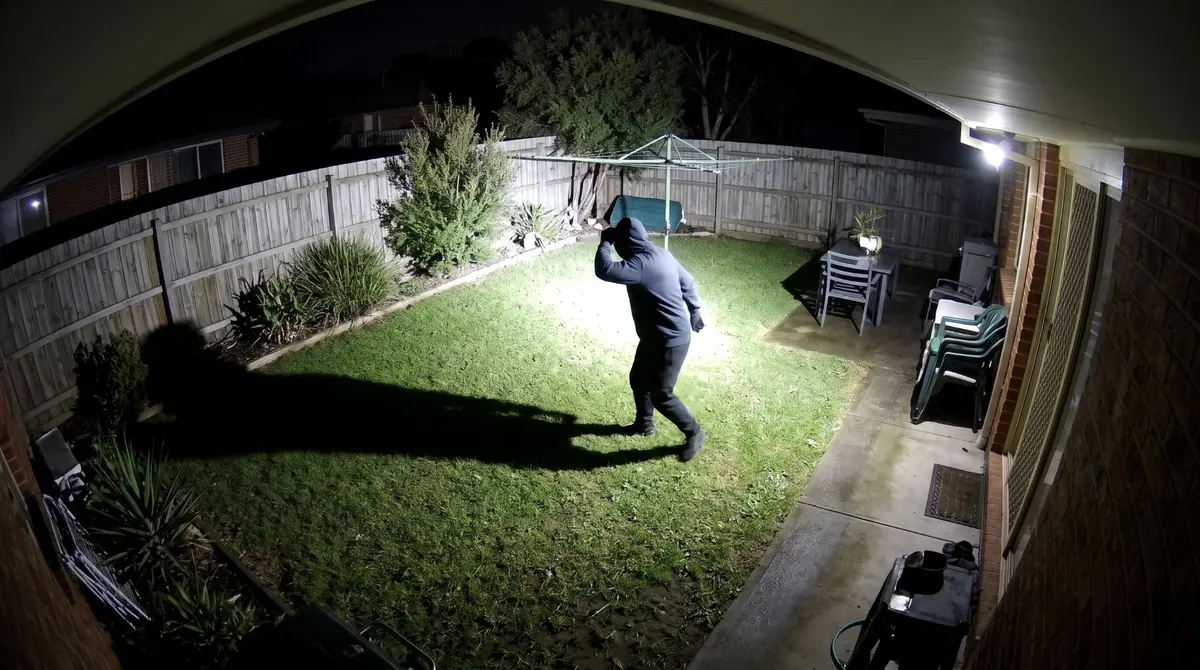
What happens if someone comes into your yard at night?

1

It spots them

The camera knows it is a person, not a shadow or a moving branch.

2

It scares them off

A bright light flashes and a siren or your recorded voice plays.

3

It tells you

Your phone gets an alert straight away. You can also get an email.

4

It records everything

Video is saved to the memory card in the camera.

Intruder in a backyard at night shielding their eyes from a flashing light, seen from a camera above the back door
ALERTPerson detectedBackyard · just now

Illustration

1. Someone walks in2. Light flashes, siren sounds3. Your phone gets an alert

Siren and voice warning

Scare them off, then call the police.

When someone is detected, the camera flashes its light and plays a siren or your recorded warning. You see it on your phone and can call the police straight away.

At your home

Intruder startled by the camera’s flashing light and siren
“You are on camera. Leave now. The police have been called.”

Illustration

You, on your phone

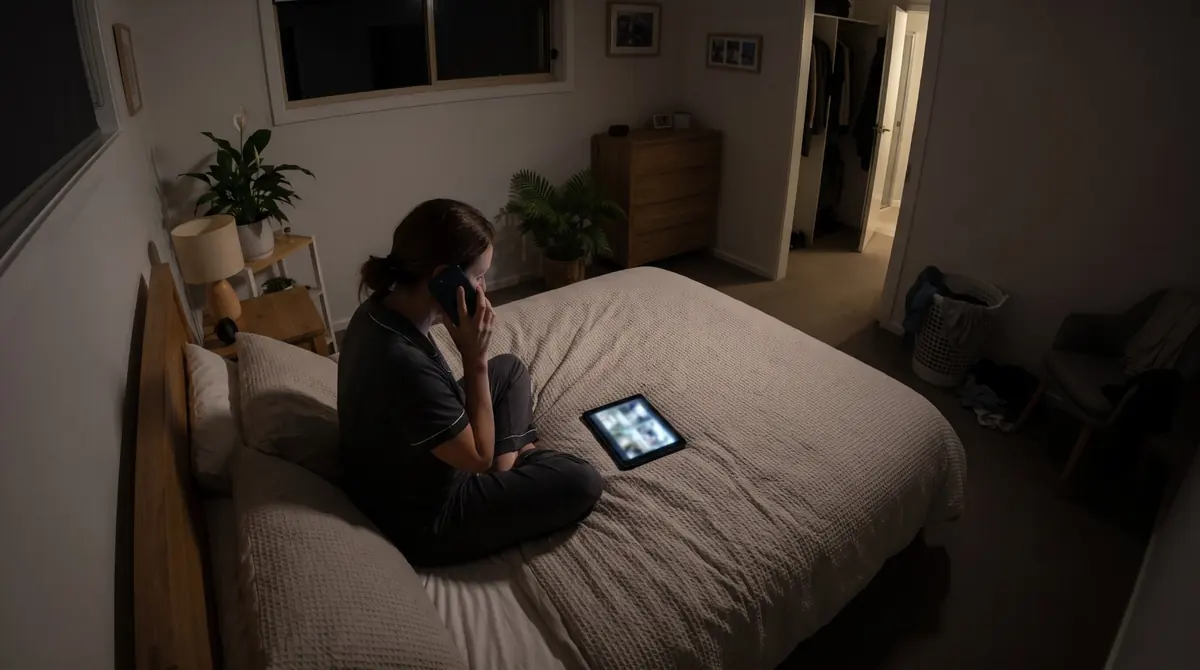
Owner calling the police after seeing the alert
“Hi, I’d like to report an intruder at my home…”

Illustration

Two-way talk

Talk to visitors, even when you are out.

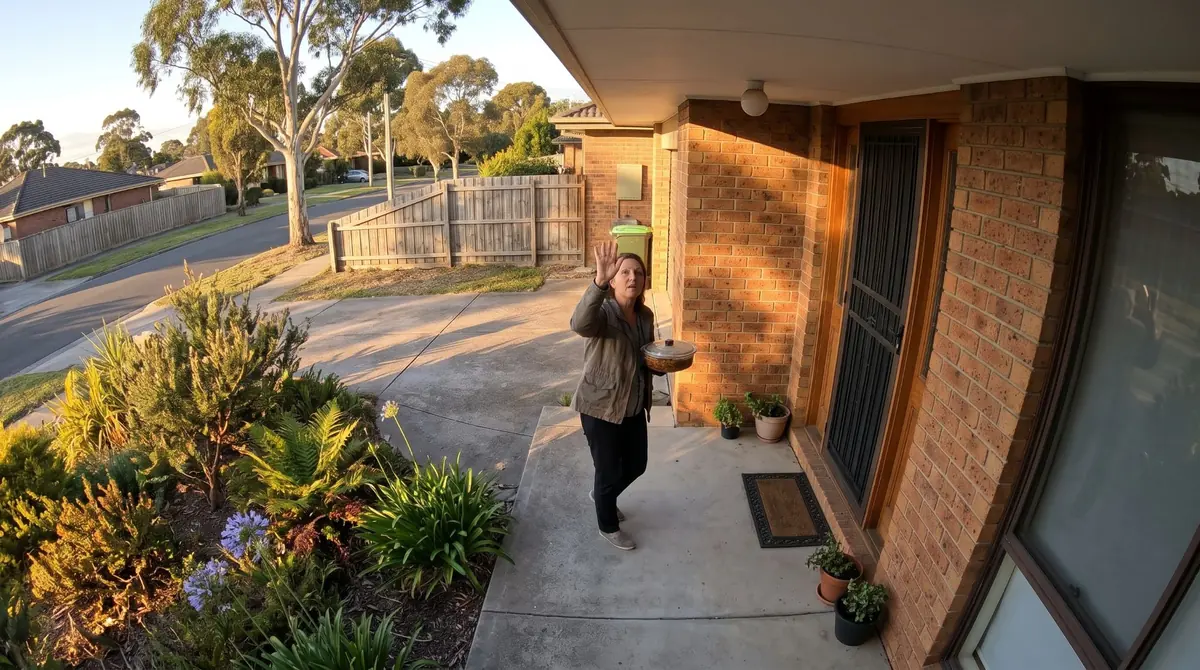
Answer the door from your phone. Hear the visitor through the camera’s microphone and talk back through its speaker.

At your door

Visitor at the front door talking to the camera
“Hi! I brought you some dinner.”

Illustration

You, anywhere

Homeowner away from home talking through the camera app
“That’s so kind! I’m ten minutes away, leave it by the door.”

Illustration

Leave detection · on the outdoor cameras

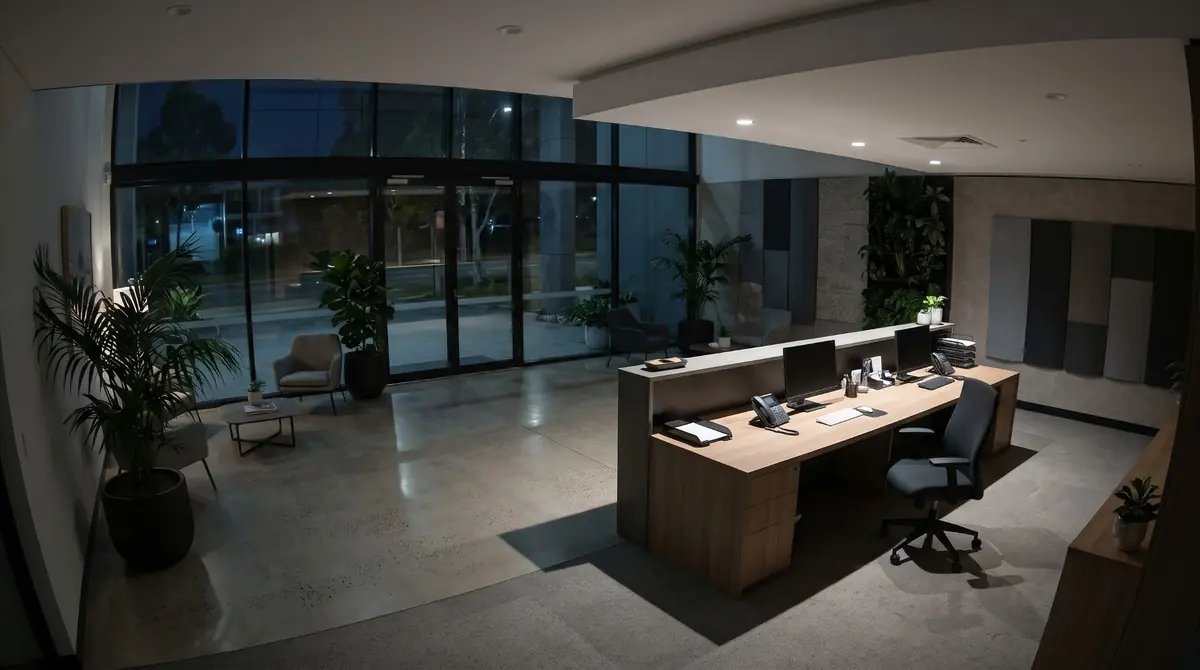
Know when a desk is left empty.

Set an area such as a reception desk or guard post, and get an alarm when the person there leaves it.

Empty office reception desk at night

Illustration

Loitering Detection · on the outdoor cameras

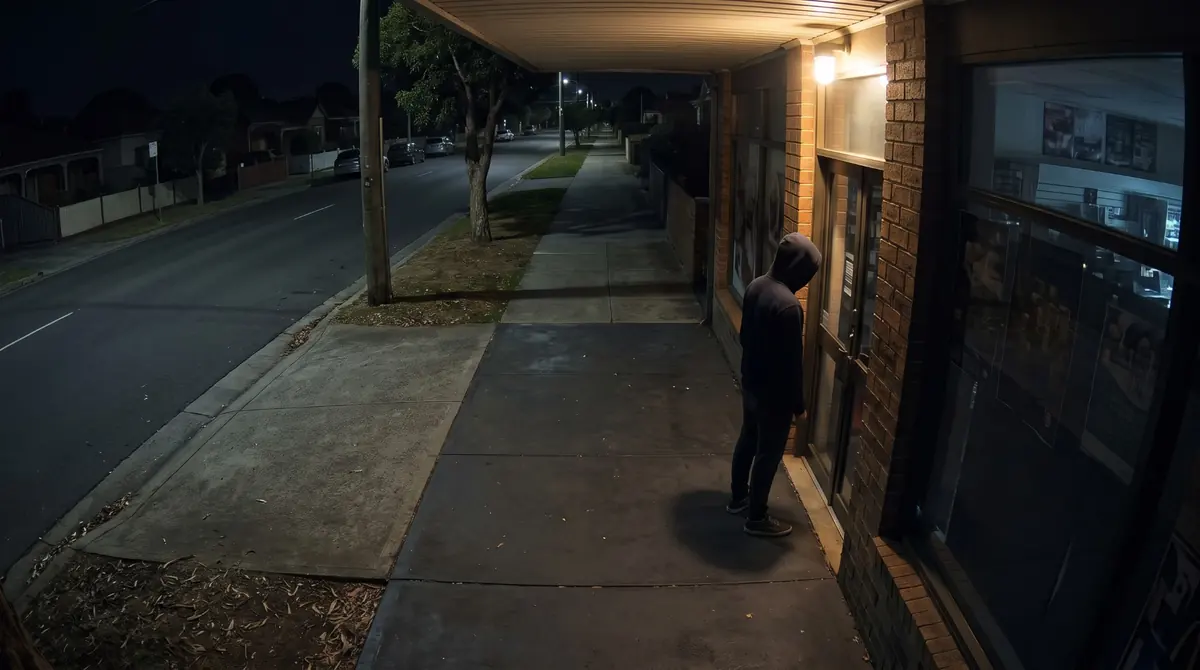
Alerts when someone hangs around.

Set how long is too long at your door or shopfront. If someone lingers past the limit, you get an alarm.

Person lingering at a shop door at night

Illustration

Night range · on the outdoor cameras

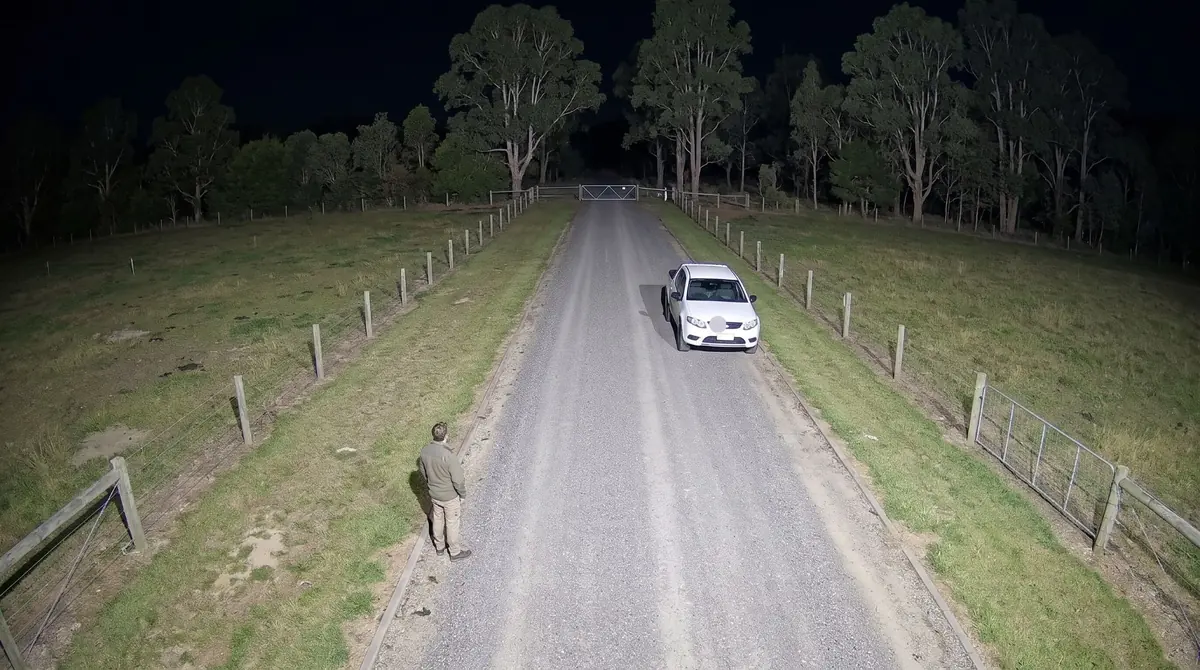
See up to 50 m in the dark.

The camera’s night lights reach up to 50 metres, so you can watch a long driveway, yard or car park after dark.

Long farm driveway at night with distance markers
NIGHT RANGEUp to 50 mcolour at night

Illustration. Markers show the camera’s rated night range, not to scale.

Records to a memory card · on the outdoor cameras

Up to 512 GB inside the camera.

Slot in a microSD card of up to 512 GB and the camera records on its own, even without a recorder or internet. Play it back from the CloudSEE app.

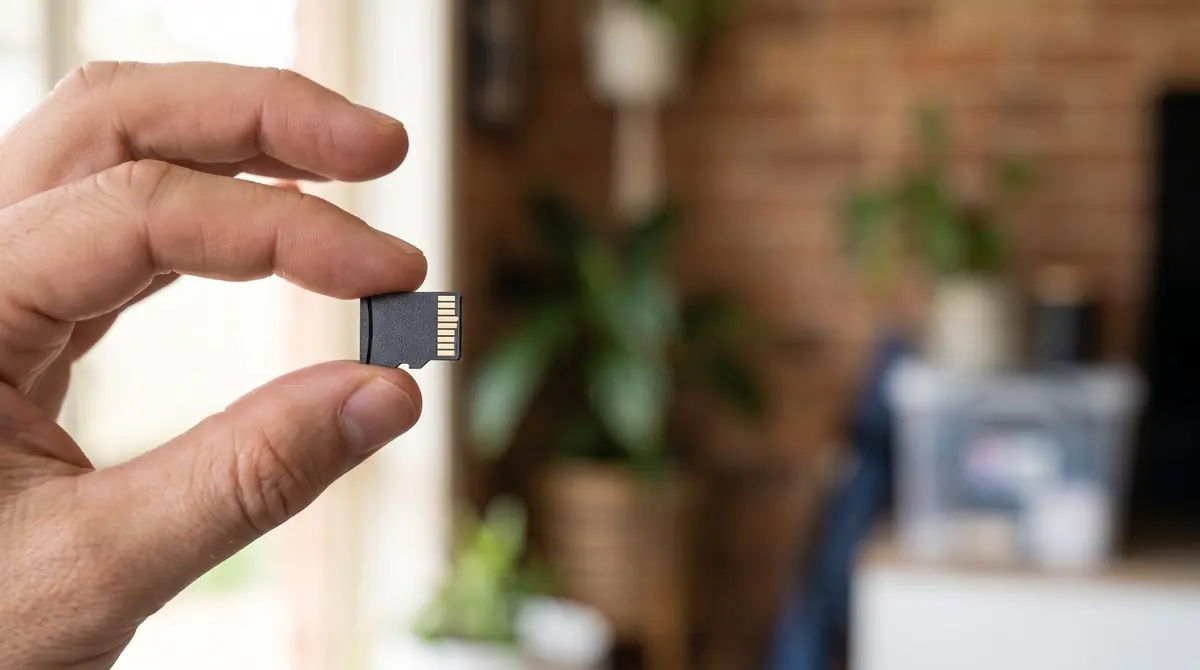
Hand holding a microSD card
MICROSD CARD
512 GB
records inside the camera
RECORDING TIMELINE
12 am6 am12 pm6 pm

Illustration. microSD card not included.

Weatherproof · on the outdoor cameras

Rated IP66 for Australian weather.

Rain, dust and heat are no problem. The camera is sealed for outdoor use and works from −20 to 60 °C.

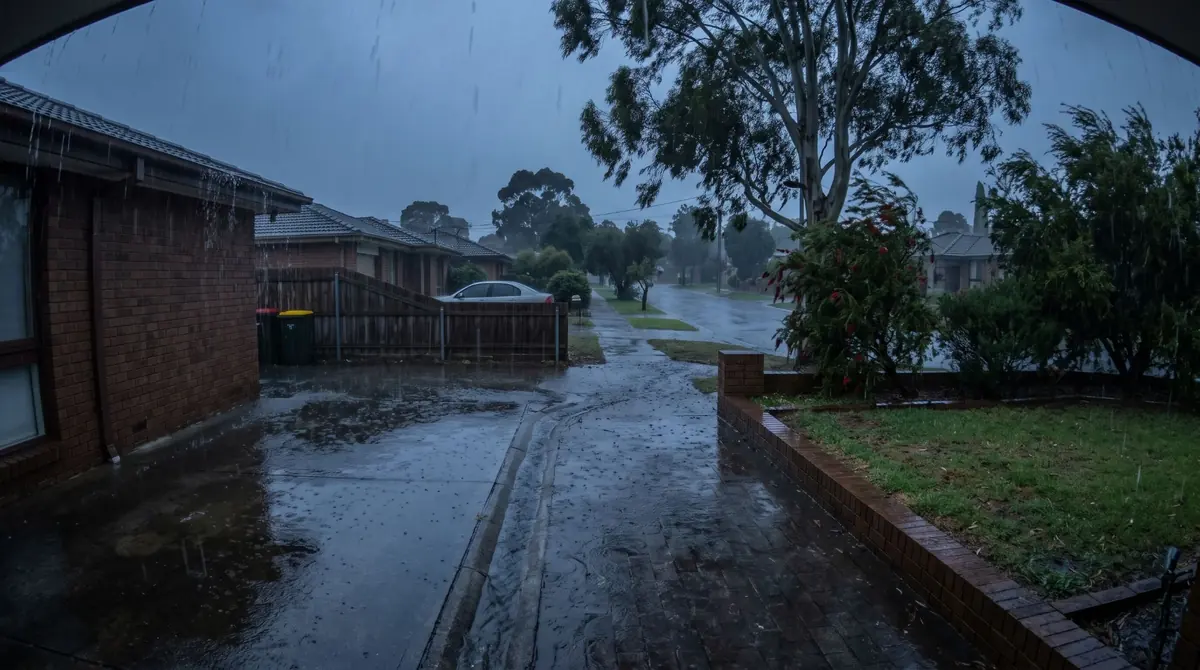
Heavy rain over a suburban driveway
IP66
DUST + WATER
−20 to 60 °C

Illustration

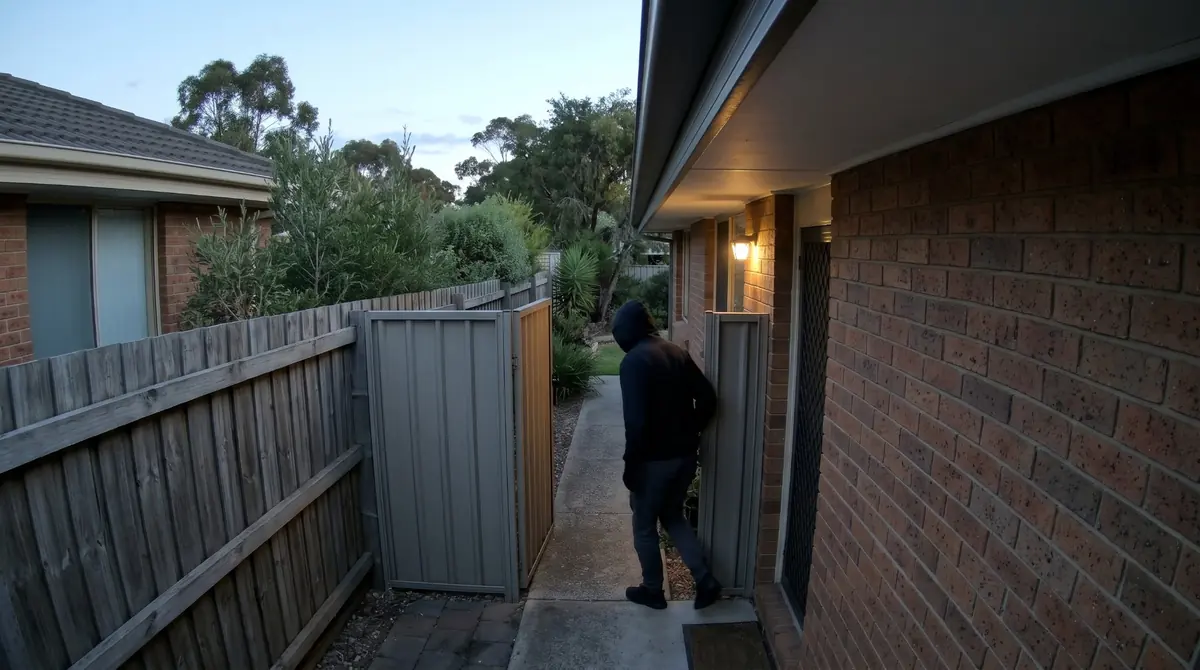
Line Crossing Detection (Virtual tripwire)

Alerts when someone crosses a line.

Draw a line across a gate, door or path. If someone crosses it, you get an alert.

Person stepping through a side gate at dusk, seen from a camera under the eaves

Illustration

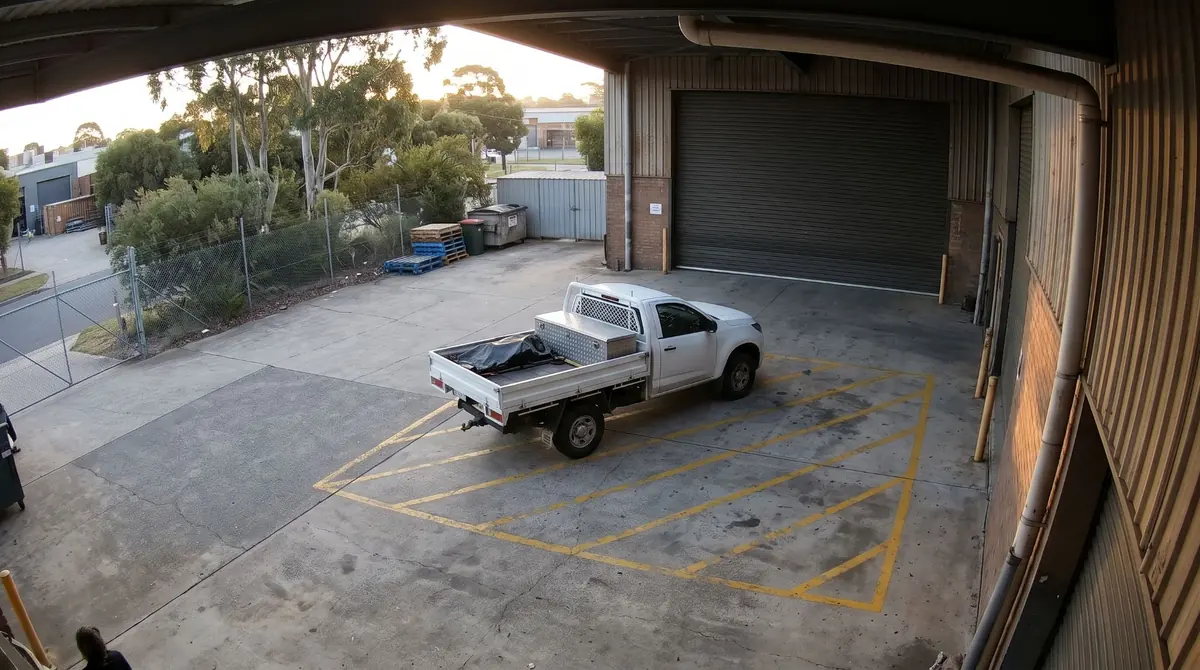
Parking Detection · on the outdoor cameras

Alerts when a car stays too long.

Draw a frame on a driveway or loading bay and set a time limit. If a vehicle stays longer, you get an alarm.

Ute parked across the no-parking lines at a loading bay

Illustration

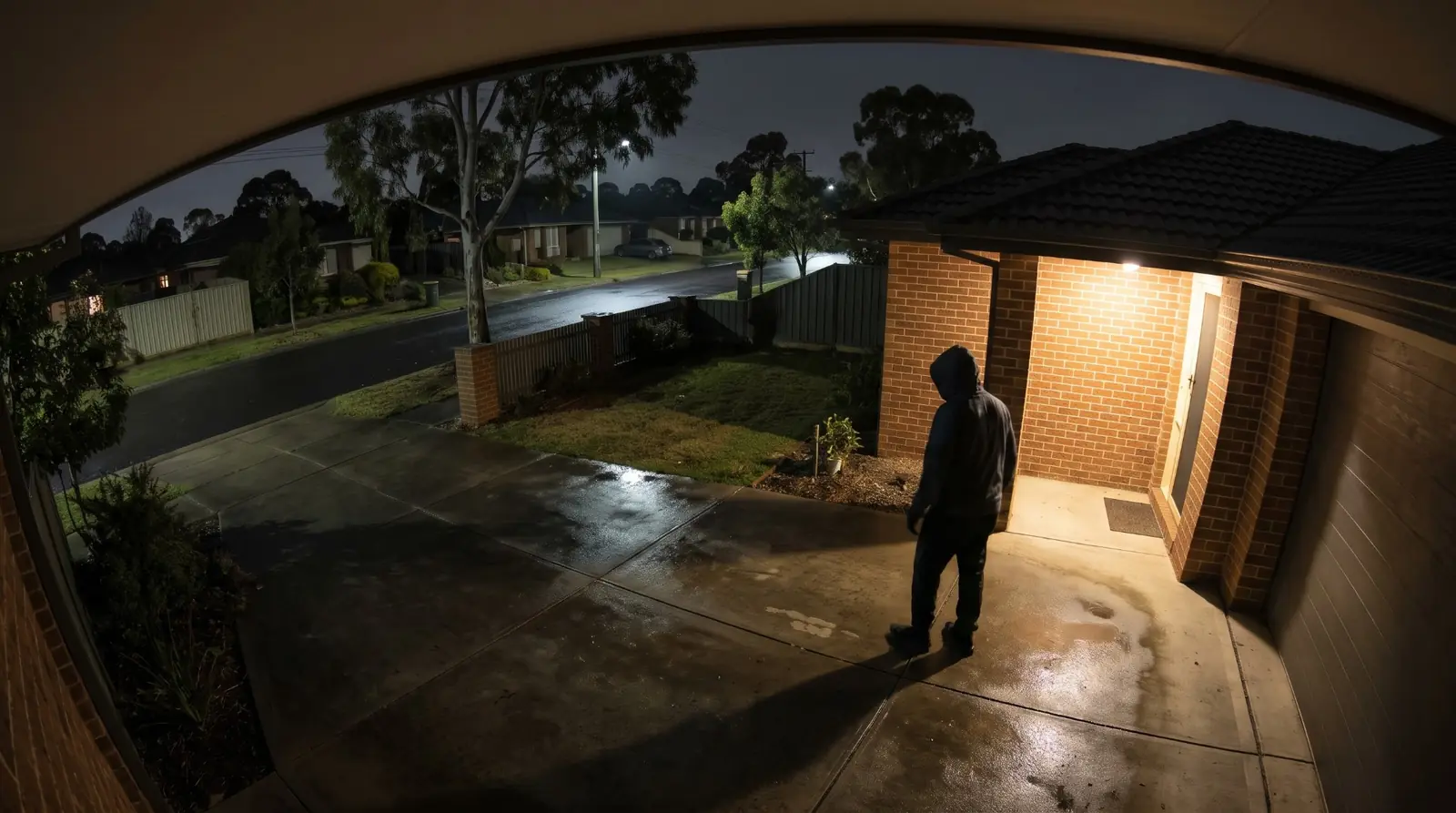
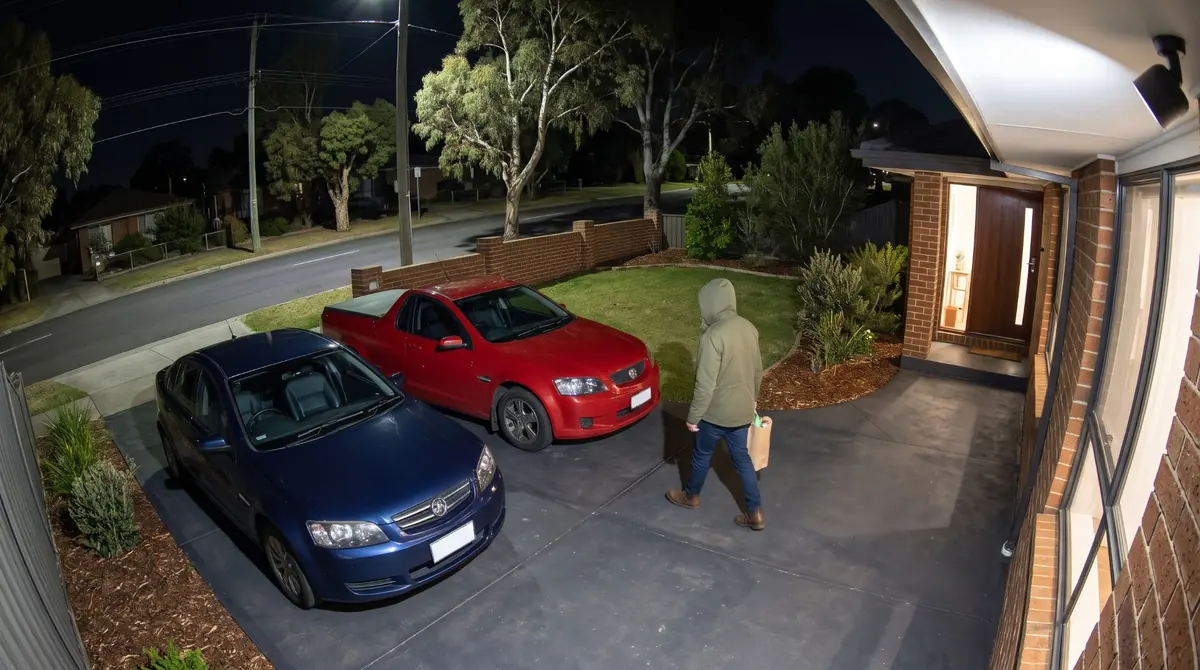
Person detected walking up a driveway at night

Illustration

Human detection

Alerts for people, not leaves.

Smart detection looks for people, so swaying branches, shadows and passing light are less likely to set off an alert.

You can also set up region intrusion, line crossing, leave detection, road occupation detection. Alerts go to the CloudSEE app or by email.

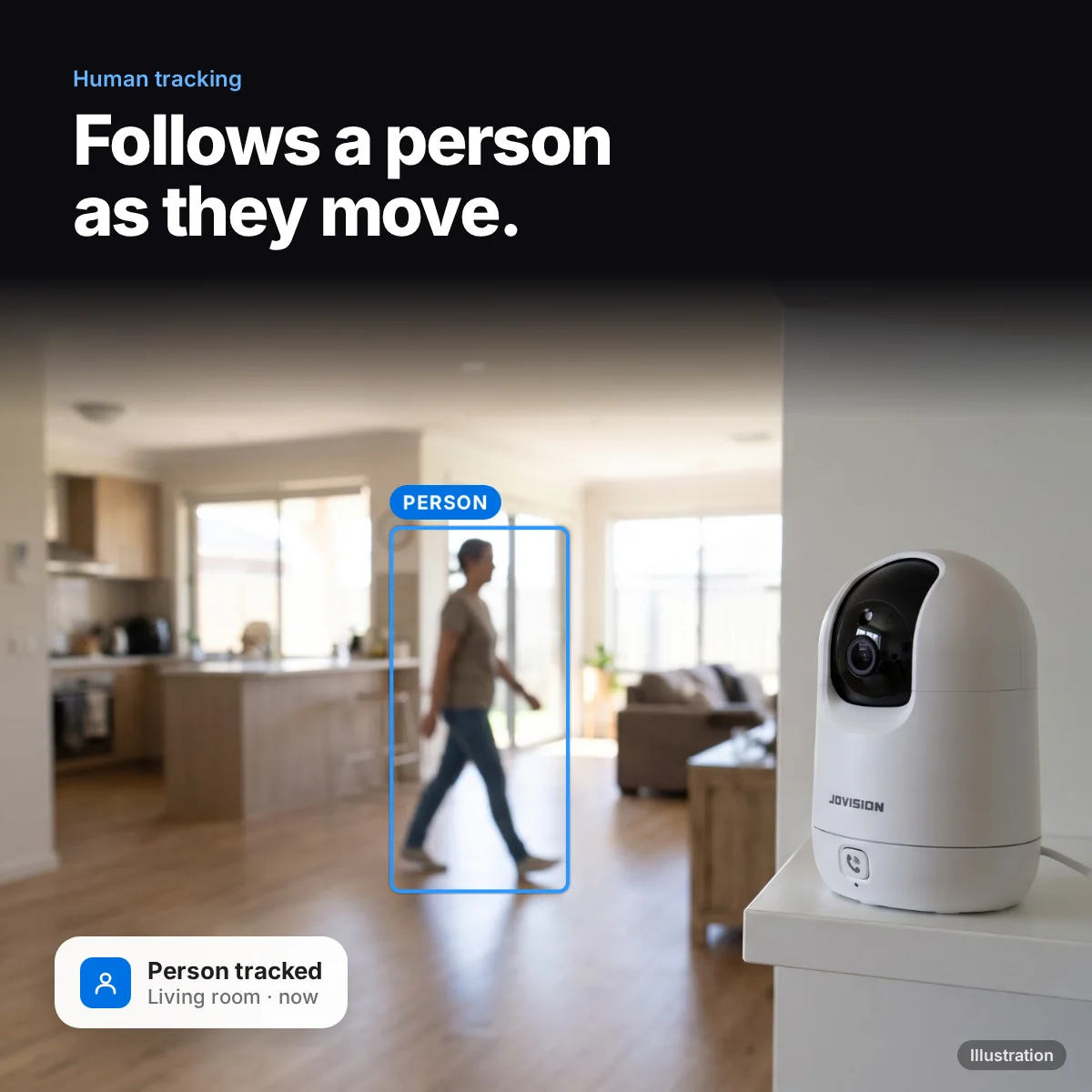
Jovision JVS-H950E person tracked (illustration)

Privacy masks · on the indoor cameras

Record your property, not your neighbour’s.

Black out up to 8 areas of the picture, such as a neighbour’s windows or the EFTPOS keypad at your counter. Masked areas are blacked out in the picture.

Home

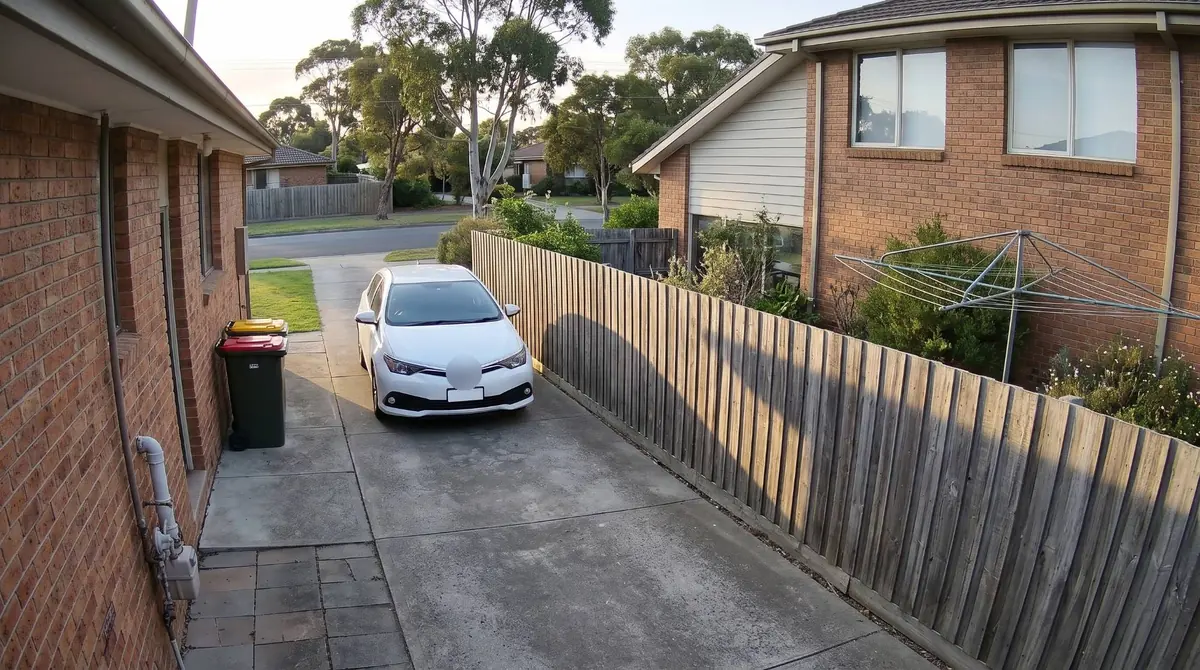
Driveway with the neighbour’s windows and yard hidden by privacy masks

Illustration

Business

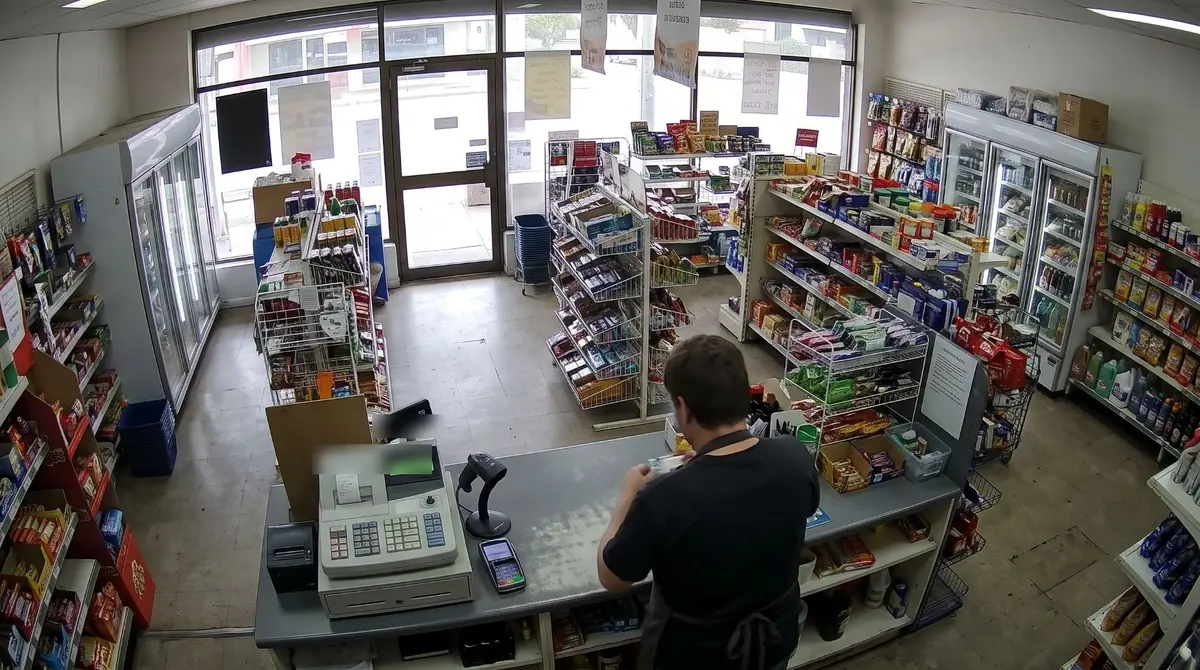
Shop counter with the EFTPOS keypad hidden by a privacy mask

Illustration

Why choose this security system

See more at night

Colour or infrared night vision on every camera, so you see detail after dark.

No cables to run

The cameras join your Wi-Fi. Ideal where you cannot drill or run cables, such as rentals.

No monthly fees

Footage stays on your own equipment. No cloud subscription.

Watch on your phone

View live and play back recordings from anywhere with the free phone app.

Right camera for each spot

Outdoor cameras are weatherproof (IP66/IP67); indoor cameras are for inside or covered areas.

Set up in 3 steps

1

Pick the spots

Place each camera near a power point, within good Wi-Fi range.

2

Add it to the app

Add each camera in the free CloudSEE app by its device ID and connect it to your Wi-Fi.

3

Insert a microSD card

Pop a microSD card in each camera to record, and watch live from your phone.

Prefer a hand? Many customers have an electrician or data cabler run the cables, and our Melbourne team can help with setup questions.

Complete your kit

What most buyers add. You will also be offered these when you press Add to Cart.

Compare similar kits

Swipe the table sideways to see every column →

KitCamerasRecorderResolutionBest for
Outdoor Wi-Fi 2 Camera Pack2 × dual-lens outdoor Wi-Fi pan-tiltNone: each records to microSD2 × 3MPFront and back of a home where cables cannot run
Wi-Fi 4 Camera Pack This kit2 outdoor + 2 indoor Wi-Fi pan-tiltNone: each records to microSD3MPRenters and homes where cables cannot run
4K Driveway System with Number Plate Camera3 × 8MP 4K turret + 1 × 8MP LPR camera8-channel PoE NVR (4 spare)4KCapturing cars and number plates on the driveway

See all kits side by side: compare every Jovision kit.

See Jovision cameras working in our showroom

Visit our Blackburn, VIC showroom, Monday to Friday 9am to 5pm, to see the cameras running before you buy. Book a time if you would like a demonstration.

CloudSEE app

Watch and play back on your phone.

Use the free CloudSEE app from Jovision on iPhone, iPad or Android.

Live view

Watch your cameras live from anywhere on your phone or tablet.

Playback

Find and play back footage recorded on each camera's SD card.

Alarm alerts

Get alarm alerts pushed to your phone when something happens.

Pan and tilt

Turn the camera from the app to look where you need.

Share access

Share your cameras with family or staff.

No port forwarding

Add it by its device ID. No port forwarding or DDNS to set up.

Security camera system FAQ

What is included, installation and running costs.

No. Each camera records to its own microSD card and connects to the free phone app over your Wi-Fi. There is no recorder to install.

Wireless means no data cables: the cameras connect over 2.4GHz Wi-Fi. Each camera still needs a power point nearby for its power supply.

No. Recording stays on your own equipment at your property, so there are no cloud fees. You can view live and play back on your phone.

No. The 3MP indoor Wi-Fi pan-tilt cameras are for indoors or a fully covered area. The other cameras in this system are weatherproof for outdoor mounting.

Mount the outdoor cameras near the front and back doors within good Wi-Fi range, and place the indoor cameras in the living area and hallway. Each camera needs a power point nearby; there are no data cables to run.

Yes. Jovision cameras are on display in our Blackburn, VIC showroom, Monday to Friday 9am to 5pm. Book a time if you would like a demonstration.

Yes. With the free CloudSEE app on iPhone, iPad or Android you can watch live, play back recordings, get alarm alerts, turn the camera and share access with family or staff. You add it by its device ID, with no port forwarding or DDNS needed.

Brand Jovision

Accurate Shipping Costs

Our online shipping calculator is designed to provide a final, accurate shipping cost based on the items in your cart and your delivery postcode. Shipping costs are calculated at checkout based on your order and delivery postcode. The final cost is calculated based on several factors which are automatically accounted for by our system, including:

  • The stock location of the item(s) across our warehouses.
  • Orders with multiple items that may require special packaging.
  • The weight and dimensions of the order (including heavy or oversized items).
  • The delivery courier servicing your specific region.

Delivery Times


Standard Processing


Most orders placed by 2pm AEDT are dispatched for next working day delivery. Larger orders may require 1-2 additional business days for processing. If timing is critical, please contact us to discuss expedited options (additional charges may apply).


Delivery Timeframes


Region

Processing Time

Express Delivery

Standard Delivery

VIC, NSW, SA, QLD Metro, TAS

1-2 business days

1-2 business days

2-4 business days

NT, WA, QLD Rural

1-2 business days

1-2 business days

3-5 business days

New Zealand

1-2 business days

2-3 business days

4-10 business days

Please note: Processing times may extend during peak periods such as Christmas and end of financial year.

Free Warehouse Pickup


Save on shipping costs with free pickup from our ARC IP Networks Blackburn warehouse. Simply place your order online or by phone, and collect during business hours (Monday to Friday). Please allow time for picking and packing. For urgent orders, call 1300 100 440 to confirm your order is ready.

ARC IP Networks Pickup Address: 6 George Street, Blackburn, VIC 3130


Insurance & Tracking


All ARC IP Networks shipments are fully insured and trackable. Once dispatched, you'll receive an email with your tracking number and courier website details. If your item is confirmed lost or damaged by our courier, we'll arrange a replacement in consultation with you.


International Shipping


ARC IP Networks ships to New Zealand. Please note:


  • Import duties and taxes vary by country
  • Buyers are responsible for all customs charges
  • Contact your local customs authority before ordering
  • We'll provide required documentation for smooth customs clearance
  • Buyers cover all shipping costs for returns due to refused duties/taxes


Delivery Requirements


Signature Required


All deliveries must be signed for. If you won't be home, contact our Sales Support team to arrange Authority to Leave. Important: Authority to Leave voids shipping insurance if parcels are lost or stolen.


Delivery Restrictions


We do not deliver to PO Boxes or Parcel Lockers as our couriers cannot access them. Orders sent to these addresses will be returned, incurring redelivery fees.


Shipping Issue Resolution


ARC IP Networks works closely with our shipping partners to resolve any delivery issues quickly and fairly:


  1. Confirmation: We verify expected delivery dates with our shipping partners
  2. Investigation: Issues outside normal timeframes trigger formal investigations
  3. Communication: We keep you updated throughout the resolution process
  4. Resolution: Confirmed lost items are replaced or refunded after investigation completion


Please note: Refunds for lost, missing, or delayed orders cannot be processed until shipping partner investigations are complete. This does not affect your rights under the Australian Consumer Law, and refunds or replacements will be provided where required once loss or damage is confirmed.

Warranty & Faulty Products

ARC IP Networks complies with the Australian Consumer Law (ACL).

If a product is faulty, damaged, not of acceptable quality, or does not perform as advertised, you are entitled to a repair, replacement, or refund in accordance with ACL.

Manufacturer Warranty Returns

For faults developing after 14 days within the warranty period:

  • Contact ARC IP Networks first at info@arcip.com.au or 1300 100 440
  • We will assess the issue and coordinate with manufacturers, authorised service centres, or distributors on your behalf
  • Where required, a manufacturer RMA may be arranged
  • ARC IP Networks manages the return process and next steps

Dead on Arrival (DOA)

Products that arrive faulty or damaged must be reported within 14 days of delivery.

ARC IP Networks will arrange assessment, replacement, or refund as appropriate.

Change of Mind & Non-Faulty Returns

Change-of-mind returns must be requested within 14 days of delivery. For change-of-mind returns, the product must be unused, unopened, in its original packaging, and returned with all accessories and documentation. These conditions apply only to change-of-mind returns and do not limit or exclude your rights under the Australian Consumer Law. Some products are not eligible for change-of-mind returns, including:

  • Ex-demo products
  • Clearance or markdown items
  • Special-order items
  • Products clearly marked “No Change-of-Mind Returns”

Important

This does not affect your rights under Australian Consumer Law.

If a product is faulty, not of acceptable quality, or does not meet advertised specifications, it remains eligible for return regardless of category.

Refunds & Processing Timeframes

  • Approved refunds are processed within 7 business days of receiving returned goods
  • Refunds are issued to the original payment method, unless otherwise agreed
  • Replacement or repair may be offered where appropriate
  • Store credit may be offered only with customer consent

Handling fees and non-returnable service charges may not be refundable where permitted by law.


Restocking Fees

For approved change-of-mind or non-faulty returns, a 15% restocking fee applies.

  • Any applicable restocking fee will be clearly communicated prior to return approval
  • The fee will be deducted from the refund amount
  • Restocking fees do not apply to returns made under the Australian Consumer Law, including faulty, damaged, or misrepresented goods.

Return Shipping Costs

  • Change-of-mind returns: The customer is responsible for return shipping costs.
  • Faulty or defective products: ARC IP Networks covers return shipping under Australian Consumer Law.

Non-Warranty Repairs

For issues not covered by warranty:

  • ARC IP Networks will provide a quote before proceeding
  • Customers are responsible for all shipping and service costs
  • No repairs are undertaken without customer approval

Return Methods

Returns may be made:

  • In-store at ARC IP Networks – 6 George Street, Blackburn VIC 3130
  • Or by shipment as instructed by our support team

Proof of purchase is required for all returns.

Enquire About this Product


Any questions about this product? Fill out the form below, and we'll get back to you soon!

Accessory Products