Buy a security camera kit if you are starting from scratch: the cameras and NVR are matched, powered over one cable each, and set up in one app. Buy cameras separately if you already own an NVR, need a special camera (long zoom, fisheye, thermal) or want to mix camera types the kits do not offer.
Every kit we sell is built from the same cameras and NVRs we sell individually, so you can start with a kit and add single cameras later. Compare all 46 kits.
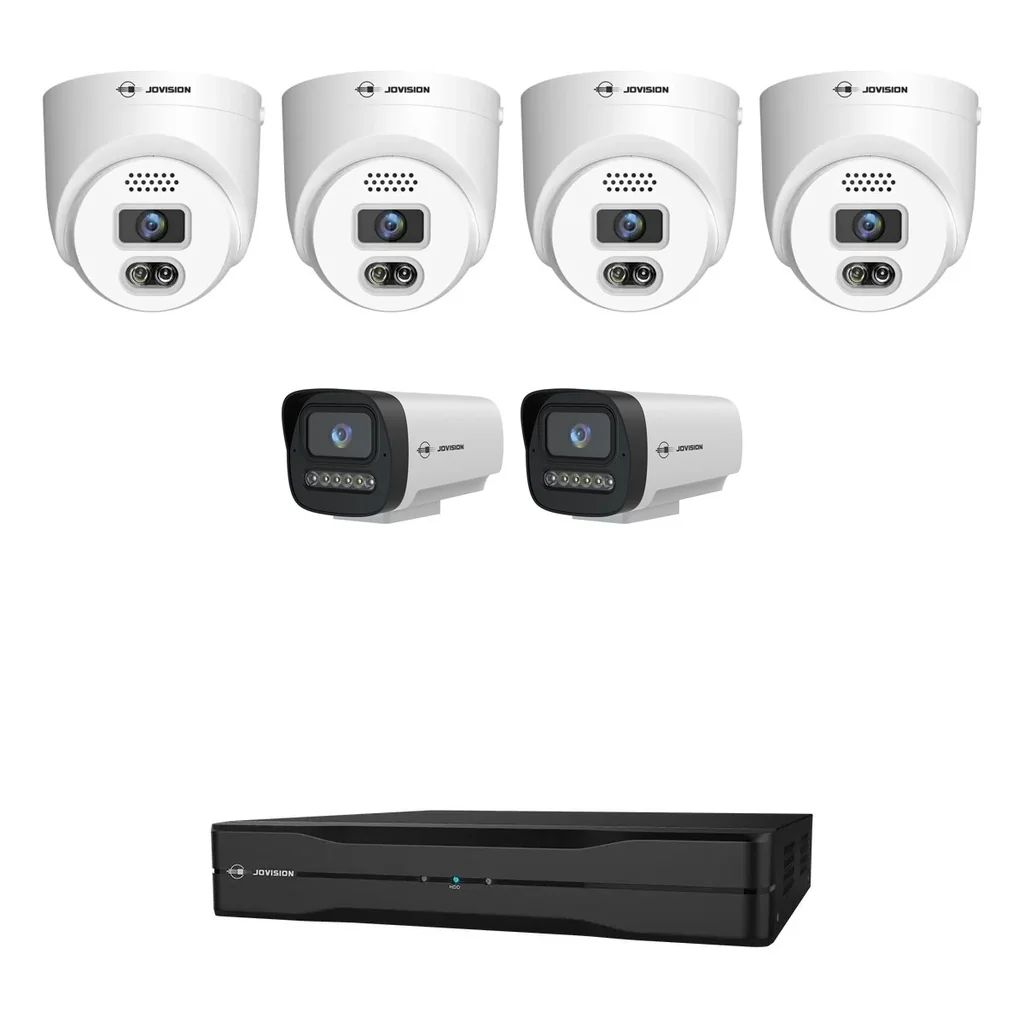
Kit vs separate cameras: side by side
| Security camera kit | Cameras + NVR bought separately | |
|---|---|---|
| Compatibility | Matched by us: cameras and NVR are the same brand and tested together | You check codecs, PoE power and channel counts yourself |
| Ordering | One product, one order | Several products and quantities |
| Power | NVR powers every camera (PoE) | Depends on the NVR or switch you choose |
| Choice of cameras | Fixed mix chosen for a home, farm or business | Any camera in the range |
| Adding cameras later | Yes, on kits with spare channels | Yes |
| Best for | New systems, homes, small businesses | Upgrades, special views, installers with a design |
When a kit is the better choice
- You have no CCTV now and want a complete system in one order.
- You want one brand and one app for everything.
- You plan to install it yourself or with a cabler, without designing the system.
When to buy cameras separately
- You already own an NVR: add cameras up to its channel count. See how to upgrade an old CCTV system.
- You need a special camera: long-range zoom, panoramic, thermal or a number plate camera at a specific distance.
- It is a larger project: for many cameras across a site, email info@arcip.com.au for project pricing.
The best of both: start with a kit, then add
A kit with spare channels is the easiest way to grow. All Jovision NVR kits use 8-channel or larger NVRs; for example, the JVS-KIT-5M-4T leaves four channels free for a PTZ dome or a zoom bullet later. See kits with room to add cameras.
Kits with room to grow
Live Australian pricing (inc. GST) and stock are on each kit page. No kit includes a hard drive.
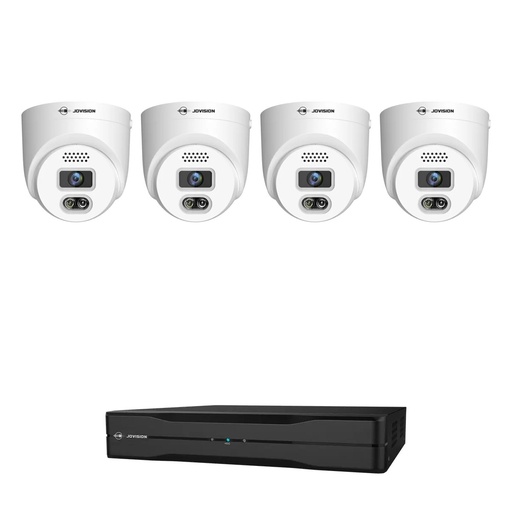
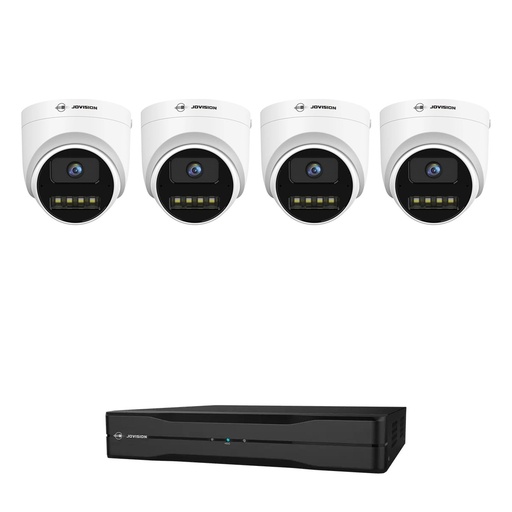
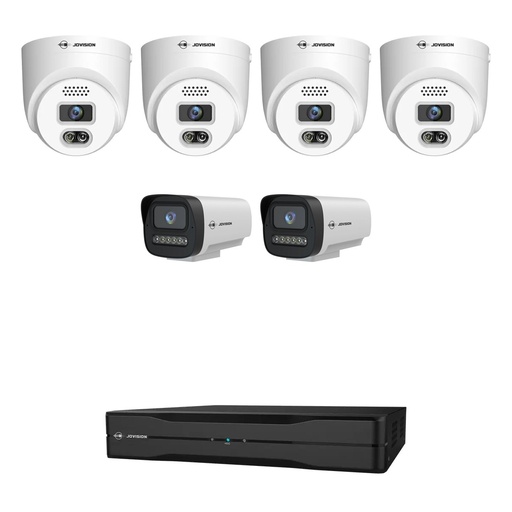
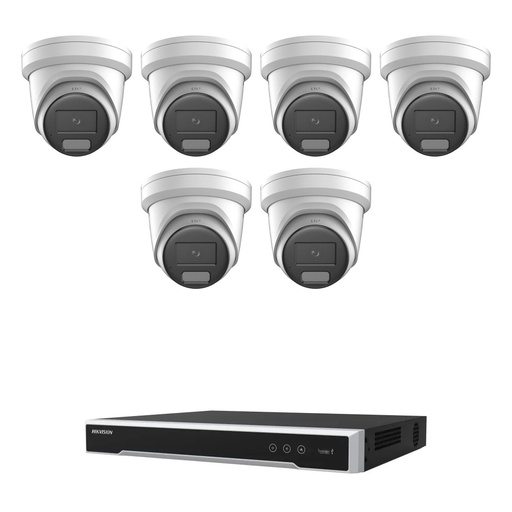
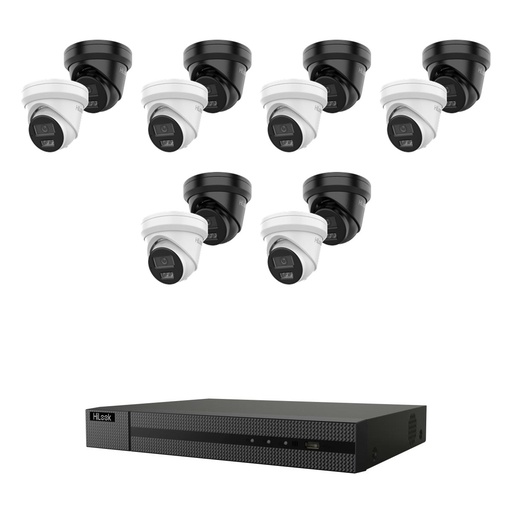
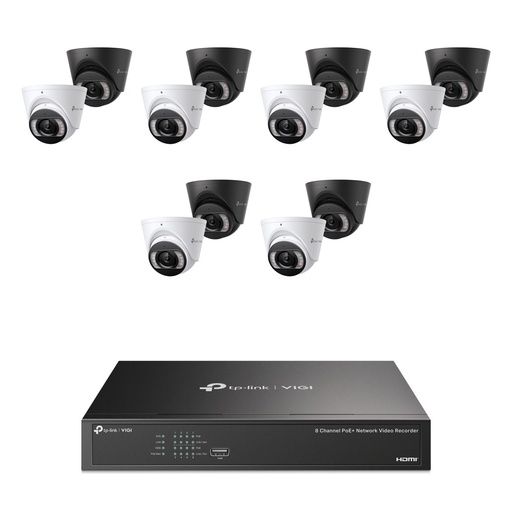
Six TP-Link 8MP full-colour turrets, two spare channels.
Common questions
Straight answers from the ARC IP Networks team. Last reviewed November 2026.
A kit is better for a new system: the cameras and NVR are matched and ordered together. Separate cameras are better when you already own an NVR or need a special camera.
Yes, on any kit with spare NVR channels. Use the same brand as the NVR for the simplest setup.
Often, through the ONVIF standard, but some smart features only work with the same brand. Matching brands is the safest choice.
Yes. Every kit we sell is made from the same cameras and NVRs we sell individually.
Installers with a site design, owners upgrading an existing NVR, and anyone who needs a camera type the kits do not include.
Kit or custom system?
Filter the kits, or email us your plan and we will tell you whether a kit or separate cameras fit better.
Related guides
- Security camera kits: compare all 46 kits
- Best Security Camera Kits in Australia (2026): 44 Kits Compared
- 4 Camera Security Camera Kits in Australia Compared (2026)
- 8 Camera Security Kits in Australia for Large Homes and Business
- Can You Mix Hikvision with Third-Party or ONVIF Cameras on an NVR?
- Home Security Camera System Buying Guide: 2, 4, 6 or 8 Cameras?
- Hikvision CCTV Kits: What's in a Complete System
- How Much Does a CCTV System Cost in Australia? (2026)
- How to Install Hikvision CCTV Yourself: DIY Home Guide (Australia)