Yes. Hikvision NVRs support the ONVIF standard, so you can add many third-party and ONVIF cameras for basic live view and recording. But smart features like AcuSense event filtering, deep-learning search and true plug-and-play tend to work best (or only) when the camera and recorder are both Hikvision. Feature support depends on model and firmware. ARC IP Networks is an authorised Australian Hikvision reseller and can match a compatible NVR and cameras for you.
Can you mix Hikvision with third-party or ONVIF cameras?
Short answer: yes. Hikvision network video recorders (NVRs) speak ONVIF, an open industry standard that lets cameras and recorders from different brands talk to each other. That means you can usually add an ONVIF-compliant third-party camera to a Hikvision NVR and get live view and continuous recording.
The catch is what you don't always get. Hikvision's cleverest features, such as AcuSense human and vehicle event filtering, deep-learning video search, and seamless one-click plug-and-play, are designed around Hikvision cameras and its own SDK, not the ONVIF standard. Over ONVIF those features may be limited, hit-and-miss, or unavailable, and exactly what works depends on the NVR model, the camera and the firmware on both. For the smoothest, fully-featured system, an all-Hikvision setup is the safe path.
How does ONVIF let different brands work together?
ONVIF (Open Network Video Interface Forum) is a shared language for IP CCTV. When a camera and NVR both support ONVIF, the recorder can discover the camera on the network, pull its video stream (typically over RTSP) and record it, even if the two devices are different brands.
What ONVIF reliably carries between brands is the core plumbing: video stream, resolution and frame rate, and basic recording. What it often does not carry cleanly is the brand-specific smart layer, the AI metadata, event types and search tools that each manufacturer builds in its own way. So a third-party ONVIF camera on a Hikvision NVR will record fine, but you may lose the smart alerts and search that make a system genuinely easy to live with.
What works over ONVIF vs what needs all-Hikvision?
Here is the honest picture. Basics travel well across brands; smart features are where an all-Hikvision system pulls ahead. Actual results still depend on your specific models and firmware.
| Feature | All-Hikvision (camera + NVR) | Mixed / ONVIF third-party |
|---|---|---|
| Live view | Yes | Yes |
| Continuous & scheduled recording | Yes | Yes (usually) |
| Plug-and-play PoE setup | Yes, near one-click | Often manual (IP, ports, credentials) |
| AcuSense human/vehicle filtering | Yes | Limited or unavailable |
| Deep-learning / AcuSeek AI search | Yes | Limited or unavailable |
| Strobe light & audible warning control | Yes, from the NVR | Often not exposed |
| Firmware & warranty handled as one system | Yes | Split across vendors |
If AI event filtering and fast video search matter to you, keep the cameras and recorder in the same family. If you just need extra basic coverage in a spot, an ONVIF camera can be a practical stop-gap.
How do you add an ONVIF camera to a Hikvision NVR?
The general process (menus vary by model and firmware, so use this as a guide):
- Enable ONVIF on the camera and set an admin user/password on it first, many cameras ship with ONVIF or its user access switched off.
- Connect the camera to the same network as the NVR. On a third-party camera you will usually cable it to your switch rather than a Hikvision NVR's built-in PoE port, then give it a fixed IP.
- On the NVR, go to Camera > IP Camera and add the device manually, choosing the ONVIF protocol instead of the Hikvision protocol.
- Enter the camera's IP address, ONVIF port, username and password, then apply and wait for the status to show connected.
Our step-by-step guide to adding a camera to a Hikvision NVR walks through the plug-and-play path for genuine Hikvision cameras, which is far quicker. If an ONVIF camera won't connect, it's almost always a wrong port, wrong credentials or a codec the NVR doesn't accept.
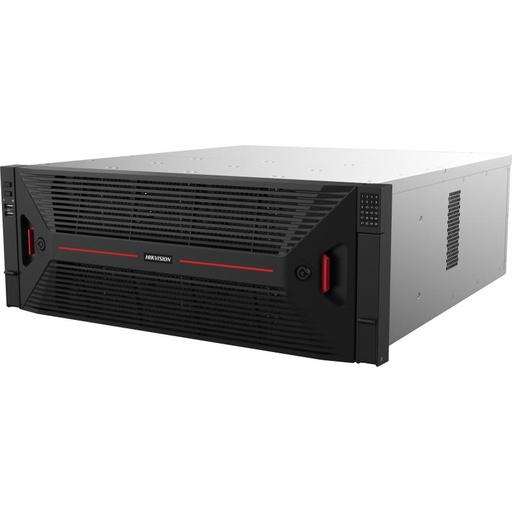
Shopping for Hikvision NVRs?
Authorised Hikvision reseller: genuine Australian stock, full warranty, competitive prices and price match available.
Should you mix, or go all-Hikvision?
Choose based on what you're trying to do:
Mixing makes sense when
You already own good ONVIF cameras, need to reuse an odd specialist camera, or want basic extra coverage without full AI features.
All-Hikvision makes sense when
You want AcuSense alerts, AI search, easy PoE setup and one warranty. This is most homes and businesses.
Not sure?
Start all-Hikvision for the core cameras and add ONVIF later only where you truly need it. It keeps the smart features intact.
Why an all-Hikvision system is the smoothest
When the camera and NVR are the same brand, everything is engineered to fit. With a Hikvision PoE NVR you plug a Hikvision camera into a built-in PoE port and it powers up, gets an IP and starts recording automatically, no separate switch, no manual IP, no ONVIF port hunting.
You also keep the whole smart layer: AcuSense filters out trees and headlights so you get fewer false alerts, deep-learning search lets you jump straight to people or vehicles in footage, and features like strobe-light and audible deterrence are controlled right from the recorder. Firmware updates and warranty are handled as one system through your authorised reseller. For most buyers, that all-in-one simplicity is worth far more than the flexibility of mixing brands.
Hikvision NVR and cameras that work best together
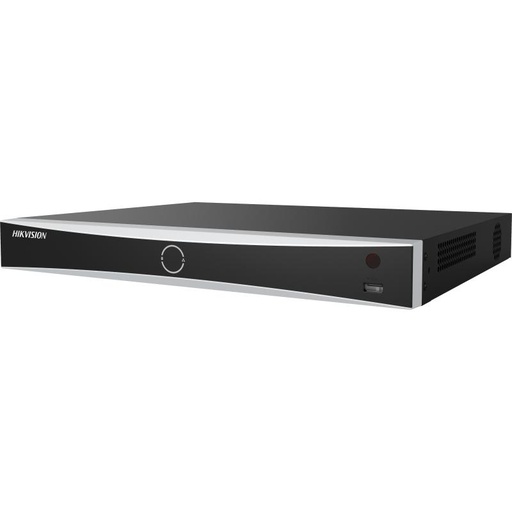
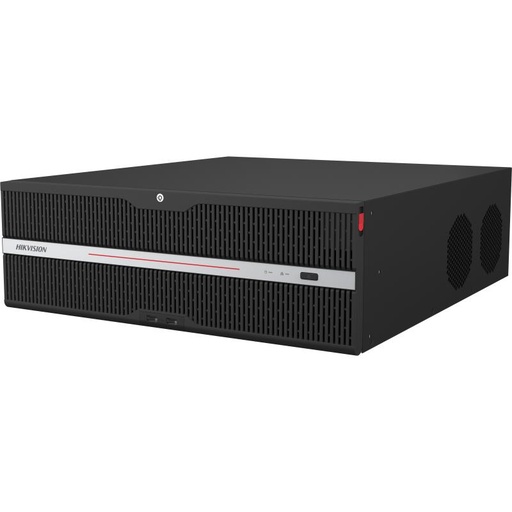
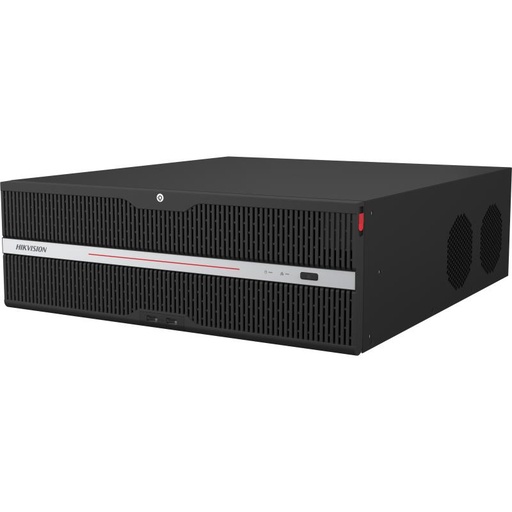
Hikvision DS-7608NXI-I2/8P/VPro 8-Ch AcuSense NVR
8-channel AcuSense PoE NVR, the recorder end of an all-Hikvision system, plug-and-play PoE and AI event filtering with matching Hikvision cameras.
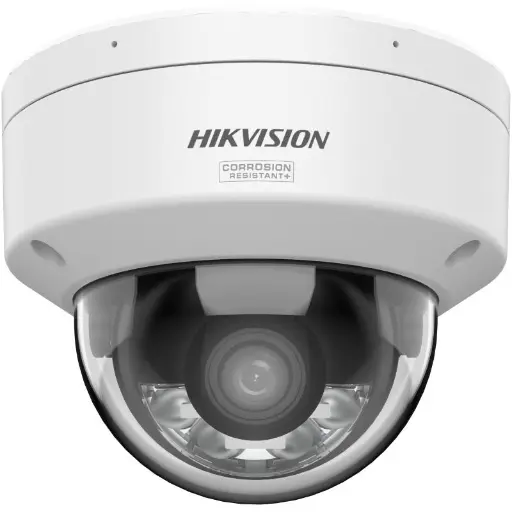
Hikvision DS-2CD2167G3 6MP 2.8mm ColorVu AcuSense Turret
6MP ColorVu AcuSense turret with full-colour night vision, pairs seamlessly with a Hikvision NVR for smart human/vehicle alerts.
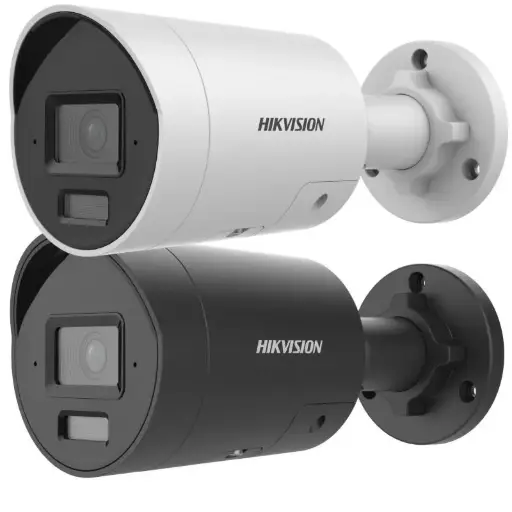
Hikvision DS-2CD2066G2H-I2U/SL 6MP 4mm AcuSense Strobe Light and Audible Warning Fixed Bullet Network Camera
6MP AcuSense bullet with strobe light and audible warning, deterrence features controlled straight from a matching Hikvision NVR.
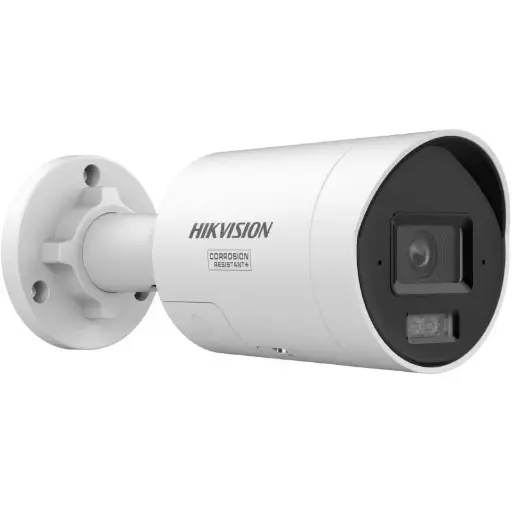
Hikvision DS-2CD2087G3 8MP 2.8mm ColorVu Bullet
8MP ColorVu bullet for sharp, colourful footage day and night, native plug-and-play on a Hikvision PoE NVR.
Related Hikvision guides
- How to Add a Camera to a Hikvision NVR (Step-by-Step)
- Best Hikvision NVR: Channels & Storage Guide
- NVR vs DVR: Which Hikvision Recorder Do You Need?
- What is a PoE NVR? The Secret to Simple Installation
- Do You Need Hik-Connect? Running Hikvision Fully Local (No Cloud)
- How to Upgrade an Old Hikvision CCTV System (Reuse Your Cabling)
Ready to buy?
Shop genuine Hikvision at ARC IP Networks
Authorised Hikvision reseller
Hikvision at ARC IP Networks
AcuSense, ColorVu and DeepinView cameras, NVRs and complete systems. Genuine Australian stock with the full manufacturer's warranty, competitive prices and price match available.
Frequently asked questions
Last updated: 2026-07-14 · Written by the ARC IP Networks team, an authorised Hikvision reseller in Australia.
Who we are
About ARC IP Networks
ARC IP Networks is an Australian supplier of security cameras and CCTV systems, based in Blackburn, Melbourne, Victoria. We work with homeowners, installers, integrators and businesses across Australia, supplying Hikvision, Ubiquiti UniFi Protect, Dahua and Jovision CCTV.
We are an authorised reseller for every brand we sell, and the national distributor of Jovision in Australia, so you get genuine Australian stock with the full manufacturer's warranty, never grey imports, at competitive prices. Our team can help you choose the right equipment, and trade customers get trade accounts and project pricing on larger jobs.
- Genuine Australian stock with the full manufacturer's warranty
- Competitive prices, price match available
- Trade accounts for installers, integrators and MSPs
- Australia-wide delivery; showroom in Blackburn, Mon–Fri 9–5 (demos by appointment)
Need help choosing?
Tell the ARC IP Networks team what you are trying to achieve and we will recommend the right equipment and quote it as one order.