A great Hikvision CCTV system is more than a few cameras — it is a handful of parts working together: cameras, an NVR, storage and cabling, plus a couple of smart extras. Here is exactly what goes into a complete Hikvision setup, how the pieces fit, and how to build the right kit for your home or business — all genuine Australian stock from an authorised Hikvision reseller.
What's in a complete Hikvision CCTV system
Every full system is built from these core components:
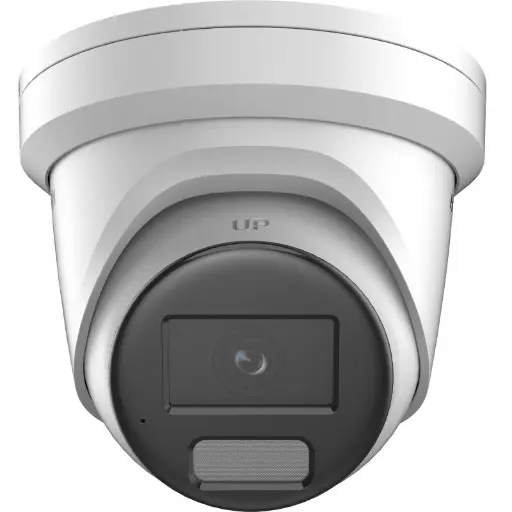
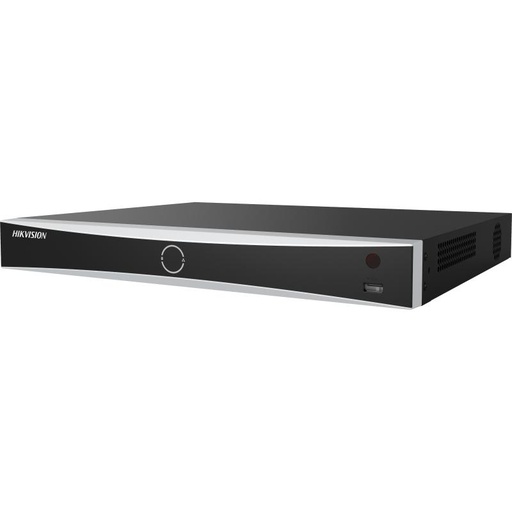
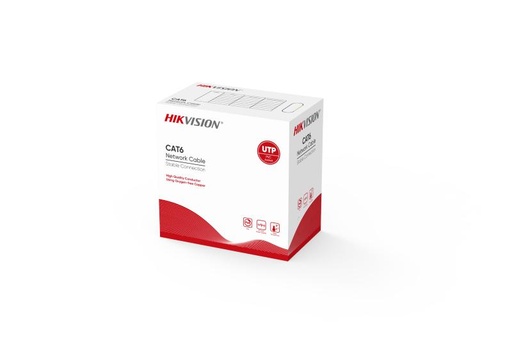
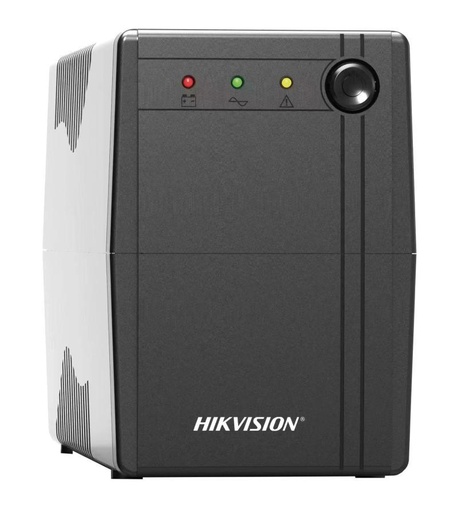
You may also add a monitor for a live wall display, mounting brackets and junction boxes, and surveillance-grade storage if your NVR is supplied empty. Browse Hikvision accessories for cabling, power and mounts.
How the parts work together
It is simpler than it looks. Each camera connects back to the NVR with a single network cable that carries both video and power (PoE). The NVR records everything to its hard drive around the clock, and you watch live or recorded footage from anywhere using the free Hik-Connect app on your phone. Add a UPS and the system keeps recording even during a power cut.
A typical home system
For most Australian homes, a complete kit looks like this:
- 4–6 cameras — a mix of ColorVu at entries for full-colour night footage and AcuSense at driveways for accurate alerts
- An 8-channel PoE NVR with room to grow — see our NVR channels & storage guide
- A surveillance-grade hard drive sized to your retention
- Cat6 cabling from each camera to the NVR
Not sure which cameras? Start with our best Hikvision cameras for home security guide, and if you are weighing technologies, read ColorVu vs AcuSense.
Scaling up for business
Larger sites follow the same recipe, just bigger: more cameras, a 16 or 32-channel NVR, additional storage, a PoE switch where camera numbers exceed the NVR ports, and a UPS for resilience. DeepinView AI cameras and a DeepinMind NVR add number-plate and facial analytics for security-critical sites.
Why buy your system from one supplier
Buying every part from a single authorised reseller means it is all guaranteed compatible, genuine Australian stock, covered by Australian warranty, and backed by one team you can call. We can spec a complete kit to your floor plan so nothing is missing on install day.
Frequently asked questions
What do I need for a complete Hikvision CCTV system?
A complete system needs four core parts: cameras, a network video recorder (NVR), a surveillance-grade hard drive for storage, and network cabling to connect everything. Optional extras include a UPS for backup power and a monitor. A PoE NVR powers and connects the cameras over a single cable each.
Does a Hikvision NVR come with a hard drive?
Some Hikvision NVRs are sold with a hard drive already installed, while others are supplied empty so you can choose your own capacity. If your NVR does not include one, simply add a surveillance-grade drive built for 24/7 recording.
Do I need a separate PoE switch?
Not usually. A Hikvision PoE NVR has built-in PoE ports that power and connect your cameras directly. You only need a separate PoE switch if you have more cameras than the NVR has ports, or cameras far from the recorder.
Can I install a Hikvision CCTV system myself?
Smaller four to six camera systems are DIY-friendly if you are comfortable running cable. For larger systems, rooftop or multi-storey runs, or AI features like number-plate recognition, a professional installer is recommended — and we can help with both.
How many cameras do I need?
Most homes are well covered with four to six cameras at the key entry and access points. Businesses scale up from there. See our guide to the best Hikvision cameras for home security to plan your coverage.
Related Hikvision guides
Let us build your Hikvision kit
ARC IP Networks is an authorised Hikvision reseller — tell us your site and we will spec a complete, compatible system: genuine Australian stock, Australian warranty and fast nationwide shipping.
Shop Hikvision → Get a system quote