Wake on WAN (WOW) lets you switch an ASUSTOR NAS on from anywhere over the internet, using ASUSTOR's mobile apps such as AiMaster, AiData, AiMusic and AiVideos. Wake on LAN (WOL) does the same from inside your own network. Together with ASUSTOR's automatic sleep mode, they let the NAS sleep when nobody needs it, which saves power, reduces wear on drives and gives attackers less time to find it, then wake in seconds when you do.
ASUSTOR lists both WOL and WOW for the Drivestor Gen2, Drivestor Pro Gen2, AS54 and Lockerstor Gen2+ ranges, and for the 5GbE ports of the Lockerstor 4 Gen3. ARC IP Networks is a trusted ASUSTOR supplier in Australia: genuine ASUSTOR NAS and accessories at competitive prices, with the full ASUSTOR manufacturer warranty, Australia-wide delivery and trade pricing.
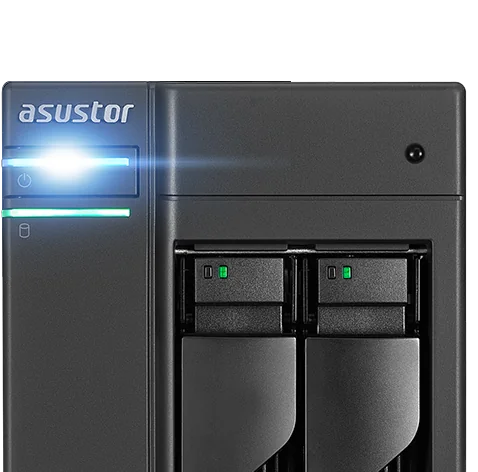
WOL, WOW and sleep mode at a glance
| Feature | What it does | Where it works |
|---|---|---|
| Wake on LAN (WOL) | Wakes the NAS from sleep or power-off | Devices on the same network |
| Wake on WAN (WOW) | Turns on all NAS services via the internet | Anywhere with an internet connection, using ASUSTOR apps |
| System sleep (S3) | Puts the NAS into a low-power sleep state | ASUSTOR says it wakes in about 1.5 seconds |
| Automatic sleep mode | Enters sleep after a set idle time | Scheduled in ADM |
From ASUSTOR's Wake on WAN solution page.
What is Wake on WAN?
ASUSTOR's starting point is a common worry: you want your files available at any time, but leaving the NAS running around the clock adds to the power bill, wears the drives and the NAS, and leaves it exposed to hackers for longer. Its answer is two kinds of network wake:
- WOL (Wake on LAN) wakes the NAS from sleep mode, or when it is powered off, as long as you are on the same network.
- WOW (Wake on WAN) enables all NAS services over the internet, so you can power the NAS on or off and reach your data while you are away.
ASUSTOR says these network wake functions save power, extend the life of the NAS and its drives, and lower the chance of being randomly hacked. ASUSTOR also describes its instant wake from S3 system sleep, which puts the NAS to sleep quickly and wakes it in about 1.5 seconds.
How to use Wake on WAN
According to ASUSTOR, no special equipment or settings are needed. You use ASUSTOR's mobile apps, including AiMaster, AiMusic, AiVideos and AiData, to turn the NAS on or off remotely.
- Update ADM and your ASUSTOR mobile apps. ASUSTOR notes that Wake on WAN was updated in ADM 4.1, and all apps that support WOW should be on their latest versions for full functionality.
- Sign in to the NAS from AiMaster (or another supported app) while you are at home.
- Set an automatic sleep time in ADM so the NAS sleeps when idle.
- When you need a file, open the app and wake the NAS, then use AiData, AiMusic or AiVideos as usual.
Keep the NAS wired to the router. Wake functions rely on the network adapter staying powered while the system sleeps.
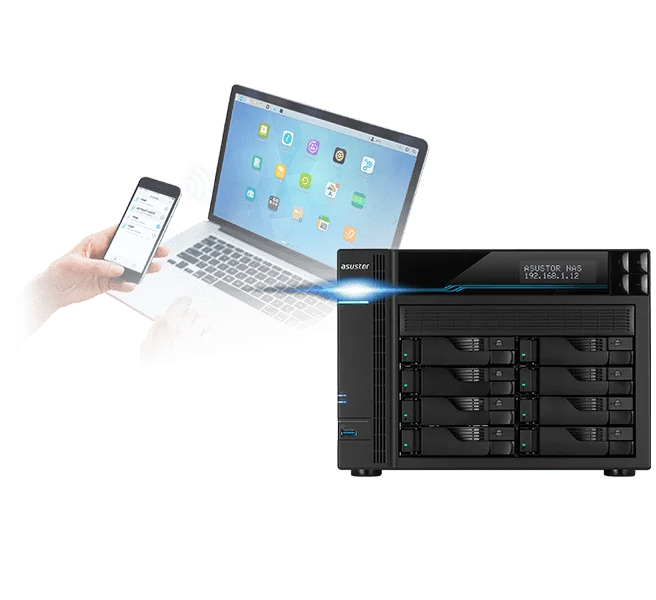
Three reasons to let your NAS sleep
ASUSTOR highlights three benefits of keeping the NAS off or asleep until you need it:
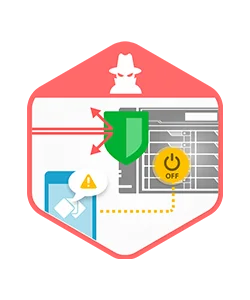
- Security: a NAS that is powered off when not in use is not online for attackers to probe.
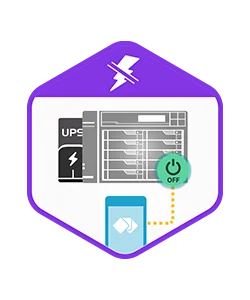
- Data integrity: a NAS that is off during a blackout is not mid-write when the power fails. Pair it with a UPS for the times it is running.
- Energy: sleeping instead of running all day saves electricity, which matters with Australian power prices.

Which ASUSTOR NAS models support WOL and WOW?
ASUSTOR publishes WOL and WOW support by series and network port. Here is that table applied to every model ARC IP Networks stocks.
Swipe the table sideways to compare all models →
| Model | Name | Wake on LAN | Wake on WAN | ASUSTOR series and port |
|---|---|---|---|---|
| AS1202T | Drivestor 2 Gen2 | Yes | Yes | AS12, 2.5GbE |
| AS1204T | Drivestor 4 Gen2 | Yes | Yes | AS12, 2.5GbE |
| AS3302T v2 | Drivestor 2 Pro Gen2 | Yes | Yes | AS33 v2, 2.5GbE |
| AS3304T v2 | Drivestor 4 Pro Gen2 | Yes | Yes | AS33 v2, 2.5GbE |
| AS5402T | Nimbustor 2 Gen2 | Yes | Yes | AS54, 2.5GbE |
| AS5404T | Nimbustor 4 Gen2 | Yes | Yes | AS54, 2.5GbE |
| AS6702T v2 | Lockerstor 2 Gen2+ | Yes | Yes | AS67 v2, 5GbE |
| AS6704T v2 | Lockerstor 4 Gen2+ | Yes | Yes | AS67 v2, 5GbE |
| AS6706T v2 | Lockerstor 6 Gen2+ | Yes | Yes | AS67 v2, 5GbE |
| AS6804T | Lockerstor 4 Gen3 | Yes, on the 5GbE ports | Yes, on the 5GbE ports | AS68: not on the 10GbE ports |
| FS6712X | Flashstor 12 Pro | Yes | No | FS6712X, 10GbE |
| FS6806X | Flashstor 6 Gen2 | No | No | FS68, 10GbE |
Source: ASUSTOR's WOL and WOW support table by series. The AS6804T supports WOL and WOW on its 5GbE ports, not its 10GbE ports.
How much energy does sleep mode save?
ASUSTOR's automatic sleep mode puts the NAS to sleep after it has been idle for a set time, which ASUSTOR says extends the life of the system and drives and can save a significant amount on energy. Using ASUSTOR's own power figures, the table compares running all day with running 8 hours and sleeping 16.
| Model | Operation (ASUSTOR) | Sleep mode (ASUSTOR) | Always on, per year | 8 h on, 16 h asleep, per year |
|---|---|---|---|---|
| AS5402T | 22.9 W | 0.71 W | 201 kWh | 71 kWh |
| AS5404T | 38.3 W | 0.81 W | 336 kWh | 117 kWh |
| AS6704T v2 | 35 W | 0.88 W | 307 kWh | 107 kWh |
| AS6706T v2 | 48.5 W | 0.81 W | 425 kWh | 146 kWh |
| AS6804T | 34 W | 2.3 W | 298 kWh | 113 kWh |
Plain arithmetic on ASUSTOR's operating and sleep-mode wattages; real use varies with drives and workload. Multiply kWh by your electricity rate to estimate cost.
For a NAS used mostly in the evenings and on weekends, sleep plus Wake on WAN can cut its yearly energy use by more than half without losing remote access.
Backups, schedules and sleep
Sleep should never mean skipped backups. ASUSTOR lets you schedule backup jobs, with each job set to run as often as every five minutes for critical data. SMB Backup in ADM backs up to and from devices that support SMB, including Windows, macOS and Linux computers. Plan sleep around the backup schedule: let the NAS wake for its nightly backups, then sleep again when idle.
Our 3-2-1 backup guide explains how to combine local, offsite and offline copies.

Tips for Australian homes and offices
- Remote access needs a reachable connection. If your NBN provider uses CGNAT, some remote services may not connect; ask about a public or static IP.
- Use strong passwords and 2-step verification on every account that can wake or reach the NAS.
- Add a UPS. ADM supports UPS units, so the NAS can shut down cleanly in a blackout instead of losing power mid-write.
- Use the right port on the AS6804T. Connect a 5GbE port to the router if you want WOL and WOW.
For more on choosing a model, see our ASUSTOR buying guide and range explained.
Build an energy-smart NAS with ARC IP Networks
| Use | Suggested ARC IP order |
|---|---|
| Family NAS that sleeps overnight | AS1204T with IronWolf 4 TB |
| Media and home office | AS5404T with IronWolf 4 TB |
| Small office with after-hours sleep | AS6704T v2 with IronWolf 4 TB |
| Power user on 5GbE and 10GbE | AS6804T with IronWolf 4 TB |
Every model here supports WOL and WOW per ASUSTOR's table. Bundles include one drive. Trade and project pricing is available.
See all bundles in our ASUSTOR bundles guide. ARC IP Networks can also quote a UPS for the NAS.
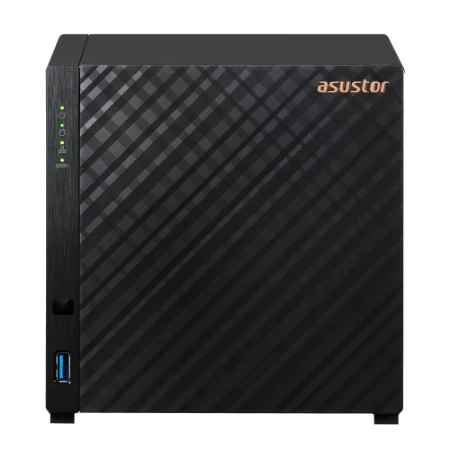
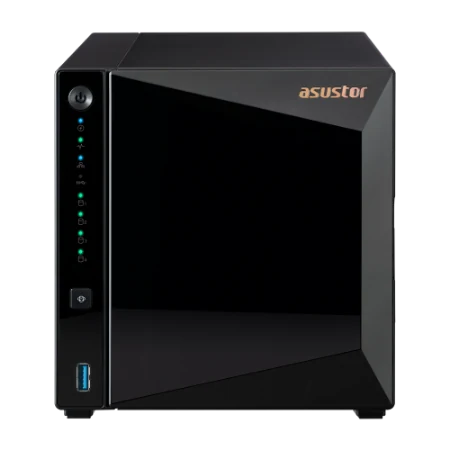
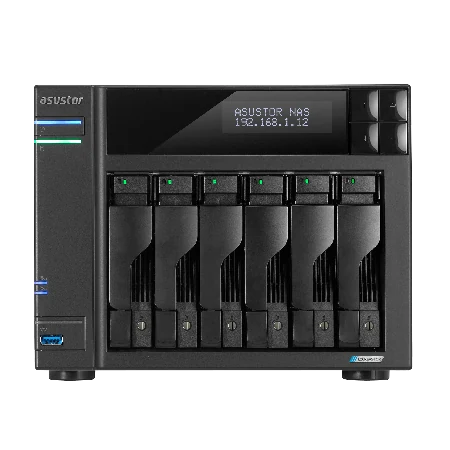
Shop genuine ASUSTOR NAS with Wake on WAN
Genuine ASUSTOR at competitive prices. Live Australian pricing (inc. GST) and availability are on each product page.



Common questions
Straight answers from the ARC IP Networks team. Last reviewed October 2026.
Wake on WAN (WOW) lets you turn on an ASUSTOR NAS and all its services over the internet, using ASUSTOR mobile apps such as AiMaster, AiData, AiMusic and AiVideos. No special equipment or settings are needed, according to ASUSTOR.
Wake on LAN wakes the NAS from sleep or power-off when you are on the same network. Wake on WAN works over the internet, so you can power the NAS on or off and reach your data while you are away.
Per ASUSTOR's table, the Drivestor Gen2, Drivestor Pro Gen2, AS54 and Lockerstor Gen2+ ranges support WOL and WOW, and the Lockerstor 4 Gen3 supports them on its 5GbE ports. The Flashstor 12 Pro supports WOL only, and the Flashstor 6 Gen2 supports neither.
ASUSTOR says its instant wake from S3 system sleep mode wakes the NAS in about 1.5 seconds.
ASUSTOR says keeping the NAS powered off when not in use helps prevent attacks and lowers the chance of being randomly hacked. Also use strong passwords, 2-step verification and current ADM updates.
ASUSTOR lists 0.81 W in sleep mode for the AS5404T, 0.88 W for the AS6704T v2 and 2.3 W for the AS6804T, compared with 38.3 W, 35 W and 34 W in operation.
Plan sleep around your backup schedule so the NAS is awake for its jobs. ASUSTOR backup jobs can be scheduled as often as every five minutes.
ARC IP Networks is a trusted ASUSTOR supplier in Australia, with genuine ASUSTOR NAS and Seagate drive bundles at competitive prices, the full manufacturer warranty and Australia-wide delivery. Call 1300 100 440 for advice or trade pricing.
Want a NAS that sleeps when you do?
Tell us how you use your NAS and when. We will recommend a model, drives and UPS with WOL, WOW and sleep set up for your routine, with trade and project pricing.