An ASUSTOR NAS gives a home office or remote team one secure place for files that everyone can reach from Windows, macOS, Linux, phones and tablets. Staff connect from home through a VPN (ASUSTOR lists PPTP, OpenVPN, L2TP/IPsec and WireGuard), through EZ-Connect with a Cloud ID, or keep a laptop folder in step with EZ Sync. ADM supports up to 4,096 accounts, 512 groups, 512 shared folders and 512 concurrent connections.
Quick pick: sole trader or couple working from home → Drivestor 4 Gen2 (AS1204T); small team on 2.5GbE → AS5404T; office of 10 to 25 with remote staff → Lockerstor 4 or 6 Gen2+ (AS6704T v2, AS6706T v2). ARC IP Networks is a trusted ASUSTOR supplier in Australia: genuine ASUSTOR NAS and accessories at competitive prices, with the full ASUSTOR manufacturer warranty, Australia-wide delivery and trade pricing.
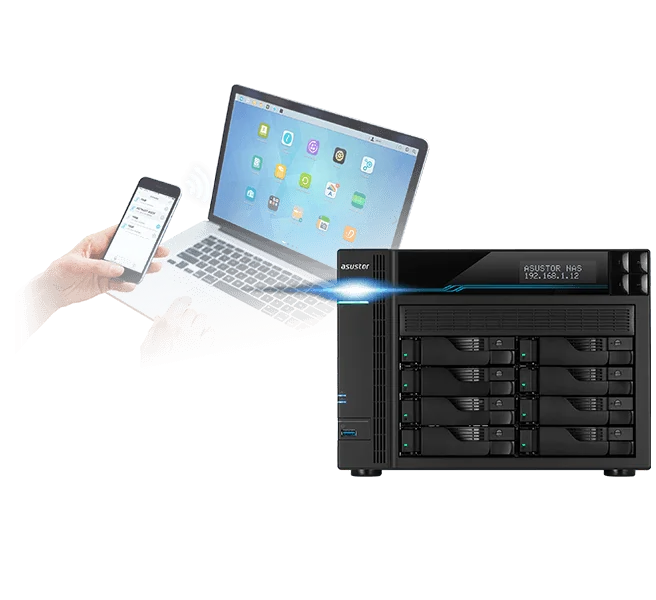
Remote work on an ASUSTOR NAS at a glance
| Need | ASUSTOR feature | What it does |
|---|---|---|
| Shared files for Windows and Mac | SMB, AFP, NFS, FTP, WebDAV | Every computer opens the same shared folders |
| Secure remote access | VPN Server and VPN Client | Staff connect to the office network as if they were there |
| Easy access without router setup | EZ-Connect with Cloud ID and EZ-Router | Sets up port forwarding automatically, or connects by Cloud ID |
| Laptop folder that follows you | ASUSTOR EZ Sync (AES) | Two-way sync with previous versions to restore |
| Undo accidental deletes | Network Recycle Bin | Deleted files go to a recycle bin you can restore from |
| Office documents together | Nextcloud and OnlyOffice apps | A self-hosted office suite for documents and spreadsheets |
| Cloud copies | DataSync Center, Cloud Backup Center | Sync with personal clouds and back up to business clouds |
Feature names from ASUSTOR's remote-work solution page and ADM documentation.
Why a home office or hybrid team needs a NAS
Hybrid work is normal for many Australian small businesses: two days in the office, three at home, plus the odd day on a client site or in a regional town. Files scattered across laptops, USB drives and personal cloud accounts slow everyone down and are hard to back up. ASUSTOR's remote-work page frames it as an emergency plan question: what happens to your team's files when nobody can get to the office? A NAS answers that with one central copy that stays at the office (or in your home office) and is reachable securely from anywhere.
- One source of truth: no more "final_v3_really_final.docx" emailed back and forth.
- Control: files stay on hardware you own in Australia, with permissions you set per user and group.
- Backups in one place: protect one NAS properly instead of a dozen laptops.
- No per-user storage fees: capacity is set by the drives you install.
Windows, Mac and Linux on the same shares
ASUSTOR lists these connection protocols for each platform, so a mixed office of Windows PCs and MacBooks can work on the same folders:
| Computer | Protocols ASUSTOR lists |
|---|---|
| Windows | CIFS/SMB, FTP and WebDAV |
| macOS | AFP, SMB, NFS, FTP and WebDAV |
| Linux | NFS, SMB, FTP and WebDAV |
ADM also includes a Network Recycle Bin: files deleted over CIFS/SMB, AFP, FTP or File Explorer go to a recycle bin first, so an accidental delete from home is a quick restore rather than a call to IT. Administrators can also mount folders from other SMB/CIFS-compatible devices into ADM File Explorer and share them with chosen users; ASUSTOR notes a maximum of 50 mounted SMB/CIFS folders at once.
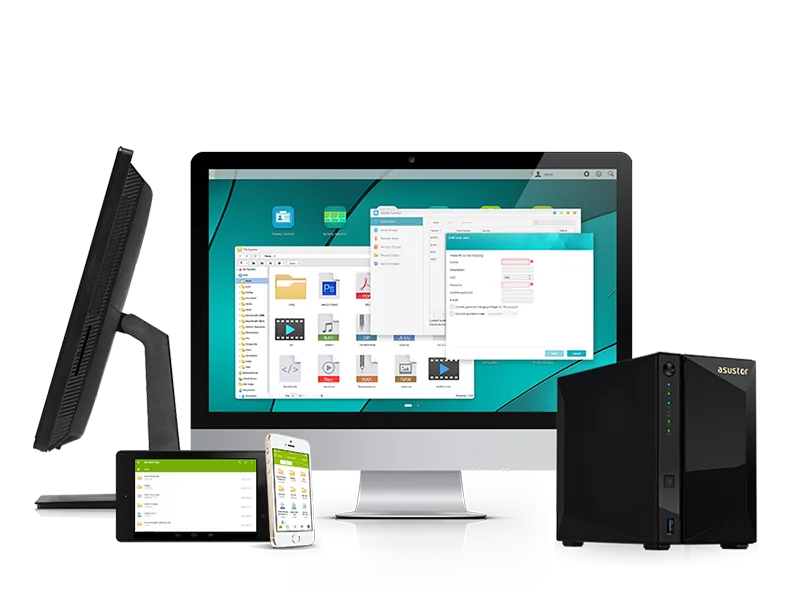
Three ways to reach the NAS from home
1. VPN: the safest default
ASUSTOR's VPN Server lets staff, branch offices and people on business trips connect securely to the office network; the NAS can also act as a VPN client. ASUSTOR lists support for PPTP, OpenVPN, L2TP/IPsec and WireGuard, the ability to view live connections and disconnect suspicious ones, and automatic reconnection at startup when used as a client. We recommend a modern protocol such as WireGuard or OpenVPN rather than PPTP.
2. EZ-Connect and Cloud ID: the easy way
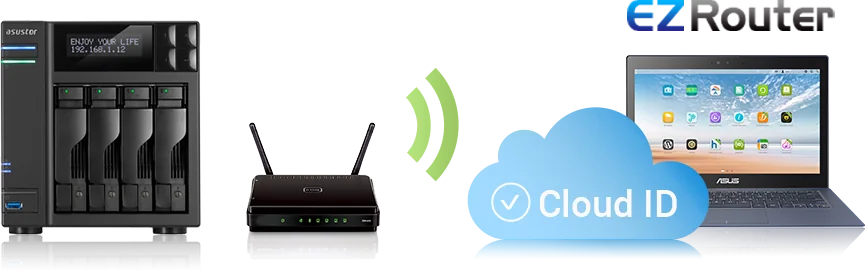
EZ-Connect gives the NAS a Cloud ID. Once it is enabled, ASUSTOR's EZ-Router service configures port forwarding automatically, including for apps that need it, while manual settings remain available for IT staff. Connecting takes three steps: enable EZ-Connect and get a Cloud ID, install the ASUSTOR app on the computer or phone, then log in with the Cloud ID.
3. Sync a folder with EZ Sync
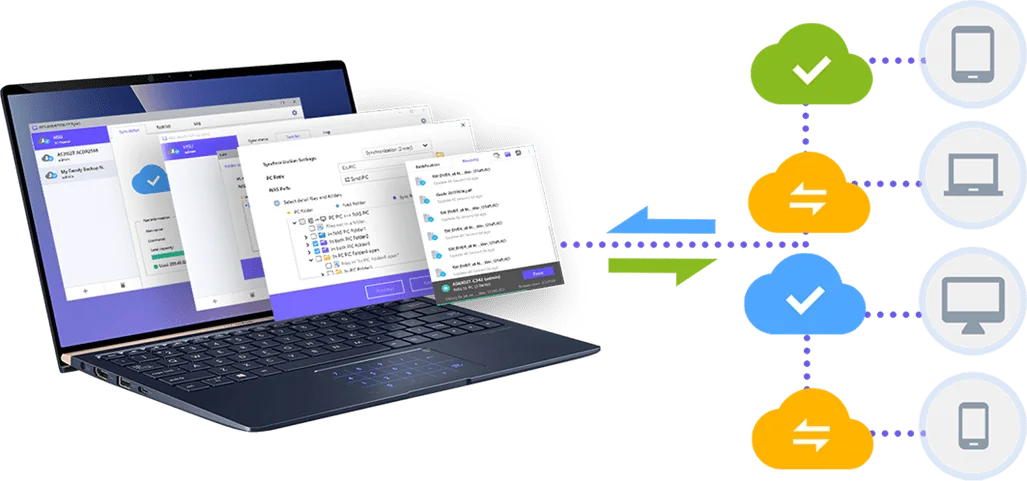
ASUSTOR EZ Sync (AES) on the computer and EZ Sync Manager on the NAS keep a folder synchronised from anywhere, much like a personal cloud drive with time versions. If a file is overwritten by mistake, an earlier version can be restored. ASUSTOR lists 2-step verification support in EZ Sync for extra account safety.
NBN tips for remote access
- Upload speed matters: remote staff download from the office through its NBN upload, which is usually much lower than the download speed. Check the office plan's upload before moving a whole team to remote access.
- CGNAT: some Australian providers share public IP addresses, which can block inbound VPN and port forwarding. A static or public IP from your provider solves it.
- Sync, then work locally: for large design or CAD files, EZ Sync a project folder so people work on a local copy and only changes travel.
- Harden it: change default ports, turn on 2-step verification and limit who can connect. Our NAS security checklist walks through the settings.
Faster in the office too: SMB Multichannel
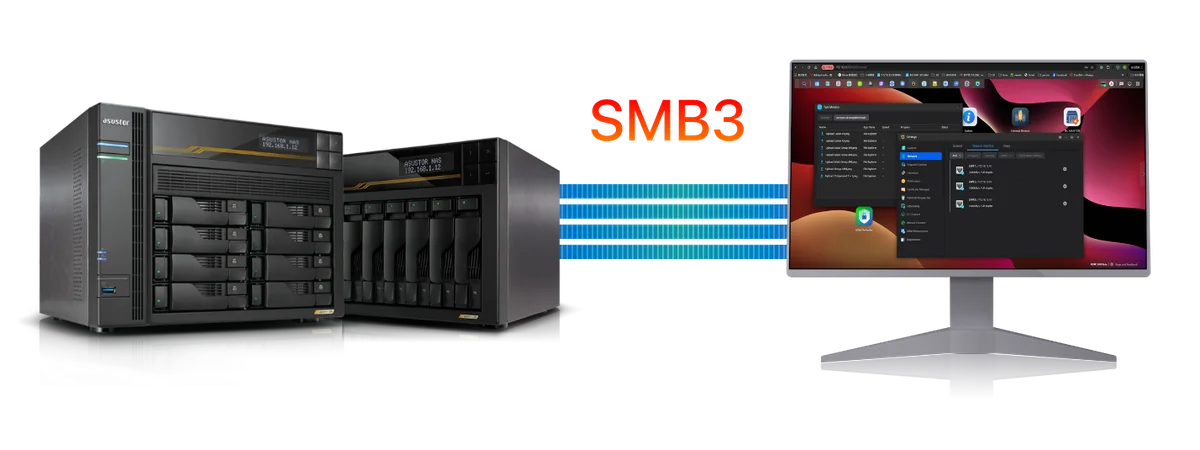
ASUSTOR says ADM 5.0 brought a new Samba version where SMB Multichannel is no longer experimental. Combine two, three or four Ethernet ports on the NAS with a computer that has matching ports and ASUSTOR says throughput can roughly double, triple or quadruple. On the AS5404T, ASUSTOR's lab figures for SMB Multichannel across its dual 2.5GbE ports are 576 MB/s read and 566 MB/s write (RAID 5, optimised lab conditions).
For more on wiring an office for multi-gig speeds, see our 2.5GbE NAS guide.
Collaboration, cloud and business apps
ASUSTOR's remote-work page highlights Nextcloud and OnlyOffice together as a cloud office suite for working on documents, spreadsheets and presentations hosted on your own NAS. DataSync Center combines services such as Google Drive, Dropbox, OneDrive and Yandex, with multiple accounts, and Cloud Backup Center backs up to business clouds including Amazon S3, Backblaze B2, IBM Cloud, Rackspace Cloud Files, Microsoft Azure Blob Storage, Alibaba Cloud, SFTP and WebDAV.
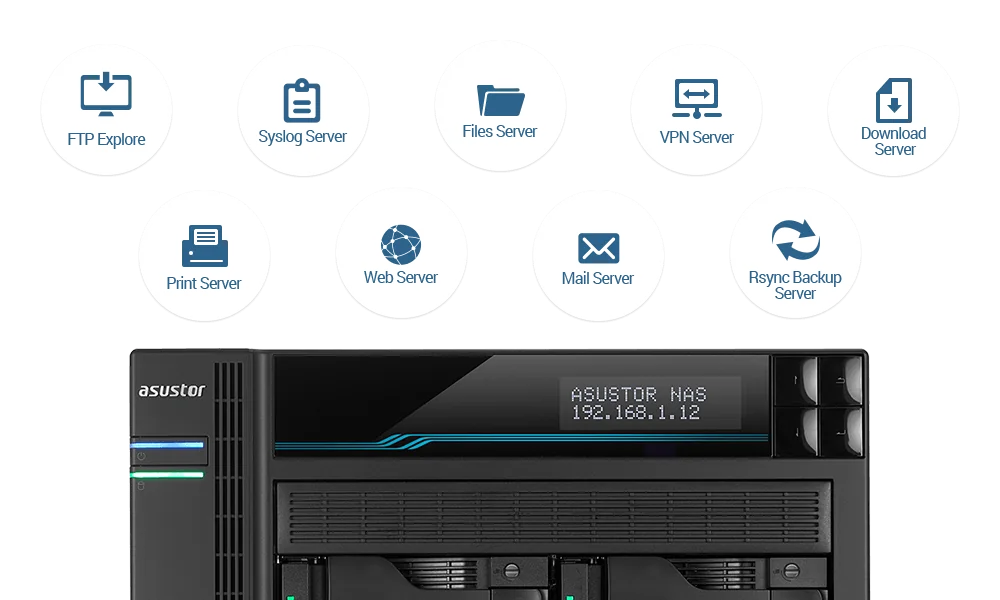
Beyond files, App Central has over 200 apps, and ASUSTOR presents a single NAS as a multi-function server: file, FTP, VPN, web, mail, print, syslog and download services. ASUSTOR's mobile apps connect over EZ-Connect, require passwords and can use HTTPS.
Which ASUSTOR NAS for home and hybrid work
Swipe the table sideways to compare all models →
| Spec | AS1204T | AS3304T v2 | AS5404T | AS6704T v2 | AS6706T v2 |
|---|---|---|---|---|---|
| Bays | 4 | 4 | 4 + 4 M.2 | 4 + 4 M.2 | 6 + 4 M.2 |
| Processor | Realtek RTD1619B | Realtek RTD1619B | Celeron N5105 | Celeron N5105 | Celeron N5105 |
| Memory | 1GB DDR4 | 2GB DDR4 | 4GB DDR4 | 4GB DDR4 | 8GB DDR4 |
| Network | 2.5GbE | 2.5GbE | Dual 2.5GbE | Dual 5GbE | Dual 5GbE |
| Power (operation) | 22.8W | 25.1W | 38.3W | 35 W | 48.5 W |
| Noise (HDD idle) | 19.7 dB | 19.7 dB | 19.7 dB | 17.6 dB | 18.1 dB |
Source: ASUSTOR specifications.
Build it with ARC IP Networks
ARC IP Networks is a trusted ASUSTOR supplier in Australia. We supply genuine ASUSTOR NAS, NAS and Seagate drive bundles and UPS units in one order, with trade and project pricing for IT providers who set up remote access for clients.
| Who | What we suggest | Why |
|---|---|---|
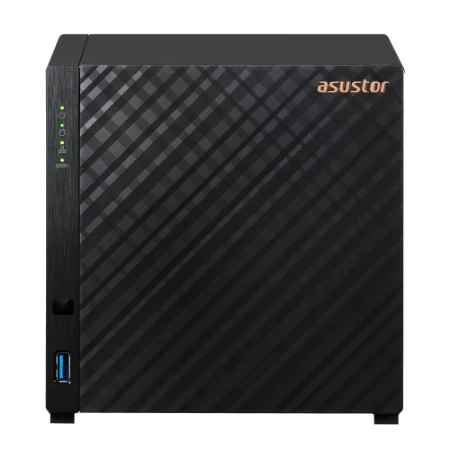
| Sole trader working from home | AS1204T with IronWolf 4 TB | Four bays, 2.5GbE, 22.8 W in operation (ASUSTOR) |
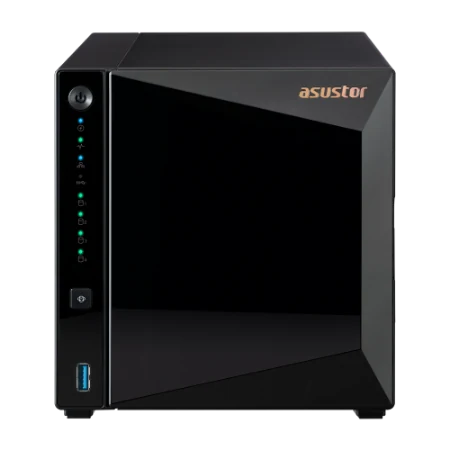
| Couple or two-person studio | AS3304T v2 | Hot-swap bays, 2 GB RAM, MyArchive |
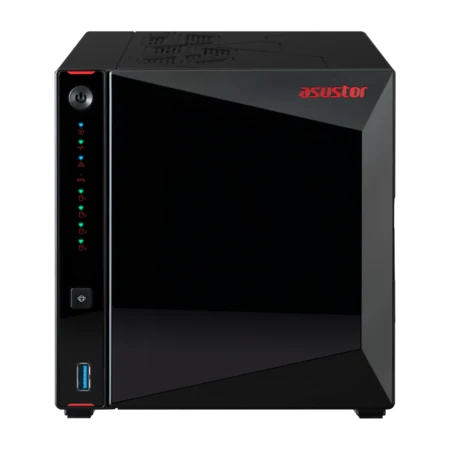
| Small team, hybrid | AS5404T with IronWolf 8 TB | Dual 2.5GbE for SMB Multichannel, RAM to 16 GB |
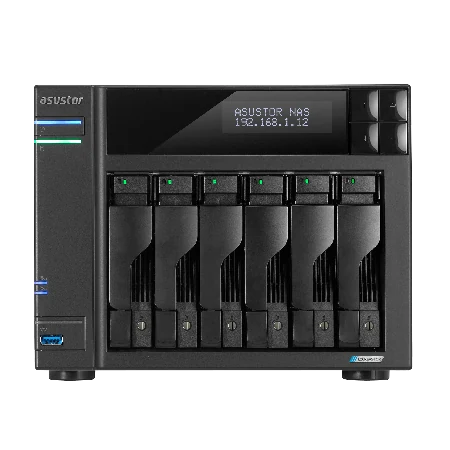
| Office of 10 to 25 with remote staff | AS6704T v2 with 10 TB drives | Dual 5GbE, 10GbE-ready, LCD |
| Growing practice or agency | AS6706T v2 with 12 TB drives | Six bays, RAID 6, room to grow |
A NAS that staff rely on from home should not drop off when the power flickers. Add a UPS from our PowerShield range and read the best UPS for a NAS guide. Planning backups too? See our 3-2-1 backup guide. Call 1300 100 440 for a quote.
Shop genuine ASUSTOR NAS for remote work
Genuine ASUSTOR with the full 3-year manufacturer warranty. Current Australian pricing (inc. GST) is on each product page.


Common questions
Straight answers from the ARC IP Networks team. Last reviewed October 2026.
Yes. Use the NAS VPN Server for secure access to the office network, EZ-Connect with a Cloud ID for simple access from ASUSTOR apps, or EZ Sync to keep a laptop folder synchronised with the NAS from anywhere.
ASUSTOR lists PPTP, OpenVPN, L2TP/IPsec and WireGuard on its remote-work page. The NAS can act as a VPN server or a VPN client, and you can view and disconnect live VPN connections.
EZ-Connect gives your NAS a Cloud ID. When enabled, the EZ-Router service sets up port forwarding automatically, and you log in from ASUSTOR desktop or mobile apps using the Cloud ID.
Yes. ASUSTOR lists CIFS/SMB, FTP and WebDAV for Windows; AFP, SMB, NFS, FTP and WebDAV for macOS; and NFS, SMB, FTP and WebDAV for Linux, so mixed offices can share the same folders.
ASUSTOR lists up to 4,096 accounts, 512 groups, 512 shared folders and 512 concurrent connections in ADM. Real-world performance depends on the model, drives and network.
Remote downloads are limited by the office NBN upload speed, which is usually much lower than download. Syncing project folders with EZ Sync so people work on local copies helps a lot. Some providers use CGNAT, which can block inbound connections.
Use a VPN where possible, change default ports, enable 2-step verification and auto blacklisting, and keep ADM updated. Keep an offline or offsite backup as well, because no internet-facing device is risk-free.
ARC IP Networks is a trusted ASUSTOR supplier in Australia with genuine ASUSTOR NAS, NAS and drive bundles, competitive prices, the full manufacturer warranty and Australia-wide delivery. Call 1300 100 440 for trade and project pricing.
Setting up remote access for your team?
Tell us how many people work remotely and what they store. ARC IP Networks will match the ASUSTOR NAS, drives and UPS, with trade and project pricing.