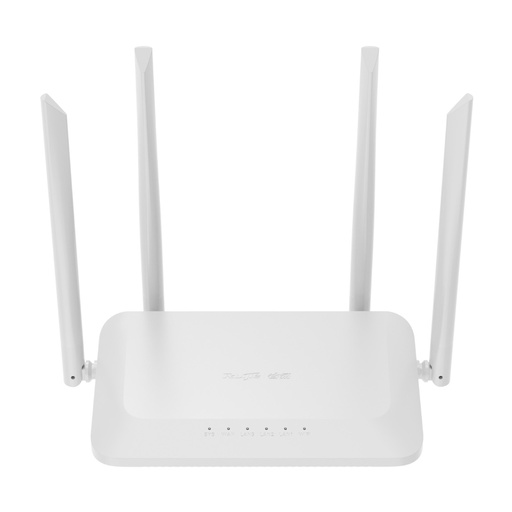
Ruijie Reyee home mesh links two or more Reyee routers into one Wi-Fi network with one name and seamless roaming. You can mesh any mix of Reyee Wi-Fi 5, Wi-Fi 6 and Wi-Fi 7 home routers: the Wi-Fi 7 RG-EW7200BEPRO (BE7200, 2.5 Gbps ports), the Wi-Fi 6 RG-EW6000GX (AX6000 with a 2.5 Gbps port), RG-EW3000GX and RG-EW3000GX PRO (AX3000), the dedicated RG-M32 and RG-M18 mesh routers, and Wi-Fi 5 models such as the RG-EW1200. Press the Mesh button on the main router and the others join in about 3 minutes.
Quick pick: large home on a fast NBN plan → two RG-EW7200BEPRO; family home → two RG-EW3000GX; home office with a 2.5G NAS or PC → RG-EW6000GX as the main router plus an RG-EW3000GX node. ARC IP Networks is an authorised Ruijie reseller and supplies genuine Ruijie from Australian stock with a GST tax invoice.
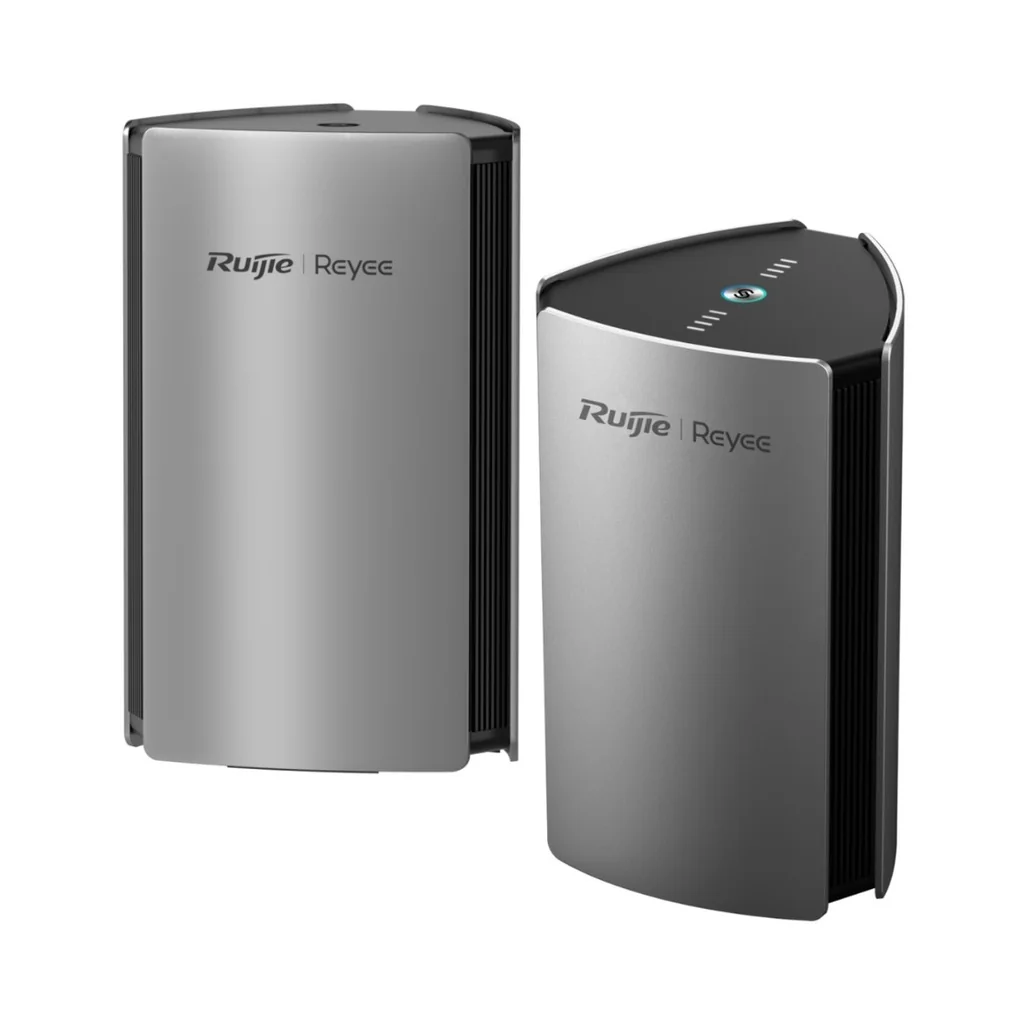
Reyee mesh routers at a glance
A mesh system replaces one router struggling at the end of the house with two or more working together. For the general case and other brands, read best mesh Wi-Fi in Australia; this guide covers the Ruijie Reyee range.
| Model | Wi-Fi | In one line | Best for |
|---|---|---|---|
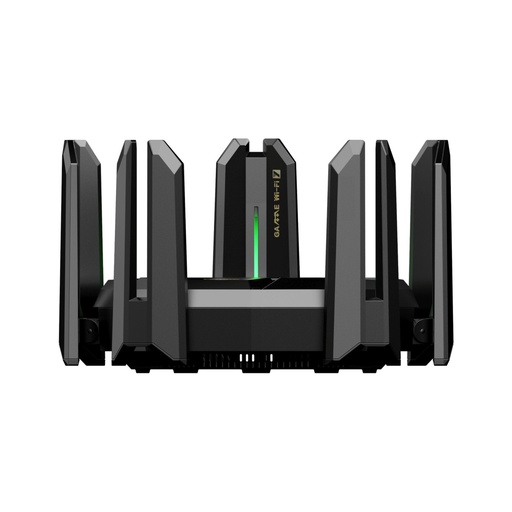
| RG-EW7200BEPRO | Wi-Fi 7 | BE7200, 5 x 2.5 Gbps + 4 x 1 Gbps ports, USB 3.0 | Large homes, fast NBN plans, gamers |
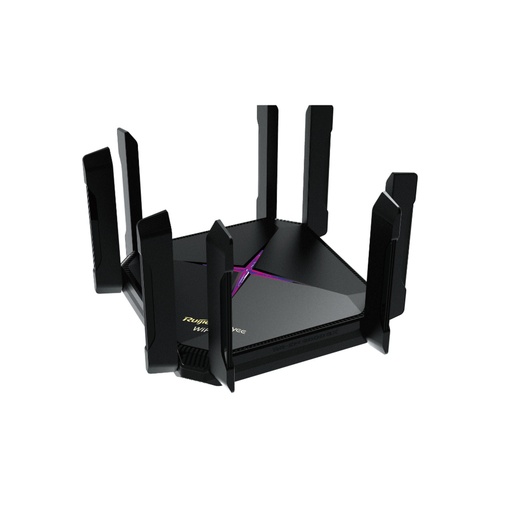
| RG-EW6000GX | Wi-Fi 6 | AX6000, 8 antennas, 1 x 2.5 Gbps port | Home offices, NAS users, streamers |
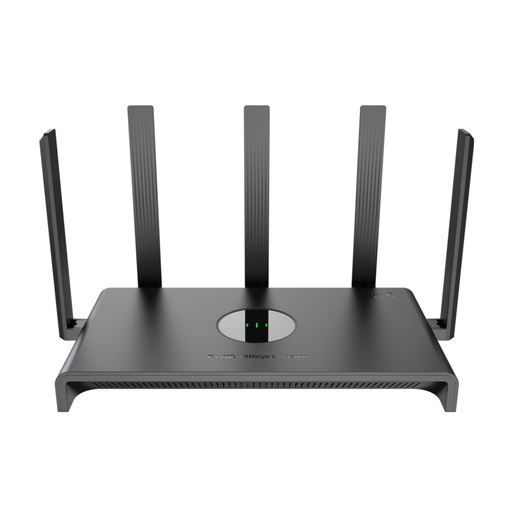
| RG-EW3000GX | Wi-Fi 6 | AX3000, 5 gigabit ports, 160 MHz | Family homes, best value pair |
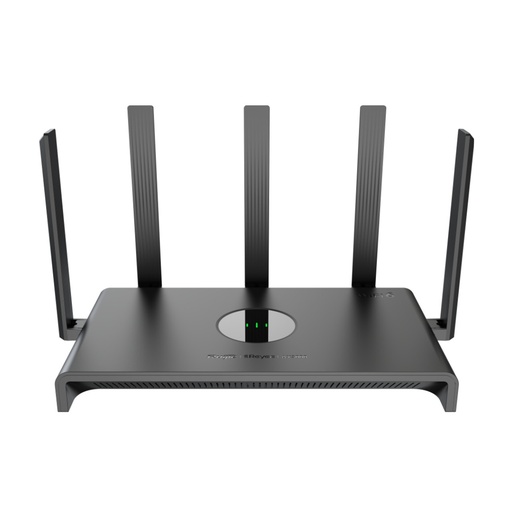
| RG-EW3000GX PRO | Wi-Fi 6 | AX3000 gaming router with GameFast | Gamers on a budget |
| RG-M32 | Wi-Fi 6 | AX3200 mesh router, 4x4 chipset, internal antennas | Tidy mesh sets (also as a 2-pack) |
| RG-M18 | Wi-Fi 6 | AX1800 mesh router, internal antennas | Apartments and townhouses |
| RG-EW1200 | Wi-Fi 5 | AC1200, 4 x 100 Mbps ports | Low-cost extra node for a granny flat or garage |
From Ruijie's product pages. Not currently stocked: the RG-M18, RG-M32 and RG-M32 2-pack, plus the Wi-Fi 6 RG-EW3200GXPRO and Wi-Fi 5 RG-EW1300G and RG-EW1200G PRO.
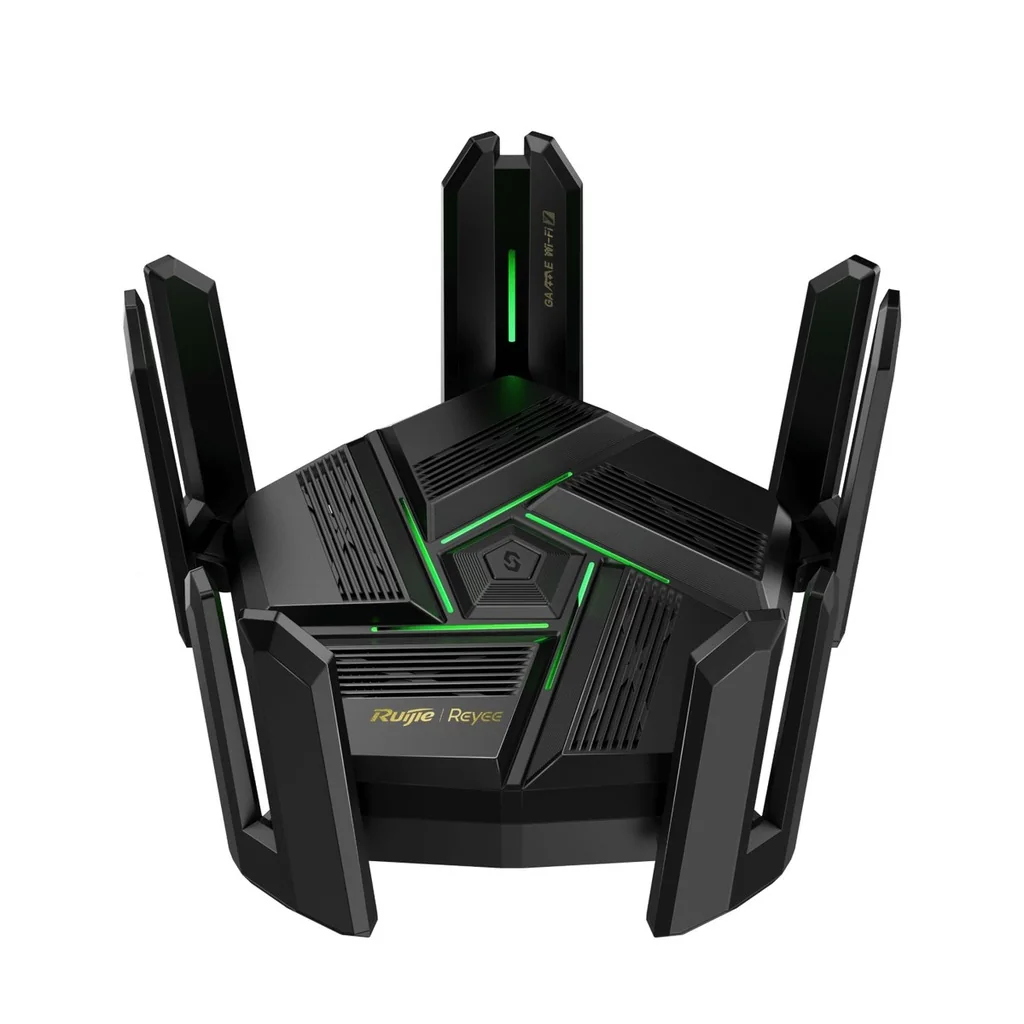
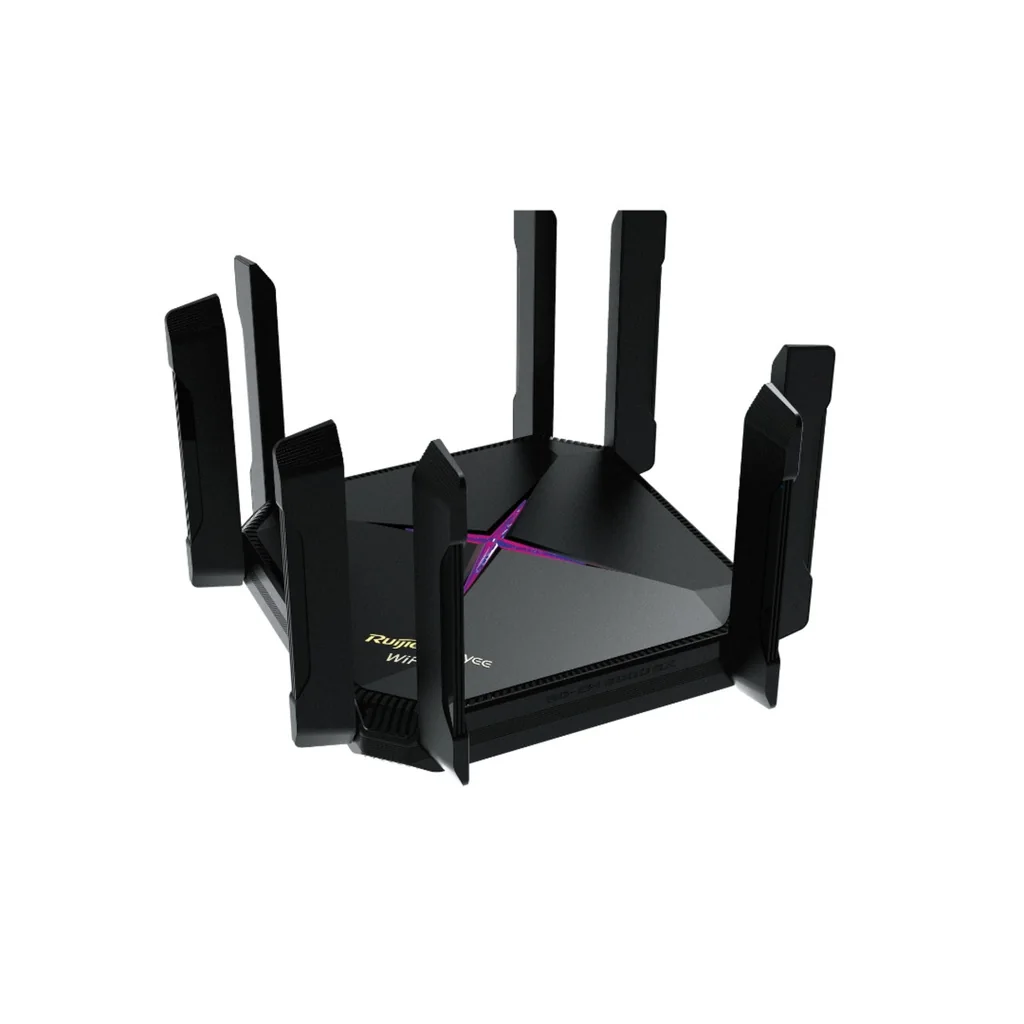
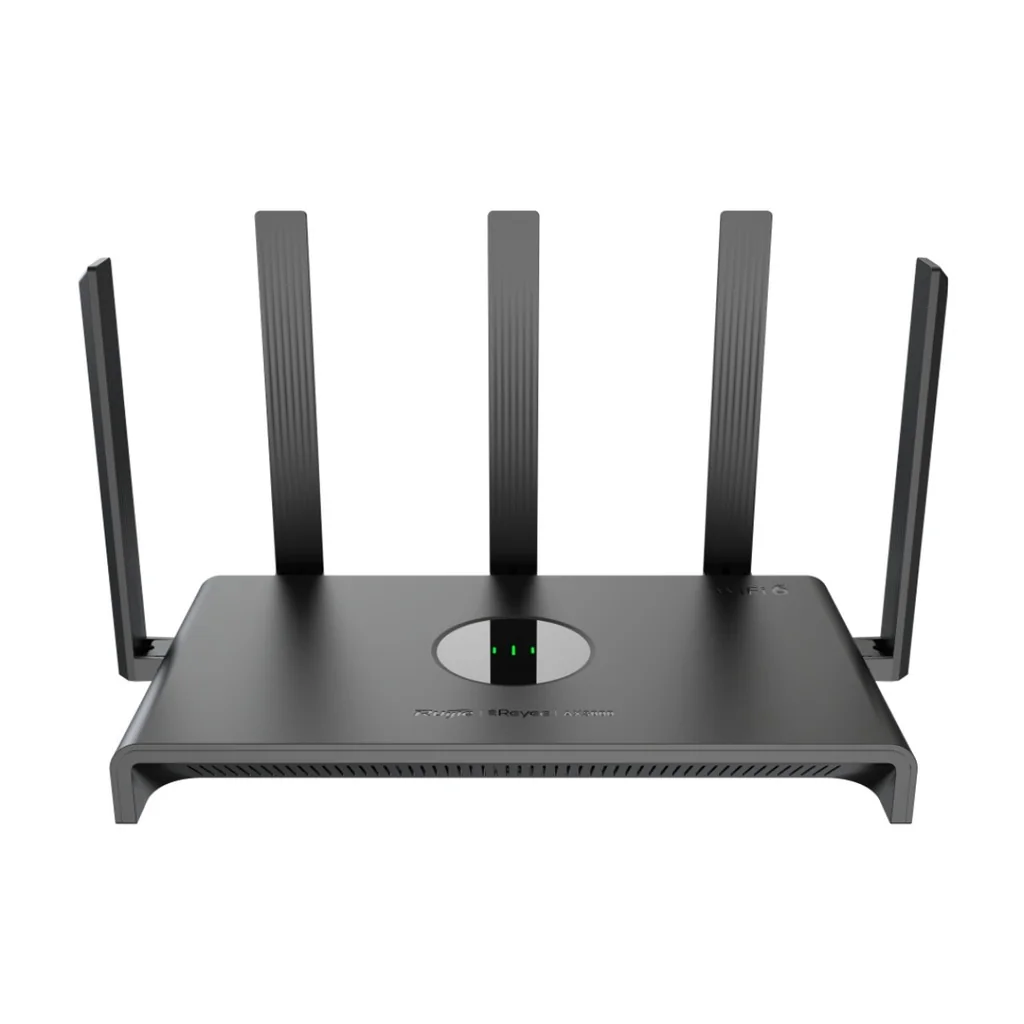
Reyee home router specifications
Swipe the table sideways to compare all models →
| Model | Wi-Fi | 2.4 GHz max | 5 GHz max | Antennas | Recommended clients (2.4 + 5 GHz) |
|---|---|---|---|---|---|
| RG-EW7200BEPRO | Wi-Fi 7 | 1377 Mbps | 5765 Mbps | 9 external | 16 + 64 |
| RG-EW6000GX | Wi-Fi 6 | 1147 Mbps | 4804 Mbps | 8 external | 16 + 64 |
| RG-EW3000GX | Wi-Fi 6 | 573 Mbps | 2402 Mbps | 5 external | 16 + 64 |
| RG-EW3000GX PRO | Wi-Fi 6 | 573 Mbps | 2402 Mbps | 5 external | 16 + 64 |
| RG-M32 | Wi-Fi 6 | 800 Mbps | 2402 Mbps | 4 internal | 12 + 48 |
| RG-M18 | Wi-Fi 6 | 573 Mbps | 1200 Mbps | 4 internal | 12 + 36 |
| RG-EW1200 | Wi-Fi 5 | 300 Mbps | 867 Mbps | 4 external | 8 + 16 |
Source: Ruijie's product pages. Every model listed supports Reyee Mesh 3.0, Ruijie Cloud management and IPv6. Max speeds are radio rates, not real-world throughput.
How Reyee Mesh works
Reyee Mesh 3.0 is Ruijie's mesh system for its home routers. The steps Ruijie gives are simple: set up the main router, power on the other router(s), press the Mesh button on the main router once, and wait 3 minutes while they join. For pairing, Ruijie suggests placing the new router within 2 metres of the main one, then moving it to its final spot.
- Wireless mesh: up to five sub routers plus the main router.
- Wired mesh: routers can be wired in parallel beneath the modem or a switch, with no limit on the number of wired mesh devices.
- Mix and match: Ruijie says Reyee Mesh supports the interconnection of all Reyee Wi-Fi 5, Wi-Fi 6 and Wi-Fi 7 home routers, so a Wi-Fi 7 main router can work with a Wi-Fi 6 node. (The RG-EW300 PRO and RG-EW300R are the exceptions Ruijie names.)
- Roaming: Ruijie uses Wireless Intelligent Optimisation and k/v roaming technology to hand phones between routers, and if one router goes offline the others reorganise.
Use the data cabling if your home has it
If your home has data points in the rooms and a data cabinet in the garage or hallway, wire each Reyee router back to that cabinet: wired mesh keeps the full Wi-Fi capacity for your devices instead of sharing it with the link between routers, and Ruijie sets no limit on the number of wired nodes. If there is no cabling, wireless mesh works well when each router is placed about halfway between the main router and the dead spot, not in it. Our home network setup guide walks through getting from the NBN connection box to every room.
Matching the router to your NBN plan
The ports matter as much as the Wi-Fi. The RG-EW7200BEPRO has five 2.5 Gbps ports (two of them for WAN) plus four gigabit ports, and supports dual-WAN aggregation (over 4.2 Gbps), load balancing and primary/backup mode, so a second internet service can take over automatically if the main one drops. The RG-EW6000GX has one 2.5 Gbps WAN/LAN port, one gigabit WAN/LAN port and three gigabit LAN ports, with dual-WAN aggregation over 1.6 Gbps. The RG-EW3000GX has five gigabit ports and dual-WAN aggregation over 1.6 Gbps.
The Wi-Fi 5 RG-EW1200 has 100 Mbps Ethernet ports, so treat it as a low-cost extra node for a granny flat, garage or kids' room, not the main router on a plan faster than 100 Mbps. For the latest Wi-Fi 7 features, see our Wi-Fi 7 router guide.
Which Reyee model for which home?
- Wi-Fi 7 flagship: the RG-EW7200BEPRO has 9 antennas and 9 FEMs, MLO (Multi-Link Operation), gaming ports, a USB 3.0 port for file sharing and a recommended 96 users. Ruijie says it penetrates three walls in its testing.
- Wi-Fi 6 with a 2.5G port: the RG-EW6000GX runs 4x4 on both bands (8 spatial streams) on a 2.0 GHz quad-core chip, with a gaming port and up to 384 clients.
- Everyday Wi-Fi 6: the RG-EW3000GX gives AX3000 Wi-Fi with 160 MHz channels and 5 high-gain antennas for a spacious apartment; the RG-EW3000GX PRO adds the GameFast gaming engine.
- Dedicated mesh units: the RG-M32 (4x4 enterprise-level chipset, 8 signal amplifiers) and RG-M18 have internal antennas and a smart signal indicator that shows the best spot for a sub router.
The Ruijie Reyee App
Set up and run the whole mesh from the Ruijie Reyee App: network status, online devices, remote reboot, Wi-Fi password changes and, on many models, parental controls with time and speed limits. Every model in this guide also supports Ruijie Cloud management, so an installer can look after a home network remotely. See Ruijie Cloud explained.
Which Reyee mesh set for which Australian home?
ARC IP Networks suggestions, based on Ruijie's specifications.
| Your home | Choose | Why |
|---|---|---|
| Apartment or townhouse | RG-EW3000GX (one, add a second later) | AX3000, 160 MHz, 5 gigabit ports |
| Single-storey family home | Two RG-EW3000GX | Mesh pair, 16 + 64 recommended clients each |
| Double-storey or large home on a fast NBN plan | Two RG-EW7200BEPRO | Wi-Fi 7, 2.5 Gbps ports, dual-WAN |
| Home office with NAS or 2.5G PC | RG-EW6000GX + RG-EW3000GX | 2.5 Gbps port on the main router |
| Gaming household | RG-EW7200BEPRO or RG-EW3000GX PRO | Gaming ports, GameFast |
| Granny flat or garage add-on | RG-EW1200 | Low-cost Wi-Fi 5 node; Reyee Mesh compatible |
| Separate granny flat or shed down the backyard | Ruijie wireless bridge + Reyee router | Wired link to the outbuilding |
Why buy Ruijie from ARC IP Networks
- Authorised Ruijie reseller: genuine Ruijie with the full manufacturer's warranty, supplied from Australian stock.
- Australian stock shipped Australia-wide.
- Manufacturer's warranty and local pre-sales help choosing the right switches, access points and accessories.
- Every product page backed by Ruijie's own specifications, with the exact warranty for each model.
- GST tax invoice on every order, with trade and project pricing for installers and integrators.
See the full range on our Ruijie Australia hub, or read where to buy Ruijie in Australia. Questions? Call 1300 100 440 or email info@arcip.com.au.
Shop Ruijie Reyee home Wi-Fi
Live Australian pricing (inc. GST) and availability are on each product page.
Common questions
Straight answers from the ARC IP Networks team. Last reviewed October 2026.
Reyee Mesh is Ruijie's mesh system for its Reyee home routers. It joins two or more routers into one Wi-Fi network with seamless roaming, wirelessly (up to five sub routers plus the main router) or over Ethernet (no limit on wired nodes).
Ruijie says Reyee Mesh supports all Reyee Wi-Fi 5, Wi-Fi 6 and Wi-Fi 7 home routers, including the RG-EW7200BEPRO, RG-EW6000GX, RG-EW3000GX, RG-EW3000GX PRO, RG-M32, RG-M18 and RG-EW1200. Ruijie names the RG-EW300 PRO and RG-EW300R as not supported.
Yes. Ruijie says Reyee Mesh interconnects all Reyee Wi-Fi 5, Wi-Fi 6 and Wi-Fi 7 home routers, so an RG-EW7200BEPRO can be the main router with an RG-EW3000GX node.
Set up the main router in the Ruijie Reyee App, power on the other router(s) within about 2 metres, press the Mesh button on the main router once and wait 3 minutes. Then move each node to its final spot.
Yes. Reyee Mesh 3.0 supports wired mesh, with routers wired in parallel beneath the modem or a switch, and Ruijie sets no limit on the number of wired mesh devices.
From the Ruijie range, two RG-EW7200BEPRO routers: Wi-Fi 7 BE7200, 9 antennas, five 2.5 Gbps ports and dual-WAN with backup. For a family home, two RG-EW3000GX routers are the value choice.
Yes. Connect the main router's WAN port to your NBN connection box or modem. For plans faster than 100 Mbps, use a gigabit or 2.5 Gbps model as the main router rather than the RG-EW1200, which has 100 Mbps ports.
From ARC IP Networks. ARC IP Networks is an authorised Ruijie reseller and supplies genuine Ruijie from Australian stock with a GST tax invoice. Order at arcip.com.au or call 1300 100 440.
Want Wi-Fi in every room?
Tell us your home's size, floors, NBN plan and whether it has data cabling. ARC IP Networks will recommend the right Reyee mesh set and quote it, with trade pricing for installers. Call 1300 100 440 or email info@arcip.com.au.
Related guides
- Best Mesh Wi-Fi in Australia (2026): Deco, D-Link or UniFi, and Why Wired Backhaul Wins
- Home Network Setup in Australia: The Complete Guide from the NBN Box to Every Room
- Wi-Fi 7 Router in Australia: What to Buy (6 GHz, NBN and UniFi vs TP-Link)
- Ruijie Reyee in Australia: buying guide
- Reyee routers and gateways
- Ruijie Australia hub
- Shop Ruijie home Wi-Fi