For most Australian homes and offices with dead zones, mesh Wi-Fi is the better fix. A Wi-Fi extender (also sold as a Wi-Fi booster or repeater) picks up your router's signal and rebroadcasts it, which is cheap and quick but usually costs speed, and on a traditional single-radio repeater it typically halves the throughput. A mesh Wi-Fi system uses two or more units that work as one network, with one Wi-Fi name and roaming that moves your devices to the nearest unit. Linking the units with an Ethernet cable (wired backhaul) gives the best result.
Quick pick: one small weak spot and a light-use device, an extender can be enough. Weak Wi-Fi across a floor, a multi-storey home, a home office or a small office: choose mesh. ARC DATA's ARC-MESH-W7 (Wi-Fi 7) and ARC-MESH-W6 (Wi-Fi 6) are each a router and an EasyMesh node in one, so you can start with one unit and add more.
Both are in stock at ARC IP Networks with a 1-year warranty, and 2-unit and 3-unit bundles are available on request. Need several units, an office fit-out or ISP pricing? Call 1300 100 440.
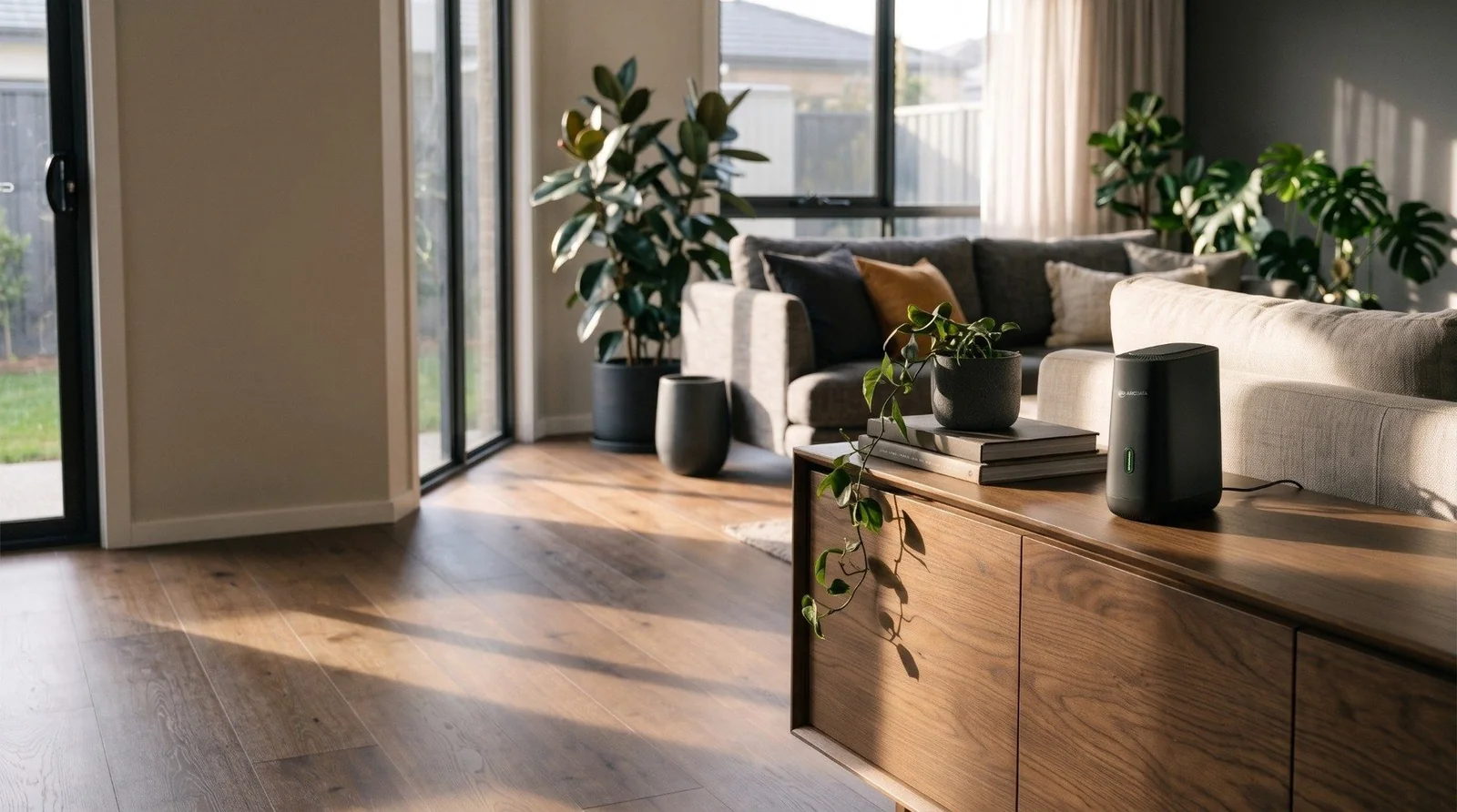
Mesh Wi-Fi vs a Wi-Fi extender at a glance
Both add Wi-Fi coverage to the parts of a building your router cannot reach. They differ in how they carry the traffic back to the router and how your devices move between them.
| Wi-Fi extender / booster | Mesh Wi-Fi system | |
|---|---|---|
| How it works | Receives the router's Wi-Fi and rebroadcasts it | Two or more units work together as one network |
| Wi-Fi name | Often a second network name, depending on the model | One Wi-Fi name across every unit |
| Speed | Single-radio repeaters typically halve throughput; others vary by design | Each wireless hop costs some speed; wired backhaul avoids most of it |
| Moving around | Devices can cling to a weak signal | Roaming steers devices to the nearest unit |
| Set-up | Plug in and pair with the router | Replace or add to your router with matching units |
| Best for | One small dead spot, one or two devices | Whole homes, multi-storey homes, home offices and small offices |
General comparison. Exact behaviour depends on the extender or mesh product.
What is a Wi-Fi extender (or Wi-Fi booster)?
"Wi-Fi extender", "Wi-Fi booster" and "Wi-Fi repeater" are usually different names for the same thing: a small unit, often plugged straight into a power point, that listens to your router's Wi-Fi and sends it out again further along the house.
Why extenders lose speed
A traditional repeater with a single radio has to receive from the router and resend to your device on the same radio, taking turns. That is why it typically delivers about half the throughput it receives, before you count any loss from the weaker signal it started with. Some dual-band extenders talk to the router on one band and to your devices on the other, which reduces that penalty, but the link back to the router is still only as good as the signal where the extender sits.
The placement catch
An extender has to sit where the router's signal is still strong, usually about halfway between the router and the dead zone. Put it inside the dead zone and it can only repeat a weak signal. Many extenders also create a second network name, so phones and laptops stay connected to whichever one they joined first, even after you walk back past the router.
What is mesh Wi-Fi?
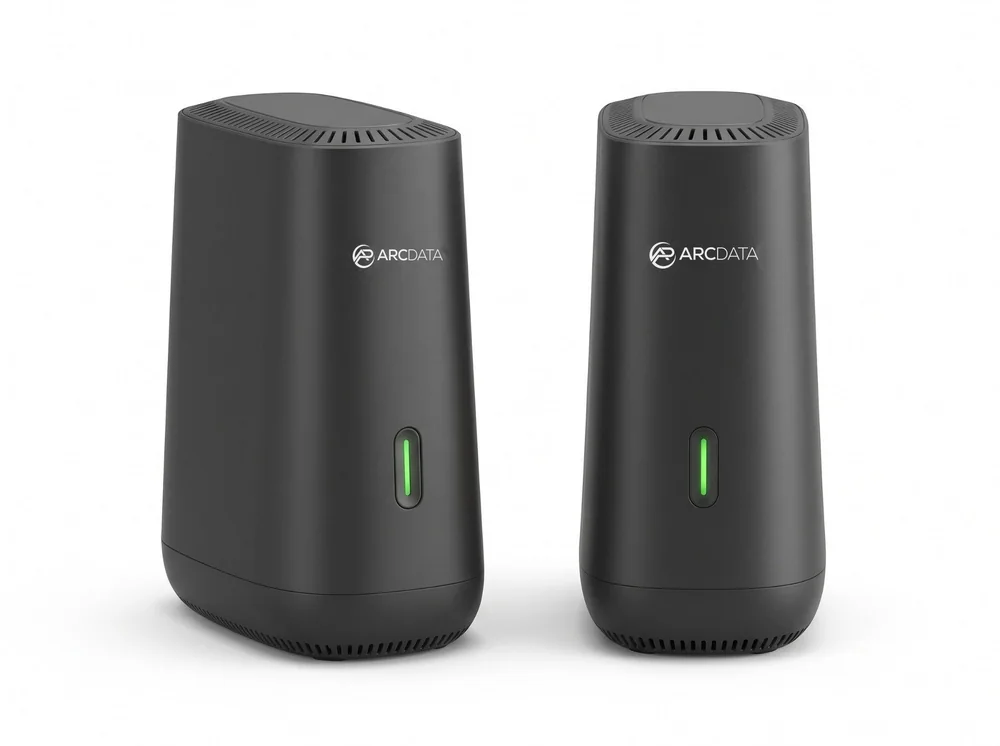
A mesh Wi-Fi system is a set of units that act as one network. One unit is the router, connected to your NBN box, and the others are mesh nodes placed around the building. They share one Wi-Fi name and password, so you join once and stay connected from the front door to the back office.
EasyMesh and roaming
EasyMesh is a Wi-Fi Alliance standard for mesh networks. Roaming features from the IEEE 802.11 standards help devices move between units: 802.11k tells a device which other units are nearby, 802.11v lets the network suggest a better unit, and 802.11r speeds up the hand-over. How quickly a device moves still depends on the device itself.
Wired or wireless backhaul
Backhaul is the link between the mesh units. Over the air, it shares airtime with your devices, so each wireless hop costs some speed. Over an Ethernet cable, the units talk to each other without using Wi-Fi airtime, which is why wired backhaul gives the most consistent speed in every room. We explain this in more detail in our best mesh Wi-Fi in Australia guide.
Why Australian homes and offices get Wi-Fi dead zones
Wi-Fi weakens with distance and with every wall and floor it passes through. Some common Australian building features make that worse:
- Where the NBN box is. On FTTP and HFC, the NBN connection box is often installed in a garage, hallway or front room, so the router ends up at one end of the house.
- Double brick, concrete and tiles. Masonry walls and concrete slabs between floors absorb much more signal than plasterboard.
- Foil insulation and metal. Foil-backed sarking and insulation, metal wall framing, mirrors and large appliances can block or reflect Wi-Fi.
- Long single-storey layouts. A long, low home can put the main bedroom, the rumpus room or a back office well out of range of one router.
- Granny flats, studios and sheds. Separate buildings usually need their own unit with a cable or a point-to-point link; see our guide to Wi-Fi between buildings.
Before buying anything, check that the problem is the Wi-Fi and not the NBN plan. Run a speed test with a laptop plugged into the router by cable. If that is slow too, more Wi-Fi units won't help; talk to your ISP.
When an extender is enough, and when you need mesh
An extender can be enough if
- you have one small weak spot, such as a single bedroom or a patio,
- it serves one or two light-use devices, and
- you don't mind a possible second network name and some speed loss.
Choose mesh Wi-Fi if
- Wi-Fi is weak across a whole floor or wing, or your home has two or more storeys,
- you work from home and need stable video calls in the study,
- several people stream, game or upload at the same time,
- you are on a fast NBN plan and want more of it to reach every room, or
- you run a small office, clinic or shop and want one Wi-Fi name across every room.
On NBN services where the router plugs straight into the connection box, a mesh system can also replace the router your ISP supplied, so you end up with one system to manage instead of a router plus add-ons. Our home network setup guide covers the full path from the NBN box to every room.
How many mesh units do I need?
The number depends more on the layout and building materials than on the floor area. Start from the table below, then add a unit wherever the Wi-Fi is still weak.
| Home or office | Suggested units | Notes |
|---|---|---|
| Apartment or small unit | 1 (the router) | One well-placed router is often enough; add a second unit if one room is weak |
| Single-storey house, 3 bedrooms | 2 | Router near the NBN box, second unit towards the far end of the house |
| Large or long single-storey house | 2 to 3 | Spread the units along the house so each one can still reach the next |
| Two-storey house | 2 to 3 | At least one unit on each floor |
| Double brick, concrete floors or foil insulation | 3, ideally with wired backhaul | Thick walls and floors block more signal; Ethernet between units helps most |
| House plus home office, studio or granny flat | 2 to 3 | A separate building usually needs its own unit and a cable or wireless link |
| Small office, one level | 2 | More if there are many rooms, glass partitions or a warehouse area |
| Office over several levels or with a warehouse | 3 or more, with wired backhaul | Talk to us for a project quote |
A general guide from ARC IP Networks, not a coverage guarantee. Actual coverage depends on layout, building materials and where the units are placed.
Where to put mesh units
- Router first. Put the main unit next to the NBN connection box, as high and as open as you can, not in a cupboard or behind the TV.
- Not too far apart. Each mesh node should sit where the previous unit's signal is still good, often halfway to the dead zone rather than inside it.
- Off the floor and in the open. Shelves and sideboards work well. Avoid metal cabinets, fish tanks, mirrors and the back of the fridge.
- Use cable where you have it. If a room already has an Ethernet point, put a node there and use wired backhaul.
- One floor at a time. In a two-storey home, a node at the top of the stairs often covers more of the upper floor than one at the far end.
ARC DATA mesh routers: a router and a mesh node in one
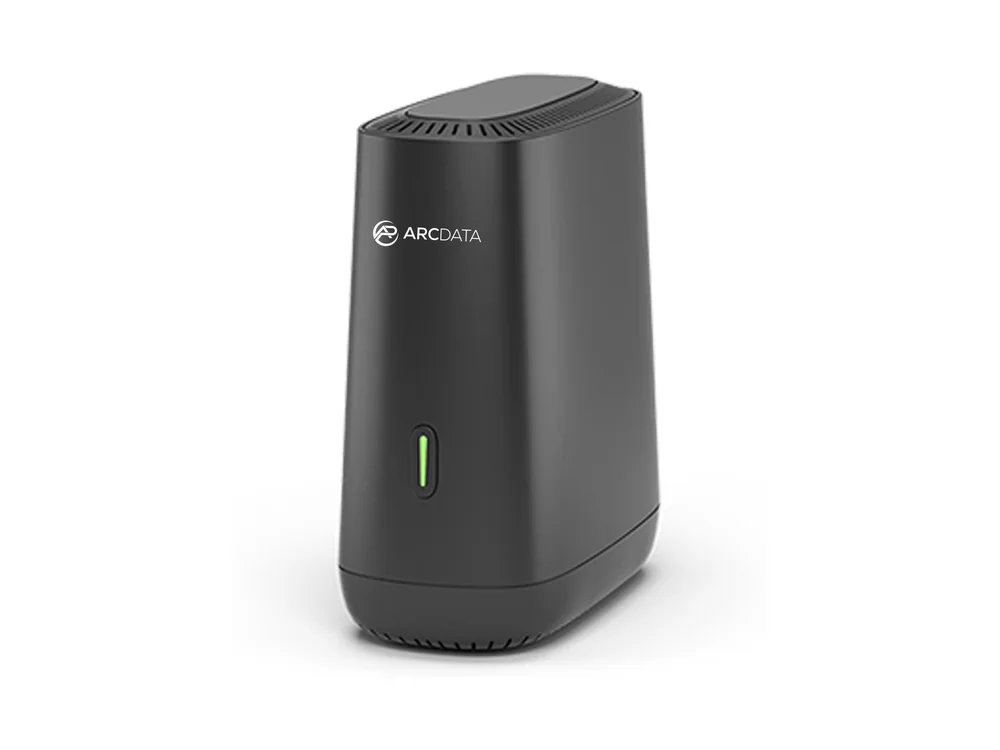
Every ARC-MESH-W7 and ARC-MESH-W6 can be your main router or an EasyMesh node. Start with one unit as the router next to the NBN box, then add a second or third unit where the Wi-Fi is weak. The units share one Wi-Fi name and support 802.11k/v/r roaming. 2-unit and 3-unit bundles are available on request.
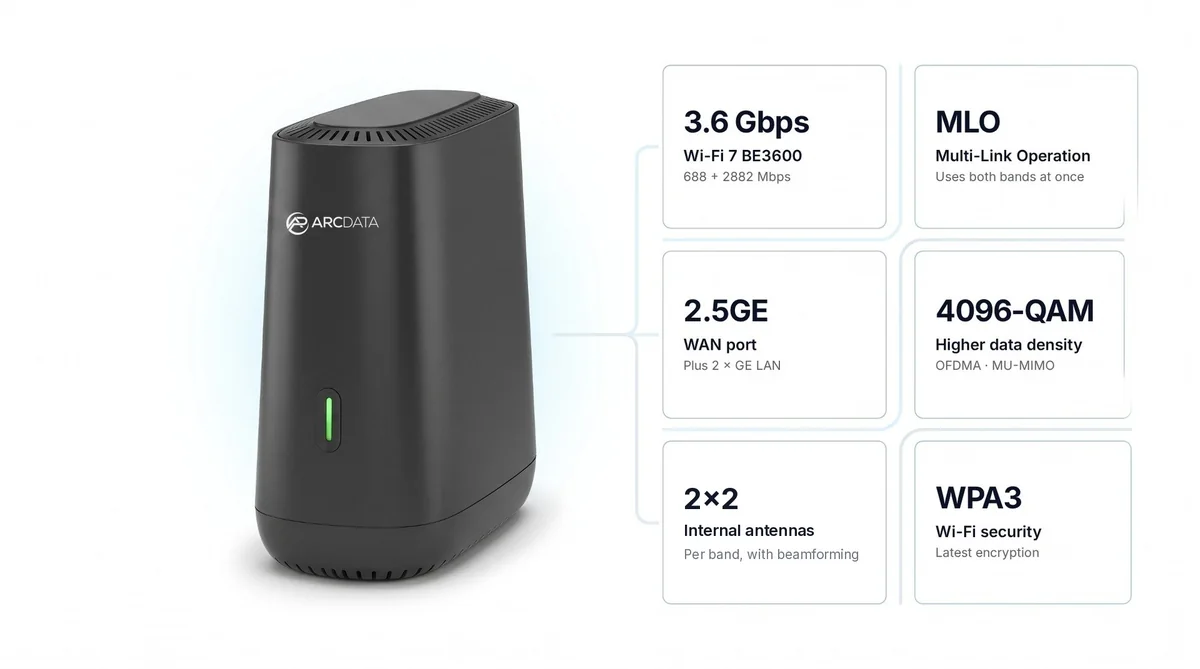
- ARC-MESH-W7 (Wi-Fi 7, BE3600). Suits all NBN plans, including the 2000 Mbps plans nbn Co offers on FTTP and HFC, thanks to its 2.5 Gbps WAN port. Mesh backhaul runs over 2.5GE wired Ethernet or over the air.
- ARC-MESH-W6 (Wi-Fi 6, AX3000). Suits NBN plans below 1000 Mbps; its Gigabit WAN port delivers around 800 to 900 Mbps in real-world use. It costs less, so the saving can go towards an extra unit.
Both plug straight into the NBN connection box on FTTP, FTTC, HFC and Opticomm. On FTTC, the router's WAN port connects by Ethernet to the yellow port C on the nbn connection box, which plugs into the phone wall socket, so no separate modem is needed (see nbn Co's Fibre to the Curb guide). Neither has a built-in VDSL modem, so only FTTN and FTTB services need a separate VDSL2 modem in front of the router. Both come with a 1-year warranty. For the full Wi-Fi 7 vs Wi-Fi 6 comparison, read Wi-Fi 7 vs Wi-Fi 6: is it worth upgrading?
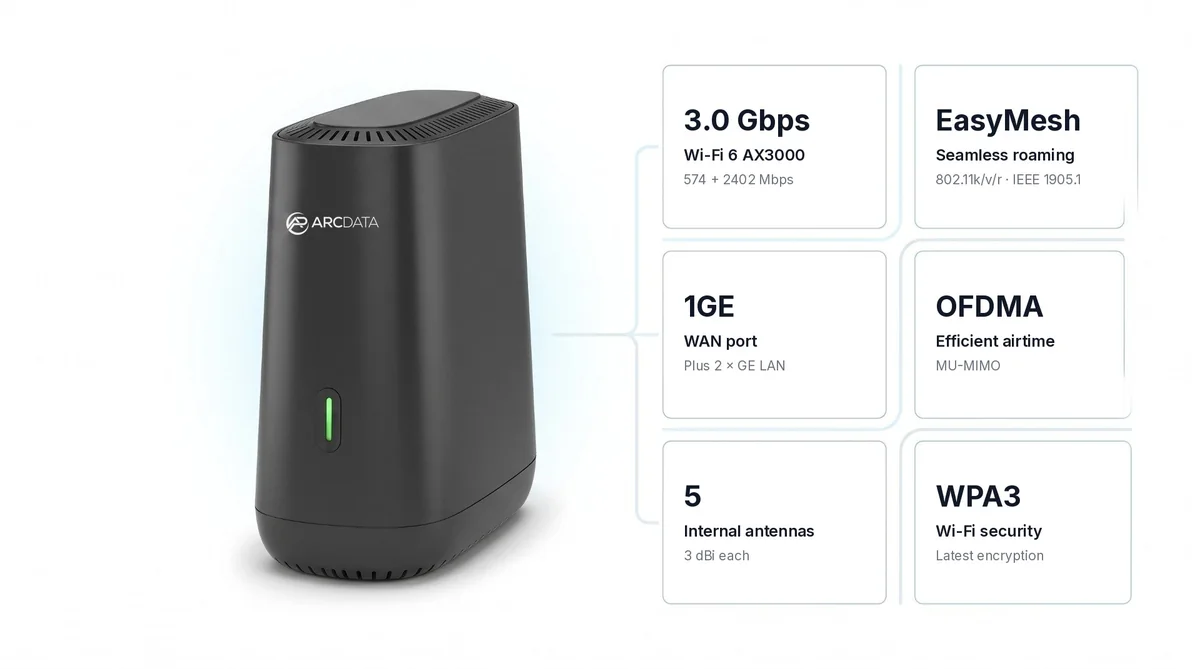
Which ARC DATA mesh router for your NBN plan?
| Your NBN service | Our pick | Why |
|---|---|---|
| Plan below 1000 Mbps (FTTP, FTTC, HFC or Opticomm) | ARC-MESH-W6 | Its Gigabit WAN (around 800 to 900 Mbps real world) suits the plan, at a lower cost per unit |
| 1000 Mbps plan (FTTP or HFC) | ARC-MESH-W7 | The 2.5 Gbps WAN port isn't the bottleneck |
| 2000 Mbps plan (FTTP or HFC) | ARC-MESH-W7 | Suits the 2000 Mbps plans nbn Co offers; Wi-Fi to one device will be lower than the plan speed |
| Ethernet already run between rooms | ARC-MESH-W7 | 2.5GE wired backhaul between units |
| FTTN or FTTB | Either, plus a VDSL2 modem | Neither model has a built-in VDSL modem |
ARC IP Networks suggestions based on ARC DATA's specifications. 2000 Mbps plan availability from nbn Co.
For small offices and IT providers
In an office, a clinic or a shop, mesh gives staff and guests one Wi-Fi name across every room, instead of a router and a string of extenders to look after. For multi-level offices or sites with a warehouse, plan for wired backhaul from the start.
IT providers and ISPs setting up homes and small offices can standardise on one model. The ARC-MESH-W7 also supports TR-069 and is managed through the ARC VISION Cloud Platform. Call 1300 100 440 for multi-pack, office and ISP pricing.
ARC DATA mesh routers in stock at ARC IP Networks
Live Australian pricing (inc. GST) and stock levels are on each product page.
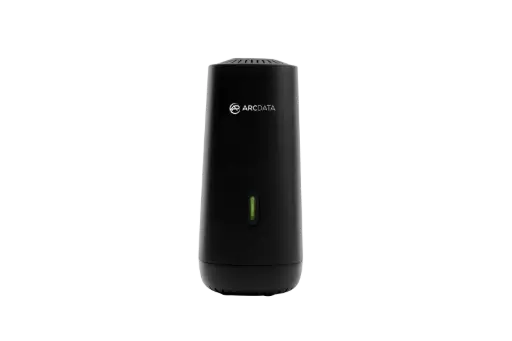
Router and EasyMesh node in one. 2.5 Gbps WAN for all NBN plans, mesh backhaul over 2.5GE wired or over the air.
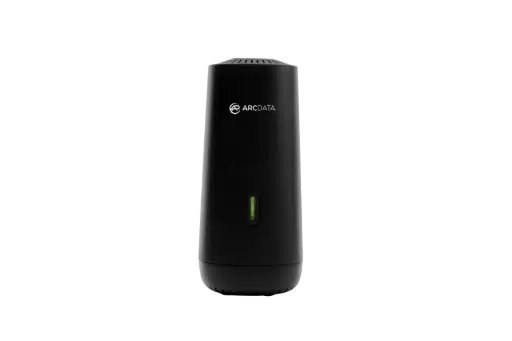
Router and EasyMesh node in one. Gigabit WAN for NBN plans below 1000 Mbps, at a lower cost per unit.
Common questions
Straight answers from the ARC IP Networks team. Last reviewed November 2026.
A Wi-Fi extender receives your router's signal and rebroadcasts it, often as a second network name and usually with some speed loss. A mesh Wi-Fi system is two or more units that work as one network, with one Wi-Fi name and roaming that moves devices to the nearest unit.
Usually, yes. "Wi-Fi booster", "Wi-Fi extender" and "Wi-Fi repeater" are generally used for the same kind of device, which picks up your router's Wi-Fi and sends it out again further away.
A traditional single-radio repeater typically delivers about half the throughput it receives, because it receives and resends on the same radio. Some dual-band extenders reduce that loss, but speed still depends on the signal where the extender is placed.
For most homes and offices, yes. Mesh covers more of the building with one Wi-Fi name and roaming, and with wired backhaul it keeps more of your NBN speed in every room. An extender can still be enough for one small dead spot.
As a general guide, one unit for an apartment, two for a single-storey three-bedroom house, and two to three for a large or two-storey home. Double brick, concrete floors and foil insulation may need a third unit and wired backhaul. ARC DATA mesh routers come in 2-unit and 3-unit bundles on request.
Wired backhaul links mesh units with an Ethernet cable instead of over Wi-Fi, so the link between units does not use Wi-Fi airtime. The ARC DATA ARC-MESH-W7 supports mesh backhaul over 2.5GE wired Ethernet or over the air.
EasyMesh is a Wi-Fi Alliance standard for mesh Wi-Fi networks. ARC DATA's ARC-MESH-W7 and ARC-MESH-W6 use EasyMesh with 802.11k/v/r roaming, and each unit can be the main router or a mesh node.
Yes. On FTTC, nbn Co says the router connects by Ethernet to the yellow port C on the nbn connection box, so no separate modem is needed. On FTTN and FTTB, neither model has a built-in VDSL modem, so those services need a separate VDSL2 modem in front of the router. They also plug straight into the NBN connection box on FTTP, HFC and Opticomm.
The ARC-MESH-W7. Its 2.5 Gbps WAN port suits all NBN plans, including the 2000 Mbps plans nbn Co offers on FTTP and HFC. The ARC-MESH-W6 suits plans below 1000 Mbps, with around 800 to 900 Mbps real-world WAN throughput.
ARC IP Networks has the ARC DATA ARC-MESH-W7 and ARC-MESH-W6 in stock with a 1-year warranty and Australia-wide delivery. Order online at arcip.com.au, or call 1300 100 440 for multi-pack, office and ISP pricing.
Contact us for project pricing
Fitting out a whole home, an office over several rooms or levels, or supplying routers to your ISP or IT customers? Tell us how many units you need and which NBN services they are for, and we will quote 2-unit or 3-unit bundles, office and ISP pricing on the ARC-MESH-W7 or ARC-MESH-W6. Call 1300 100 440 or request a quote.
Related networking guides
- Wi-Fi 7 vs Wi-Fi 6 in Australia: Is It Worth Upgrading? BE3600 vs AX3000
- Best Mesh Wi-Fi in Australia (2026): Deco, D-Link or UniFi, and Why Wired Backhaul Wins
- Home Network Setup in Australia: The Complete Guide from the NBN Box to Every Room
- Wi-Fi 7 Router in Australia: What to Buy (6 GHz, NBN and UniFi vs TP-Link)
- Wi-Fi Between Buildings in Australia: How to Get Internet to a Shed, Granny Flat or Across the Farm
- Ruijie Reyee Mesh Wi-Fi: Wi-Fi 6 and Wi-Fi 7 Mesh for Australian Homes