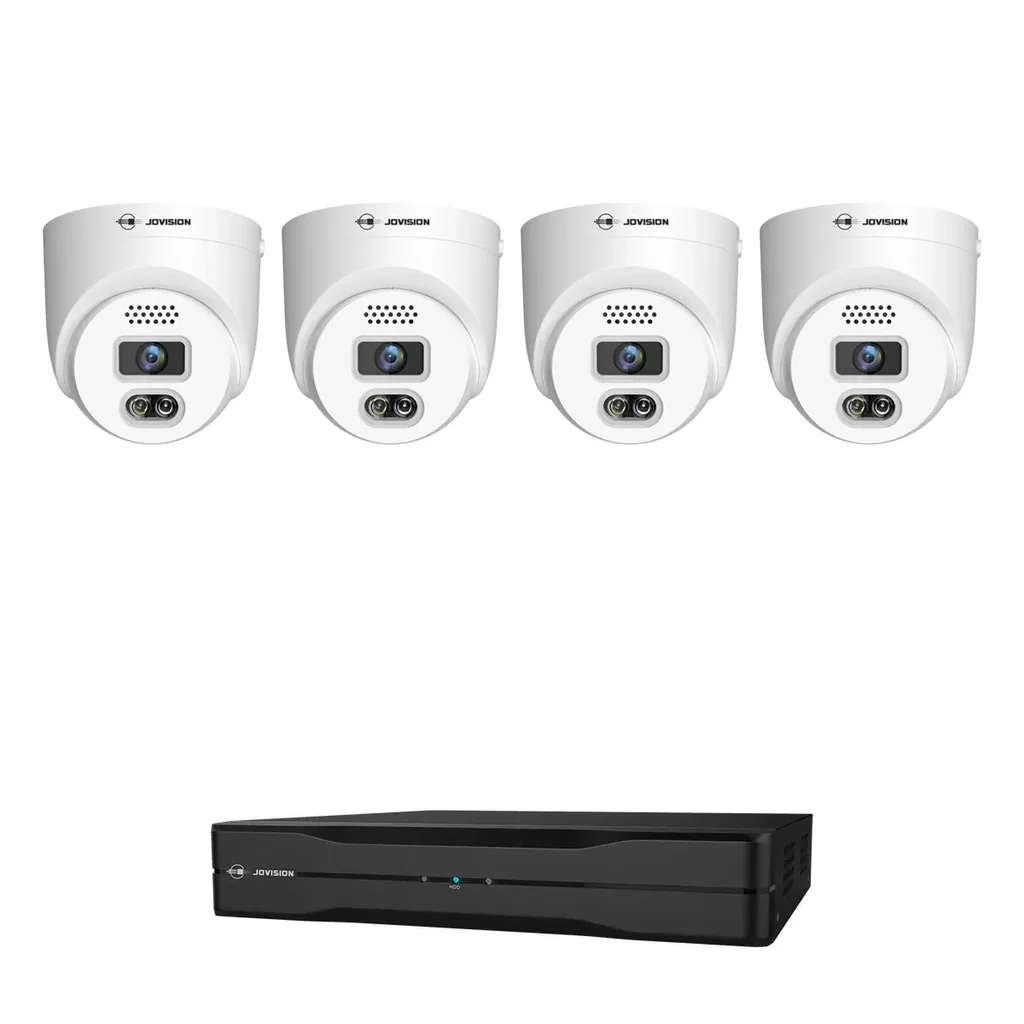
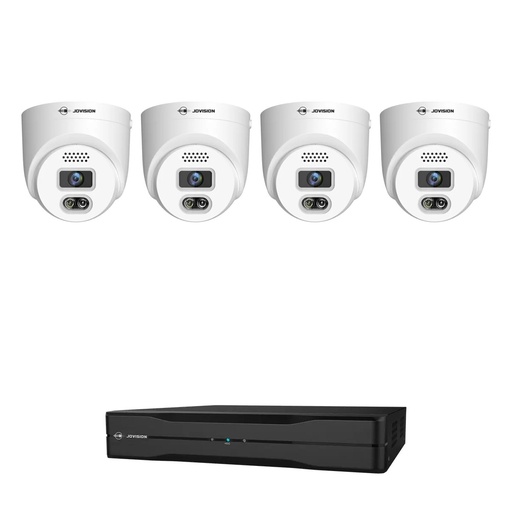
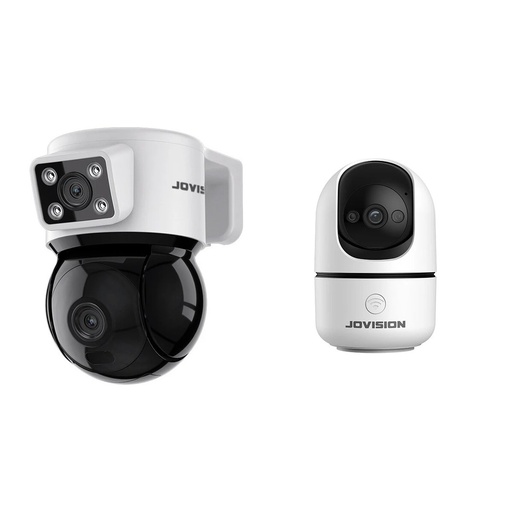
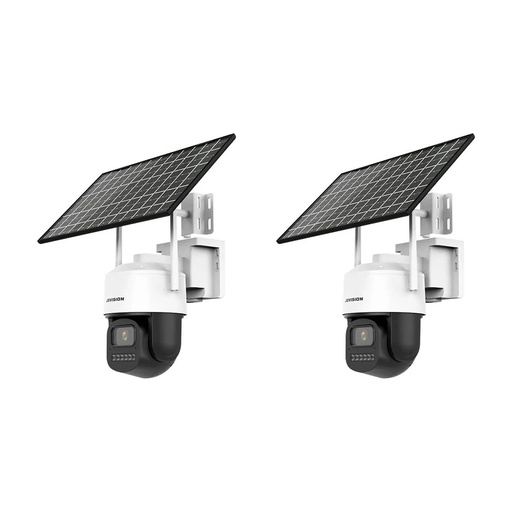
A security camera kit includes the cameras and the recorder. You still need: a surveillance hard drive for the NVR, network cables from each camera to the NVR, and somewhere to plug in the NVR (power and your router). Wi-Fi kits need microSD cards; solar 4G kits need microSD cards and 4G SIM cards.
Optional extras: a UPS to keep recording through blackouts, a PoE switch if you add more cameras than the NVR has PoE ports, and a monitor or TV if you want a screen. Compare all kits.
The checklist
| Item | Needed for | Why |
|---|---|---|
| Surveillance hard drive | All NVR kits | The NVR records to it. Use a drive made for 24/7 recording. |
| Network cables (Cat5e or Cat6) | All PoE kits | One cable per camera, up to 100m, carries power and video. |
| microSD cards | Wi-Fi and solar 4G kits | Each camera records to its own card. |
| 4G data SIM cards | Solar 4G kits | One per camera, on a carrier with coverage at the site. |
| UPS (optional) | NVR and router | Keeps recording during a power cut. |
| PoE switch (optional) | Extra cameras | Powers cameras beyond the NVR's own PoE ports. |
| Monitor or TV (optional) | Local viewing | Every NVR in our kits has an HDMI output. |
Which hard drive fits each NVR
Swipe the table sideways to compare all models →
| NVR (kit) | Drive bays | Largest drive (from the product page) |
|---|---|---|
| Jovision JVS-ND7008-PD01 (4K and PTZ kits) | 1 SATA | Up to 8TB |
| Jovision JVS-ND7004-PD01 (5MP and 3MP kits) | 1 SATA | Up to 10TB |
| Jovision JVS-ND7932-HV (16-camera kit) | 2 SATA | Up to 10TB each |
| TP-Link VIGI NVR1004H-4P | 1 SATA | Up to 10TB |
| TP-Link VIGI NVR1008H-8MP | 1 SATA | Up to 16TB |
| Hikvision DS-7604NI-M1/4P | 1 SATA | Up to 16TB |
| Hikvision DS-7608NI-M2/8P | 2 SATA | See product page |
| HiLook NVR-104MH-C/4P and NVR-108MH-C/8P | 1 SATA | Up to 8TB |
| Ubiquiti UniFi NVR Instant (UniFi kits) | 1 × 3.5" bay | See product page |
A bigger drive keeps footage for more days. WD Purple vs Seagate SkyHawk explains which drive to choose, and our storage guide shows how to size it.
Network cables
Each PoE camera needs one network cable back to the NVR, up to 100m. Outdoor runs should use outdoor-rated cable. Cable lengths depend on your building, which is why kits do not include them. If cabling will connect to your home network or the NBN, use a registered cabler.
Power, internet and backup
The NVR plugs into a power point and into your router so you can view cameras on your phone. Recording continues without internet. A small UPS keeps the NVR and router running through short blackouts: see UPS for NBN, Wi-Fi and CCTV.
Kits by connection type
Live Australian pricing (inc. GST) and stock are on each kit page. No kit includes a hard drive.
Common questions
Straight answers from the ARC IP Networks team. Last reviewed November 2026.
None of the kits ARC IP Networks sells include one. Add a surveillance hard drive that fits the NVR, such as WD Purple or Seagate SkyHawk.
Not ours. Each camera needs a Cat5e or Cat6 network cable to the NVR, up to 100m, and lengths depend on your building.
A hard drive and network cables for PoE kits; microSD cards for Wi-Fi kits; microSD cards and 4G SIMs for solar 4G kits. A UPS is a useful extra.
It depends on resolution, recording mode and how many days you keep. Our storage guide shows how to size it.
No. You can set up and view everything in the phone app. Every NVR in our kits also has an HDMI output if you want a screen.
A 4G data SIM for each camera, from a carrier with coverage at the site on LTE bands 1, 3, 5 or 8. The Jovision solar cameras do not support band 28.
Want the extras matched for you?
Email us the kit you have chosen and we will suggest the right drive, cables and UPS.
Related guides
- Security camera kits: compare all 46 kits
- Best Security Camera Kits in Australia (2026): 44 Kits Compared
- 4 Camera Security Camera Kits in Australia Compared (2026)
- 8 Camera Security Kits in Australia for Large Homes and Business
- Best Hard Drive for CCTV and NVRs in Australia: WD Purple vs Seagate SkyHawk
- How Much Storage Do Jovision Cameras Need? NVR & Hard Drive Guide
- How Much Storage Do You Need for Security Cameras? (2026 Sizing Guide)
- UPS for NBN, Wi-Fi and CCTV/NVR: Keep Internet and Cameras Running
- UPS for Security Systems: CCTV, NVR, Access Control and Alarms
- PoE for CCTV: 802.3af, 802.3at & 802.3bt Explained