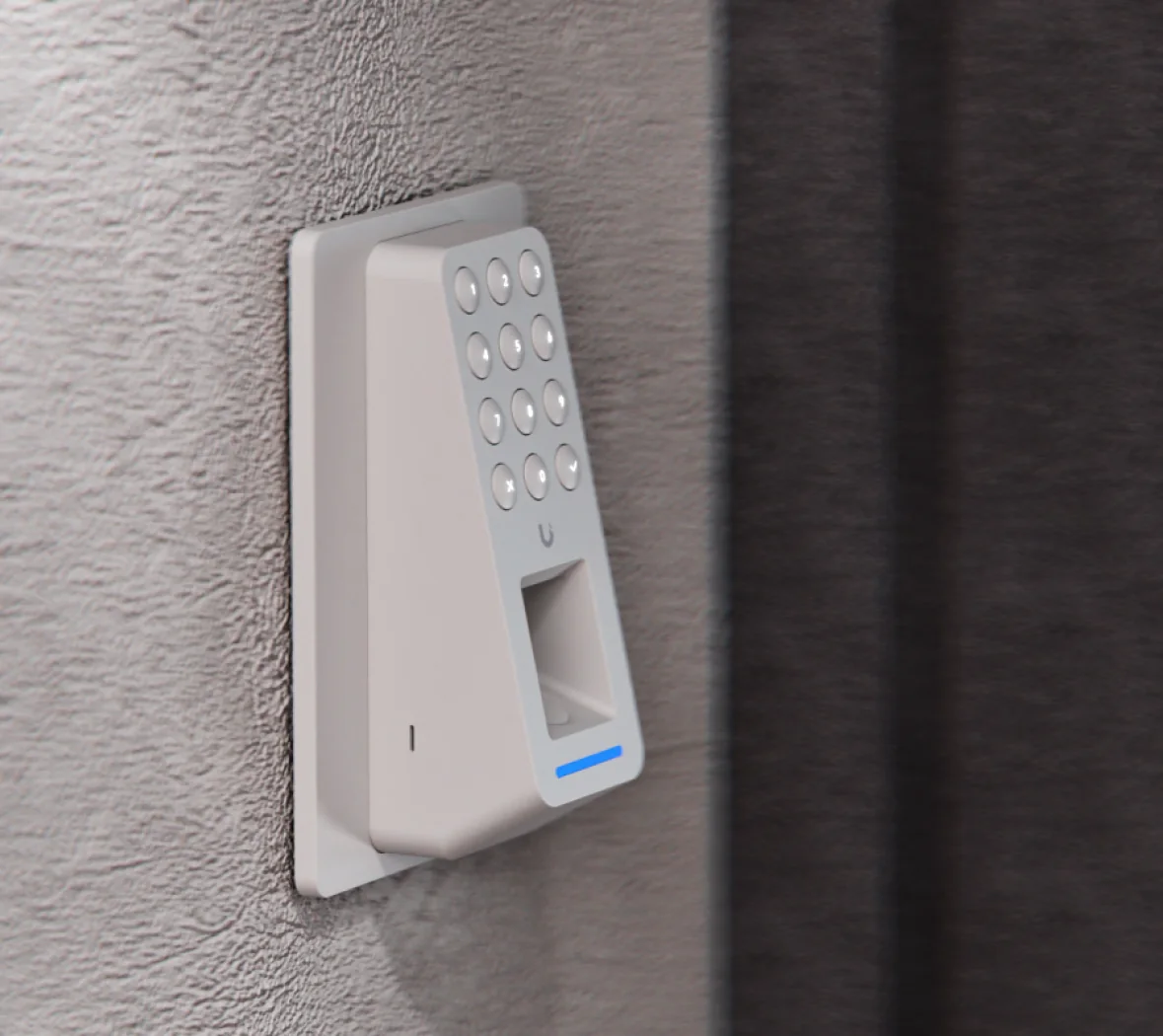
Ubiquiti makes two UniFi Access fingerprint readers, and both accept a fingerprint, a keypad PIN, an NFC card or an Apple Touch Pass from one IP55 indoor/outdoor reader that stores up to 300 fingerprints. The Access G3 Reader Fingerprint (UA-G3-Fingerprint) is the network reader for new installs: one Cat6 cable with PoE (5 W max) to a UniFi Access hub. The Access Retrofit Reader Fingerprint (UA-Retrofit-Reader-Fingerprint) is for buildings that already have access control: it talks OSDP v2 over RS-485 to the UniFi Retrofit Hub on 12 V DC (3.5 W max), reusing the existing reader cable.
Quick pick: new fit-out or a door with a data point, choose the G3 Reader Fingerprint. Replacing an old Wiegand or OSDP reader without re-cabling, choose the Retrofit Reader Fingerprint. Both come in black (-B) and white (-W). ARC IP Networks is an authorised Ubiquiti reseller supplying genuine stock with the full manufacturer's warranty at competitive prices.
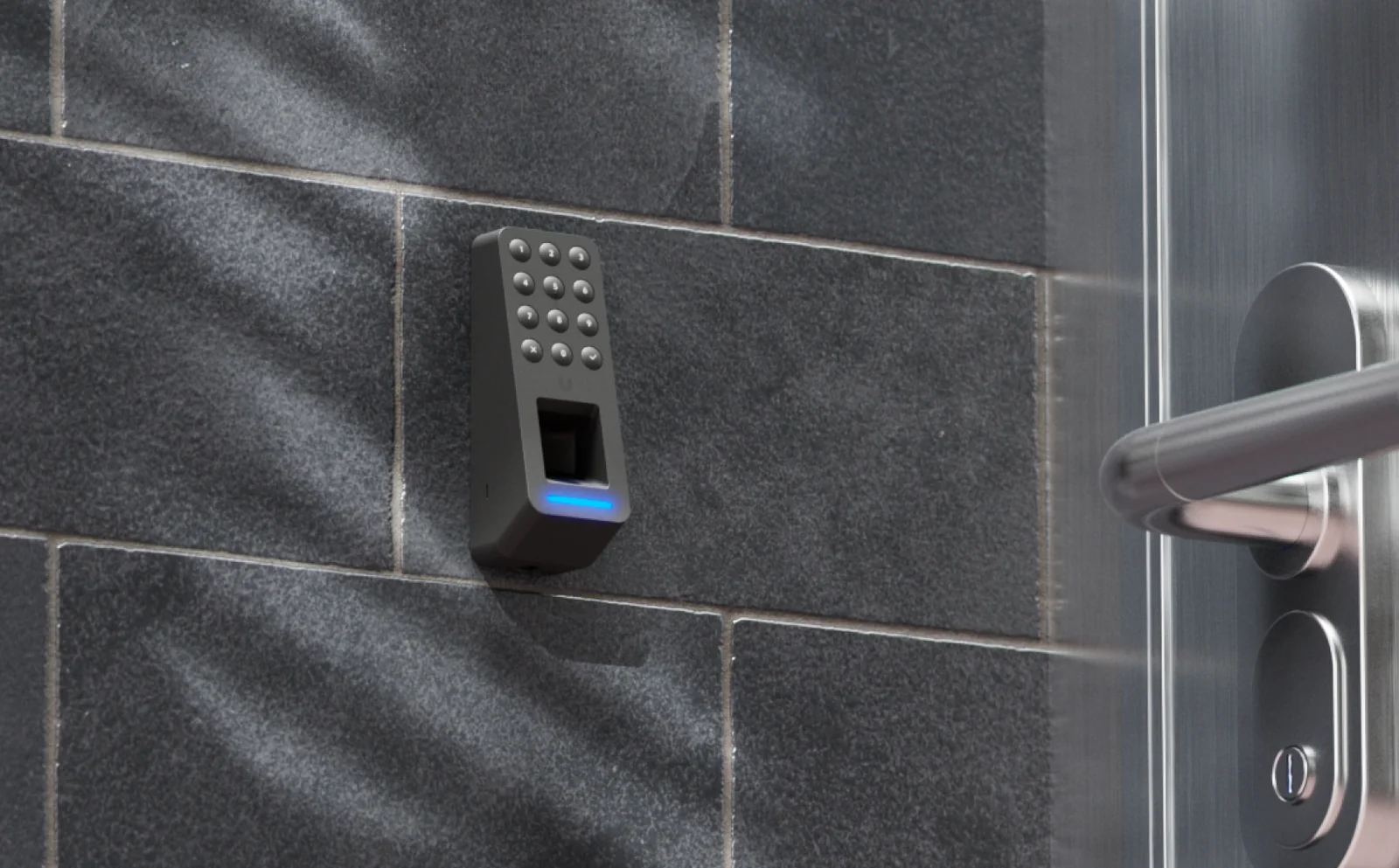
The two UniFi fingerprint readers at a glance
Both readers share the same keypad-and-fingerprint face, the same credentials and the same IP55 rating. The real difference is how they connect: Ethernet and PoE, or RS-485 and 12 V.
| Reader | In one line | Best for |
|---|---|---|
| Access G3 Reader Fingerprint | PoE network reader: fingerprint, keypad, NFC and Touch Pass on one Cat6 cable | New builds, fit-outs and any door that already has (or can get) a data point |
| Access Retrofit Reader Fingerprint | OSDP v2 reader for the UniFi Retrofit Hub, same credentials, reuses existing reader cabling | Migrating an existing wired access-control system to UniFi Access without re-cabling |
Summarised from Ubiquiti's official product pages and technical specifications.
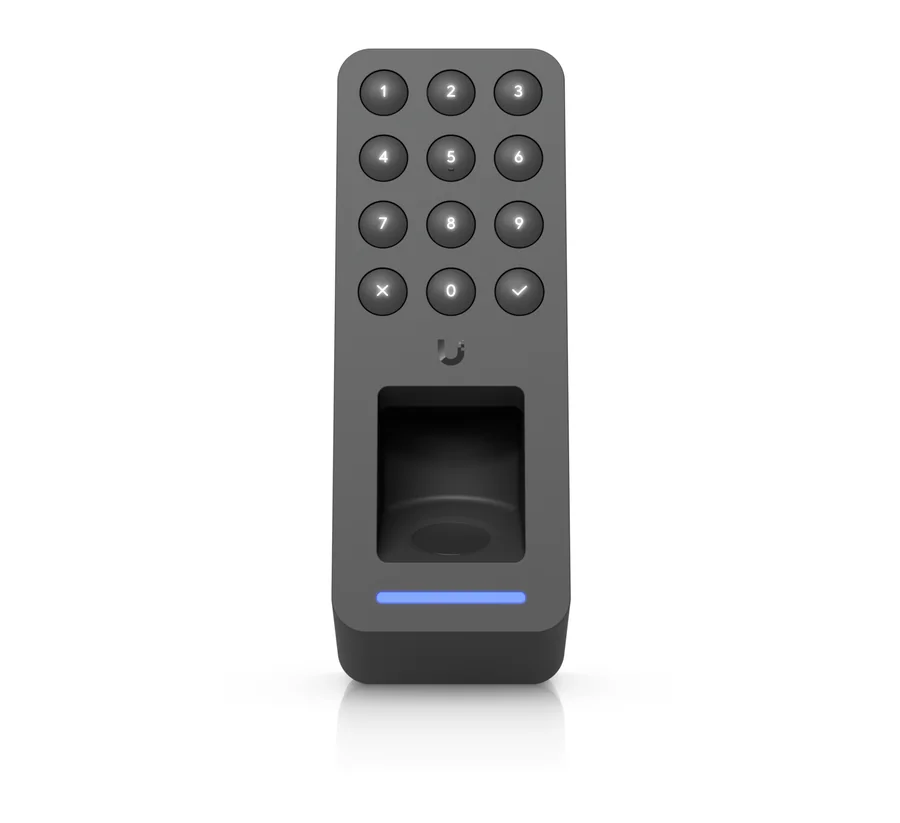
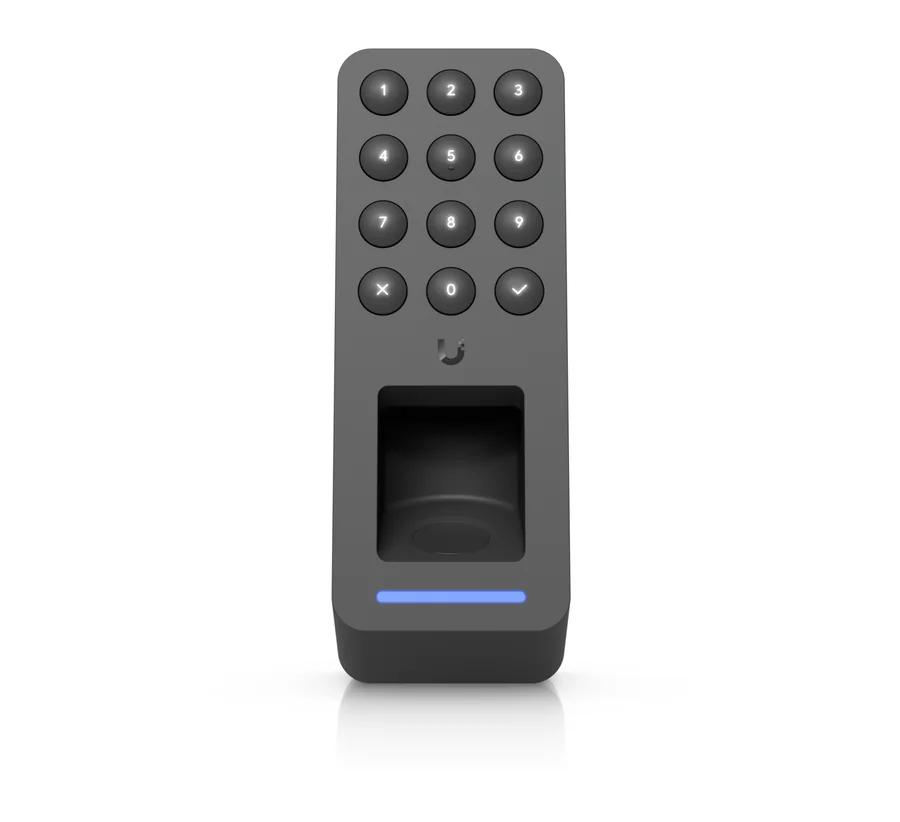
Specifications compared
Swipe the table sideways to compare both readers →
| Specification | G3 Reader Fingerprint | Retrofit Reader Fingerprint |
|---|---|---|
| Part numbers | UA-G3-Fingerprint-B (black), UA-G3-Fingerprint-W (white) | UA-Retrofit-Reader-Fingerprint-B (black), UA-Retrofit-Reader-Fingerprint-W (white) |
| Fingerprint sensor | Capacitive, 300 fingerprints | Capacitive, 300 fingerprints |
| Other credentials | Keypad PIN, NFC card, Apple Touch Pass | Keypad PIN, NFC card, Apple Touch Pass |
| NFC | 13.56 MHz, under 30 mm; ISO 14443A/B, 15693; MIFARE Classic, Plus, Ultralight, DESFire | 13.56 MHz, under 30 mm; ISO 14443A/B, 15693; MIFARE Classic, Plus, Ultralight, DESFire |
| Connection | (1) 10/100 MbE RJ45 | RS-485 |
| Protocol / security | Network (UniFi Access) | OSDP v2 |
| Wireless | BLE 4.2, NFC | BLE 4.2, NFC |
| Power | PoE, 48 V DC, 5 W max | 12 V DC, 3.5 W max |
| Works with | UniFi Access hub | UniFi Retrofit Hub (UA-Retrofit-Hub-2) |
| Weatherproofing | IP55, Outdoor Exposed | IP55, Outdoor Exposed |
| Operating range | -30 to 50 °C, 5–90% non-condensing | -30 to 50 °C, 5–90% non-condensing |
| Dimensions | 126.2 × 45 × 56.9 mm | 126.2 × 45 × 49 mm |
| Weight | 164 g | 142 g |
| Housing | Polycarbonate, aluminium alloy; steel mount | Polycarbonate, aluminium alloy; steel mount |
| Mounting | Wall and gang box (included); junction box (optional) | Wall and gang box (included); junction box (optional) |
| Touch Passes included | 10 free 1-year Touch Passes | 10 free 1-year Touch Passes |
| Certifications | CE, FCC, IC | CE, FCC, IC |
Figures from Ubiquiti's official technical specifications. Ubiquiti lists UniFi OS 6.0 RC as the platform requirement for both readers.
What a fingerprint reader adds to UniFi Access
Cards get lent, lost and left in the car. PINs get shared. A fingerprint can't be handed to a mate at the end of a shift, which is why biometric entry suits the doors where you need to know exactly who walked through: server and comms rooms, pharmacy and drug stores, cash rooms, stock cages and after-hours staff entrances.
Ubiquiti's fingerprint readers don't force everyone onto biometrics. The same reader still takes a keypad PIN, a 13.56 MHz NFC card (including MIFARE DESFire) and Apple Touch Pass on iPhone and Apple Watch, so staff who can't or won't enrol a fingerprint, contractors and visitors all have another way in. Each reader stores up to 300 fingerprints, which is plenty for a single team or site entrance.
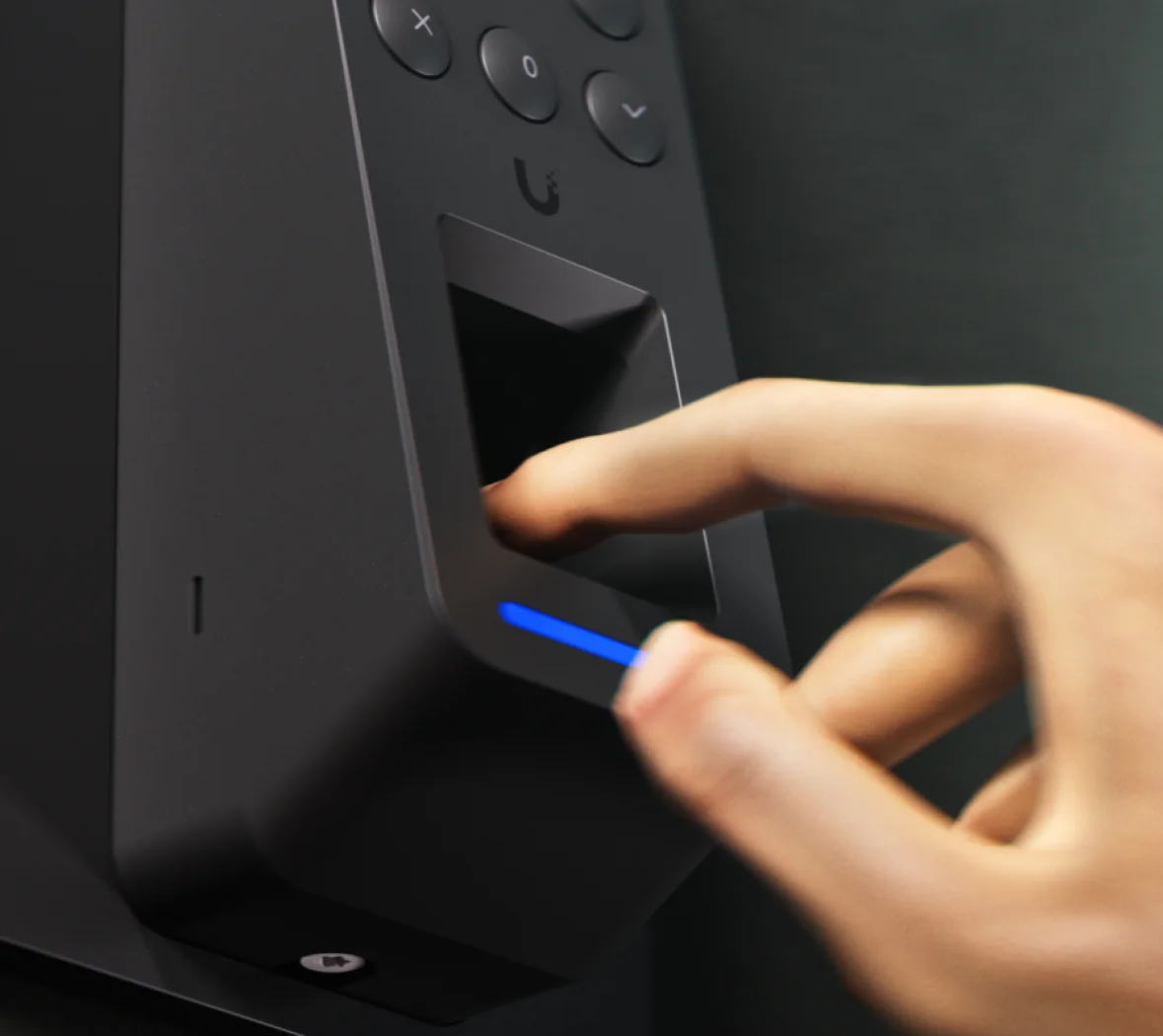
New installs: the Access G3 Reader Fingerprint
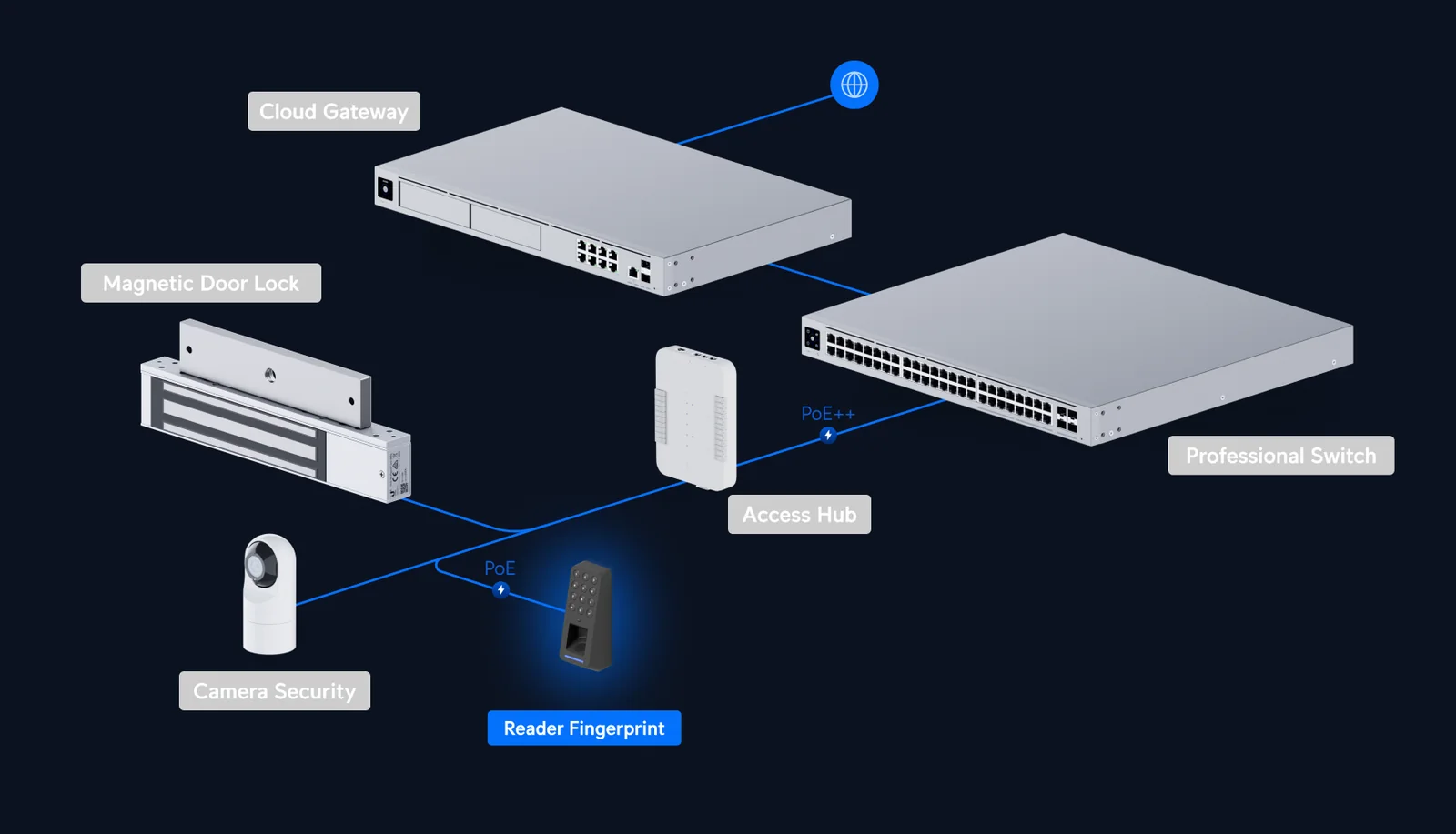
The G3 Reader Fingerprint is a third-generation UniFi Access network reader. One Cat6 cable carries data and PoE (48 V DC, 5 W maximum) over a 10/100 RJ45 port, and the reader connects to a UniFi Access hub, which drives the lock and door sensors. That makes it the simple choice for a new office fit-out, a warehouse extension or any door where your cabler is already pulling network cable.
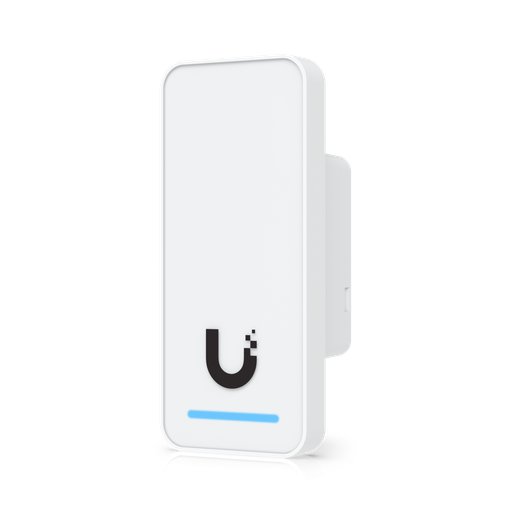
It sits in the G3 range alongside the G3 Reader (compact NFC with handwave unlock) and the G3 Reader Flex (keypad and NFC), so you can mix readers across a site and manage them all in one UniFi Access dashboard.
Existing buildings: the Access Retrofit Reader Fingerprint
Plenty of Australian offices, schools and strata buildings already have access control wired in: readers on every door, cable runs back to a comms cupboard, and a controller nobody wants to keep paying support on. Re-cabling all of that for Ethernet is often the most expensive part of a migration, especially in heritage buildings and occupied tenancies.
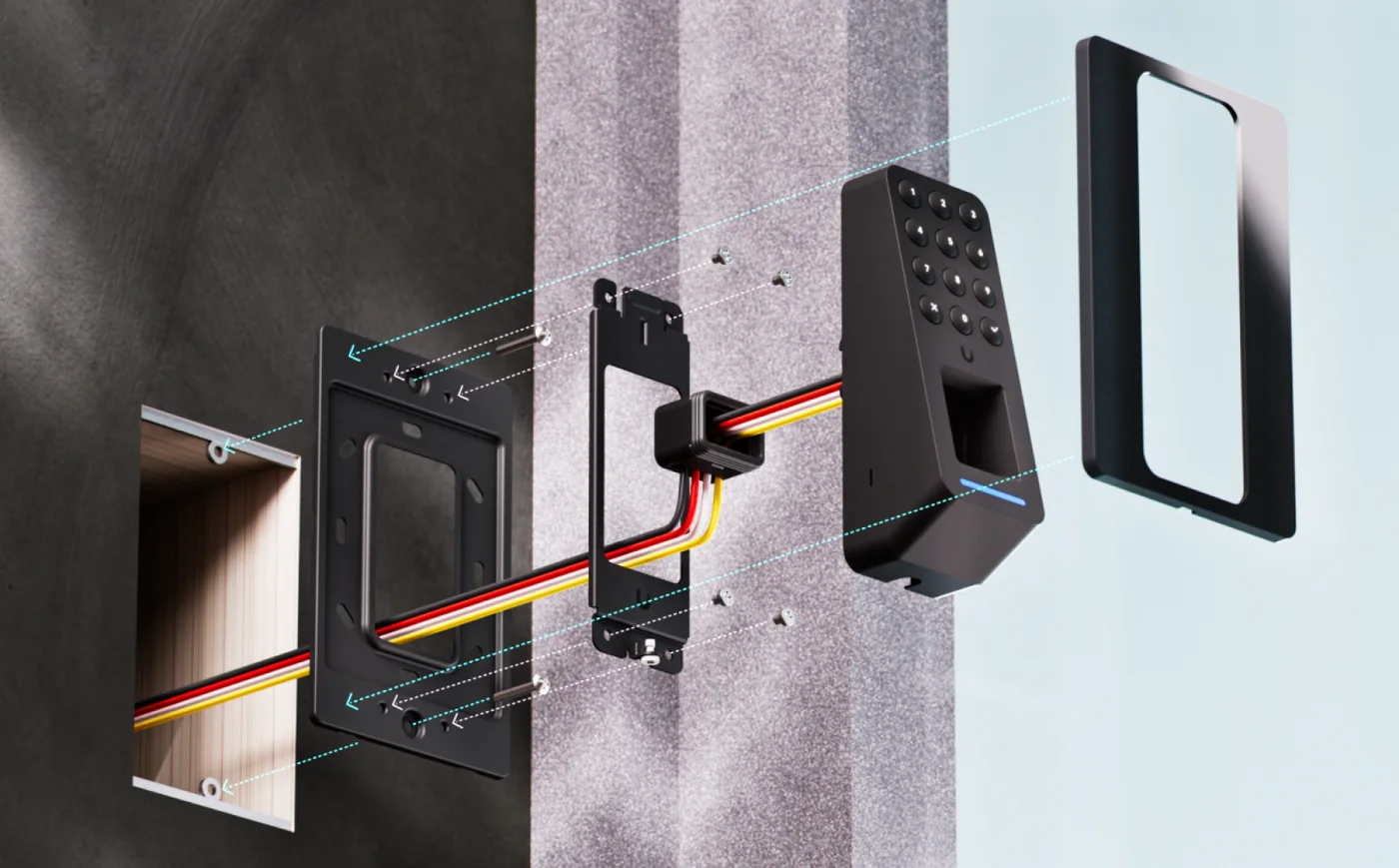
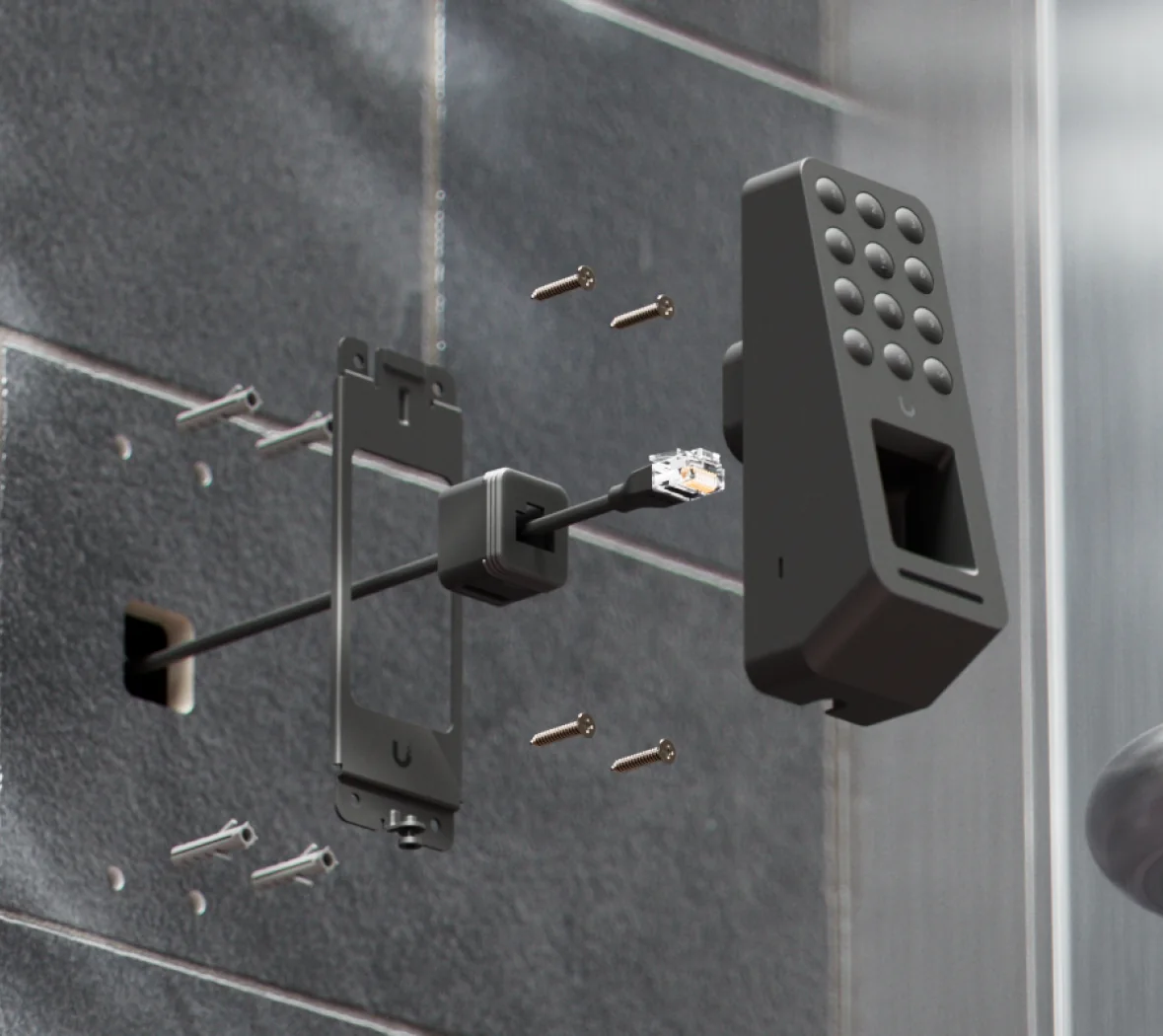
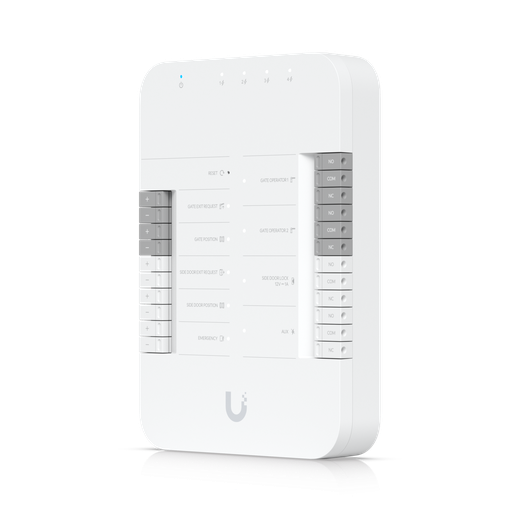
The Retrofit Reader Fingerprint avoids that. It connects over RS-485 using OSDP v2 to the UniFi Retrofit Hub and runs on 12 V DC at up to 3.5 W, so it can reuse the existing reader cable. OSDP v2 is the open, encrypted and supervised successor to Wiegand, so a migration is also a security upgrade. The Retrofit Hub handles up to two doors, supports OSDP and Wiegand readers, and is powered by the UniFi Retrofit PSU 12V with optional SLA battery backup.
The UniFi Retrofit range is supplied under the Ubiquiti Enterprise Program, so talk to us before ordering for project pricing and lead time.
Shopping for UniFi Access?
Authorised Ubiquiti reseller: genuine Australian stock, full manufacturer's warranty, competitive prices and price match available.
The difference is on the back
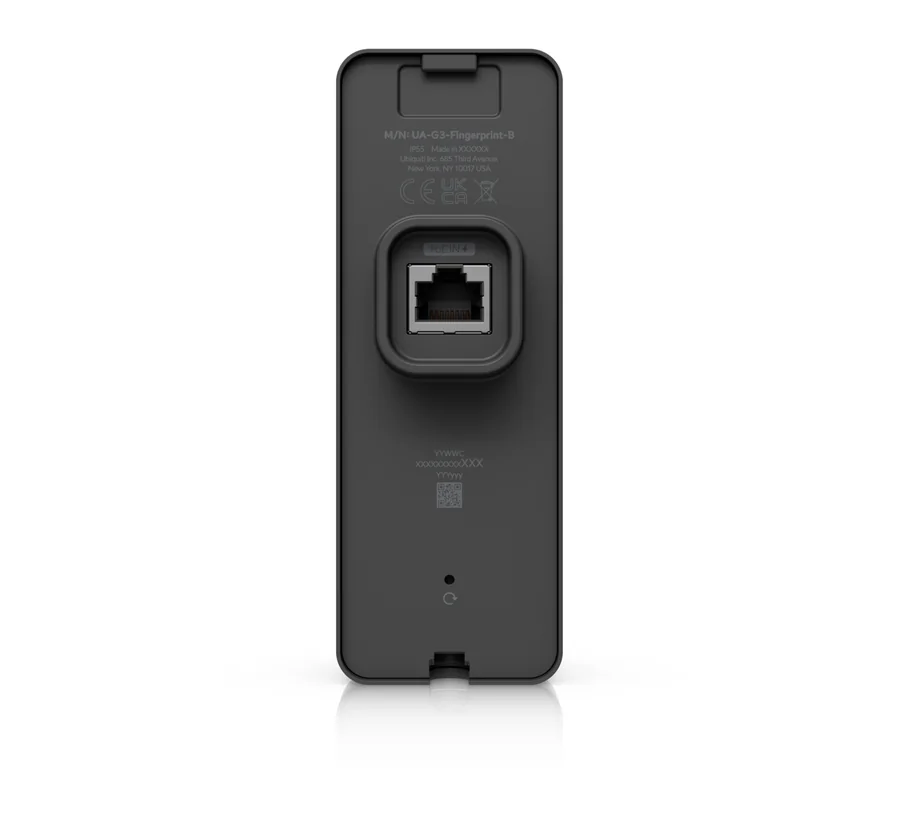
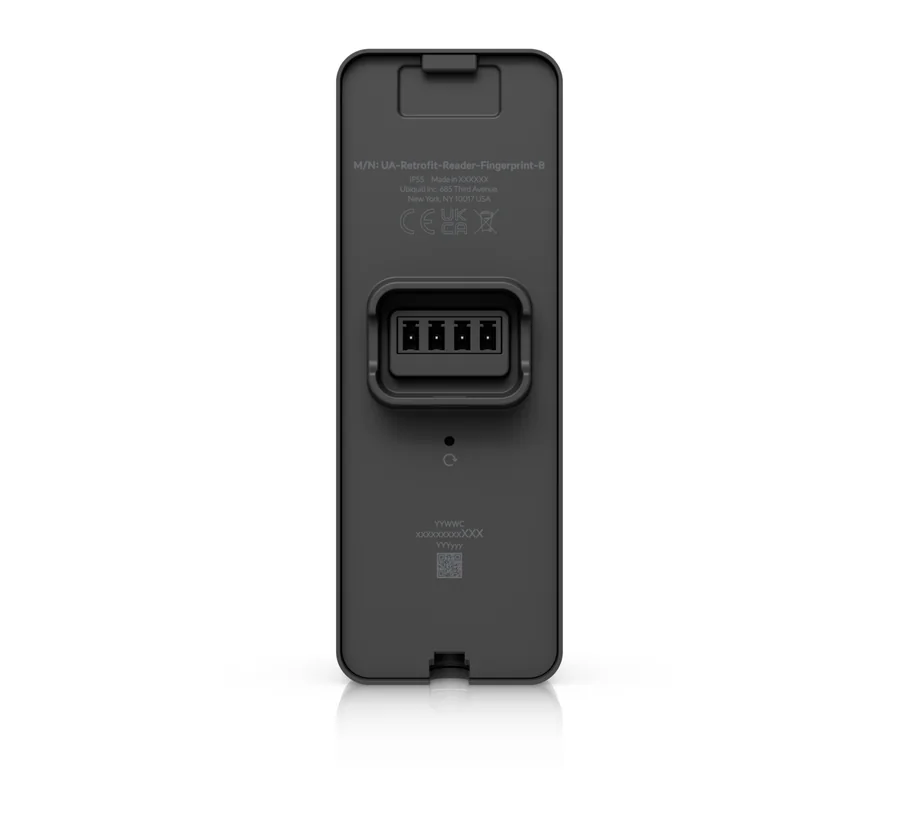
From the front the two readers are almost identical. Turn them over and the choice is obvious: the G3 version has an RJ45 port for PoE Ethernet, while the Retrofit version has a wiring terminal for RS-485 data and 12 V power.
Outdoor use in Australian conditions
Both readers are rated IP55, Ubiquiti classes them as Outdoor Exposed, and they operate from -30 to 50 °C at 5–90% non-condensing humidity. That covers a Canberra winter morning and most summer afternoons in Adelaide or Perth. Two practical suggestions from our team: on a west-facing wall, the black finish in full afternoon sun runs hotter than the air temperature, so choose the white finish or a shaded spot; and in tropical Darwin or Cairns, mount the reader under an awning so it isn't sitting in driving monsoon rain.
Fingerprint sensors need a clean, dry finger. On a gate used by gloved workers or tradies with cut-up hands, make sure those users also have a card, PIN or Touch Pass.
Fingerprints and the Australian Privacy Act
Fingerprint templates are biometric information, which the Privacy Act 1988 treats as sensitive information. Organisations covered by the Act (most with an annual turnover above $3 million, plus some smaller ones such as health service providers) generally need a person's consent before collecting it. The Fair Work Commission's Full Bench decision in Lee v Superior Wood (2019) turned on exactly this point: an employer's fingerprint scanner rollout without proper Privacy Act notice and consent.
In practice that means:
- Tell staff what is collected, why, where it is stored and who can access it, and get their consent in writing.
- Always offer an alternative credential. Both readers make this easy, because a card, PIN or Touch Pass works on the same reader.
- Remove a person's fingerprints when they leave, as part of your offboarding checklist.
- Record biometric data in your privacy policy.
This is general information, not legal advice. Check your obligations with the OAIC guidance or your adviser.
Black or white?
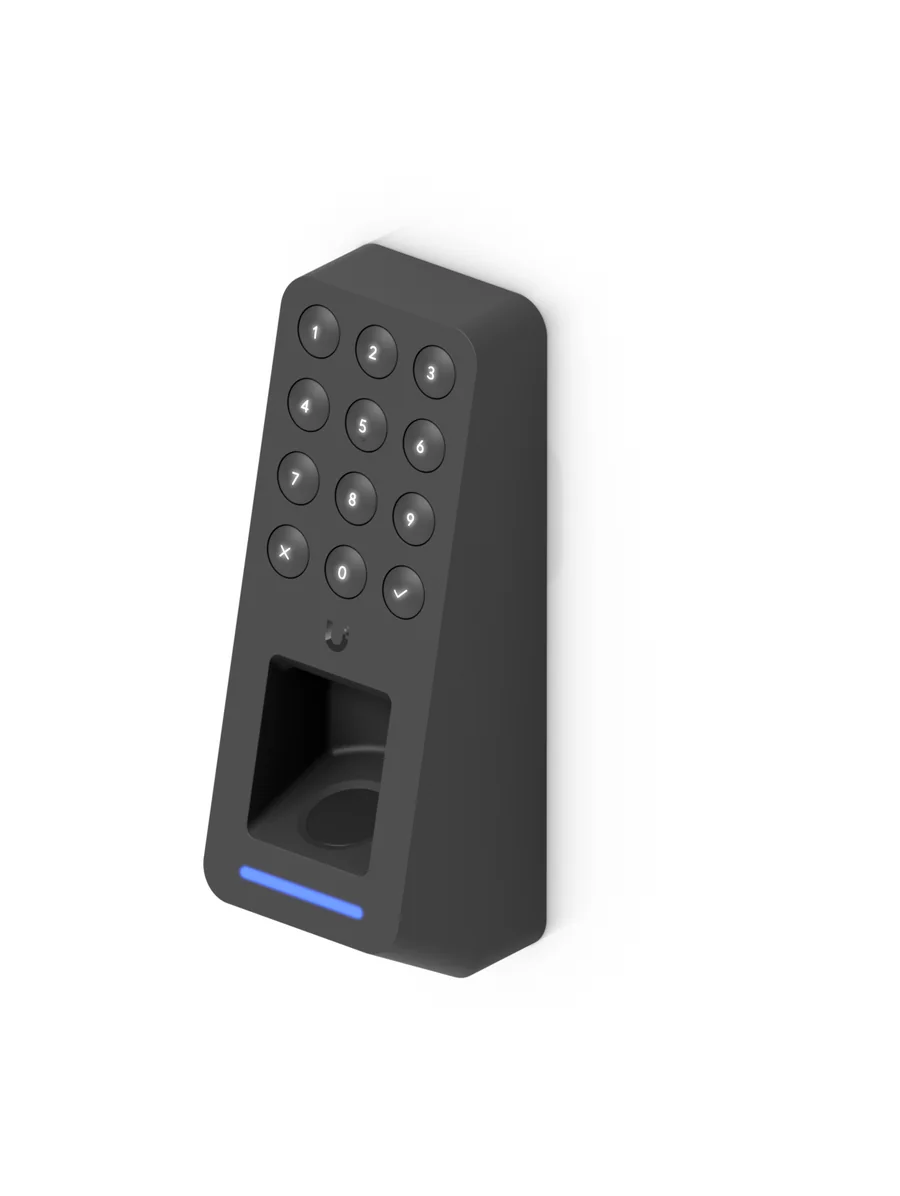
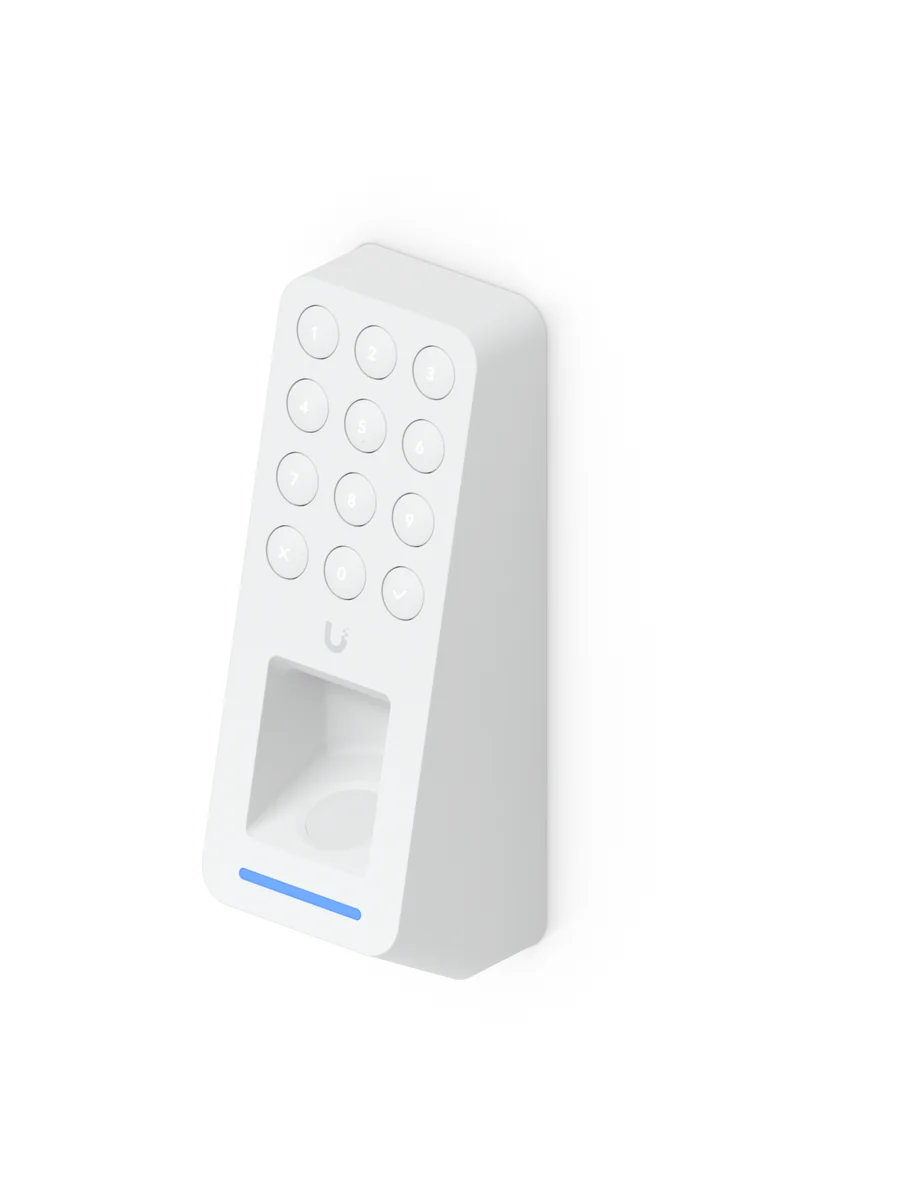
Each reader comes in two finishes with identical specifications: -B for black and -W for white. Black suits dark cladding, glass shopfronts and modern lobbies; white disappears on rendered and painted walls and stays cooler in direct sun.
Which fingerprint reader for which Australian site?
| Site | Our pick | Why |
|---|---|---|
| New office fit-out or warehouse extension | G3 Reader Fingerprint | One Cat6 cable with PoE; cabler is already on site |
| Server room or comms cupboard | G3 Reader Fingerprint | Biometric entry you can audit; card or PIN as a fallback |
| Pharmacy dispensary or medical drug store | G3 Reader Fingerprint | Identifies the person, not just the card |
| Existing office or school with an old access system | Retrofit Reader Fingerprint + Retrofit Hub | Reuses existing reader cabling, adds OSDP v2 encryption |
| Heritage building or occupied tenancy | Retrofit Reader Fingerprint | No new cable runs through walls you can't touch |
| External staff entrance or gate | Either (IP55) | Choose by cabling; add a card or Touch Pass for gloved users |
| Enterprise or multi-site project | Retrofit range via the Ubiquiti Enterprise Program | Project pricing; contact us before ordering |
ARC IP Networks recommendations based on Ubiquiti's published specifications.
Upgrading an existing door
| If you have | Consider | What you gain |
|---|---|---|
| UniFi Access G2 or G3 Reader (NFC) | G3 Reader Fingerprint | Fingerprint and keypad on the same PoE cable |
| UniFi G3 Reader Flex | G3 Reader Fingerprint | Adds a 300-fingerprint biometric sensor to keypad + NFC |
| UniFi Retrofit Reader | Retrofit Reader Fingerprint | Adds fingerprint and keypad on the same Retrofit Hub wiring |
| Legacy Wiegand or OSDP reader on another system | Retrofit Hub + Retrofit Reader Fingerprint | Moves the door to UniFi Access without re-cabling |
Upgrade mapping is an ARC IP Networks suggestion. Check your lock type, door hardware and fire-egress requirements with your installer.
What you need to run them
- A UniFi OS console running the UniFi Access application, such as a UniFi Cloud Gateway or Dream Machine. Ubiquiti lists UniFi OS 6.0 RC as the requirement for these readers, so update the console first.
- G3 Reader Fingerprint: a UniFi Access hub such as the UA-Hub-Door or UA-Hub-Door-Mini, a PoE switch and a Cat6 run to the door.
- Retrofit Reader Fingerprint: the UA-Retrofit-Hub-2, the UACC-Retrofit-PSU-12V and the existing reader cable.
- A lock and door hardware that suit the door. Egress and fire doors must still meet the NCC and your local fire-safety requirements, so involve a licensed locksmith or security installer.
New to the platform? Start with our UniFi Access explained guide.
UniFi Access fingerprint readers and hubs at ARC IP Networks
Live Australian pricing (inc. GST) and availability are on each product page. Enterprise Program items show project pricing.
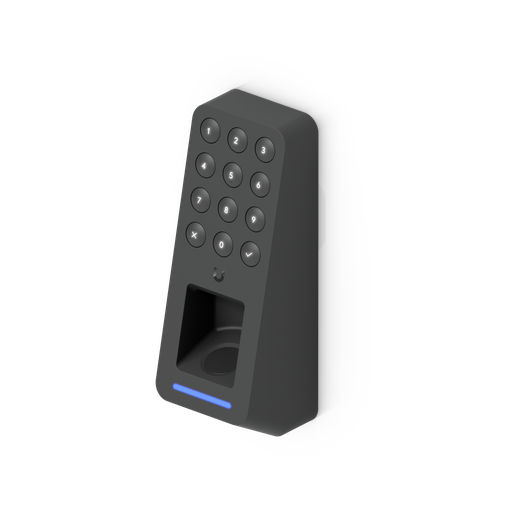
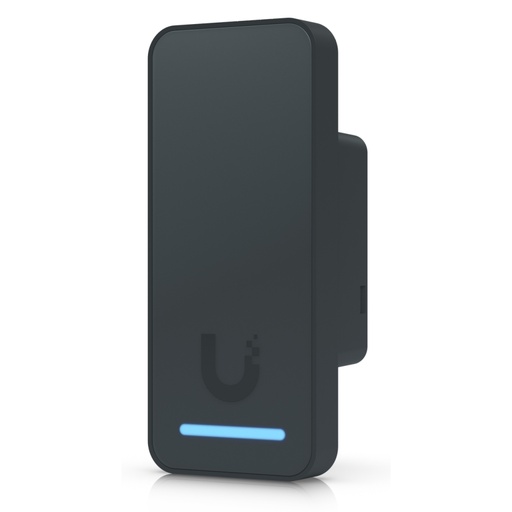
Access G3 Reader Fingerprint in black: fingerprint, keypad, NFC and Touch Pass, PoE, IP55.
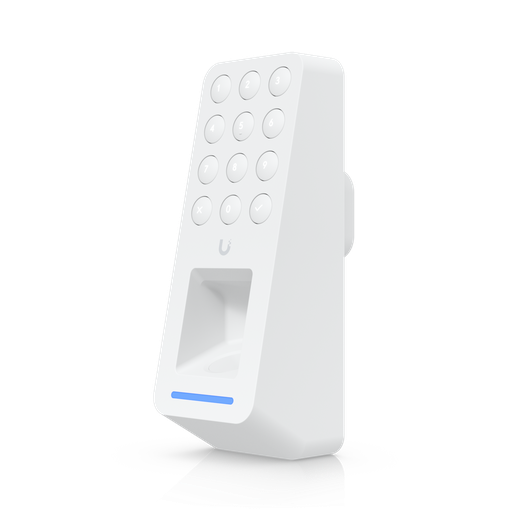
Access G3 Reader Fingerprint in white: same reader, white finish.
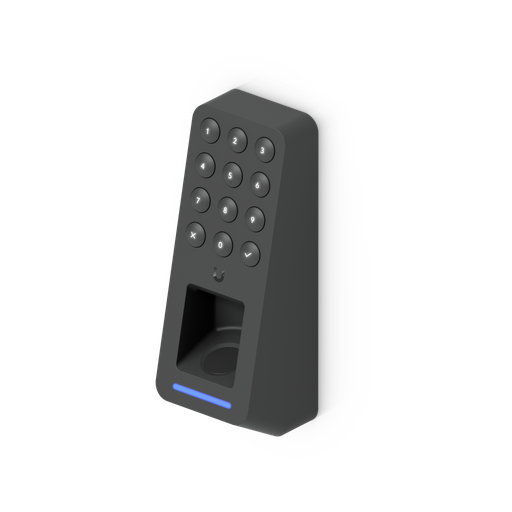
Retrofit Reader Fingerprint in black: OSDP v2 over RS-485 for the Retrofit Hub. Enterprise Program.
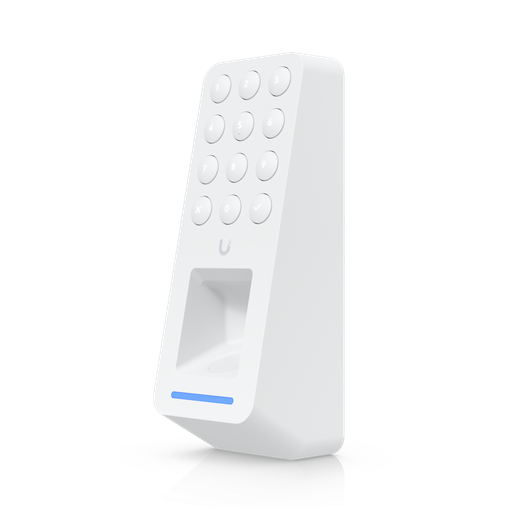
Retrofit Reader Fingerprint in white: same reader, white finish. Enterprise Program.
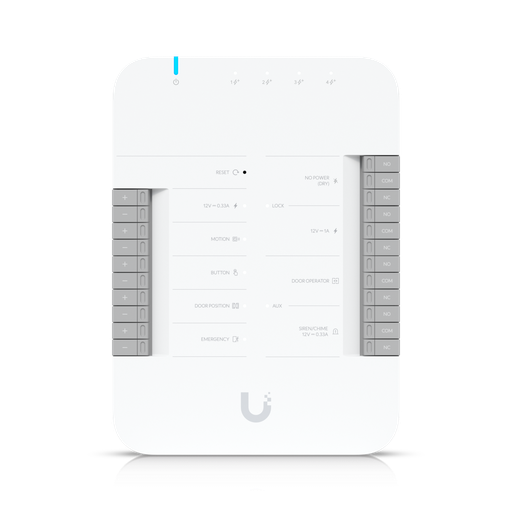
UniFi Access Hub for a single door: lock relay, door sensor and reader connections.
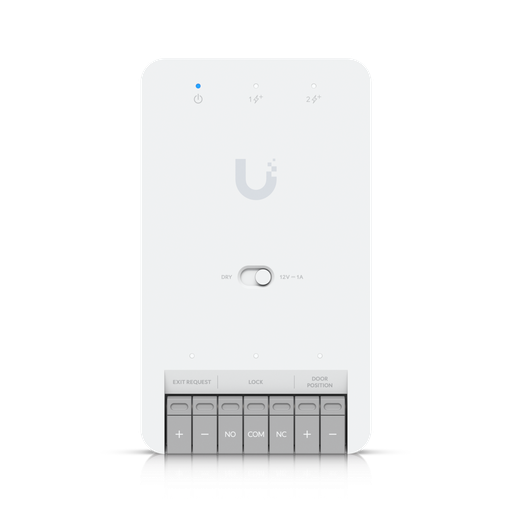
Compact single-door UniFi Access hub for smaller installs.
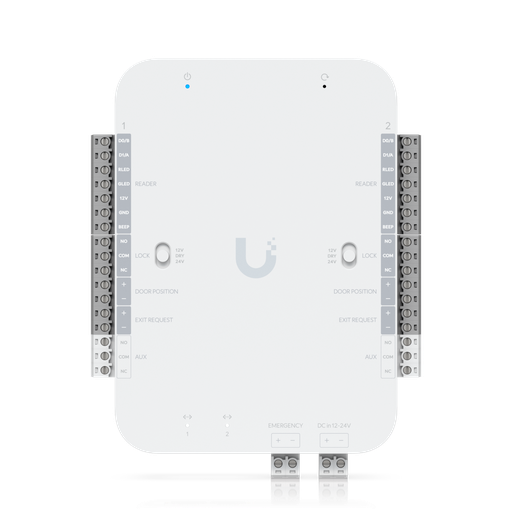
Two-door Retrofit Hub for OSDP and Wiegand readers on existing cabling.
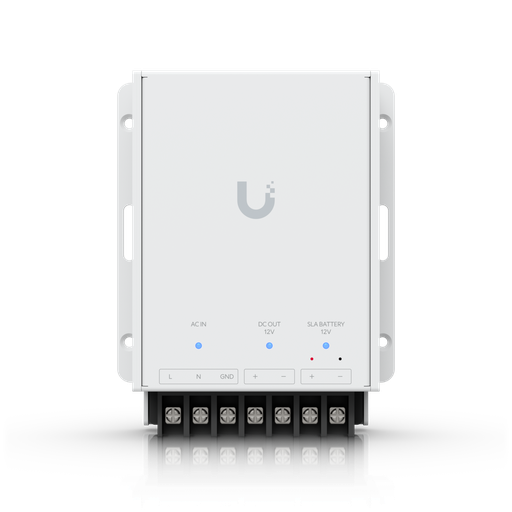
12 V power supply for the Retrofit Hub with optional SLA battery backup.
Ready to buy?
Shop genuine Ubiquiti at ARC IP Networks
Authorised Ubiquiti reseller
Ubiquiti at ARC IP Networks
UniFi gateways, switches, Wi-Fi, Protect cameras and Access. Genuine Australian stock with the full manufacturer's warranty, competitive prices and price match available.
Common questions
Straight answers from the ARC IP Networks team. Last reviewed October 2026.
Yes. Ubiquiti makes two UniFi Access fingerprint readers: the Access G3 Reader Fingerprint (UA-G3-Fingerprint), a PoE network reader, and the Access Retrofit Reader Fingerprint (UA-Retrofit-Reader-Fingerprint), an OSDP v2 reader for the UniFi Retrofit Hub. Both come in black (-B) and white (-W).
Ubiquiti specifies a fingerprint capacity of 300 for both the G3 Reader Fingerprint and the Retrofit Reader Fingerprint.
The credentials are the same: fingerprint, keypad PIN, NFC card and Apple Touch Pass. The G3 Reader Fingerprint connects over Ethernet with PoE (5 W max) to a UniFi Access hub. The Retrofit Reader Fingerprint connects over RS-485 using OSDP v2 to the UniFi Retrofit Hub and runs on 12 V DC (3.5 W max), so it can reuse existing access-control cabling.
Yes. Both readers are rated IP55, classed by Ubiquiti as Outdoor Exposed, and operate from -30 to 50 degrees Celsius at 5 to 90 percent non-condensing humidity.
Yes. As well as fingerprints, both readers accept a keypad PIN, 13.56 MHz NFC cards (ISO 14443A/B and 15693, including MIFARE Classic, Plus, Ultralight and DESFire) and Apple Touch Pass on iPhone and Apple Watch. Ubiquiti includes 10 free 1-year Touch Passes.
A UniFi OS console running UniFi Access (Ubiquiti lists UniFi OS 6.0 RC as the requirement), plus a UniFi Access hub and PoE for the G3 Reader Fingerprint, or the UA-Retrofit-Hub-2 and a 12 V supply for the Retrofit Reader Fingerprint.
Yes, with care. Biometric information is sensitive information under the Privacy Act 1988, so organisations covered by the Act generally need consent before collecting it, should explain how it is stored and used, and should offer an alternative credential such as a card or PIN. This is general information, not legal advice.
Often, yes. The UniFi Retrofit Hub supports OSDP and Wiegand readers, and the Retrofit Reader Fingerprint connects to it over RS-485 using the existing reader cable, so many doors can move to UniFi Access without new cable runs. Check the condition and core count of the existing cable with your installer.
ARC IP Networks is an authorised Ubiquiti reseller supplying the UA-G3-Fingerprint and UA-Retrofit-Reader-Fingerprint, in black and white, with the full manufacturer's warranty at competitive prices. The Retrofit range is part of the Ubiquiti Enterprise Program, so contact us for project pricing. Order at arcip.com.au or call 1300 100 440.
Who we are
About ARC IP Networks
ARC IP Networks is an Australian supplier of networking, Wi-Fi and gateway equipment, based in Blackburn, Melbourne, Victoria. We work with homeowners, installers, integrators and businesses across Australia, supplying Ubiquiti UniFi, MikroTik, TP-Link, Ruijie, Teltonika and D-Link.
We are an authorised Ubiquiti, MikroTik, TP-Link, Ruijie, Teltonika and D-Link reseller, so you get genuine Australian stock with the full manufacturer's warranty, never grey imports, at competitive prices. Our team can help you choose the right equipment, and trade customers get trade accounts and project pricing on larger jobs.
- Genuine Australian stock with the full manufacturer's warranty
- Competitive prices, price match available
- Trade accounts for installers, integrators and MSPs
- Australia-wide delivery; showroom in Blackburn, Mon–Fri 9–5 (demos by appointment)
Planning fingerprint access for your site?
Tell us how many doors you have, what is wired there today and which lock each door uses. We will match the right reader, hub and power to each door, check availability and quote it as one order, with trade and project pricing for installers and MSPs.