Short answer: buy the UDM-SE if you want one box that also powers your access points and cameras over PoE; the UDM-Pro if you already own a PoE switch and just need the gateway and NVR; and the UDM-Pro-Max if you are recording more than eight 4K cameras or need the extra IDS/IPS headroom. All three are 1U rackmount gateways running the same UniFi OS — what changes is processing headroom, storage and whether PoE is built in.
Choosing between the Ubiquiti UDM-SE, UDM-Pro and UDM-Pro-Max? All three are 1U rackmount UniFi cloud gateways that run the full UniFi suite — routing, IDS/IPS security, VPN, and a built-in UniFi Protect NVR. The difference in one line: the UDM-SE is the only one with a built-in PoE switch, the UDM-Pro is the value option without PoE, and the UDM-Pro-Max is the high-capacity model for bigger camera counts. Below is the full comparison using Ubiquiti's published specifications, plus the PoE detail that catches most buyers out. Current pricing is on each product page — or call us for project pricing.
Quick verdict
- UDM-SE. Best all-rounder. Built-in 8-port PoE switch (180 W total) powers access points and cameras directly, plus a 128 GB SSD that keeps UniFi Protect responsive. Ideal for homes and small-to-medium business.
- UDM-Pro. Best value when PoE is already handled. Same 3.5 Gbps security engine and same camera capacity as the UDM-SE, but no PoE and no SSD.
- UDM-Pro-Max. Best for scale. 5 Gbps IDS/IPS, 200+ devices, 2,000+ clients, two HDD bays and 8 GB RAM for larger UniFi Protect deployments (still no PoE).
UDM-SE vs UDM-Pro vs UDM-Pro-Max — full comparison
| Feature | UDM-SE | UDM-Pro | UDM-Pro-Max |
|---|---|---|---|
| Built-in PoE switch | Yes — 8-port, 180 W | No | No |
| IDS/IPS throughput | 3.5 Gbps | 3.5 Gbps | 5 Gbps |
| IDS/IPS signatures | 55,000+ (with CyberSecure) | 55,000+ (with CyberSecure) | 55,000+ (with CyberSecure) |
| Managed UniFi devices | 100+ | 100+ | 200+ |
| Simultaneous clients | 1,000+ | 1,000+ | 2,000+ |
| UniFi Protect cameras | (24) HD / (14) 2K / (8) 4K | (24) HD / (14) 2K / (8) 4K | (50) HD / (25) 2K / (15) 4K |
| Default WAN ports | 10G SFP+ + 2.5 GbE | 10G SFP+ + 1 GbE | 10G SFP+ + 2.5 GbE |
| Max. WAN ports | 8 | 8 | 8 |
| LAN ports | (8) GbE + (1) 10G SFP+ | (8) GbE + (1) 10G SFP+ | (9) GbE + (1) 10G SFP+ |
| 3.5" HDD bays | 1 | 1 | 2 |
| Built-in SSD | 128 GB | — | 128 GB |
| System memory | 4 GB | 4 GB | 8 GB |
| Processor | Quad-core A57 @ 1.7 GHz | Quad-core A57 @ 1.7 GHz | Quad-core A57 @ 2.0 GHz |
| Max. power consumption | 50 W (excl. PoE output) | 33 W | 60 W |
| Weight | 5 kg | 3.9 kg | 4.7 kg |
| Dimensions | 442.4 × 43.7 × 285.6 mm (1U) — all three | ||
Specifications from Ubiquiti's published product documentation. Current pricing is shown on each product page.
The PoE detail most buyers miss
The UDM-SE's built-in PoE is the main reason people choose it, but the 180 W budget is not evenly distributed. Of its eight GbE LAN ports:
- Two ports are PoE+ (802.3at, 30 W)
- Six ports are PoE (802.3af, 15.4 W)
That matters because modern WiFi 7 access points such as the U7 Pro require PoE+, not PoE. So a UDM-SE can power two PoE+ access points directly — beyond that you need a PoE+ switch, even though the 180 W budget hasn't been reached. Lower-draw devices like the U7 Lite, most UniFi Protect cameras and door readers run happily on the 15.4 W ports.
If your design has three or more PoE+ access points, the honest answer is that you are buying a switch regardless — in which case the cheaper UDM-Pro plus a dedicated PoE switch is usually the better-value pairing, and gives you room to grow.
UDM-SE — the built-in PoE all-rounder
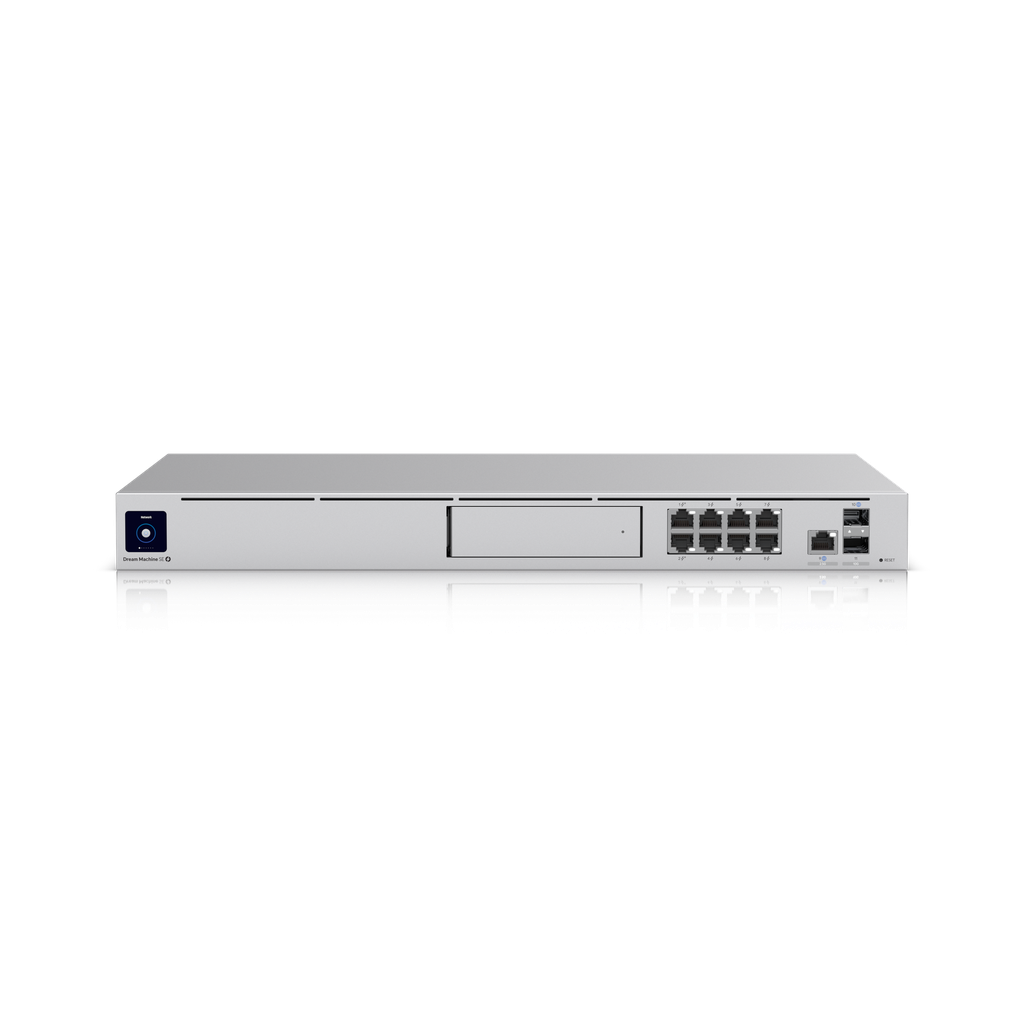
The UniFi Dream Machine Special Edition is the only Dream Machine with an integrated 8-port PoE switch, and the extra 128 GB SSD makes a noticeable difference to how quickly UniFi Protect loads footage, because the operating system and Protect database live on flash rather than on the spinning drive. Its 2.5 GbE WAN port also suits multi-gig NBN and fixed wireless services.
For a small office, a clinic, a café or a home with a rack, it does the job of four devices: router, firewall, PoE switch and camera recorder. Draw is 50 W before PoE output, so budget around 230 W worst case if you load the PoE ports fully.
UDM-Pro — same security engine, no PoE
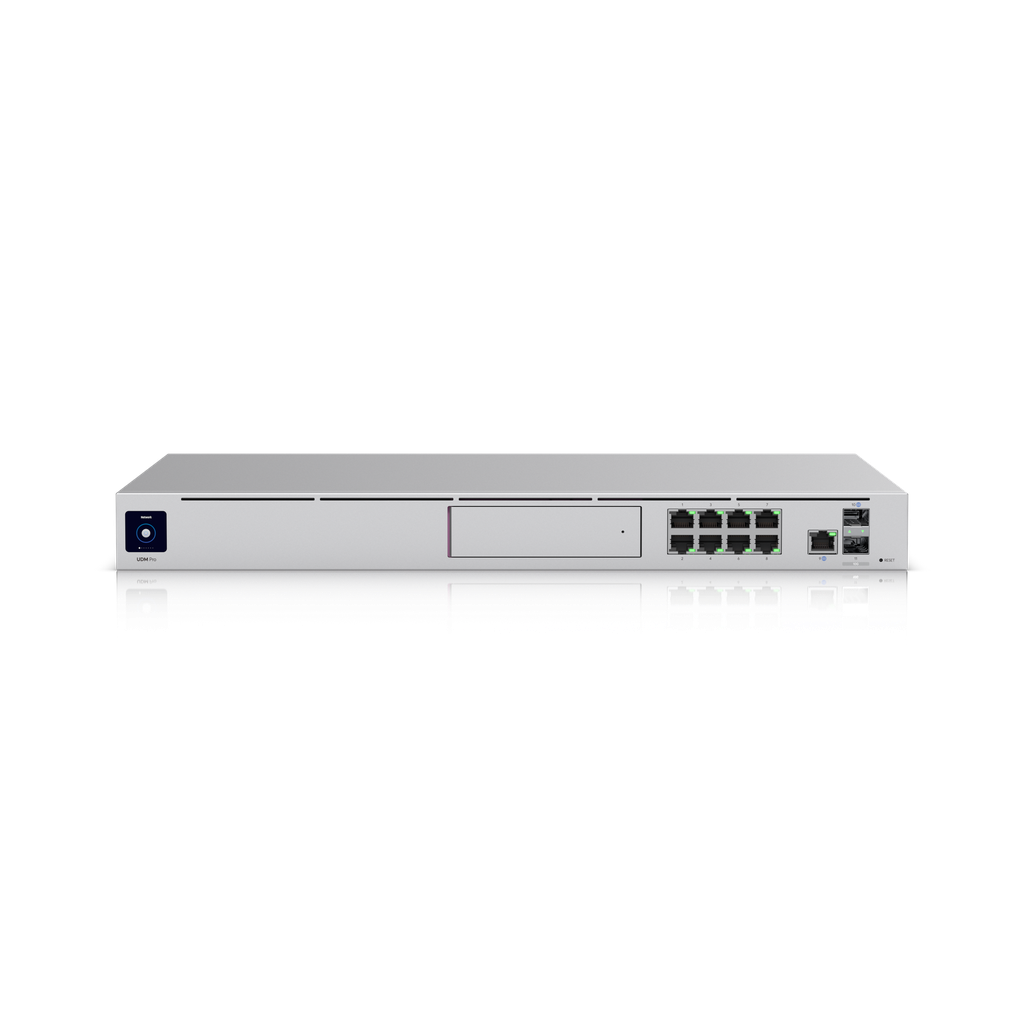
The UDM-Pro shares the UDM-SE's 3.5 Gbps IDS/IPS engine, its 100+ device capacity and the same UniFi Protect camera limits. What you give up is PoE, the built-in SSD and the 2.5 GbE WAN port — its second WAN is 1 GbE. It's also the lightest on power at 33 W.
It remains the value pick for any site that already runs UniFi switching, and for installers who prefer keeping switching separate so a gateway swap doesn't take the whole network down with it.
UDM-Pro-Max — the high-capacity model
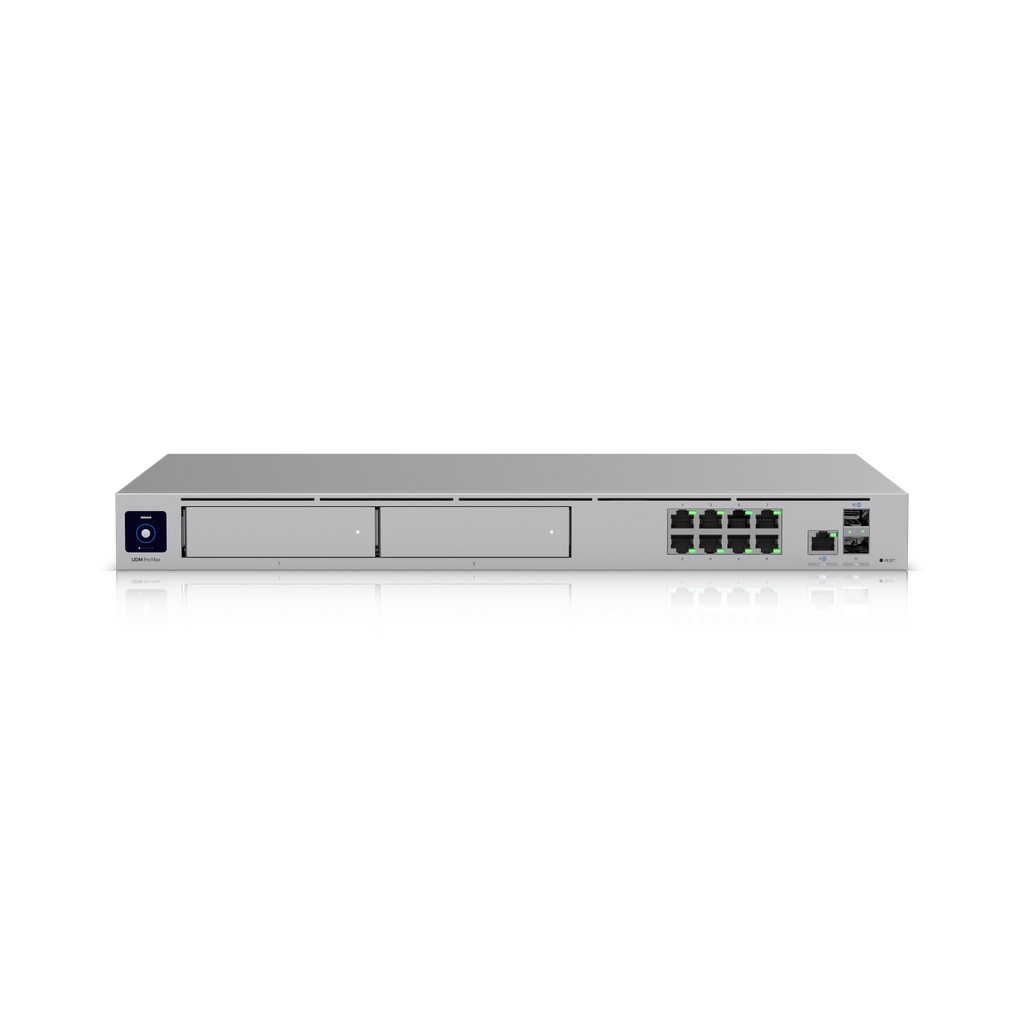
The UDM-Pro-Max lifts every ceiling that matters on a larger site: 5 Gbps IDS/IPS, 200+ managed devices, 2,000+ clients, 8 GB RAM, a 2.0 GHz processor, and — the big one — two 3.5" HDD bays and capacity for 15 4K cameras instead of eight.
Two bays means you can mirror drives for redundancy, or simply run more storage for longer retention. If UniFi Protect is central to the project, this is the Dream Machine to specify. It has no PoE either, so switching is a separate line item.
UniFi Protect: how many cameras can each one record?
All three include a UniFi Protect NVR, and the limit depends on camera resolution rather than count alone:
| Camera resolution | UDM-SE / UDM-Pro | UDM-Pro-Max |
|---|---|---|
| HD (1080p) | 24 | 50 |
| 2K | 14 | 25 |
| 4K | 8 | 15 |
Drives are not included with any of them. Use surveillance-rated drives designed for continuous write — a standard desktop drive will fail early under 24/7 recording. If your camera count is heading past 15 in 4K, stop looking at Dream Machines and move to a dedicated recorder with a separate gateway.
Which UniFi Dream Machine should you buy?
| Your situation | Buy this | Why |
|---|---|---|
| Home or small office, 1–2 access points, a few cameras, no switch yet | UDM-SE | Gateway, PoE and NVR in one 1U box |
| You already run a UniFi PoE switch | UDM-Pro | Same security engine for less |
| Three or more PoE+ WiFi 7 access points | UDM-Pro + PoE+ switch | Only two UDM-SE ports are PoE+ |
| 9–15 4K cameras, or you want drive redundancy | UDM-Pro-Max | Two HDD bays, 15× 4K capacity |
| Multi-gig internet and heavy inspection | UDM-Pro-Max | 5 Gbps IDS/IPS vs 3.5 Gbps |
| Over 200 UniFi devices or 2,000 clients | Step up — see below | Beyond Dream Machine territory |
Need more, or less, than a Dream Machine?
- Less: the UCG-Fiber is a desktop 10G cloud gateway for sites with no rack and no need for on-board camera recording. See our UniFi cloud gateway comparison.
- More throughput: the UDM-Beast takes IDS/IPS to 25 Gbps with dual 25G SFP28 WAN. We compare them directly in UDM-Beast vs UDM-Pro-Max.
- Enterprise firewalling: the EFG and UXG-Enterprise both do 12.5 Gbps inspection with 95,000+ signatures, but neither has camera storage. Read UXG-Enterprise vs EFG vs UDM-Beast.
- Campus and data-centre edge: see our guide to the Enterprise Firewall Core (EF-Core).
- Still deciding on the rest of the stack? Our best UniFi routers, best UniFi switches and UniFi access points compared guides cover the matching gear.
Practical details before you order
- Rack depth: all three are 442.4 × 43.7 × 285.6 mm, so they fit a 300 mm-deep wall cabinet — but leave room for cabling behind.
- Power: 33 W (UDM-Pro), 50 W plus PoE output (UDM-SE), 60 W (UDM-Pro-Max). All accept UniFi's USP-RPS redundant power input.
- No WiFi: none of them broadcast wireless. Add access points.
- Screen: each has a 1.3" touchscreen for status and basic setup.
- Warranty and cover: all are supplied with the manufacturer's warranty, and UI Care five-year replacement cover is available on the models Ubiquiti supports it on — ask us to add it at the time of order.
Buying from ARC IP Networks. We're an authorised Ubiquiti reseller in Australia: genuine Australian stock with the manufacturer's warranty and local support, not grey import. We quote project pricing on multi-unit jobs, add UI Care where Ubiquiti supports it, and price match on genuine gear. Call 1300 100 440 or get in touch and we'll spec it with you.
Frequently asked questions
What is the difference between the UDM-SE and UDM-Pro?
The UDM-SE adds a built-in 8-port PoE switch (180 W), a 128 GB SSD and a 2.5 GbE WAN port. The UDM-Pro has no PoE, so you need a separate PoE switch to power access points and cameras. Otherwise both share the same 3.5 Gbps IDS/IPS engine, 100+ device capacity and the same UniFi Protect camera limits.
Is the UDM-Pro-Max worth it over the UDM-SE?
It is if you need the capacity: 5 Gbps IDS/IPS instead of 3.5 Gbps, 200+ managed devices, 2,000+ clients, 8 GB RAM, two HDD bays and 15 4K cameras instead of eight. If what you actually want is PoE built in, only the UDM-SE has it — the Pro-Max does not.
How many PoE+ ports does the UDM-SE have?
Two. Of its eight GbE LAN ports, two are PoE+ at 30 W and six are PoE at 15.4 W, within a 180 W total budget. WiFi 7 access points that require PoE+ can therefore only be powered two at a time directly from the UDM-SE.
Do any of these have built-in WiFi?
No. The UDM-SE, UDM-Pro and UDM-Pro-Max are rackmount gateways — they don't broadcast WiFi. Add UniFi access points for wireless; all three manage them, and the UDM-SE can power a pair of them directly over PoE.
Do they come with a hard drive for UniFi Protect?
No. All three have 3.5" bays but ship without drives. Fit a surveillance-rated drive built for continuous writing — the UDM-SE and UDM-Pro take one, the UDM-Pro-Max takes two.
How much power do they use?
Maximum draw is 33 W for the UDM-Pro, 50 W for the UDM-SE excluding its PoE output, and 60 W for the UDM-Pro-Max. All three support UniFi's USP-RPS redundant power supply.
Which UniFi Dream Machine is best for a small business?
For most small businesses the UDM-SE is the sweet spot: one 1U box for routing, security, an 8-port PoE switch and a UniFi Protect NVR. Step up to the UDM-Pro-Max for larger camera counts, and choose the UDM-Pro when PoE switching is already in place.
Can a Dream Machine replace a separate UniFi Protect NVR?
Yes, within its limits — 8 4K cameras on the UDM-SE or UDM-Pro, 15 on the UDM-Pro-Max. Past that, or where you want recording to survive a gateway failure, use a dedicated recorder alongside a gateway such as the EFG or UXG-Enterprise, neither of which records itself.