Every alarm system lives or dies at the front door. If arming means opening an app, half the household never arms it. The USL Fob puts UniFi Protect's four most important actions — arm, disarm, night mode, panic — on a keyring, running up to ten years on one coin cell. Available in Australia from ARC IP Networks, an authorised Ubiquiti reseller — see the product page for stock.
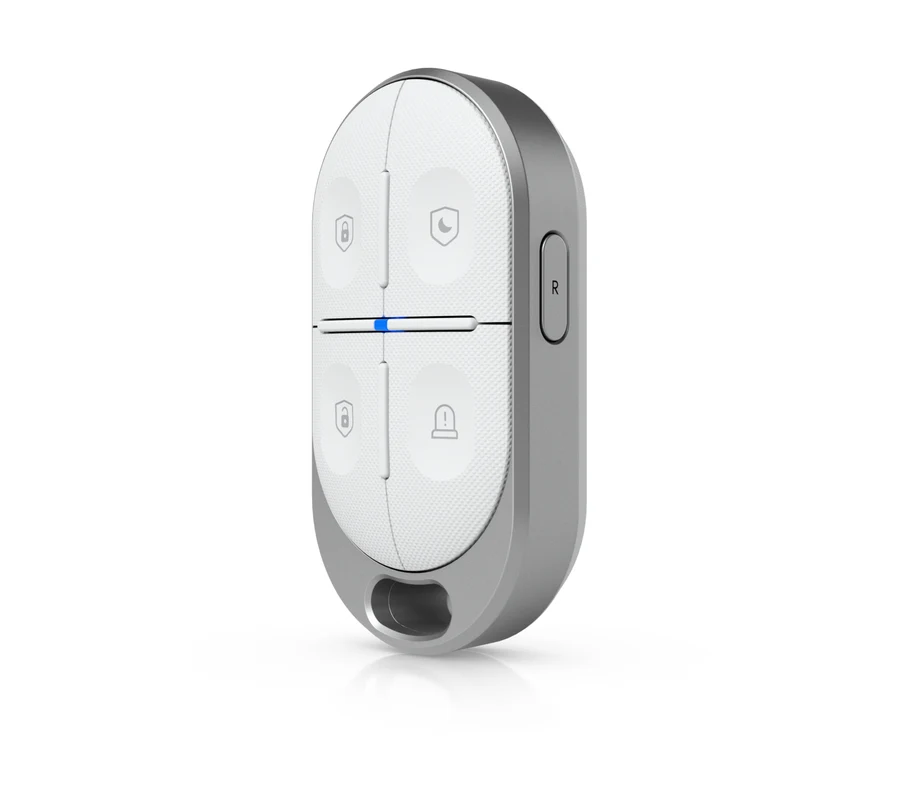
What is the USL Fob?
A 32-gram polycarbonate fob with four clicky buttons and two tricks. The first is SuperLink — Ubiquiti's purpose-built low-power radio — instead of Wi-Fi or Bluetooth, which is how a CR2450 coin cell stretches to a decade of use. The second is programmability: the primary faceplate ships mapped to Alarm Hub actions (arm, disarm, night mode, panic), and a secondary numeric faceplate turns the same four buttons into general-purpose triggers for your UniFi automations.
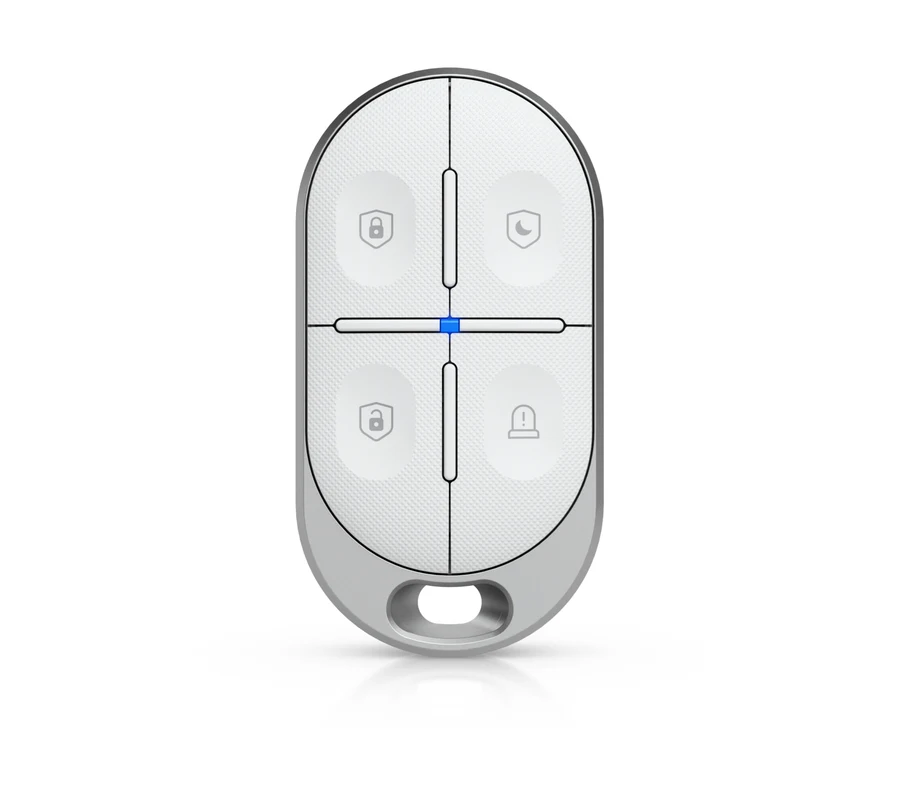
Why a fob still beats an app
Apps ask for attention: unlock the phone, find the icon, wait for the connection. A fob asks for a thumb. For staff locking up a shop, kids coming home from school, or anyone who just wants the alarm on, one physical click wins every time — and the panic button is exactly where you want it in the one moment you need it. Paired with the Alarm Hub Kit, it completes the takeover story: modern panel, familiar keyring.
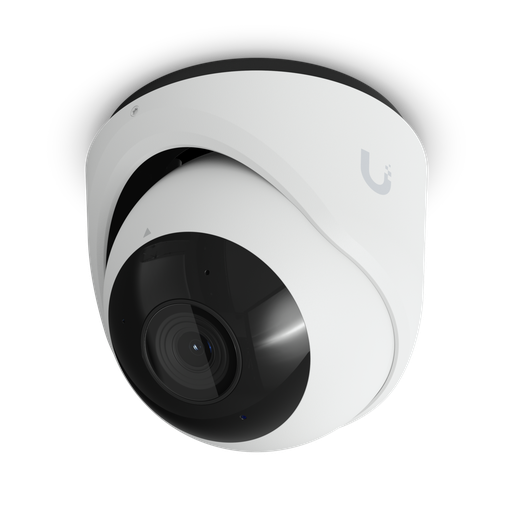
Shopping for UniFi Protect cameras?
Authorised Ubiquiti reseller: genuine Australian stock, full warranty, competitive prices and price match available.
Full specifications
| Buttons | 4 — primary faceplate: Arm, Disarm, Night mode, Panic · secondary numeric faceplate |
| Radio | SuperLink (proprietary low-power) · UniFi Protect suite |
| Battery | CR2450 lithium, 600 mAh · up to 10 years · 150 mW max draw |
| Indicators | Status and signal LEDs |
| Size / weight | 67 × 35 × 18.5 mm · 32 g · polycarbonate |
| Environment | 0–40°C · 10–90% humidity · CE, FCC, IC, UL 4200A |
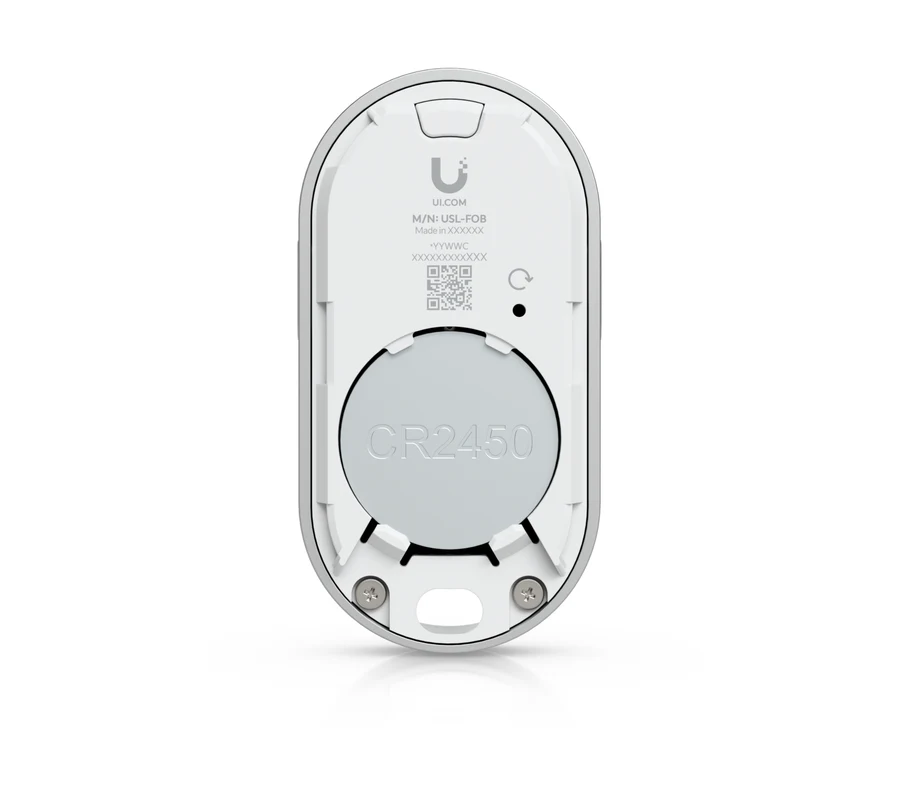
Availability in Australia
ARC IP Networks — an authorised Ubiquiti reseller in Australia — supplies the USL Fob as genuine Australian stock with the full manufacturer warranty, claimable locally. Pair it with the Alarm Hub Kit and Protect cameras; installers can open a trade account, and our price match policy applies.
Ready to buy?
Shop genuine Ubiquiti at ARC IP Networks
Authorised Ubiquiti reseller
Ubiquiti at ARC IP Networks
UniFi gateways, switches, Wi-Fi, Protect cameras and Access. Genuine Australian stock with the full manufacturer's warranty, competitive prices and price match available.
Frequently asked questions
The USL Fob is a SuperLink key fob for the UniFi ecosystem: four programmable buttons — arm, disarm, night mode and panic on the primary faceplate — that trigger instant actions across UniFi Protect, with up to 10 years of life from a single CR2450 battery.
Out of the box the primary faceplate maps to alarm actions: arm, disarm, night mode and panic. A secondary numeric faceplate supports programmable actions, so buttons can be assigned to the automations your site needs.
No Wi-Fi and no pairing apps on the fob itself: it uses SuperLink, Ubiquiti's purpose-built low-power radio, to reach SuperLink-capable UniFi devices such as the Alarm Hub — which is why the battery lasts up to a decade.
Yes — that is its natural home. The Alarm Hub Kit provides the SuperLink radio, and the fob gives staff and family a keyring way to arm and disarm the alarm without opening an app.
From ARC IP Networks (arcip.com.au), an authorised Ubiquiti reseller in Australia — genuine Australian stock with the full manufacturer warranty, claimable locally.
Who we are
About ARC IP Networks
ARC IP Networks is an Australian supplier of networking, Wi-Fi and gateway equipment, based in Blackburn, Melbourne, Victoria. We work with homeowners, installers, integrators and businesses across Australia, supplying Ubiquiti UniFi, MikroTik, TP-Link, Ruijie, Teltonika and D-Link.
We are an authorised Ubiquiti, MikroTik, TP-Link, Ruijie, Teltonika and D-Link reseller, so you get genuine Australian stock with the full manufacturer's warranty, never grey imports, at competitive prices. Our team can help you choose the right equipment, and trade customers get trade accounts and project pricing on larger jobs.
- Genuine Australian stock with the full manufacturer's warranty
- Competitive prices, price match available
- Trade accounts for installers, integrators and MSPs
- Australia-wide delivery; showroom in Blackburn, Mon–Fri 9–5 (demos by appointment)
Need help choosing?
Tell the ARC IP Networks team what you are trying to achieve and we will recommend the right equipment and quote it as one order.