



Skip to Content
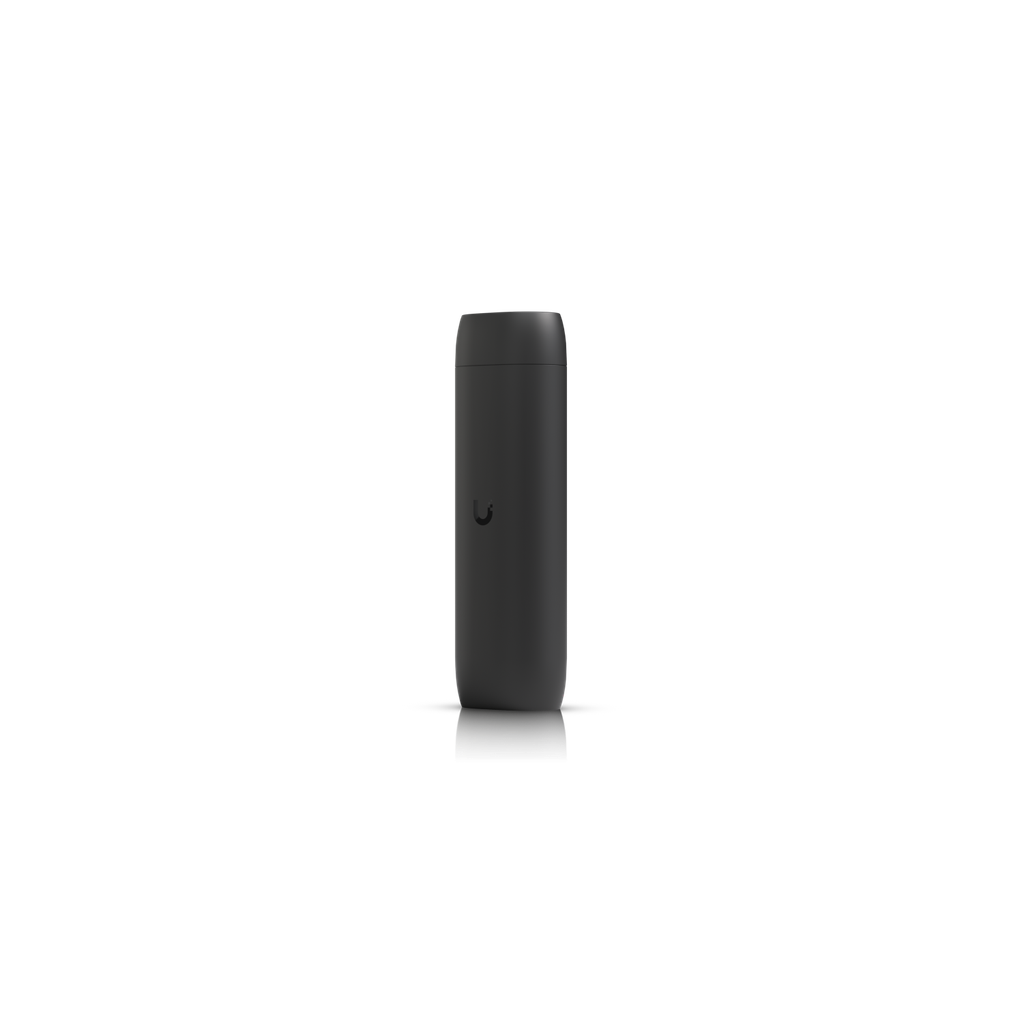
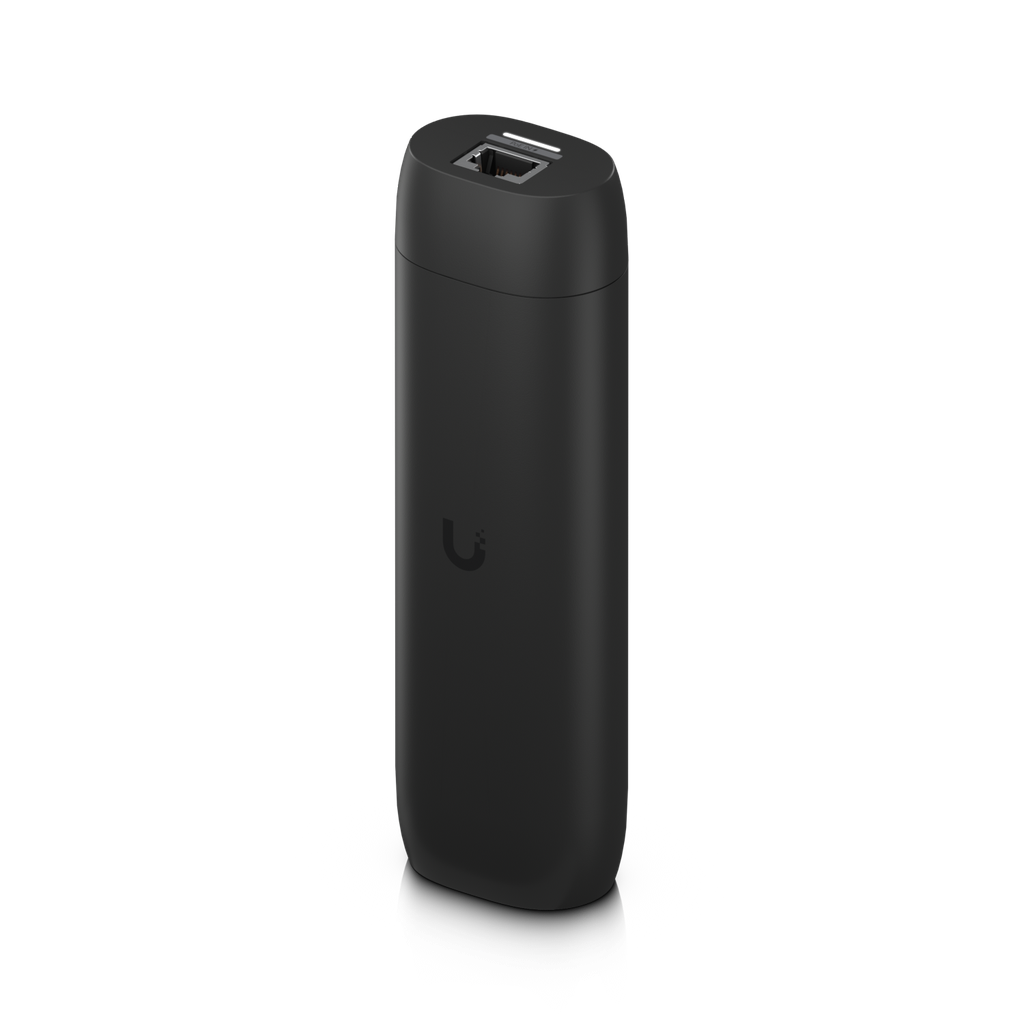
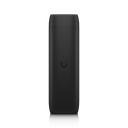
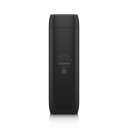
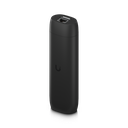
Ubiquiti UP-Viewport UniFi Protect ViewPort HDMI

Price:

371.25


Ubiquiti UACC-U7-Pro-XG-Wall-TS U7 Pro XG Wall Table Stand
72.60
72.60
Grandstream GXV3380 IP Multimedia Phone w/ 8" Touch LCD
287.39
287.39

Ubiquiti UP-Viewport UniFi Protect ViewPort HDMI

https://arcip.com.au/web/image/product.template/7941/image_1920?unique=c963e62

PoE-powered HDMI display adapter for UniFi Protect camera feeds. Single Ethernet cable for data and power, multi-camera grid layouts, fully managed via Protect app.

371.25 371.25 AUD 371.25 incl. GST

Not Available For Sale


  • Brand
  • Form Factor
  • Port Speed
  • Ports
  • Network Connectivity
  • PoE Specification

This combination does not exist.

In stock online
Ubiquiti UniFi Protect
UBIQUITI
UBIQUITI

Ubiquiti Inc. offers a wide range of networking solutions for service providers and enterprises, including fixed wireless broadband, wireless backhaul, routing, LAN infrastructure, and video surveillance. The company stands out through its proprietary software, advanced firmware, and innovative hardware design.

  • Stock

    Authorised Australian Reseller | Australian Stock | Genuine Local Warranty

  • Instalment
    Buy Now, Pay Later 
  • [Warranty Information] Warranty
    Manufacturer Warranty 
Estimate delivery
Shipping calculated at checkout
Estimate delivery times: 3-7 business days 
Guaranteed Safe Checkout
Guaranteed Safe Checkout
SKU
UP-Viewport
Barcode
817882029575
Tags
UP-Viewport
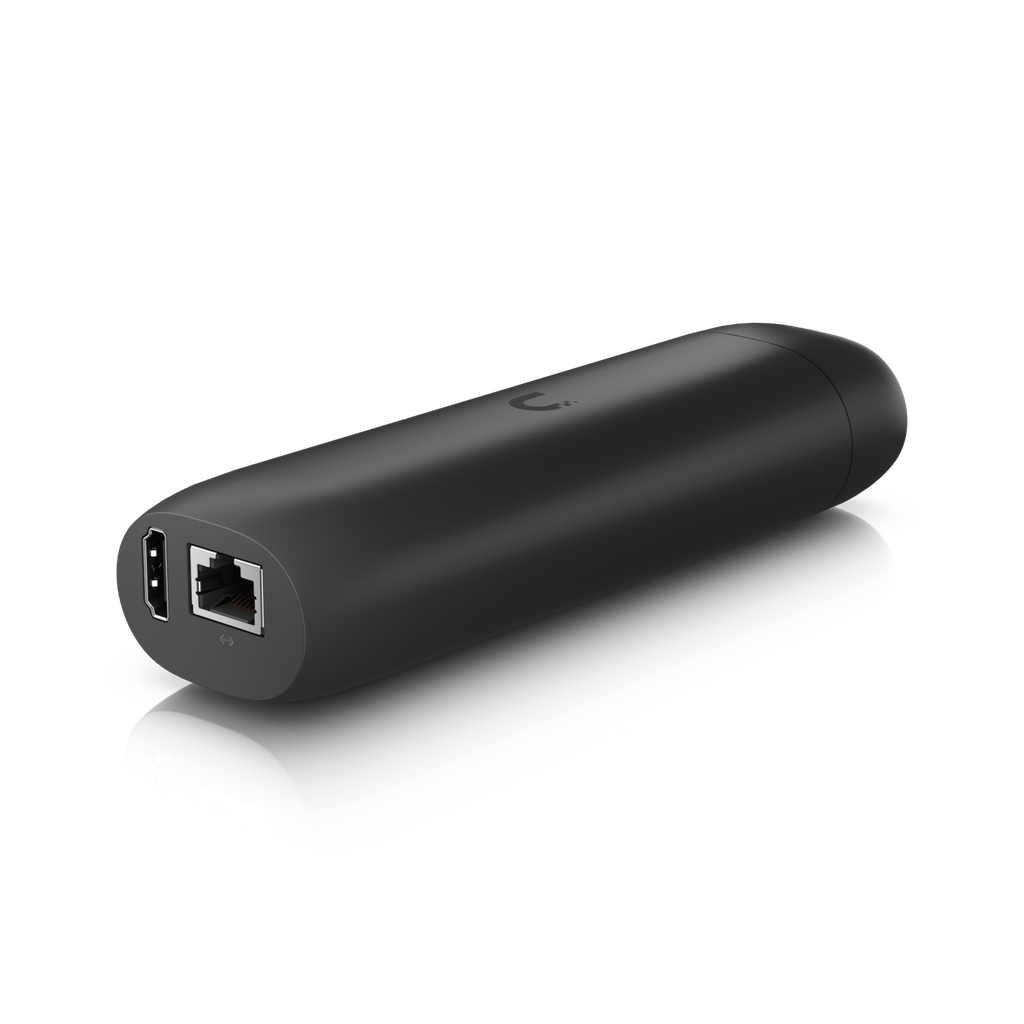
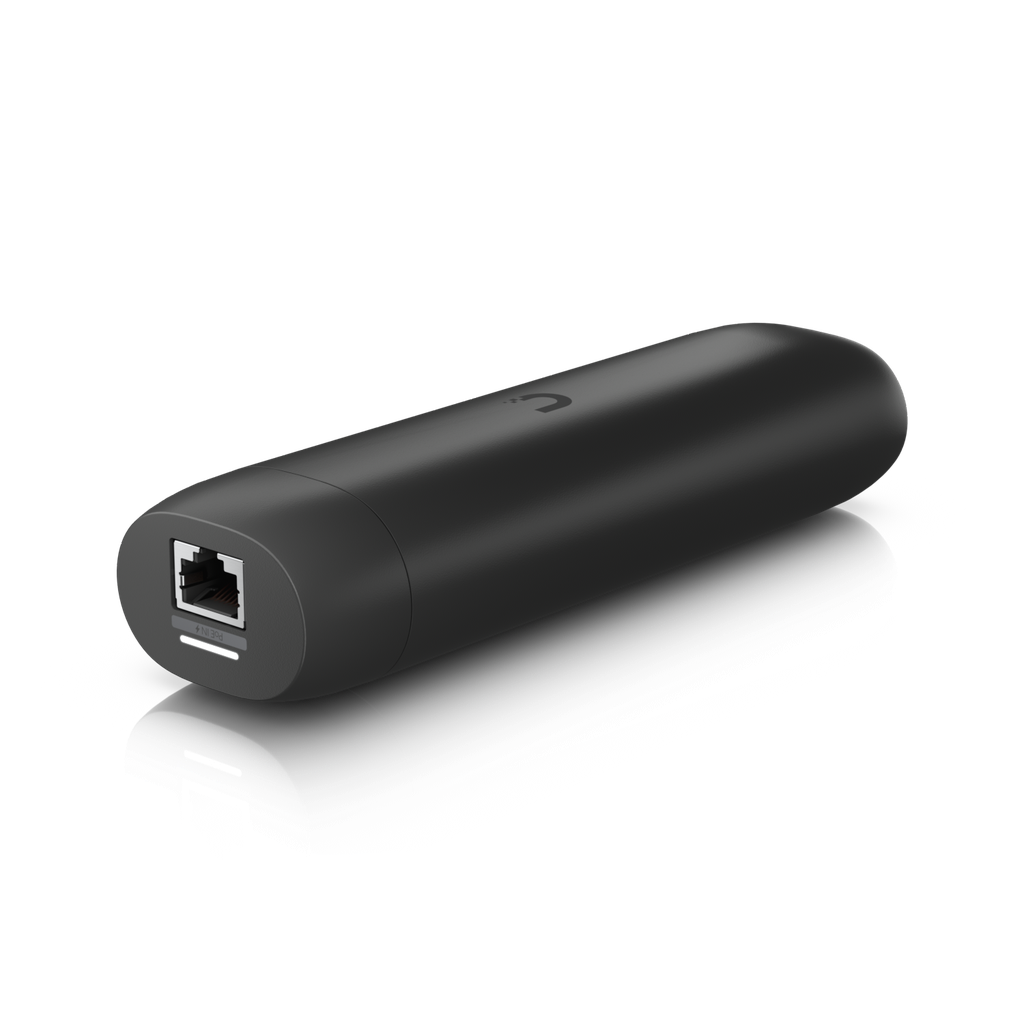
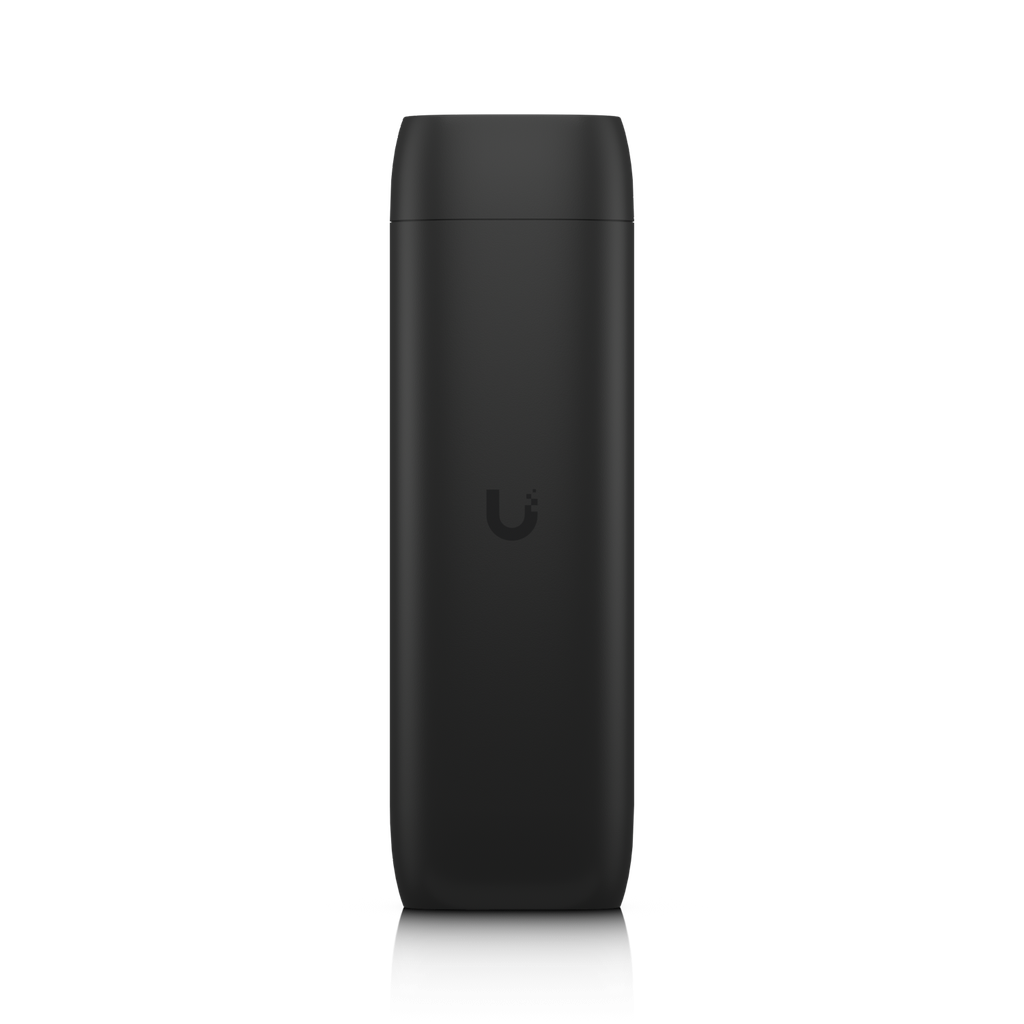
Ubiquiti UniFi Protect Viewport — PoE-Powered HDMI Display for Camera Feeds

Features

  • Streams live UniFi Protect camera feeds to any HDMI display
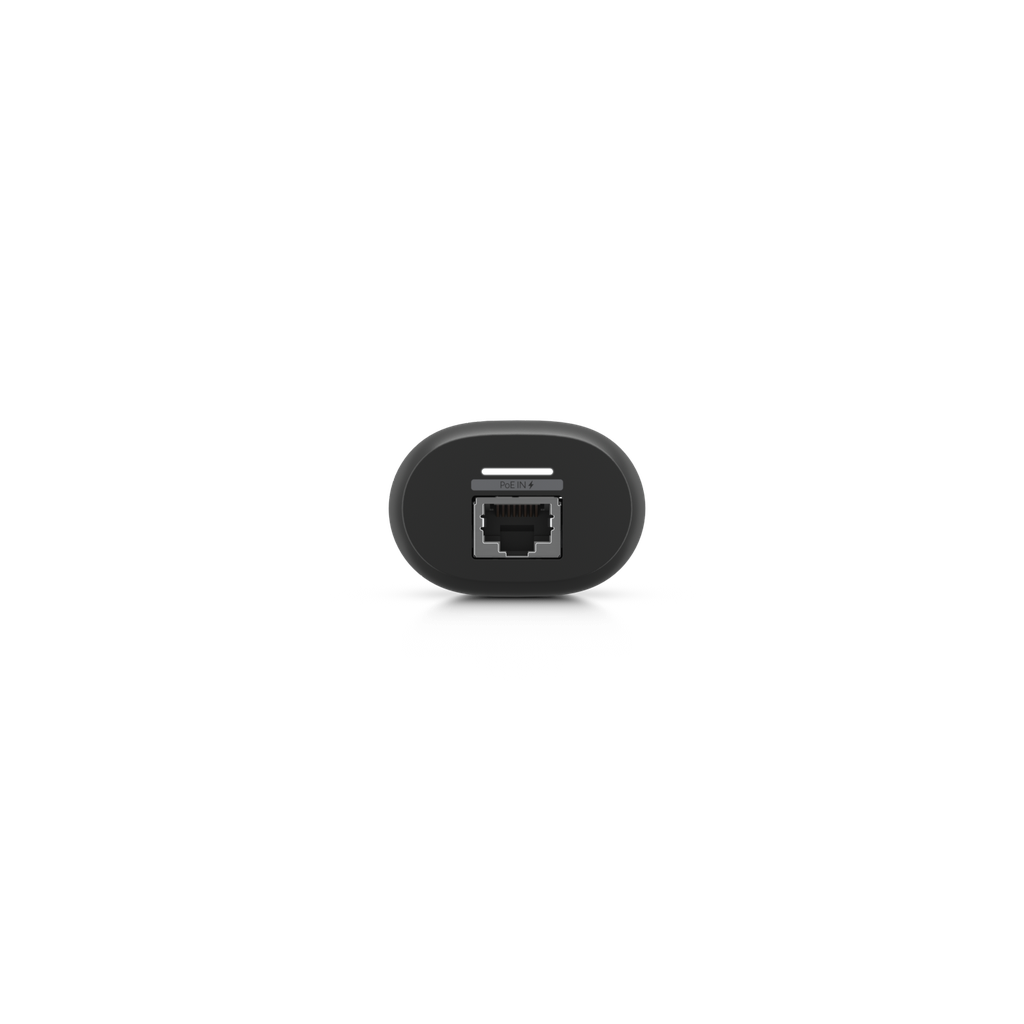
  • Powered by 802.3af PoE — single cable for data and power
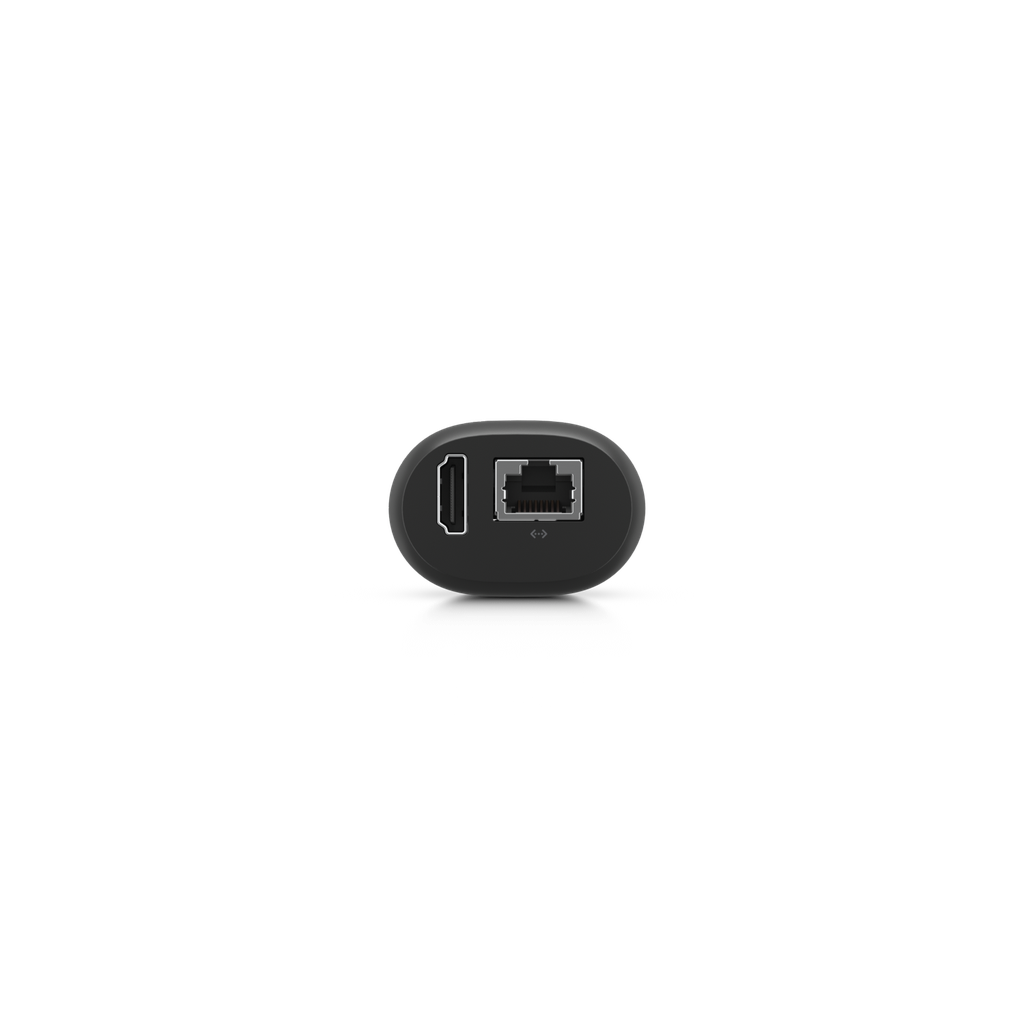
  • (1) GbE RJ45 Ethernet port
  • (1) HDMI output for monitor or TV
  • Multi-camera grid layouts and cycling views
  • Fully managed via UniFi Protect application
  • Compact, fanless design with included mount kit

Specifications

Hardware
Networking Interface(1) GbE RJ45 port
Video Output(1) HDMI — up to 4K @ 30 FPS
Max. Cameras Displayed16 (matrix view)
Power MethodPoE (802.3af)
Max. Power Consumption9.5W
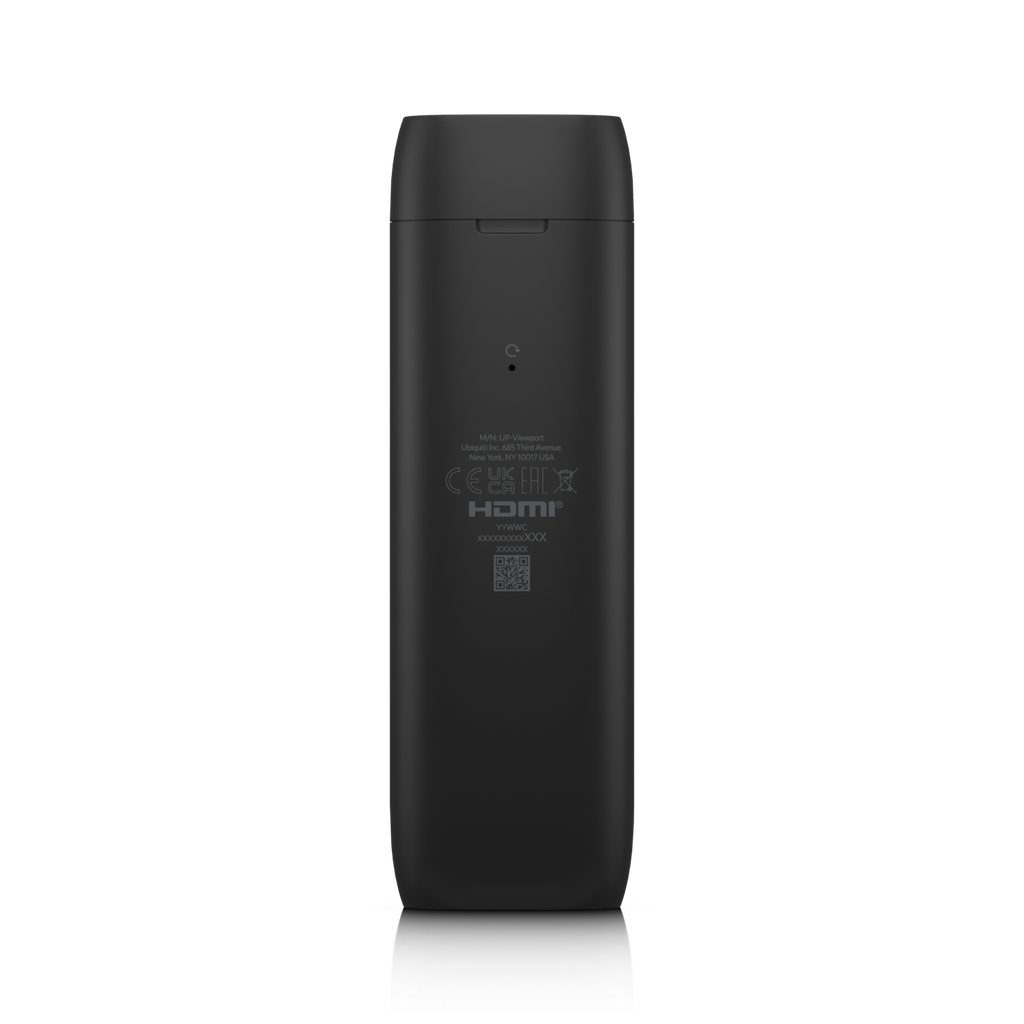
Buttons(1) Factory reset
ESD/EMP ProtectionAir: ± 8kV, contact: ± 4kV
Mechanical
Dimensions157 x 52 x 37 mm (6.2 x 2.1 x 1.5")
WeightWithout mount: 230 g (8.1 oz) / With TV mount: 252 g (8.9 oz)
Enclosure MaterialPolycarbonate
Mount MaterialPolycarbonate (TV mount included)
Environment
Operating Temperature0 to 40° C (32 to 104° F)
Operating Humidity20 to 80% non-condensing
CertificationsFCC, IC, CE, Anatel
ManagementUniFi Protect web app, iOS & Android

Professional Overview

The Ubiquiti UniFi Protect Viewport (UP-Viewport, previously sold as UFP-ViewPort) is a dedicated HDMI display adapter that streams live camera feeds from your UniFi Protect system directly to any HDMI monitor or television. It provides a simple, always-on surveillance display for reception areas, security desks, control rooms, and retail environments without requiring a dedicated computer.

The Viewport connects to your network via its GbE RJ45 port and is powered by 802.3af PoE, eliminating the need for a separate power adapter at the display location. A single Ethernet cable provides both data and power, keeping installations clean. At 157 x 52 x 37 mm and 230 g (252 g with the TV mount fitted), the device mounts discreetly behind any HDMI display using the included mount.

Managed entirely through the UniFi Protect application, the Viewport can display single camera views, multi-camera grid layouts, or cycle through cameras on a schedule. Configuration is handled remotely — the only control on the device is a recessed factory-reset button, with no local menus or settings, making it ideal for public-facing displays where tampering must be prevented.

With no moving parts, fanless operation, and PoE power, the Viewport is a reliable set-and-forget surveillance display solution for any UniFi Protect deployment. Australian stock from ARC IP Networks.

How to Display UniFi Protect Cameras on a TV

Putting live camera feeds on a screen at a reception desk, in a back office, or on a warehouse wall is one of the most common requests in a UniFi Protect deployment — and the answer is not what most people expect.

Important: UniFi Protect recorders do not have a video output. The UNVR and UNVR Pro have no HDMI port at all, so you cannot simply plug a monitor into the recorder the way you would with a traditional CCTV DVR. That leaves two options.

  1. A dedicated computer running UniFi Protect. Works, but it means a PC per screen, a Windows or macOS licence, updates, and a machine that can be logged into or tampered with.
  2. A UP-Viewport behind the screen. One Ethernet cable carries both data and power, the device mounts out of sight, and the view is configured remotely from the UniFi Protect app.

For the full walkthrough — including which UniFi devices lack a video output, setup steps and troubleshooting — see our guide on how to put security cameras on a TV.

The Viewport exists for exactly this job: a permanent, unattended display that nobody needs to log into and nobody can fiddle with. Because it is powered over Ethernet, the only cabling at the screen is the HDMI lead and a single Cat5e/Cat6 run back to a PoE switch.

UP-Viewport vs the Alternatives

UP-ViewportPC running Protect
Power at the displayPoE only (9.5W)Mains + PC PSU
Distance from rackUp to 100 m of EthernetAnywhere with power
Cameras on screenUp to 16 (matrix)Unlimited by software
Tamper resistanceNo local UI at allFull desktop exposed
Ongoing maintenanceNone — firmware via ProtectOS patching, updates
Cost per screenOne ViewportPC + licence

Because the recorders have no video output of their own, these are the only two ways to get UniFi Protect onto a screen. Add one Viewport per screen. There is no licensing and no per-device subscription — the units simply appear in UniFi Protect alongside your cameras and recorder.

Where the Viewport Is Typically Used

  • Reception and front counters — a visible live view acts as a deterrent and lets staff see who is at the door.
  • Retail — a public-facing monitor at the entrance showing shoppers they are on camera.
  • Warehouses and loading docks — dock doors and yard cameras on a wall-mounted screen for supervisors.
  • Schools and clubs — entry points displayed at the office without giving staff full recorder access.
  • Security desks — several Viewports driving a small video wall, each with its own camera group.

In every case the Viewport is a display endpoint, not a recorder. Recording, retention and playback stay on your UNVR or UNVR Pro. If you are still choosing a recorder, our UniFi Protect NVR comparison walks through the range, and the storage sizing guide covers how many drives you will need.

Frequently Asked Questions

Is UP-Viewport the same as UFP-ViewPort?

Yes. Ubiquiti renamed the product from UFP-ViewPort to UP-Viewport; it is the same hardware with the same UPC (817882029575). Many distributors and resellers still list it under the older UFP-VIEWPORT part number.

How do I show UniFi Protect cameras on a TV?

Connect a UP-Viewport to the TV's HDMI input and run a single Ethernet cable back to a PoE switch on the same network as your UniFi Protect recorder. The Viewport then appears in the UniFi Protect app, where you choose which cameras it displays.

How many cameras can the Viewport display at once?

Up to 16 camera streams in a matrix view. You can also show a single full-screen camera or cycle through a group of cameras automatically.

What resolution does the Viewport output?

HDMI video output up to 4K at 30 FPS.

Does the UP-Viewport need its own power supply?

No. It is powered entirely over Ethernet using PoE, drawing a maximum of 9.5W, so the only cable at the display is the HDMI lead.

Does the Viewport record video?

No. It is a display device only. All recording, storage and playback happen on your UniFi Protect recorder such as a UNVR, UNVR Pro or Enterprise NVR.

Do I need a UniFi Protect recorder to use it?

Yes. The Viewport streams from an existing UniFi Protect system, so you need a Protect-capable console or recorder already running on the network.

Can I use more than one Viewport?

Yes. Each display needs its own Viewport, and each can be configured with a different camera layout from the UniFi Protect app, which is how small video walls are built.

Can someone change what is on screen at the display?

No. There is no local menu or on-device interface. The only physical control is a recessed factory-reset button, which makes it suitable for public-facing screens.

Is the UP-Viewport available in Australia?

Yes. ARC IP Networks is an authorised Ubiquiti reseller carrying Australian stock of the UP-Viewport with full manufacturer warranty and fast domestic shipping.

Buy the Ubiquiti UP-Viewport in Australia

ARC IP Networks is an authorised Ubiquiti reseller supplying the UP-Viewport (formerly UFP-ViewPort) from Australian stock, with full manufacturer warranty and fast shipping nationwide. We hold genuine local inventory rather than drop-shipping grey imports, so warranty claims are handled here in Australia.

  • Authorised Ubiquiti reseller — genuine Australian stock
  • Full manufacturer warranty, supported locally
  • Competitive pricing, updated against the market daily
  • Fast dispatch, or collect from our warehouse
  • Volume and trade pricing for installers and integrators

Building out the rest of the system? Browse our UniFi Protect camera range, UniFi accessories, and the full UniFi NVR shopping list. For project pricing, see ARC IP Networks as your Ubiquiti reseller.

Brand UBIQUITI
Form Factor Compact Desktop
Port Speed (1) GbE RJ45 + (1) HDMI
Ports 1 Port
Network Connectivity Wired
PoE Specification 802.3af PoE Input

Accurate Shipping Costs

Our online shipping calculator is designed to provide a final, accurate shipping cost based on the items in your cart and your delivery postcode. Shipping costs are calculated at checkout based on your order and delivery postcode. The final cost is calculated based on several factors which are automatically accounted for by our system, including:

  • The stock location of the item(s) across our warehouses.
  • Orders with multiple items that may require special packaging.
  • The weight and dimensions of the order (including heavy or oversized items).
  • The delivery courier servicing your specific region.

Delivery Times


Standard Processing


Most orders placed by 2pm AEDT are dispatched for next working day delivery. Larger orders may require 1-2 additional business days for processing. If timing is critical, please contact us to discuss expedited options (additional charges may apply).


Delivery Timeframes


Region

Processing Time

Express Delivery

Standard Delivery

VIC, NSW, SA, QLD Metro, TAS

1-2 business days

1-2 business days

2-4 business days

NT, WA, QLD Rural

1-2 business days

1-2 business days

3-5 business days

New Zealand

1-2 business days

2-3 business days

4-10 business days

Please note: Processing times may extend during peak periods such as Christmas and end of financial year.

Free Warehouse Pickup


Save on shipping costs with free pickup from our ARC IP Networks Blackburn warehouse. Simply place your order online or by phone, and collect during business hours (Monday to Friday). Please allow time for picking and packing. For urgent orders, call 1300 100 440 to confirm your order is ready.

ARC IP Networks Pickup Address: 6 George Street, Blackburn, VIC 3130


Insurance & Tracking


All ARC IP Networks shipments are fully insured and trackable. Once dispatched, you'll receive an email with your tracking number and courier website details. If your item is confirmed lost or damaged by our courier, we'll arrange a replacement in consultation with you.


International Shipping


ARC IP Networks ships to New Zealand. Please note:


  • Import duties and taxes vary by country
  • Buyers are responsible for all customs charges
  • Contact your local customs authority before ordering
  • We'll provide required documentation for smooth customs clearance
  • Buyers cover all shipping costs for returns due to refused duties/taxes


Delivery Requirements


Signature Required


All deliveries must be signed for. If you won't be home, contact our Sales Support team to arrange Authority to Leave. Important: Authority to Leave voids shipping insurance if parcels are lost or stolen.


Delivery Restrictions


We do not deliver to PO Boxes or Parcel Lockers as our couriers cannot access them. Orders sent to these addresses will be returned, incurring redelivery fees.


Shipping Issue Resolution


ARC IP Networks works closely with our shipping partners to resolve any delivery issues quickly and fairly:


  1. Confirmation: We verify expected delivery dates with our shipping partners
  2. Investigation: Issues outside normal timeframes trigger formal investigations
  3. Communication: We keep you updated throughout the resolution process
  4. Resolution: Confirmed lost items are replaced or refunded after investigation completion


Please note: Refunds for lost, missing, or delayed orders cannot be processed until shipping partner investigations are complete. This does not affect your rights under the Australian Consumer Law, and refunds or replacements will be provided where required once loss or damage is confirmed.

Warranty & Faulty Products

ARC IP Networks complies with the Australian Consumer Law (ACL).

If a product is faulty, damaged, not of acceptable quality, or does not perform as advertised, you are entitled to a repair, replacement, or refund in accordance with ACL.

Manufacturer Warranty Returns

For faults developing after 14 days within the warranty period:

  • Contact ARC IP Networks first at info@arcip.com.au or 1300 100 440
  • We will assess the issue and coordinate with manufacturers, authorised service centres, or distributors on your behalf
  • Where required, a manufacturer RMA may be arranged
  • ARC IP Networks manages the return process and next steps

Dead on Arrival (DOA)

Products that arrive faulty or damaged must be reported within 14 days of delivery.

ARC IP Networks will arrange assessment, replacement, or refund as appropriate.

Change of Mind & Non-Faulty Returns

Change-of-mind returns must be requested within 14 days of delivery. For change-of-mind returns, the product must be unused, unopened, in its original packaging, and returned with all accessories and documentation. These conditions apply only to change-of-mind returns and do not limit or exclude your rights under the Australian Consumer Law. Some products are not eligible for change-of-mind returns, including:

  • Ex-demo products
  • Clearance or markdown items
  • Special-order items
  • Products clearly marked “No Change-of-Mind Returns”

Important

This does not affect your rights under Australian Consumer Law.

If a product is faulty, not of acceptable quality, or does not meet advertised specifications, it remains eligible for return regardless of category.

Refunds & Processing Timeframes

  • Approved refunds are processed within 7 business days of receiving returned goods
  • Refunds are issued to the original payment method, unless otherwise agreed
  • Replacement or repair may be offered where appropriate
  • Store credit may be offered only with customer consent

Handling fees and non-returnable service charges may not be refundable where permitted by law.


Restocking Fees

For approved change-of-mind or non-faulty returns, a 15% restocking fee applies.

  • Any applicable restocking fee will be clearly communicated prior to return approval
  • The fee will be deducted from the refund amount
  • Restocking fees do not apply to returns made under the Australian Consumer Law, including faulty, damaged, or misrepresented goods.

Return Shipping Costs

  • Change-of-mind returns: The customer is responsible for return shipping costs.
  • Faulty or defective products: ARC IP Networks covers return shipping under Australian Consumer Law.

Non-Warranty Repairs

For issues not covered by warranty:

  • ARC IP Networks will provide a quote before proceeding
  • Customers are responsible for all shipping and service costs
  • No repairs are undertaken without customer approval

Return Methods

Returns may be made:

  • In-store at ARC IP Networks – 6 George Street, Blackburn VIC 3130
  • Or by shipment as instructed by our support team

Proof of purchase is required for all returns.

Enquire About this Product


Any questions about this product? Fill out the form below, and we'll get back to you soon!