CCTV footage lasts as long as your recorder's hard drive can hold it — typically a few days to several weeks. An NVR loop-records, overwriting the oldest footage once the drive fills, so retention depends on drive size, camera count, resolution, frame rate, recording mode and H.265+ compression. ARC IP Networks can size the right drive for your keep-time.
How long does CCTV footage last?
There is no single number — CCTV footage lasts until the recorder runs out of space, then it starts overwriting. A network video recorder (NVR) records in a continuous loop: once the hard drive is full, it deletes the oldest footage first to make room for new footage. So the real question is how many days of video fit on your drive before that loop comes back around.
For a typical home or small-business system, that window is usually a few days to a few weeks. A single camera on a large drive might hold a month or more; eight high-resolution cameras recording around the clock on a small drive might only hold a week. The exact figure comes down to six things, which we break down next. If you want the general rule of thumb for choosing capacity, our NVR channels & storage guide is the companion read.
What decides how long footage is kept?
Six factors set your retention window. Change any one and your keep-time moves:
- Hard drive size. The biggest lever. Double the drive, roughly double the days. Recorders like the units below ship with a drive already fitted, or take one you add yourself.
- Number of cameras. Every extra camera is another video stream eating the same drive. Eight cameras fill a drive far faster than four — see how many cameras you actually need.
- Resolution. Higher megapixels mean more detail and bigger files. An 8MP (4K) stream uses noticeably more space than a 4MP one for the same scene.
- Frame rate. More frames per second (fps) = smoother video = more data. Dropping from 25fps to 12–15fps can stretch retention with little practical loss for most sites.
- Recording mode. Continuous 24/7 recording fills the drive fastest. Motion or event-only recording writes far less, so footage is kept much longer.
- H.265+ compression. Modern Hikvision cameras and NVRs support H.265+, which stores the same footage in a fraction of the space of older H.264 — often several times more days on the same drive. Our H.265+ explainer covers this in depth.
How to work out how many days you'll get
You don't need to guess. The simplest approach is to let the recorder tell you. Most Hikvision NVRs include a built-in storage calculator (sometimes shown when you configure recording) that estimates days of retention from your camera count, resolution, frame rate and recording mode against the installed drive.
The logic behind it is straightforward: your cameras produce a certain amount of data per day (their combined bitrate), and your drive holds a fixed amount. Days of footage ≈ usable drive space ÷ how much all your cameras write per day. Because real-world bitrate swings with scene motion, lighting and compression, treat any figure as an estimate rather than a promise. To see live day counts for your own setup, install a drive and check the recorder — our guide to installing or formatting an NVR hard drive walks through it.
How long does a 2TB NVR record? (rough estimates)
These are approximate guides for a 2TB drive with H.265+ enabled. Real retention varies a lot with scene motion, bitrate and settings — use them for relative comparison, not exact planning:
| Setup on a 2TB drive (H.265+) | Continuous 24/7 | Motion / event only |
|---|---|---|
| 4 cameras · 4MP | Around a couple of weeks | Around a month or more |
| 8 cameras · 4MP | Around one to two weeks | Several weeks |
| 8 cameras · 8MP (4K) | Around a week | A few weeks |
| 16 cameras · mixed | Several days | Around two weeks |
The pattern is clear: more cameras and higher resolution shorten the window, while event recording and H.265+ extend it. If a couple of weeks isn't enough, the fix is usually a bigger drive — recorders below are available with larger fitted drives.

Shopping for Hikvision?
Authorised Hikvision reseller: genuine Australian stock, full warranty, competitive prices and price match available.
How to keep CCTV footage longer
If your window is too short, you have several levers — often used together:
- Fit a bigger drive. The most direct fix. Moving from 2TB to 4TB, 6TB or 8TB roughly multiplies your days. Choose a surveillance-rated drive built for 24/7 writing.
- Switch to event / motion recording. Recording only when something happens can multiply retention several times over. Pair it with smart detection so you capture people and vehicles, not swaying trees — set it up via a recording schedule.
- Enable (or confirm) H.265+. If your cameras and NVR support it, this alone can stretch the same drive to hold far more days.
- Tune resolution and frame rate. Drop overview cameras to a sensible fps and use a lower sub-stream where full 4K isn't needed.
- Archive the clips that matter. Before an incident scrolls out of the loop, export it to a USB stick or PC so it's saved permanently, independent of the drive.
Smart, AcuSense-style recorders are especially effective here: by recording meaningful events rather than everything, they keep useful footage on the drive for much longer.
How long should you keep CCTV footage?
Retention is a business and privacy decision, not just a hardware one. Many Australian homes and small businesses aim to keep footage for roughly two to four weeks — long enough to notice an incident, review it and export anything important, without hoarding video indefinitely. Higher-risk or larger sites often want a month or more.
Under Australian privacy expectations, it's good practice to keep footage only as long as you genuinely need it, secure it, and use it for its stated purpose. The practical takeaway: decide the keep-time you want first, then size the drive and recording mode to hit it — rather than accepting whatever days a too-small drive happens to give you. Our team can spec a recorder and drive to match your target window.
Recorders and cameras for longer retention
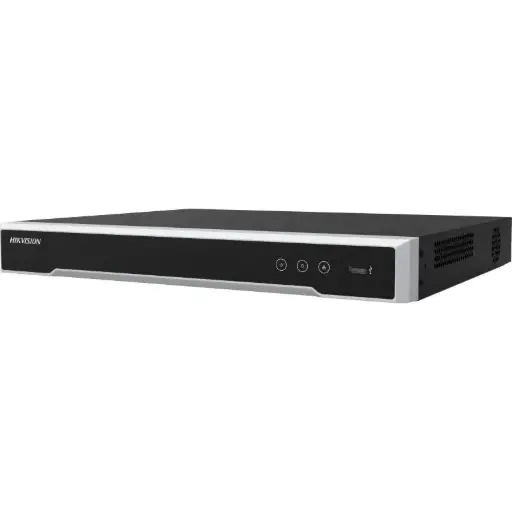
Hikvision DS-7608NI-M2/8P 8-Ch PoE 8K NVR (4TB)
8-channel PoE NVR supplied with a 4TB drive and H.265+ support — a ready-made way to get more days of footage out of the box for a home or small business.
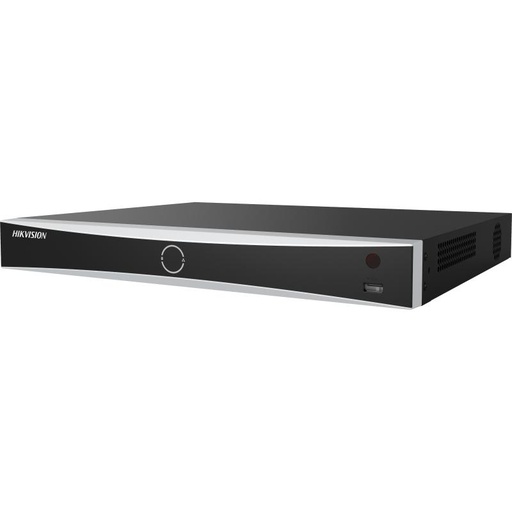
Hikvision DS-7608NXI-I2/8P/VPro 8-Ch AcuSense NVR
8-channel AcuSense NVR that records smart people/vehicle events, so meaningful footage stays on the drive far longer than blanket 24/7 recording.
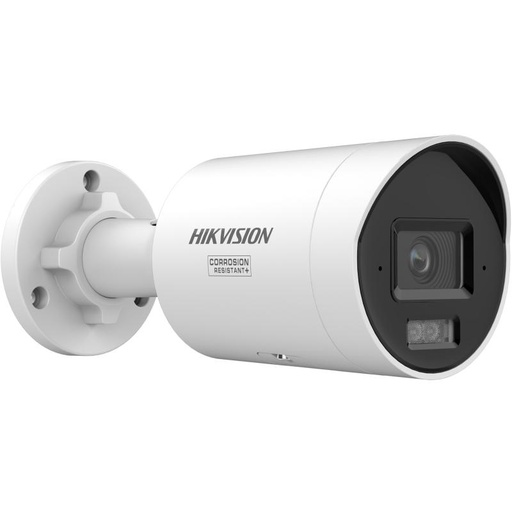
Hikvision DS-2CD2067G3 6MP 2.8mm ColorVu Bullet Camera
6MP ColorVu bullet camera with H.265+ — balances crisp detail against storage, a sensible resolution choice when you want longer retention.
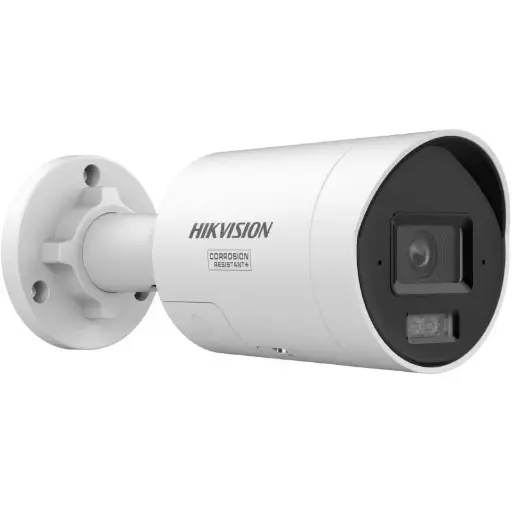
Hikvision DS-2CD2087G3 8MP 2.8mm ColorVu Bullet
8MP (4K) ColorVu bullet for maximum detail where it counts; pair with a larger drive or event recording to keep its footage as long as you need.
Ready to buy?
Shop genuine Hikvision at ARC IP Networks


Authorised Hikvision reseller
Hikvision at ARC IP Networks
AcuSense, ColorVu and DeepinView cameras, NVRs and complete systems. Genuine Australian stock with the full manufacturer's warranty, competitive prices and price match available.
Frequently asked questions
Last updated: 2026-07-14 · Written by the ARC IP Networks team, an authorised Hikvision reseller in Australia.
Who we are
About ARC IP Networks
ARC IP Networks is an Australian supplier of security cameras and CCTV systems, based in Blackburn, Melbourne, Victoria. We work with homeowners, installers, integrators and businesses across Australia, supplying Hikvision, Ubiquiti UniFi Protect, Dahua and Jovision CCTV.
We are an authorised reseller for every brand we sell, and the national distributor of Jovision in Australia, so you get genuine Australian stock with the full manufacturer's warranty, never grey imports, at competitive prices. Our team can help you choose the right equipment, and trade customers get trade accounts and project pricing on larger jobs.
- Genuine Australian stock with the full manufacturer's warranty
- Competitive prices, price match available
- Trade accounts for installers, integrators and MSPs
- Australia-wide delivery; showroom in Blackburn, Mon–Fri 9–5 (demos by appointment)
Need help choosing?
Tell the ARC IP Networks team what you are trying to achieve and we will recommend the right equipment and quote it as one order.